About game
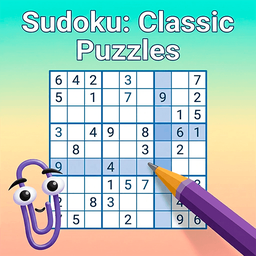
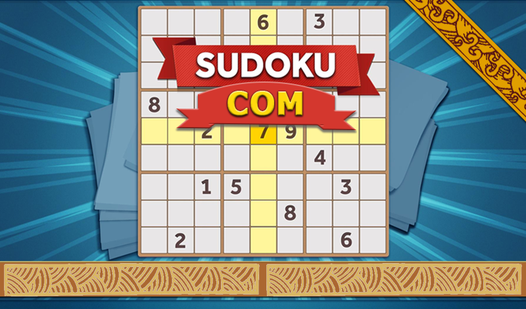
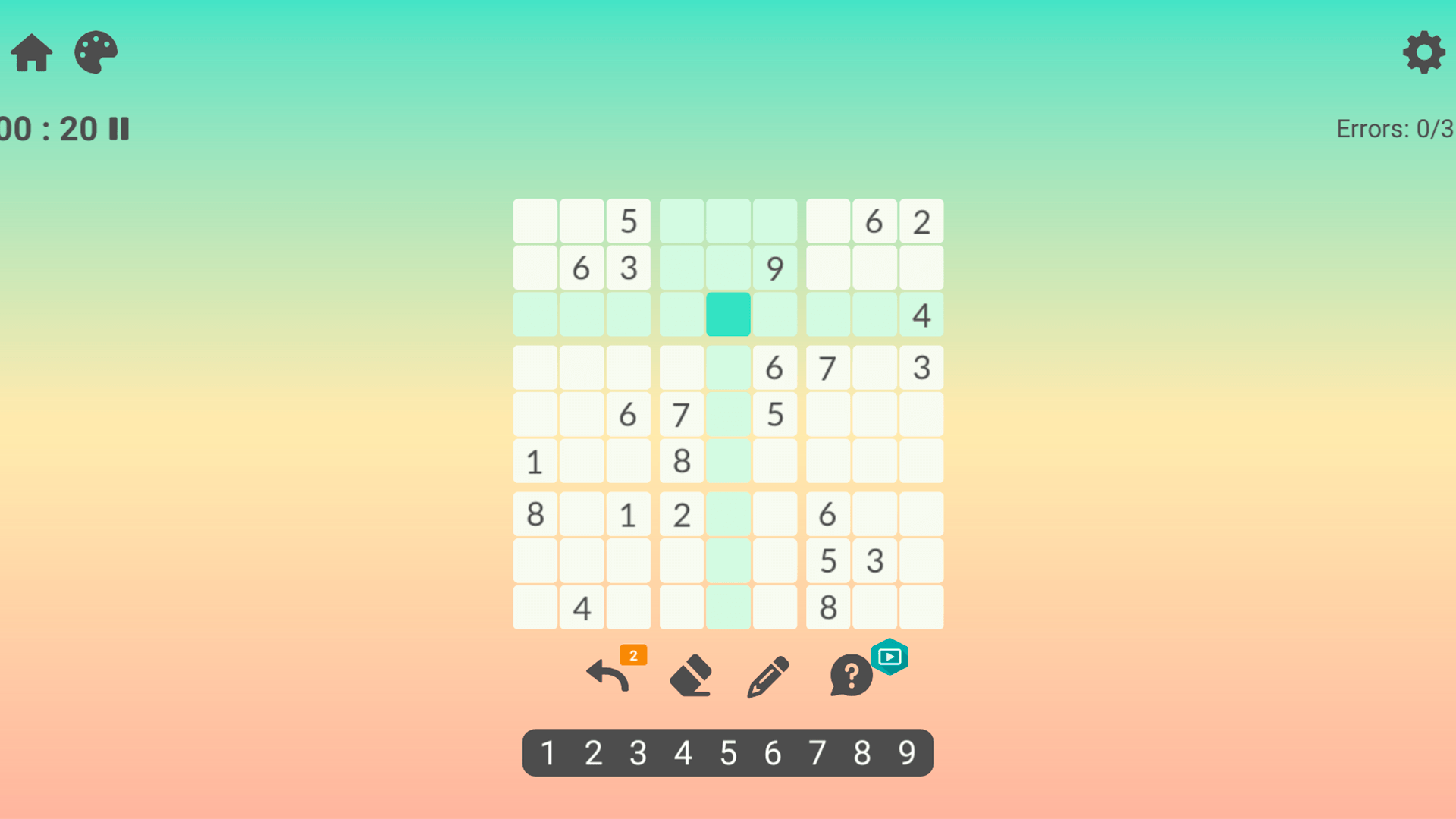
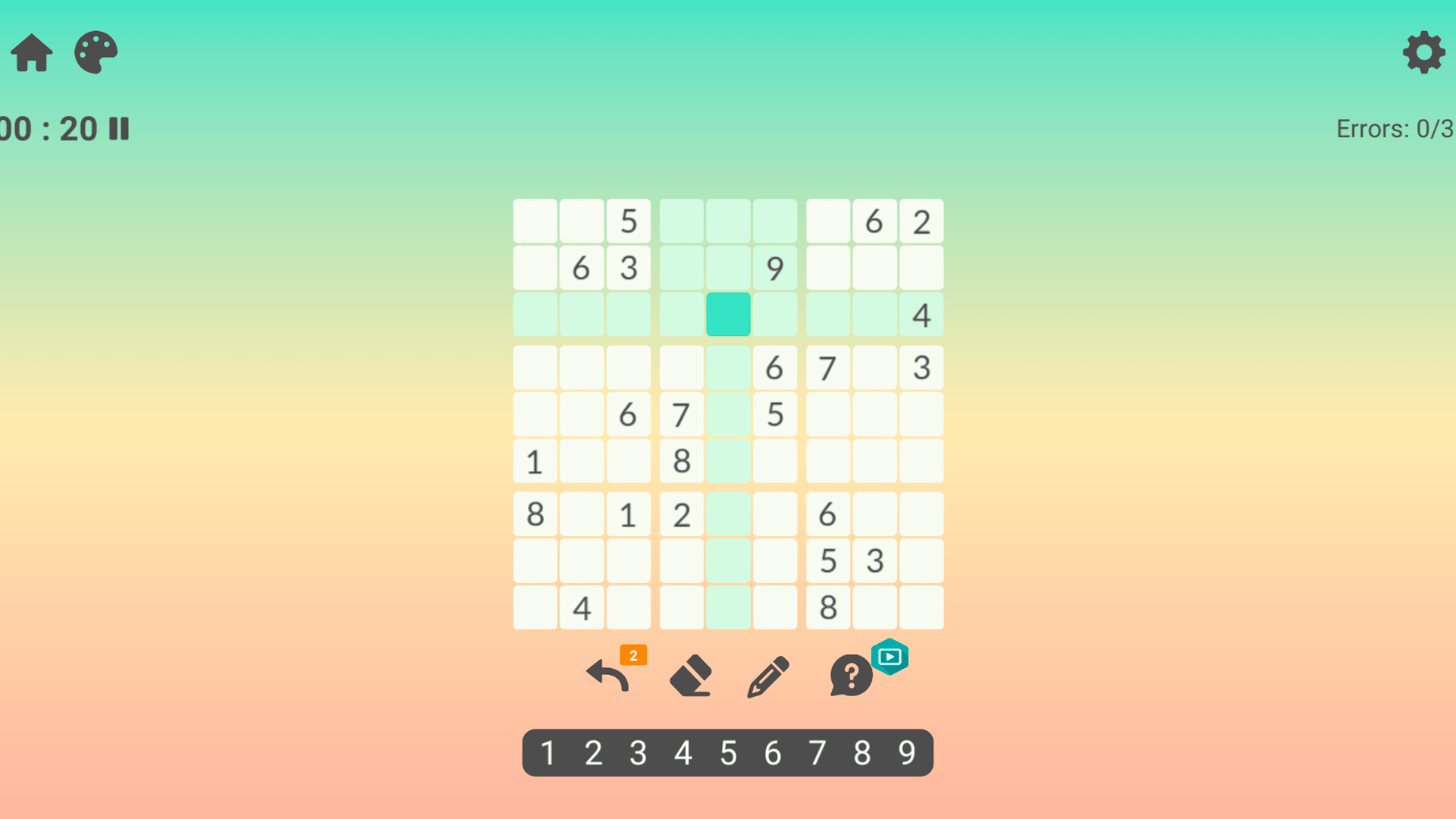
Place numbers from one to nine into the grid making sure every row and column holds each digit only once. Mastering Sudoku: Classic Puzzles requires sharp focus and careful planning to ensure every three by three block follows the rules. You navigate this number puzzle by spotting patterns and eliminating possibilities until the entire board is complete. This brain training exercise offers endless sessions of mental stimulation as you tackle increasingly complex layouts. The minimalist interface keeps your attention fixed on the logic required to solve every challenging grid. You can enjoy this timeless puzzle without any pesky installations or registration requirements. Whether you are a beginner or a veteran player, the smooth mechanics make every move satisfying. Test your cognitive skills and find the solution to every Sudoku: Classic Puzzles challenge directly in your browser for free right now.
How to play
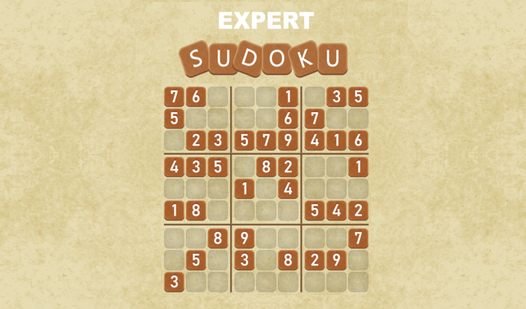
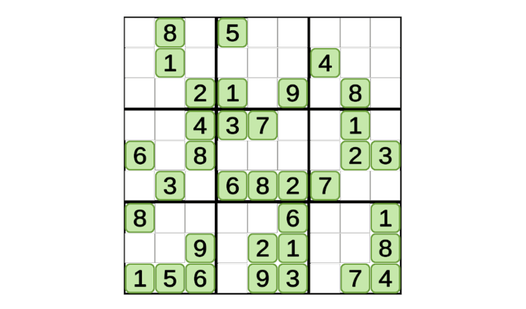
- "The goal of the game is to fill a 9x9 grid with numbers from 1 to 9, observing the following rules: each number must occur only once in each row, each column and each 3x3 block."
- "Test your logic by filling empty cells with numbers from 1 to 9 so that in each row, each column and in each 3x3 block, each number occurred only once."
Features
- Difficulty levels: Select from easy, medium, or hard modes to match your current brain training needs.
- Auto-save progress: Your current board state is saved automatically, allowing you to pause and return to your game anytime.
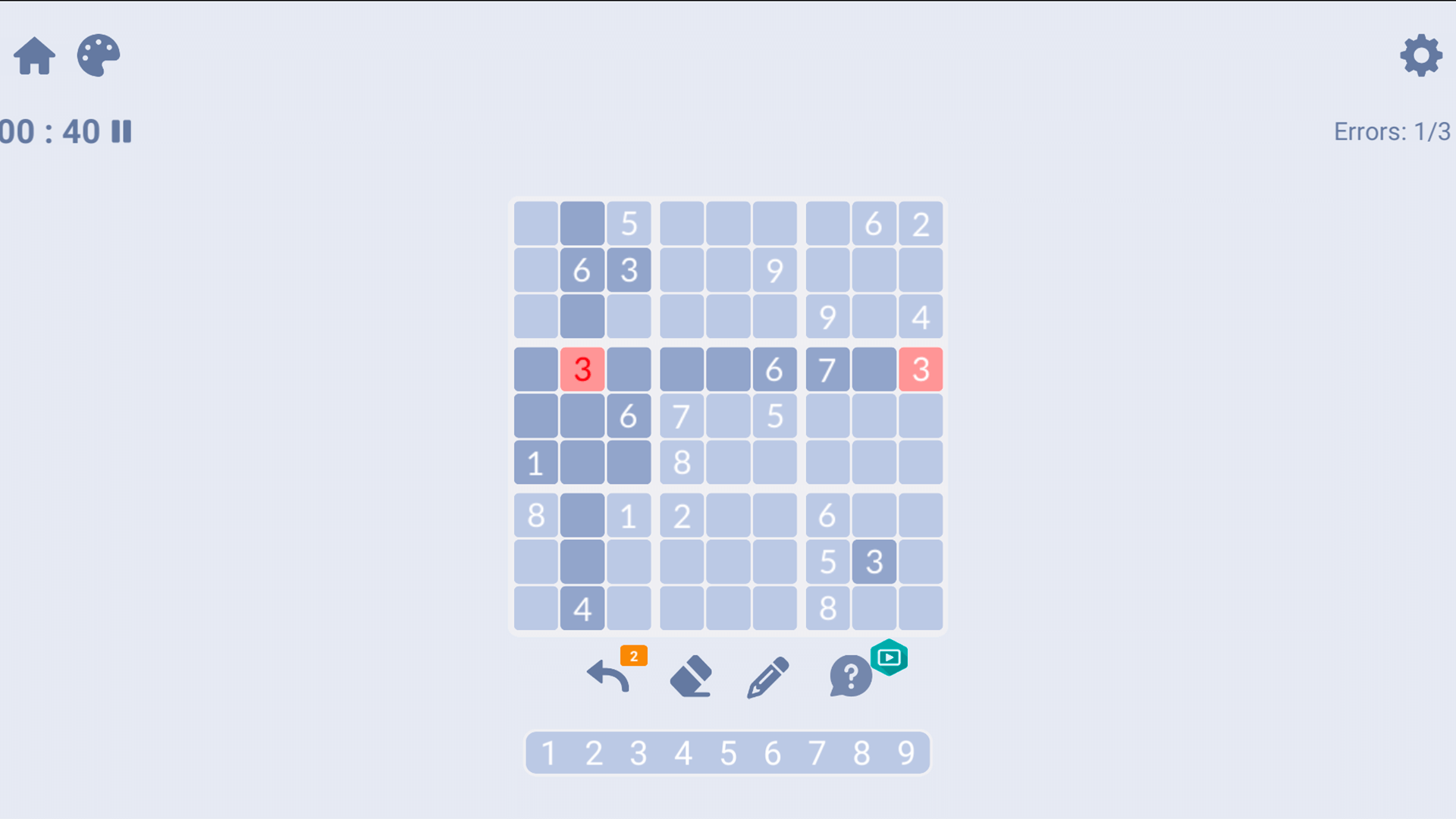
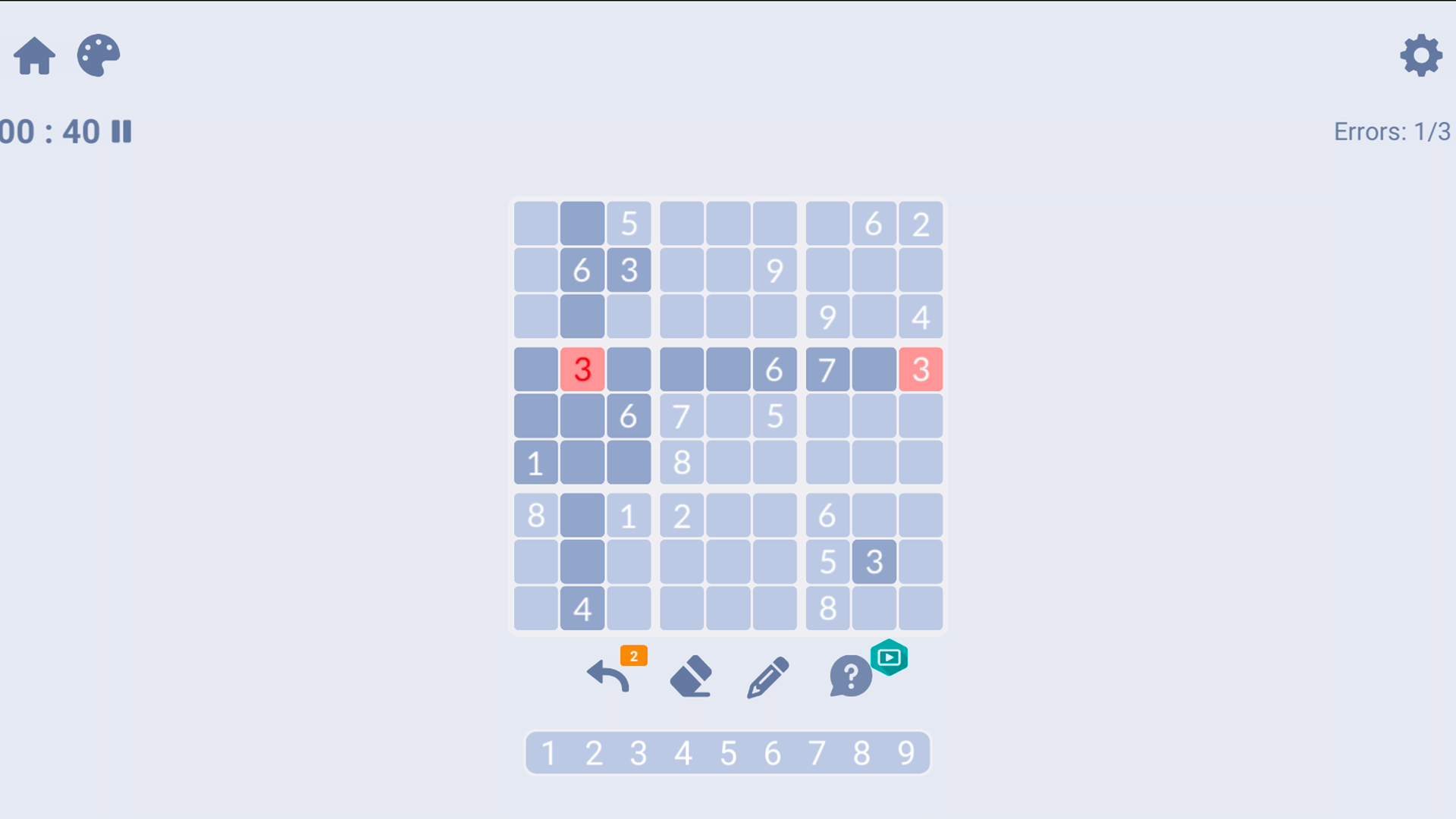
- Error tracking: Enable highlighting to instantly spot duplicate numbers in rows, columns, or sub-grids.
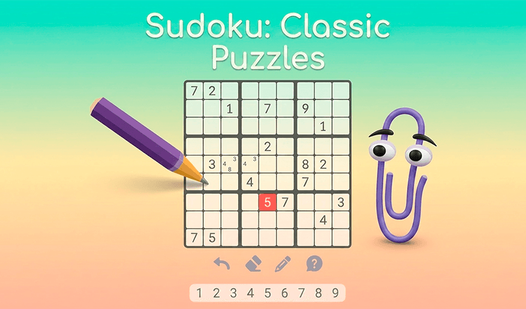
- Pencil mode: Use the note-taking feature to jot down potential candidates for empty cells before finalizing your choice.
- Unlimited undo: Correct your mistakes easily with a quick button press to revert the last number placement.
Who is it for
Logic enthusiasts and casual gamers who enjoy mental challenges will appreciate this experience. It attracts people looking for short, rewarding sessions to sharpen their focus during a break. Those who enjoy structured brain training and grid-based number games will find this title a staple for their daily routine.
Controls
Select cell
Click a cell with your mouse or tap it on a mobile screen.
Input number
Click or tap a digit from the number pad located below the puzzle grid.
Toggle notes
Tap the pencil icon to switch between standard input and small note-taking mode.
FAQ
Is Sudoku: Classic Puzzles free to play?
›
Yes, Sudoku: Classic Puzzles is completely free to play directly in your web browser with no download required.
How do I improve my speed in Sudoku: Classic Puzzles?
›
Practice scanning rows and columns for missing digits and utilize the pencil note feature to keep track of possibilities in Sudoku: Classic Puzzles.
Can I play Sudoku: Classic Puzzles on my mobile phone?
›
Absolutely, the game is fully optimized for touch controls on mobile devices, tablets, and desktop computers.