About game
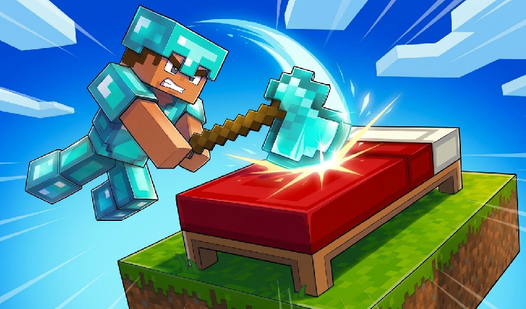
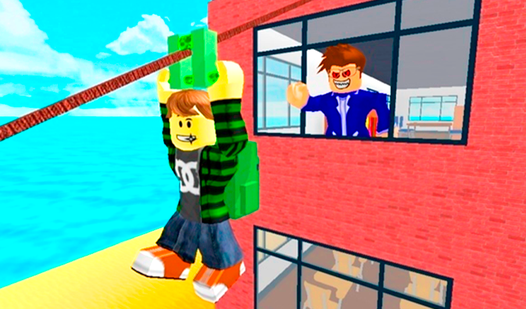
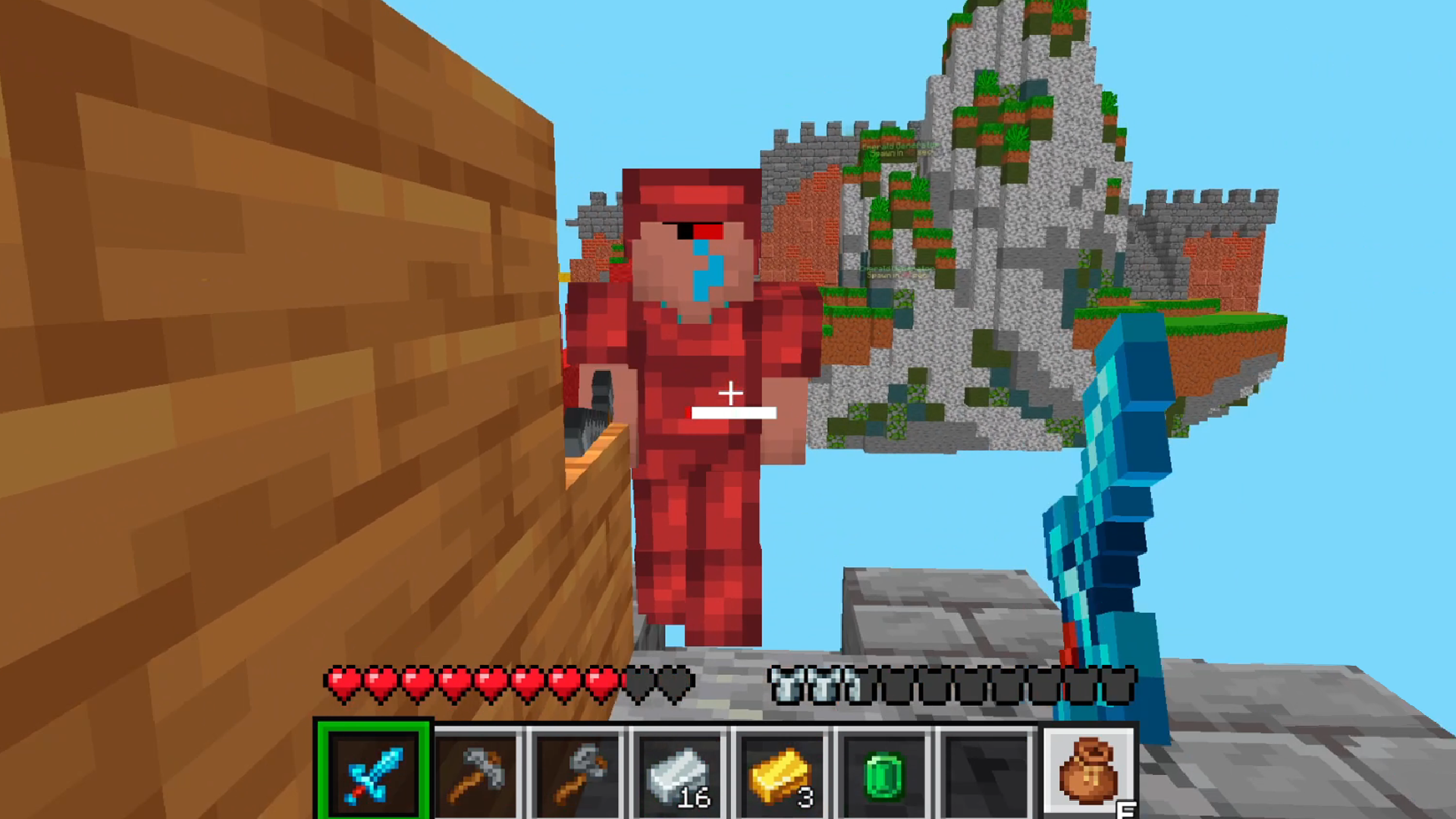
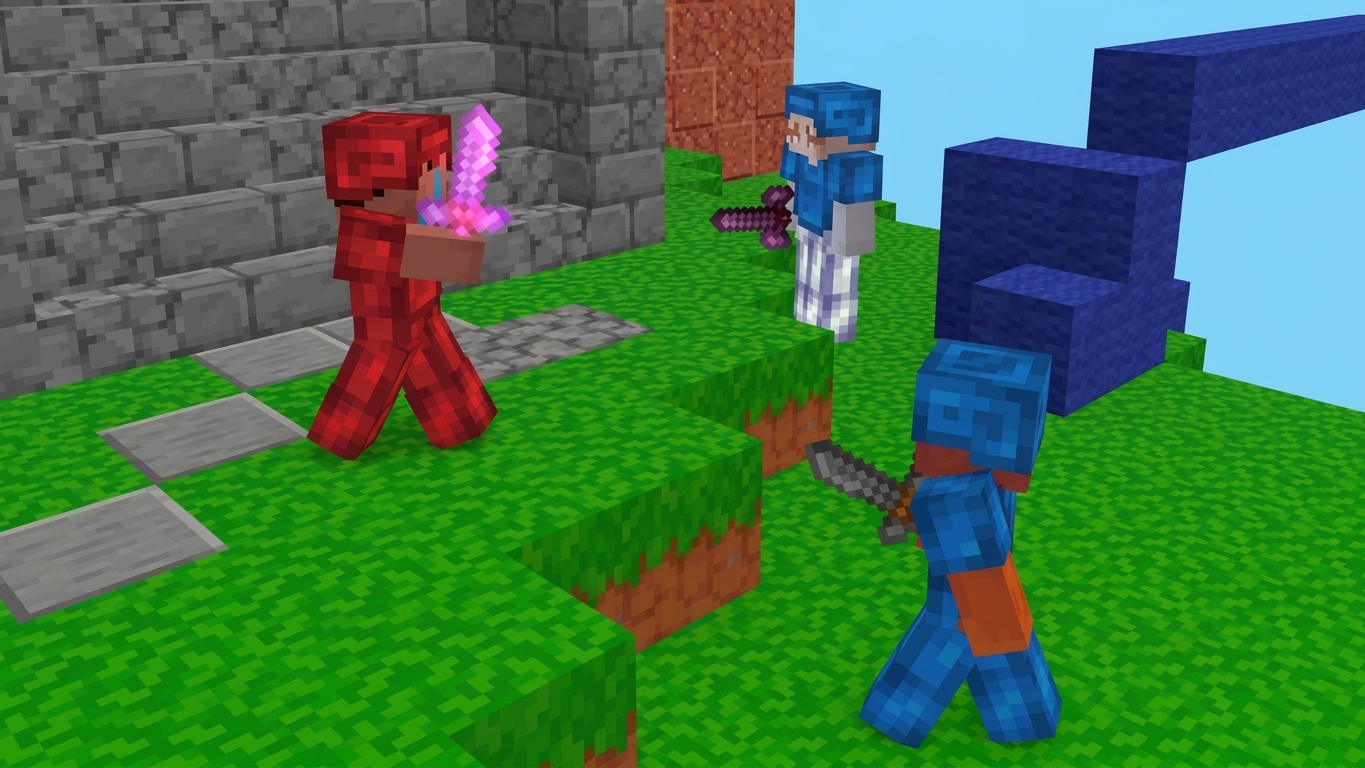
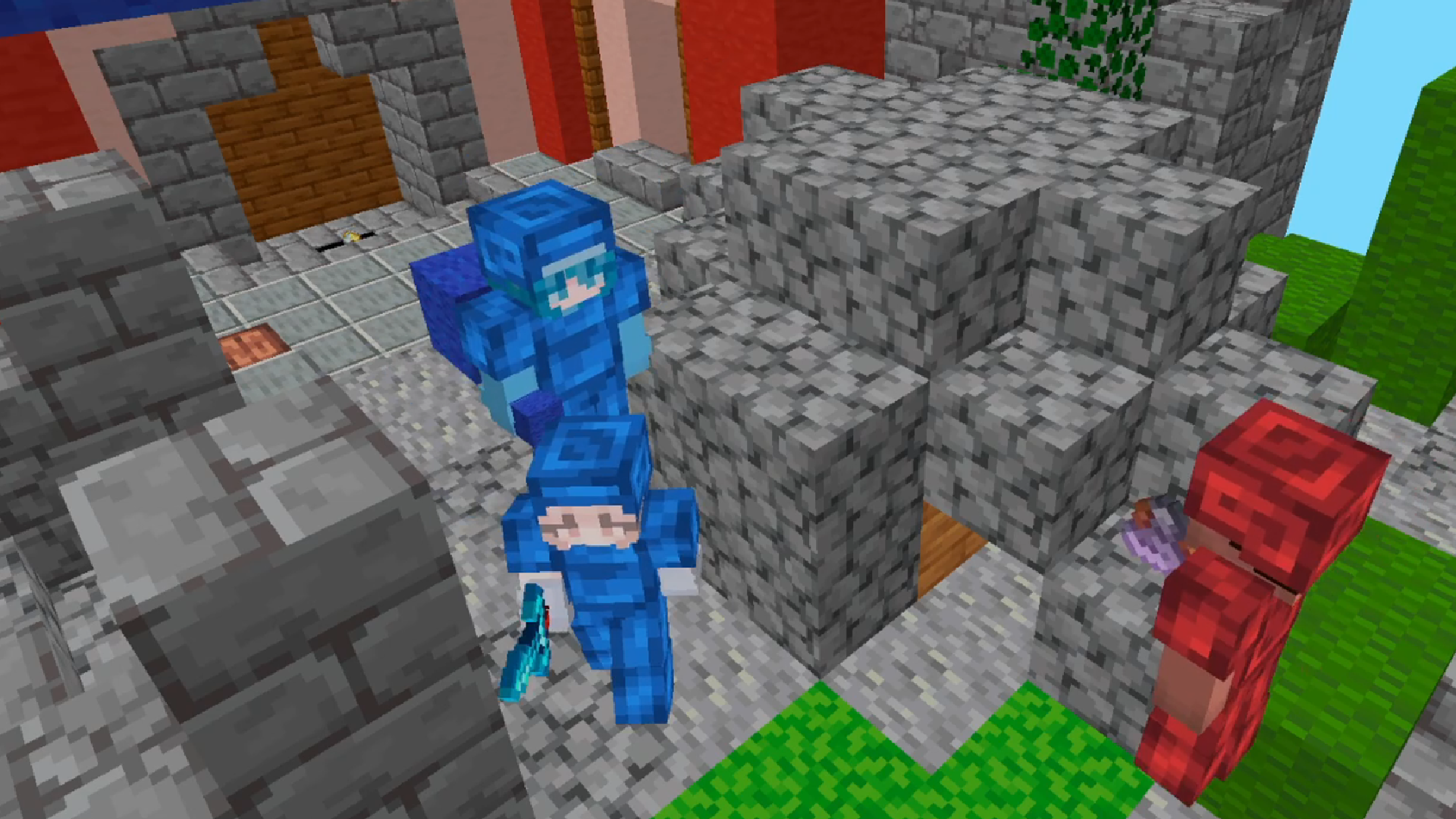
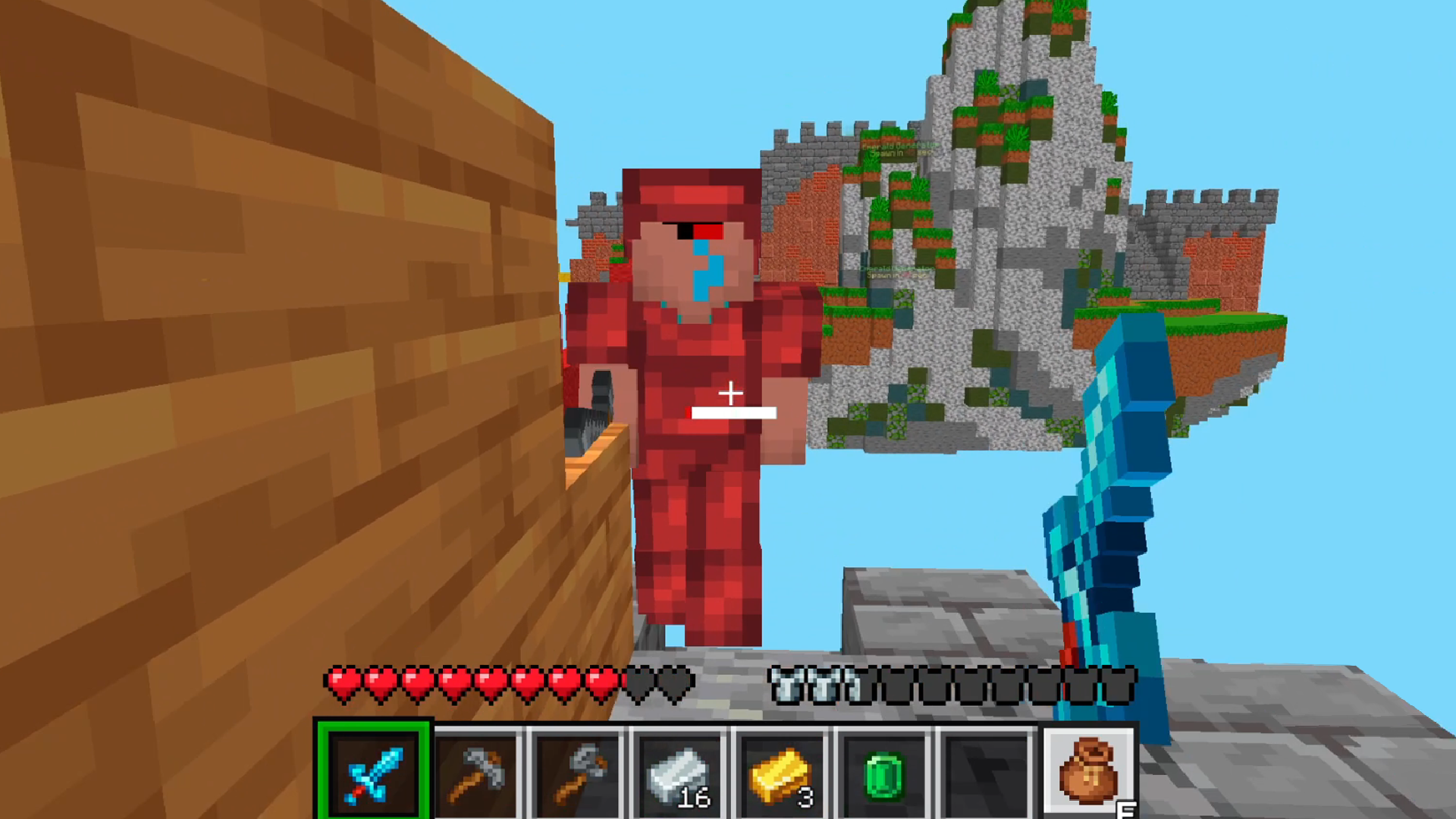
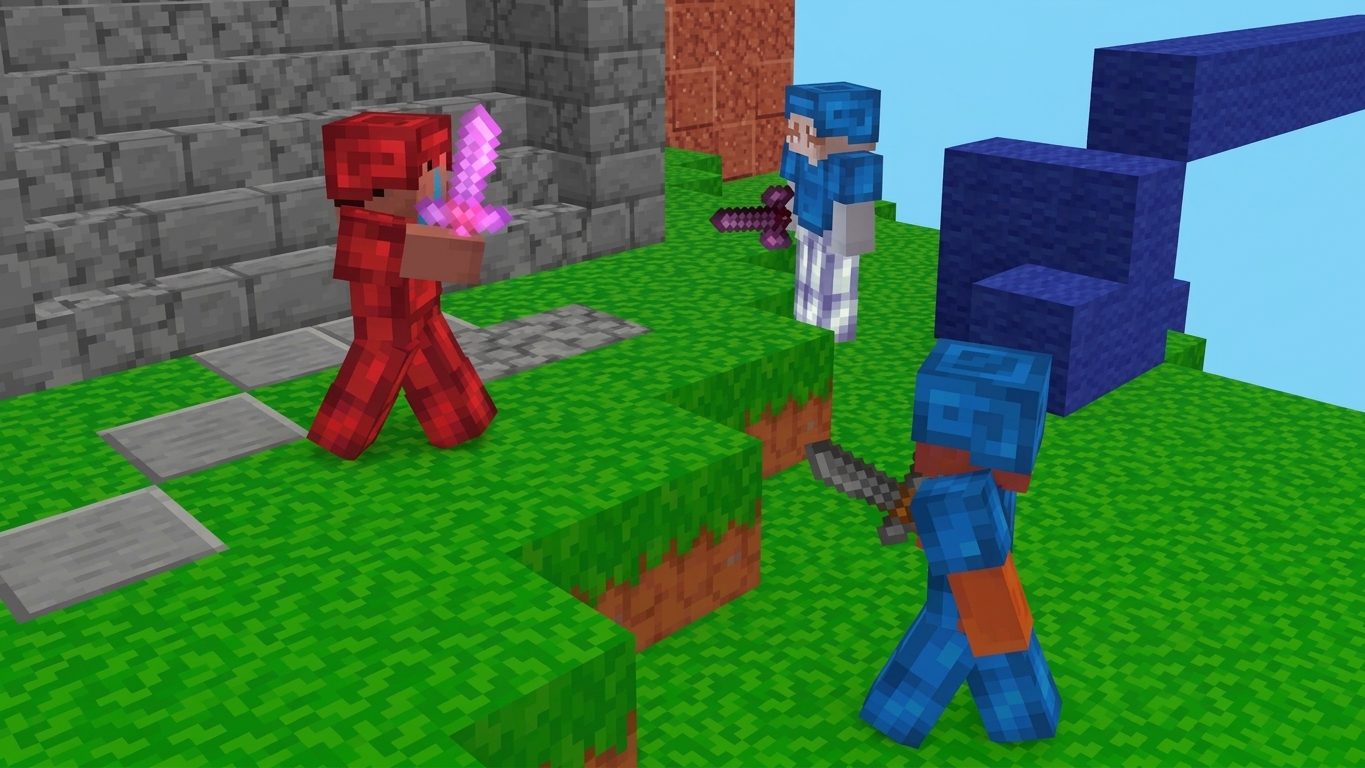
Defend your team base and smash enemy beds in the high-stakes arena of BedWars Online. You need to gather resources from islands to craft gear and build bridges across the sky. Every match turns into a frantic race where you balance aggressive raids with careful base fortification. Coordination with your teammates determines who stays in the game and who faces permanent elimination. Once your bed falls, respawning stops and your survival chances drop to zero. You will navigate floating arenas while managing your inventory to stay ahead of rivals. Master the art of block placement to trap opponents or create shortcuts through the air. You can jump into this chaotic bedwars action for free right in your browser without any annoying downloads.
How to play
🖥️ Desktop:
WASD - move
SHIFT - run
Space - jump
C - crouch
E - open inventory
T - open chat
TAB - open settings menu / pause
Left mouse button - sword attack
Right mouse button - place block
Mouse wheel - switch inventory slots
1,2,3,4,5,6 - switch inventory slots
📱 Smartphone:
Joystick on the left side of the screen - movement
Swipe - rotate camera
Tap the sword icon - attack
Tap the double arrows icon - run
Tap the up arrow icon - jump
Tap the down arrow icon - crouch
Tap the crosshair icon - place block
Tap the gear icon - open game menu
Tap the bag icon - open inventory
Tap an inventory slot at the bottom of the screen - select item
Features
- Island Resource Gathering: Collect emeralds and diamonds from central generators to purchase high-tier armor or sharp blades.
- Strategic Bridge Building: Place blocks carefully to cross gaps between islands or construct defensive walls around your precious bed.
- Persistent Elimination: Track the status of every team on the map because losing your bed prevents you from coming back after death.
- Team Cooperation: Coordinate with squad members to split tasks between base defense and offensive island raids.
- Inventory Management: Swap between tools and weapons using the quick menu to adapt to changing combat situations.
Who is it for
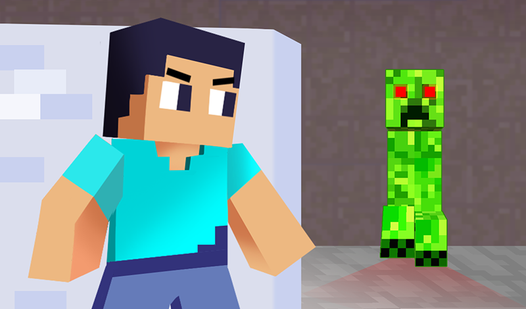
Competitive gamers who love team-based blocky combat will find their home here. Fans of minecraft style mechanics and fast-paced pvp action will appreciate the intensity of these matches. If you enjoy testing your reflexes against other people in a browser, this title fits your gaming habits perfectly.
Controls
Movement
Use WASD on desktop or the left-side joystick on mobile.
Combat
Left mouse click or tap the sword icon to swing your weapon at enemies.
Building
Right mouse click or tap the crosshair icon to place blocks under your feet.
Inventory
Press E on keyboard or tap the bag icon on mobile to manage equipment.
FAQ
Is BedWars Online free to play?
›
Yes, you can jump into BedWars Online directly in your browser without paying a cent or downloading any files.
Can I play BedWars Online with my friends?
›
BedWars Online is designed for team play, so you can easily coordinate with others to protect your bed and win the match.
What happens when my bed is destroyed in BedWars Online?
›
Once your team bed is gone, you lose the ability to respawn, meaning you must play defensively to stay in the match.