About game
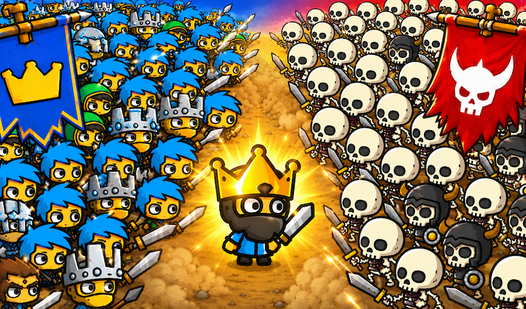
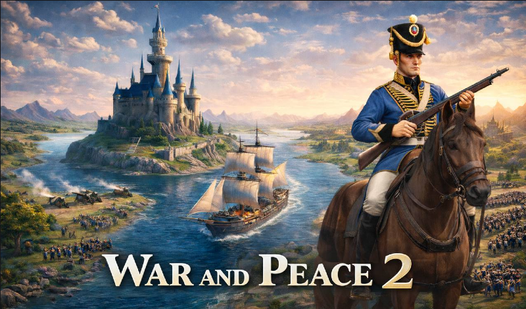
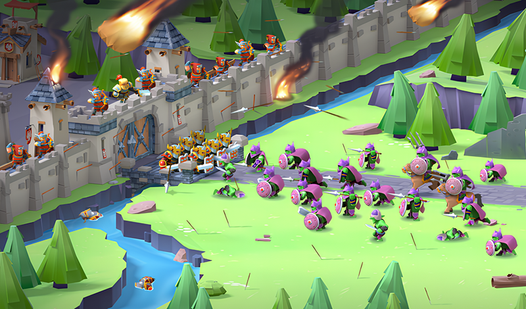
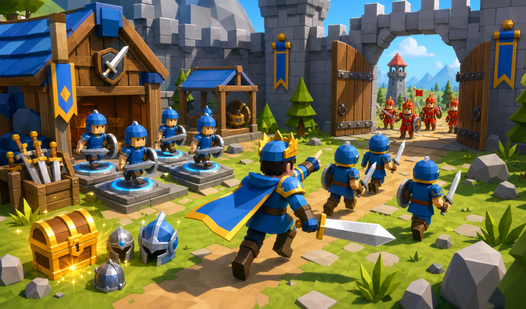
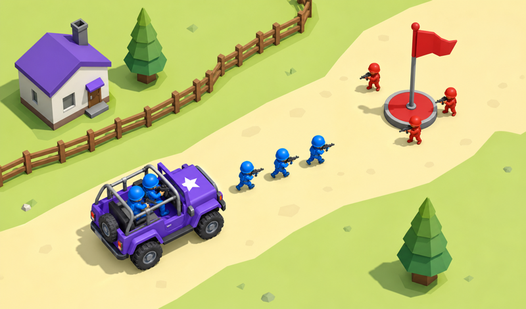
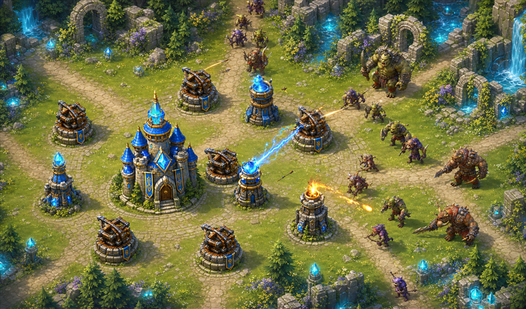
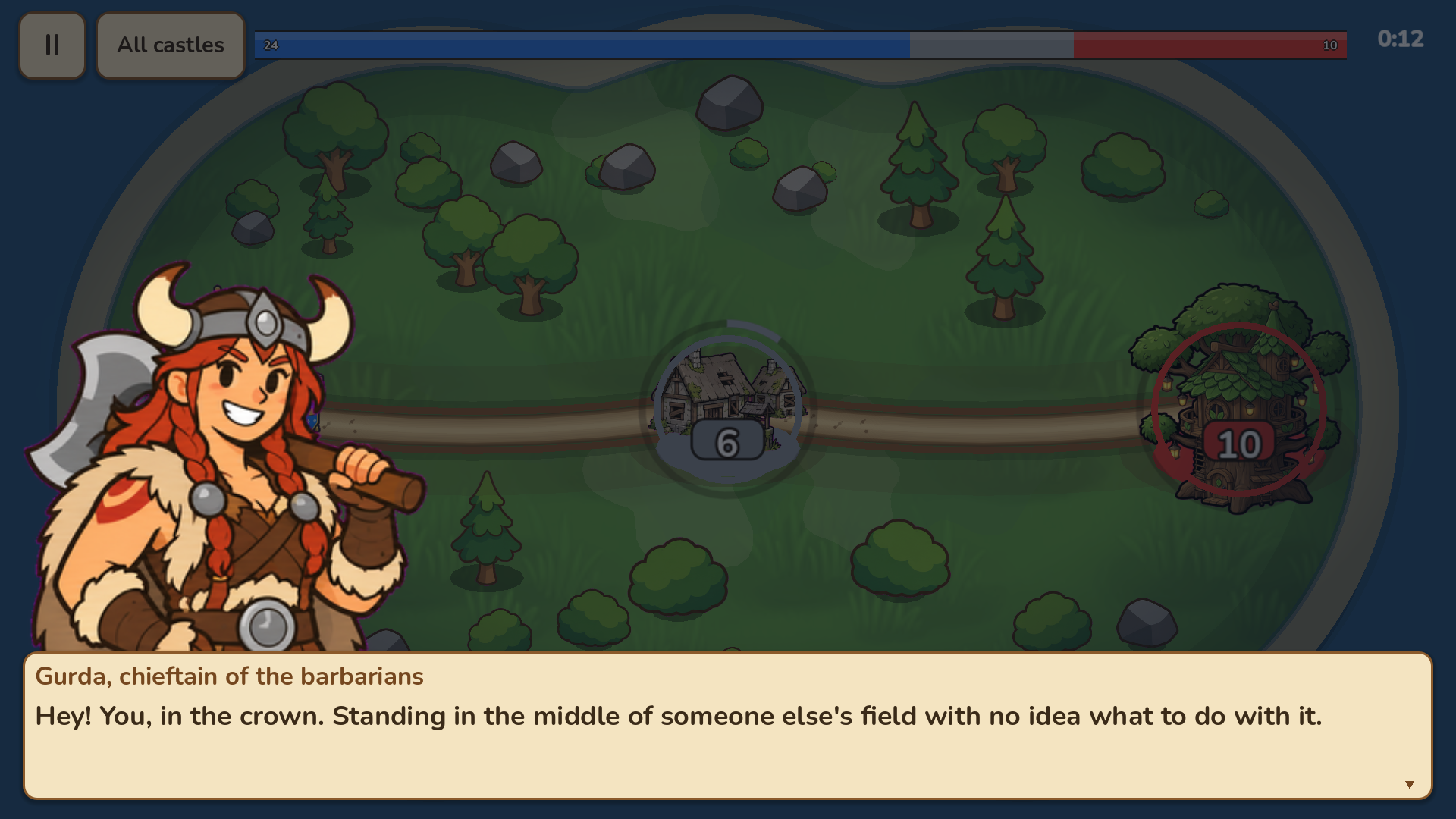
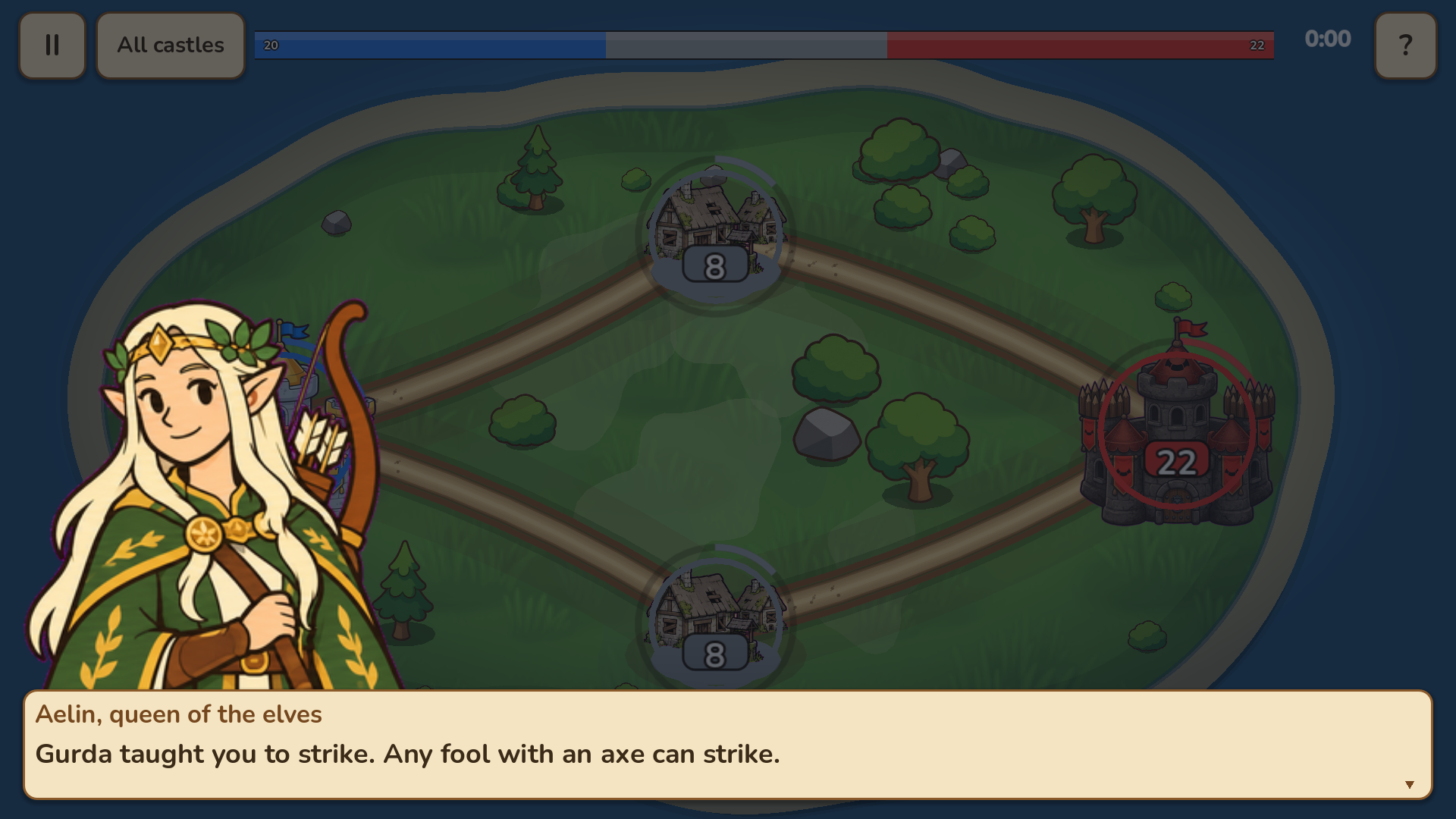
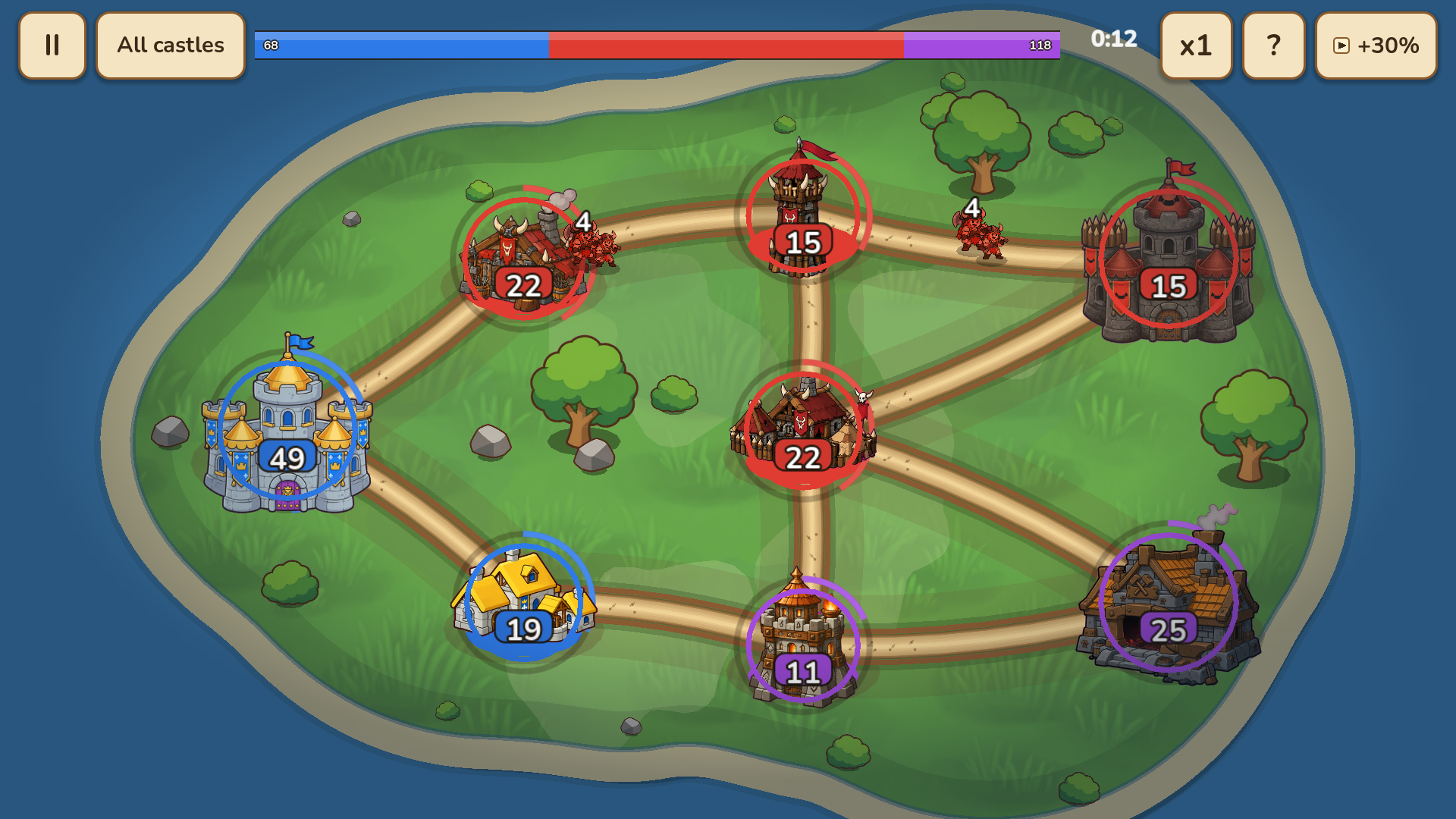
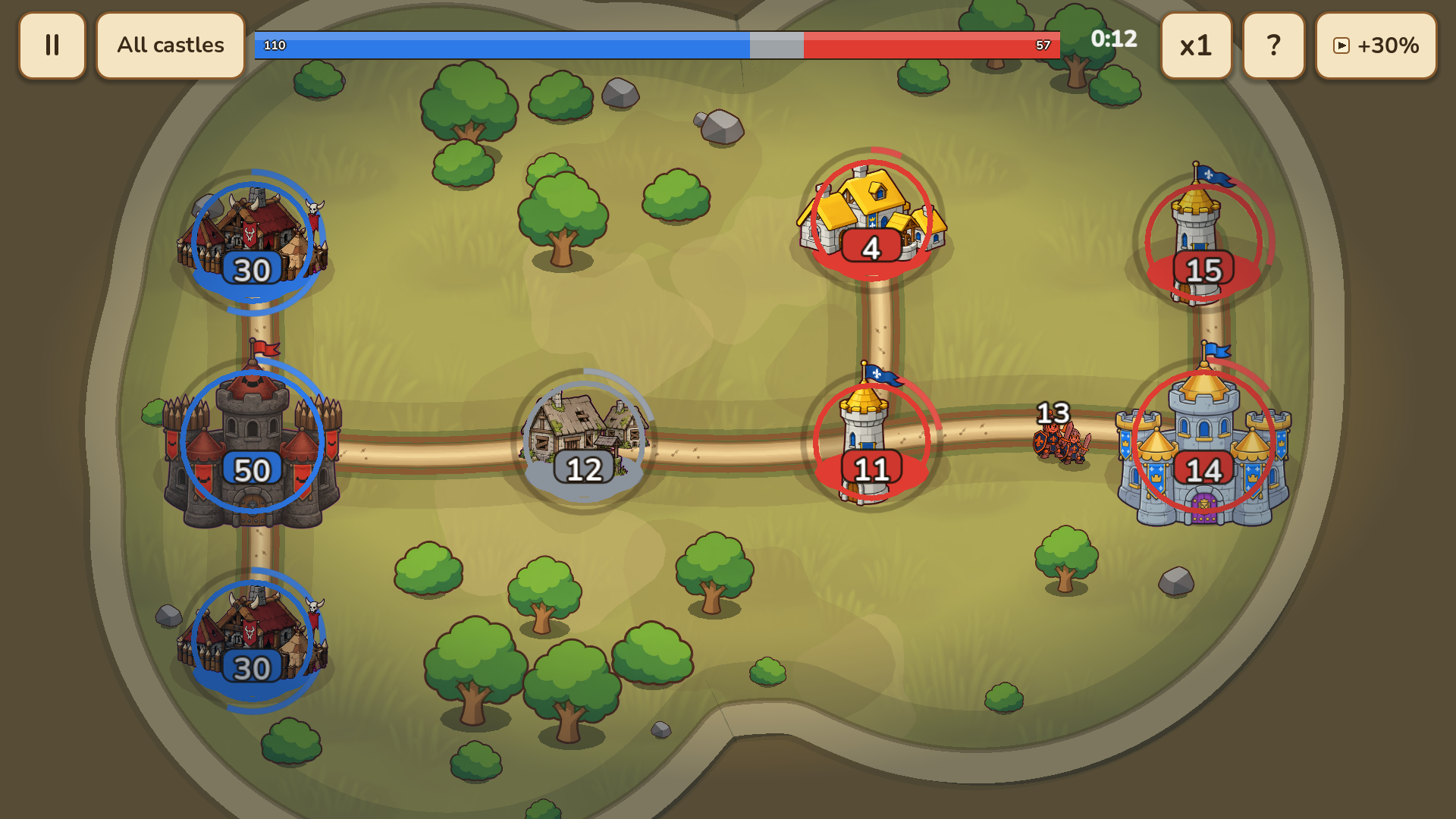
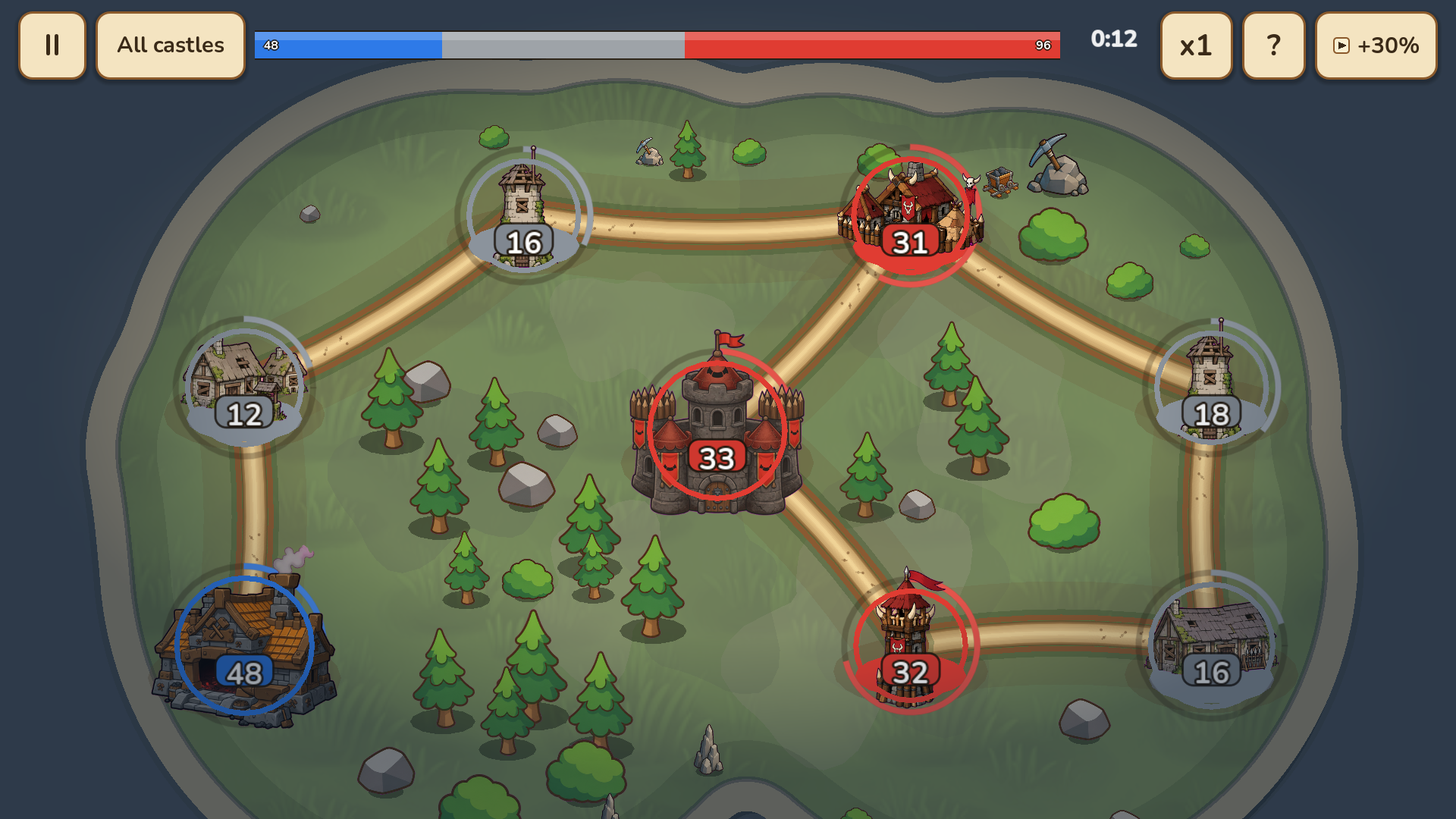
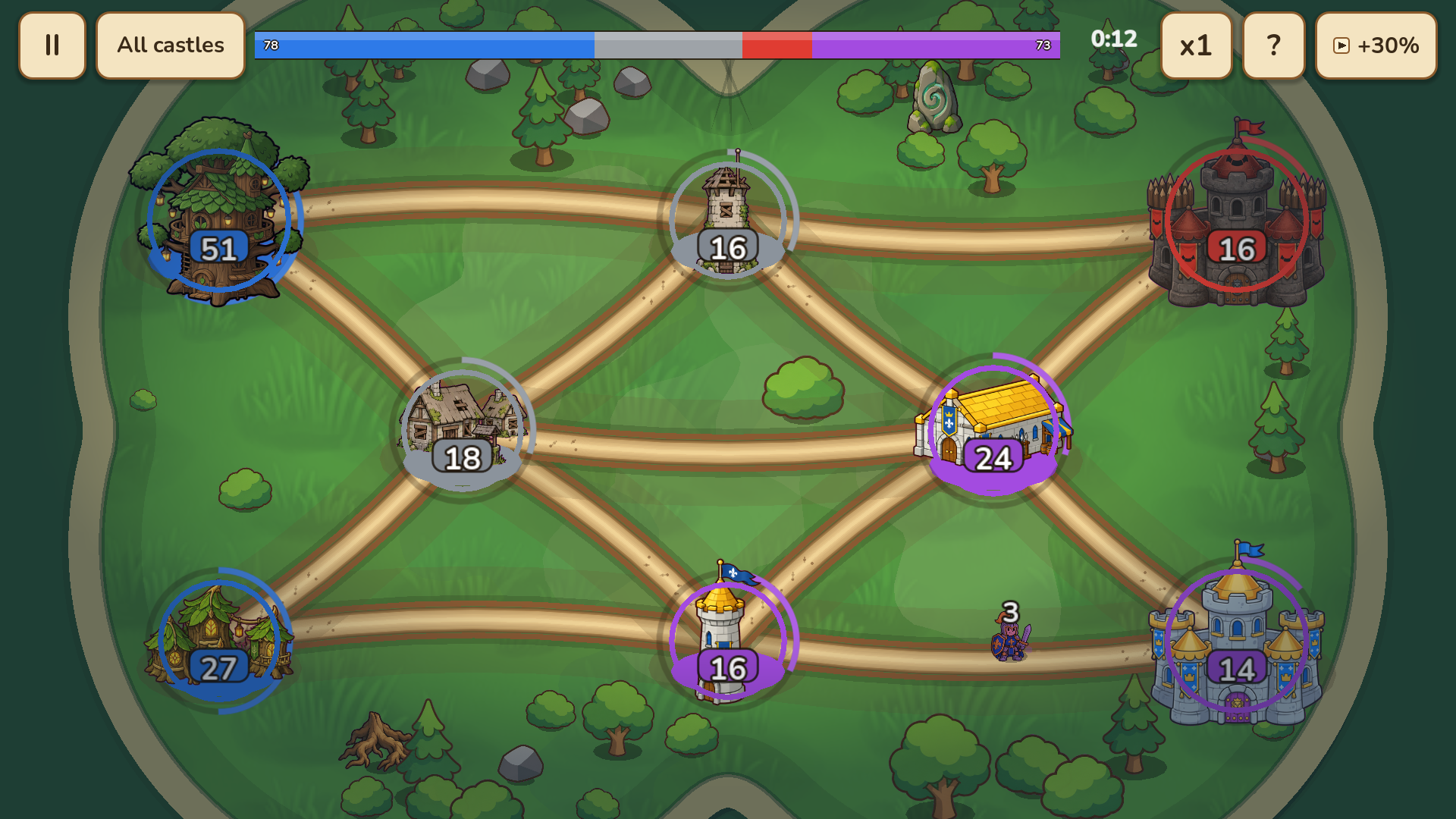
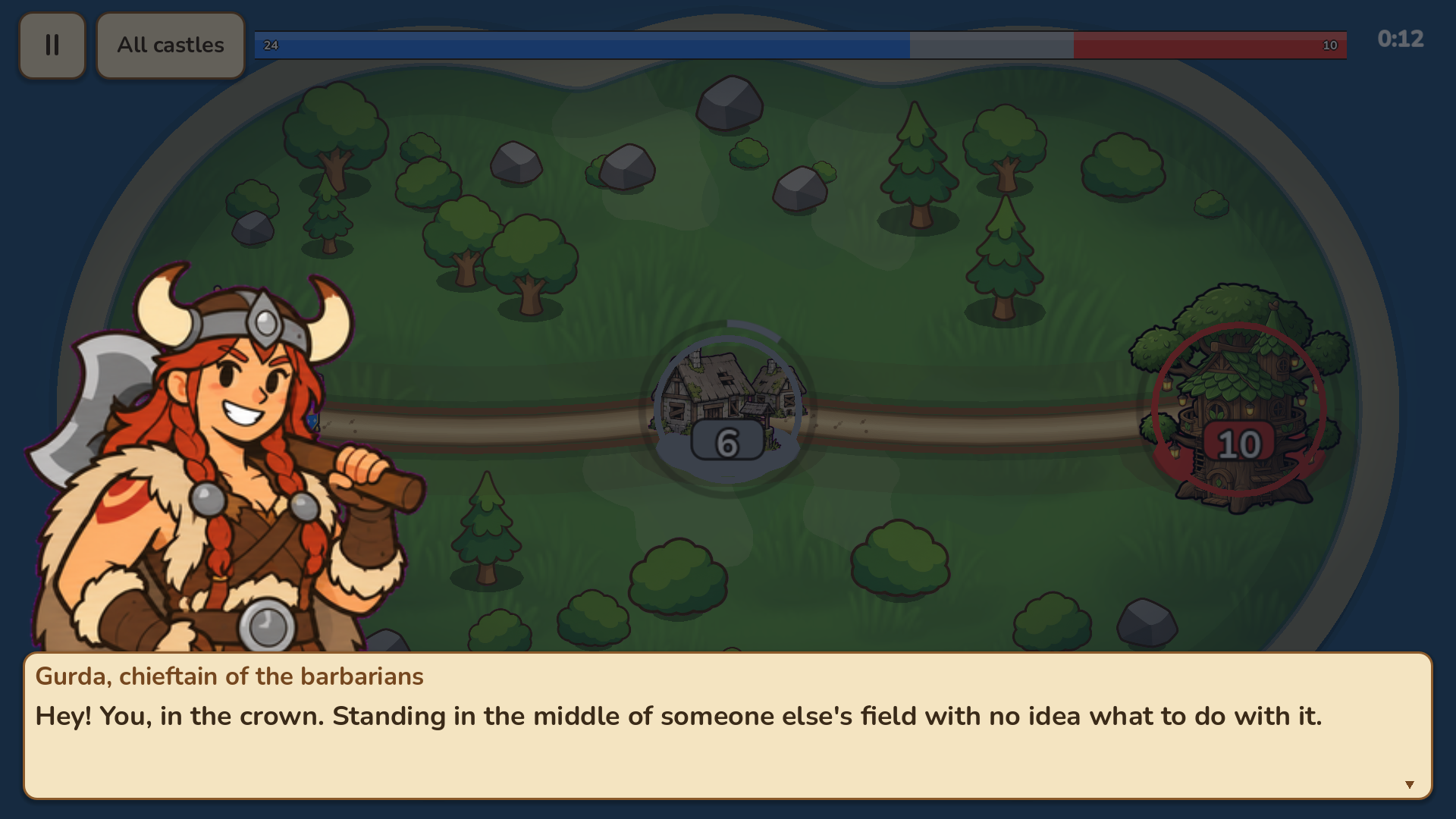
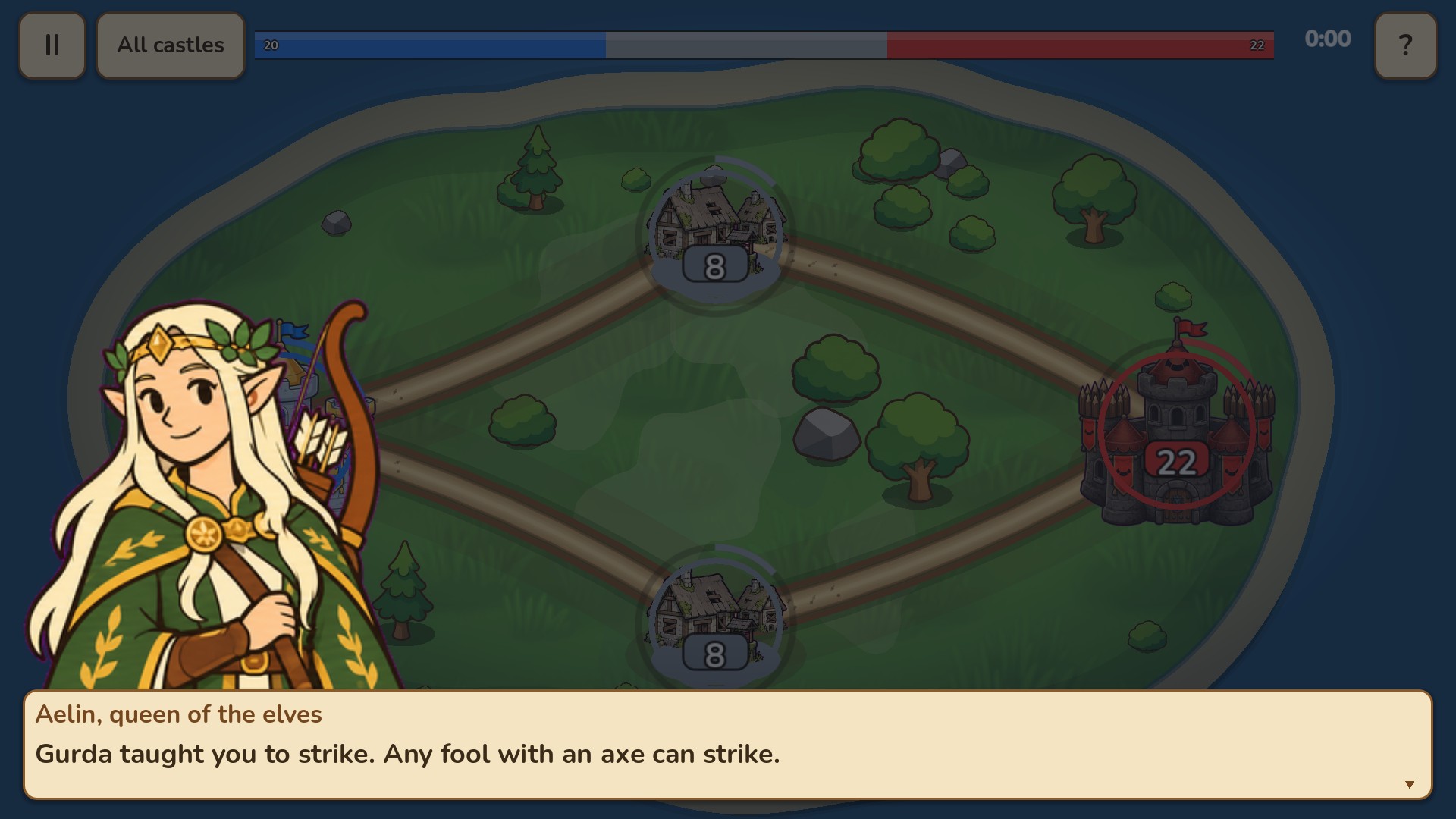
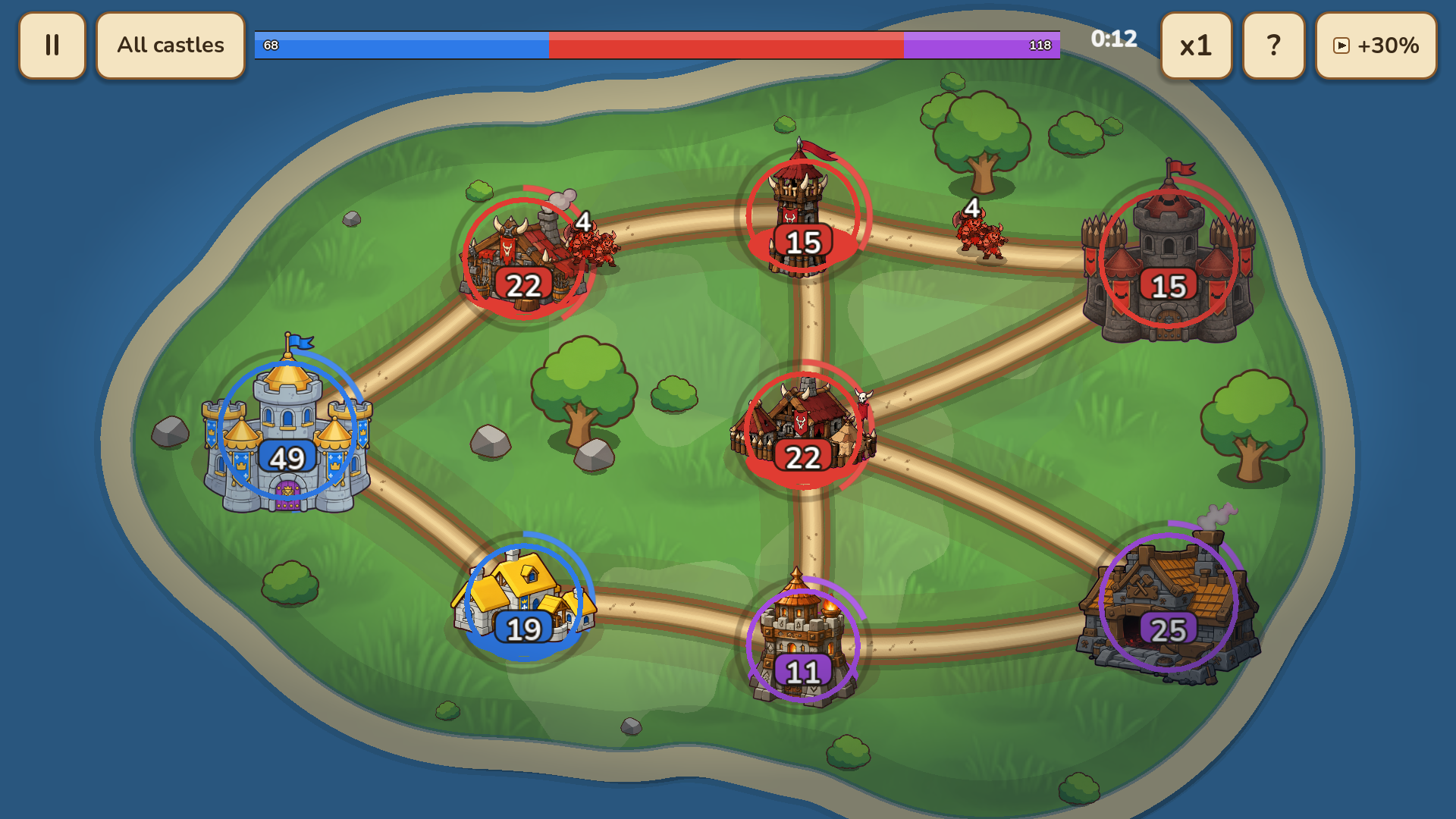
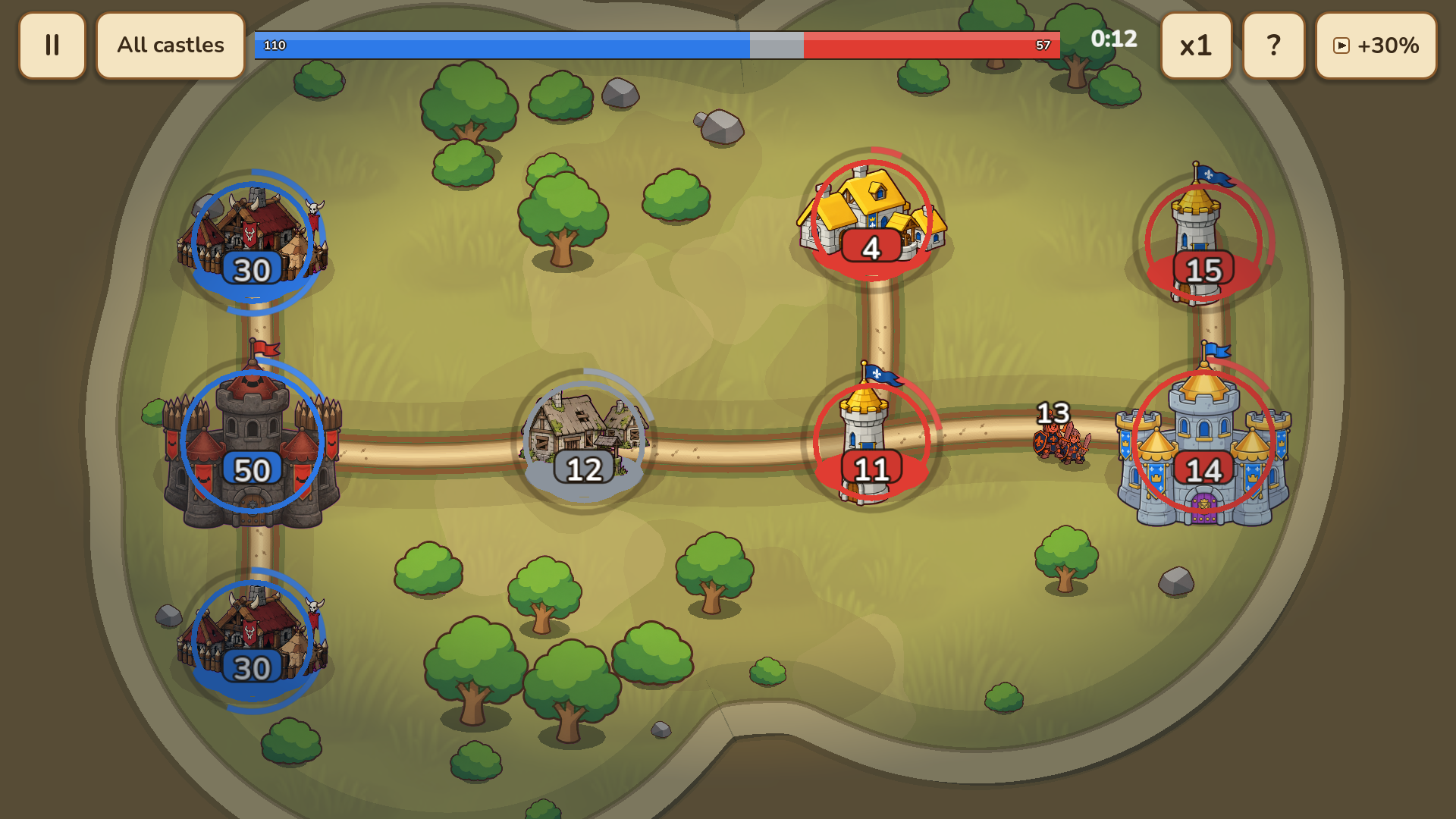
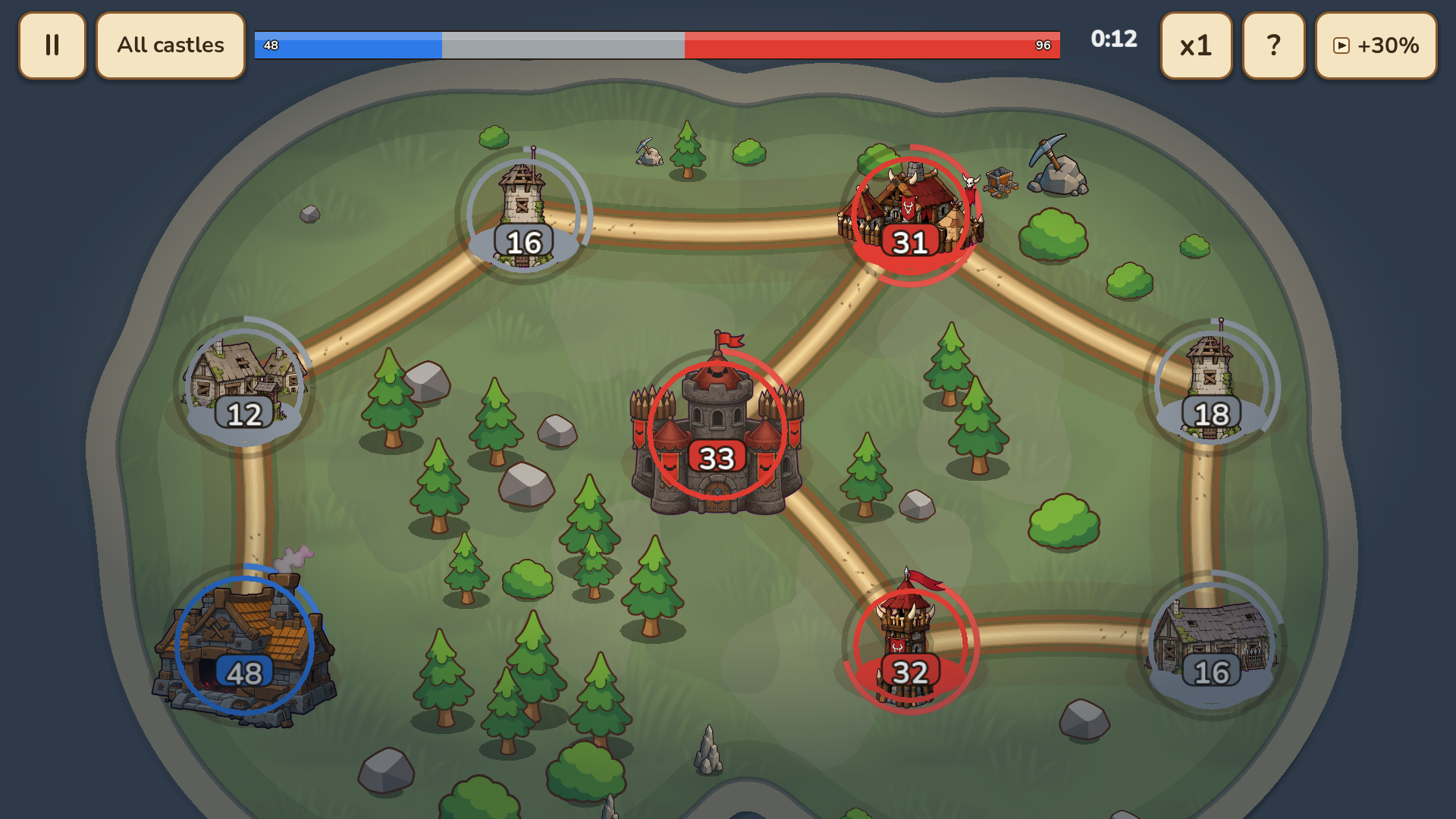
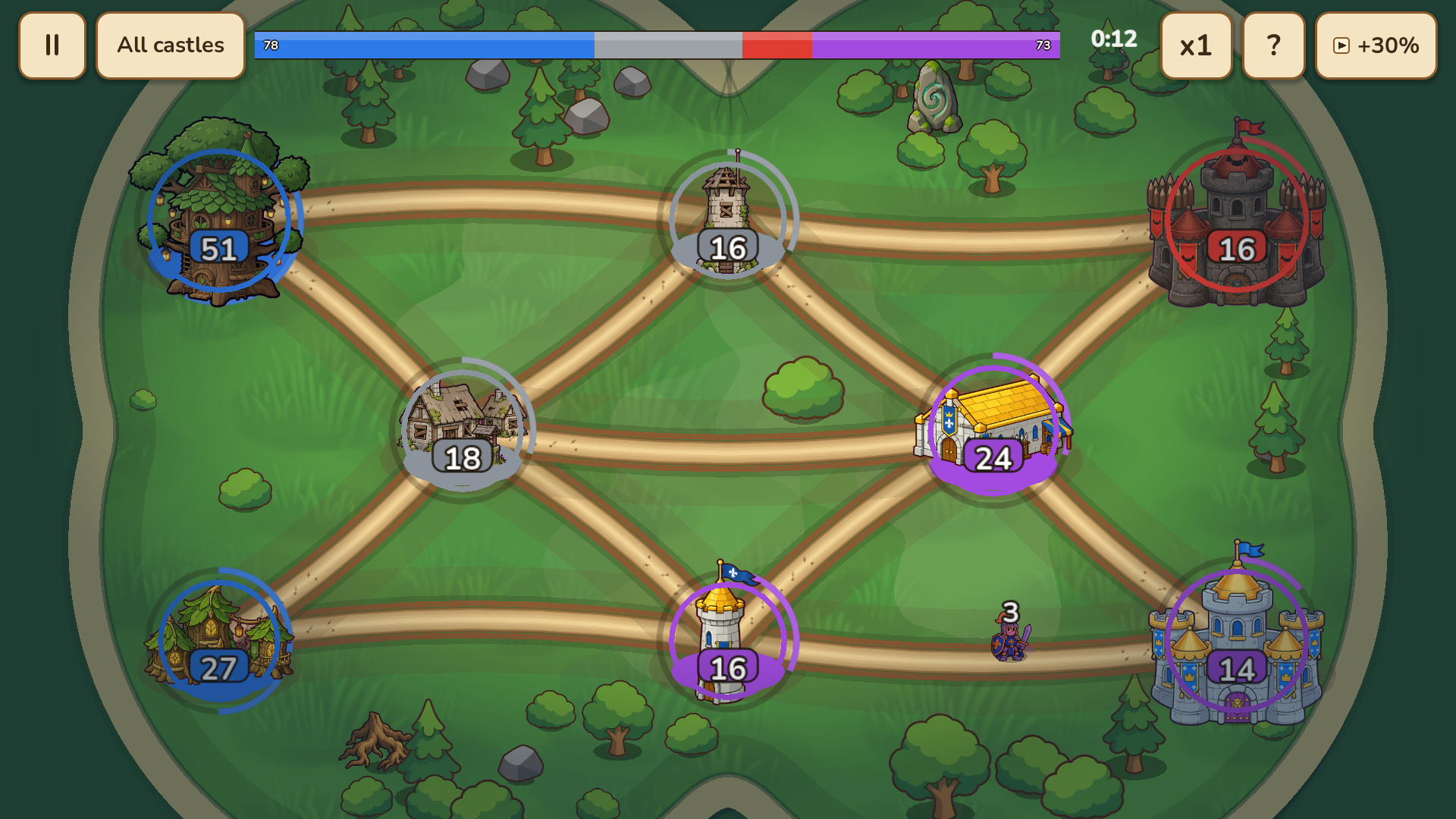
Medieval warfare often boils down to simple logistics and the ability to outmaneuver your opponents under pressure. Banners puts you in charge of shifting troop movements across a map where every decision creates a ripple effect. You select your home castles and draw paths to neutral or enemy territory to initiate a tactical assault. Managing your army size with precise percentages ensures you never run out of soldiers when a counterattack arrives. Conquering villages builds your resource income while towers provide defensive bonuses against incoming raids. You tackle hundreds of levels across five distinct campaigns to prove your dominance as a battlefield commander. Banners keeps your progress synced across devices so you can switch from your desktop to your phone without losing a single star. Play this strategy challenge for free right in your browser without any downloads required.
How to play
Click or tap one of your castles to select it, then choose an enemy or neutral castle to send troops. You can select several castles at once. Drag through intermediate points to choose a specific route. Use the 25%, 50%, 75%, and 100% buttons to set the army size. Capture every enemy castle before your opponent takes yours. On mobile, use taps and drags to command armies and pinch to zoom.
Features
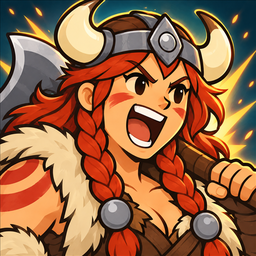
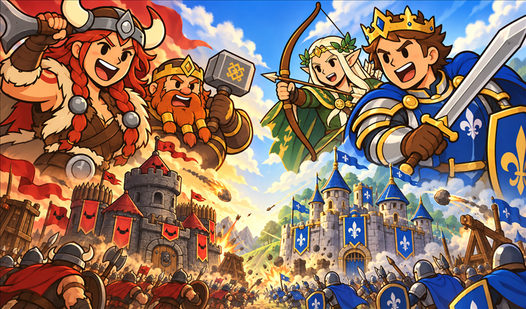
- Faction variety: Select from four distinct armies to utilize unique abilities during your conquests.
- Route planning: Draw paths through specific intermediate points to avoid traps or bypass heavily fortified enemy positions.
- Star rating system: Earn up to three stars on every level by optimizing your speed and army efficiency.
- Cloud progression: Sync your account to save your campaign status and unlocked armies across any browser.
- Tactical scaling: Toggle between 25, 50, 75, and 100 percent troop deployment to balance offense and defense.
Who is it for
Strategy enthusiasts who enjoy fast-paced map control games will find plenty to love here. Fans of medieval combat and tactical planning can test their wits against clever AI opponents. Casual gamers seeking short, rewarding sessions will appreciate the quick level structure and intuitive touch-friendly mechanics.
Controls
Select castle
Tap or click on your castle to highlight it for deployment
Attack
Drag from your selected castle to an enemy or neutral target
Zoom view
Pinch the screen on mobile devices to get a better look at the map
Set army size
Use the percentage buttons to define how many troops to send
FAQ
How do I earn three stars in Banners?
›
You earn three stars in Banners by completing the level objectives quickly and efficiently without losing your main castle.
Can I play Banners on my phone?
›
Yes, Banners runs perfectly in mobile browsers using touch controls like taps and drags to command your troops.
Is there a way to save my progress in Banners?
›
Banners uses cloud saves to track your campaign progress, provided you are logged into your FreeJoy account.