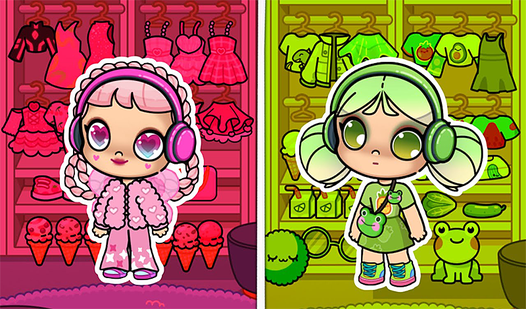
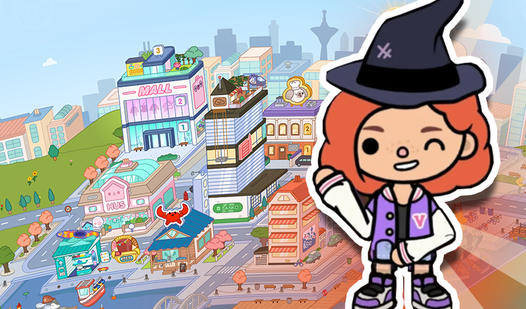
About game
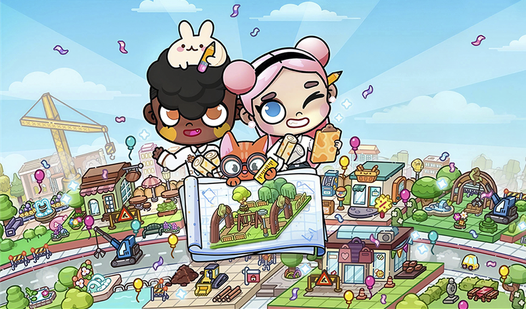
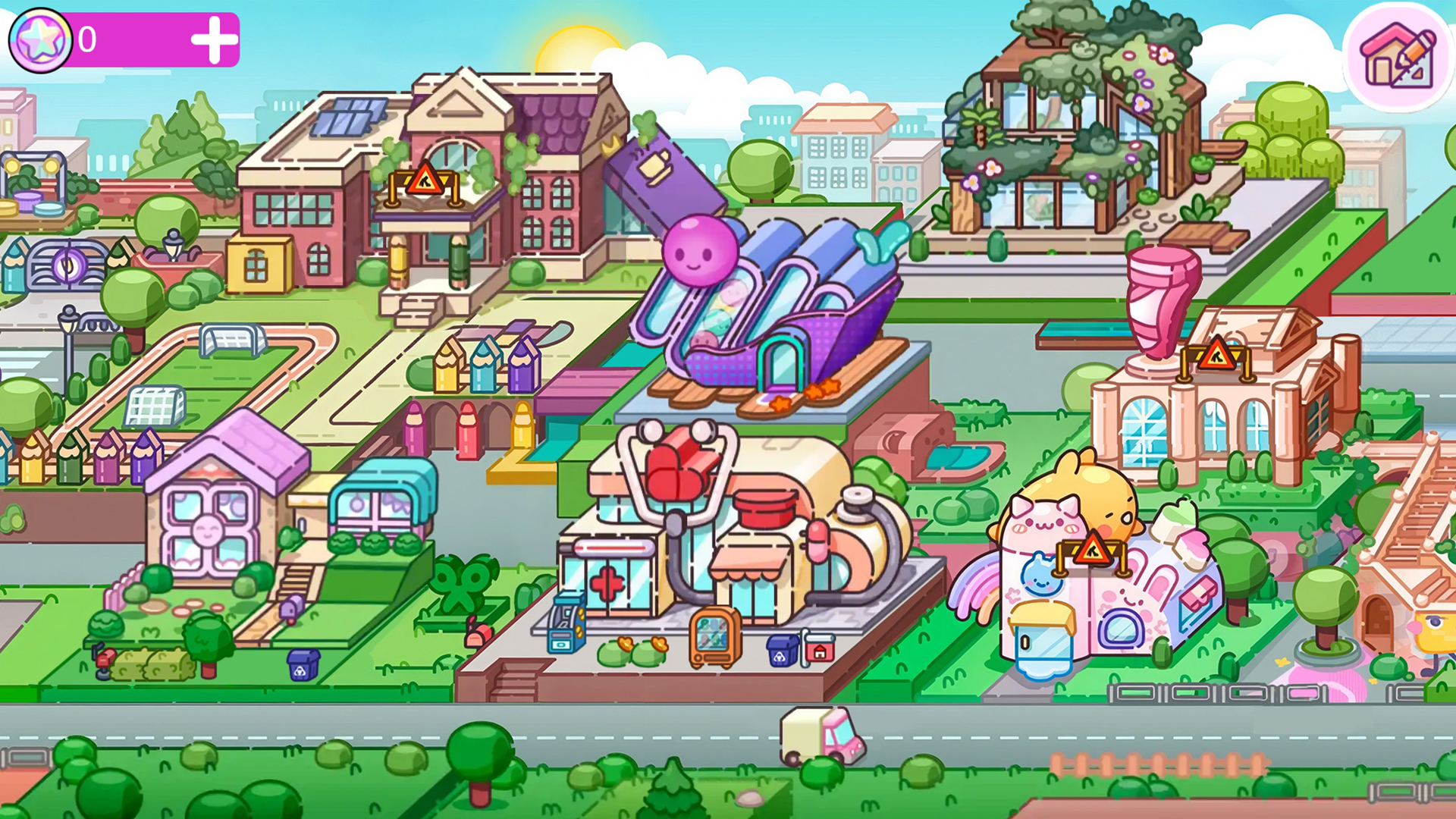
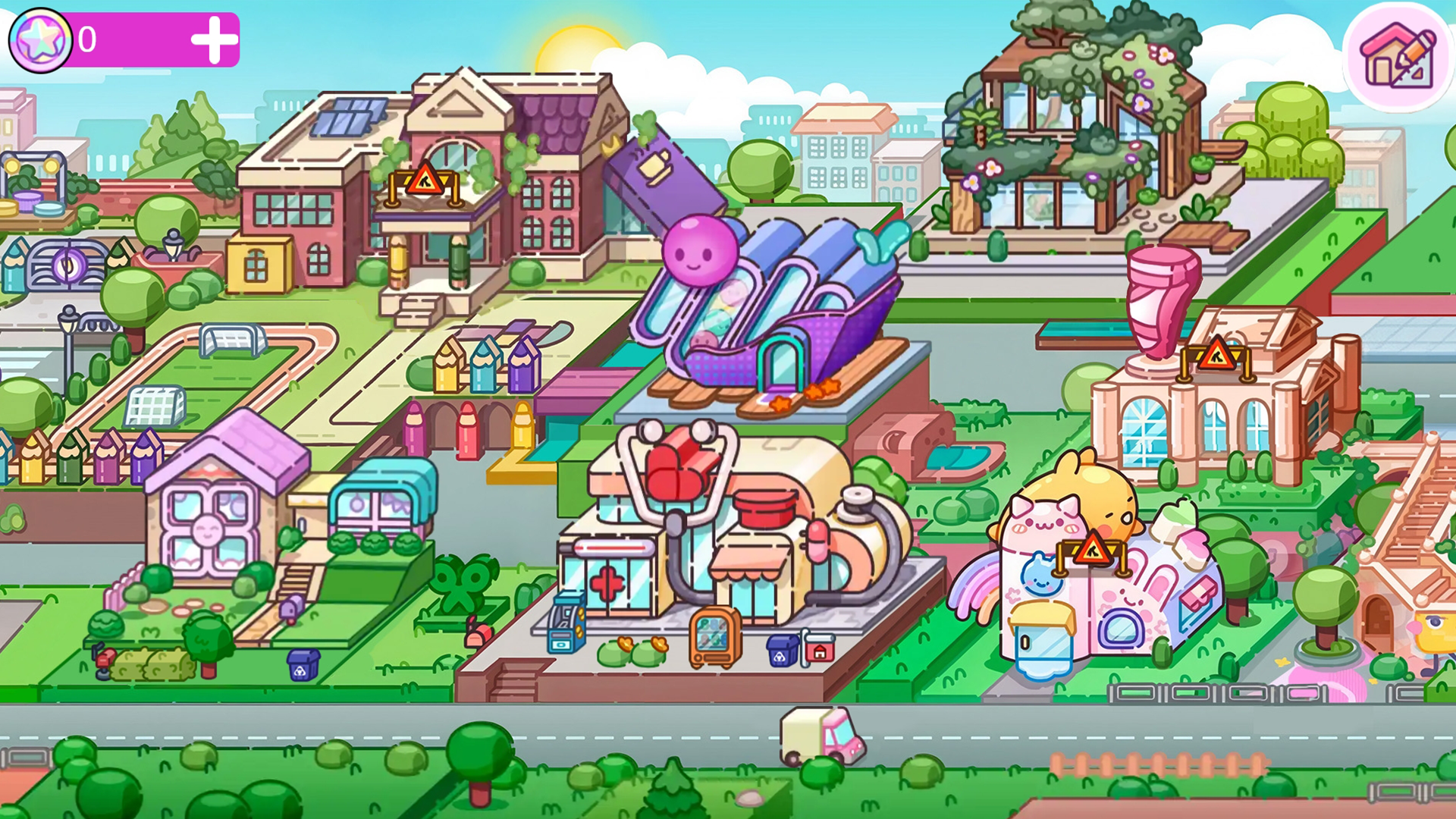
Staring at a blank screen while waiting for the bus or just needing a quick mental escape is a universal struggle. Avatar: Build a City solves that boredom instantly by letting you craft the perfect cozy neighborhood right from your browser. You start with empty plots and a dream, placing unique houses to define the layout of your new community. Once the homes are set, you can shift gears to landscaping and decoration to bring the streets to life. Adding sparkling fountains, glowing lanterns, and lush greenery creates a warm atmosphere that feels truly personal. This relaxing building sim captures the same creative spirit as toca boca, giving you total freedom to rearrange paths and structures whenever inspiration strikes. Balancing your residential zones with calm public spaces is the secret to keeping your virtual citizens happy. You can jump into this world of design without any downloads or complicated setups. Grab your browser and start crafting your masterpiece today because your custom avatar city is waiting for its lead architect.
How to play
🎮 How to play «Avatar: Build a City!» 🎮
1. Launching the construction mode
Tap the 🏗️ «Construction» icon in the top corner of the screen.
2. Selecting objects
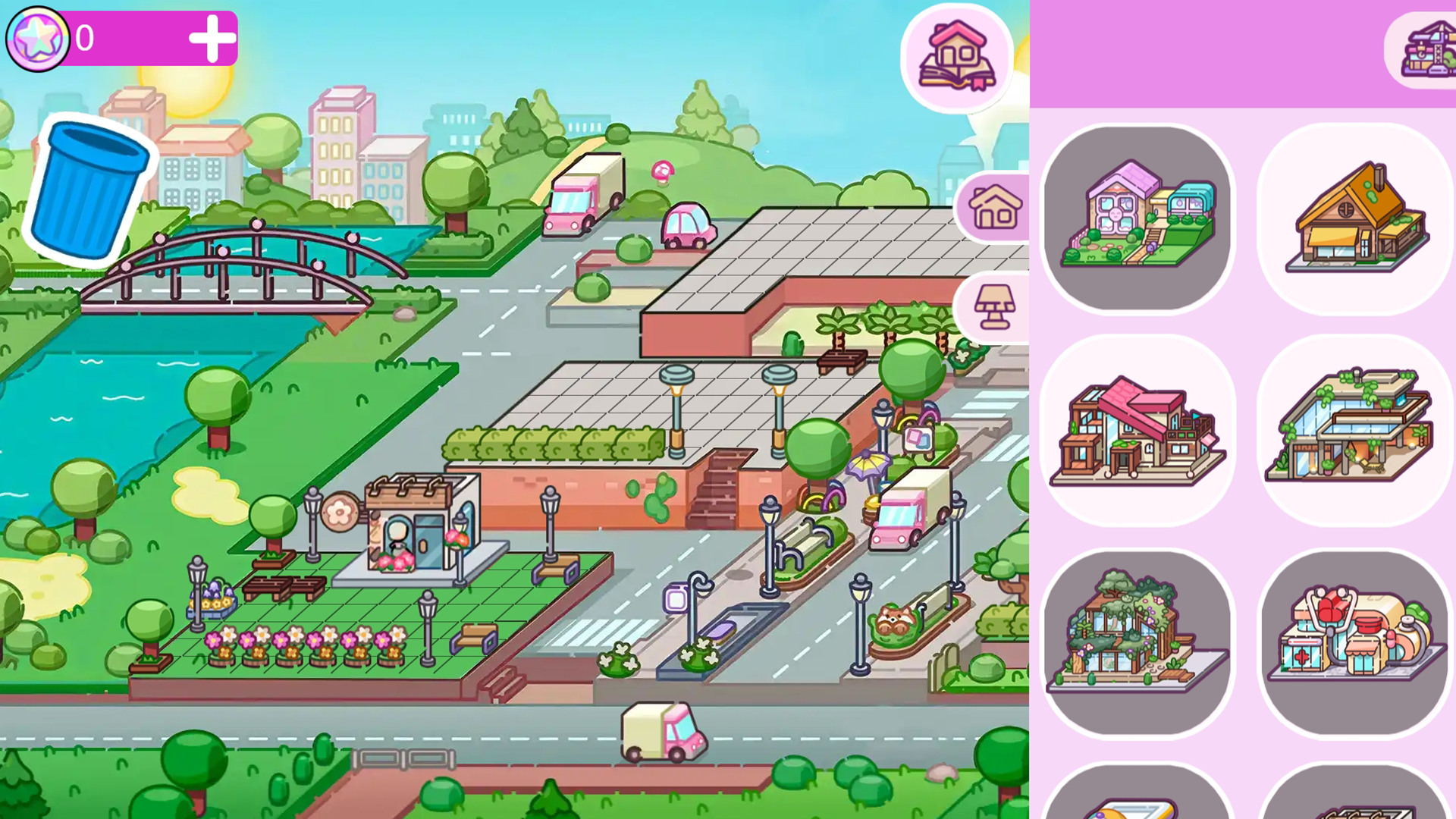
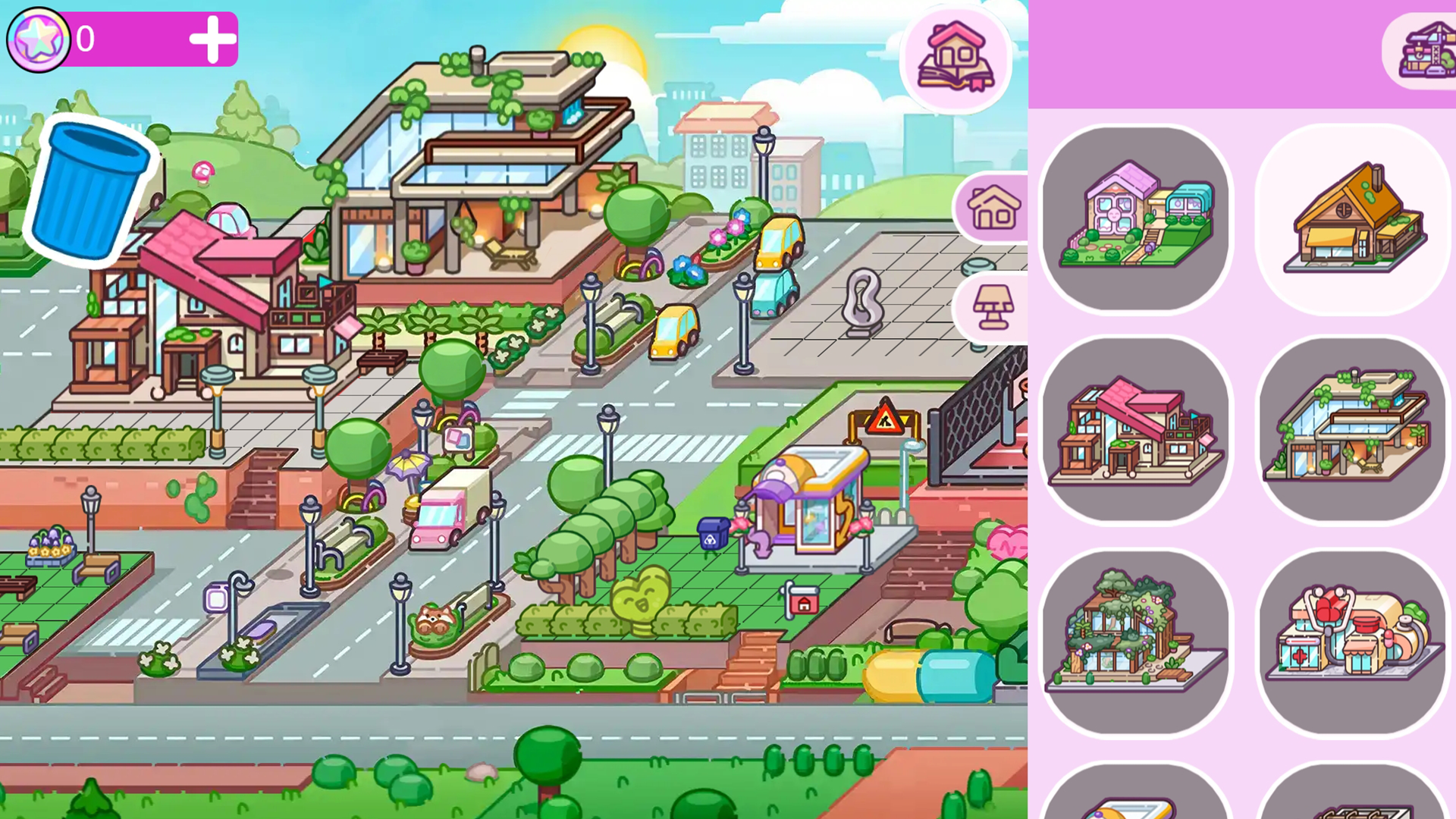
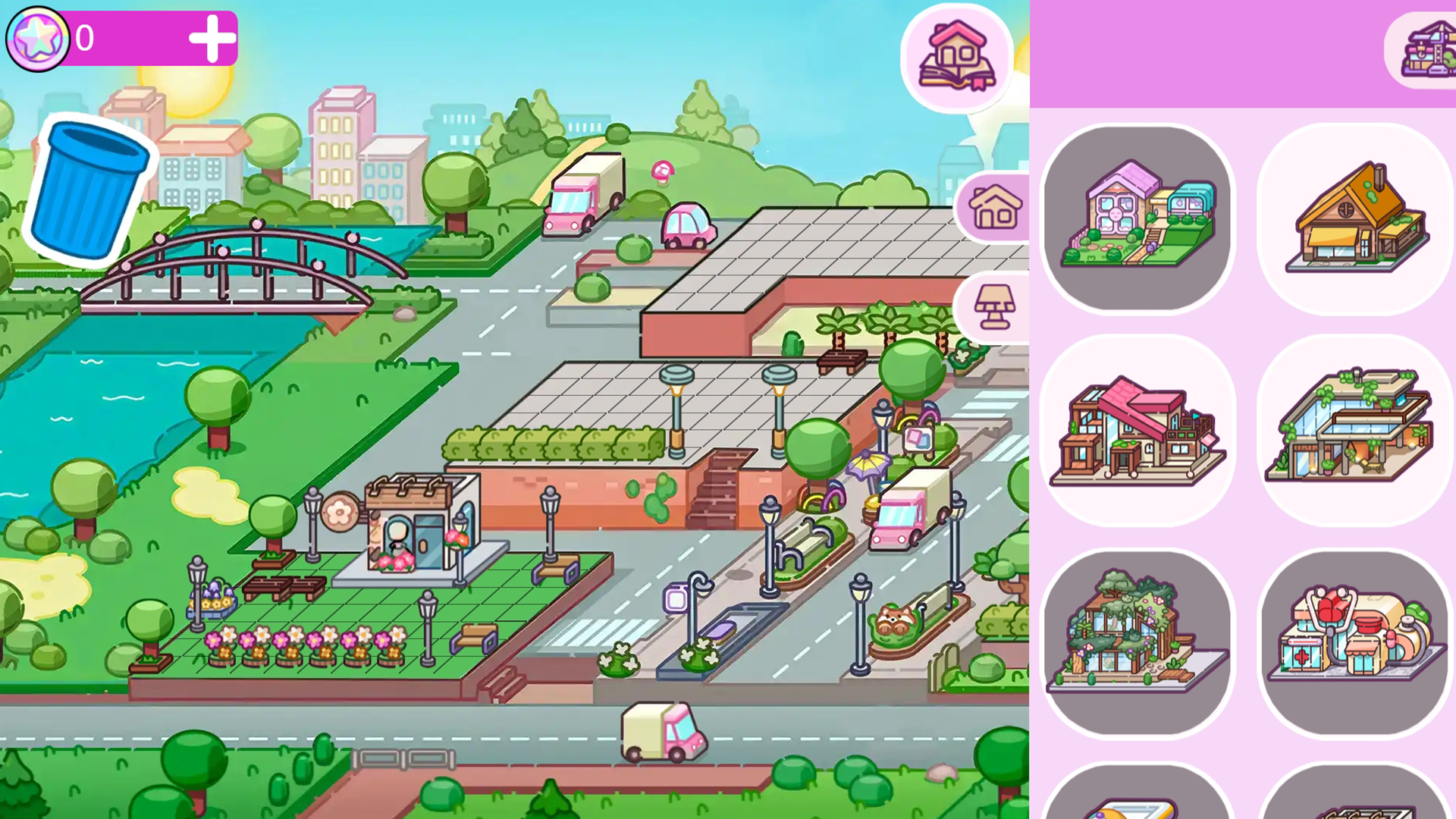
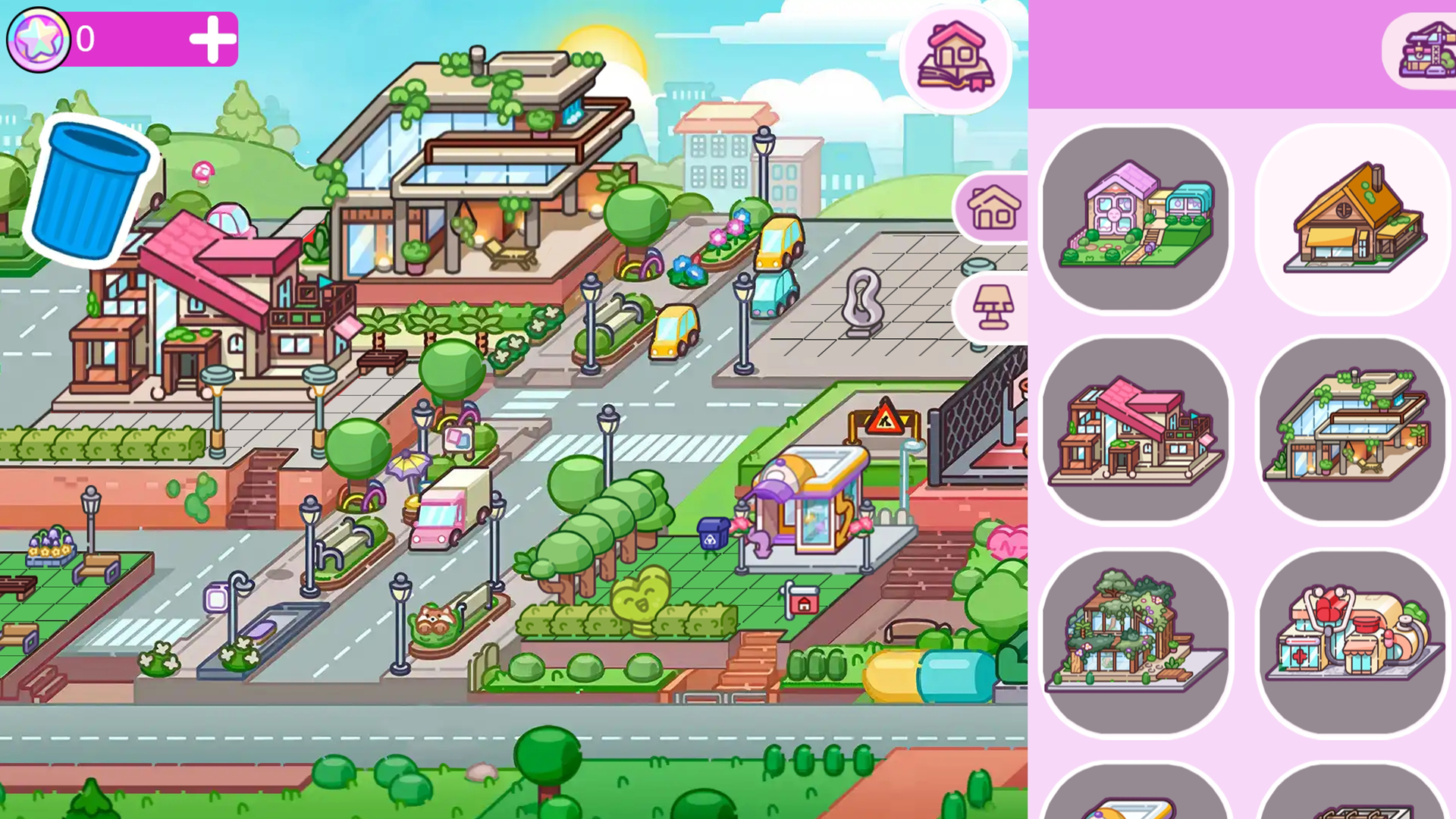
A menu with 2 categories will open:
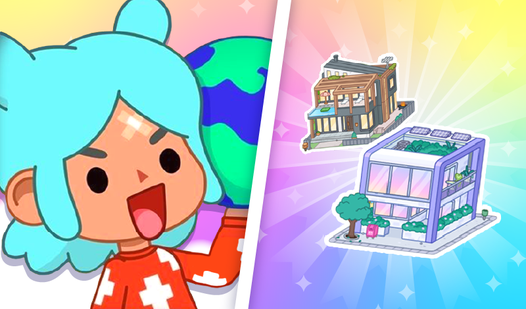
🏠 «Houses» — various residential buildings;
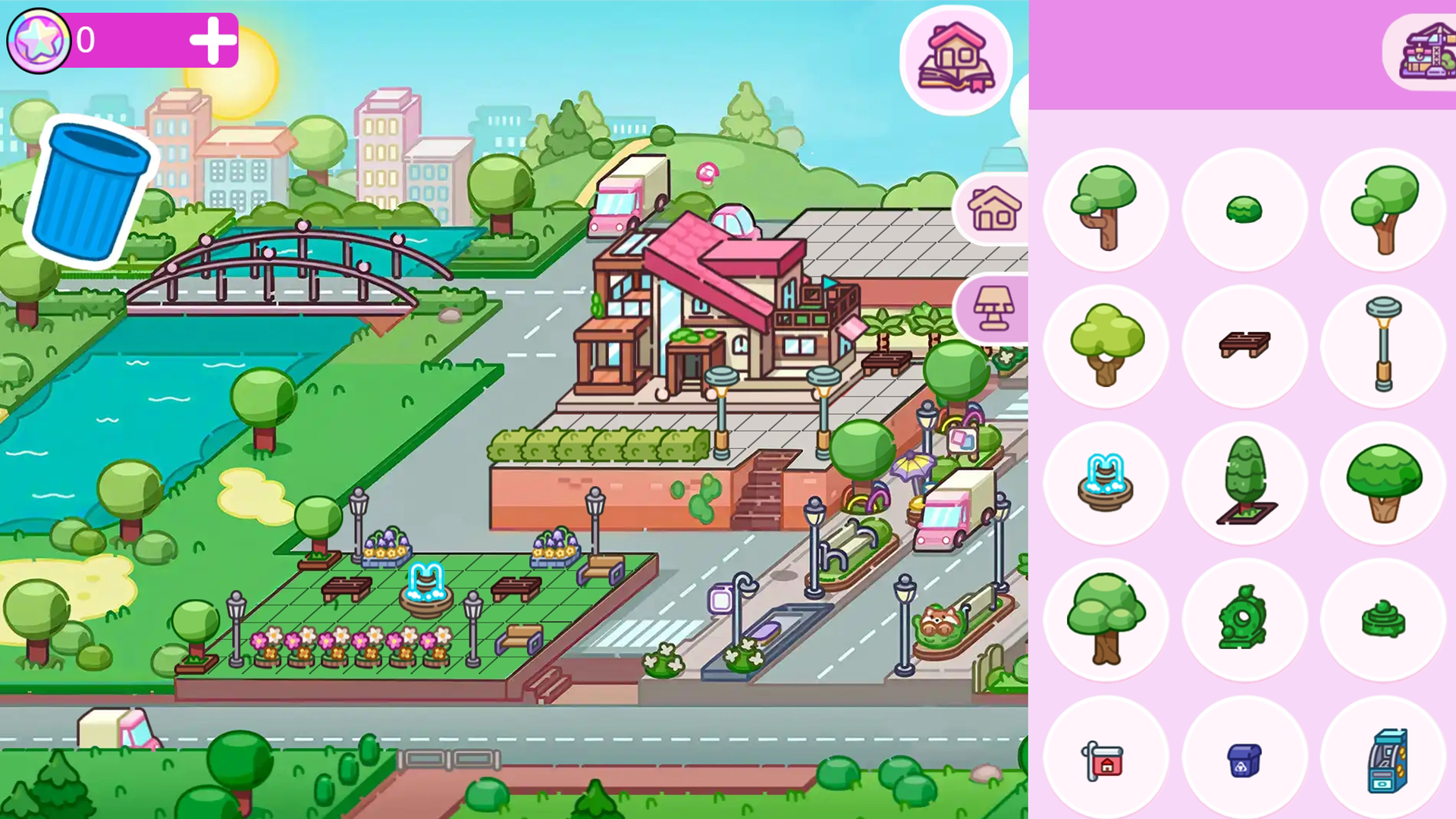
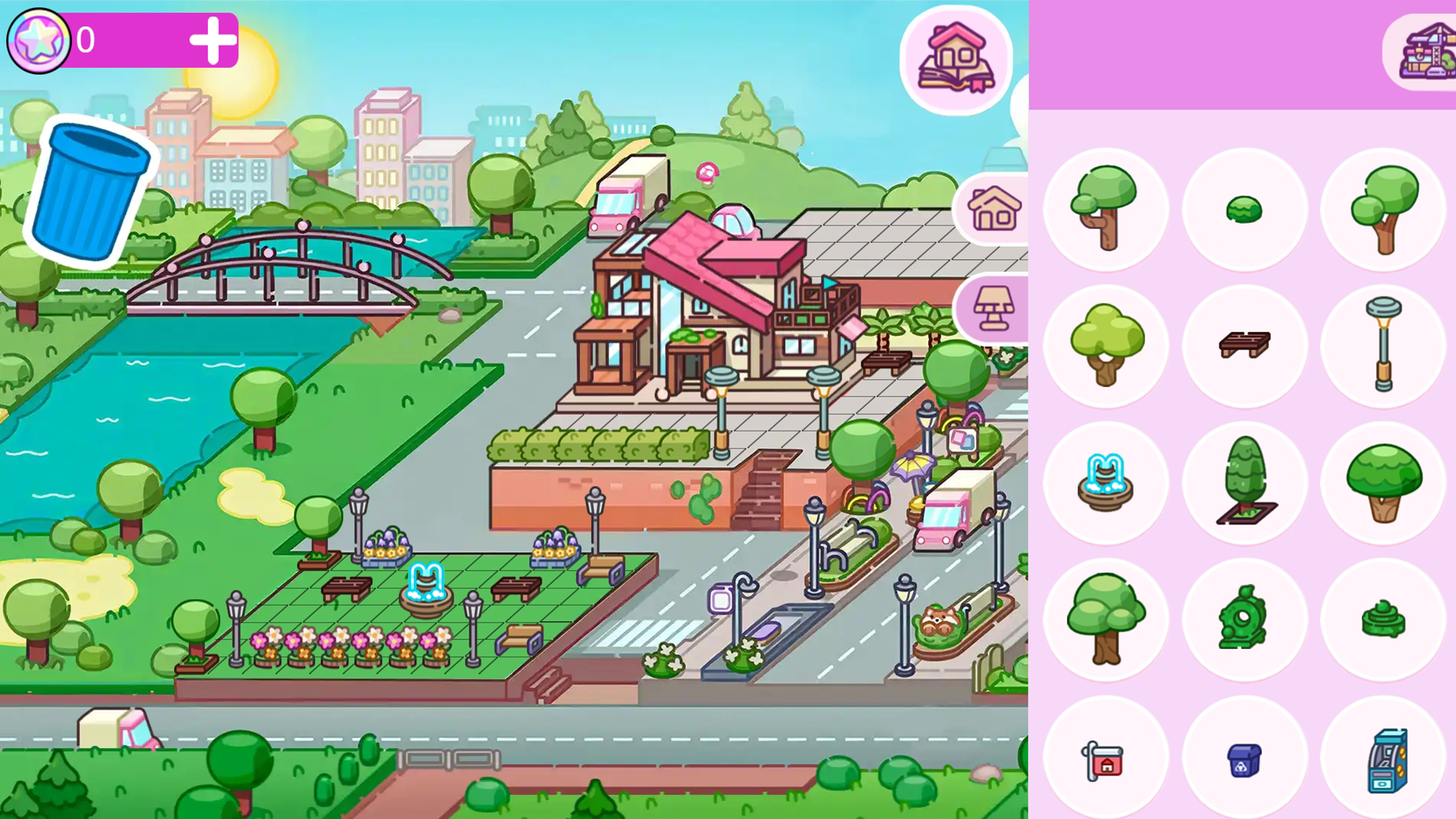
🛝 «Objects» — benches, fountains, lanterns, trees, etc.
3. Building houses
choose a house from the list;
drag it to an empty plot;
release — the house is placed!
4. Adding details
switch to the «Objects» tab;
select the desired item;
place it anywhere in the city.
5. Finishing construction
tap the «Done» 🛠️ button;
Create with pleasure! ✨
Features
- Flexible Plotting: Place residential buildings on any available space without being forced into rigid grid layouts.
- Dynamic Landscaping: Choose from a wide variety of flora including bushes and flowers to customize the greenery of every street.
- Ambient Decor: Enhance the realism of your town by placing interactive elements like fountains and benches for a cozy vibe.
- Editable Design: Modify your city layout at any time by simply selecting existing objects and moving them to new spots.
- Intuitive Building Menu: Switch seamlessly between house types and decorative objects using an easy-to-navigate tab system.
Who is it for
Creative players and fans of digital dollhouse games looking for a relaxing, low-stress experience. Casual gamers who enjoy interior and exterior design will appreciate the freedom to build at their own pace. It is an excellent choice for anyone who loves customizing virtual environments without complex progression systems.
Controls
Select items
Tap on the icons in the construction menu to view houses or decor.
Place buildings
Tap and drag your chosen item from the menu to any empty plot on the screen.
Finalize layout
Tap the done button to exit construction mode and admire your work.
FAQ
Is Avatar: Build a City free to play?
›
Yes, you can access the full building experience of Avatar: Build a City directly in your browser without any costs or downloads.
Can I change my city after I build it in Avatar: Build a City?
›
Absolutely, the game allows you to move any house or decorative object whenever you want to refine your city design.
Does Avatar: Build a City require an account to save progress?
›
The game is designed for quick, accessible fun, letting you jump into Avatar: Build a City immediately without the need for complex account setups.