About game
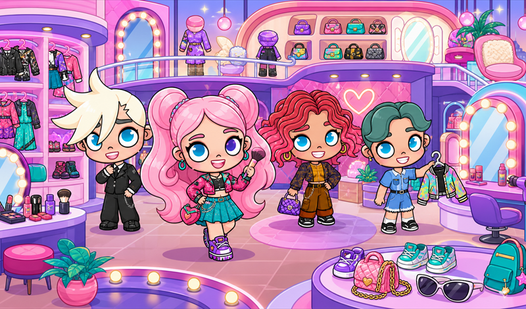
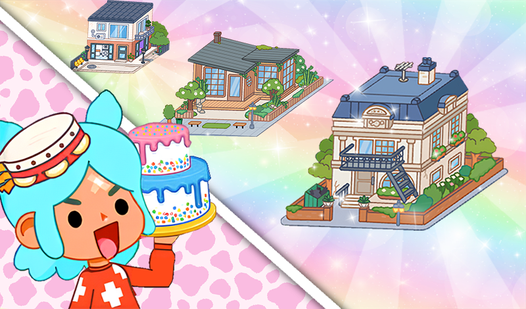
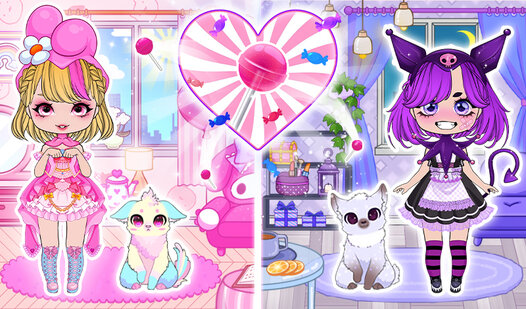
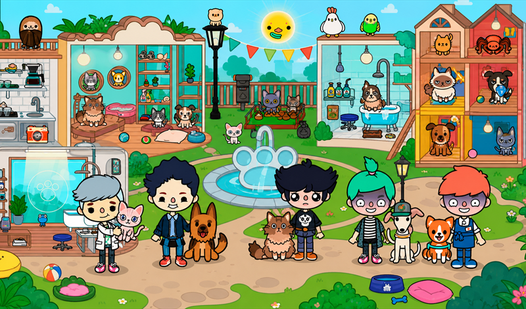
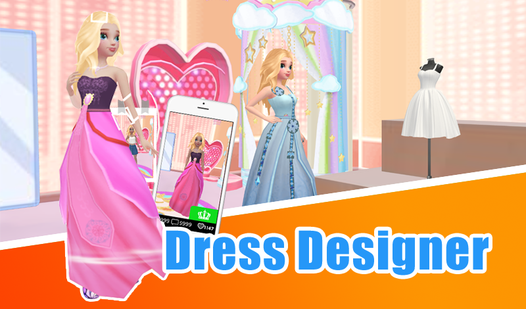
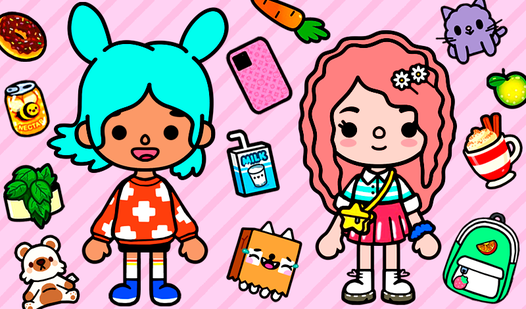
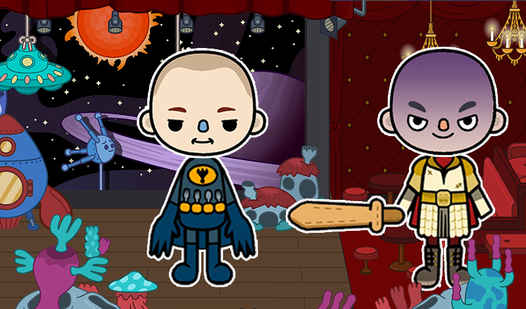
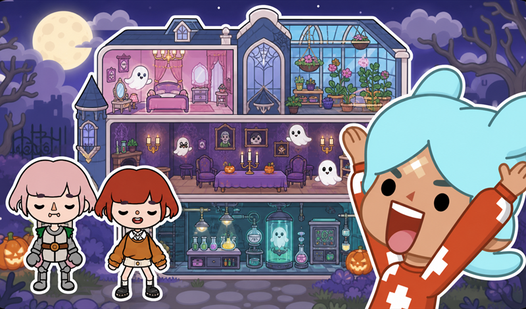
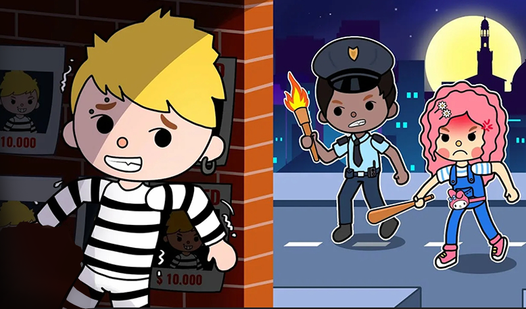
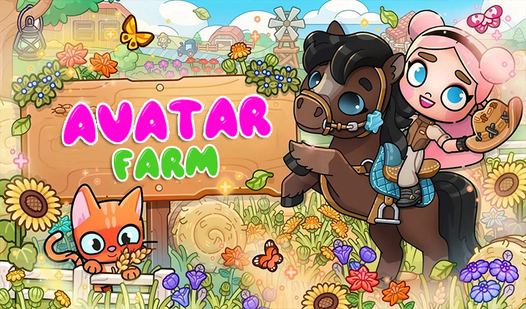
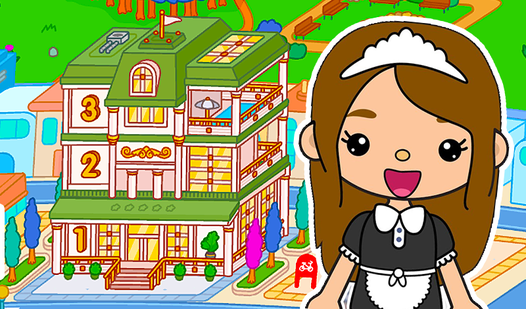
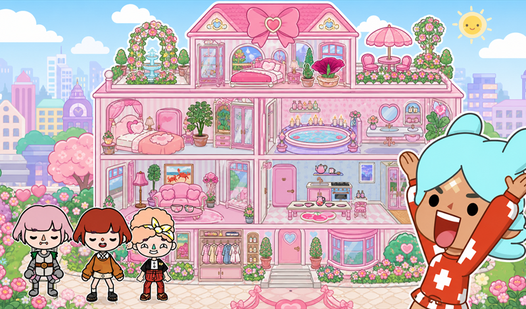
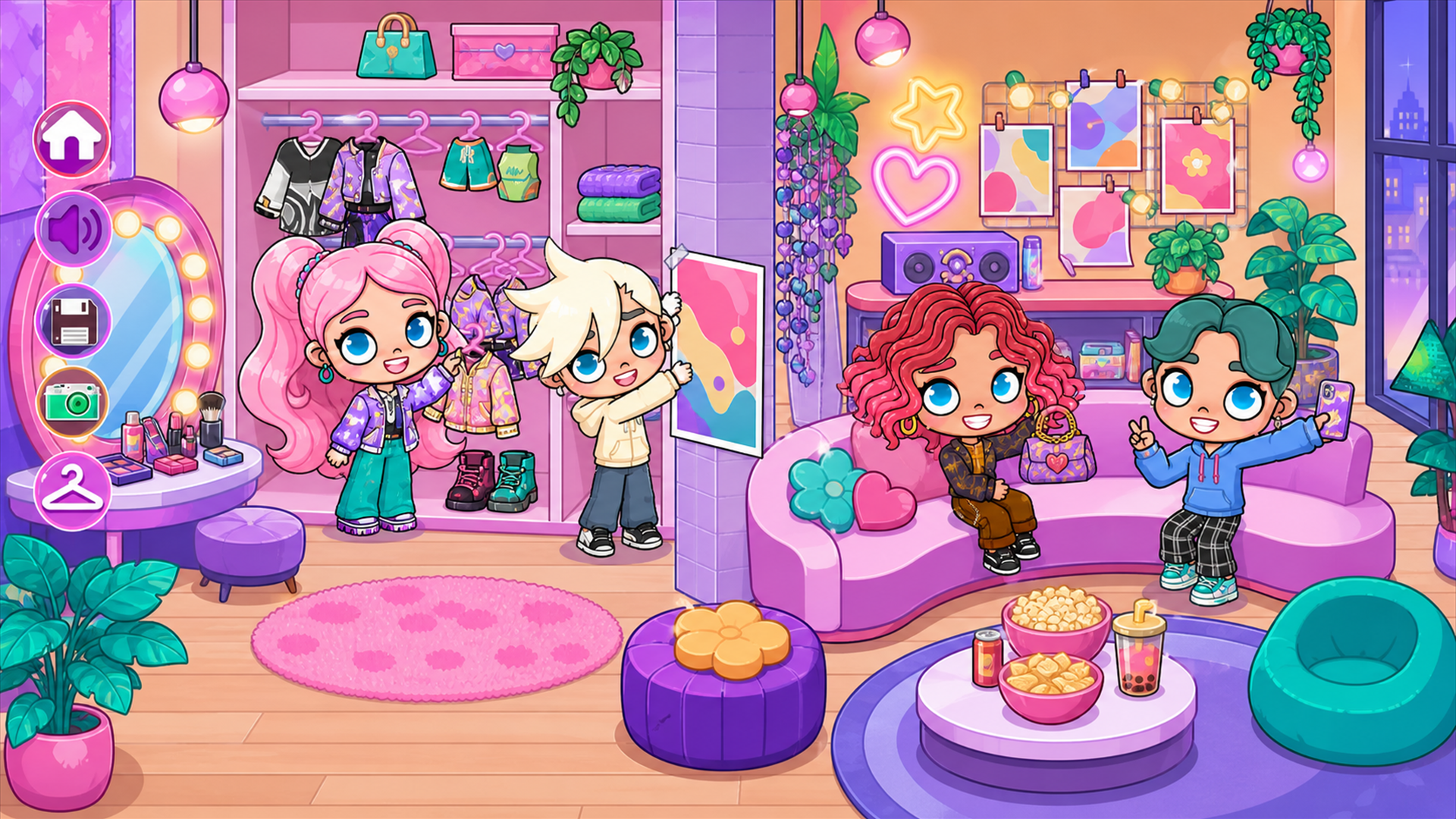
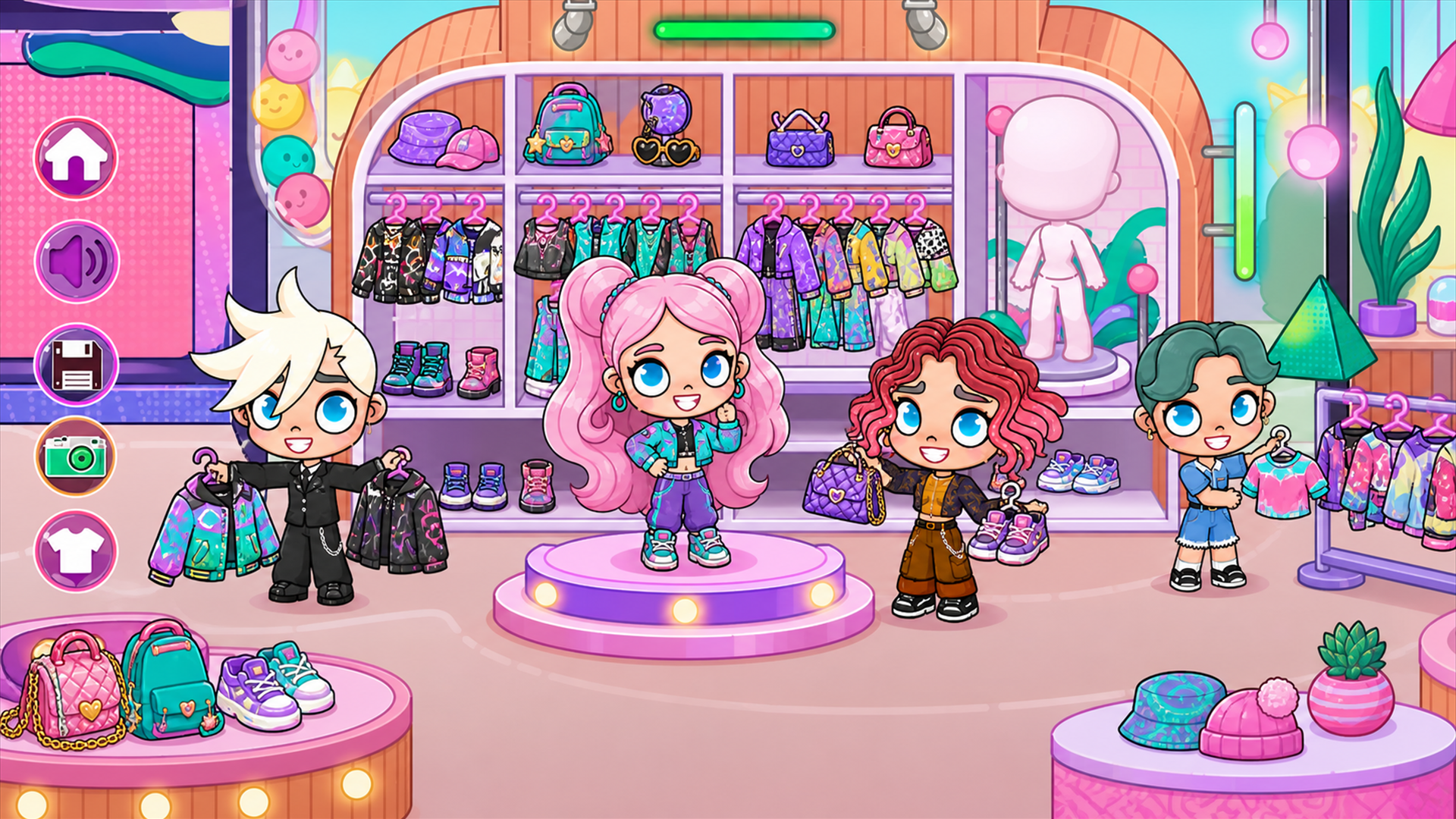
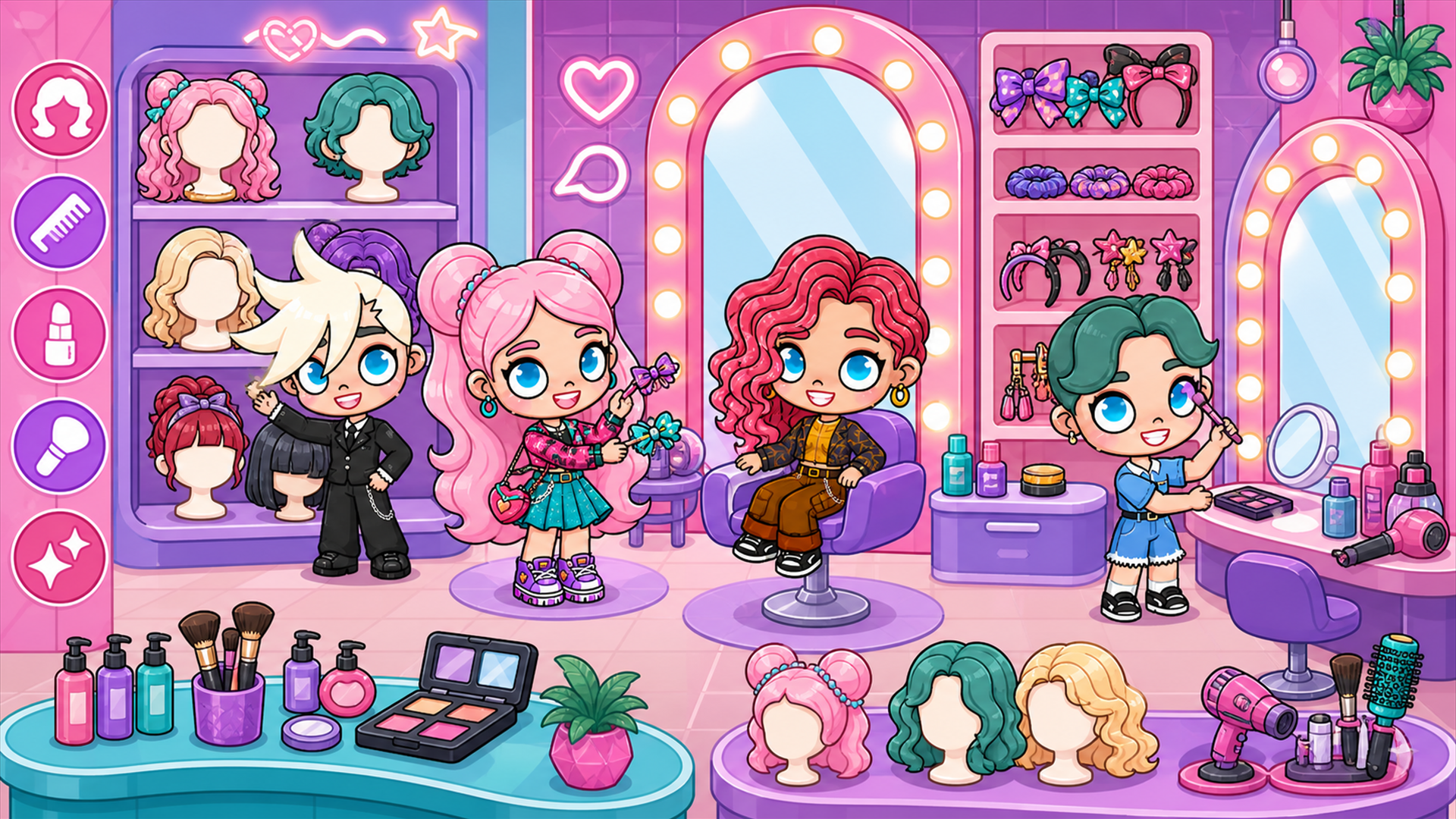
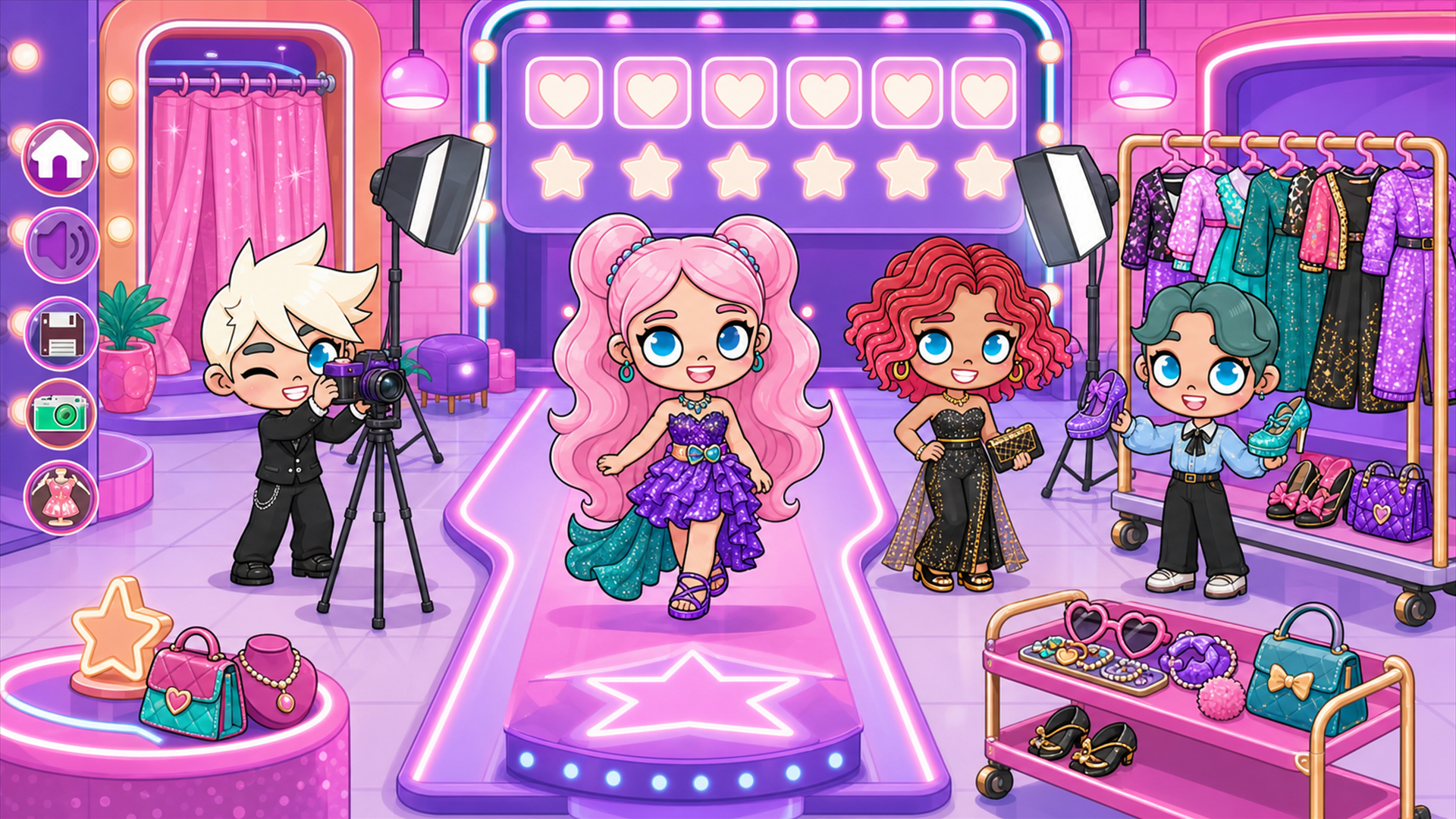
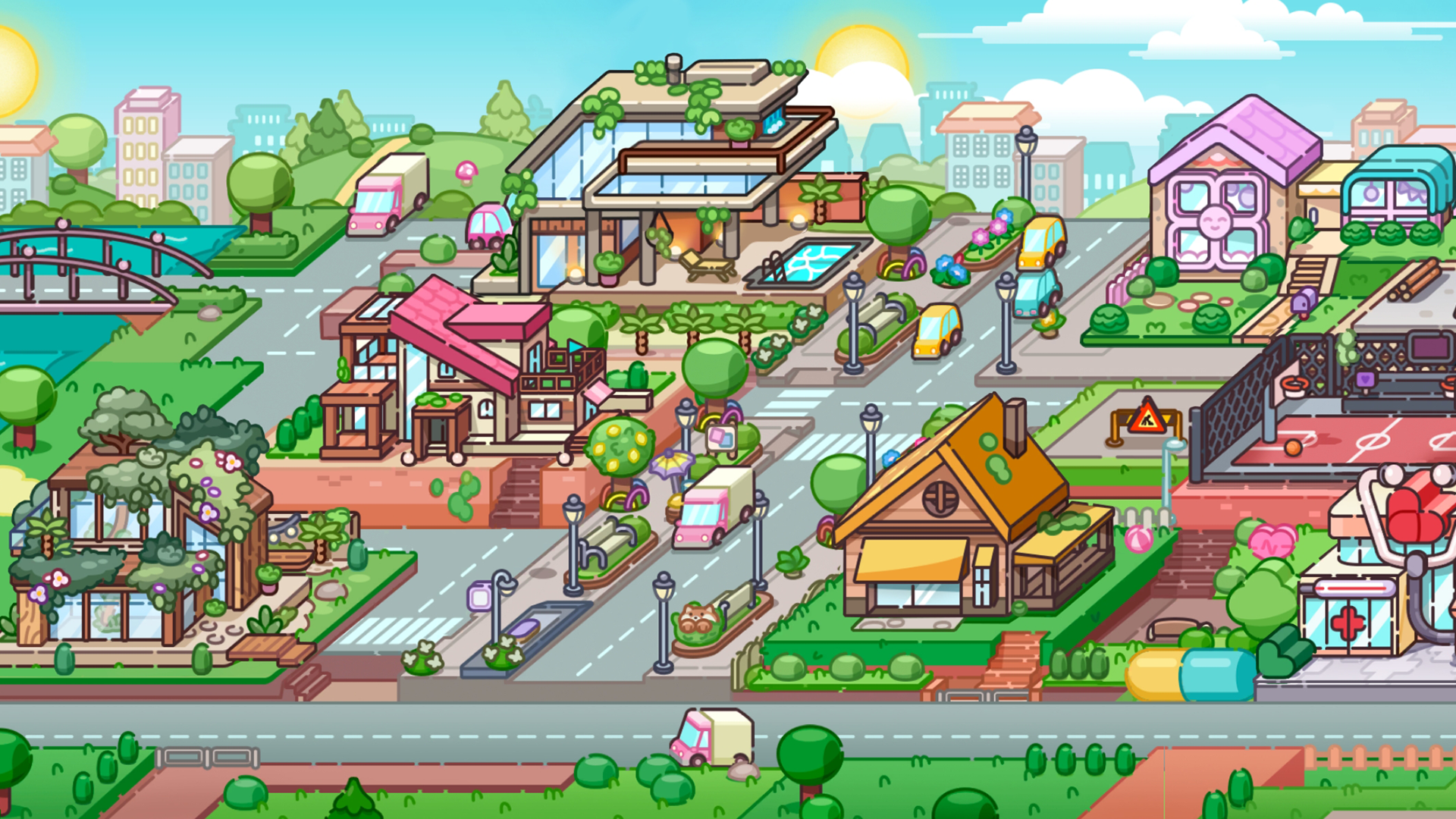
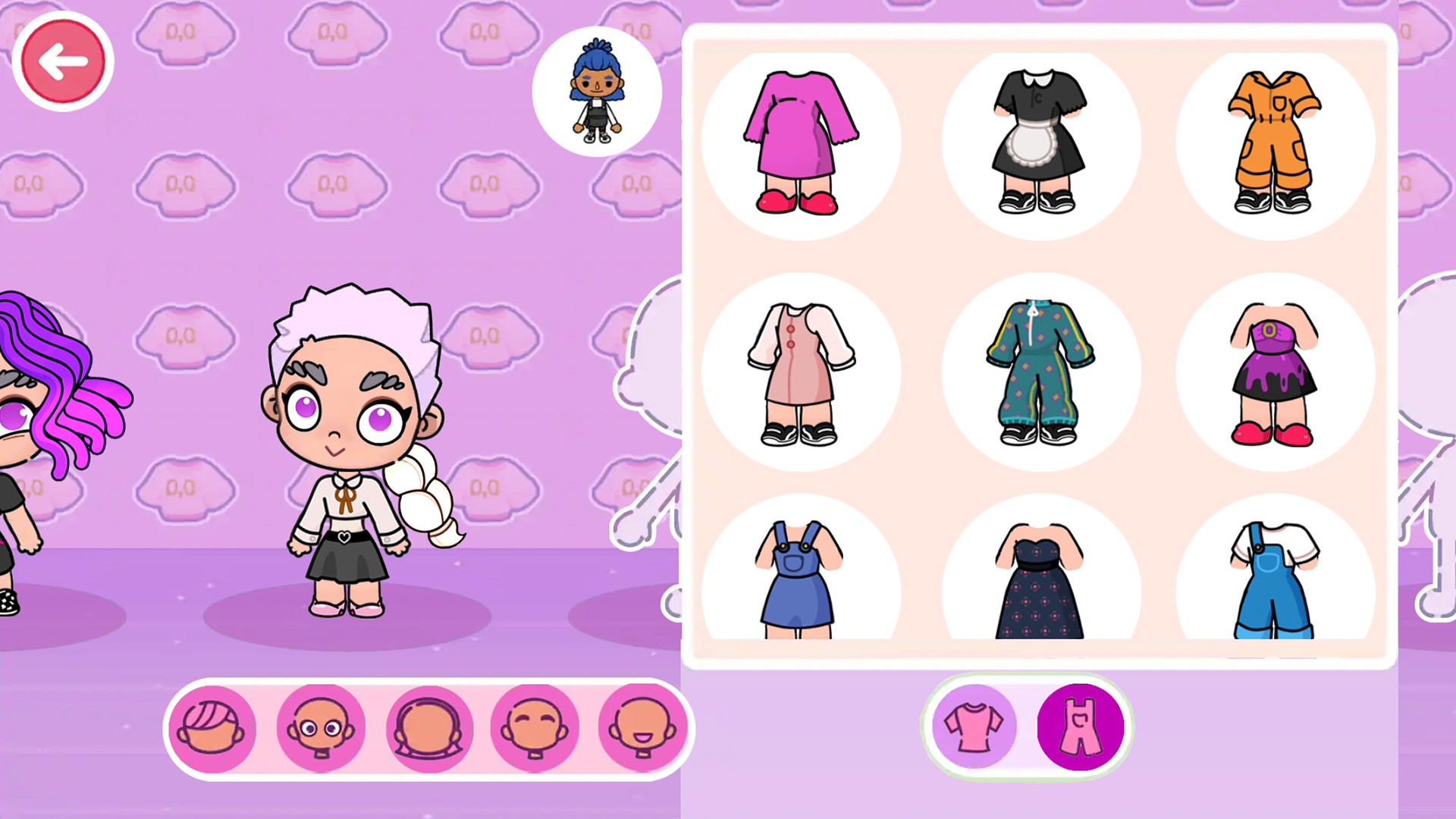
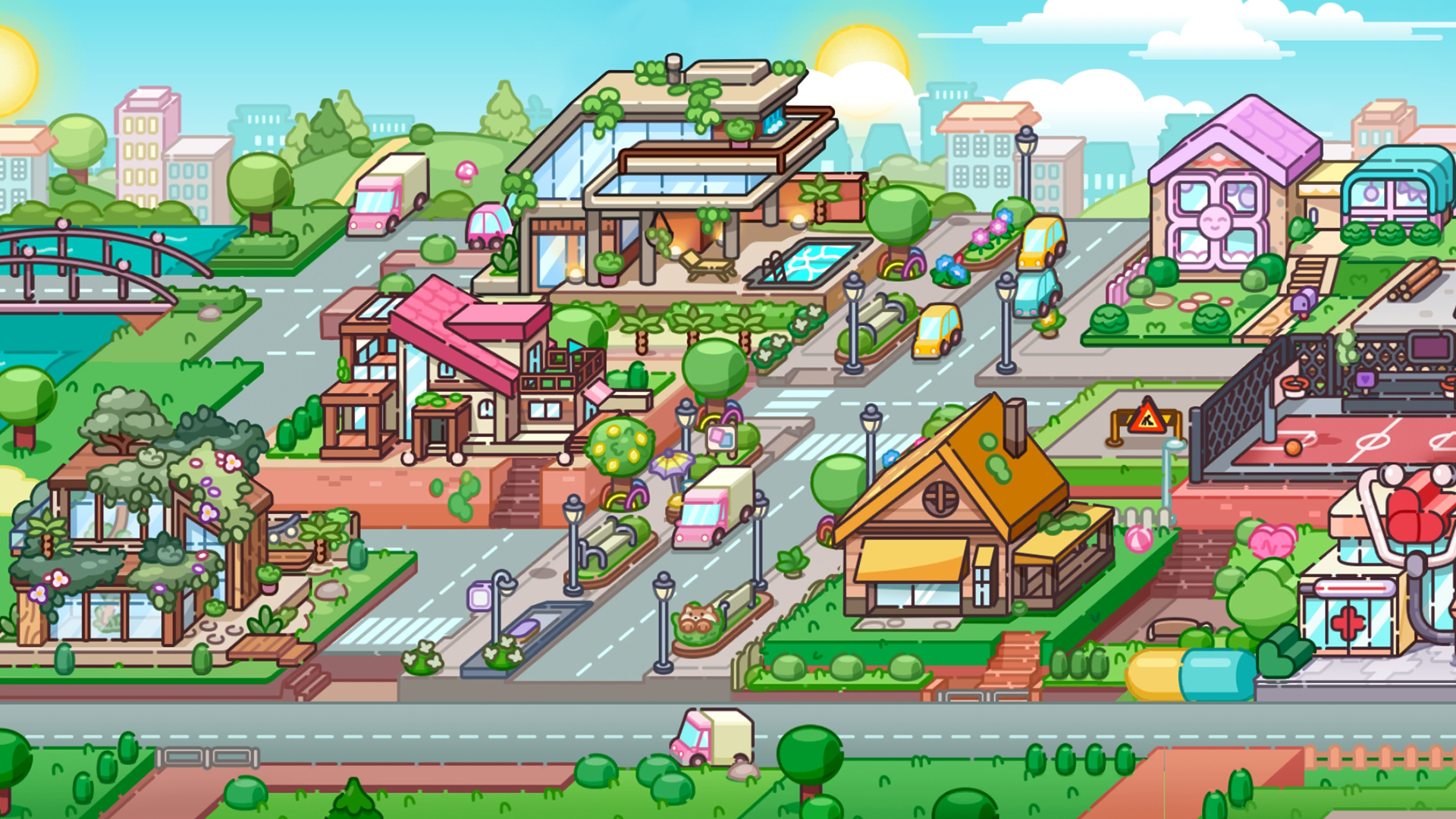
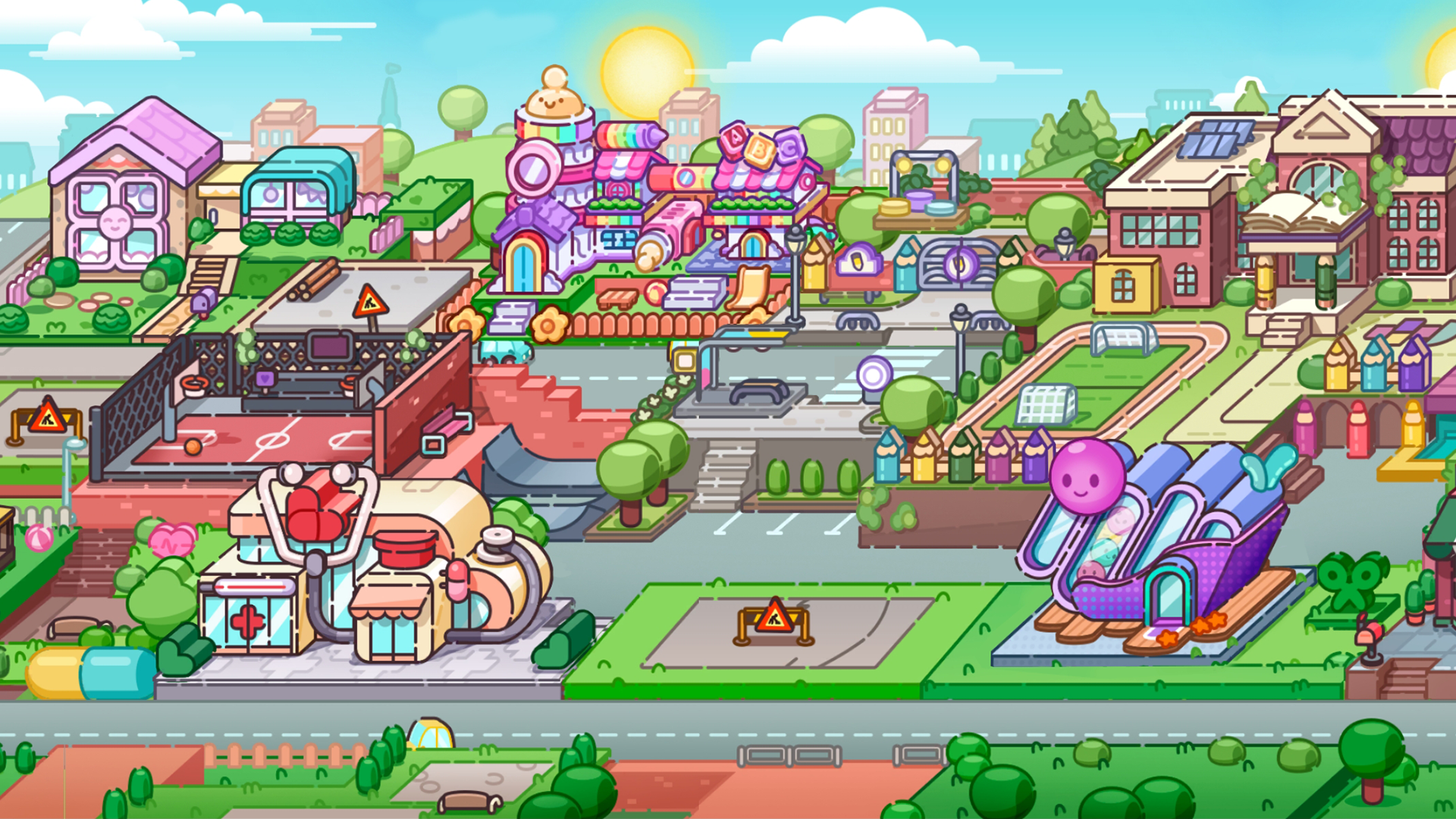
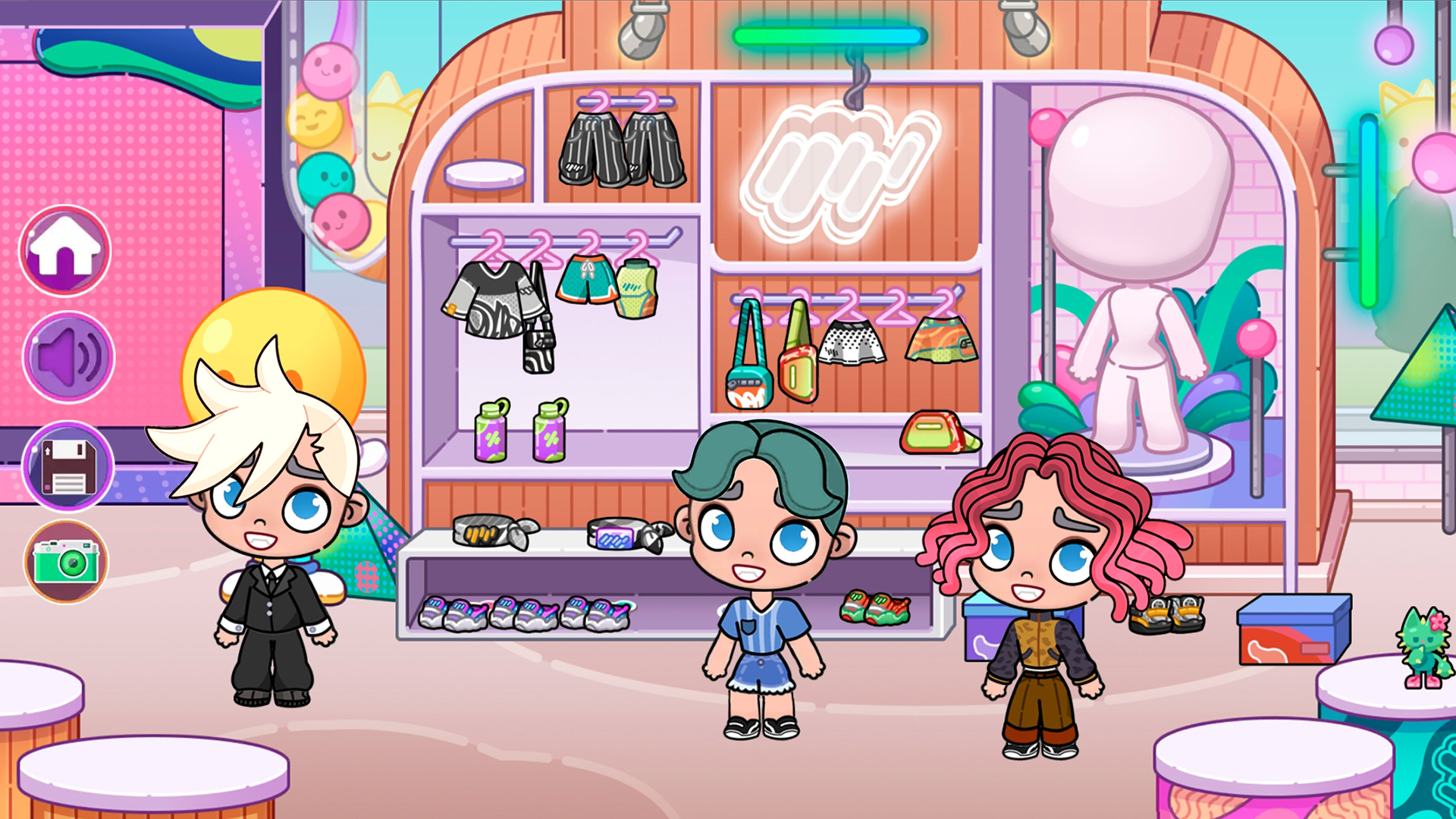
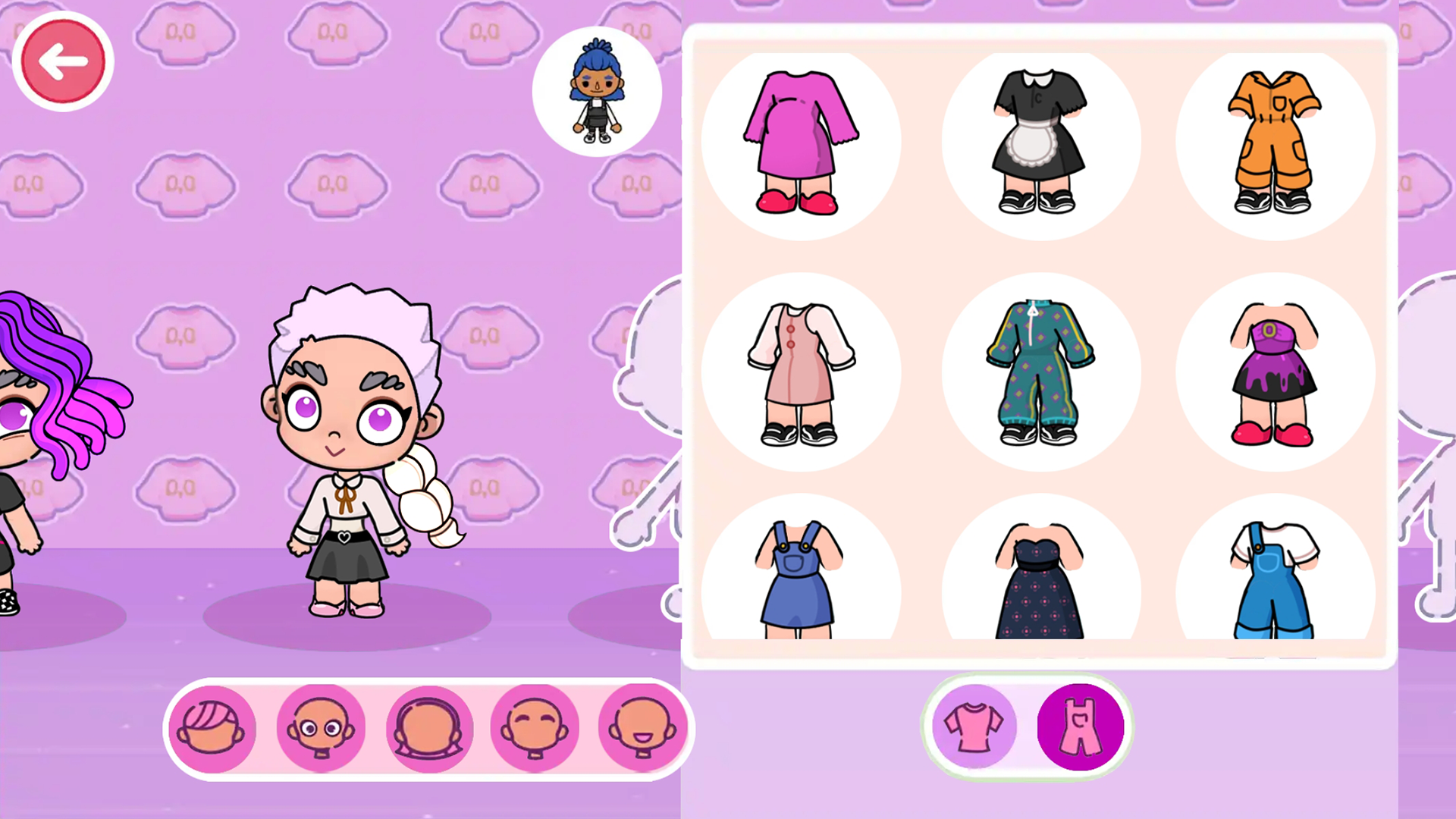
Fans of creative dress up games and virtual design will find their new obsession here. Avatar lets you step into a vibrant digital playground where your imagination is the only limit to what you can build. You start by crafting a unique personal look with an endless selection of trendy outfits and stylish accessories. Once your look is locked in, you shift your focus to interior design by filling your virtual space with beautiful furniture and decor. Interactions are at the heart of the experience as you guide characters through daily routines and social encounters. You can even feed them or stage fun scenes to capture perfect snapshots of your best work. This experience combines the best parts of being a stylist and an interior designer in one polished package. The game keeps things fresh with constant opportunities to experiment with new layouts and aesthetics. Play Avatar for free directly in your browser without any downloads required.
How to play
To control a character or an object, click on it with your cursor or finger. Hold and drag the character or object around the location.
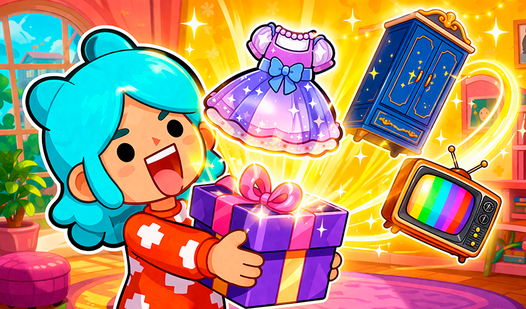
To interact with characters and objects, simply place the object into the character’s hands. If it’s food or drink, you can feed your characters.
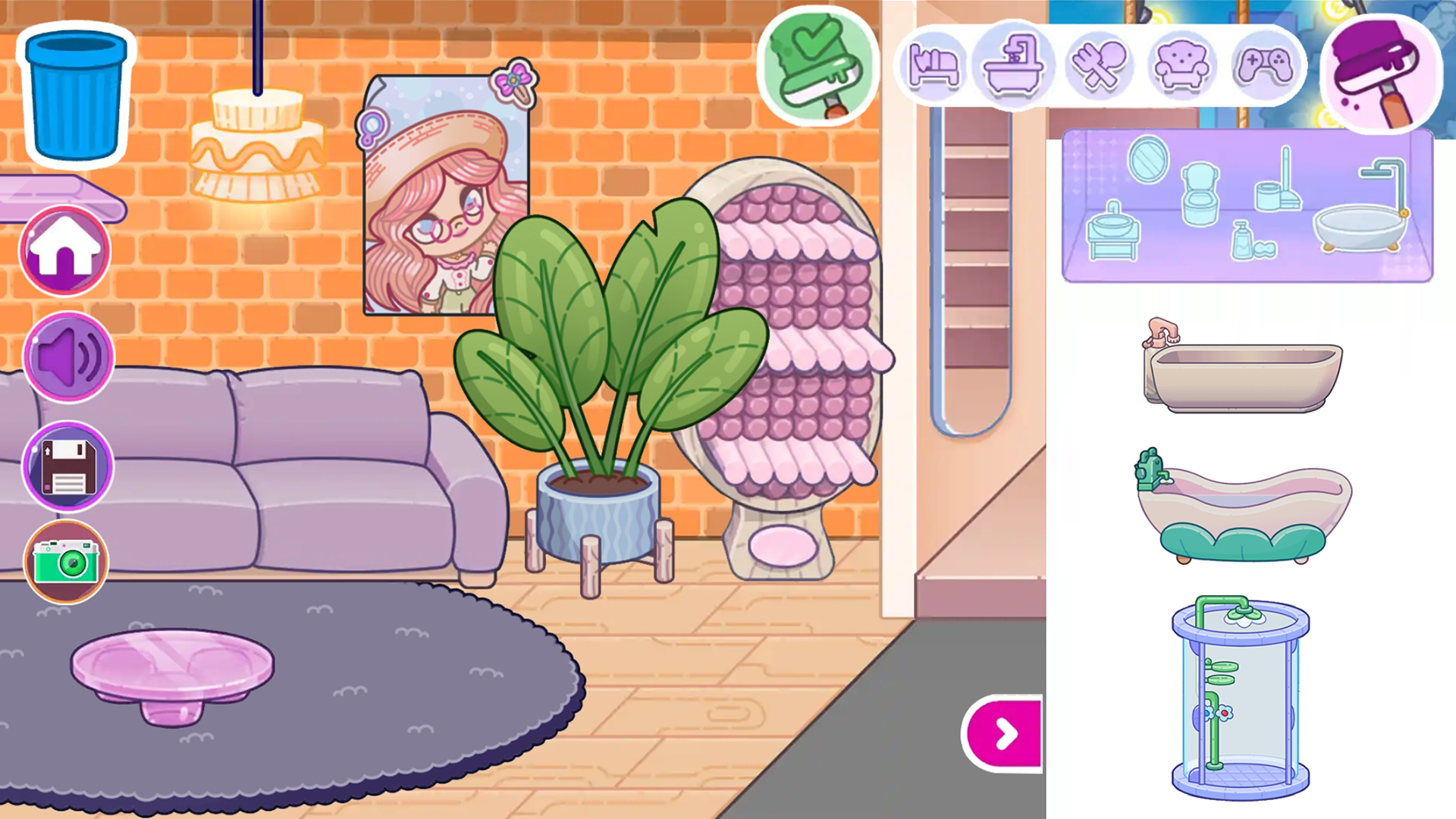
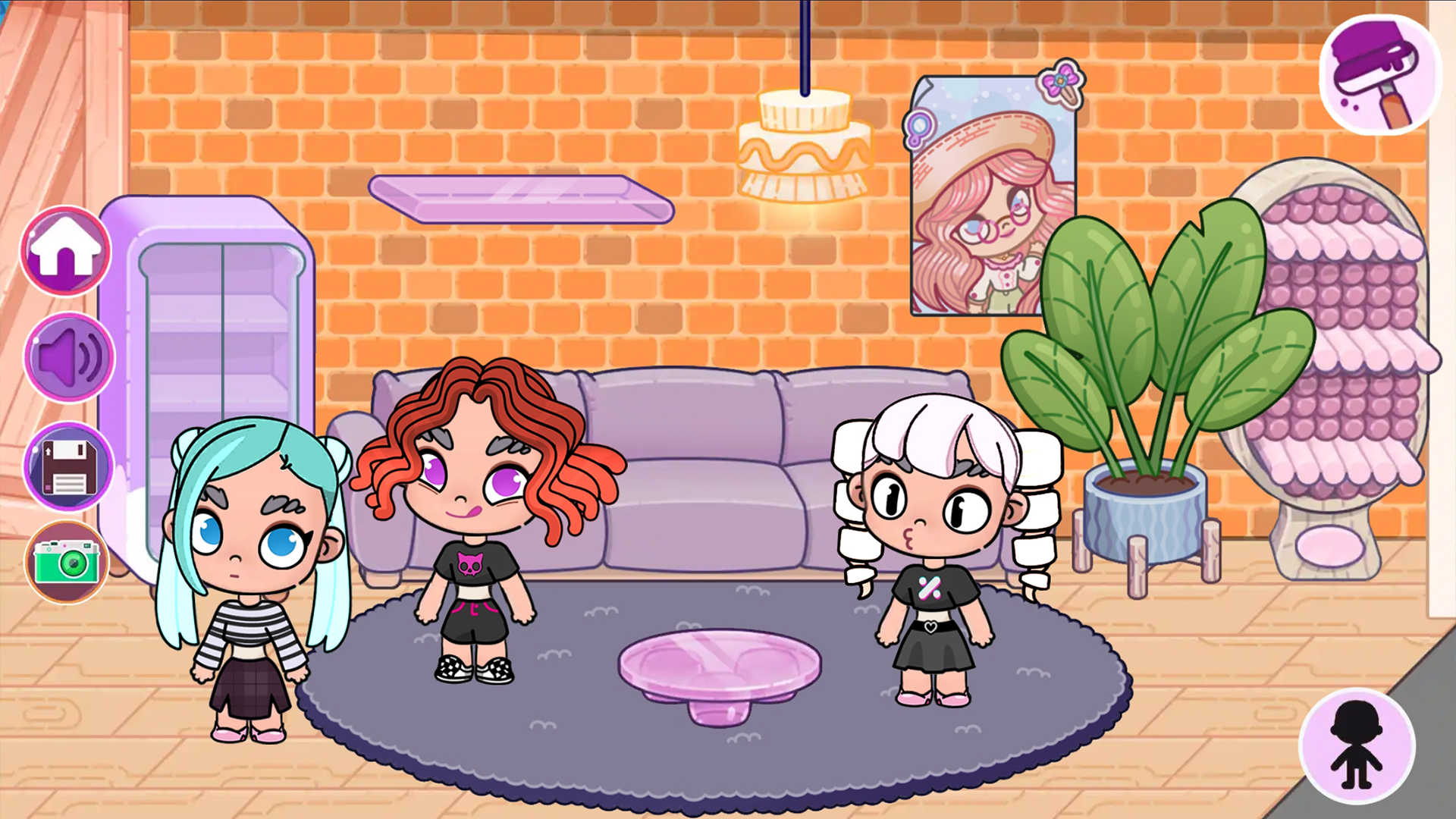
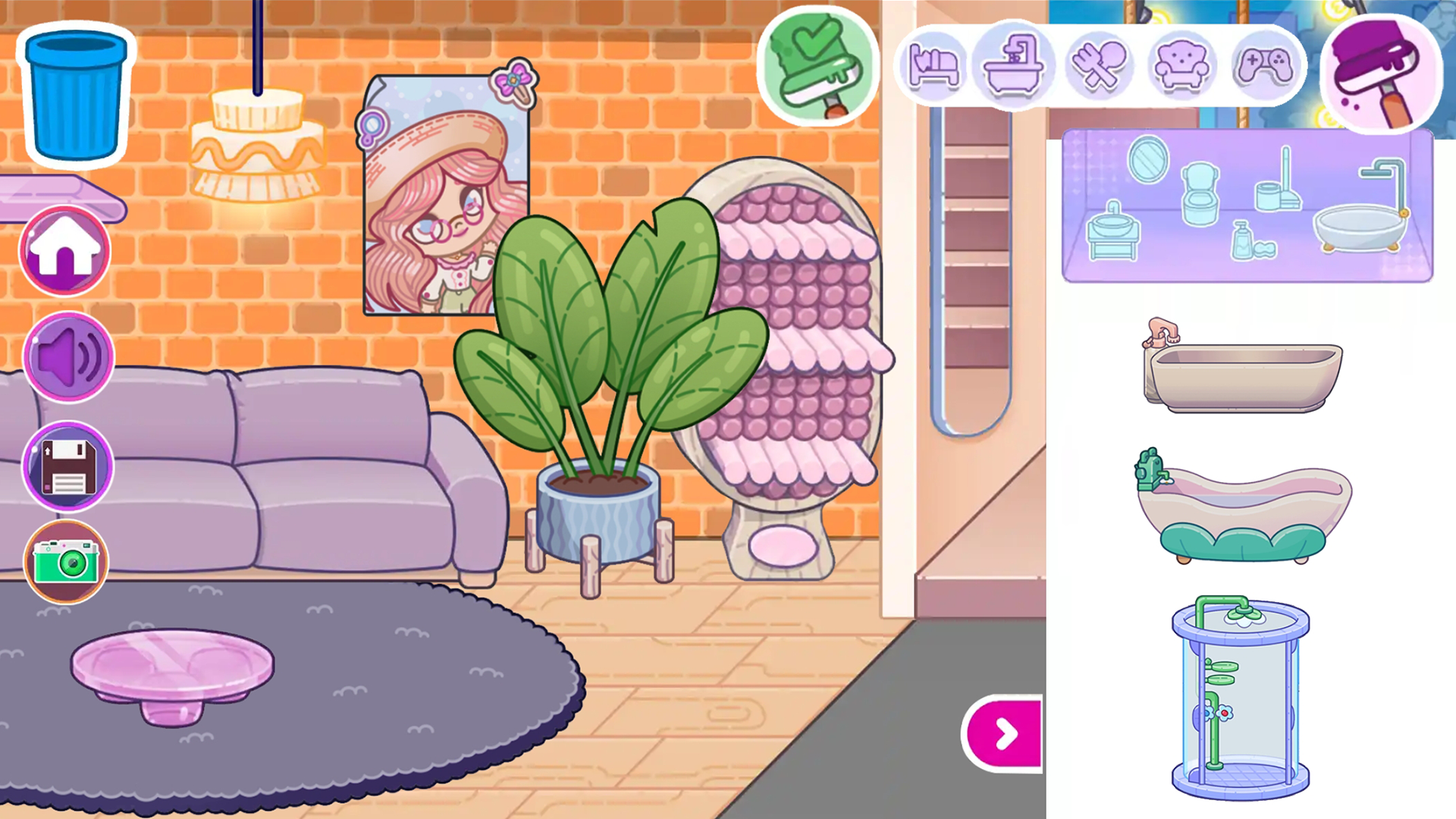
In the interior creation location, you will have access to a special menu with a selection of interior items. Switch between different categories of furniture for different rooms and needs. Click on the furniture item you like to make it appear in the interior.
Hold it and move it to the desired location.
To take a photo, simply click on the photo icon.
Features
- Style customization: Choose from hundreds of clothing items and accessories to express your unique fashion sense.
- Interior design tool: Access a comprehensive furniture catalog to build and customize every corner of your virtual home.
- Dynamic interactions: Drag and drop items into character hands to feed them or simulate realistic daily life activities.
- Photo mode: Save your favorite room designs or character transformations instantly with the dedicated snapshot feature.
- Intuitive navigation: Switch seamlessly between different room categories to find the perfect decor for any space.
Who is it for
Creative players who love designing interiors and styling characters will thrive here. Those who enjoy simulation titles and open-ended play will appreciate the freedom to experiment. It serves as a fantastic digital dollhouse for children and fans of casual simulation games looking for a relaxing creative outlet.
Controls
Select object
Click or tap on an item or character.
Move items
Hold and drag your finger or cursor to reposition objects.
Take photo
Tap the camera icon on the screen to capture your scene.
Interact
Drag food or accessories directly onto the character.
FAQ
Is Avatar free to play in my browser?
›
Yes, you can play Avatar for free directly in your web browser with no download or registration needed.
Can I change my room design in Avatar?
›
Absolutely, you can use the interior menu to swap out furniture and decorations whenever you want to refresh your space.
How do I save my progress in Avatar?
›
You can capture and save your favorite moments and designs at any time by using the in-game photo button.