TOP 22 Best Pixel Games: Play Free Online
Pixel art never gets old. There's something deeply satisfying about chunky sprites, crunchy sound effects, and gameplay that cuts straight to the point. The best Pixel games cover every mood — action, creativity, survival, or a chill coloring session — and you can play all of them free, right in your browser, no installation required.
This list rounds up 16 standout pixel titles available on FreeJoy, with enough variety to keep any type of player busy.
How We Chose the Best Pixel Games
Picking 16 from hundreds of pixel titles wasn't random. These are the filters that mattered:
- Variety — action, creativity, survival, and casual relaxation are all represented
- Playability — smooth browser performance, intuitive controls, no technical friction
- Pixel authenticity — games that genuinely commit to the aesthetic, not just titles borrowing the word
- Replay value — reasons to return beyond the first session
- Zero barriers — completely free, no paywalls blocking core gameplay
With those criteria applied, 16 games rose to the top.
Best Pixel Games: The Full TOP-16
1. Battle of Pixels
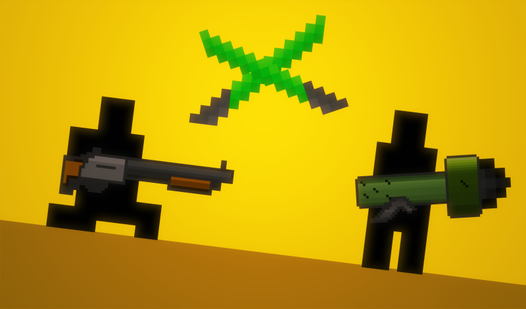
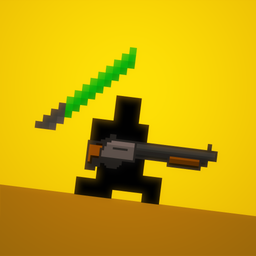
If you want pure competitive energy, this is where the list starts. Battle of Pixels throws you into fast-paced multiplayer brawls across fully destructible levels. The maps break apart as the fight unfolds — terrain shifts, cover disappears, chokepoints collapse. No two rounds play the same way. It's chaotic, rewarding, and the kind of game that triggers "one more round" syndrome for an hour straight.
The pixel aesthetic isn't just decorative here. The whole destruction mechanic depends on the block-based world. Solid choice for players who like competition with a side of structural mayhem.
Battle of Pixels
Retro combat feels incredibly satisfying when every single piece of the environment explodes into tiny fragments upon impact. Battle of Pixels deliver...
▶ Play Free2. Pixel Playground: Ragdoll Noob
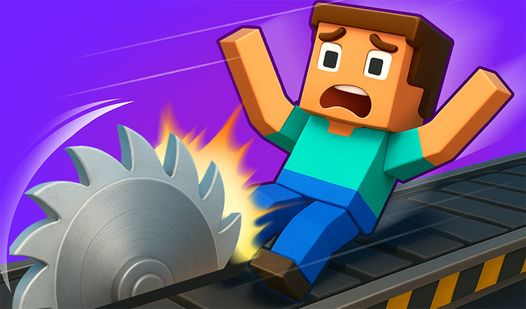
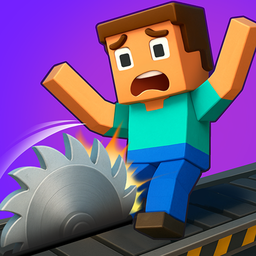
Physics games have a distinct charm, and Pixel Playground: Ragdoll Noob leans into it fully. Floppy, physics-driven characters navigate a pixel environment through puzzles and obstacles, tumbling in spectacular ways that feel endlessly unpredictable. The ragdoll behavior keeps sessions fresh because the chaos is never fully under your control.
Low stakes, genuinely amusing, and perfect for short breaks when you want entertainment without pressure.
Pixel Playground: Ragdoll Noob
Toss the stickman through complex obstacle courses to rack up massive damage scores in Pixel Playground: Ragdoll Noob. This physics-based challenge ta...
▶ Play Free3. Pixel Art Logo Coloring
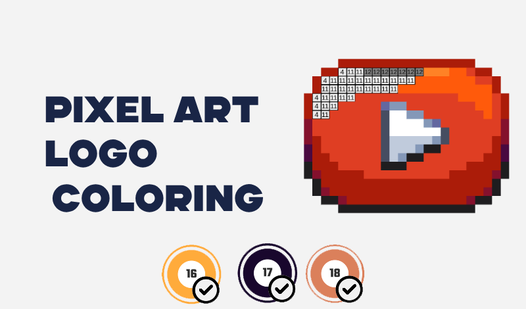
This one targets a completely different audience. Pixel Art Logo Coloring takes well-known brand logos and converts them into pixel-by-pixel coloring challenges. The recognition factor works strongly in the game's favor — you know what the finished image should look like, which makes filling it in pixel by pixel surprisingly satisfying.
Meditative in the best sense. If you've ever used coloring as a way to decompress, this game occupies exactly that mental space.
Pixel art Logo Coloring
Stuck in a dull meeting or waiting for your coffee to brew, desperately needing a quick brain break. Pixel Art Logo Coloring is the perfect remedy to ...
▶ Play Free4. Draw the Mine YouTubers – Pixel Coloring Book
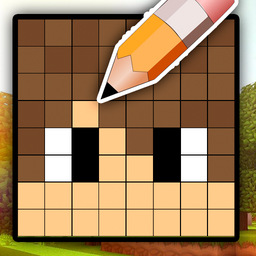
YouTube culture meets pixel art. Draw the Mine YouTubers features characters from the Minecraft YouTube world rendered in pixel style, waiting to be colored. Fans of that creator sphere will get an extra layer of recognition from it, but the coloring mechanics hold up for anyone regardless of whether they recognize the characters.
The book format gives it structure — you're working through pages rather than clicking at random — which adds a light sense of progression and completion.
Draw the Mine YouTubers - Pixel Coloring Book
Fans of colorful geometry and blocky aesthetics will find hours of satisfaction in Draw the Mine YouTubers - Pixel Coloring Book. This creative experi...
▶ Play Free5. Pixels: Coloring-Embroidery by Numbers
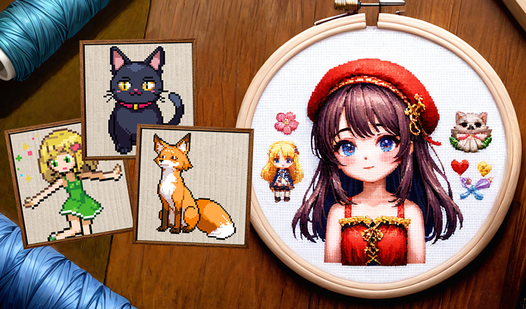
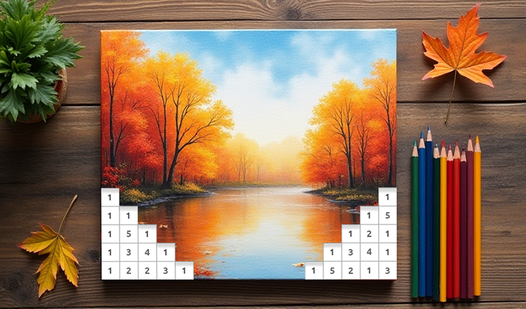
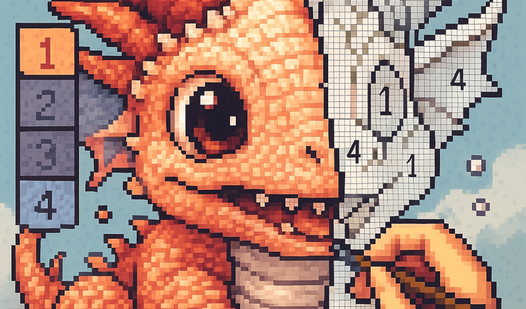
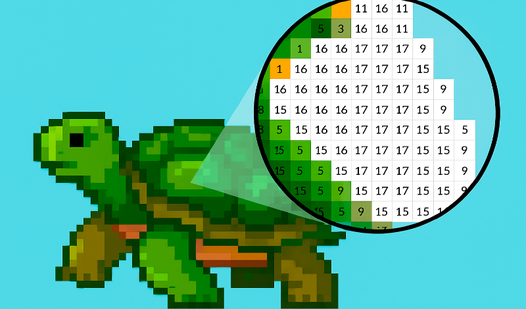
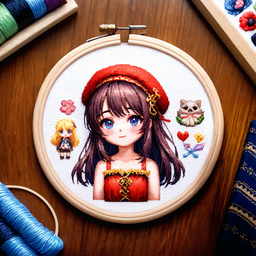
Color-by-number with a twist: the finished images look like cross-stitch embroidery. Pixels: Coloring-Embroidery by Numbers adds a tactile visual quality that most coloring games miss — completed pieces have texture and warmth that higher-resolution alternatives often lack.
The number-matching format guides you through each image step by step, so you're never stuck wondering what comes next. Great for winding down.
Pixels: Coloring-embroidery by numbers
Staring at a blank screen during a short break can feel tedious, but Pixels: Coloring-embroidery by numbers turns that free time into a relaxing creat...
▶ Play Free6. Coloring by Numbers: Pixel Room
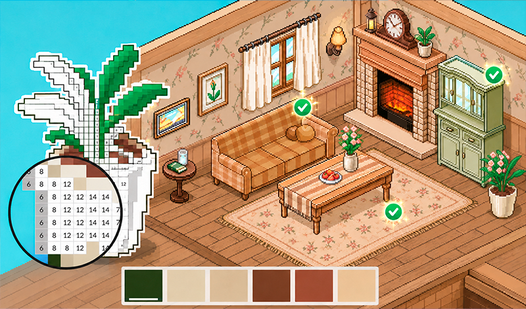
Interior design, pixelated and paint-by-numbers. Coloring by Numbers: Pixel Room has you decorating isometric rooms — filling walls, furniture, and floors according to numbered color zones. The isometric perspective adds depth that flat coloring games don't have, making each finished room feel like a small scene you've brought to life.
Reliably meditative. Good for sessions where you need your hands busy and your mind quiet.

Coloring by Numbers. Pixel Room
Transform empty spaces into vibrant sanctuaries by tapping your way through meditative coloring by numbers sessions. Coloring by Numbers. Pixel Room l...
▶ Play Free7. Destroy Your Pixel Art
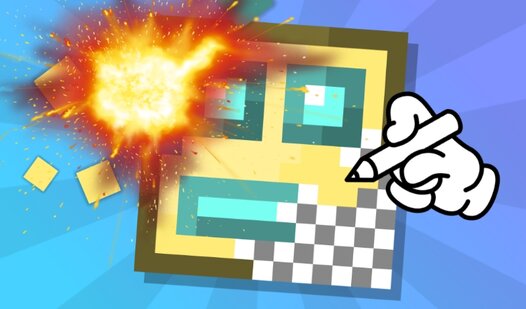
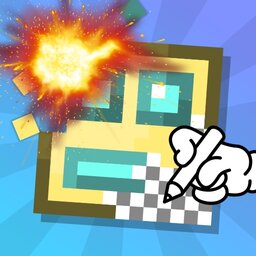
Most creative tools let you build. This one lets you build, then obliterate. Destroy Your Pixel Art gives you a canvas to create pixel artwork on, then hands you various destruction tools to take it apart — explosions, crumbling, dissolving. The cycle of making and destroying has a genuine cathartic loop that's hard to explain until you've experienced it.
A legitimately original concept in the pixel space. Short sessions, high satisfaction.
Destroy your pixel art
True artistic satisfaction comes from the duality of creation and pure chaos. Destroy your pixel art flips the script on traditional coloring games by...
▶ Play Free8. Pixel Boxing: Stickman Clash 3D
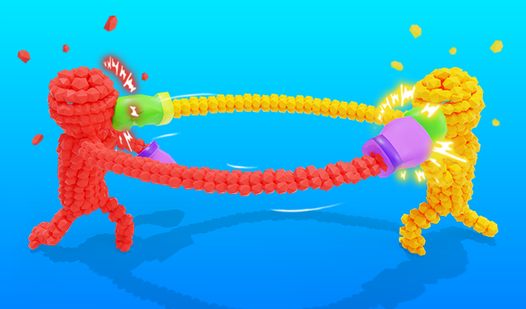
Stickmen boxing in a pixelated 3D arena. Pixel Boxing: Stickman Clash 3D delivers arcade-style fighting with blocky characters and fast-paced rounds. The controls are approachable enough for casual players but there's enough depth to keep competitive players engaged past the first few matches.
The pixel-stickman combination is visually distinct — it stands out even in a crowded fighting genre. Good pick for action without a steep learning curve.

Pixel Boxing: Stickman Clash 3D
Unleash rapid-fire attacks by extending your stickman arms to rain blows on your opponents in Pixel Boxing: Stickman Clash 3D. Every successful hit ca...
▶ Play FreeBest Pixel Games for Creativity and Coloring
A large portion of the best Pixel games out there aren't about fighting at all — they're about creating, coloring, and relaxing. These next entries cover that territory deeply.
9. Pixel Alchemy: Color by Number
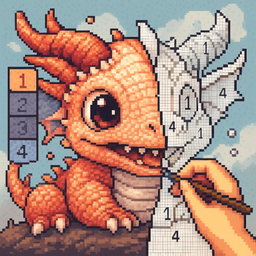
The name suggests something experimental, and the game earns it. Pixel Alchemy: Color by Number blends the familiar color-by-number format with an alchemy theme that runs through the visuals — you're uncovering something rather than just filling in shapes. Finished images have a clean, crisp pixel quality that rewards patience.
Relaxing without being boring. The progression through each image builds genuine anticipation for the reveal.
Pixel Alchemy: Color by Number
Fans of creative relaxation will find their new obsession in Pixel Alchemy: Color by Number. This soothing experience transforms the stress of your da...
▶ Play Free10. PixelCraft: Paint by Numbers!
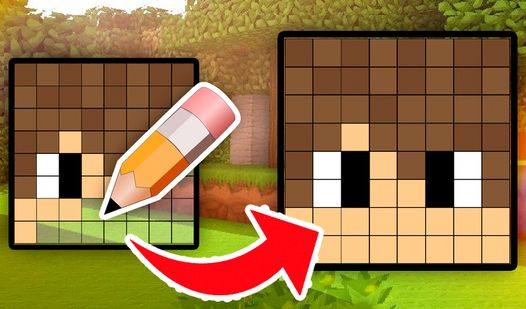
Minecraft fans and pixel art enthusiasts overlap significantly, and PixelCraft: Paint by Numbers! lives at that exact crossover point. You're painting pixel character skins using a color-by-number system — familiar Minecraft-adjacent aesthetics with the satisfying structure of guided coloring. Detailed enough that completing a skin feels like a real achievement.
Also works well for younger players — the numbered format removes guesswork entirely.
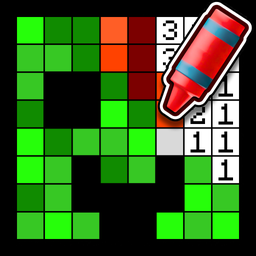
PixelCraft: Paint by Numbers!
Staring at a blank screen while waiting for your next meeting or class to start is the ultimate boredom trigger. PixelCraft: Paint by Numbers! is the ...
▶ Play Free11. Pixel Draw
Sometimes the best tool is the simplest one. Pixel Draw is a clean, no-frills pixel art editor that runs directly in your browser. A canvas, a color palette, and basic drawing tools. Nothing else.
No tutorial, no story, no progression system — just you and a blank grid. For anyone who wants to create pixel art without downloading dedicated software, this hits perfectly. It's also a solid warm-up before more structured art games.
Pixel Draw
Creative artists and retro gaming fans will love the freedom found in Pixel Draw. This browser-based canvas turns your screen into a digital playgroun...
▶ Play Free12. Pixely – Color by Number
Pixely positions itself as a creative adventure, and it backs that up with an image library that spans animals, landscapes, and abstract patterns — wide enough to keep things interesting across dozens of sessions. The color-by-number format is familiar, but the variety prevents any sense of repetition.
Works for all ages, which makes it one of the more genuinely universal entries on this list. Relaxing enough for evenings, engaging enough for commutes.
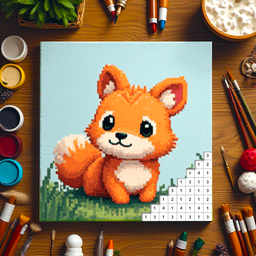
Pixely - Color by number
Staring at a blank screen during your lunch break can feel draining when you just need a moment of zen. Pixely - Color by number serves as the perfect...
▶ Play Free13. Pixel Craft – Zombie Apocalypse
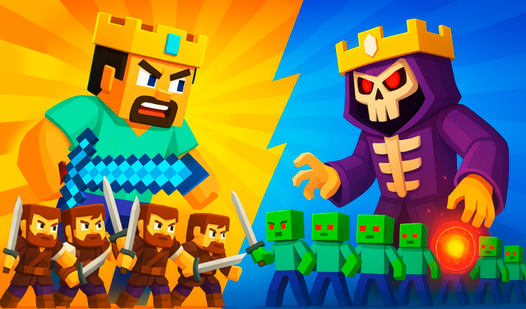
Time to shift registers entirely. Pixel Craft – Zombie Apocalypse takes the Minecraft-inspired voxel formula and layers in survival pressure: medieval combat, building mechanics, and a zombie threat that doesn't stop coming. You're not constructing for fun — you're fortifying against something.
That survival tension changes the feel completely. The building still satisfies, but now there are stakes. This is where the coloring-and-creativity section of the list ends and something more urgent takes over.
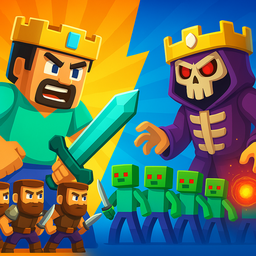
Pixel Craft - Zombie Apocalypse
Stuck in a long meeting or just need a quick distraction from the daily grind? Pixel Craft - Zombie Apocalypse arrives just in time to transform those...
▶ Play Free14. Coloring by Numbers: Pixel House
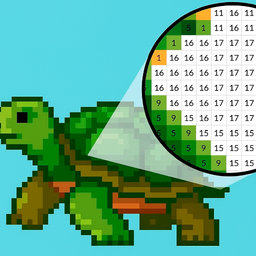
Where Pixel Room focused on interiors, Pixel House moves outside. You're drawing and coloring pixelated house exteriors using the numbered format — a different visual language from its companion title, distinct enough to feel fresh even if you've played both.
Like its counterpart, this is deeply meditative. Pixel resolution makes even simple houses look charming when complete. The kind of game that works well in a background tab during a slow workday.
Coloring by Numbers. Pixel House
Fill empty pixel grids with vibrant shades by matching numbers to unlock stunning architectural masterpieces. Coloring by Numbers. Pixel House turns e...
▶ Play Free15. Pixel Combat – Zombies Strike
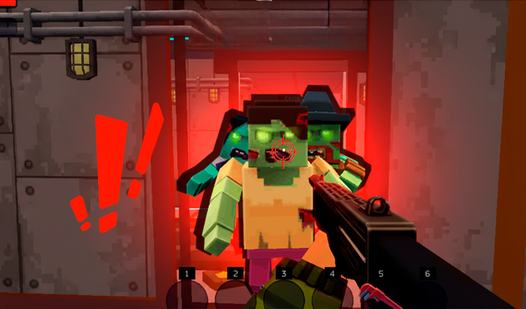
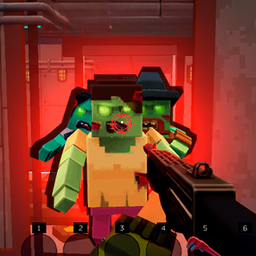
First-person shooter, pixel style, with zombies closing in on your house. Pixel Combat – Zombies Strike is more intense than anything else in the coloring section — you've got weapons, wave mechanics, and a horde that keeps escalating.
The first-person perspective is genuinely unusual for browser-based pixel games and gives this one an immediacy the others lack. If you want pixel action with real pressure, this is the entry to reach for.
Pixel Combat - Zombies Strike
Surviving a pixel zombie apocalypse demands more than just quick reflexes when the undead are scratching at your barricaded doors. Pixel Combat - Zomb...
▶ Play Free16. Color Pixels – Coloring by Numbers
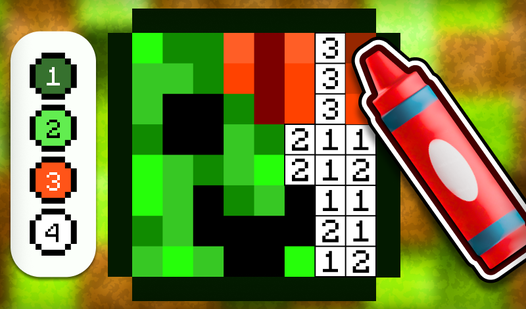
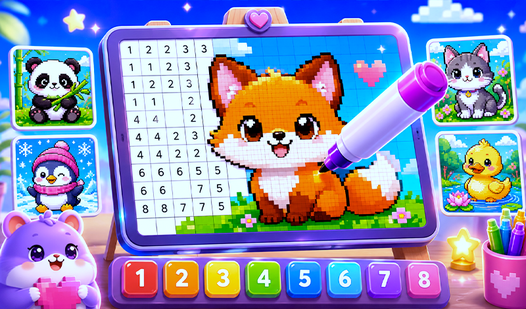
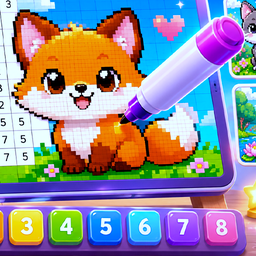
Closing the featured list with a return to pure creativity. Color Pixels – Coloring by Numbers is a comprehensive coloring-by-numbers experience built specifically around pixel art imagery. The library is extensive, the interface is polished, and the experience is reliably relaxing from the first session to the hundredth.
Think of it as the refined, fully-developed version of the color-by-number format — all the strongest parts of the genre, delivered cleanly.
Color Pixels - Coloring by Numbers
Fill empty outlines with vibrant shades in Color Pixels - Coloring by Numbers to watch gray canvases transform into stunning pixel art. You simply sel...
▶ Play FreeSix More Pixel Games Worth Your Time
FreeJoy's pixel collection runs deeper than the featured 16. Here are six more titles worth adding to your rotation:
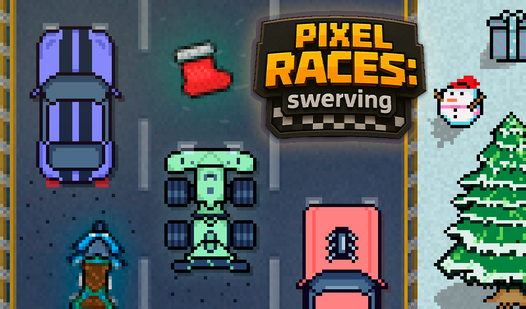
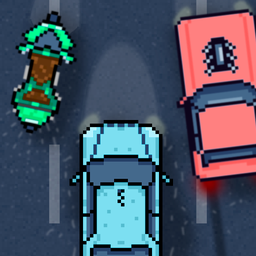
Pixel Races: Swerving — quick-reaction racing with pixel cars and tight turns. Simple concept, sharp execution.
Pixel Races: swerving
Speed junkies and arcade enthusiasts will find an adrenaline-fueled challenge in Pixel Races: swerving, where precision driving is the only way to sur...
▶ Play FreePixel Flow — a logic puzzle where you connect colored dots across a pixel grid. Clean, satisfying, and surprisingly deep once the grids grow larger.
Coloring by Numbers: Colored Pixel — another strong coloring entry, with an emphasis on vibrant, high-contrast pixel imagery.
Pixel Smash Duel — two-player pixel combat for settling scores with a friend. Fast rounds, easy to learn.
Pixel Hero Adventure — a classic platformer with pixel-hero energy: levels, enemies, collectibles, and old-school feel with modern browser accessibility.

Pixel Hero Adventure
Staring at a blank screen during a lunch break often feels like a waste of precious downtime. Pixel Hero Adventure turns those idle minutes into a thr...
▶ Play FreePixel Shooter — stripped-down shooting action in a pixel world. No story overhead, just clean gameplay mechanics.
Tips for Players New to Pixel Games
Most pixel games are designed to be picked up immediately, but a few habits will make your time more rewarding:
Start with your mood, not the rankings. This list mixes action, coloring, survival, and creativity. Trying to enjoy a zombie shooter when you wanted something relaxing won't work regardless of quality. Match the game to the moment.
Coloring games need five minutes before they click. Color-by-number and paint-by-number pixel games can feel slow in the first couple of minutes. Stick with them past that point and the meditative quality kicks in. They're built for sustained attention.
Expect a learning curve in action games. Battle of Pixels and Pixel Combat — Zombies Strike are more demanding than they first appear. Losing early rounds while learning controls and map geometry is part of the process, and that learning period is genuinely short.
Use drawing tools as a creative warm-up. Pixel Draw isn't just a game — it's a functional browser-based pixel art editor. Using it regularly builds real skill with the grid-based format, which pays off across the entire category.
Desktop is usually better for precision. Pixel coloring and drawing work on mobile, but mouse precision is noticeably better for filling small zones and drawing specific shapes. If something feels frustrating on a touchscreen, try it on desktop first.
Don't sleep on short-session games. Pixel Races: Swerving, Pixel Flow, and Pixel Smash Duel are all built for five-to-fifteen-minute sessions. That's a feature, not a limitation. Keep one or two short-session titles in your regular rotation.