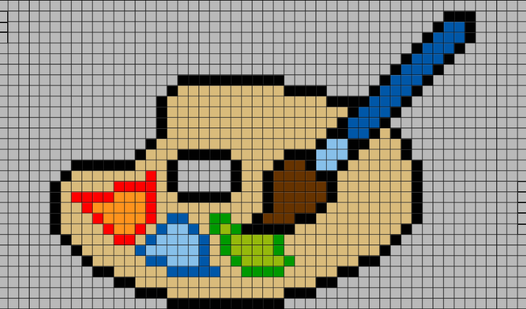
How to Play Pixel Games: Rules, Tips & Free Fun
Pixel games have carved out their own special corner of online gaming, attracting millions of players who love the retro aesthetic, the satisfying crunch of placing blocks, and the sheer creativity these games demand. If you're just getting into the pixel gaming scene — or want to sharpen your existing skills — this guide covers how to play Pixel games across every sub-genre, breaks down the core rules, and points you toward the best free options you can start right now on FreeJoy.
What Are Pixel Games?
Before jumping into strategy, let's get grounded in what "Pixel games" actually means. The term covers a surprisingly wide range of titles, all united by one visual language: the pixel grid.
Classic pixel art games trace back to early arcade machines and 8-bit home consoles. Back then, pixel graphics weren't a stylistic choice — they were a hardware constraint. Every image on screen was built from tiny colored squares called pixels, each one assigned a specific color value. Today, developers return to that look by choice, because there's something deeply satisfying about games constructed from this low-resolution grid.
The pixel genre now spans multiple distinct sub-types:
- Pixel art coloring games — fill in grids square by square, following a color-by-number system
- Pixel battle and shooter games — fast-paced combat in destructible, pixelated arenas
- Pixel drawing and creation games — build artwork, levels, or characters from scratch on blank grids
- Pixel adventure and RPG games — platformers and role-playing games with retro visual styles
- Physics-based pixel games — use objects and the surrounding environment to solve puzzles in a blocky world
Each type plays differently, but the core aesthetic is the same: everything is made of squares. That constraint forces creativity and gives pixel games their distinctive character.
Pixel art Logo Coloring
Stuck in a dull meeting or waiting for your coffee to brew, desperately needing a quick brain break. Pixel Art Logo Coloring is the perfect remedy to ...
▶ Play FreeHow to Play Pixel Coloring Games: Rules and Basics
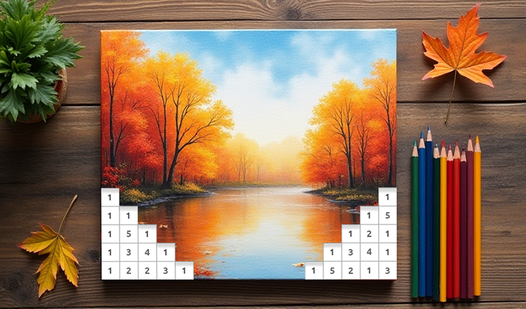
Pixel coloring games are the most approachable entry point into the genre. The screen shows a grid — sometimes 10×10, sometimes hundreds of cells wide — where each cell displays a number corresponding to a specific color. Your job: match the number to the correct color and fill in the cell. Simple in concept, deeply satisfying in practice.
Core Rules for Coloring Games
Don't skip cells. Leaving gaps breaks the image and makes errors much harder to identify later. Work through areas completely before moving on.
Work section by section. Complete one color zone at a time rather than jumping around the grid randomly. This prevents you from losing track of where you are and makes the emerging image more readable.
Zoom in for detail work. Most pixel coloring games let you pinch, scroll, or use a zoom button to focus on tight clusters of cells. Playing zoomed out means misclicking frequently on small cells — especially on phones.
Use the highlight feature. Tapping a color number in most games highlights all cells of that shade. This turns a chaotic-looking grid into a clear set of targets. Always use this when available.
Undo immediately on mistakes. Made a wrong click? Hit undo right away — the longer you wait, the harder it becomes to spot where the error crept in. Some games have limited undos, so develop accurate clicking habits early.
Pixels: Coloring-embroidery by numbers
Staring at a blank screen during a short break can feel tedious, but Pixels: Coloring-embroidery by numbers turns that free time into a relaxing creat...
▶ Play FreeHow to Play Pixel Battle and Shooter Games: Rules and Basics
Pixel shooters and battle games operate in real time. You're controlling a character, vehicle, or unit through a pixelated arena, shooting, destroying, or outmaneuvering opponents. The rules here are more demanding — split-second decisions matter.
Core Rules for Battle Games
Learn the terrain before you fight. Pixel arenas are often fully destructible, meaning walls, floors, and cover can be blown apart mid-match. What looks like a solid barrier might not stay that way once explosions start flying. Survey the map at the start of every round.
Positioning beats aggression. Higher ground, flanking angles, and retreat options are worth more than raw firepower. A player with a great position can hold off multiple enemies; a player charging blindly gets cut down even with superior aim.
Manage your resources. In most pixel shooters, ammo, health pickups, and special abilities are finite. Players who burn through resources early lose the late game even when they're ahead on kills.
Adapt to terrain changes. Destructible environments mean the map at the end of a match looks nothing like it did at the start. Positions that were safe become exposed; walls that blocked sight lines get demolished. Stay mobile and mentally update your map awareness constantly.
How to Play Pixel Drawing Games: Rules and Creative Basics
Pixel drawing games have almost no formal rules — they're creative sandboxes. But that freedom can actually be paralyzing if you don't know where to start.
Guidelines for Pixel Drawing
Start with outlines before fill. Block in the major shapes of your subject first using a single color, then add fill, shading, and detail. Jumping straight into detail without structure produces muddy results.
Respect the grid scale. A 16×16 grid gives you 256 cells total — that's enough for a simple icon or character silhouette, but not a detailed portrait. Match the complexity of your subject to the resolution of the grid. Fighting the scale always loses.
Limit your palette deliberately. Amateur pixel art often uses too many colors, which makes images look noisy and hard to read. Professional pixel artists frequently use palettes of 4-16 colors. Fewer colors force you to be selective, and the result is cleaner.
Think in shapes, not photographic realism. A circle in pixel art is never truly round — it's a cluster of squares arranged to suggest roundness. Learn to imply forms rather than replicate them. That's the core skill of pixel art.
Save regularly. Creative games can time out, crash, or lose state on a page refresh. If the game has an export or save function, use it after every significant chunk of work.
Pixel Draw
Creative artists and retro gaming fans will love the freedom found in Pixel Draw. This browser-based canvas turns your screen into a digital playgroun...
▶ Play FreeStrategies for Getting Good at Pixel Games
Knowing the rules gets you started. These strategies actually make you better.
Coloring Strategy: Start With Rare Colors
The most common mistake in pixel coloring games is filling in the most obvious, large color blocks first — things like big background areas. That feels productive, but it leaves the rare colors for last. And rare colors scattered across a complex grid are a nightmare to hunt down once most cells are filled.
Better approach: Open the palette and identify colors that appear fewer than 10 times in the image. Fill those in first. They're small clusters, easy to complete quickly, and crossing them off early means you never have to hunt for them later. Then move to medium-frequency colors, and finish with the dominant background colors.
Also: always use the highlight feature. Tap a color number, watch all cells of that shade light up, then systematically fill them from top-left to bottom-right. This is significantly faster than scanning the full grid.
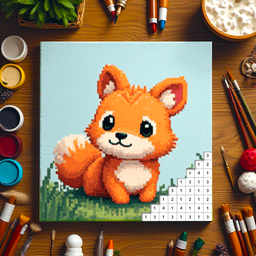
Pixely - Color by number
Staring at a blank screen during your lunch break can feel draining when you just need a moment of zen. Pixely - Color by number serves as the perfect...
▶ Play FreeBattle Strategy: Control Space, Not Kill Count
New players in pixel battle games chase kills. Experienced players chase map control. These are fundamentally different priorities, and the second one wins more often.
Controlling space means holding positions that give you information (sight lines to key areas), safety (cover and retreat routes), and options (multiple directions to engage or disengage). A player locked in one spot with no escape route is an easy target even if they've been playing perfectly.
In destructible arenas like Battle of Pixels, the environment itself becomes a weapon. Blow out the floor under an opponent. Create new paths through walls. Block off retreat routes with explosions. The terrain isn't just a backdrop — it's the actual game.
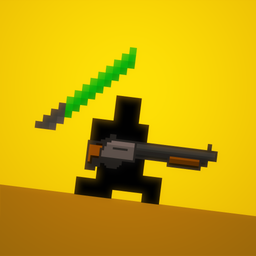
Battle of Pixels
Retro combat feels incredibly satisfying when every single piece of the environment explodes into tiny fragments upon impact. Battle of Pixels deliver...
▶ Play FreeMovement unpredictability matters just as much as aim. Predictable players — those who move in straight lines, always approach from the same angle, or always retreat to the same spot — are easy to anticipate and punish. Strafe, change elevation, and vary your approach angles constantly.
Physics Game Strategy: Plan Backward From the Goal
Physics-based pixel games punish hasty action. The impulse is always to grab the nearest object and throw it immediately. Resist this.
Before touching anything, spend 10-15 seconds analyzing the setup. Identify:
- What is the target? What needs to happen to it?
- What is the most unstable element in the scene? (Usually the thing that will react most dramatically)
- What chain of events needs to occur to reach the goal?
Once you have a mental model of the sequence, work backward: what needs to happen last to succeed, and what needs to happen first to set that up? This backward-planning approach works better in physics games than trying to think forward through a chain of unpredictable interactions.
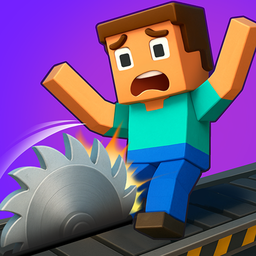
Pixel Playground: Ragdoll Noob
Toss the stickman through complex obstacle courses to rack up massive damage scores in Pixel Playground: Ragdoll Noob. This physics-based challenge ta...
▶ Play FreeBest Free Pixel Games to Play Right Now
Here's a breakdown of the top free Pixel games on FreeJoy, organized by mood and play style.
Best for Relaxation and Winding Down
Pixels: Coloring-Embroidery by Numbers brings a textile craft aesthetic to pixel coloring — the cells feel less like digital squares and more like stitches in an embroidery pattern. The subject matter is usually rich and detailed, and completing an image feels genuinely rewarding.
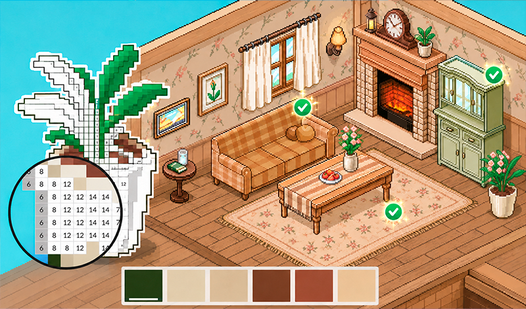
Coloring by Numbers: Pixel Room puts you inside a cozy furnished room, coloring in furniture, plants, wall art, and decor items one cell at a time. The room reveals itself gradually as you work — there's a warm, domestic satisfaction to watching a space come together.

Coloring by Numbers. Pixel Room
Transform empty spaces into vibrant sanctuaries by tapping your way through meditative coloring by numbers sessions. Coloring by Numbers. Pixel Room l...
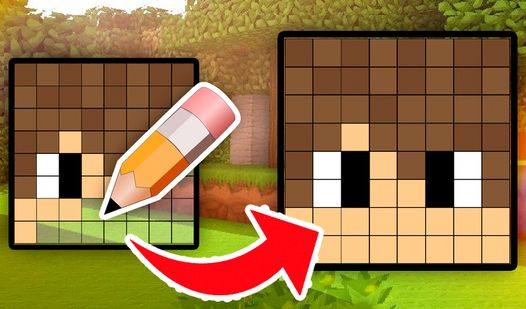
▶ Play FreeDraw the Mine YouTubers - Pixel Coloring Book renders popular Minecraft and YouTube creators in compact 8×8 pixel format. If you're already part of gaming culture, recognizing faces through blocky pixels is its own kind of fun.
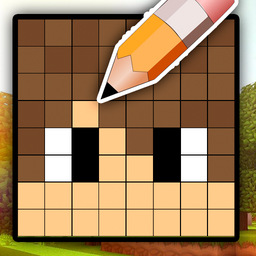
Draw the Mine YouTubers - Pixel Coloring Book
Fans of colorful geometry and blocky aesthetics will find hours of satisfaction in Draw the Mine YouTubers - Pixel Coloring Book. This creative experi...
▶ Play FreeBest for Creative Expression
Pixel Draw is the purest version of pixel creation on FreeJoy — a blank grid, a color palette, and no instructions whatsoever. Perfect for players who want complete control over their creative process rather than following a guided coloring template.
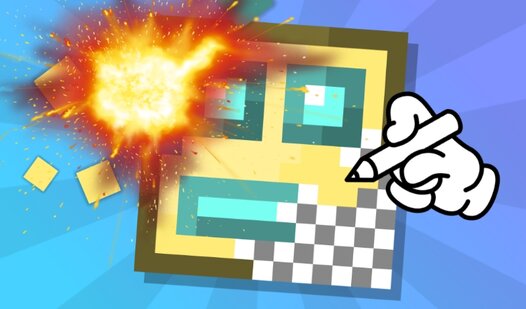
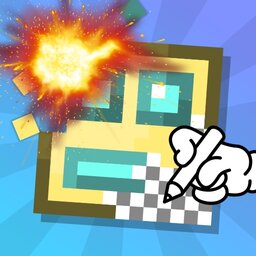
Destroy Your Pixel Art flips the usual creative loop completely: you build pixel artwork, then watch destruction unfold on it. It sounds counterintuitive, but there's genuine catharsis in spending time carefully constructing something and then watching it explode. The contrast between creation and destruction is the whole point.
Destroy your pixel art
True artistic satisfaction comes from the duality of creation and pure chaos. Destroy your pixel art flips the script on traditional coloring games by...
▶ Play FreePixel Art Logo Coloring presents well-known brand logos and icons as pixel grids to color. The subject matter is instantly recognizable, which makes the process feel more satisfying — you know exactly what you're revealing as you work.
Best for Logic and Puzzle Fans
Pixel Flow is a pipe-connection puzzle game using a pixel aesthetic. You connect matching colored dots on a grid, creating a continuous flow between each pair, until the entire grid is filled. No cell can be left empty, and paths can't cross. The challenge escalates quickly, making it deeply satisfying for players who enjoy spatial logic puzzles.
Best for Action Players
Pixel Hero Adventure is a side-scrolling platformer with RPG progression elements. You fight waves of pixelated enemies, collect power-ups, and push through increasingly difficult levels. It captures the classic feel of 8-bit action games with enough mechanical depth to keep experienced players engaged.

Pixel Hero Adventure
Staring at a blank screen during a lunch break often feels like a waste of precious downtime. Pixel Hero Adventure turns those idle minutes into a thr...
▶ Play FreePixel Shooter is fast, direct, and unambiguous. Pick it up when you want action that starts immediately and doesn't ask for much setup. Quick reflexes and basic spatial awareness are all you need to have a good session.
Battle of Pixels adds a competitive and destructive twist — two players fight through levels that can be completely demolished during play. Every match changes the geometry of the arena, forcing constant adaptation and quick decision-making.
Common Mistakes Beginners Make
Knowing what not to do saves a lot of frustration. These are the most frequent errors new pixel players make regardless of sub-genre.
Ignoring the zoom function. Many pixel games have tiny grids or dense detail. Playing without zooming means misclicking constantly and missing cells. Check zoom controls immediately when starting any new pixel game.
Skipping tutorials. Even games that look simple often hide useful mechanics inside the tutorial — color highlighting, special tools, shortcut gestures, undo depth. Two minutes with the tutorial prevents twenty minutes of confusion.
Picking the wrong difficulty. Starting too high means grinding against the same wall over and over; too low means boredom after a few minutes. Find the difficulty where you're being genuinely tested but making progress.
Ignoring audio cues. In physics and battle games especially, sound gives real gameplay information. The sound of something cracking, bouncing off a surface, or falling tells you what's happening faster than your eyes can process it. Don't mute by default.
Not experimenting in creative games. Pixel drawing and creative games reward players who try unexpected things. The "wrong" color choice, an unusual shape, or an off-grid approach often produces the most interesting results. Pixel art is highly forgiving of experimentation.
Quick Reference: Pixel Game Types at a Glance
| Game Type | Best For | Key Skill Needed |
|---|---|---|
| Coloring by Numbers | Relaxation | Patience, attention to detail |
| Pixel Shooter / Battle | Competitive sessions | Reflexes, positioning, map reading |
| Pixel Drawing | Creative expression | Visual imagination, palette control |
| Physics Puzzles | Problem-solving | Backward planning, observation |
| Pixel Adventure / RPG | Story and exploration | Strategy, resource management |
All of these categories are well represented on FreeJoy, and every game is free to play without registration or downloads — open your browser and start immediately.