Play Car Games 3D City — Free Online Driving Games
Whether you want to race through neon-lit streets, smash cars into walls, or cruise an open city at your own pace — you've come to the right place. This guide covers everything you need to play car games 3D city style, directly in your browser, no installation required. From realistic crash physics to quirky open-world adventures, the genre has grown into one of the most varied categories in browser gaming.
What Are 3D City Car Games?
3D city car games are exactly what they sound like: driving experiences set inside fully realized urban environments, rendered in three dimensions. What separates them from flat top-down racers or simple side-scrollers is the sense of space. You're not just pressing left and right — you're navigating intersections, dodging pedestrians, cutting corners at speed, and feeling the weight of a vehicle beneath you.
The city setting matters more than people realize. Streets create natural corridors that make speed feel dangerous. Buildings give you landmarks to race past and walls to bounce off. Traffic turns every drive into a minor puzzle. In a flat racing game, you just go fast. In a 3D city game, you're always reacting.
The genre splits into several clear styles:
- Open-world explorers — no finish line, just a city to roam
- Physics-based destruction games — the goal is chaos, not speed
- Upgrade-driven runners — go far, earn cash, buy better cars, repeat
- Parking and precision games — less speed, more spatial awareness
- Creative vehicle games — coloring, customizing, building
Each of these gives you something different, which is why the genre keeps growing. You might spend 20 minutes chasing a high score in a destruction sim, then switch to an open-world cruiser just to relax.
Best Open-World City Driving Games
Open-world driving is the purest form of the genre. There's no timer ticking down, no strict route to follow — just a city and a car and the freedom to go wherever. These games live or die on map design and how the car actually feels to drive.
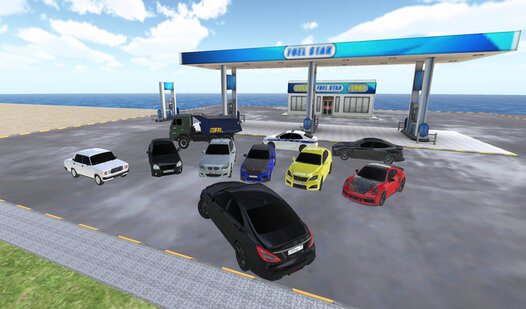
Funny City: Gopniks is one of the most entertaining open-world city games you'll find in a browser. The city is large enough to feel alive, packed with pedestrians, vehicles, and things to interact with. The humor is front and center — this is a game that doesn't take itself seriously, and that's entirely the point. You can run wild through the streets, cause mayhem, or just explore side alleys and see what you find. The physics are loose and exaggerated in exactly the right way, making every turn and collision feel satisfying. If you want to play car games 3D city style with a strong sense of personality, this one delivers.

Funny City: Gopniks
Fans of chaotic sandbox adventures and gritty urban street life will find their new obsession in Funny City: Gopniks. This wild open-world experience ...
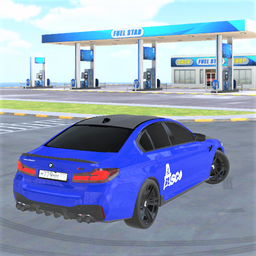
▶ Play FreeDriver Online Cars shifts the tone toward competitive multiplayer. You're in a city with other real players, which changes the dynamic entirely. Other drivers become both obstacles and rivals. The streets feel more unpredictable because humans drive worse than AI — and that's a compliment. You'll find yourself racing, blocking, and chasing other players through the same city grid, turning every session into something slightly different. It's the kind of game you come back to because no two runs are identical.
Driver Online Cars
Staring at a blank screen while your coffee gets cold is the perfect signal that you need a high-octane escape. Driver Online Cars turns your browser ...
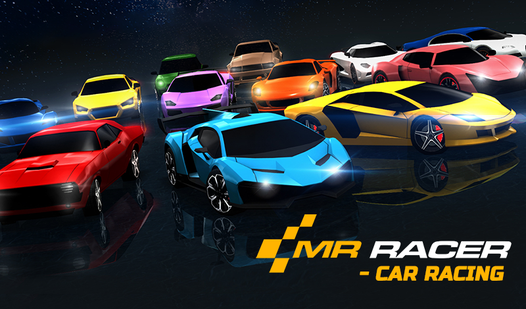
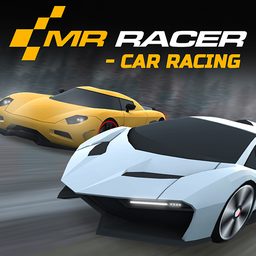
▶ Play FreeMR RACER - Car Racing sits at the faster end of city driving. The city here is a backdrop for speed rather than exploration, with traffic-filled lanes you need to weave through at high velocity. The progression system rewards patience — better cars, better handling, better top speed — and the arcade feel keeps it accessible without being boring. Overtaking a truck at full speed with a centimeter of clearance never gets old.
MR RACER - Car Racing
Stuck in a dull meeting or just waiting for your coffee to brew, you need a high-octane escape to kill some time. MR RACER - Car Racing is the ultimat...
▶ Play FreeCar Crash and Destruction City Games
Not everyone wants to reach the finish line. Some players fire up a city car game specifically to see what happens when a vehicle meets a concrete barrier at 120 km/h. Destruction physics games scratch an itch that more polished racing titles don't even acknowledge.
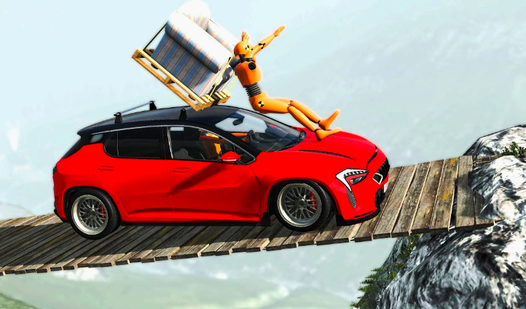
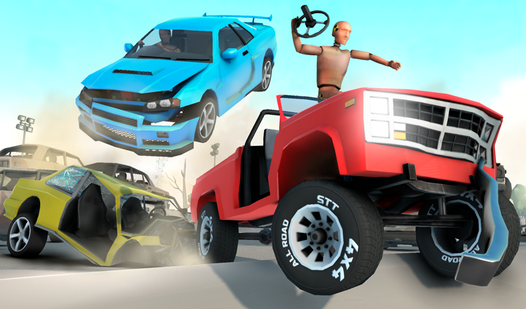
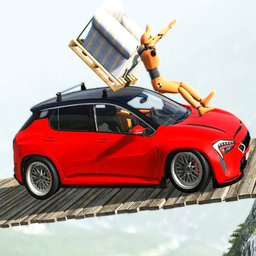
Bimka: Car Destruction and Accident Simulator is built entirely around this idea. The game models vehicle deformation in a way that's genuinely impressive for a browser title — panels crumple, doors fly off, hoods buckle. You choose from a selection of cars, pick a scenario, and then find creative ways to destroy them. The "accident simulator" tag is accurate: you can set up specific crash conditions and watch the physics engine work out the consequences. Ramps, walls, other vehicles, terrain drops — everything interacts with realistic-ish momentum and collision forces. For anyone who's ever watched a crash test video and thought "I want to do that," this is the game.
Bimka: Car Destruction and Accident Simulator
High-speed impacts offer a strange sense of catharsis that few other genres can replicate on screen. Bimka: Car Destruction and Accident Simulator pro...
▶ Play FreeCar Crash takes a simpler approach but nails the core loop. The controls are immediate, the physics feel punchy, and the satisfaction of a good hit is immediate. There's less simulation depth here compared to Bimka, but it's faster to get into and the crashes feel viscerally fun in a cartoonier way. Good for quick sessions when you just want five minutes of pure destruction without setup.
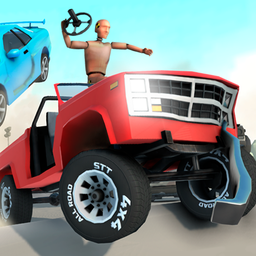
Car Crash
Stuck in a dull afternoon slump where the clock seems to be ticking backward? Car Crash is the ultimate stress buster that lets you unleash pure chaos...
▶ Play FreeWhat makes these games work isn't just the crashes themselves — it's the freedom to experiment. Unlike racing games where a crash means failure, in destruction sims a crash is the whole point. That flips the usual anxiety around on its head. You're not trying not to crash; you're trying to crash as interestingly as possible.
Car Upgrade and Customization Games
Some players aren't satisfied with the default vehicle. They want to earn it, modify it, paint it, and make it theirs before they take it on the road. This is a whole sub-genre within 3D city driving, and it's one of the most addictive.
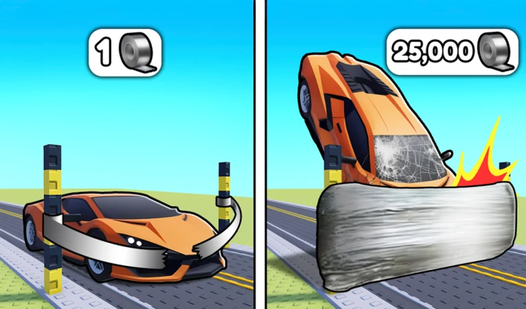
Obby: Drive your car as far as possible is built entirely around the progression hook. You start with a basic car and a simple goal: go as far as you can. The road isn't forgiving — obstacles appear, terrain shifts, and momentum management becomes key. Every run earns you currency to buy better cars or unlock trails, and each upgrade extends how far you can realistically get. The satisfying part is how clearly you can feel the difference between vehicles. A better car isn't just a bigger number — it genuinely handles differently and opens up new strategies. The game is easy to pick up but hard to put down because there's always one more upgrade just out of reach.
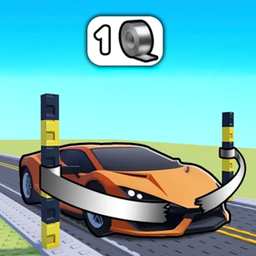
Obby: Drive your car as far as possible
Speed demons and fans of high-octane racing games will find their new obsession here with Obby: Drive your car as far as possible. This addictive titl...
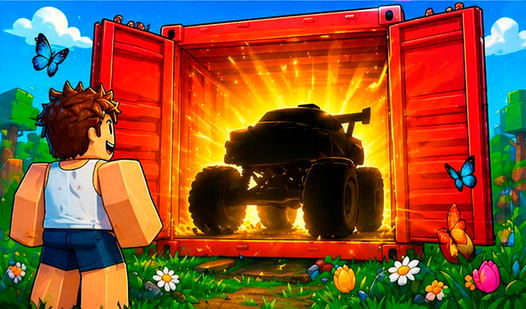
▶ Play FreeObby: Car Containers flips the formula in an interesting direction. Instead of driving to earn upgrades, you open containers to collect and upgrade cars, then put them to work. It's a hybrid between collection management and driving simulation. If you've ever played a gacha-style game and wished the rewards were more tangible, this scratches that itch. The car-collecting loop is genuinely satisfying, and discovering what's inside each container keeps you engaged between driving sessions.
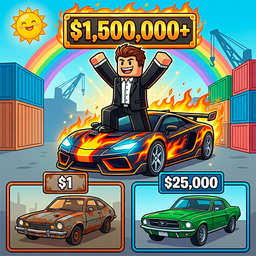
Obby: Car Containers
Fans of high-speed car games and satisfying idle progression will find their new obsession in Obby: Car Containers. You start with nothing but a dream...
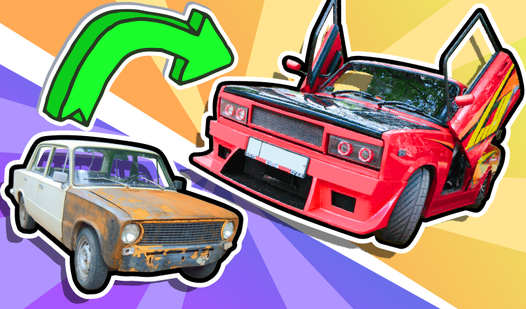
▶ Play FreeCool Zhiguli: Tuned Russian Cars takes customization in a completely different cultural direction. The Zhiguli (VAZ) is iconic Soviet-era transportation, and this game leans hard into the tuning subculture that grew up around these cars. You're not building a supercar — you're souping up a classic that wasn't exactly known for its performance in stock form. The humor and specificity of the premise make it stand out. For players who appreciate automotive culture beyond the mainstream, this is genuinely charming.
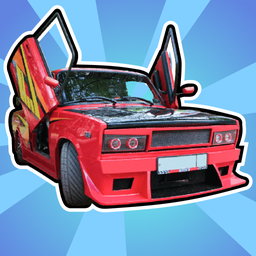
Cool Zhiguli: Tuned Russian Cars
Staring at a blank screen during a lunch break often feels like a chore, but Cool Zhiguli: Tuned Russian Cars turns that downtime into a high-speed ga...
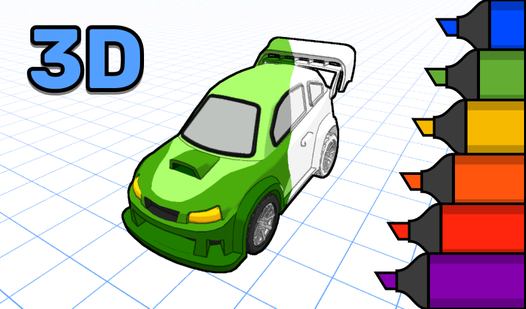
▶ Play Free3D Coloring Book: Cars occupies its own creative lane. This isn't a driving game — it's a creative tool for younger players. Kids can color detailed 3D car models using a palette of colors, rotating the model to reach different panels. The educational and creative angle makes it a great option for parents looking for something age-appropriate that still fits the car theme. The 3D rendering of the vehicles is surprisingly detailed, and the coloring mechanics are intuitive enough for young children to figure out independently.
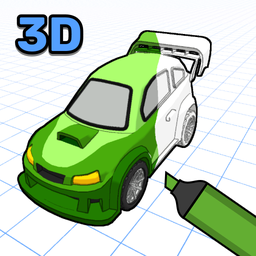
3D Coloring Book: Cars
Bring stunning vehicles to life by adding vibrant colors to intricate 3d coloring models right in your browser. This creative experience lets you tran...
▶ Play FreeTips for Mastering 3D Car Controls
Browser 3D car games can feel slippery or unresponsive at first, especially if you're coming from console driving games with force feedback. A few things to keep in mind:
Learn the brake before the accelerator. Most players go full throttle immediately and wonder why they can't make turns. Every 3D driving game has a slightly different friction model. Spend the first 30 seconds of a new game just braking — you'll immediately understand how slippery or grippy the surface is, and you'll calibrate your speed instinctively after that.
Camera matters more than it seems. Most of these games let you switch between first-person, third-person close, and third-person far views. First-person is immersive but reduces your peripheral awareness at intersections. Third-person far gives you better situational awareness but makes precise parking harder. For destruction games, first-person. For open-world exploration, third-person far. For racing, try both and see what helps you more at speed.
In open-world games, ignore the mini-map initially. The quickest way to learn a city is to drive around until you're lost, then find your way back. Players who stare at the mini-map from the start don't develop real spatial memory of the city — they just learn to follow arrows. Get lost on purpose a few times. You'll build a mental model of the streets faster.
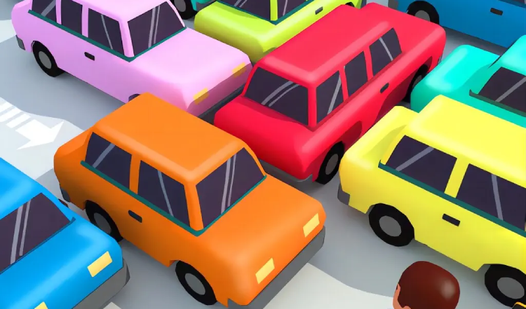
Parking Car: Parking Jam is genuinely useful for training spatial awareness. It's a puzzle game built entirely around maneuvering cars out of tight jams — a spatial reasoning challenge that trains the part of your brain that panics when reversing into a tight spot. If 3D car controls feel overwhelming, spending time with this game reframes the challenge: it's not about speed, it's about understanding the car's turning radius and how much space you actually need.
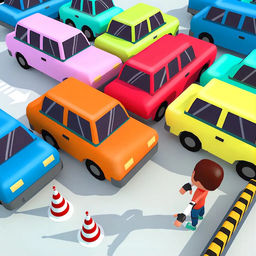
Parking Car: Parking Jam
Navigate tight spaces and clear the grid by carefully moving vehicles in the correct sequence to solve every tricky traffic jam. Every move requires p...
▶ Play FreeMomentum is always there, even when you can't feel it. Browser physics engines vary wildly, but every one of them models some form of momentum. If you're going fast and you try to turn sharply, you're going to slide. Anticipate this by starting turns earlier than feels necessary. In high-speed games especially, turn inputs need to happen before the moment feels right — by the time you're in the corner, it's usually too late to correct.
Understand what "skill ceiling" looks like for each game type. Destruction games have a low skill floor (crashing is easy) but a surprisingly high ceiling if you're trying to set specific crash conditions or maximize damage. Upgrade-runner games are about risk management more than pure driving skill. Open-world games reward map knowledge over reflexes. Knowing what a game is actually testing helps you focus on the right thing.