City Building Games Unblocked — Play Free Construction Sims
Whether you're on a school Chromebook, a work laptop, or just want to jump into something creative without installing anything, city building games unblocked are exactly what you need. These browser-based construction sims let you lay roads, raise skyscrapers, manage populations, and watch your little metropolis grow — all from a single browser tab, no download required.
The genre has exploded in recent years. What used to require a beefy PC and a hefty price tag now runs smoothly in Chrome, Edge, or Firefox. From relaxing island builders to chaotic tycoon challenges, there's a construction sim for every kind of player. Let's get into the best ones you can play right now.
Best city building games unblocked
The heart of any city building game is that satisfying loop: place a road, zone some land, watch citizens move in, collect taxes, expand. The games below nail that loop in different ways, and every single one runs in your browser with zero restrictions.
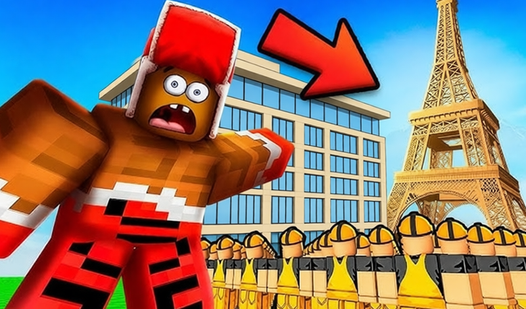
Angry Pets! Destroy the Building! flips the whole premise on its head. Instead of carefully constructing your skyline, you're sending a squad of furious critters to tear it apart. Physics-based destruction, ragdoll chaos, levels that require actual strategy — it's addictive in a way that surprises you. Great for blowing off steam between more methodical build sessions.

Angry Pets! Destroy the Building!
Fans of physics-based destruction will adore the chaotic mayhem found in Angry Pets! Destroy the Building! Your primary objective is to strategically ...
▶ Play FreeConstruction Truck 2: Building Games for Kids keeps things grounded and approachable. You drive heavy machinery — excavators, dump trucks, concrete mixers — and physically participate in the construction process. It's aimed at younger players but the controls are satisfying for anyone who's ever wanted to operate a bulldozer. A genuine feel for how buildings go up, one load at a time.

Construction Truck 2: Building Games for Kids
Heavy machinery captures the imagination of young builders who dream of moving mountains and constructing massive structures. Construction Truck 2: Bu...
▶ Play FreeObby Tycoon: Build the City of Dreams puts you in the mayor's chair from the very first minute. You start with an empty plot and a handful of coins. Zone residential areas, build shops, unlock new districts, and watch your tax income grow. The tycoon layer adds real depth — you're not just placing pretty buildings, you're managing an economy. The obby-style movement mechanic makes navigating your city feel alive rather than like clicking through a menu.

Obby tycoon: Build the city of dreams
Construct your urban masterpiece in Obby tycoon: Build the city of dreams by strategically placing buildings and managing your growing population. You...
▶ Play FreeThese three represent the range of the genre well: destruction, hands-on construction, and full city management. Depending on your mood, any of them can eat an hour without warning.
Tycoon and management city games
City building games unblocked aren't all about placing roads and watching grass grow. The tycoon and management side of the genre adds economics, population pressure, and sometimes competition. These are the games where decisions actually matter.
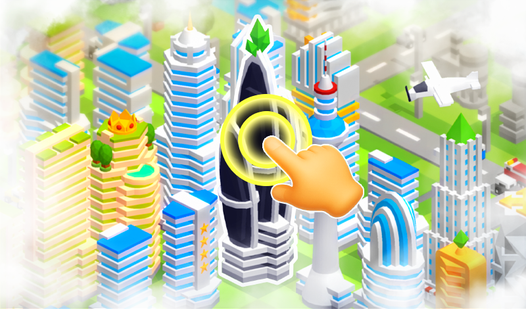
Tap Tap: Build a City on an Island strips the formula down to its essentials. You're on an isolated island. Resources are limited. Every structure you place affects what you can build next. The island constraint is what makes it interesting — you can't just sprawl endlessly outward, so you have to think vertically and plan zones carefully. Become the mayor, manage incoming residents, and balance industry against living space. The idle element means your city keeps earning even when you step away.

Tap Tap: build a city on an island
Transform a barren island into a bustling metropolis by mastering the art of rapid clicking in Tap Tap: build a city on an island. Every skyscraper, r...
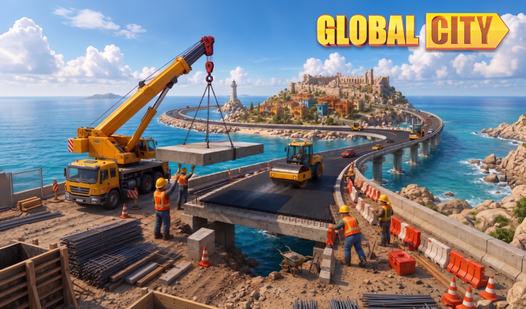
▶ Play FreeGlobal City takes the management angle further. You're building a city that interacts with a global market — trading goods, fulfilling orders, unlocking new architectural styles. Progress feels meaningful because each upgrade unlocks a visible change in your skyline. The resource chain is deep: you produce raw materials, convert them into goods, sell them to fund expansion. It's one of those games where you sit down for fifteen minutes and look up two hours later.

Global City
Construct your bustling metropolis from the ground up by managing resources and optimizing infrastructure in this addictive city builder. You start wi...
▶ Play FreeBuild a City Obby Money Tycoon mixes platforming with city management in a way that sounds odd but works surprisingly well. You physically run around your city collecting money, then use it to unlock new buildings and expand your territory. The movement keeps things kinetic — instead of just watching numbers go up, you're actively participating in the growth. It scratches the same itch as traditional tycoon games but adds a physicality that most city builders lack.

Build a City Obby Money Tycoon
Building a financial empire requires more than just luck when you are navigating a tricky obstacle course to reach the top. Build a City Obby Money Ty...
▶ Play FreeThe tycoon subgenre rewards patience and planning. If you find yourself constantly running out of money or resources, the answer is almost always to slow down expansion and let your existing infrastructure generate income before building more. Most new players make the mistake of building out too fast — the city outpaces its revenue and stalls.
Idle city builders you can play anywhere
Idle mechanics and city building were made for each other. You set up production chains, log off, come back to a pile of resources, and spend them on upgrades that make future production even faster. It's a loop that works perfectly in browser games because you don't need to be glued to the screen.
Nubik: City Builder is the standout idle builder in this list. You gather wood, stone, and food to construct basic shelters, then upgrade those into proper buildings, then eventually into a full urban center. The resource management layer is genuinely interesting — bottlenecks appear in unexpected places and solving them feels rewarding. The Nubik art style is chunky and charming, which makes the building process visually satisfying even in early stages.
Nubik: City Builder
Fans of creative strategy will love the satisfying loop of resource management in Nubik: City Builder. You start your journey by gathering raw materia...
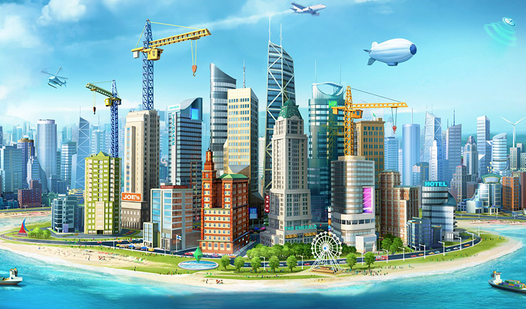
▶ Play FreeSim City: Island Building Simulator brings the classic Sim City energy to a browser with an island twist. You're managing terrain, zoning, utilities, and population happiness simultaneously. Unlike the original Sim City, the island setting limits your land area, which forces smarter density planning. High-rise residential zones, mixed-use development — concepts that feel abstract suddenly become practical necessities when you're working with limited space.
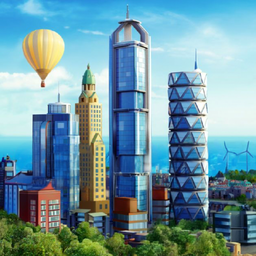
Sim City: Island Building Simulator
Staring at a blank screen while your coffee gets cold is the perfect sign that you need a creative escape. Sim City: Island Building Simulator turns t...
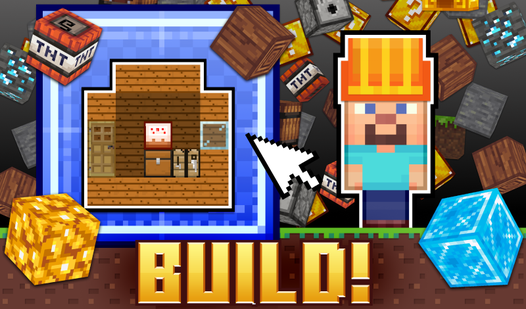
▶ Play FreeBlock Building goes minimal. Voxel aesthetic, simple controls, straightforward construction. No complex economy, no population management — just the pure pleasure of placing blocks and watching a structure rise. It's a palette cleanser after a long session of resource management. Sometimes you just want to build something without worrying about profit margins.

Block Building
Staring at the same spreadsheet for hours makes anyone crave a creative escape. Block Building is the perfect digital sandbox that lets you transform ...
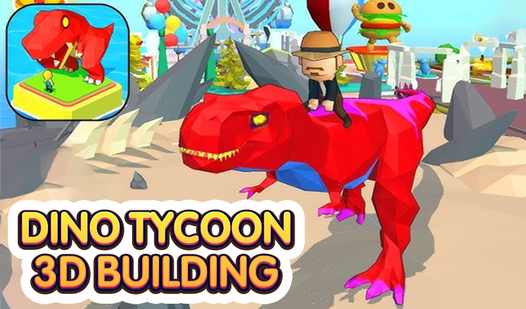
▶ Play FreeDino Tycoon - 3D Building adds prehistoric chaos to the tycoon formula. You're building a park — a dinosaur park — and the construction mechanics apply to habitats, fences, visitor facilities, and the infrastructure that keeps hungry dinos from eating your guests. The 3D perspective makes placement feel more tactical than most flat builders, and the dinosaur angle keeps it consistently surprising.

Dino Tycoon - 3D Building
Excavate ancient fossils and extract precious DNA to breathe life into legendary ancient creatures. Dino Tycoon - 3D Building puts you in charge of a ...
▶ Play FreeIdle builders work great in contexts where you can't commit to active play — class, a meeting, a slow workday. Set up your production chains, minimize the tab, check in every twenty minutes. The city builds itself.
Tips for growing your virtual city
Playing city building games unblocked is easy to start but genuinely challenging to master. After spending time across these games, a few strategies come up again and again.
Zone before you build. In management-heavy games, the order in which you place zones matters. Residential areas need proximity to commercial zones, but not to industrial ones — most games simulate noise and pollution even if they don't explain it clearly. Put factories at the edge of your city, not the center.
Never let your income stall. The biggest mistake in tycoon city builders is building faster than your revenue can support. Each new building has upkeep costs. If you expand aggressively and your income drops below your expenses, you'll hit a wall. Build one or two income-generating structures for every expansion project.
Use roads efficiently. In games with traffic simulation, road layout is more important than building placement. A grid layout isn't always optimal — diagonal connectors and roundabouts often move citizens faster. Wider roads unlock in later tiers and the upgrade is almost always worth it.
Watch your bottlenecks. In resource-chain games like Nubik or Global City, one underproducing building can slow down your entire city. Check which resource is running out fastest and build more production capacity for that one thing before expanding anything else.
Let idle games idle. This sounds obvious, but many players keep the tab open and actively click, which doesn't speed things up in true idle games. Set up your production chains optimally, then actually step away. Come back in an hour with a resource stockpile and make meaningful purchases instead of small incremental ones.
Restart early if needed. In city builders, early decisions compound. A badly placed road network or a misaligned zoning layout gets more expensive to fix the longer you wait. If you're ten minutes in and something feels fundamentally wrong, restarting with what you've learned is faster than patching a broken foundation.
The other thing worth mentioning: most of these games have a difficulty curve that front-loads the complexity. The first ten minutes can feel overwhelming. Push through it. Once you have a basic income loop established and understand the core resource chain, the game opens up and becomes much more intuitive.