How to Play Survival Minecraft Games Online — Beginner's Guide
So you want to know how to play survival Minecraft — but you don't have the paid game, or you're just looking to scratch that crafting itch right now, in your browser, for free. Good news: there's a whole world of Minecraft-style survival games you can play online without installing anything. This guide covers everything — how survival mechanics work, what to do on your first day, strategies that keep you alive, and the best free games to try right now.
What Are Minecraft Survival Games?
Minecraft survival games are a genre built around one core loop: you spawn in a world with nothing, gather materials, craft tools and shelter, and try not to die. Simple on the surface, surprisingly deep once you start playing.
The original Minecraft Survival mode popularized several mechanics that have since become genre staples:
- Resource gathering — punch trees, mine stone, collect food
- Crafting — combine materials to make tools, weapons, and building blocks
- Building — construct shelter before nightfall (or before enemies appear)
- Hunger/health management — stay fed, avoid falls and enemies
- Progression — upgrade your gear over time, explore further, survive longer
Browser-based survival games take these ideas and remix them. Some go full 2D pixel style, others put you on a raft in the ocean, others drop you on a desert island. The core tension — limited resources, constant threats, the satisfaction of lasting one more night — stays the same.
What makes this genre so addictive is that the difficulty scales with your own ambition. You can build a simple hut and call it a win, or spend hours constructing a fortress. The game never forces you — it just punishes you if you're careless.
Why play free browser versions? They're instant. No launcher, no updates, no account required on most platforms. Just pick a game and start surviving.
How to Play Survival Minecraft — Basic Crafting & Building
The first ten minutes of any survival game are the most important. Here's the standard opening playbook that works across almost every Minecraft-style game:
Step 1: Gather wood immediately. Trees are your first resource. Click on them (or approach and interact) to collect logs. In most games you need 10–20 logs to get started. Don't wander far — stay near your spawn point until you have a basic toolkit.
Step 2: Open your crafting menu. Usually accessible by pressing E, I, or clicking a backpack icon. Raw logs convert to planks, planks convert to sticks, and sticks + planks = your first tools (pickaxe, axe, sword).
Step 3: Mine stone. A wooden pickaxe lets you break stone blocks. Stone tools are significantly stronger than wood and last longer. This upgrade should happen within your first 5 minutes.
Step 4: Build a shelter before dark. This is non-negotiable in most survival games. A 5×5 hut with a door is enough. Place a crafting table inside. Some games skip the night-time enemy mechanic, but it's safer to assume danger is coming.
Step 5: Make a bed (or campfire). Sleeping through the night skips enemy spawn cycles in many games. If you can't craft a bed yet, at least have walls around you.
Step 6: Find food. Hunger meters drain faster than new players expect. Kill animals, gather berries, or find fruit — whatever the game offers. Staying fed keeps your health regenerating.
Inventory management tip: Don't hoard everything. Prioritize tools, food, and building materials. Dump excess stone and dirt — you'll find more.
Crafting grid logic: Most games use a 2×2 or 3×3 grid. The shape of your recipe matters. A pickaxe requires materials in a specific pattern (two sticks in a column, three planks in a row above). If something isn't crafting, check the recipe layout.
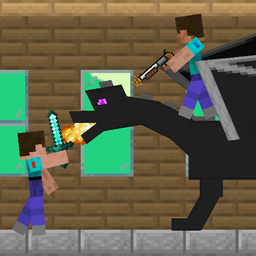
One of the best ways to get familiar with these mechanics without pressure is to jump into a browser game that mirrors the loop. Mine Survival: Noob and Pro puts you in a classic 2D Minecraft world where you gather, craft, and build — perfect for practicing the basics before moving to more complex survival scenarios.
Mine Survival: Noob and Pro
Staring at the clock waiting for your shift to end or just need a quick distraction from a dull afternoon? Mine Survival: Noob and Pro is the ultimate...
▶ Play FreeSurvival Strategies for Beginners
Once you've survived your first night, the middle game opens up. This is where most beginners struggle — they've got basic tools but no clear direction. Here's how to push forward without dying repeatedly.
Prioritize iron (or its equivalent)
In Minecraft-style games, the material tier above stone is almost always dramatically better. Hunt for iron ore underground, smelt it, and upgrade your pickaxe and sword. Iron tools last longer and deal more damage — the investment pays off immediately.
Never go underground without light
Caves are where the best resources are. They're also where you die. Before going deep: craft torches (sticks + coal or sticks + any fuel source), bring extra food, and leave a trail of torches behind you so you can find your way back. Getting lost underground is one of the top ways new players lose their progress.
Always have a backup base
If your first shelter is exposed or in a bad location, build a second one. When you're exploring far from home, having a small outpost nearby to sleep in and store materials is a lifesaver — literally.
Water and elevation are your friends
In ocean and raft survival variants, water is the constant threat but also your highway. Learn to navigate it efficiently. In island games, high ground gives you visibility and natural defense.
Don't fight what you can't kill
Early game, avoid combat with large groups. Run. Come back when you have better gear. Losing your entire inventory because you tried to fight five enemies at once sets your run back significantly.
Keep your hunger above 50%
Many games only regenerate health when your hunger meter is high. Fighting on an empty stomach means every hit counts twice — once for the damage, once because you can't heal.
Speaking of island survival — there's a game that drills these exact mechanics into you in the most direct way possible. You're stranded, you have nothing, and every decision matters from the first second.
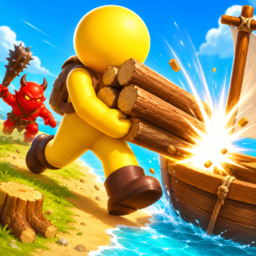
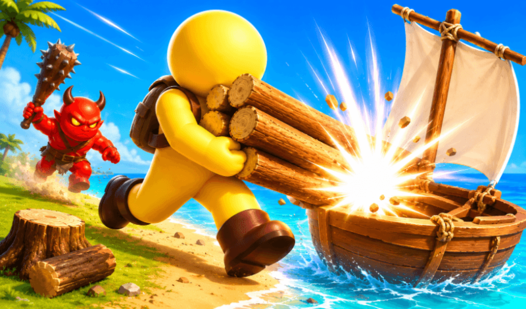
Island Survival
Staring at the clock waiting for your shift to end or just need a quick distraction from the daily grind? Island Survival turns your browser into a tr...
▶ Play FreeFor players who want the island experience with a Minecraft Noob twist — familiar character, same desperate situation:
Best Minecraft Survival Games to Play Free
Here's a breakdown of the top free browser survival games that capture the Minecraft survival feeling — ranked and described so you can pick the right one for your mood.
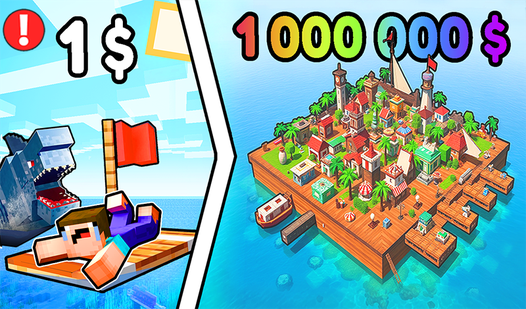
Survival Game on a Raft: Try to Survive
You start with nothing but a tiny raft floating in the middle of the ocean. Debris floats by — grab it. Use the materials to expand your raft, build tools, and eventually construct a proper floating home. The hook mechanic (fishing debris out of the water) feels immediately satisfying, and the progression from a 2×2 raft to a multi-room floating base mirrors Minecraft's own early-to-late-game arc perfectly.
This is probably the closest free browser game to capturing that "one more upgrade" loop that makes Minecraft survival so compelling.
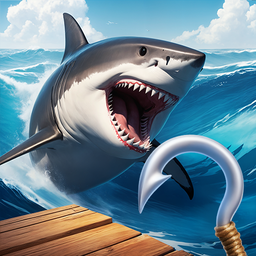
Survival Game on a Raft - Try to Survive
Staring at the clock during a long afternoon usually means it is time for a quick escape into a high-stakes challenge. Survival Game on a Raft - Try t...
▶ Play FreeNoob Raft: Ocean Survival
Same premise as above but starring the beloved Noob character — the blocky, familiar Minecraft-adjacent figure that half the internet grew up watching in YouTube animations. If you want the raft survival experience with a more casual, comedic tone, this is the pick. Great for younger players or anyone who finds pure survival a bit too stressful.
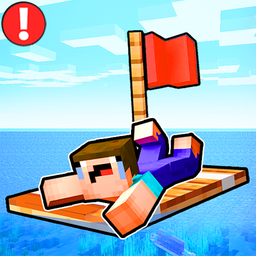
Noob Raft: Ocean Survival
Scavenge debris floating across the vast blue horizon to turn your tiny plank into a sprawling floating fortress in Noob Raft: Ocean Survival. You nav...
▶ Play FreeNoob Builder Survival
Building is half of survival, and this game leans into it hard. You're not just trying to stay alive — you're constructing something. The building mechanics are satisfying and accessible, making it a great bridge between pure crafting-puzzle games and full survival.
Survival in Natural Disasters
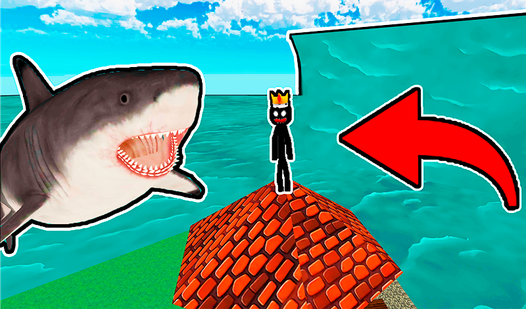
A twist on the formula: instead of enemies, the threat is the environment itself. Floods, earthquakes, meteor showers — you have to read what's coming and build or position yourself to survive it. Teaches you to think ahead rather than just react, which is a skill that transfers directly back to Minecraft.
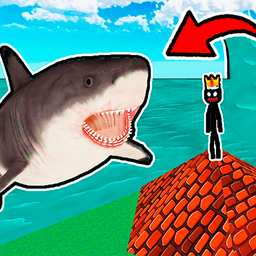
Survival in Natural Disasters
Outrun lethal tsunamis and survive chaotic meteor showers while testing your parkour instincts against the elements. Survival in Natural Disasters cha...
▶ Play Free99 Nights in the Forest Survival on the Train
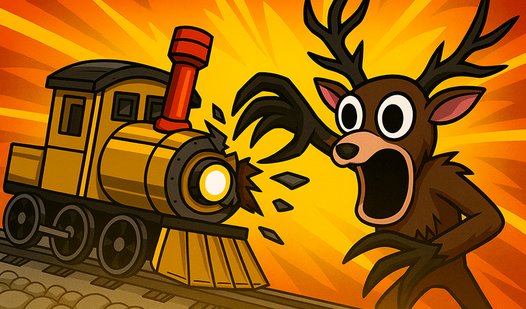
This one's genuinely unsettling in the best way. You're surviving on a train moving through a dark forest over 99 nights. Resource scarcity is real, the atmosphere is tense, and the countdown mechanic gives every decision weight. For players who want their survival games to have actual stakes and story, this stands out from the pack.

99 Nights In The Forest Survival On The Train
Surviving a haunting journey through the wilderness requires more than just guts when a supernatural deer is hunting your locomotive. 99 Nights In The...
▶ Play FreeNoob and Pro Moon Survival
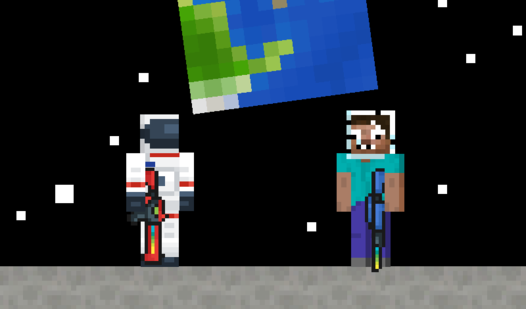
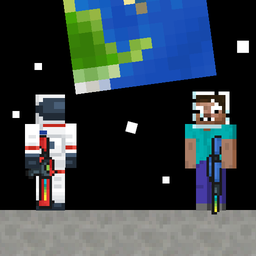
Zero gravity, limited oxygen, alien terrain — moon survival takes everything you know about resource gathering and breaks it. This is a great pick once you've mastered the basics and want something that demands creative problem-solving. The Noob and Pro dynamic also adds humor without undermining the challenge.
Noob and Pro Moon Survival
Staring at the clock and waiting for your shift to end feels like an eternity when you need a quick gaming fix. Noob and Pro Moon Survival turns that ...
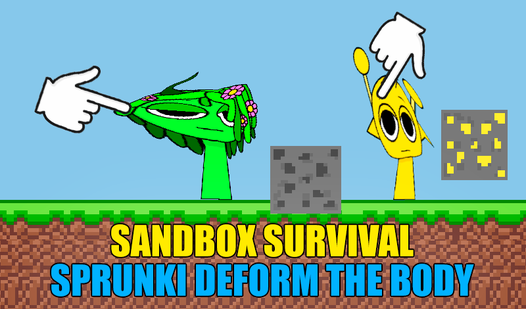
▶ Play FreeSandbox Survival Sprunki: Deform the Body
Equal parts creative sandbox and survival challenge. If you've ever wanted to see what happens when survival mechanics meet physics-based deformation gameplay, this is your answer. Chaotic, experimental, and surprisingly deep once you start figuring out how the systems interact.

Sandbox Survival Sprunki Deform the body
Build intricate structures from blocks and survive the chaos in Sandbox Survival Sprunki Deform the body. You command a character that defies physics,...
▶ Play FreeCo-Op vs Solo Survival
One of the biggest questions new players ask: is it better to play survival games alone or with friends?
Solo survival
- Full control — you decide every resource allocation, build decision, and risk
- Slower pace — nothing gets done unless you do it yourself
- Higher tension — dying means losing your progress, which raises the stakes
- Better for learning — you can't lean on a teammate to cover your mistakes, so you learn faster
Solo survival is the traditional Minecraft experience. It's meditative, sometimes lonely, and deeply rewarding when you pull off a base that you built entirely yourself.
Co-Op survival
- Faster progression — one person gathers while another builds
- Specialization — one player focuses on combat, another on farming or crafting
- Social experience — the chaos of multiplayer makes every session a story
- More forgiving — teammates can revive you or share resources when you mess up
Co-op survival changes the emotional register of the game. It's less about quiet perseverance and more about coordinating under pressure. The failures are funnier and the wins feel like shared victories.
Which should beginners choose? Start solo. Learn the mechanics without depending on someone else or feeling like a liability. Once you understand crafting, building, and basic resource management, jumping into co-op becomes much more fun because you can actually contribute.
Tip for co-op: Assign roles early. If one person is mining and one is building, you avoid the chaos of both players doing the same thing while nothing gets done.
Most browser survival games are designed primarily for solo play, but several on FreeJoy support two-player modes or have built-in co-op. Check the game page for control schemes — many two-player games use split keyboard controls (WASD for one player, arrow keys for another) so you can play on the same device.
The Noob and Pro games are specifically designed around this dynamic — one character is the hapless beginner, one is the competent veteran, and together they have to survive scenarios neither could handle alone. It's a natural on-ramp for co-op survival.
Common Mistakes New Players Make
Before the FAQ, here are the five mistakes that kill new players most consistently:
1. Exploring too far too early. You wander off curious about what's over the next hill and get completely lost. Stay close to home until you have a compass, map, or reliable landmark.
2. Building out of wood in fire-prone environments. Some games have fire spread mechanics. A stone base takes longer to build but doesn't burn down when you place a torch wrong.
3. Ignoring armor. Tools get all the attention, but armor dramatically extends how long you survive combat encounters. Craft leather or basic armor as soon as you have the materials.
4. Going caving at night. Underground during the day is dangerous enough. Underground while night mobs are spawning on the surface means enemies can pour into your cave entrance. Cave at dawn, be back above ground by dusk.
5. Forgetting to eat. Set yourself a mental rule: if your hunger bar drops below half, stop everything and eat. Many runs end because a player was too focused on building to notice their health slowly draining.