Minecraft Games Online Free — Play Block Games in Your Browser
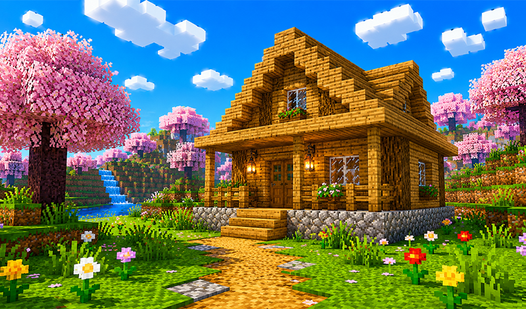
If you've ever wanted to jump into a blocky world without spending a cent or waiting for a massive file to install, you're in the right place. Minecraft games online free let you experience everything that makes the genre great — building, mining, crafting, surviving — right inside your browser tab. No launcher, no account, no hardware requirements beyond a working internet connection.
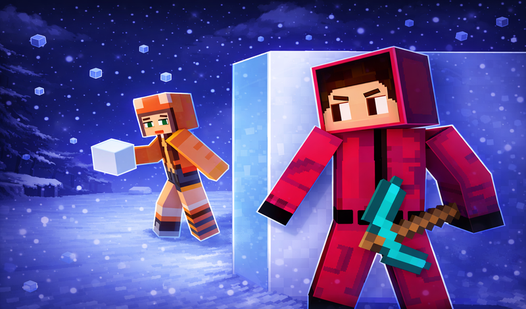
These games pull from the same DNA as the legendary Mojang original but spin off in dozens of wild directions: clicker games, sandbox survival, multiplayer hide-and-seek, tower defense, zombie survival. Whether you have five minutes or five hours, there's a block game here that fits your mood.
What Are Minecraft-Style Browser Games?
Minecraft-style browser games are online games that borrow the core visual and mechanical language of Minecraft — pixelated block worlds, resource gathering, crafting systems, and infinite terrain — and rebuild it using web technologies like HTML5, WebGL, and JavaScript. Because they run in the browser, they load from a server instead of your local drive, which means zero installation.
The style is instantly recognizable: chunky cubic graphics, procedurally generated or handcrafted blocky landscapes, and gameplay built around placing or breaking blocks. But "Minecraft-style" doesn't mean "Minecraft clone." Developers in this space use the aesthetic as a foundation and build wildly different experiences on top of it.
Some games go full sandbox — hand you a world and say "do whatever you want." Others drop you into an action-adventure with enemies, quests, and a progression system. A few turn the block world into a backdrop for puzzle solving, sports, or even idle clicking. The result is a genre that's surprisingly diverse under its pixelated surface.
Why does this style work so well in the browser?
- The low-polygon aesthetic is forgiving on hardware — you don't need a GPU powerhouse
- Simple controls map cleanly to keyboard and mouse
- The pick-up-and-play nature suits short browser sessions
- Block worlds are inherently modular, which makes them easier to render at lower fidelity without looking bad
The best Minecraft games online free capture that same sense of creative freedom and exploration that made the original famous, then add their own twist on top.
Types of Free Minecraft Games Online
When you search for Minecraft games online free, you'll find several distinct genres under that umbrella. Here's how they break down:
Sandbox and Creative Mode
The purest expression of the Minecraft spirit. These games give you a world, resources, and tools, then step back and let you build whatever you want. The fun is entirely self-directed — you set the goals, you define success. Great for players who love architecture, planning, and creative expression.
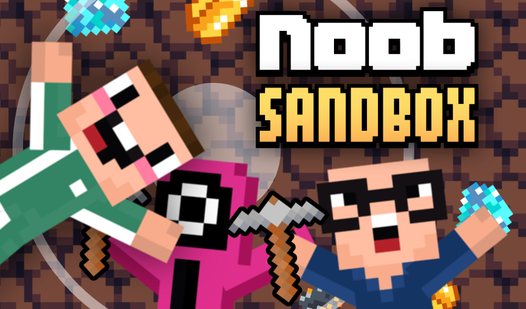
Noob Sandbox is a strong example of this category. It gives you a full open-world environment where you dig mines, chop trees, extract resources, and even bring friends along for the ride. It's the closest you'll get to the full Minecraft survival-plus-building experience in a browser tab.

Noob Sandbox
Dig deep into the earth, chop down trees, and blow up surroundings with dynamite in the ultimate creative playground. Noob Sandbox lets you shape a pr...
▶ Play FreeBlocky World 3D: Creative Mode! strips away all survival pressure and gives you a pure creative canvas — place blocks, build structures, experiment with the world. No enemies, no hunger bar, no timers. Just you and an infinite grid of possibility.
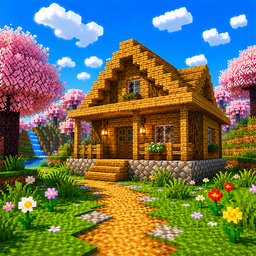
Blocky World 3D: Creative Mode!
Creative minds who love building massive structures will find a new home in Blocky World 3D: Creative Mode! This sandbox experience removes all surviv...
▶ Play FreeClicker and Idle Games
These games take one mechanic — clicking — and layer Minecraft's upgrade loop on top of it. You click to mine, earn currency, buy better pickaxes, unlock new areas, and watch numbers climb. Satisfying in a completely different way from sandbox play.
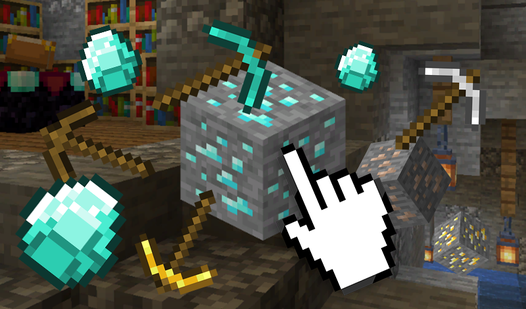
Minecraft Cliker: Mine is the flagship of this sub-genre. You click to earn currency, spend it on pickaxe upgrades, and unlock increasingly powerful tools. It's a tight idle loop that fits perfectly into browser gaming sessions.
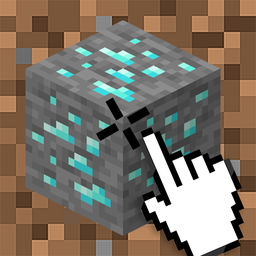
Minecraft Cliker: Mine
Fans of idle block-breaking adventures will find their new obsession in Minecraft Cliker: Mine. This addictive experience turns the iconic voxel world...
▶ Play FreeMinecraft Clicker: Block Fever takes a similar approach with its own upgrade tree and progression system — a great second stop after you've explored the first clicker.
Action and Combat Games
Block worlds with enemies, weapons, and a reason to fight. These range from arcade-style mob-slaying to structured level-based combat.
Multiplayer and Social Games
Games built around playing with or against other people — hide-and-seek, racing, cooperative survival.
Skyblock and Survival Challenges
A specific challenge format where you start on a small floating island and must survive using only the resources available to you, expanding your platform piece by piece.
How to Play Minecraft Games Without Downloading
Playing Minecraft games online free without any download is simpler than most people expect. Here's the basic process:
1. Open your browser. Any modern browser works — Chrome, Firefox, Edge, Safari. Make sure it's up to date for the best WebGL support.
2. Navigate to a game. Click any game card on this page to go directly to the game.
3. Wait for the in-browser load. Unlike a traditional download, the game loads in your current tab. Depending on the game's size, this takes anywhere from a few seconds to about a minute.
4. Check the control scheme. Most block games use WASD to move, mouse to look around, left-click to break blocks, right-click to place. But each game will show its controls either on the loading screen or in a quick tutorial.
5. Play. No account required for most games. Just start.
A few practical tips:
- Use a wired internet connection if the game has multiplayer features — it reduces latency significantly
- Close other browser tabs while playing 3D games — WebGL games benefit from available RAM
- If a game runs slowly, try Chrome's hardware acceleration setting (Settings → System → Use hardware acceleration when available)
- On mobile, look for games that specifically mention touch controls — most block games are designed for desktop
The freedom to just open and play is the biggest advantage of Minecraft games online free. No launcher crashes, no update loops, no disk space requirements.
Hide and Seek in Minecraft is a perfect example of a game that works great in this instant-play format — it drops you straight into gameplay, no setup needed, and has a simple enough control scheme to get comfortable with quickly.
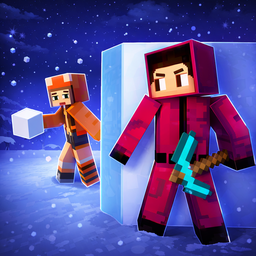
Hide and Seek in Minecraft
Building bridges under pressure is the ultimate test of nerves in Hide and Seek in Minecraft. This addictive arcade adventure turns simple block gathe...
▶ Play FreeFor something that mixes action with the browser-friendly format, Stickman playing Minecraft puts a different character skin on the Minecraft world and adds combat mechanics that work smoothly with standard keyboard controls.
Best Block Building Games by Category
Here's a practical breakdown of the best games across different play styles. Every game listed here is playable right now, for free, in your browser.
Best for Survival Challenge Lovers
Nubik Miner 3D: Skyblock 2 takes the classic skyblock format and pushes it into a full 3D environment. You start with almost nothing and have to build out your island using every resource you can find or create. The constraint is the point — limited space forces creative problem solving.
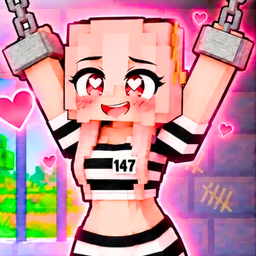
Nubik Miner 3D: Skyblock 2
Smash blocks and battle through treacherous dungeons to rescue your girlfriend in Nubik Miner 3D: Skyblock 2. This intense adventure demands sharp ref...
▶ Play FreeMine Mining Islands: Skyblock Village! expands the concept into a village-building direction. Instead of pure solo survival, you're constructing a settlement across floating islands — which gives it a social and civic feel that's a bit different from typical skyblock.
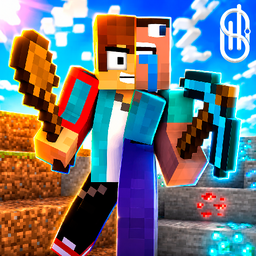
Mine Mining Islands: Skyblock Village!
Fans of the skyblock genre will adore the endless creative possibilities found in Mine Mining Islands: Skyblock Village! You assume the role of a vill...
▶ Play FreeObby: Dig to the Center of the Earth takes a vertical approach — instead of building up and out, you're digging down through layers of earth, dealing with whatever you find as you go.
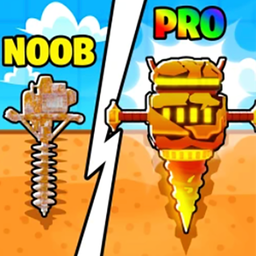
Obby: Dig to the center of the Earth
Mining for hidden treasures is an addictive thrill that turns every layer of dirt into a potential gold mine. Obby: Dig to the center of the Earth cha...
▶ Play FreeBest for Action and Combat
Minecraft: Sword War is one of the best action games in this genre. It blends crafting and combat in a tight arcade format — you fight through over 200 levels of mobs while upgrading your sword. The level count is genuinely impressive for a browser game, giving you a real sense of progression.
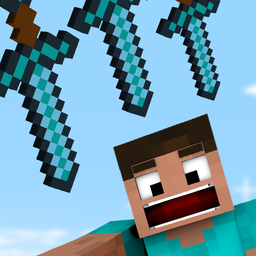
Minecraft: sword war
Master the art of throwing a lethal blade to clear waves of pixelated enemies in Minecraft: sword war. This arcade fusion of precision timing and craf...
▶ Play FreePixel Craft — Zombie Apocalypse takes the block aesthetic and drops it into a survival horror scenario. Zombies, limited resources, the need to build defenses — it pushes the Minecraft template in a darker direction that survival fans will appreciate.
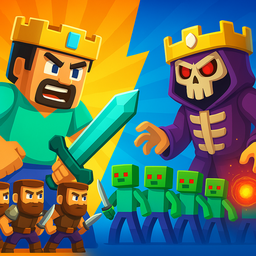
Pixel Craft - Zombie Apocalypse
Stuck in a long meeting or just need a quick distraction from the daily grind? Pixel Craft - Zombie Apocalypse arrives just in time to transform those...
▶ Play FreeMine — Base Defenses is a tower defense variant set in the block world. You mine resources and use them to build defensive structures against waves of enemies. It's a natural fit for the genre's resource-management mechanics.
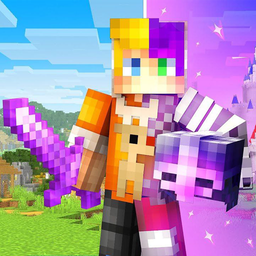
Mine - base defenses
Fans of strategic survival and block-based building will find their new obsession in Mine - base defenses. This immersive experience challenges you to...
▶ Play FreeBest for Casual and Creative Play
Color the Minecraft Characters takes a completely different angle — it's a coloring game featuring Minecraft characters. Perfect for younger players or anyone who wants a low-pressure, creative activity in the Minecraft universe.
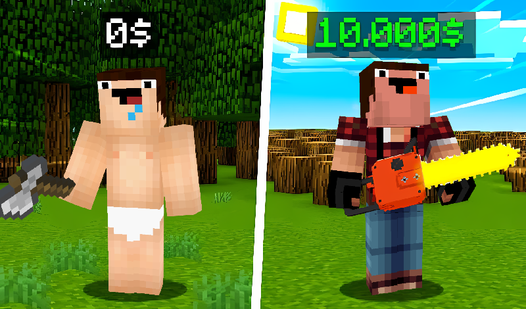
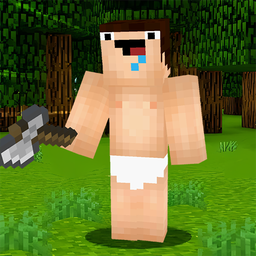
Noob Lumberjack centers on one specific resource-gathering activity — chopping trees. It's simple, satisfying, and builds nicely into upgrade loops without overwhelming you with systems.
Noob Lumberjack
Swing your axe to harvest timber and transform a wild island into your own private estate. Noob Lumberjack challenges you to manage a growing business...
▶ Play FreeMinecraft Case Simulator is in a category of its own — it simulates the experience of opening cases (similar to crates or loot boxes) with Minecraft items inside. It's a gambling-sim style game without real money involved, which makes it a fun way to experience the dopamine hit of RNG drops.
Best for Multiplayer and Social Play
Hide-and-seek and sandbox modes really shine when you have someone to play with. Noob Sandbox (mentioned earlier) explicitly supports playing with friends, which is relatively rare in browser block games and worth calling out again for social gamers.
The Hide and Seek in Minecraft format works well with two players — one hides among the blocks, one seeks. The block environment is inherently suited to camouflage and deception, which makes the hide-and-seek dynamic feel natural rather than tacked on.
Why Minecraft Games Online Free Keep Growing
The free block game genre has expanded steadily because the source material is one of the most successful game concepts ever designed. Minecraft itself crossed 300 million copies sold — but millions of people who love the concept either can't afford the original, can't install it on their device, or just want a quick fix without committing to a full session.
Browser games fill that gap cleanly. A student on a school Chromebook, someone killing time on a lunch break, a parent playing alongside a young child on the family computer — these are all Minecraft games online free players, and the genre serves them well.
The variety also matters. There's no single "browser Minecraft" that dominates — instead, dozens of games each do one thing well. Clicker games for idle satisfaction. Skyblock for challenge players. Creative modes for builders. Action games for combat fans. The ecosystem has matured to a point where you can find a block game tuned almost exactly to your preferred play style.
Developer creativity has pushed the genre further than simple Minecraft imitation. The best games use the block aesthetic as a starting point and then add original mechanics — tower defense systems, zombie survival horror, case-opening simulators — that would feel right at home in their own genre but happen to use blocks as the visual language.