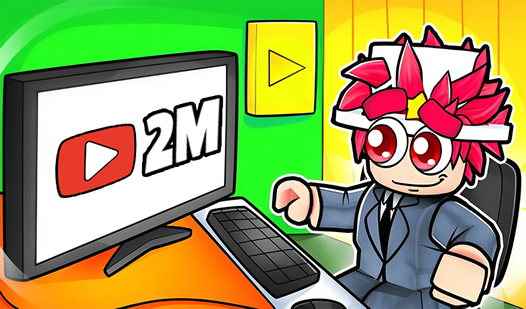
How to Play Streamer Life Simulator and Build Your Dream Channel
So you want to know how to play Streamer Life Simulator — the game where you get to live out the fantasy of going from a nobody with a potato PC to a full-blown internet celebrity with thousands of subscribers, brand deals, and a setup that costs more than a car. Good call. These games scratch a very specific itch: the satisfaction of grinding, growing, and watching numbers go up, without any of the real-world awkwardness of actually talking to a camera in your bedroom.
This guide covers everything you need to get started, how to grow your virtual audience fast, and which free online streamer simulator games are worth your time right now. Whether you're playing the original or curious about how to play Streamer Life Simulator 2, the fundamentals are the same — and once you understand them, the progression clicks into place fast.
What Is Streamer Life Simulator?
Streamer Life Simulator is a life/business management game where you play as an aspiring content creator. You start with basically nothing — a cheap desk, a low-end computer, maybe a webcam that looks like it was smuggled out of 2009 — and you work your way up by creating content, interacting with viewers, managing your real life (sleep, food, hygiene), and reinvesting your earnings into better gear.
The core loop is simple but surprisingly deep:
- Stream or record content to gain viewers and subscribers
- Earn virtual money from ads, donations, and sponsorships
- Upgrade your setup — PC specs, cameras, microphones, lighting, room decor
- Manage your stats — energy, hunger, social life, mood all affect your performance
- Handle life events — bills, deliveries, random opportunities
What makes these games compelling isn't just the numbers going up. It's the simulation of a real career path that millions of people have actually tried. You feel the frustration of streaming to five viewers, the dopamine hit when a video unexpectedly blows up, and the slow grind of building something from scratch.
The Streamer Life Simulator series specifically nails the "just one more stream" feeling. You tell yourself you'll stop after this session, and then you realize you're close to the next subscriber milestone and suddenly it's an hour later.

Simulator: The Streamer's Path
Managing a virtual broadcast career allows you to climb the ranks from a bedroom enthusiast to a global internet celebrity. You start by selecting tre...
▶ Play FreeThe game also has a surprisingly nuanced economy. Early on, every purchase matters. Should you upgrade your CPU now for better stream quality, or save for a new microphone that could bring in more donations? These decisions feel meaningful because the game actually models the impact. Bad audio = viewers leave. Good lighting = more watch time. It's a simplified version of the real creator economy, and that's exactly what makes it fun.
Starting Your Virtual Streaming Career
Here's how to play Streamer Life Simulator effectively from day one, without wasting your early resources on the wrong things.
Pick Your Niche Early
Most streamer simulators let you choose what type of content to create — gaming streams, IRL content, cooking videos, whatever the game offers. Don't just pick randomly. Each niche has different growth curves. Gaming tends to grow faster early but plateaus. Niche lifestyle content grows slower but tends to have more loyal (higher-donating) viewers in the mid-game. If you want to learn how to play Streamer Life Simulator 2 specifically, the sequel adds even more content categories, so picking a niche and sticking to it becomes even more important.
Upgrade Your PC First
This is the most common mistake new players make. They spend early money on cosmetics — cool chair, fancy desk decoration — before upgrading the actual machine. Your PC specs directly affect stream quality, which directly affects viewer retention. Always prioritize:
- RAM (affects how many concurrent viewers you can handle)
- CPU (affects stream encoding quality)
- Internet speed (affects stability)
- Camera and microphone (affects audience growth rate)
Cosmetic upgrades matter, but only after your core setup is solid.
Stone Miner Simulator - Mine MOD!
Smash through endless blocks and collect precious ores to build your underground empire in Stone Miner Simulator - Mine MOD!. Clicking rapidly to brea...
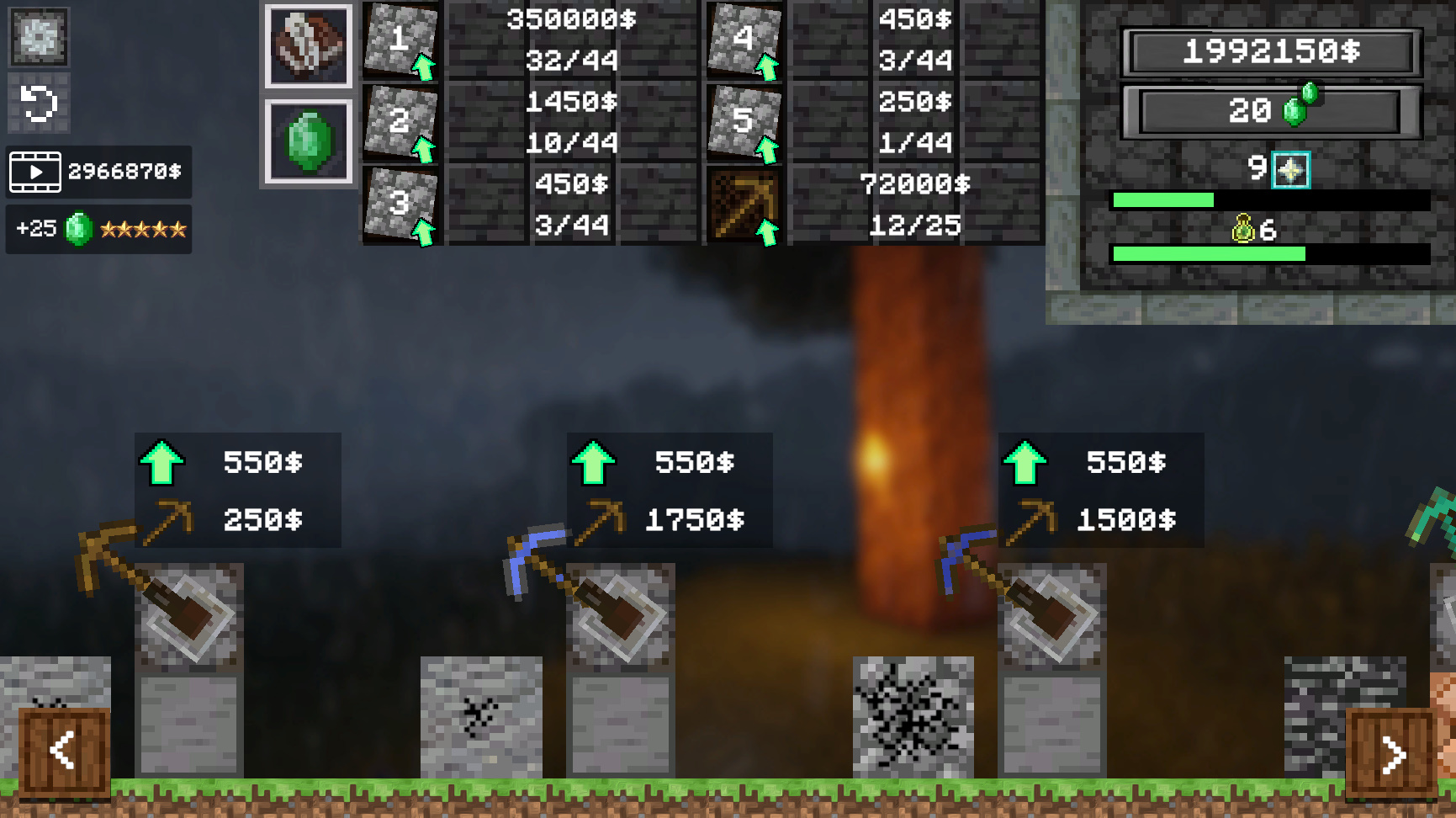
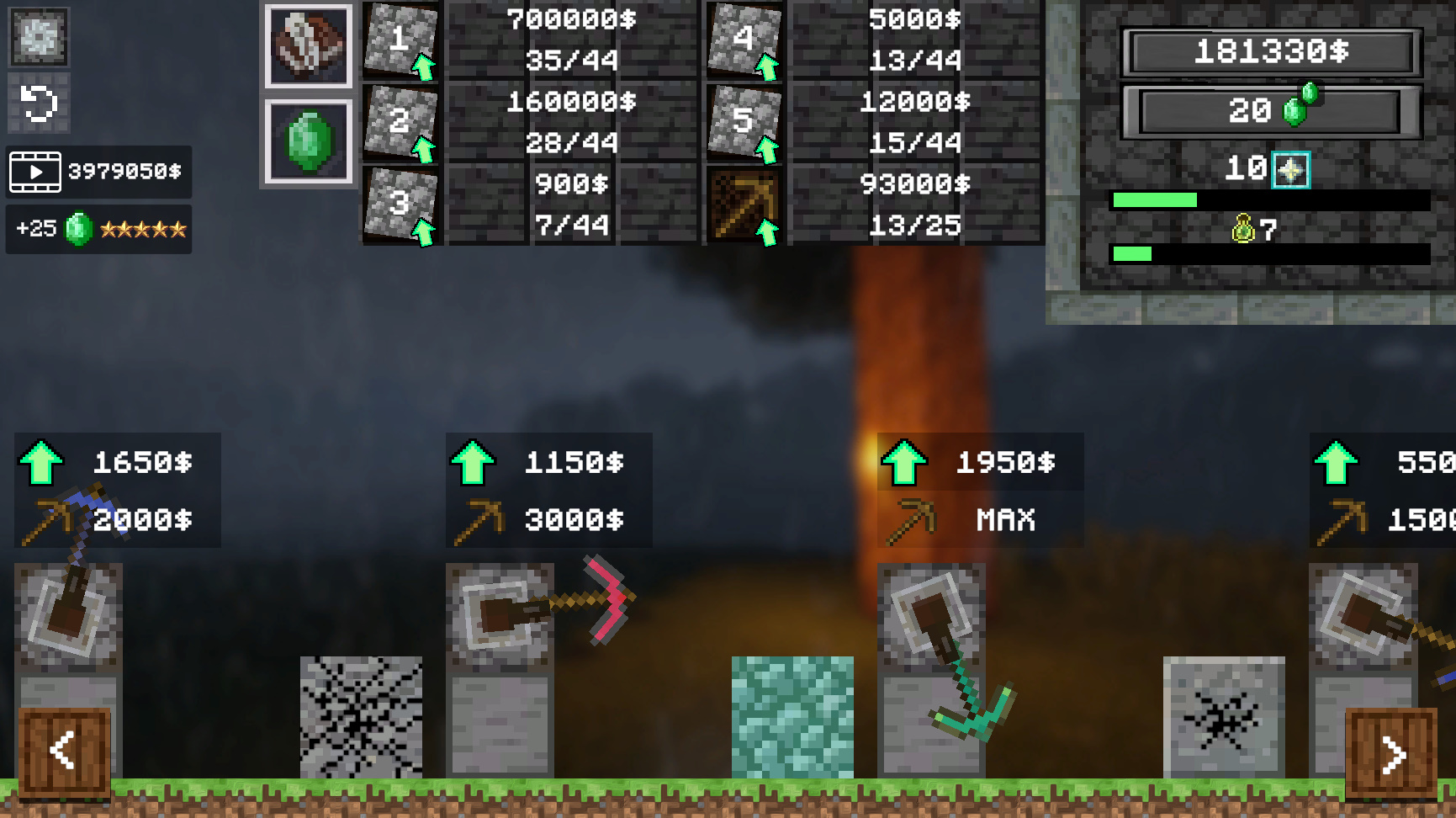
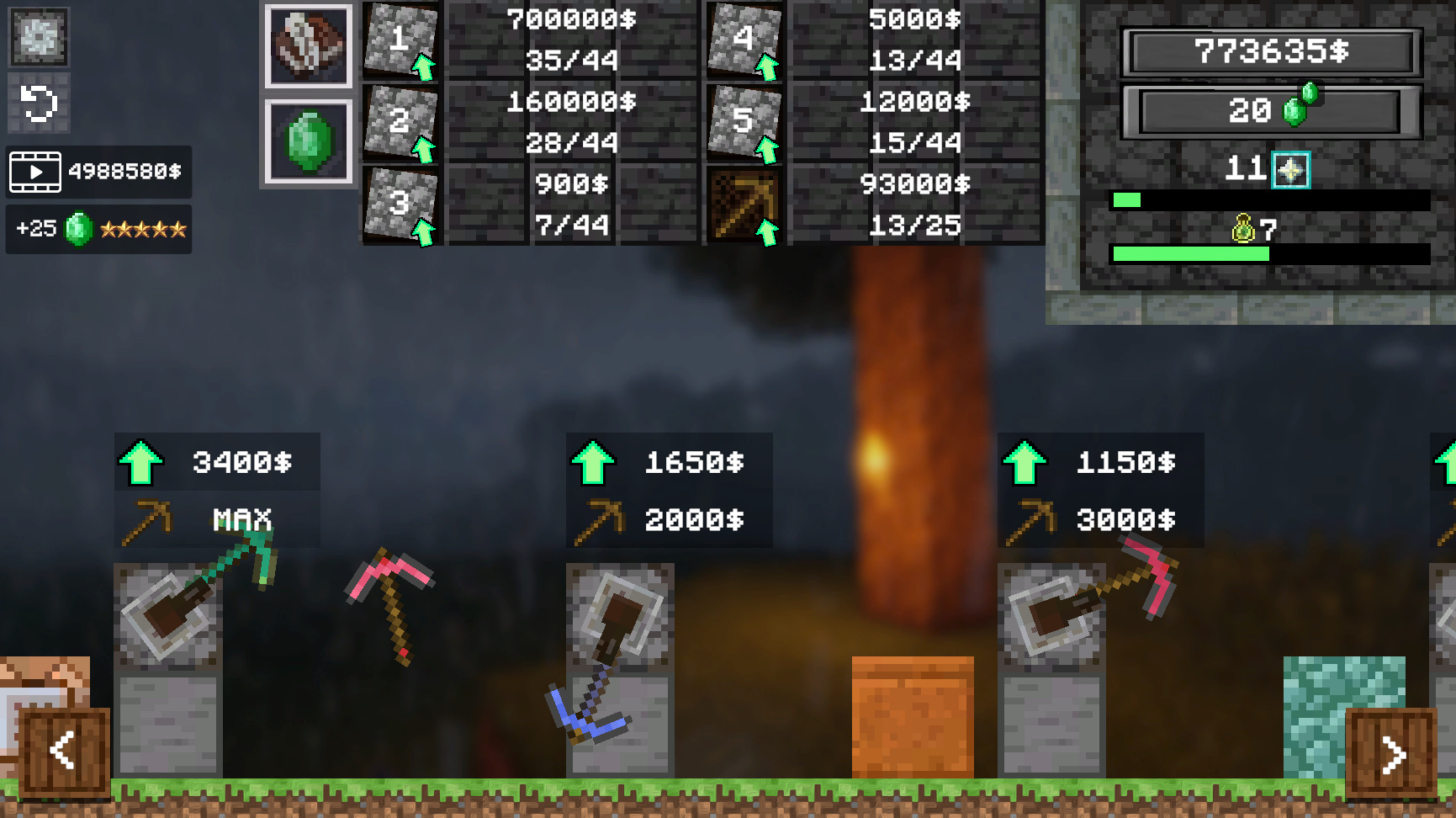
▶ Play FreeThis resource management mindset — prioritizing functional upgrades over cosmetic ones — is something you'll recognize from other progression games too. In Stone Miner Simulator, for example, the same principle applies: you upgrade your tools before you upgrade your base, because the tools generate the resources that fund everything else. The mental model transfers perfectly.
Manage Your Real Life Stats
This is where a lot of players slip up. Streamer Life Simulator isn't just a business game — it's a life sim. Your character has needs: sleep, food, social interaction. If you ignore these, your productivity tanks and your streams perform worse. The game is basically teaching you that sustainable output requires taking care of yourself, which is either a clever design choice or a gentle life lesson wrapped in a browser game.
Practical tips:
- Sleep a full night cycle before big streaming sessions
- Eat before streams, not during (it affects focus stats)
- Take breaks between streams to recover energy
- Don't skip the social interactions — some unlock sponsorship opportunities
Monetize Strategically
Early game, ad revenue is your main income. But as you grow, donations and sponsorships scale much faster. Push for your first 1,000 subscribers as quickly as possible — that's usually when the first sponsorship offers start appearing. Sponsorships significantly boost your cash flow because they pay upfront regardless of viewership on that session.
Life Simulator Youtuber
Building a massive online following from scratch is a digital dream that rarely comes easy in the real world. Life Simulator Youtuber captures the hig...
▶ Play FreeTips for Growing Your Audience In-Game
Once you have your setup sorted and your life stats under control, it's time to focus on how to play Streamer Life Simulator at a higher level — specifically, how to grow your numbers efficiently.
Consistency Beats Virality
The algorithm in these games (yes, most streamer simulators have a simulated algorithm) rewards consistency more than occasional spikes. Streaming every day at the same time builds a loyal base faster than going hard for one week and disappearing for two. Set a schedule and stick to it. The game usually even shows you a "consistency bonus" or similar mechanic that rewards regular uploads.
Engage With Your Simulated Chat
This sounds obvious but players often ignore it. When the game prompts you to respond to chat messages or handle viewer events (raids, subscriptions, donations), do it. Engagement rate is a hidden stat in most streamer simulators, and high engagement leads to better algorithmic distribution, which means organic growth without you having to do anything extra.
Collaborate When Possible
Mid-game, most streamer simulators unlock collaboration mechanics — you can do joint streams with NPC streamers or get shoutouts. These are extremely valuable. A single collab with a larger simulated streamer can double your subscriber count overnight. Prioritize building relationships with other virtual creators once the option unlocks.
Robbie: Become Popular! Online
Staring at the clock and waiting for your shift or class to end is a total drag when you just need a quick distraction. Robbie: Become Popular! Online...
▶ Play FreeRobbie: Become Popular! Online takes this social growth mechanic and makes it the core of the entire game. You're constantly working the social graph — getting shoutouts, completing challenges, building visibility through other people's audiences. It's a great companion experience if you want to practice the "collab meta" before applying it in a full streamer simulator.
Reinvest Aggressively in the Early Game
The biggest mistake mid-game players make is hoarding virtual money. The game's economy is designed so that upgrading your setup has compound returns — better setup → better content → more viewers → more money → better setup. If you're sitting on cash and not upgrading, you're leaving growth on the table. The only time to hold cash is when you're saving for a specific major upgrade (new room, dedicated streaming PC, etc.).
Read the Trends
Later-game versions of how to play Streamer Life Simulator introduce trending topics — certain game genres or content types that are hot right now in the simulation. Switching your content to match trends gives a temporary viewership boost. Track these and plan your content calendar around trend windows. Think of it like riding a wave: you don't create the wave, you just position yourself to catch it.

Obbie Tycoon: Money Tycoon
Building a sprawling empire from scratch is the ultimate power fantasy for any aspiring digital entrepreneur. Obbie Tycoon: Money Tycoon turns this dr...
▶ Play FreeThe resource allocation logic in Obbie Tycoon: Money Tycoon maps directly onto this mindset. In that game, you're constantly reading the economic landscape and deploying resources where the returns are highest. Same principle: don't get attached to one strategy, follow where the multipliers are.
Best Free Streamer Simulator Games Online
You don't need to download anything to get your streamer sim fix. There are genuinely solid options available to play free in your browser right now. Here's a breakdown of what's worth playing.
Simulator: The Streamer's Path
Already mentioned above, but worth a deeper look. This is the most direct analog to the core Streamer Life Simulator experience available for free online. You broadcast, manage viewers, upgrade gear, and build your channel from scratch. The progression curve is well-tuned — fast enough to feel satisfying, slow enough that upgrades feel earned.
What makes it stand out: the viewer interaction system actually matters. Responding to chat events at the right moment boosts your session's performance. It's not just clicking "stream" and waiting for numbers to tick up.
Life Simulator Youtuber
A slight twist on the formula — instead of streaming, you're building a YouTube-style channel. The mechanics are similar but the content creation loop is different: you plan videos, film them, edit them, and publish. Each step has its own mini-management layer. If you prefer the YouTube side of content creation to live streaming, this one hits different.
The audience growth system here is particularly well-modeled. Your video quality score, upload consistency, and thumbnail quality all factor into whether a video blows up or flops. It teaches you to think about content as a product, not just an activity.
Stone Miner Simulator
A bit of a left turn thematically, but hear me out. Stone Miner Simulator has the same satisfying progression loop as the best streamer sims — you start with basic tools, collect resources, upgrade your operation, expand your reach. If you love the "numbers going up + new thing unlocked" feeling of streamer simulators but want something to play between sessions, this scratches the same itch from a completely different angle.
The mod elements add replayability that most browser games lack. You can shape your progression path in a way that feels personal.
Robbie: Become Popular! Online
Social media growth as a game mechanic. You're earning followers, completing challenges, unlocking content. The core tension — do I grind followers the slow organic way, or do I take shortcuts that might backfire — mirrors real decisions content creators make. Great for players who are specifically interested in the audience-building side of streamer sims rather than the technical/gear side.
Obbie Tycoon: Money Tycoon
For players who love the business management layer of streamer sims but want to see it applied at scale. You're building an empire here, not just a channel. The resource allocation and expansion mechanics are deeper than most browser-based sims. If you've maxed out your streamer sim progression and want something with more economic complexity, this is a natural next step.
More Games Like These
If you've burned through the above and need more to play, here's a quick grid of other solid simulation and builder games that share DNA with the streamer sim genre:

Hotel Life
Staring at the clock during a slow afternoon when you need a quick mental escape is a challenge we all face. Hotel Life turns those idle minutes into ...
▶ Play Free
Sim City: Island Building Simulator
Staring at a blank screen while your coffee gets cold is the perfect sign that you need a creative escape. Sim City: Island Building Simulator turns t...
▶ Play Free
Merge Ville
Simulation enthusiasts who love building their own digital empire will find Merge Ville the ultimate escape. Players step into the shoes of a local ma...
▶ Play Free
Obby: +1 Bridge Builder
Fans of creative construction challenges will find endless satisfaction in Obby: +1 Bridge Builder as they race to conquer massive obstacle courses. Y...
▶ Play Free
Upgrade Monster
True survival of the fittest means starting as a tiny creature and dominating the food chain through sheer force. Upgrade Monster turns this primal in...
▶ Play FreeEach of these taps into the same progression satisfaction — start small, upgrade, expand, optimize. Hotel Life and Sim City give you that city/empire building hit. Merge Ville is pure merge mechanics with a satisfying progression curve. Obby: +1 Bridge Builder is quick and satisfying for shorter sessions. Upgrade Monster is exactly what it sounds like — relentless, rewarding upgrades that keep you hooked.
Advanced Strategies for How to Play Streamer Life Simulator 2
The sequel adds several mechanics that weren't in the original, and knowing about them changes how you should approach the early game.
Content Diversification: SLS2 lets you run multiple content channels simultaneously. Don't try to manage more than two until your income is stable — the management overhead eats into the time you'd spend optimizing your main channel.
Team Hiring: You can eventually hire editors, moderators, and social media managers. Hire a moderator first — they improve your stream's engagement rate passively, which has compound effects on everything else.
IRL Events: The sequel adds real-world events your character can attend — conventions, meetups, press events. These are expensive and time-consuming but unlock sponsorship tiers and collaboration opportunities that aren't available otherwise. Budget for at least one event per in-game season.
The Algorithm Update Events: SLS2 has periodic "algorithm update" events that change which content type is being favored. These are announced in-game a few days before they happen. Pay attention to them and have a backup content strategy ready to pivot to. Players who can adapt quickly to these events consistently outperform those who stick rigidly to one approach.
Mental Health Mechanics: The sequel adds a more detailed mental health system. Burnout is a real risk if you stream too aggressively without breaks. The game incentivizes balance — players who take the right amount of rest actually outperform grinders in the long run because their content quality stays high. It's a genuinely thoughtful system.