About game
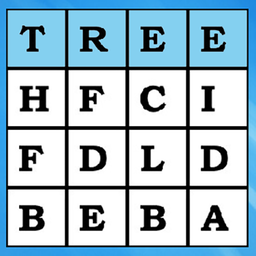
Language enthusiasts and puzzle lovers will find Word Search (Find Words) the perfect way to sharpen their mental acuity during a quick break. This addictive challenge requires you to scan a grid of letters to locate hidden terms listed at the top of your screen. You will need to carefully track words placed horizontally, vertically, and even diagonally to clear the board. Simply swipe across the correct sequence of letters to highlight your findings and watch them strike off your list. The game provides a clean interface that keeps the focus entirely on your search words goal. Each level increases in complexity, ensuring your brain training session remains engaging and rewarding every single time. It is a fantastic way to test your pattern recognition skills without any frustrating barriers or complex rules. Play Word Search (Find Words) for free directly in your browser without any downloads or registration required.
How to play
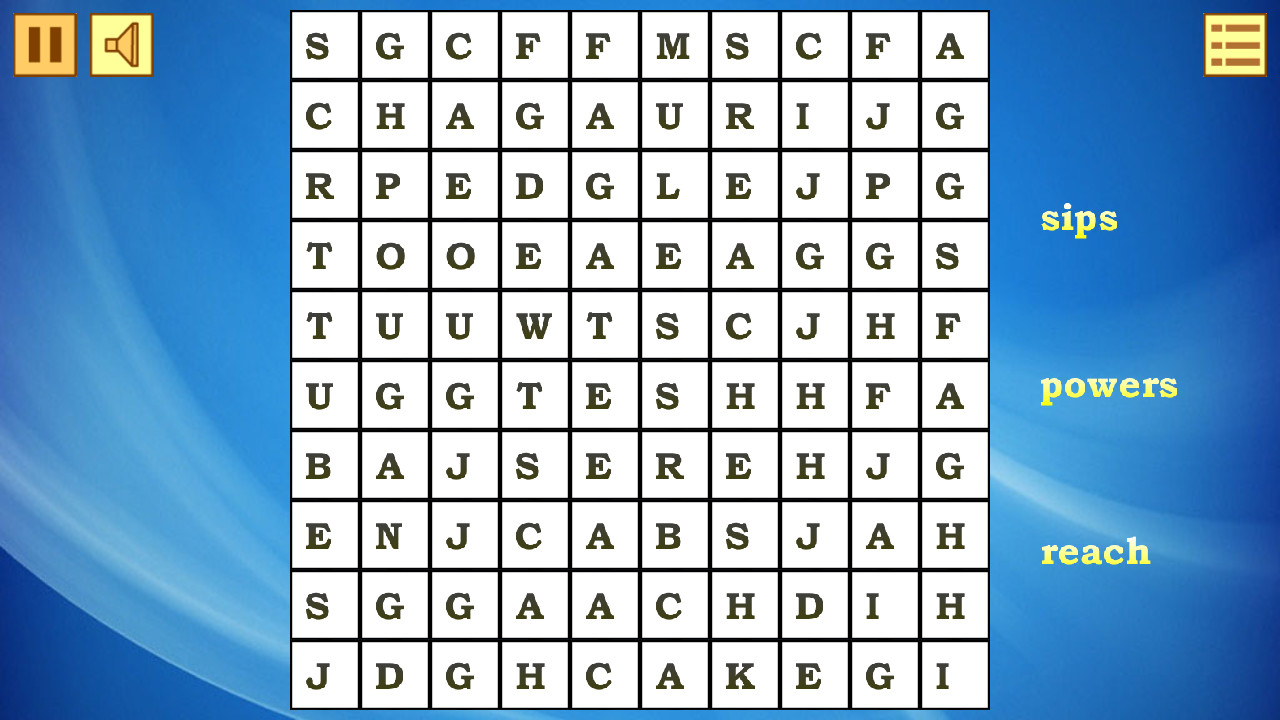
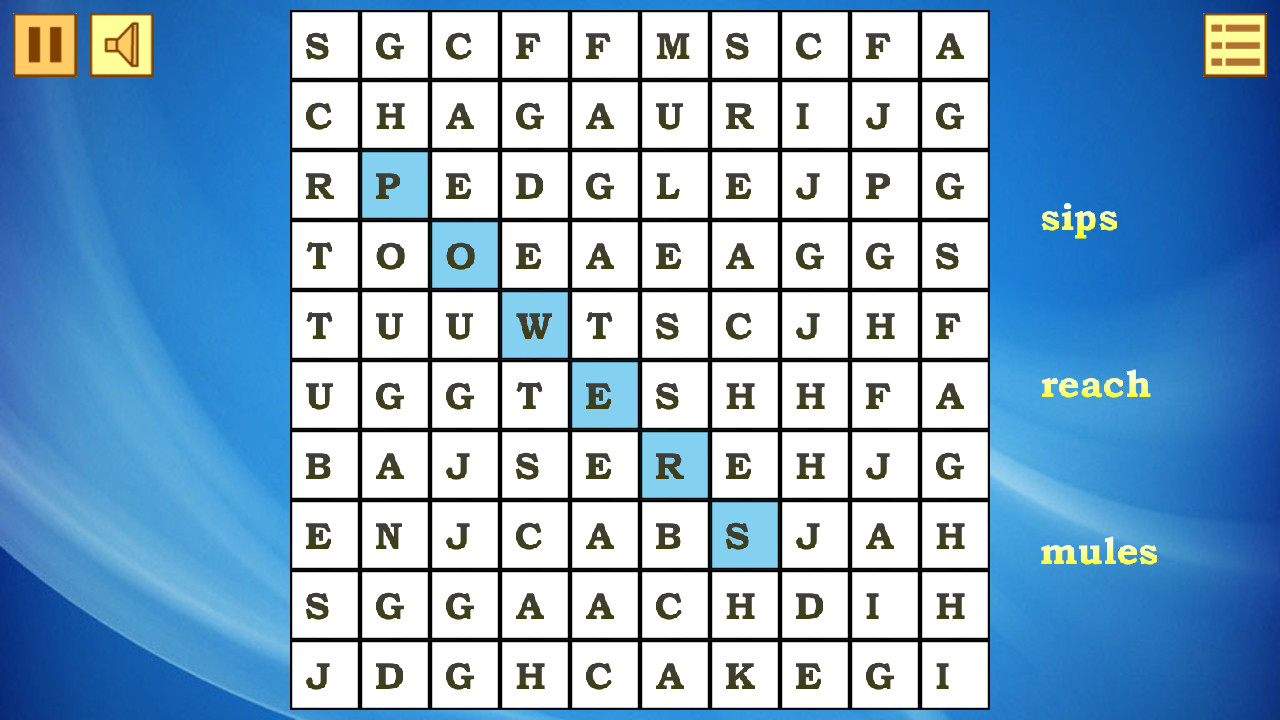
The words you need to find are indicated at the top.
Look for it on the field and if you find it, swipe it.
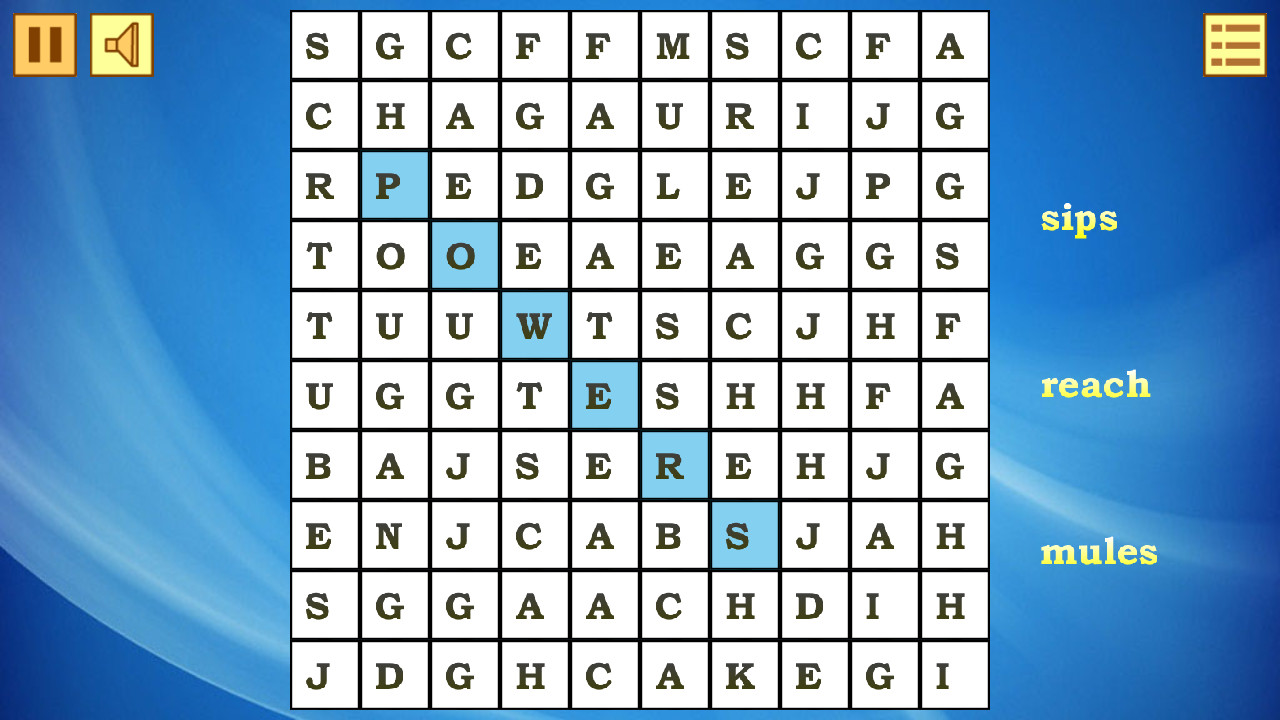
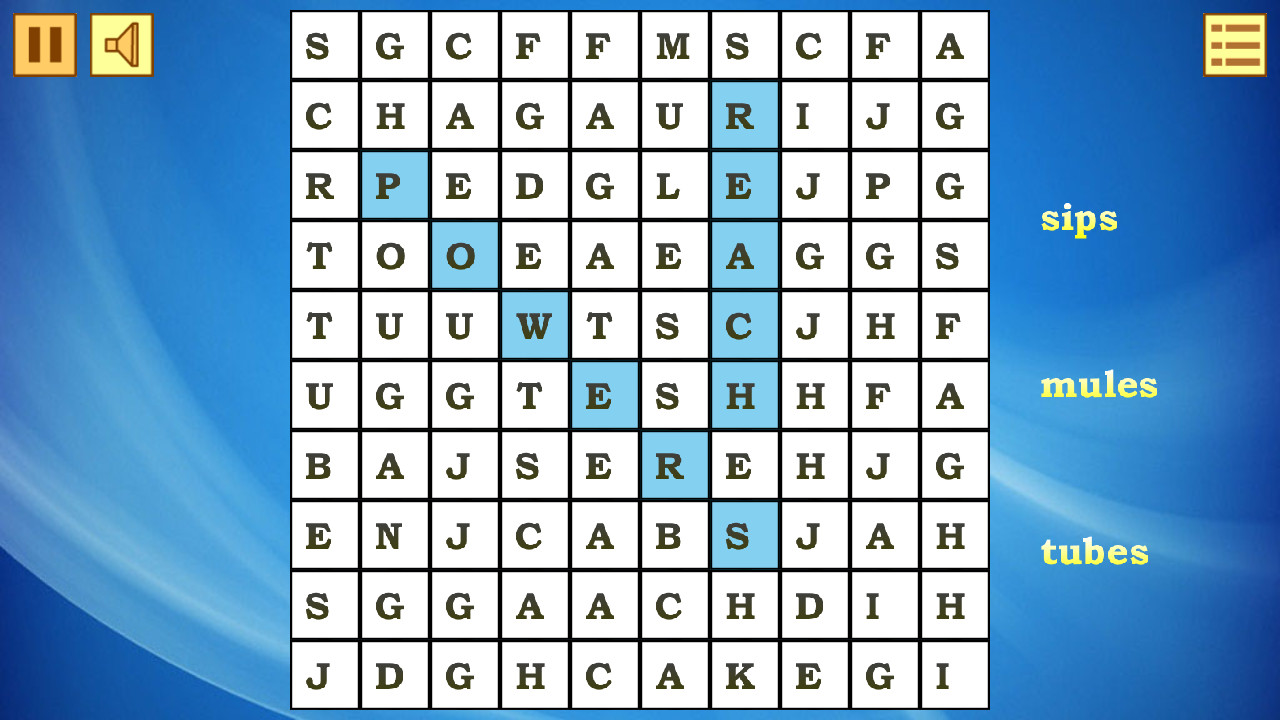
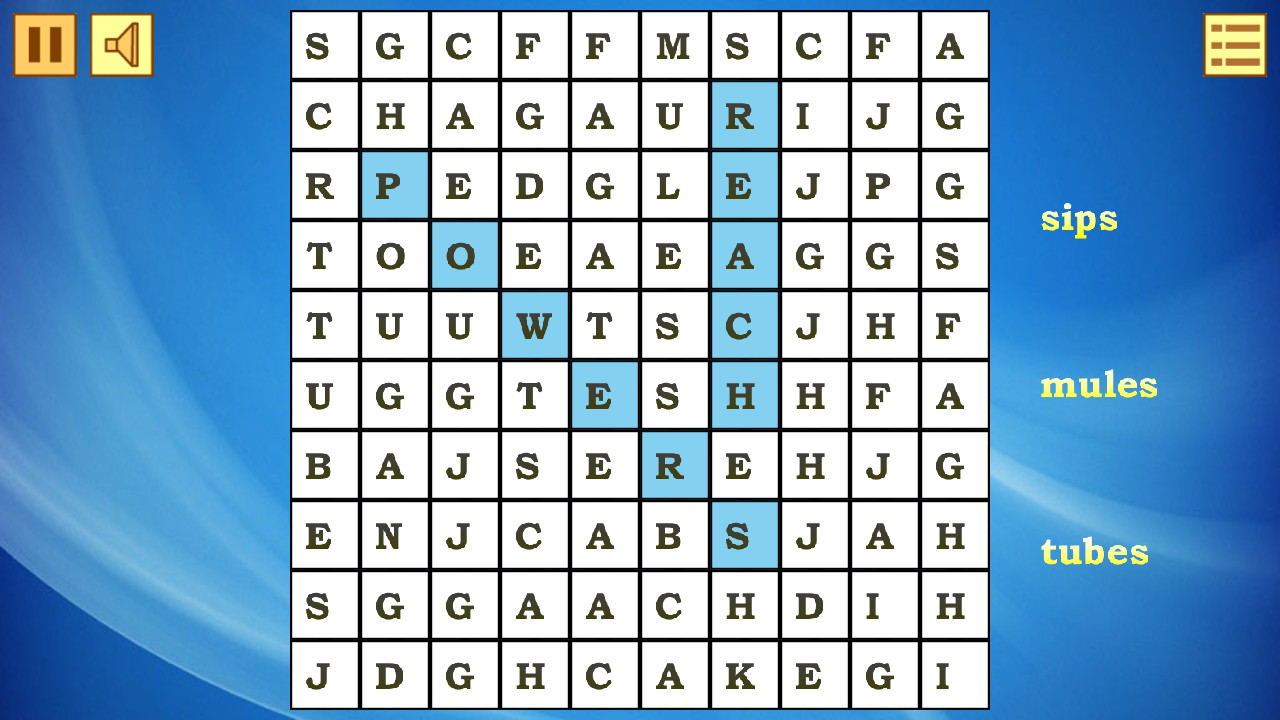
If the word is correct, it will be highlighted.
Features
- Dynamic Grids: Each session generates a unique board layout to ensure no two puzzles feel exactly the same.
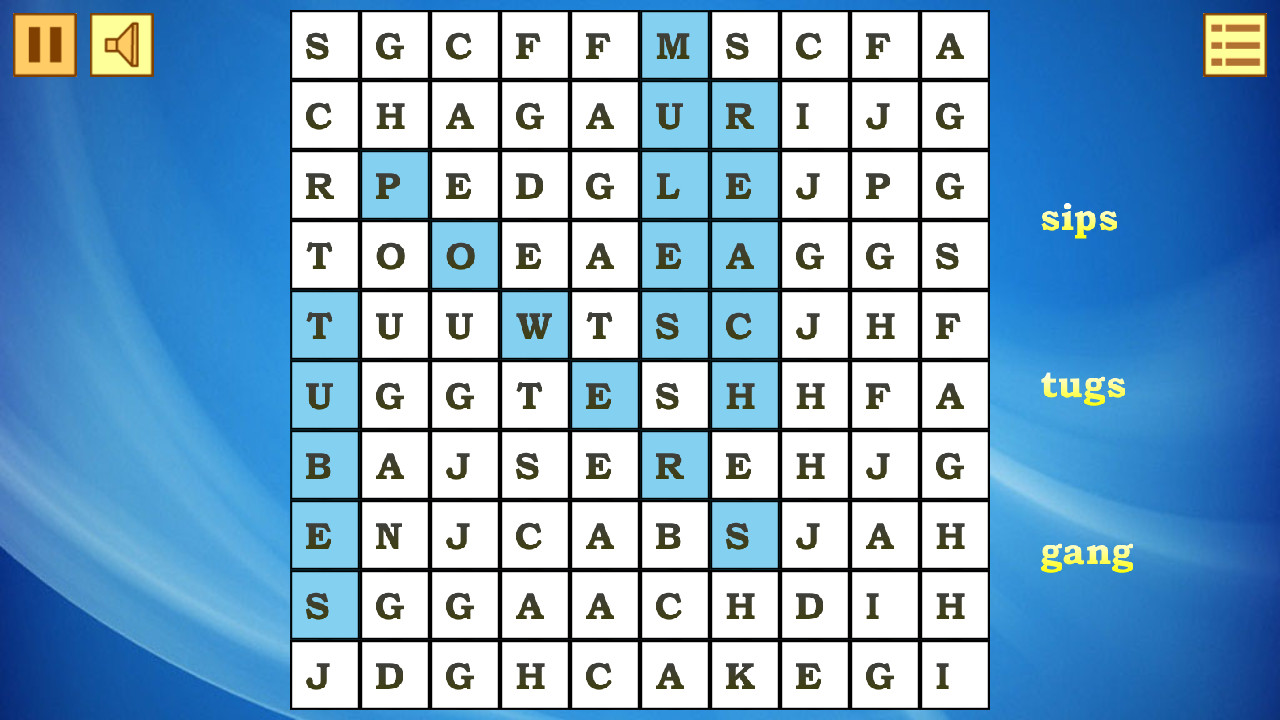
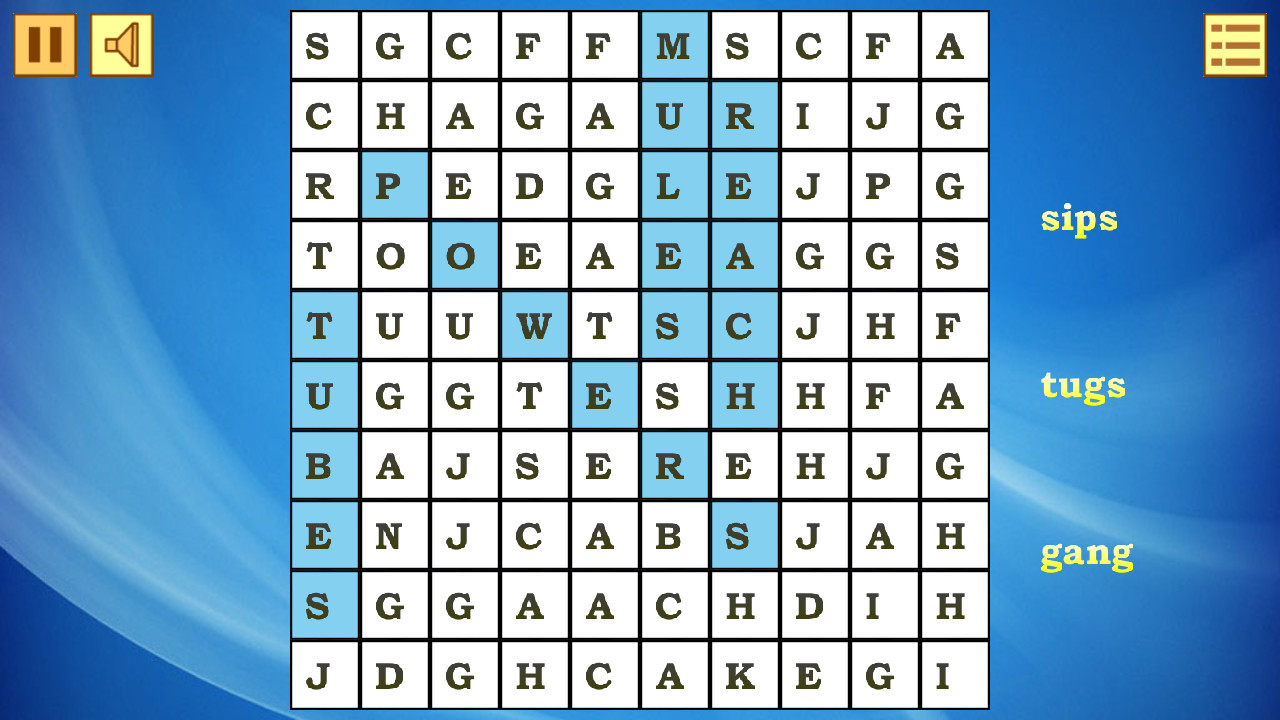
- Visual Feedback: Successfully identified words remain highlighted on the board, helping you keep track of your progress at a glance.
- Diverse Orientations: Words are cleverly concealed in eight different directions to provide a genuine challenge for your eyes.
- Progressive Difficulty: Early levels offer shorter words to get you started, while advanced stages feature long, complex vocabulary lists.
- Minimalist Design: The clean aesthetic removes unnecessary distractions so you can focus entirely on the search.
Who is it for
Puzzle lovers and vocabulary enthusiasts seeking a calm yet mentally stimulating experience will enjoy this title. It caters to students looking to expand their lexicon, commuters needing a quick brain workout, and casual gamers who appreciate a classic logic challenge that remains accessible on any device at any time.
Controls
Select word
Click and drag the mouse cursor over the letters in line.
Mobile select
Tap and swipe your finger across the letters to highlight the word.
Screen navigation
Use touch gestures or mouse scroll to view the full letter grid.
FAQ
How can I play Word Search (Find Words) on my mobile device?
›
Simply open the game link in your mobile web browser, and use your finger to swipe across the screen to select words.
Is Word Search (Find Words) free to play?
›
Yes, the game is completely free and requires no registration or software downloads to start your first puzzle.
Can I change the difficulty in Word Search (Find Words)?
›
The game automatically scales the challenge as you progress through levels, providing a steady increase in difficulty to keep your brain training effective.