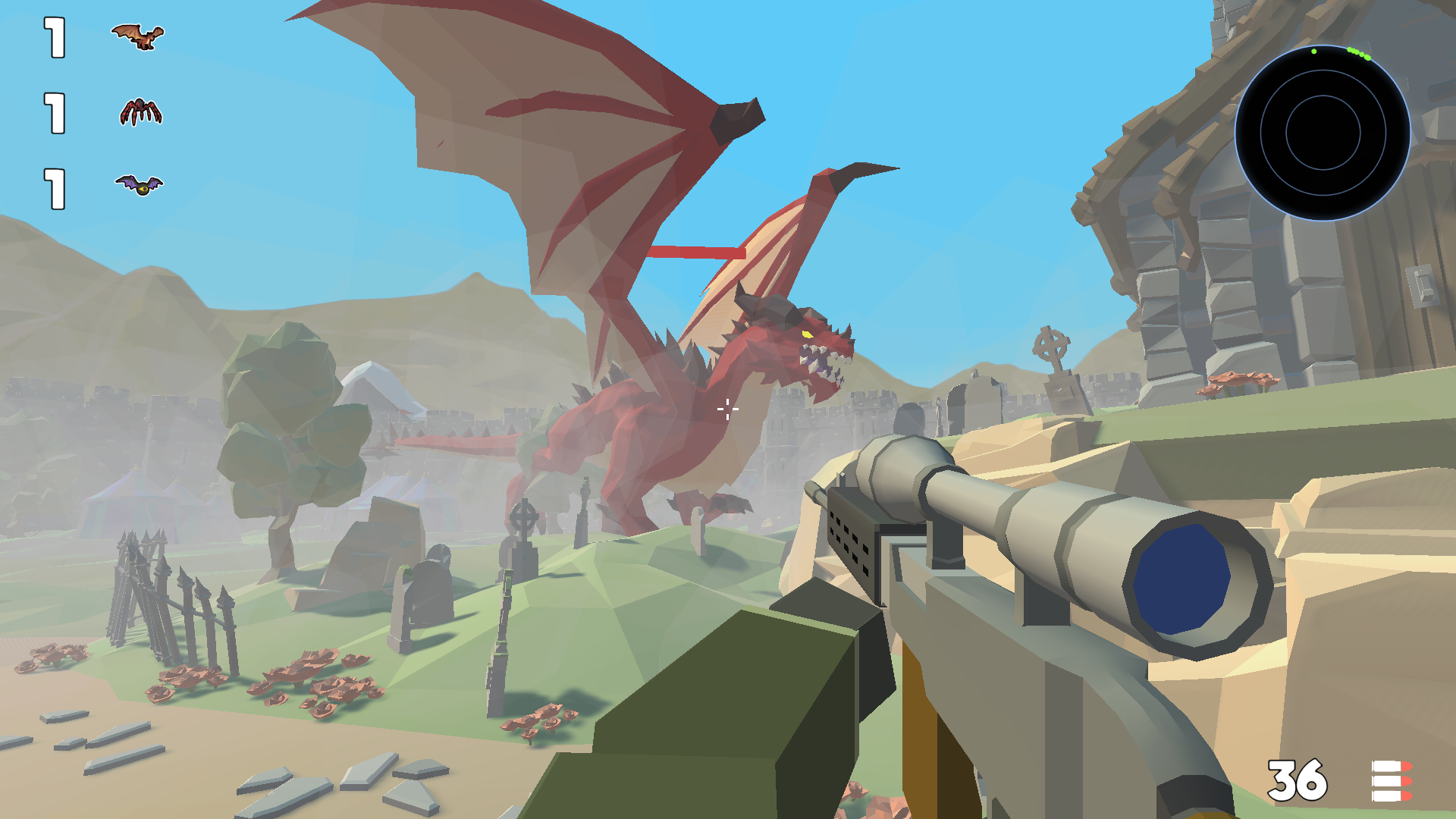
About game
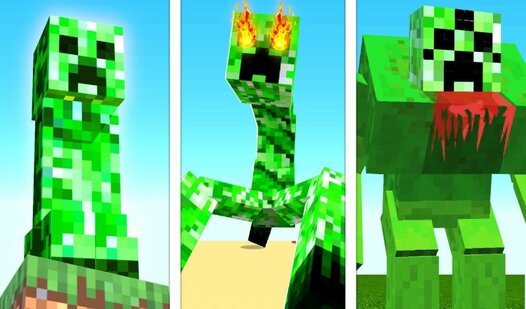
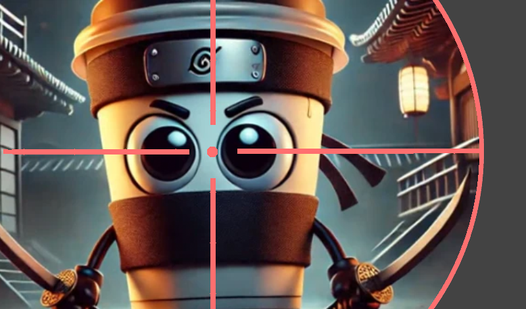
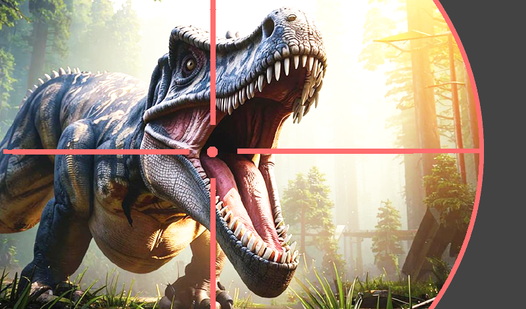
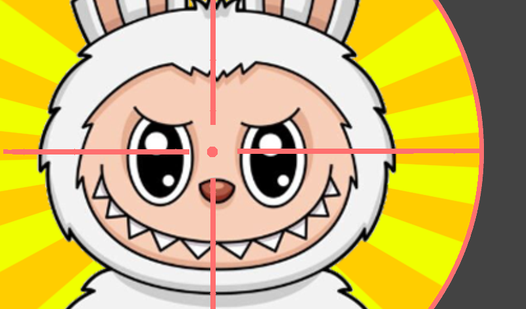
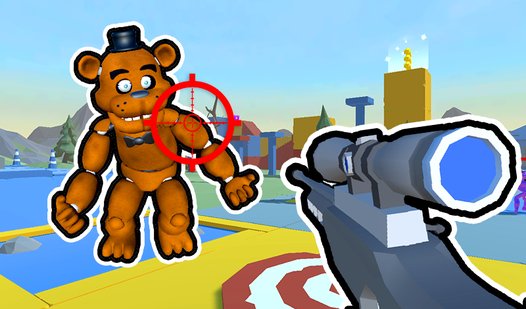
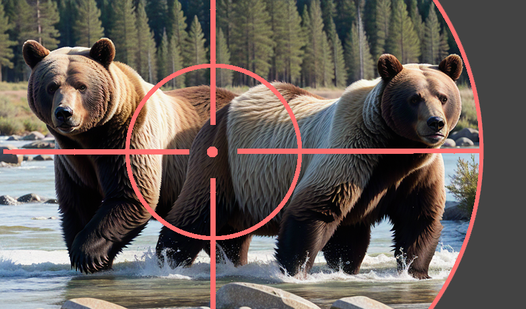
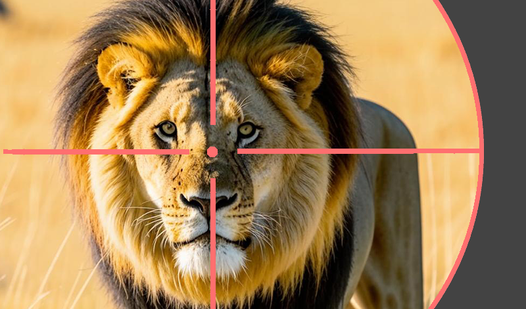
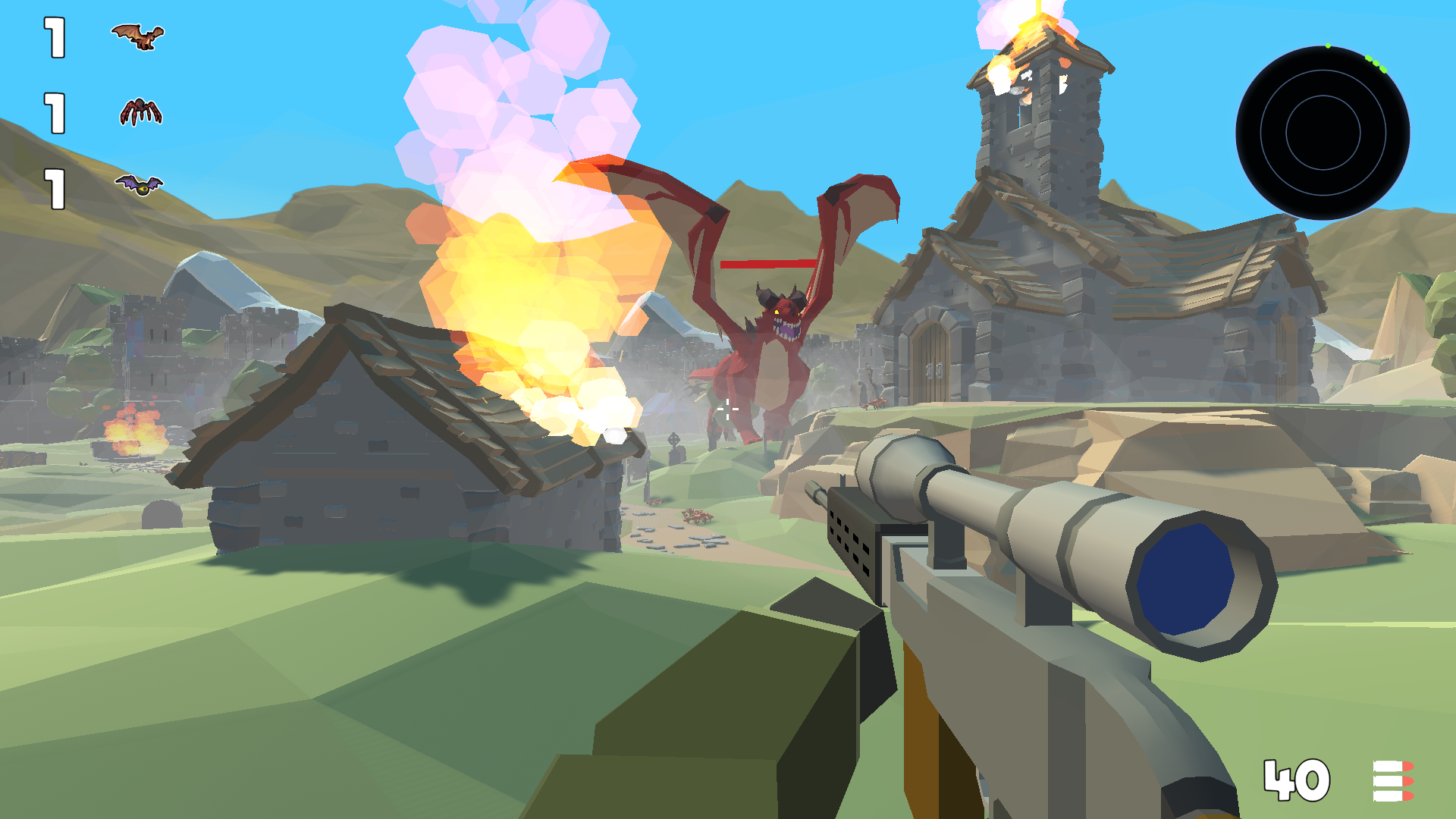
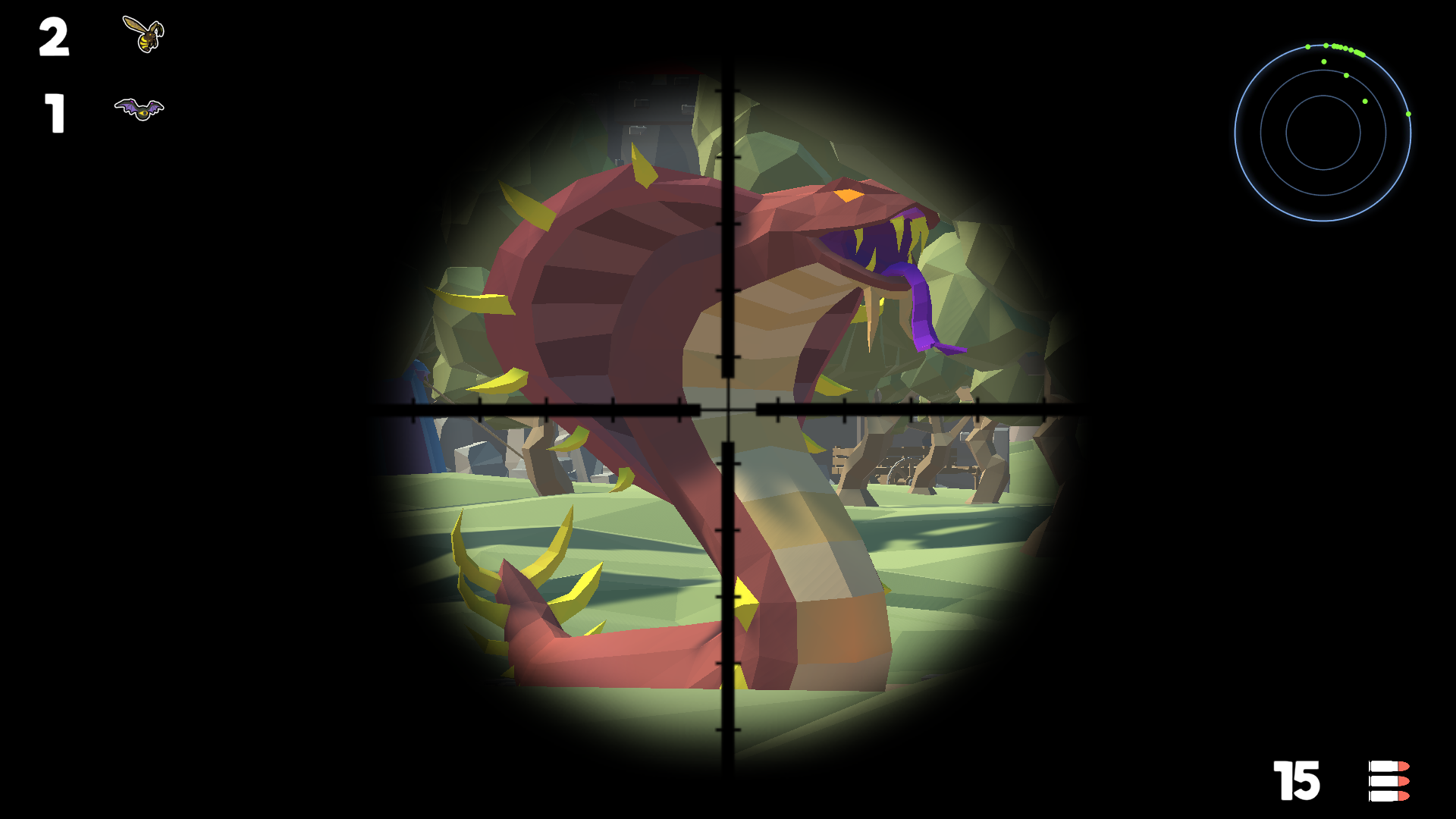
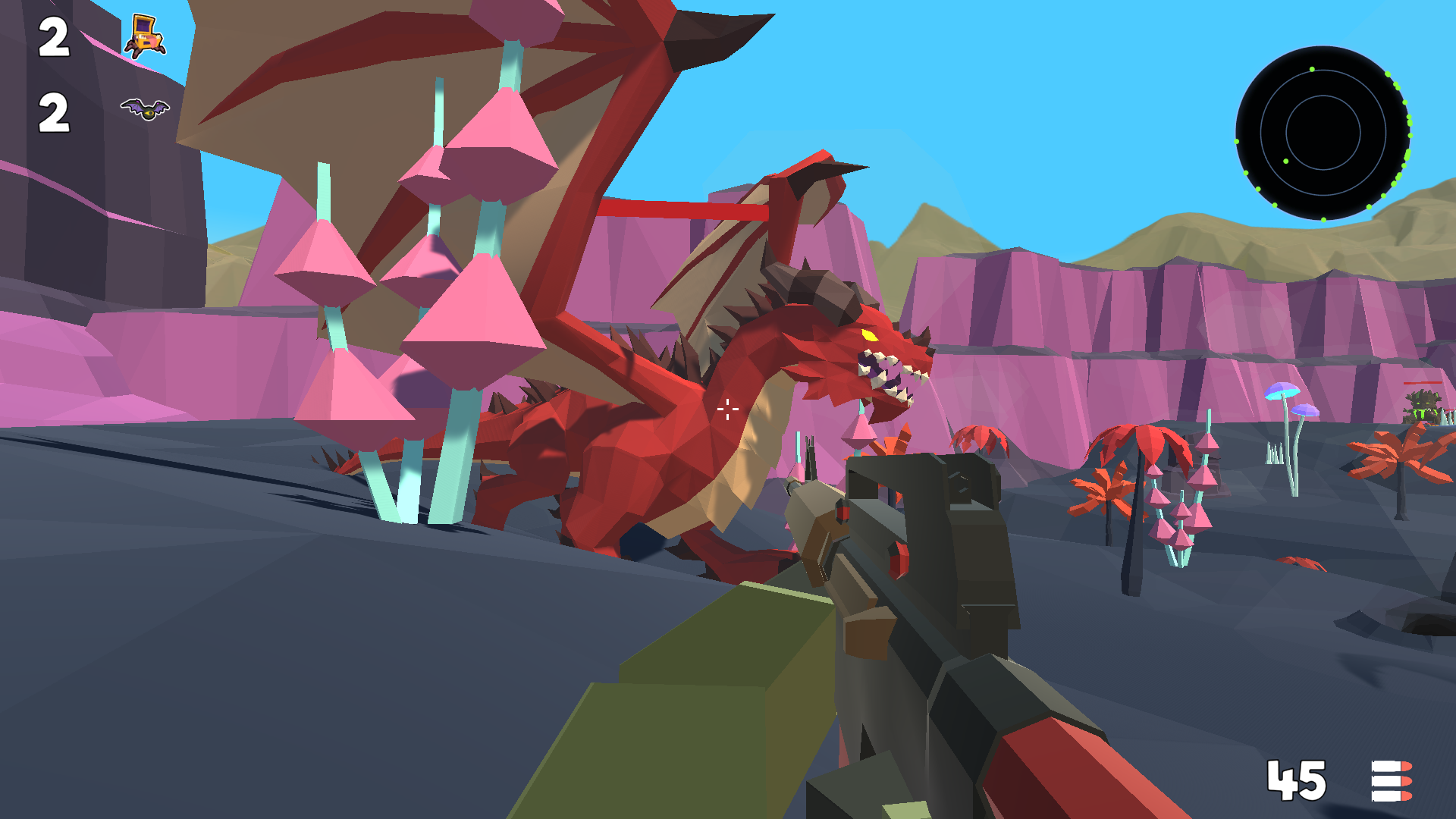
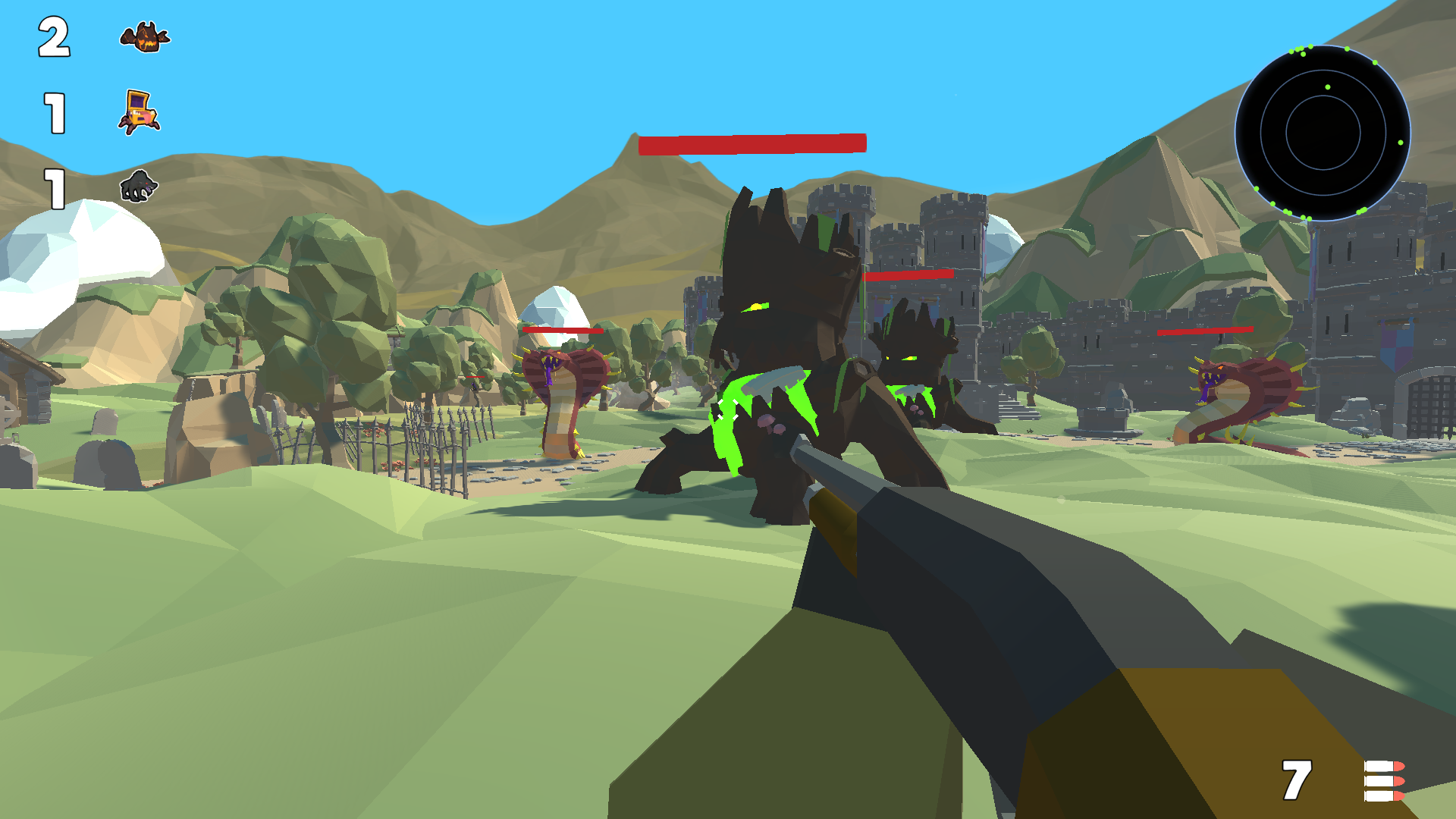
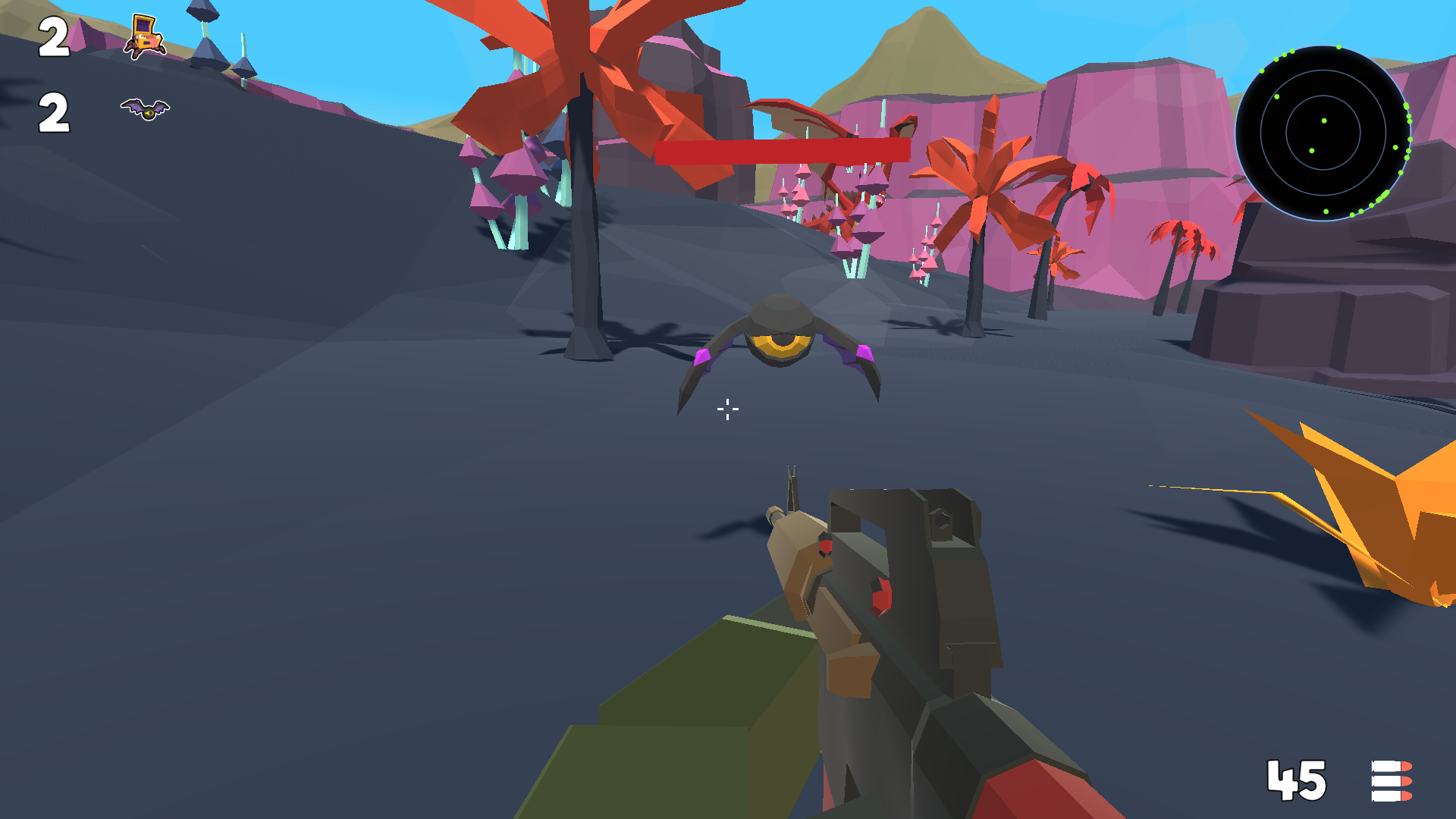
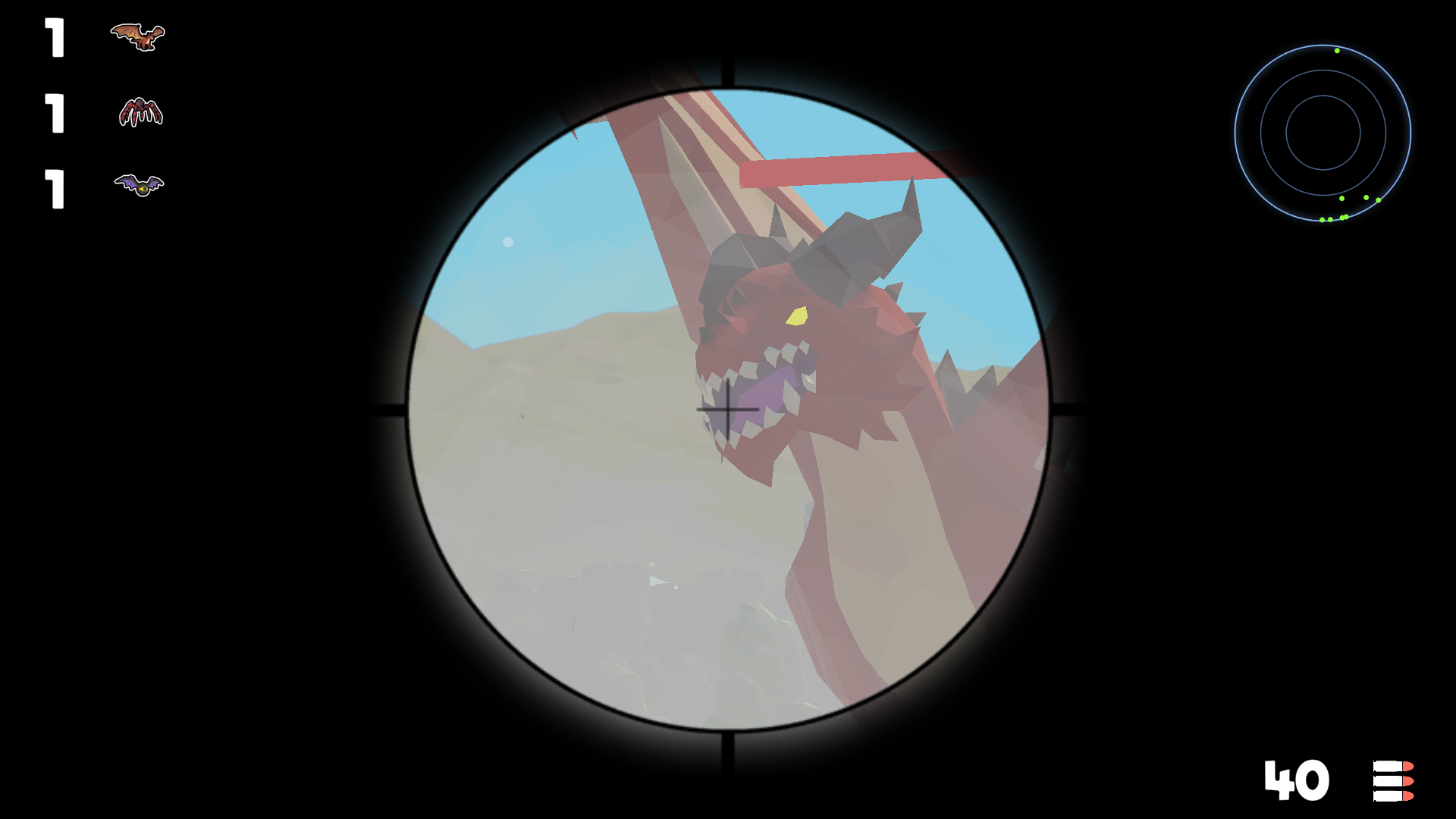
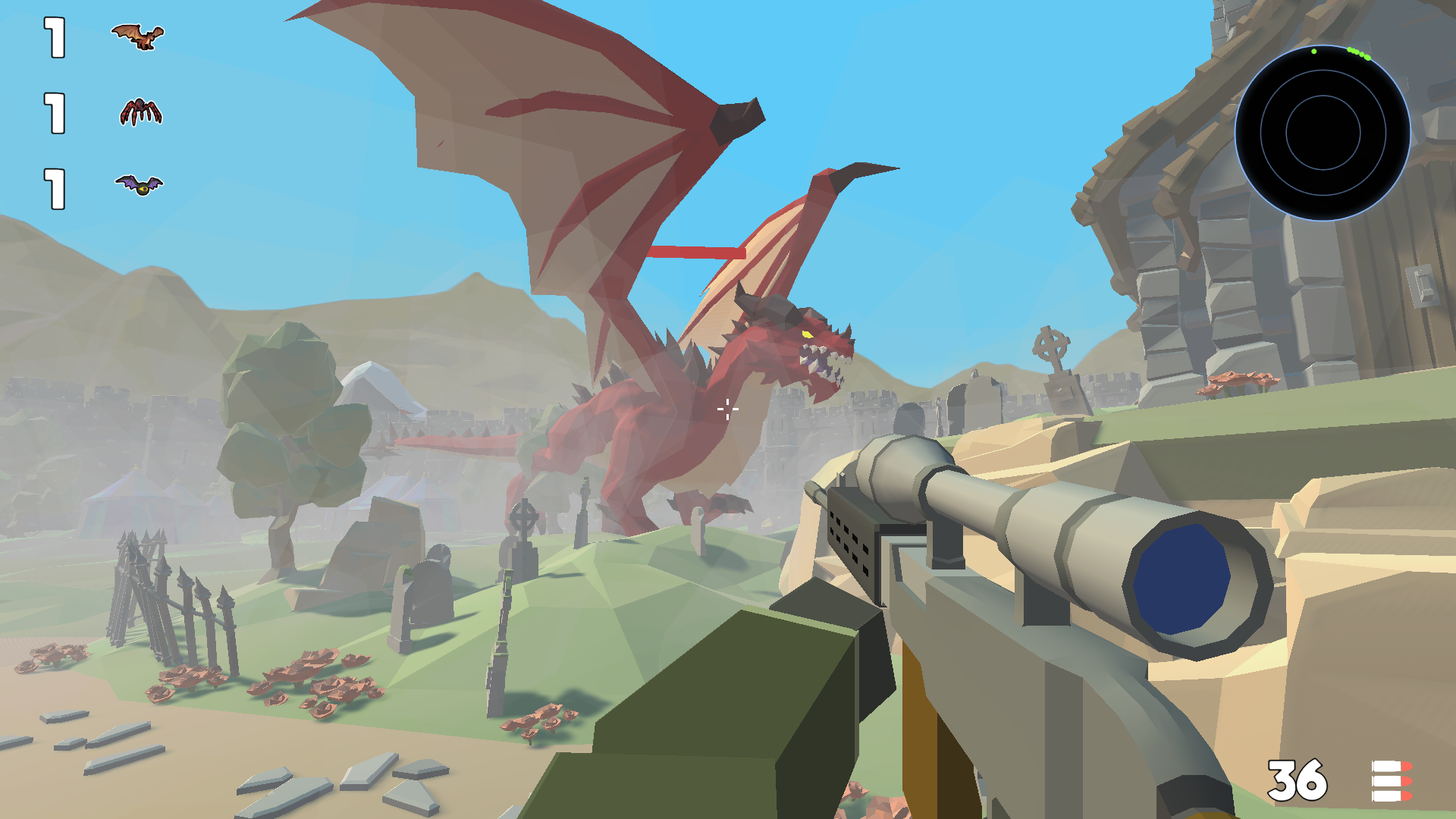
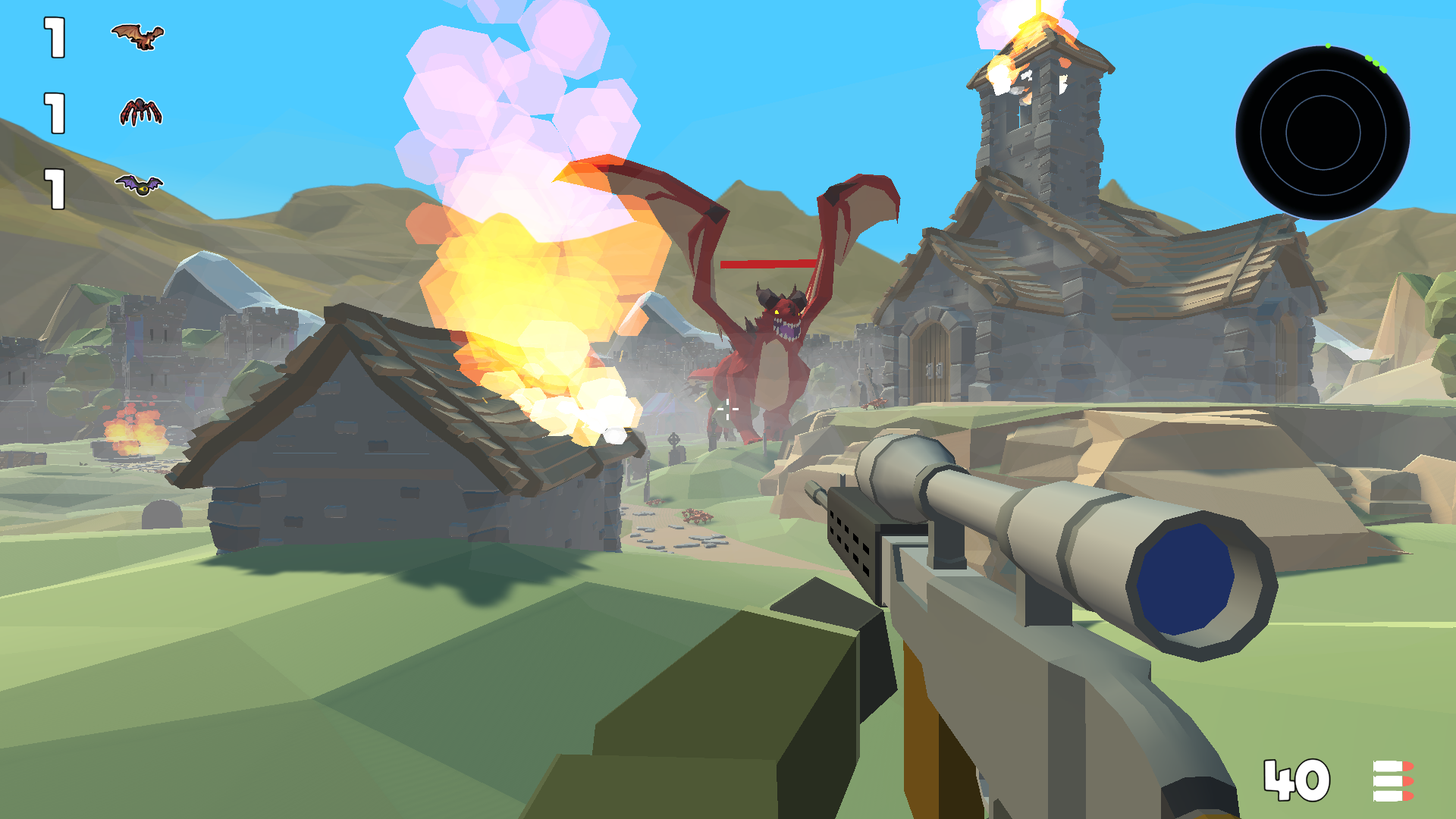
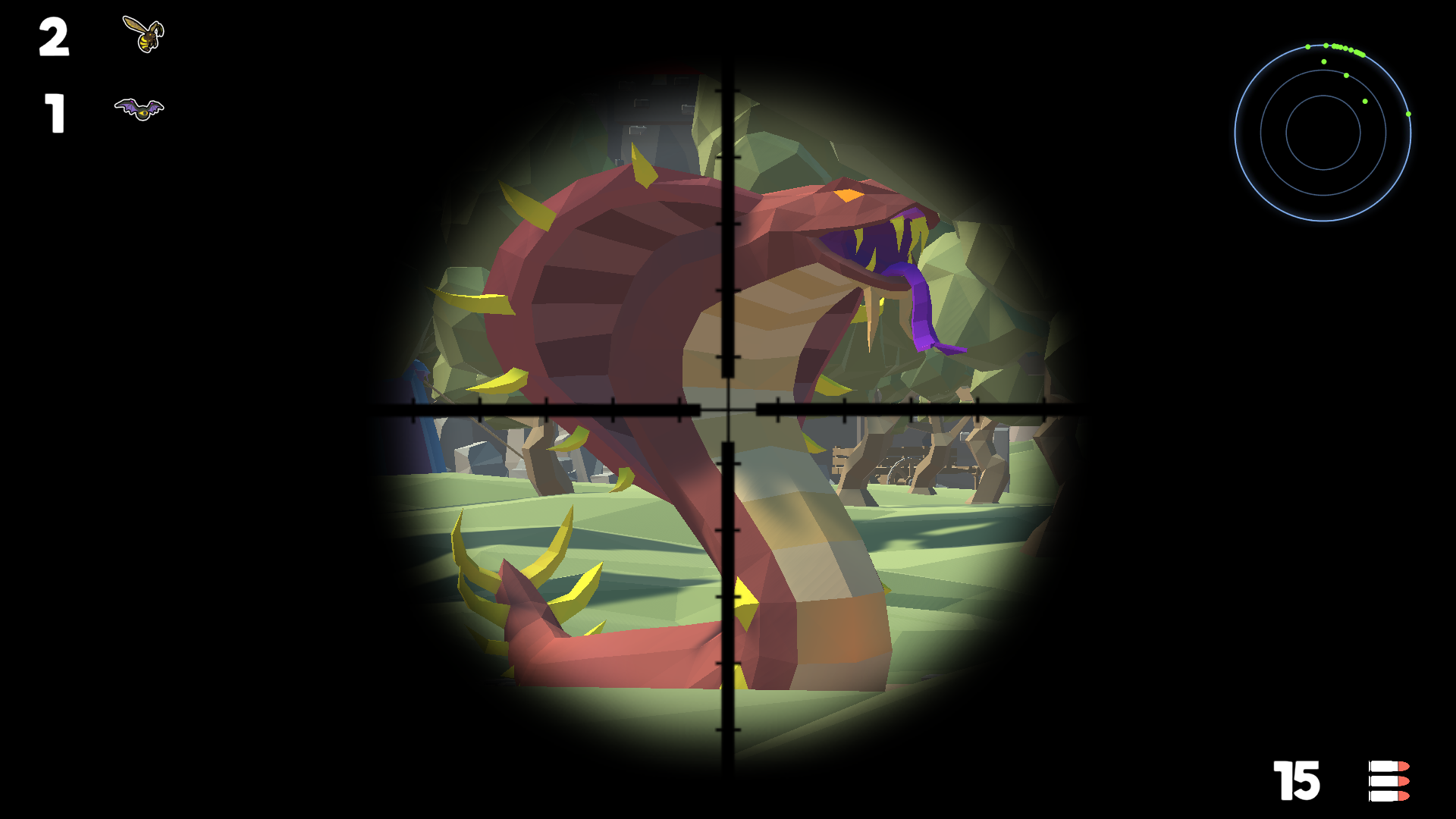
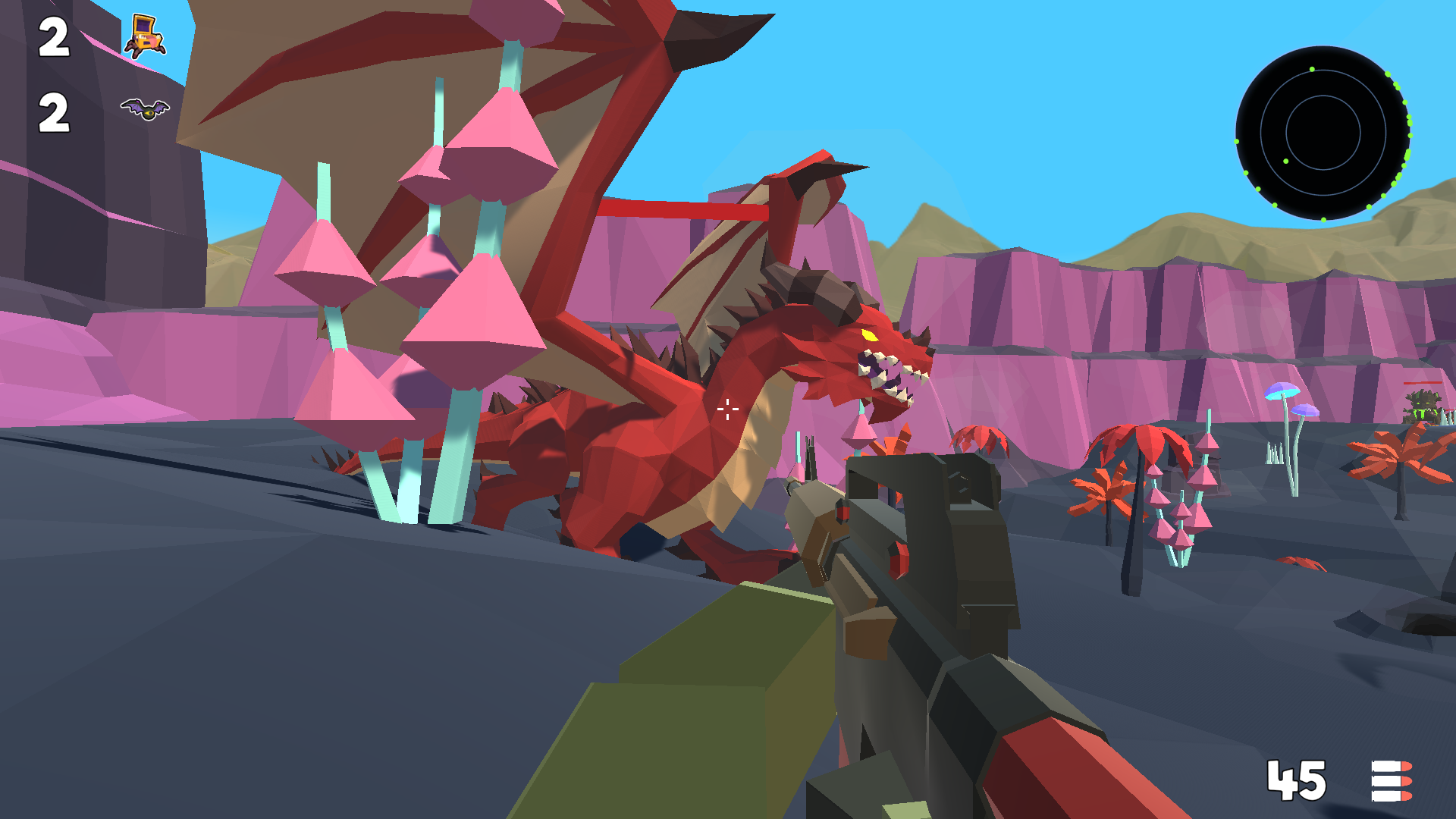
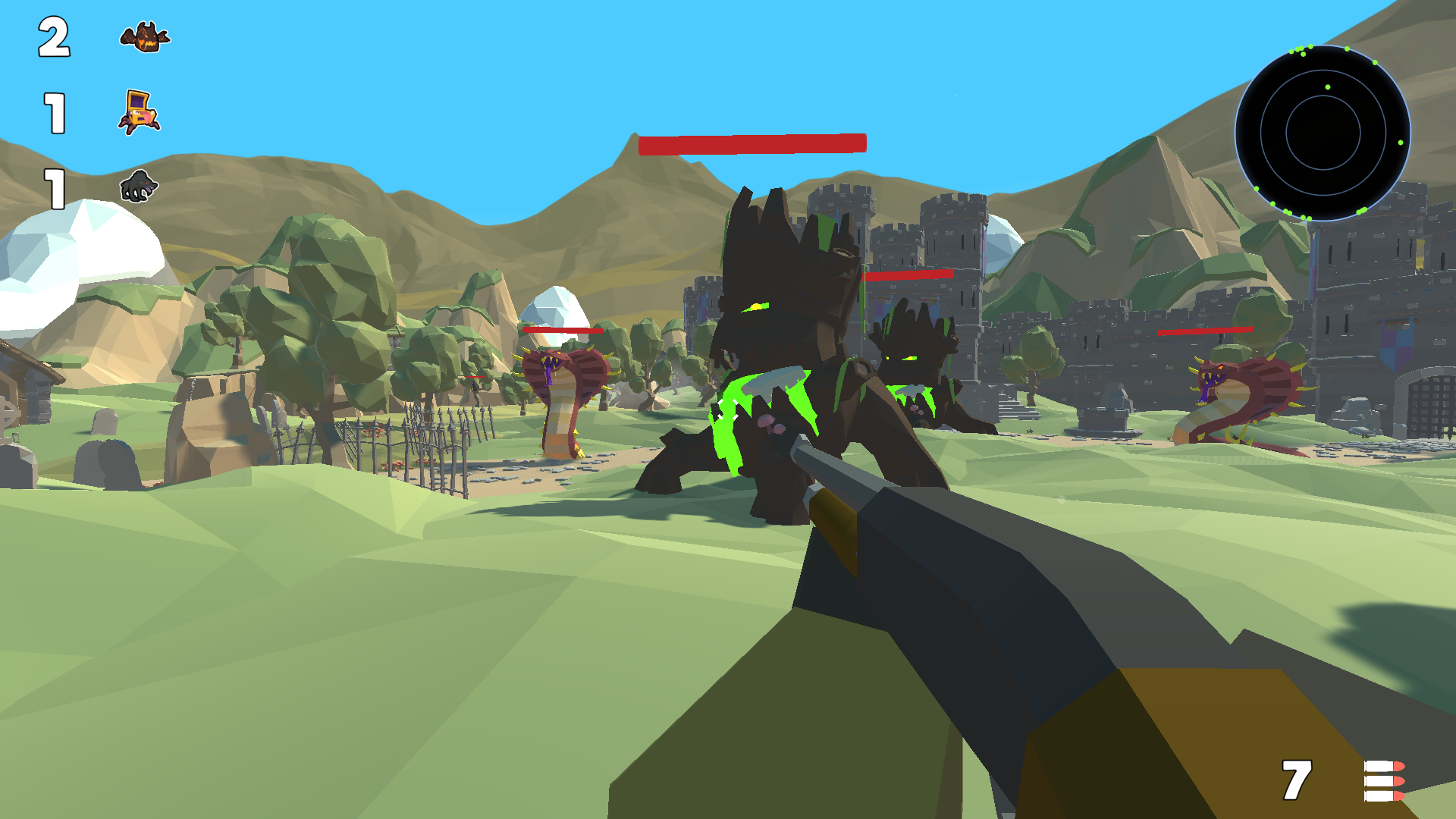
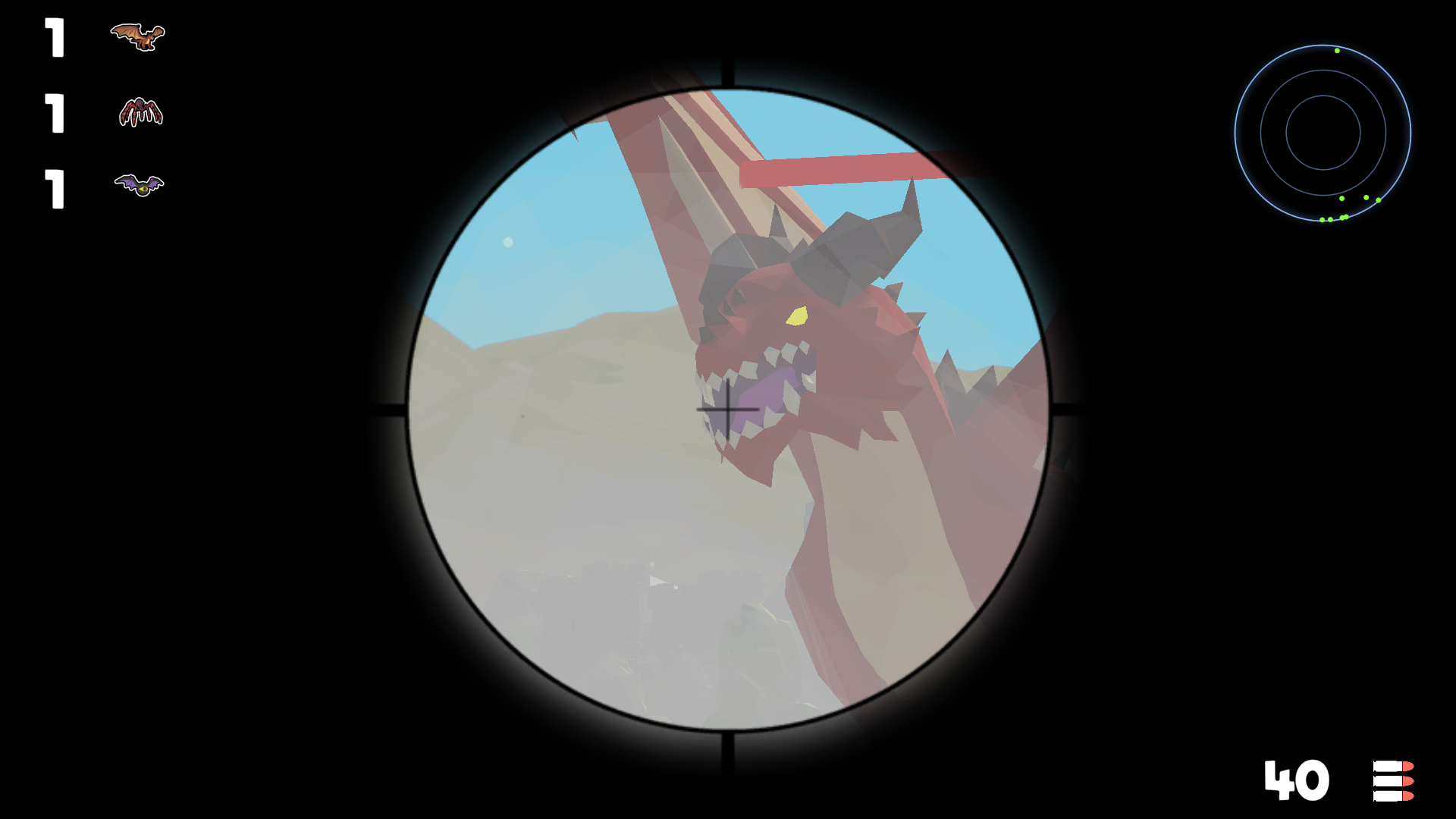
Tracking elusive creatures through dense forests requires the patience of a seasoned hunter and the steady nerves of a true survivor. Wildlife 4: Monster Hunting 3D tests your instincts as you navigate a sprawling open world filled with dangerous beasts lurking in the shadows. You must master the art of stealth because every footstep and gunshot alerts nearby prey to your exact position. As a dedicated hunter, your goal is to track down diverse monster species while utilizing an expansive arsenal of high-powered weaponry to survive each encounter. Stunning 3D graphics bring the environment to life, making every successful tracking mission feel incredibly immersive and rewarding. You will need to manage your ammunition carefully and choose the right gear for every specific environment you explore. Whether you are stalking through thick brush or tracking across open plains, the challenge never ends. Experience Wildlife 4: Monster Hunting 3D right now for free directly in your browser with no download required.
How to play
➕ At the beginning, select the language and device you want to play on.
➕ Computer management:
W, up arrow - the character moves forward.
A or left arrow - the character moves to the left.
S or down arrow - the character moves backwards.
D or right arrow - the character moves to the right.
C - sit down.
R - reload.
Shift - acceleration.
Space - jump.
The right mouse button is aiming.
➕ Control on the phone:
Use the joystick in the left corner of the screen to move the character.
Use the area on the right side of the screen to direct the weapon.
When you press the "Attack" button, it lights up and auto-shooting at targets turns on.
Features
- Stealth mechanics: Sound plays a critical role as monsters react to your footsteps and weapon noise, forcing you to move quietly.
- Weapon diversity: Choose from a wide variety of firearms, each suited for different hunting styles and monster types.
- Dynamic environments: Explore a large open world that offers varied terrain and unique hiding spots for both you and your prey.
- Advanced AI: Monsters behave realistically, tracking your movements and attempting to flee or ambush you when cornered.
- Tactical movement: Use specialized actions like crouching and sprinting to gain a strategic advantage during your hunt.
Who is it for
Fans of survival simulators and action games who enjoy stalking prey in realistic 3D environments. Players who appreciate tactical gameplay, stealth elements, and open-world exploration will find this title engaging. It is a top choice for those seeking high-quality monster hunting thrills directly within their standard web browser.
Controls
Character movement
Use WASD keys or the arrow keys on PC; use the virtual joystick on the left side for mobile devices.
Aiming and Shooting
Right-click to aim on PC; tap the right side of the screen on mobile to aim and activate auto-shooting.
Stealth and Utility
Press C to crouch, R to reload, Shift to accelerate, and Space to jump on your keyboard.
FAQ
Is Wildlife 4: Monster Hunting 3D free to play?
›
Yes, you can play Wildlife 4: Monster Hunting 3D entirely for free in your browser without any registration or downloads.
Can I play Wildlife 4: Monster Hunting 3D on my phone?
›
Absolutely, Wildlife 4: Monster Hunting 3D is fully optimized for mobile devices with intuitive touch controls for movement and shooting.
What is the best way to track monsters in Wildlife 4: Monster Hunting 3D?
›
The best approach in Wildlife 4: Monster Hunting 3D is to move slowly while crouching to minimize noise, as monsters will hear your footsteps and run away.