About game
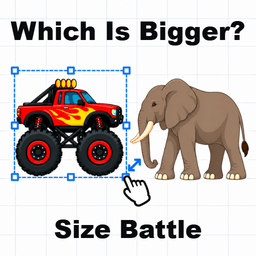
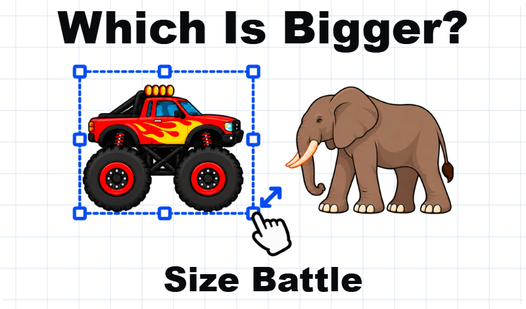
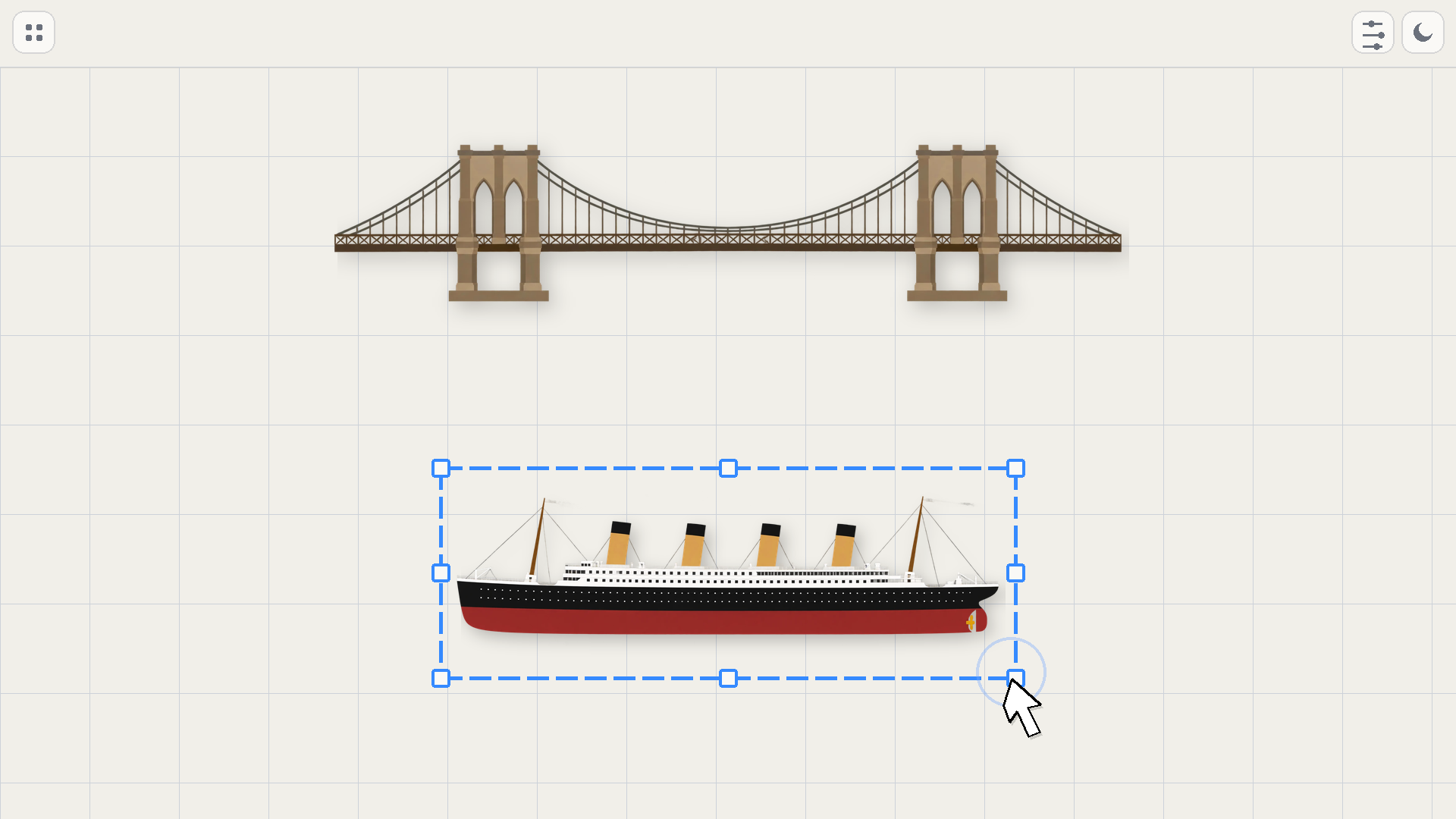
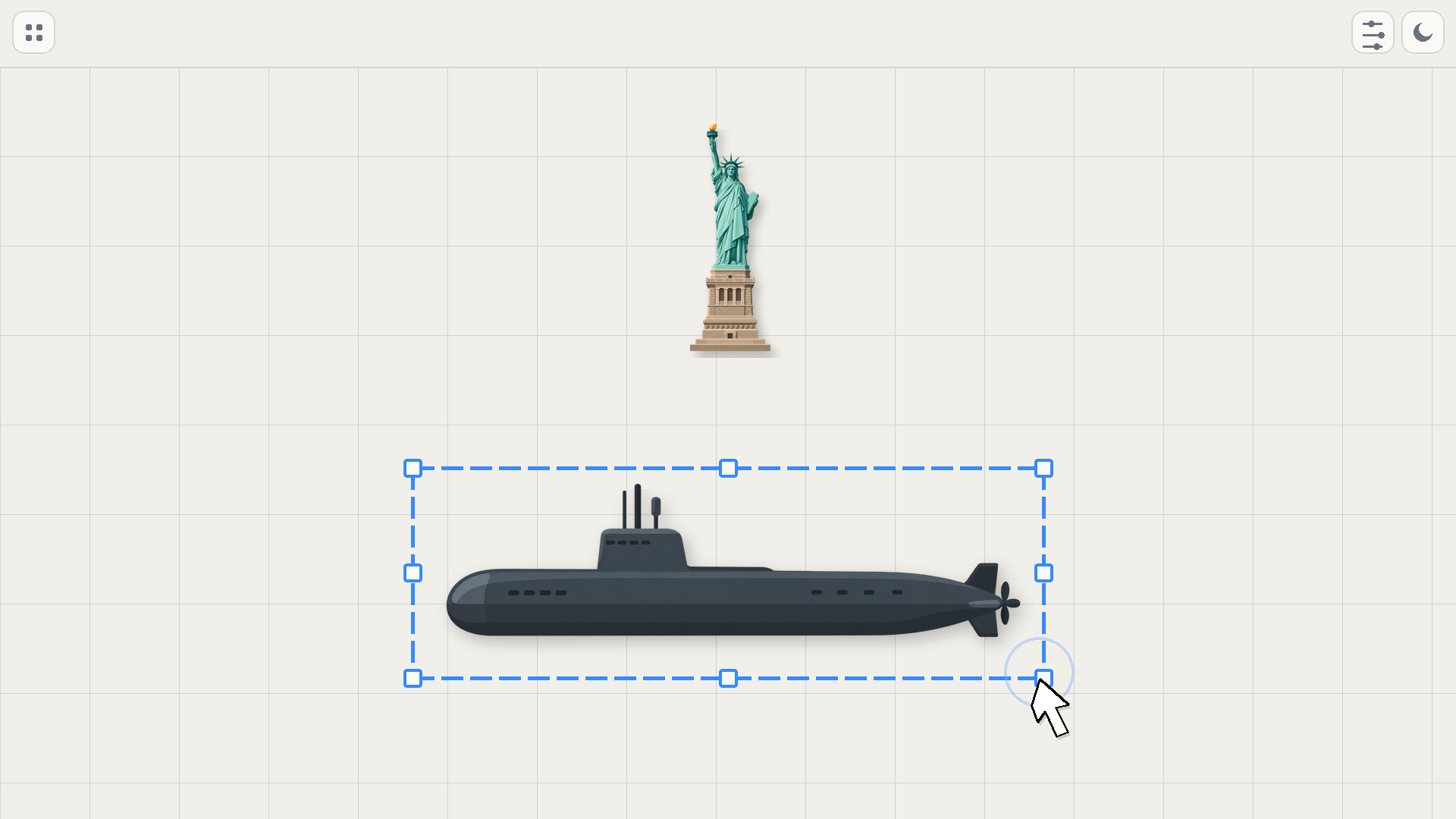
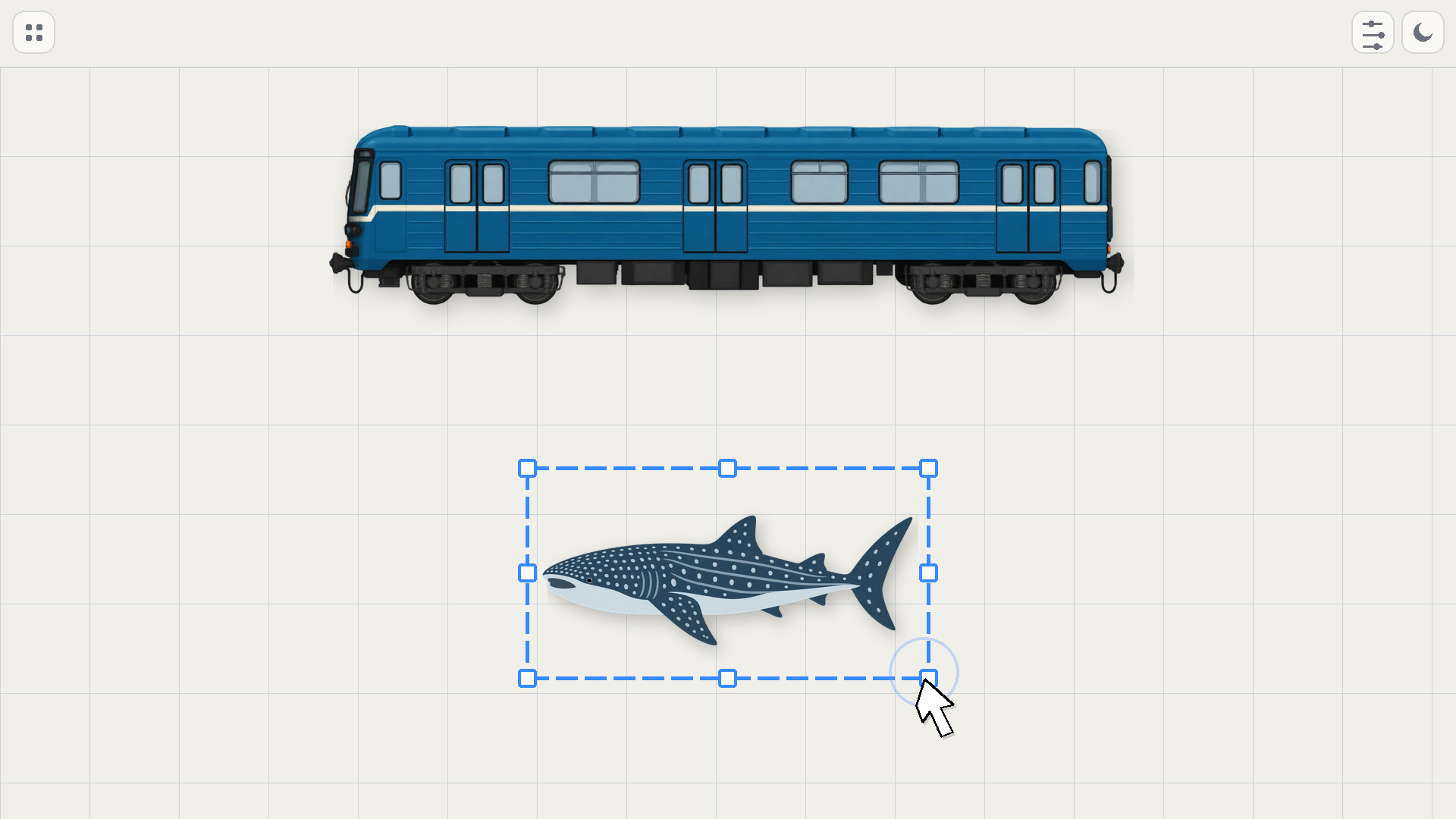
Anyone who loves trivia and logic challenges will find Which Is Bigger? Size Battle a fun way to test their perspective. You look at two different objects on screen and estimate how they match up in reality. Drag the ruler at the bottom to adjust the scale until your intuition feels just right. Once you lock in your choice, the system calculates how close your guess came to the actual measurement. The sizing game keeps things interesting by showing you surprising facts about everything from tiny insects to massive celestial bodies. You sharpen your spatial awareness as you progress through increasingly difficult rounds. Every correct answer gives you a satisfying boost of confidence about your sense of scale. Grab your browser and start to size it up right now without any downloads required.
How to play
Desktop: drag the bottom ruler left or right. You can also scroll over it or use the arrow keys while it is focused. Click the arrow button or press Enter to submit your answer. On the scene, objects can be dragged; the mouse wheel zooms the camera, and right- or middle-button drag pans it. Mobile: swipe the bottom ruler; one finger moves objects, while two fingers resize a selected object or zoom the scene. After the result is shown, tap “Next level”.
Features
- Dynamic Scaling: Adjust the dimensions of objects manually to visualize how they occupy space in the real world.
- Fact Database: Learn interesting trivia about landmarks and animals that pop up after you confirm your final guess.
- Multi-Touch Support: Resize objects and navigate the map using intuitive touch gestures on your handheld device.
- Progressive Difficulty: The game ramps up the challenge by pairing objects with closer proportions as you improve your score.
- Camera Controls: Pan across the scene or zoom in to examine the fine details of the items you are currently comparing.
Who is it for
Logic puzzle enthusiasts and trivia fans who want to sharpen their visual estimation skills. People looking for quick, brain-teasing sessions will enjoy the fast pace. Those who enjoy casual educational content will find the simple interface and factual snippets engaging for short breaks throughout the busy day.
Controls
Adjust Scale
Swipe or drag the bottom ruler left and right to change size.
Move Objects
Tap and drag items on the screen to reposition them.
Zoom Camera
Use two fingers to pinch or scroll your mouse wheel to get a better view.
Submit Answer
Click the arrow button or tap the screen to confirm your final estimation.
FAQ
How do I master Which Is Bigger? Size Battle?
›
Focus on the relative scale of familiar objects first to build a baseline for your estimations. The more you play, the better your internal sense of measurement becomes.
Can I play Which Is Bigger? Size Battle on my phone?
›
Yes, the game is fully optimized for mobile browsers. You can use simple swipe and pinch gestures to control the scale and view the objects.
Is there a cost to play Which Is Bigger? Size Battle?
›
The game is completely free to play in your web browser. You do not need to register or download any files to start testing your knowledge.