About game
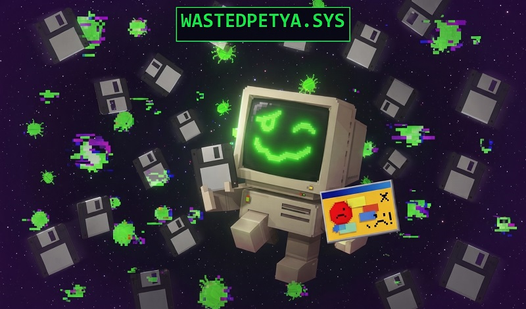
Keeping a digital pet alive is usually a chill experience, but WastedPetya.sys turns your screen into a chaotic survival challenge. This drunken tamagotchi lives inside your computer and demands constant attention to avoid a fatal system crash. You must feed him floppy disks and smash intrusive bugs before the whole machine goes down. Progression happens across three distinct eras ranging from classic DOS environments to high-tech cyberpunk aesthetics. Surviving the tricky computer-literacy quizzes unlocks a deep sandbox mode where infection waves test your reflexes. Managing your RAM and antivirus upgrades becomes vital as the difficulty spikes during boss encounters. You can climb the global leaderboard by mastering the frantic clicker mechanics and efficient resource management. Stop waiting for a blue screen of death and play WastedPetya.sys for free right now in your browser with no download required.
How to play
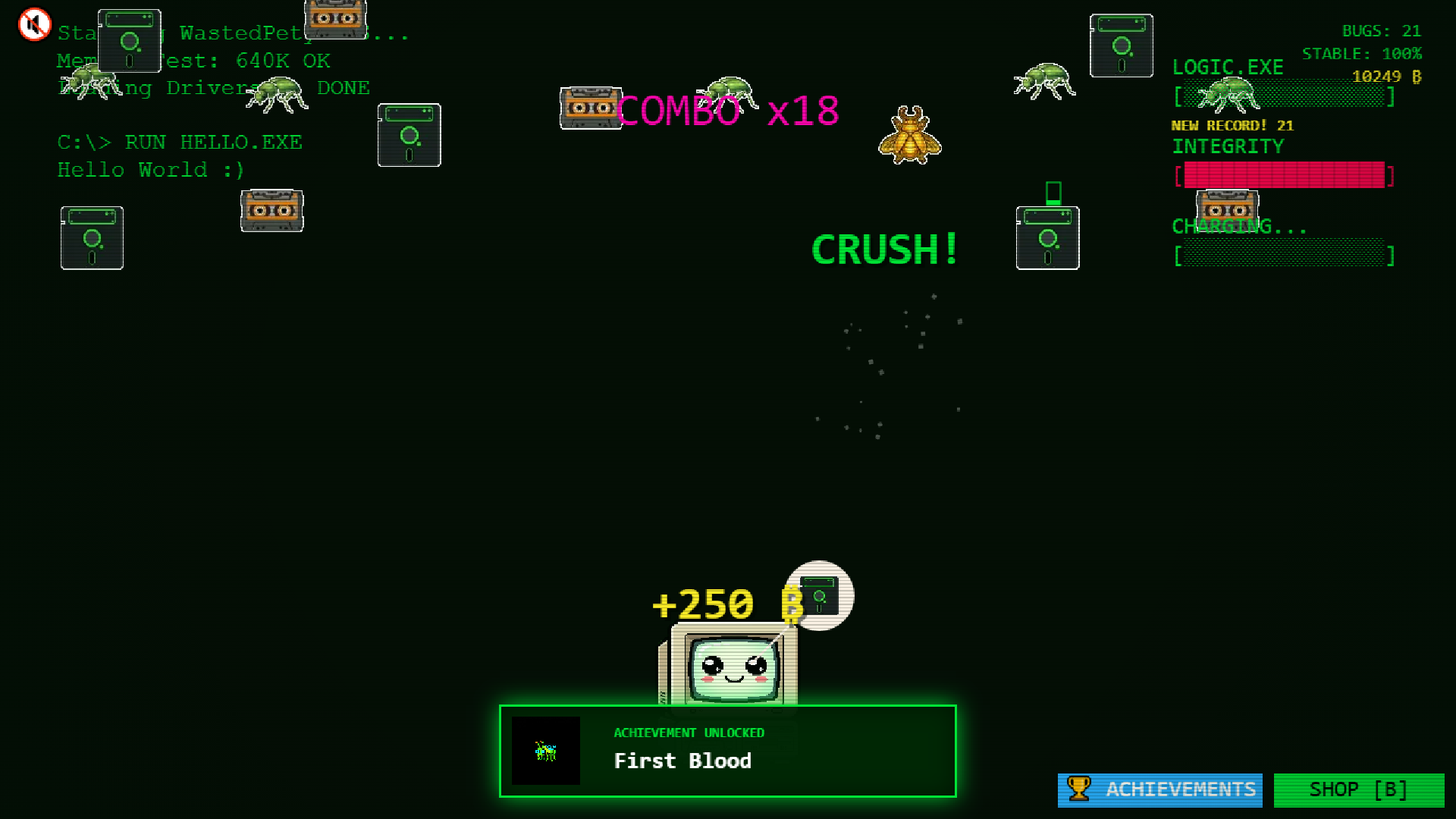
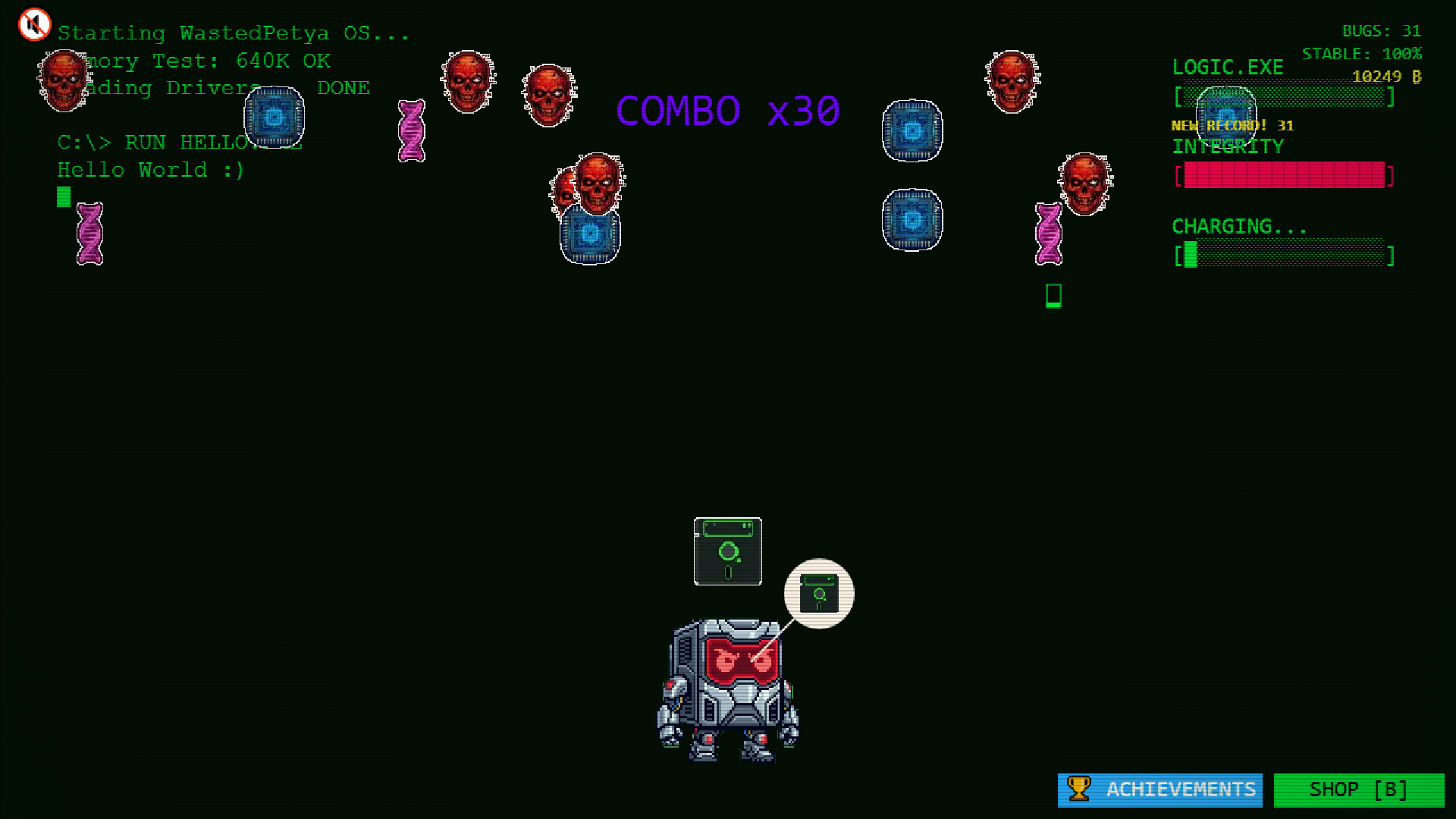
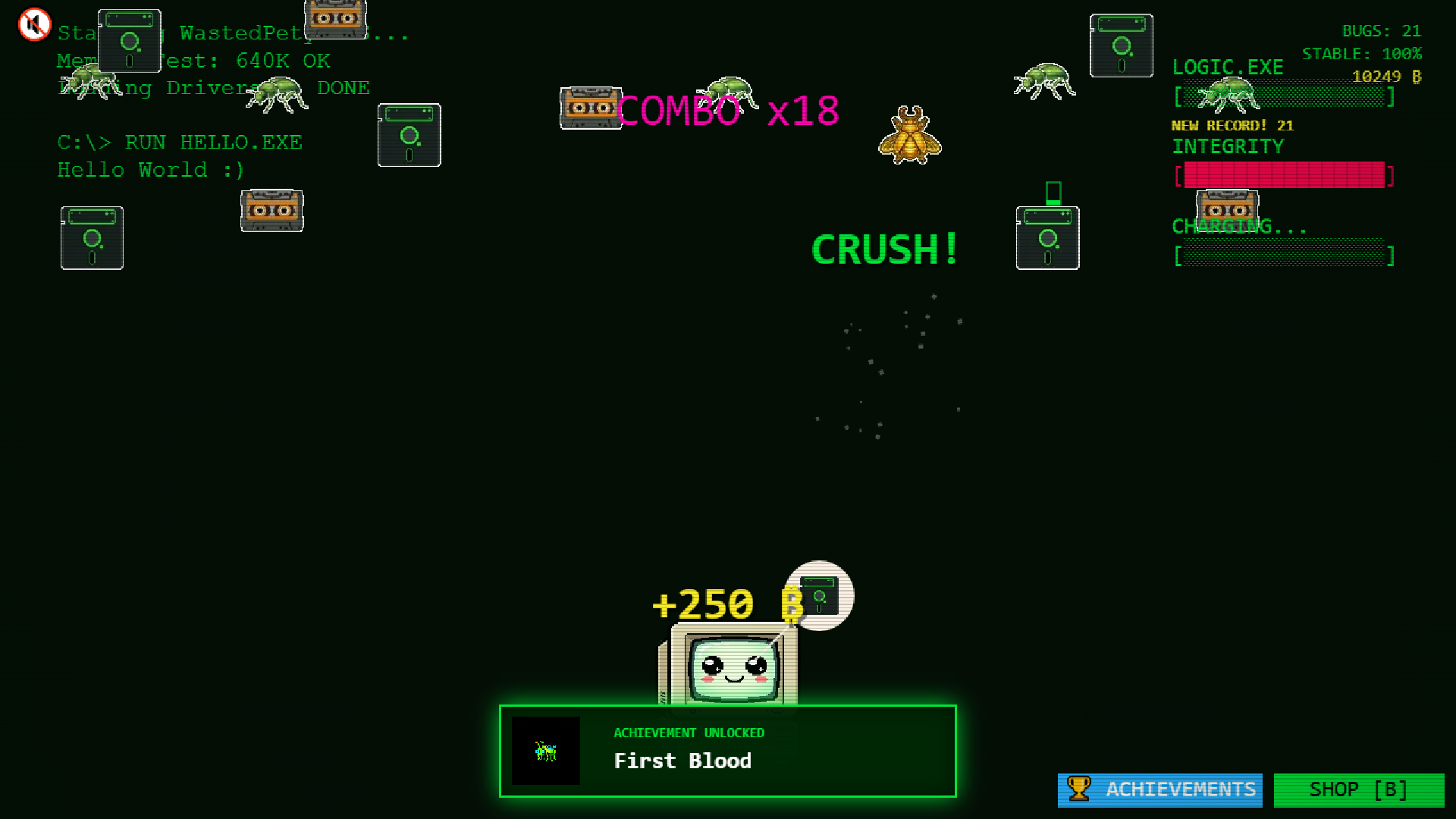
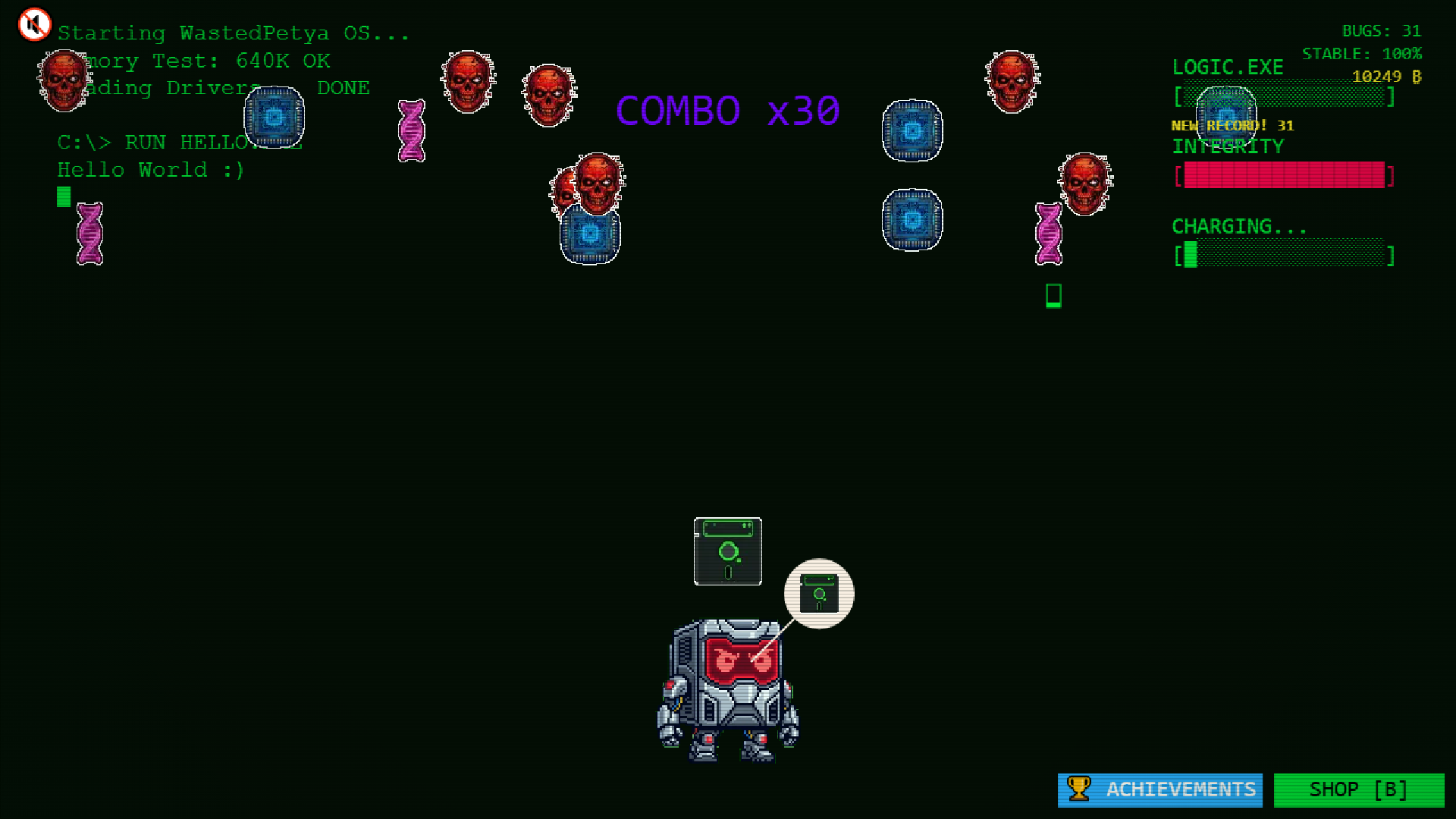
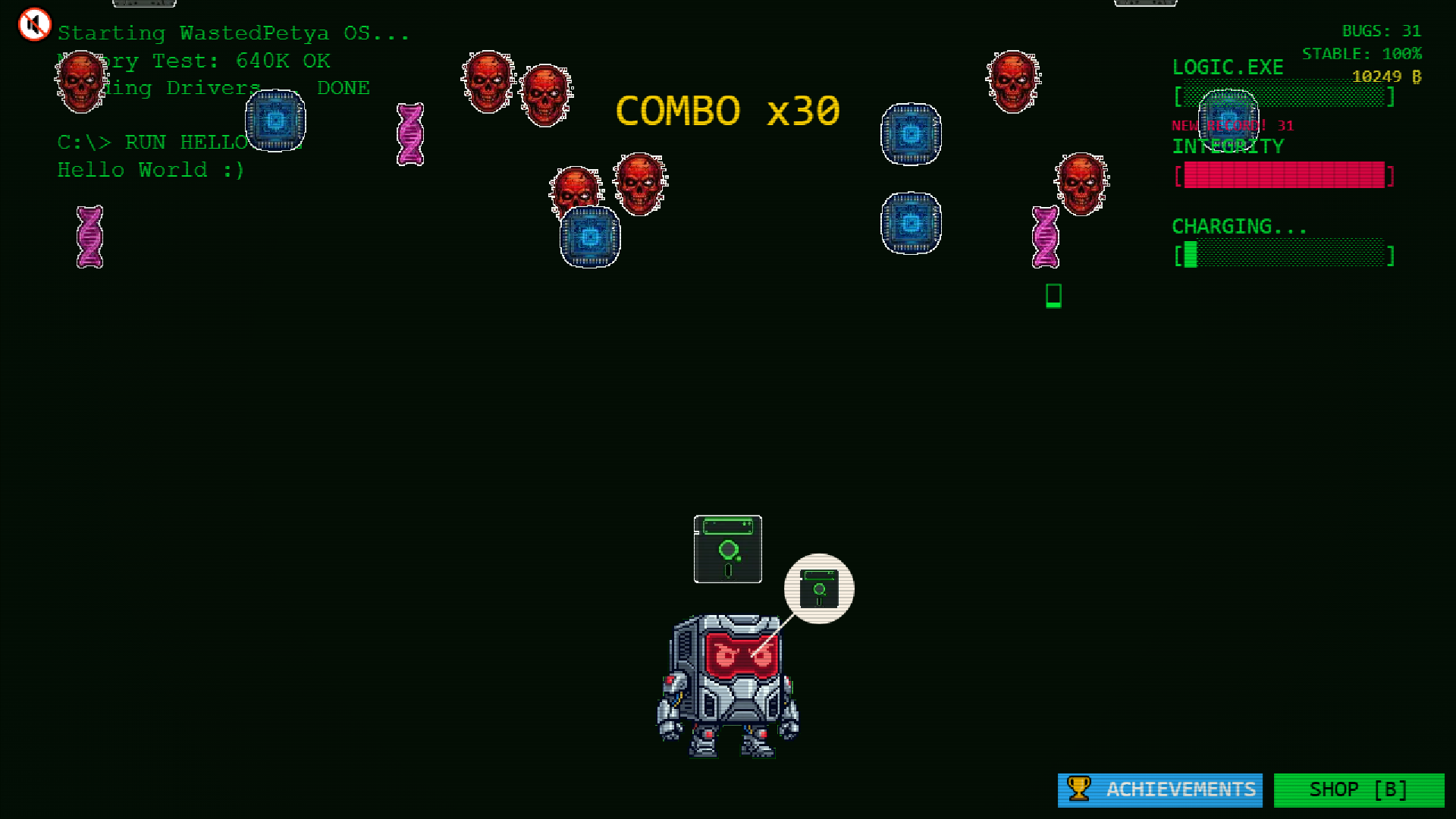
Tap bugs to build logic. When Wasted Petya asks for food, drag it to him. Miss his order twice and the combo breaks.
Ult: press Space when the bar is full to wipe the screen. Shop: bottom-right button or key B. Mute: top-left. Play landscape on phones.
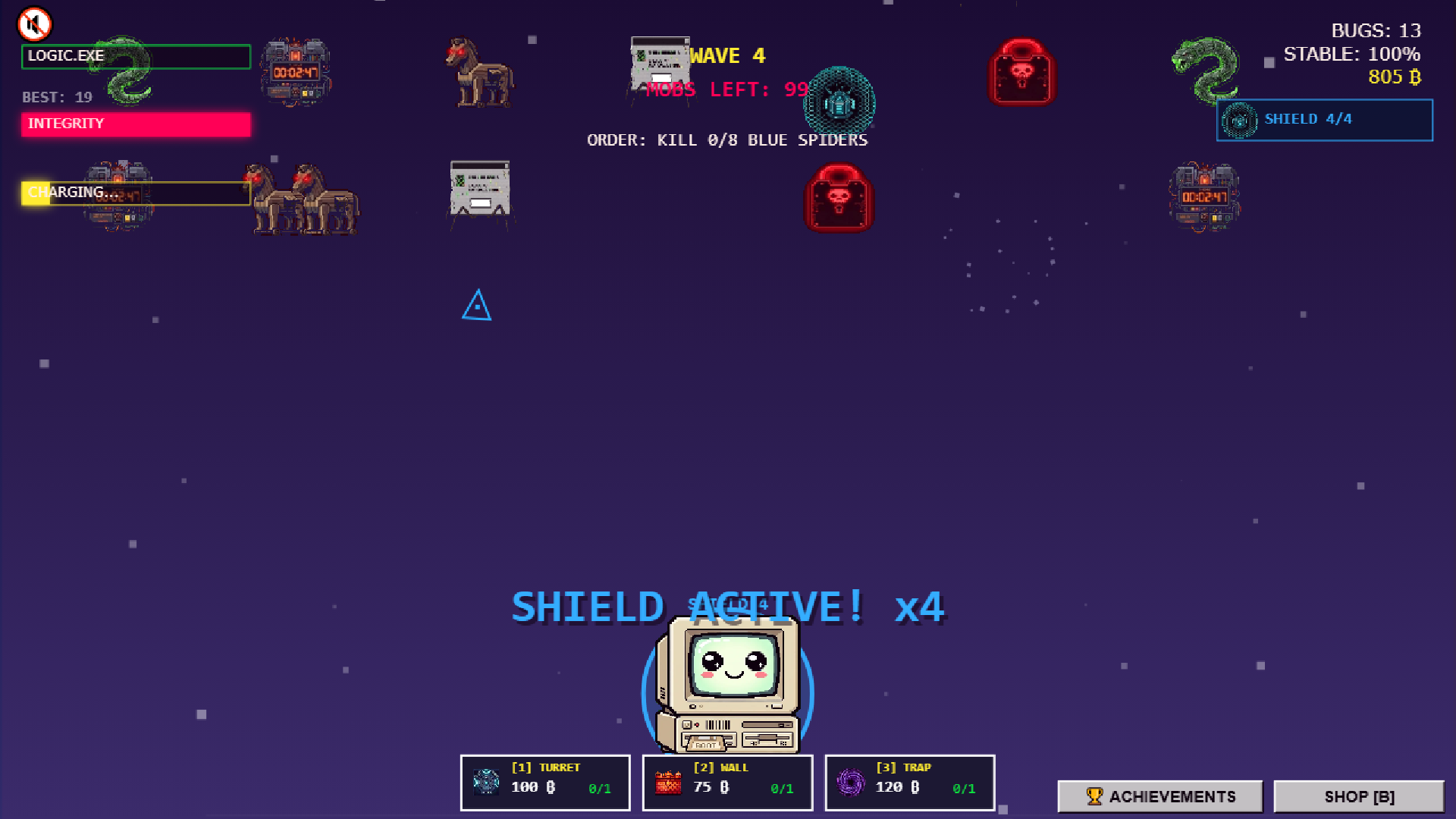
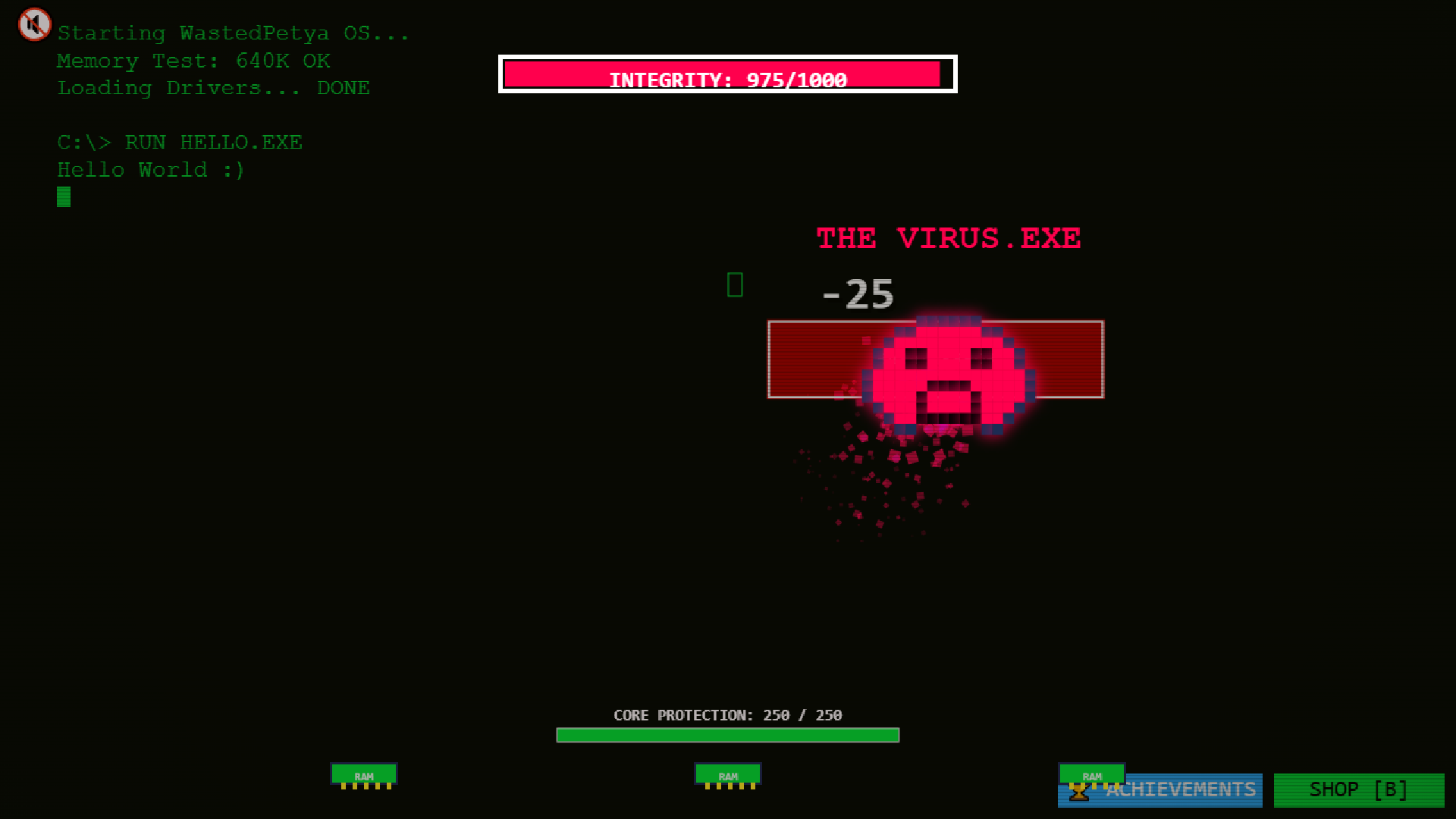
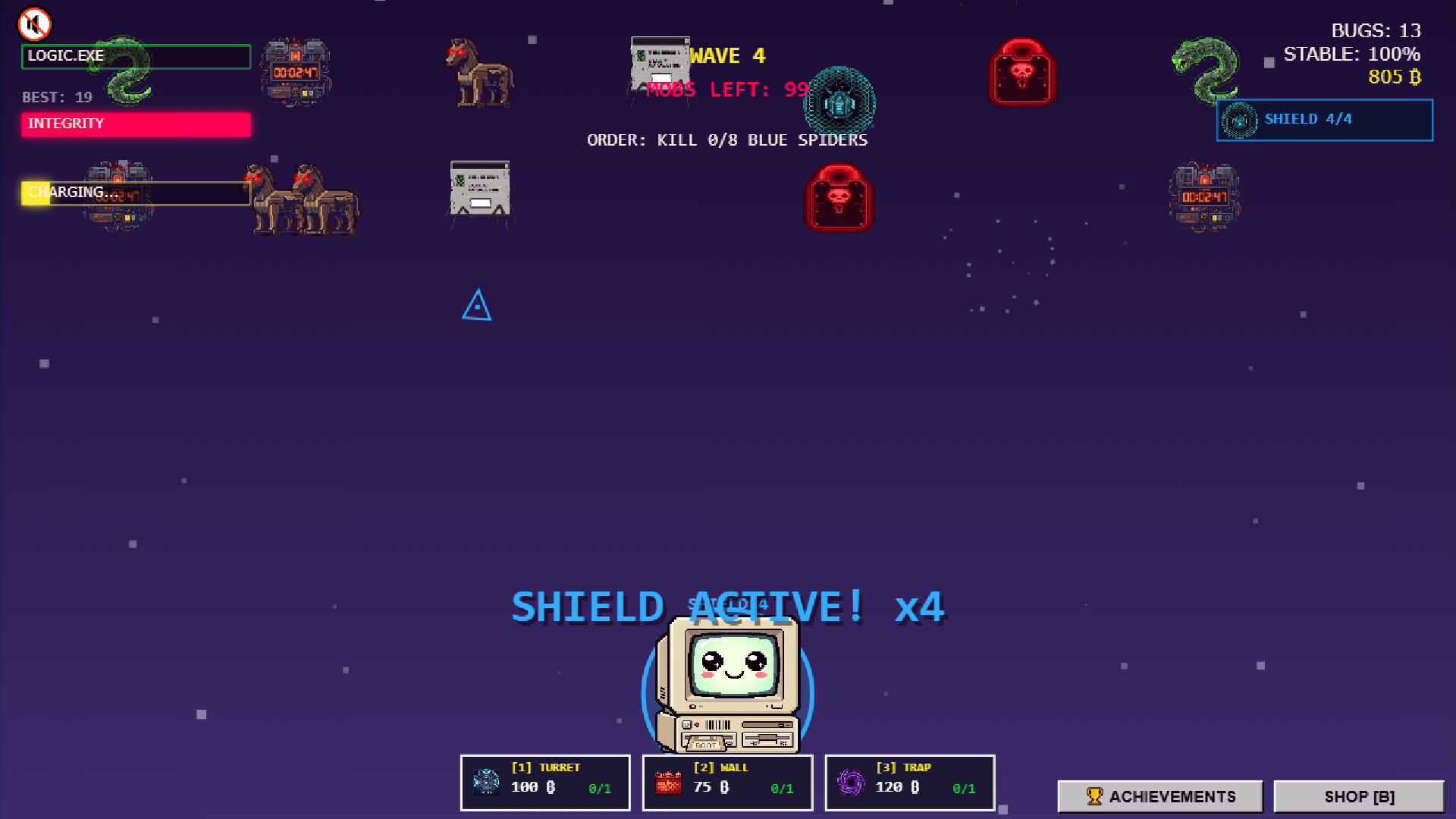
After NG+ the sandbox unlocks. Keys 1, 2, 3 place a turret, wall, and trap. Shield blocks hits — counter is top-right. Click bombs while the ring is ticking. Boss ult: stun, clear the volley, and −10% HP.
Death: Space or tap to reboot. Optional ad to revive.
Features
- Era progression: Travel through historical operating system themes that change the visual style and difficulty curve.
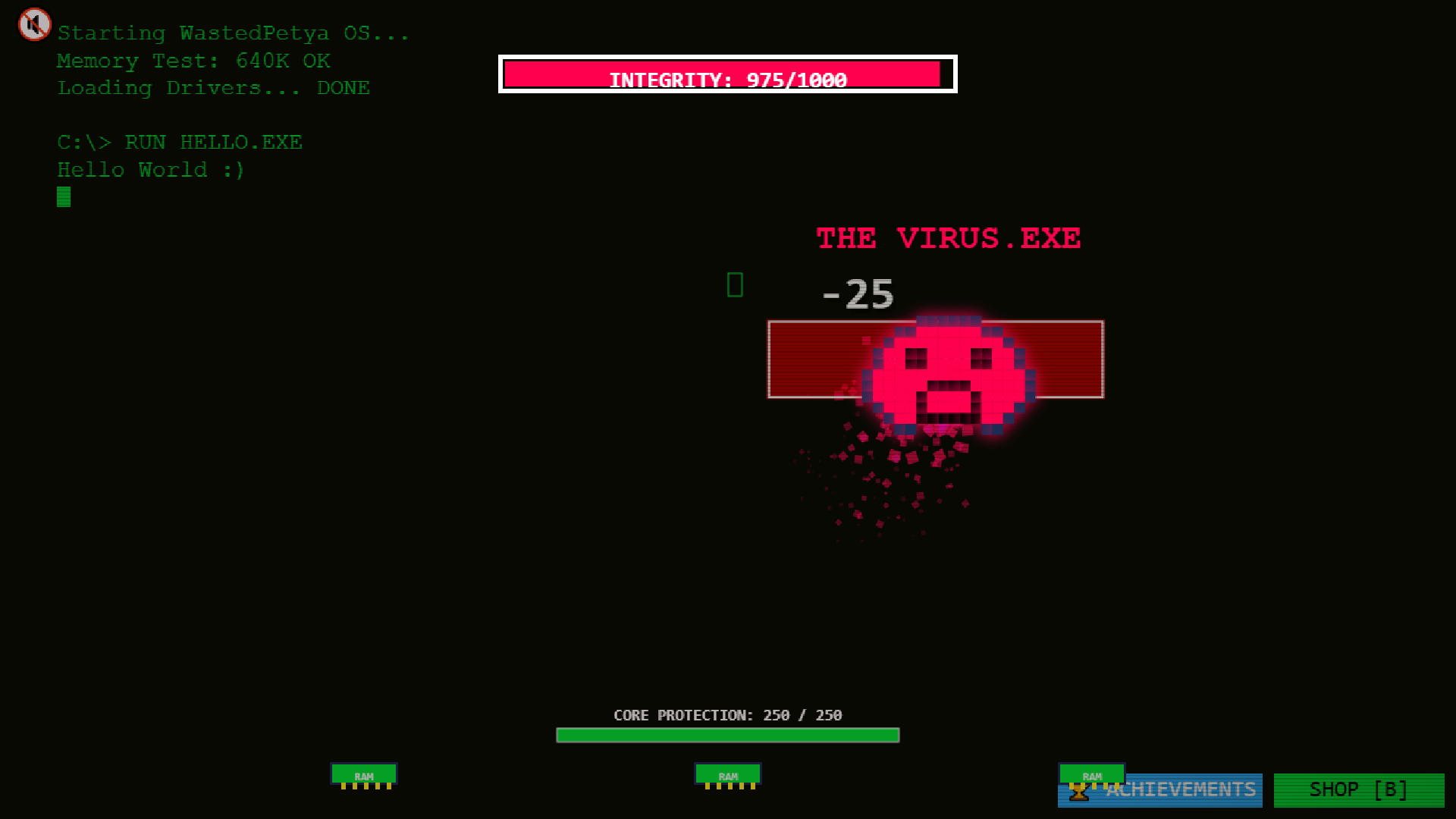
- Boss battles: Face off against iconic digital nightmares like Clippy and parasitic browsers during intense quiz rounds.
- Sandbox mode: Unlock a custom arena where you defend against infection waves using turrets, walls, and traps.
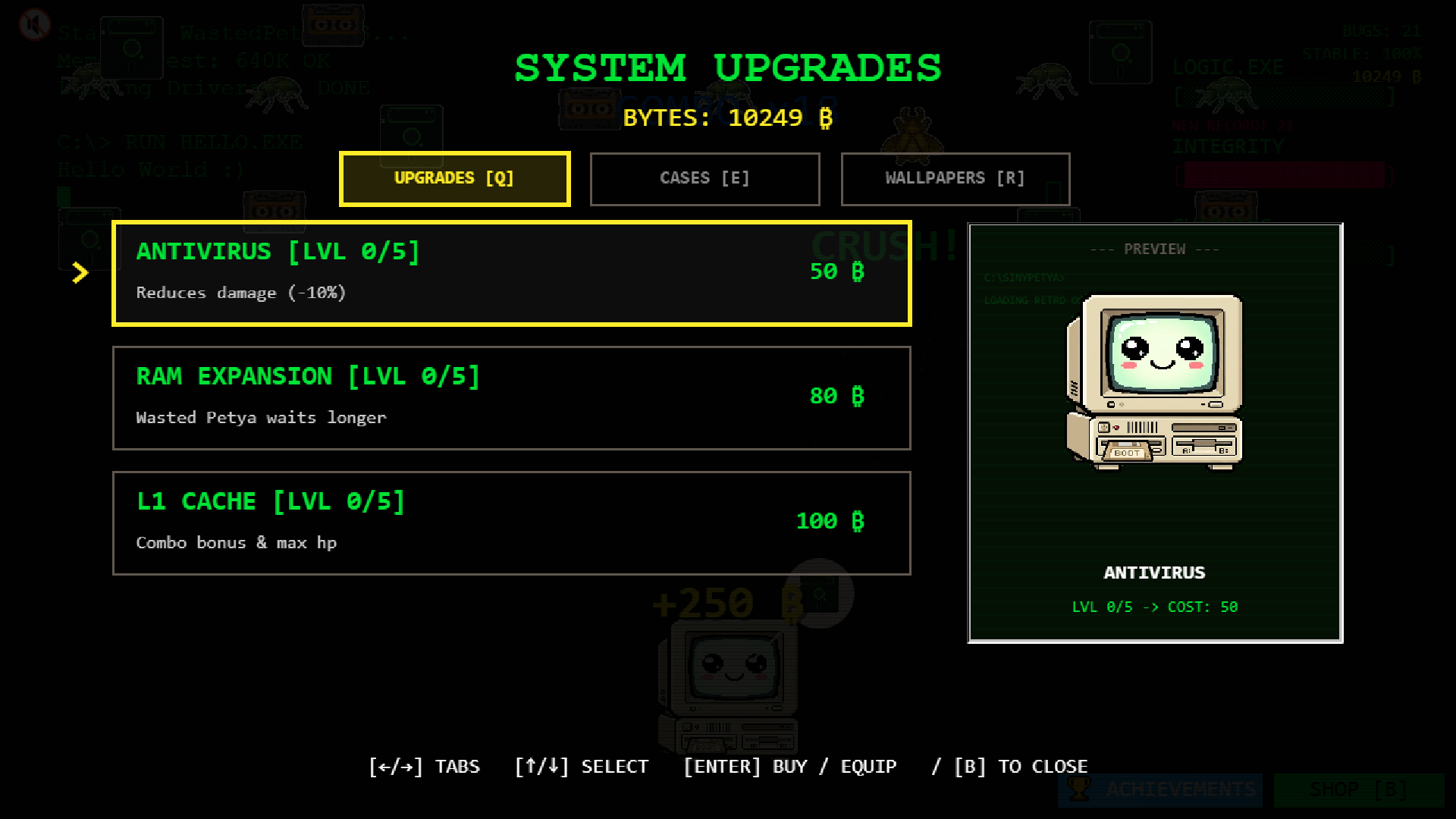
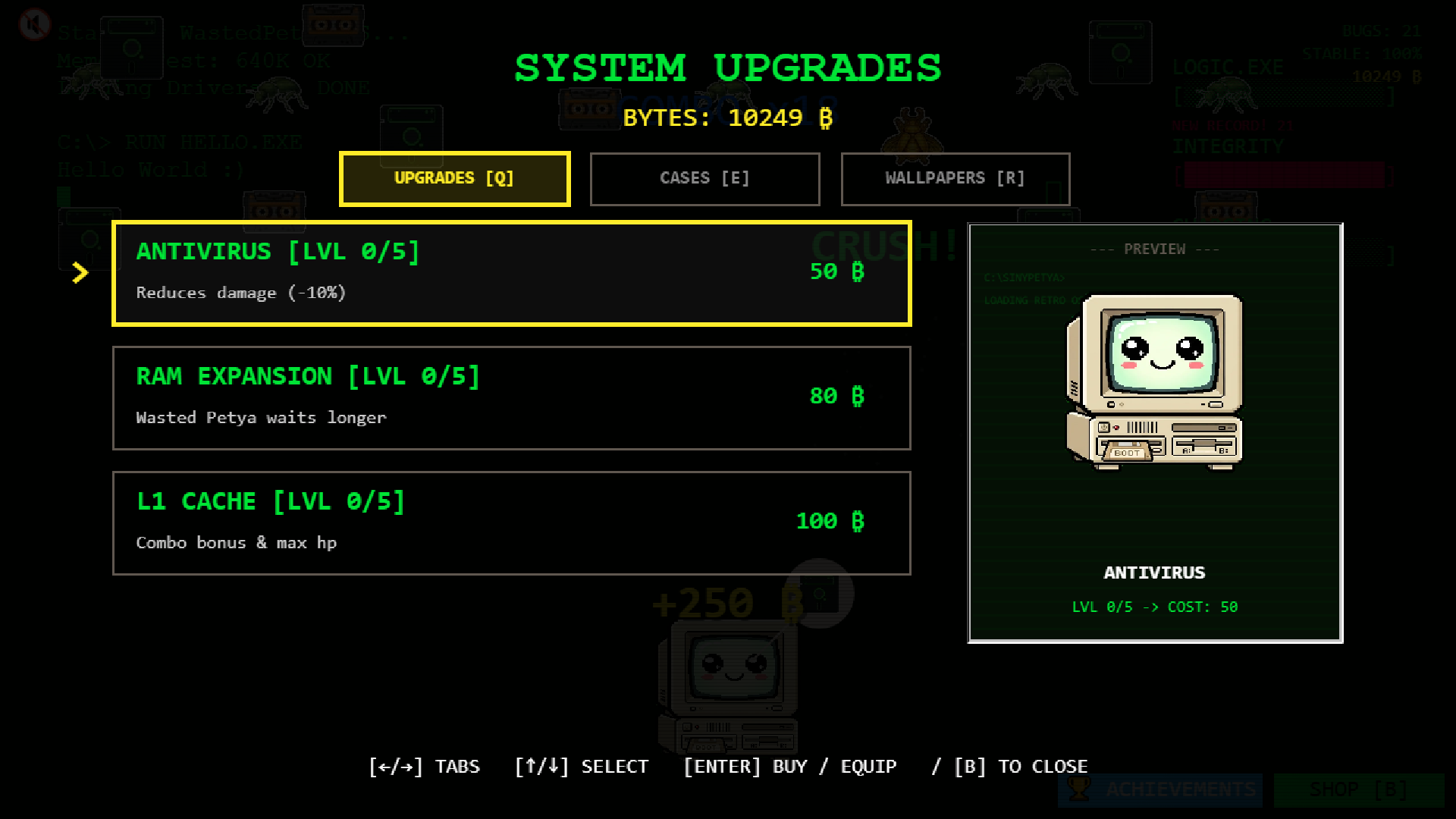
- Strategic upgrades: Spend resources to improve your antivirus software and physical hardware components for better survival odds.
- Global ranking: Prove your skills by climbing the leaderboard against other players competing for high scores.
Who is it for
Retro enthusiasts who enjoy high-speed arcade action will love this challenge. Fans of incremental clicker games will find the progression loop satisfying, while those who appreciate chaotic survival mechanics against buggy digital foes should jump into the browser window immediately to test their reaction times and multitasking abilities.
Controls
Feed Petya
Drag the food item directly onto the character.
Smash bugs
Click or tap on any insects appearing on the screen.
Screen wipe
Press Space on keyboard or tap the screen when the ultimate bar is full.
Place defenses
Use keys 1, 2, and 3 to drop turrets, walls, or traps during sandbox play.
Open shop
Click the button in the bottom-right corner or press B on your keyboard.
FAQ
How do I keep WastedPetya.sys running smoothly?
›
Make sure you feed him promptly when requested and keep the screen clear of bugs to maintain your combo multiplier.
Can I play WastedPetya.sys on my phone?
›
Yes, the game supports mobile browsers and is best enjoyed in landscape mode for full control over the interface.
What happens if I lose in WastedPetya.sys?
›
You can trigger a reboot by tapping or pressing Space, and you might have the option to watch an ad to revive your session.