About game
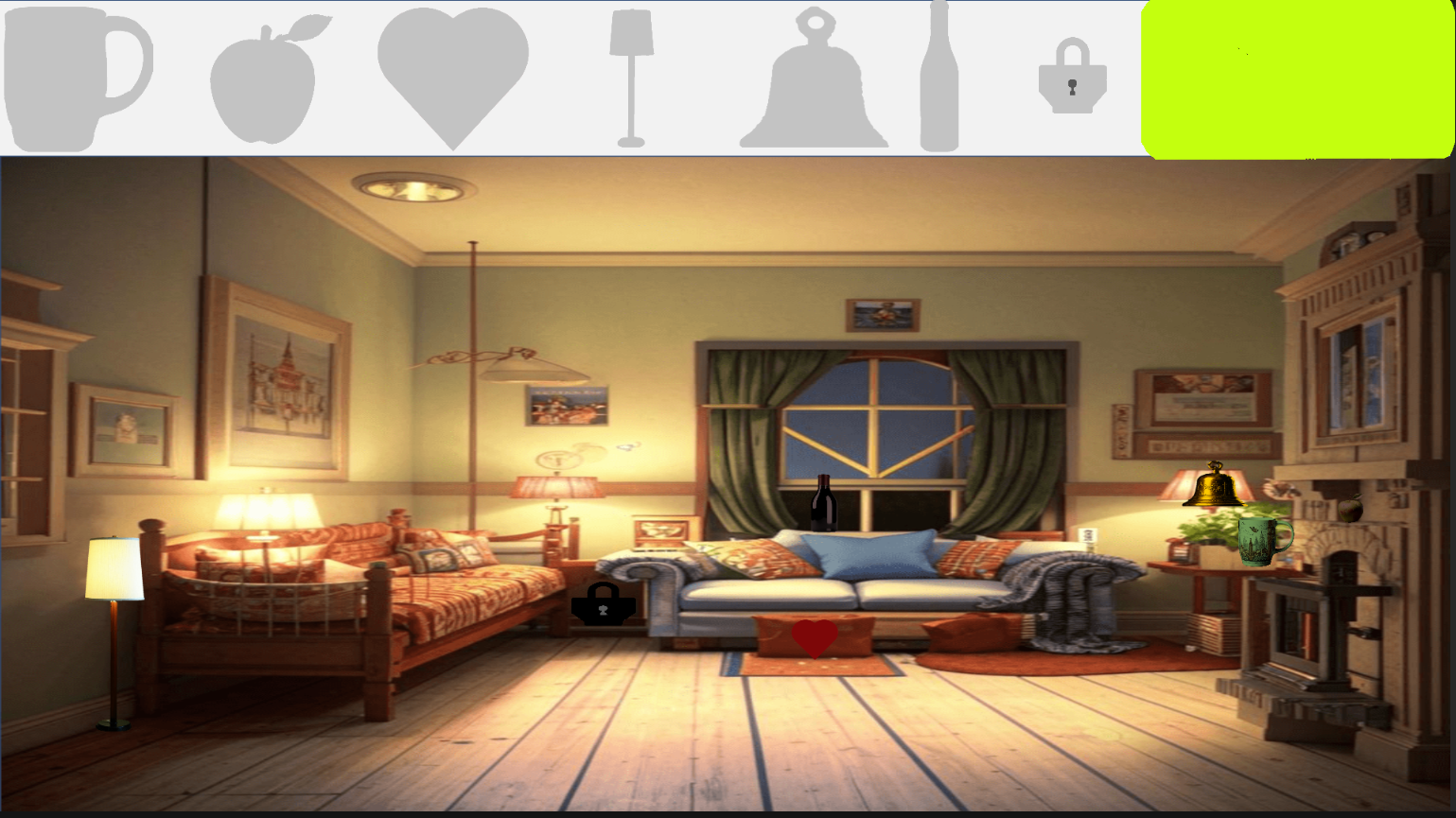
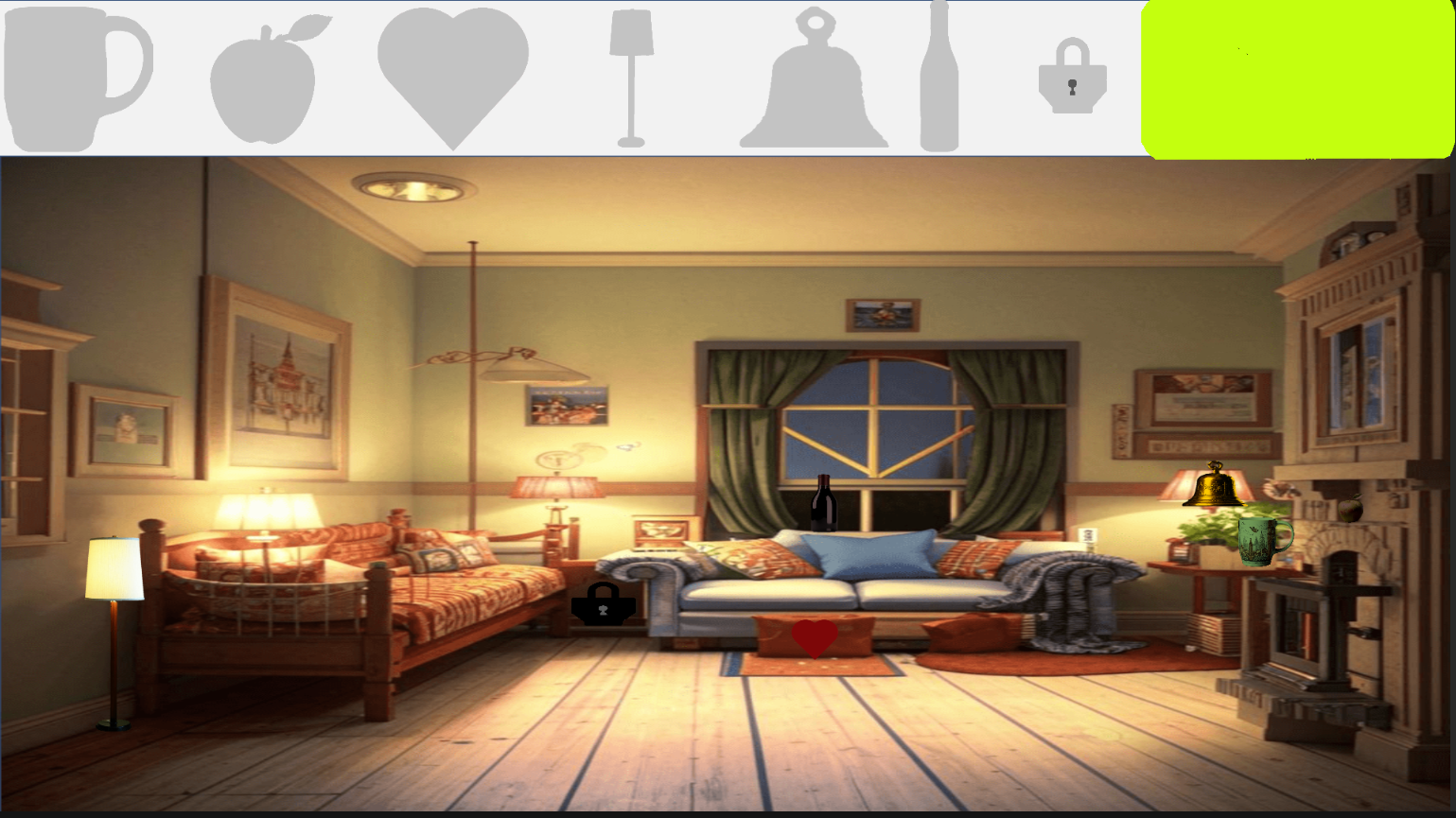
Eagle-eyed puzzle enthusiasts will find their perfect match in Visiting: Search for items, a title that transforms simple observation into a rewarding brain training experience. You are tasked with scanning eight detailed interiors to hunt for hidden objects that blend seamlessly into their surroundings. Tracking down each target is simple because you only need to match the silhouettes displayed at the top of your screen to the items scattered throughout the room. Keep in mind that these outlines represent the general shape, so you must stay sharp to spot subtle variations in scale. Since there is no ticking clock to pressure you, the focus remains entirely on your ability to concentrate and filter out visual noise. The diverse room designs provide a refreshing challenge as you progress through each level, ensuring that every session feels unique. Visiting: Search for items stands out by rewarding patience over speed, making it a relaxing yet mentally stimulating way to spend your spare time. You can search for hidden items and practice your focus for free right here in your browser without any downloads required.
How to play
On top there will be approximate silhouettes of the objects that you need to find, they do not necessarily correspond 100% to the scale and shape of the object. You need to find an item and click to select it. In this case, the object you found and its silhouette will disappear.
Features
- Varied Room Environments: Explore eight distinct interior settings ranging from messy living rooms to cozy studies, each packed with unique clutter.
- Intuitive Silhouette System: Match abstract outlines to real objects to clear your list, adding a layer of visual deduction to your search.
- Stress-Free Progression: Play at your own pace without time limits, allowing you to thoroughly enjoy the hunt for every hidden piece.
- Progressive Difficulty: As you advance through the levels, the items become better camouflaged and harder to distinguish from the background furniture.
- Responsive Interaction: Clicking or tapping on an object provides immediate visual feedback, instantly clearing the item and updating your silhouette guide.
Who is it for
Puzzle lovers who enjoy hidden object challenges will appreciate the relaxing pace and visual depth of this title. It is a great pick for casual gamers looking to sharpen their attention to detail and logic skills during short breaks or long, focused sessions on both desktop and mobile devices.
Controls
Select object
Click on the item with your mouse or tap on it directly with your finger on a touchscreen.
Scan environment
Drag or swipe across the screen to explore different parts of the detailed interiors.
FAQ
Is Visiting: Search for items free to play?
›
Yes, Visiting: Search for items is completely free and requires no registration or software downloads to start playing in your browser.
Can I play Visiting: Search for items on my phone?
›
Absolutely, Visiting: Search for items is fully optimized for mobile browsers, allowing you to use touch controls to find hidden objects on the go.
How do I know which item to find in Visiting: Search for items?
›
Simply look at the silhouettes displayed at the top of the interface and click or tap the corresponding object hidden somewhere in the room.