Game Title
Loading...
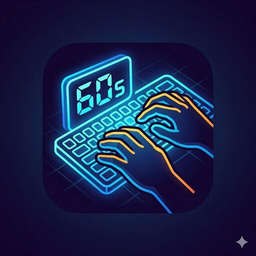
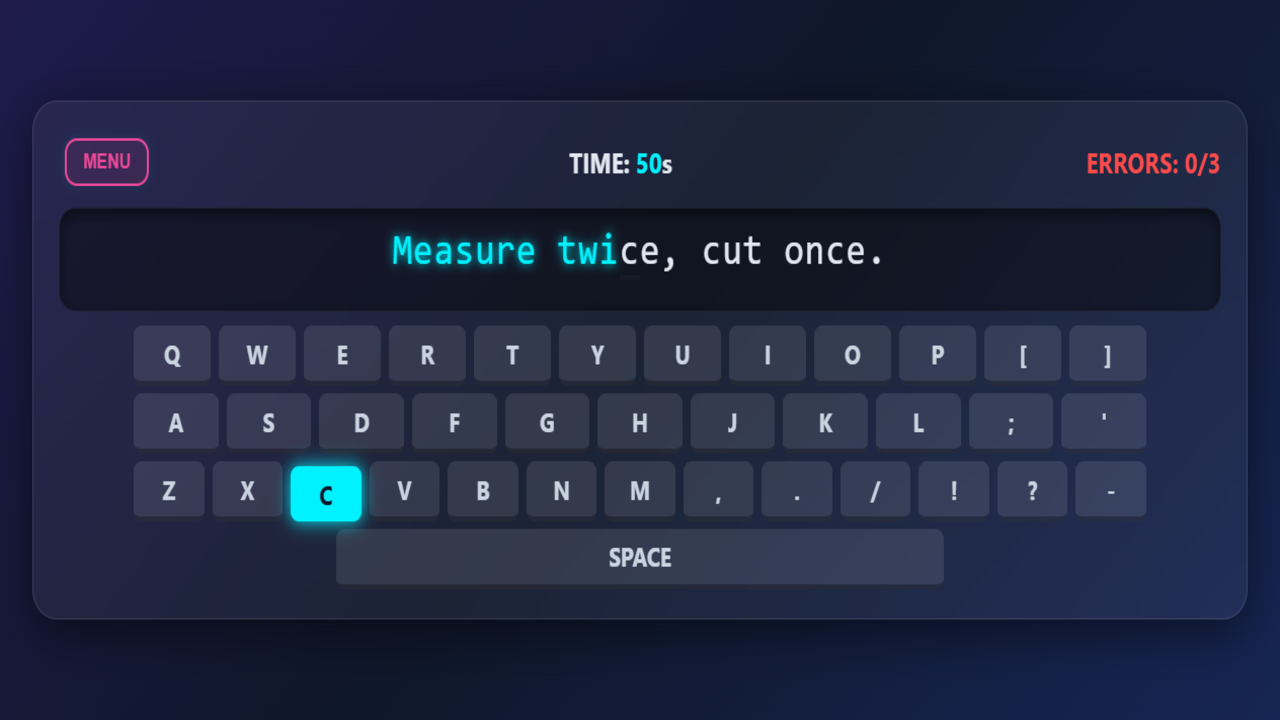
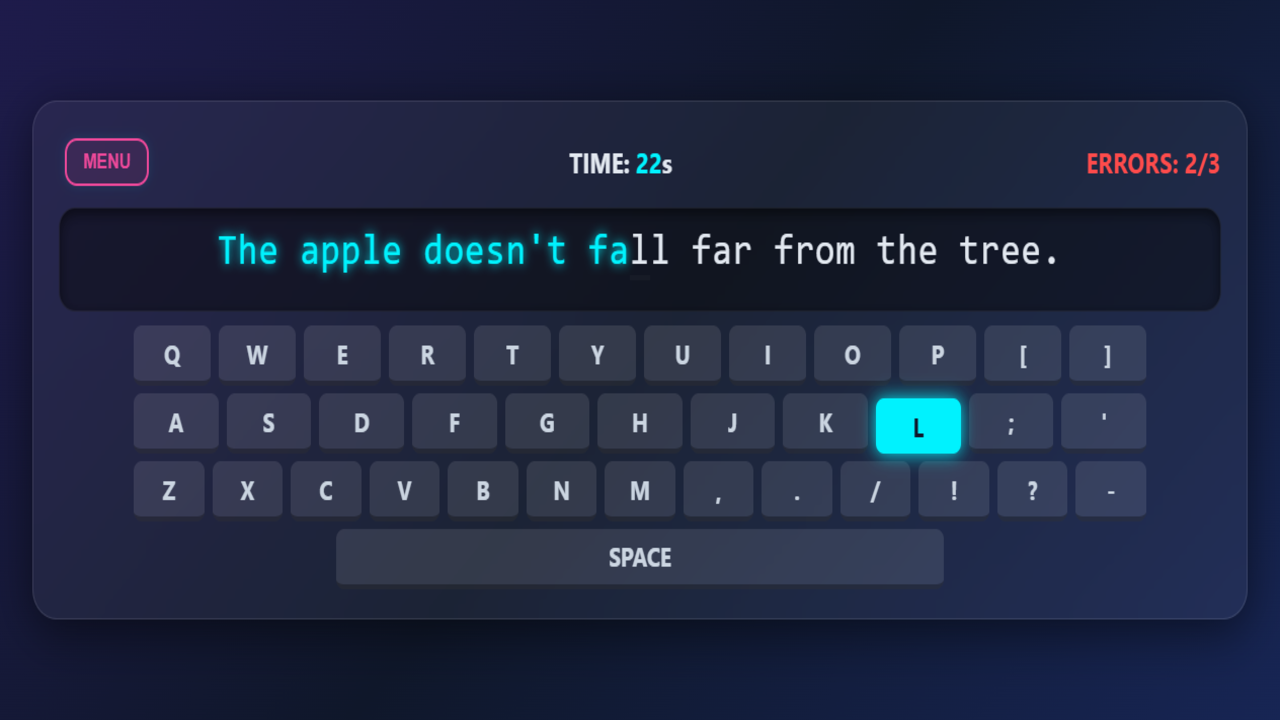
Staring at a blank screen while waiting for a meeting to start usually feels like a total drag. Type Fast: 60 Seconds turns those idle moments into a high-stakes race against the clock. Your fingers need to stay quick as you match every blinking character appearing on your monitor. Each correct keystroke boosts your score while every typo brings you closer to a game over. You only have sixty seconds to prove your typing speed, so keeping your rhythm steady is vital. Earning coins unlocks fresh aesthetics to customize your setup and keep things feeling new. Type Fast: 60 Seconds acts as a perfect keyboard trainer for anyone wanting to sharpen their accuracy. Grab your keyboard right now and show off your skills for free in your browser without any annoying downloads.
Desktop game. Use your computer's physical keyboard to control the game. Type the text that appears on the screen. Case does not matter (you can type capital letters without using Shift). By typing the correct characters, you earn coins. If you make 4 mistakes or run out of time (60 seconds), the game will be over.
Keyboard enthusiasts and students looking for a fun way to improve their typing speed will love this challenge. Anyone needing a quick brain training session during a short break will find the fast-paced action satisfying. It works perfectly for kids who want to master their computer skills effectively.
You earn coins by accurately typing the text displayed on the screen during your active session.
Yes, you can access the game via your mobile browser and use the virtual keyboard to play.
The game ends once you hit four mistakes, so focus on accuracy while maintaining your pace.