About game
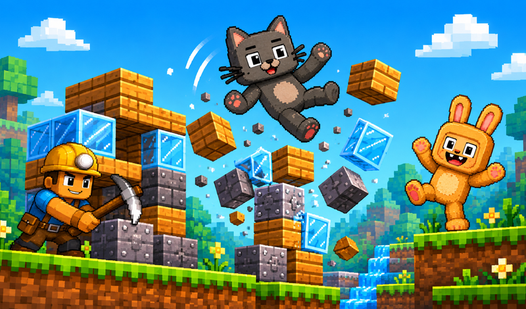
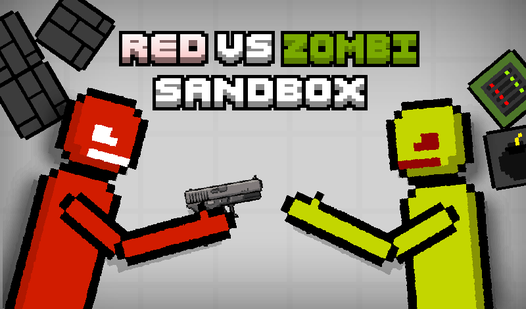
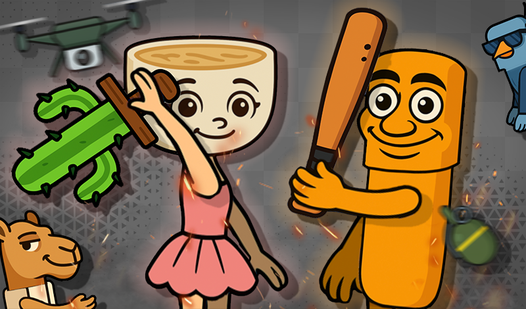
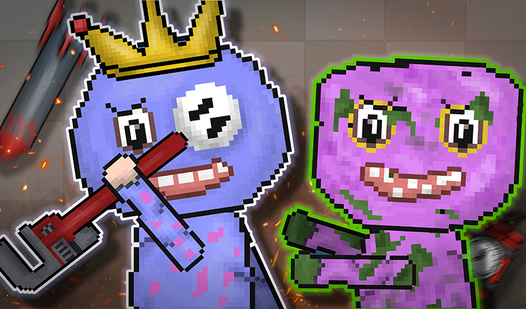
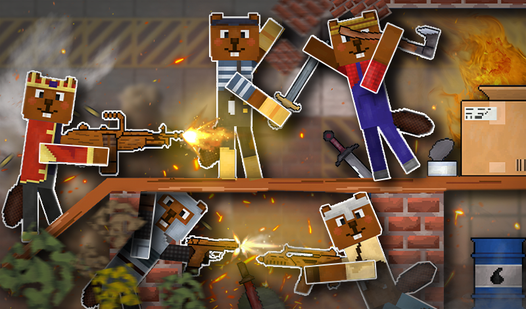
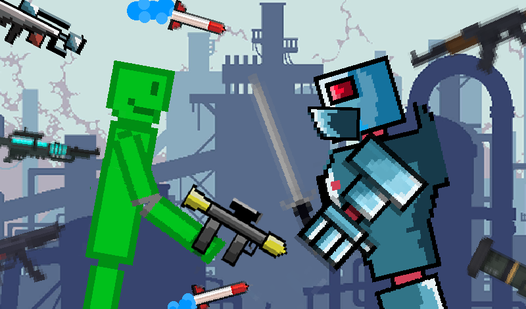
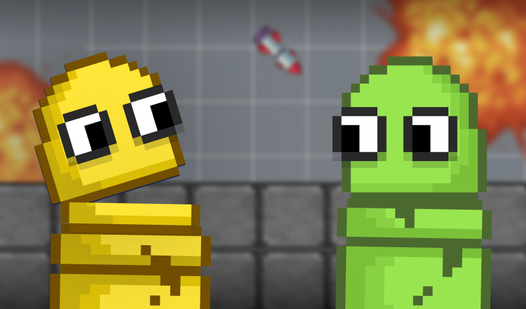
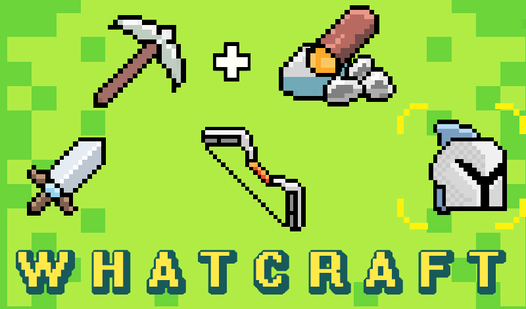
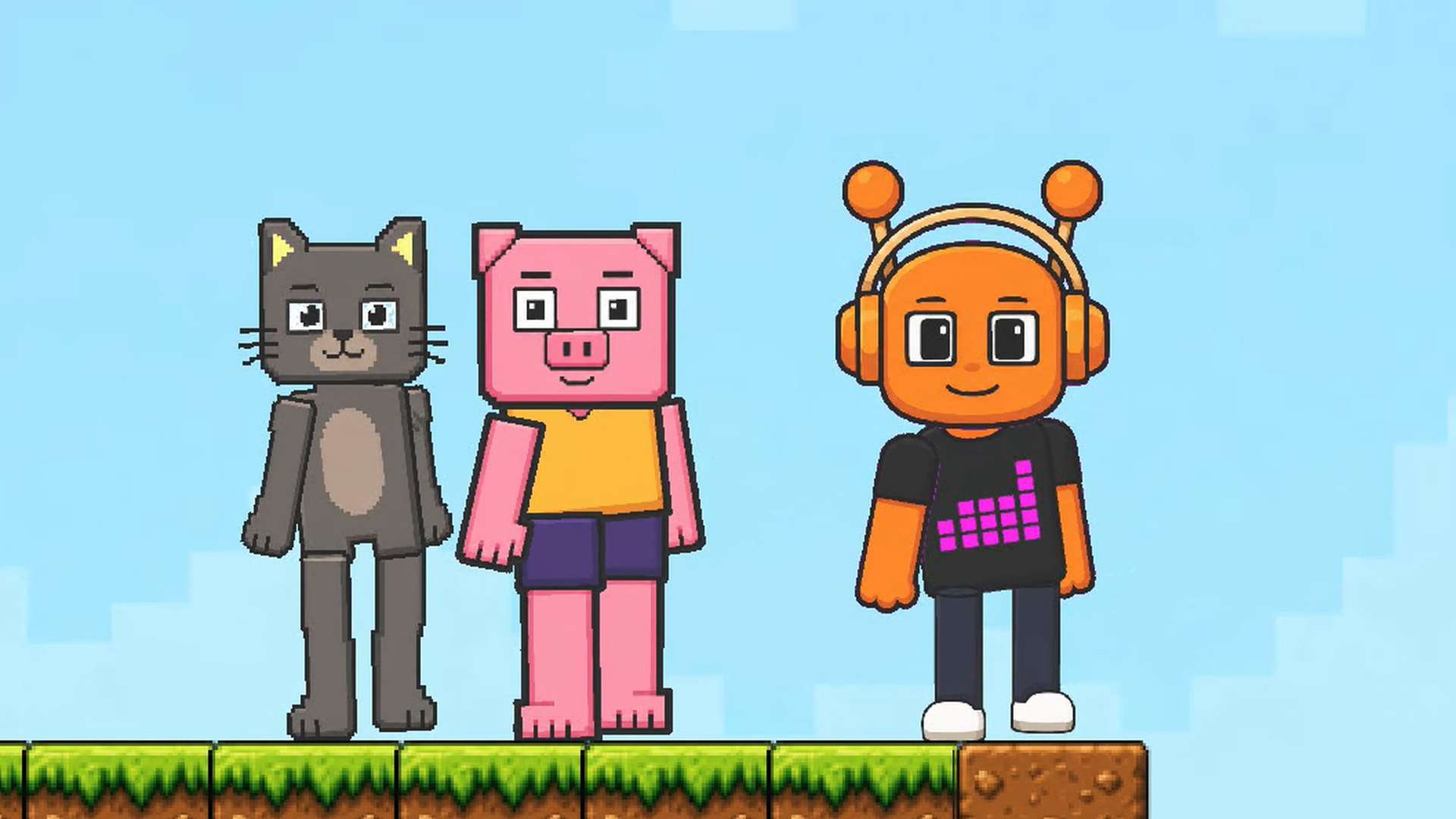
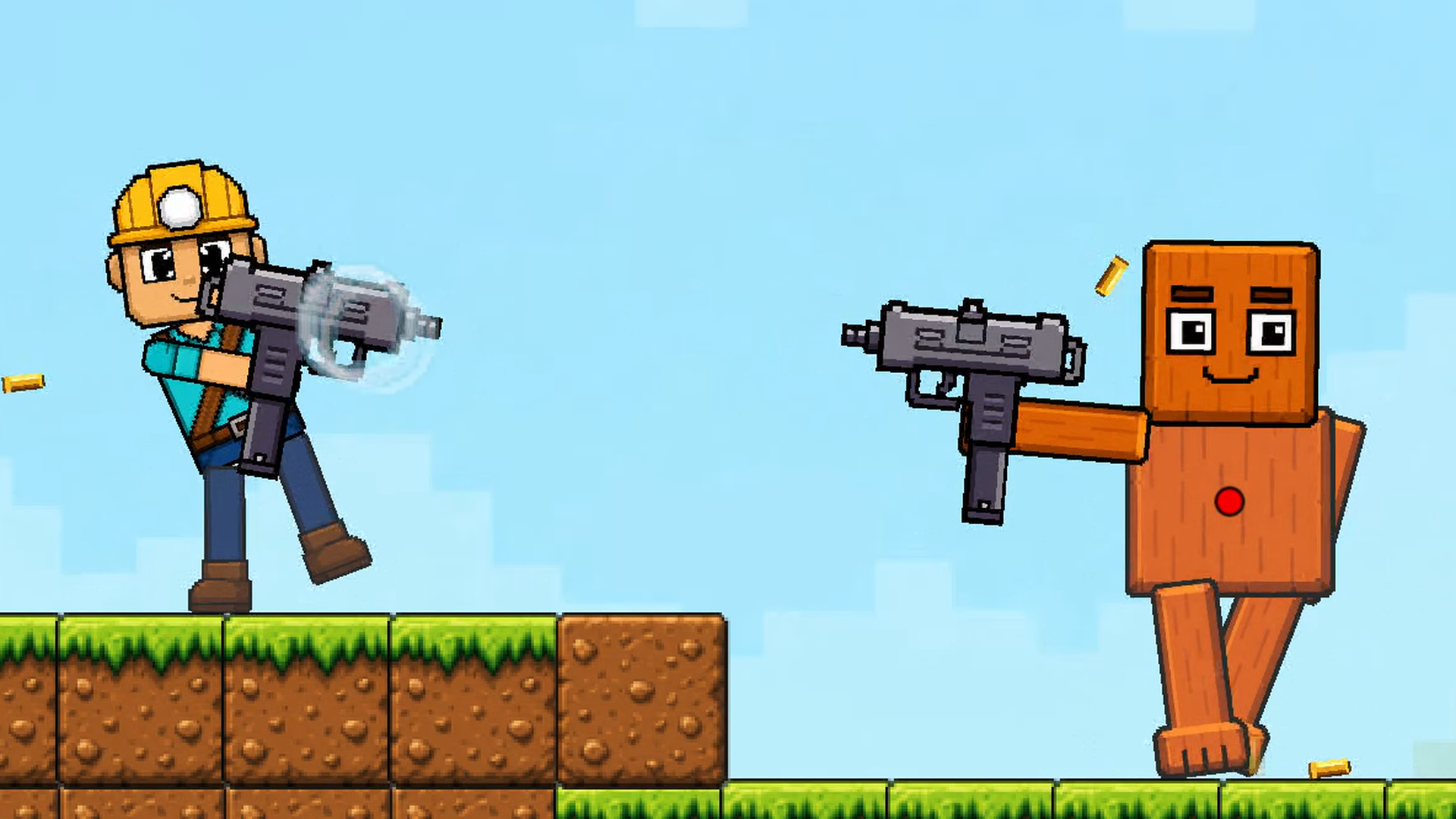
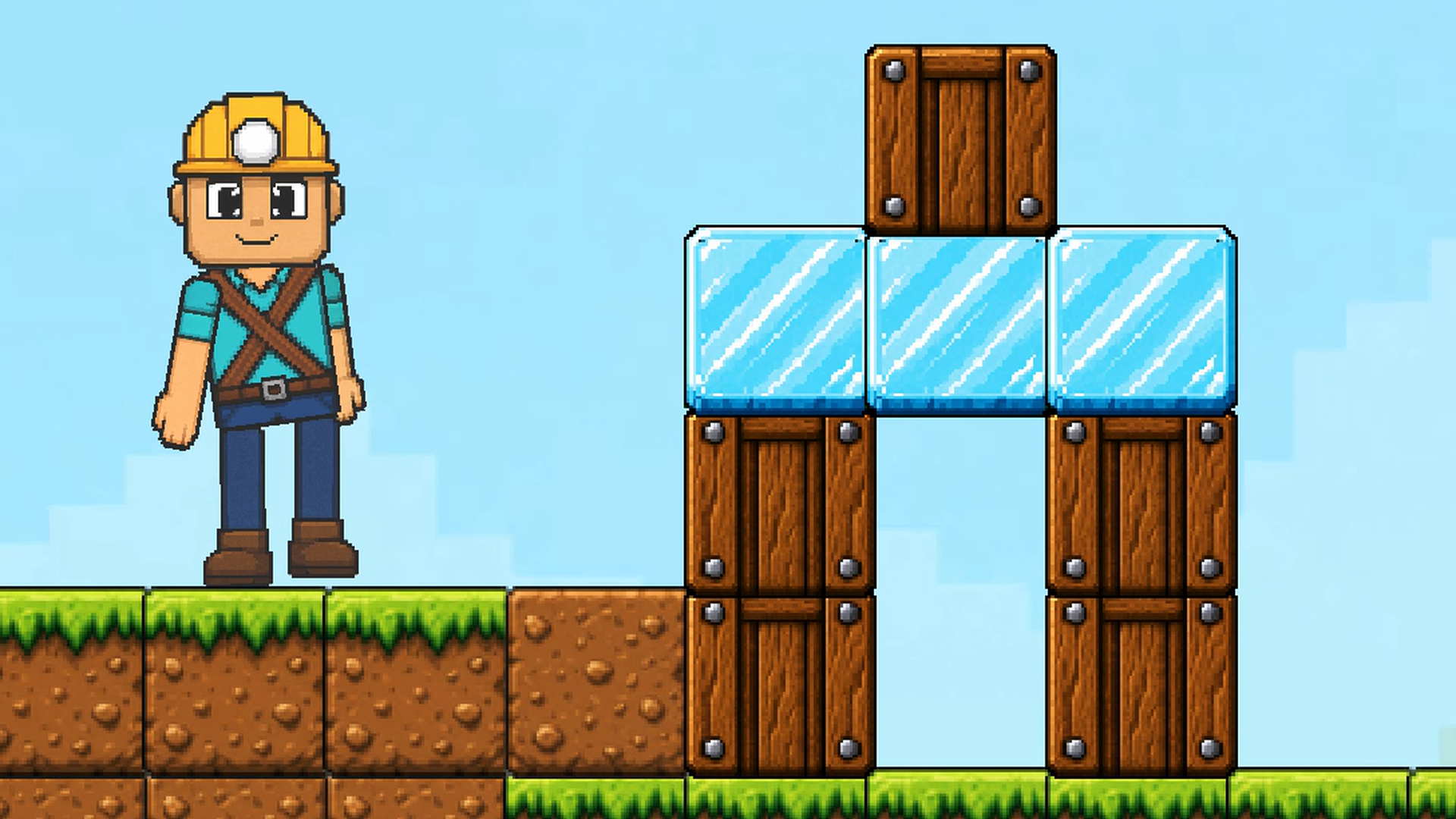
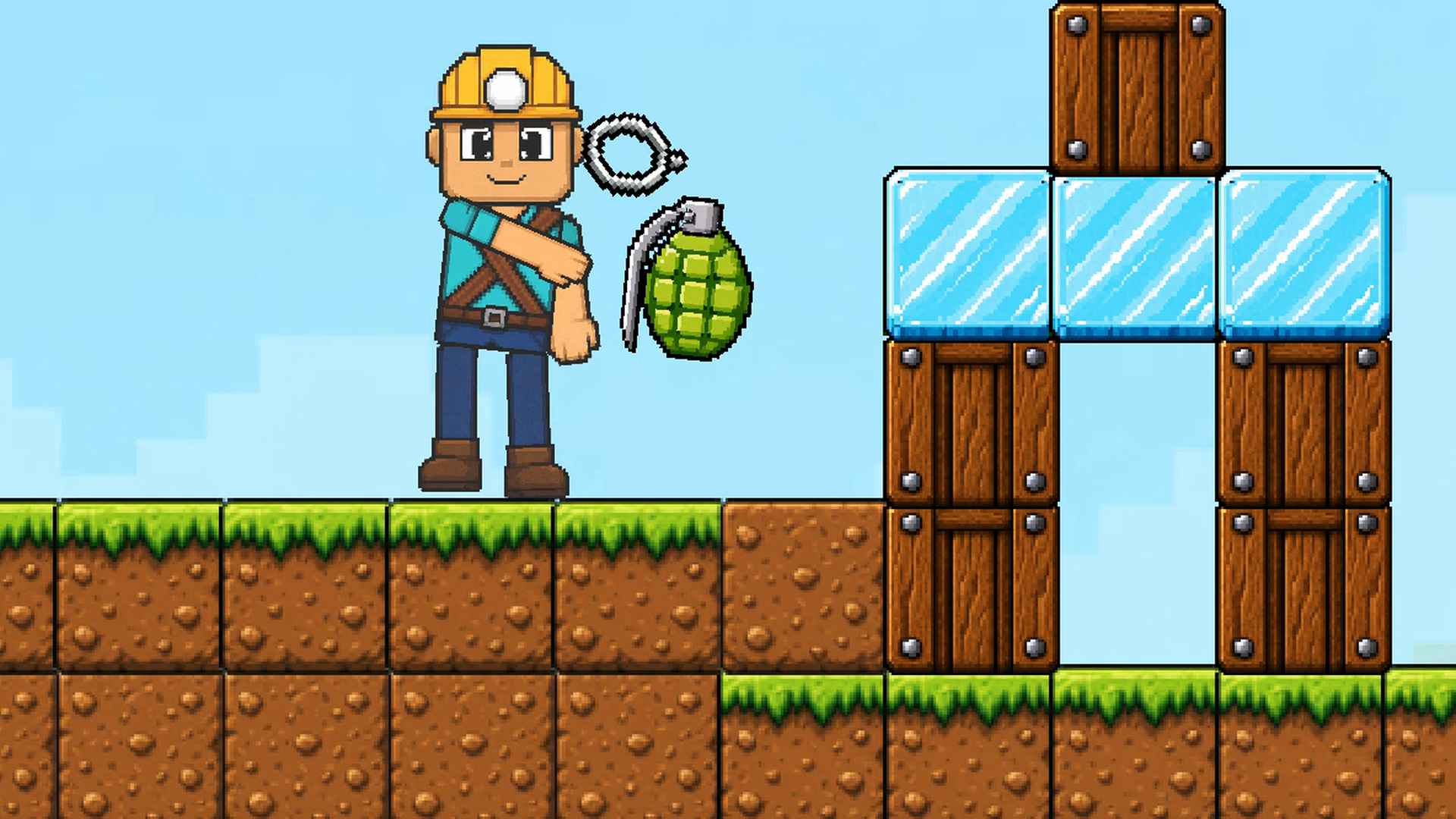
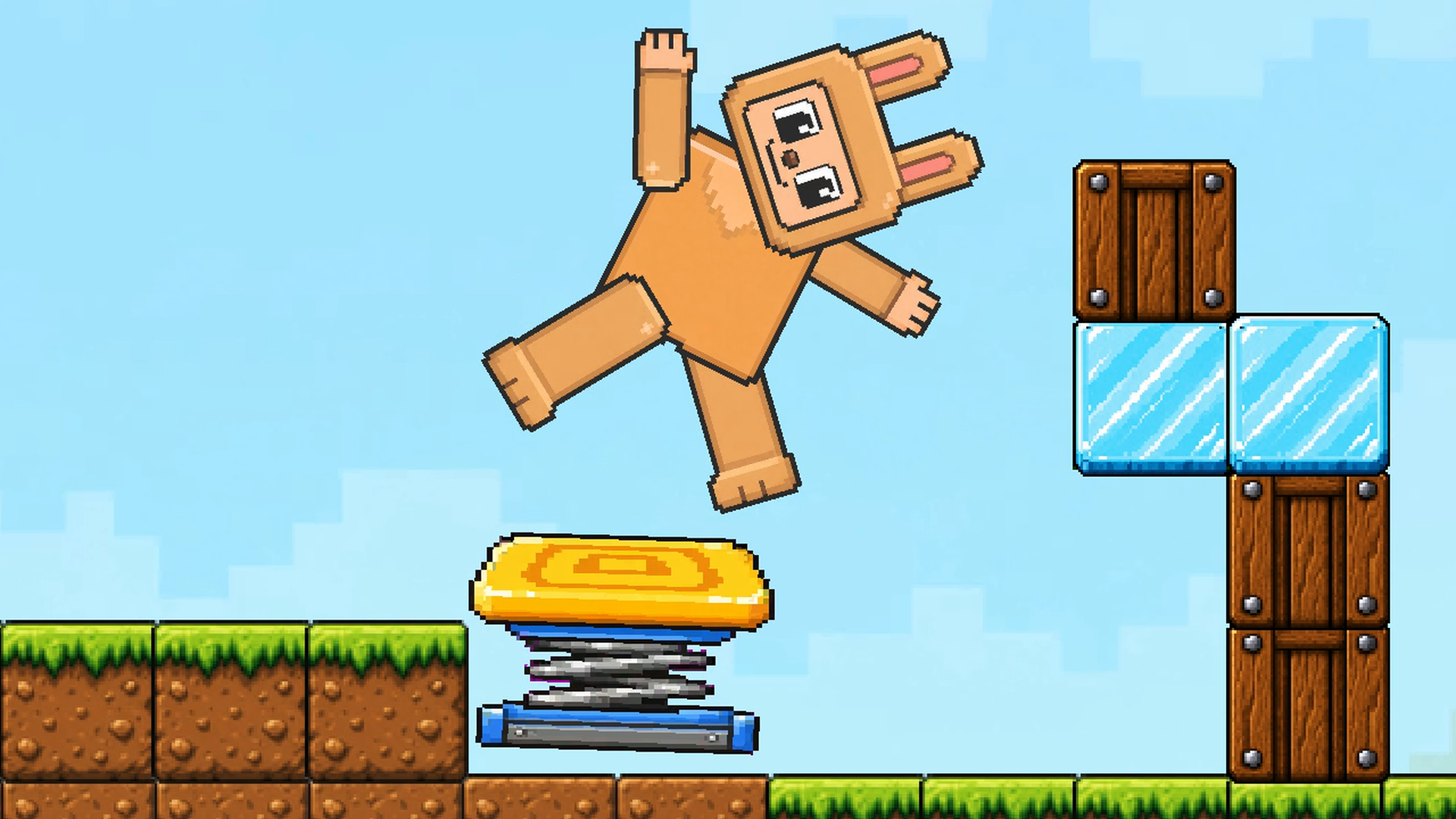
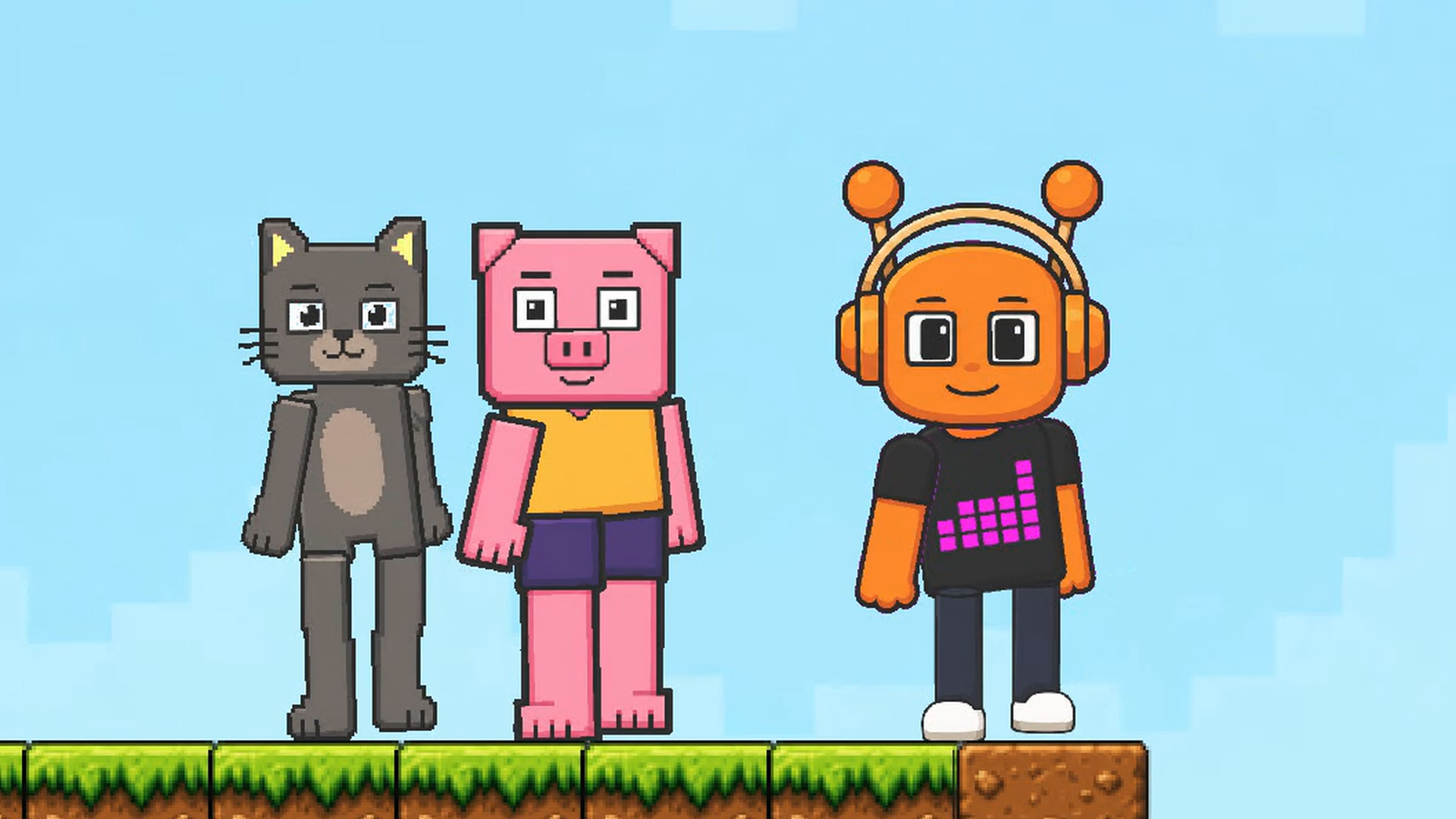
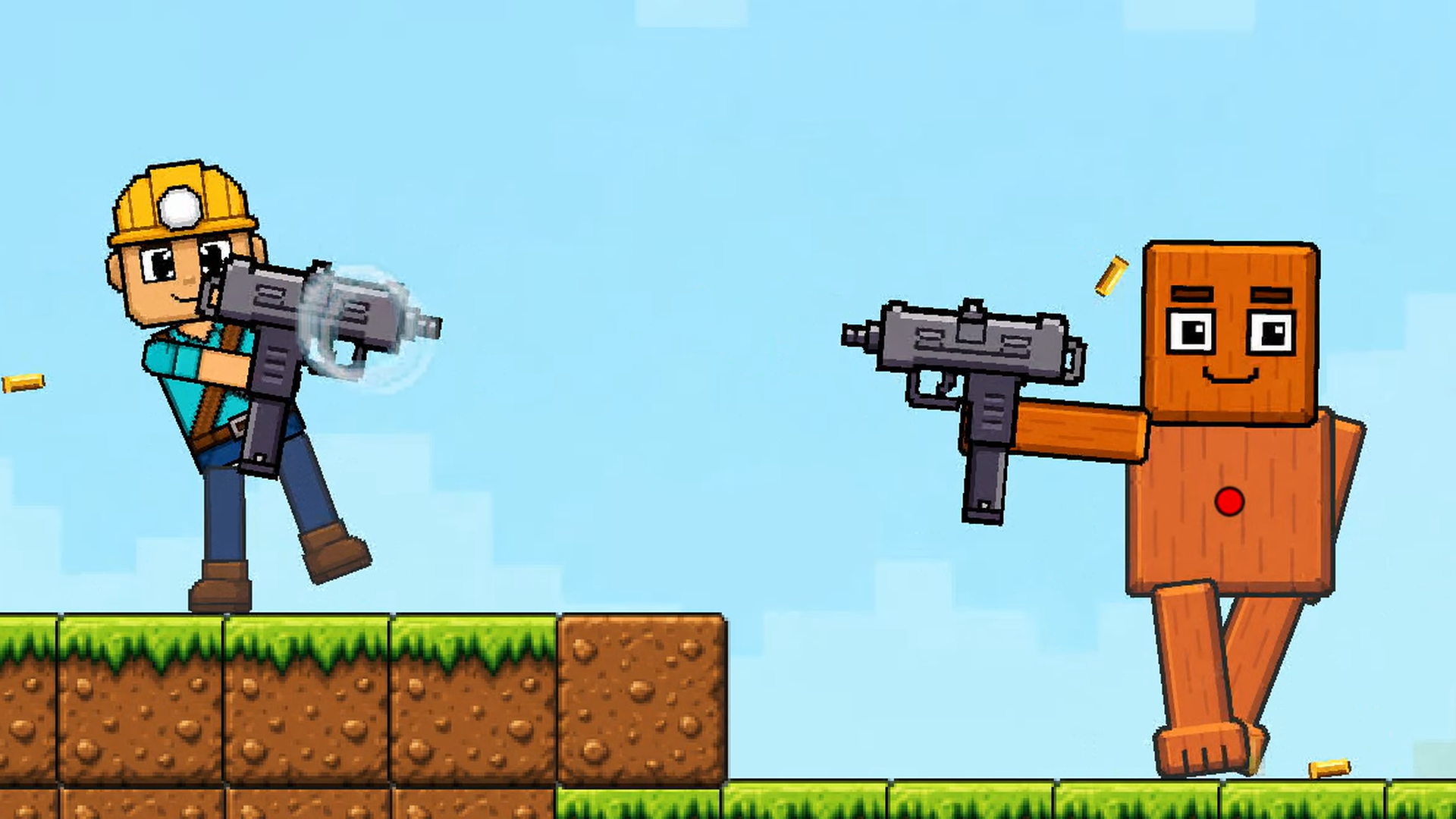
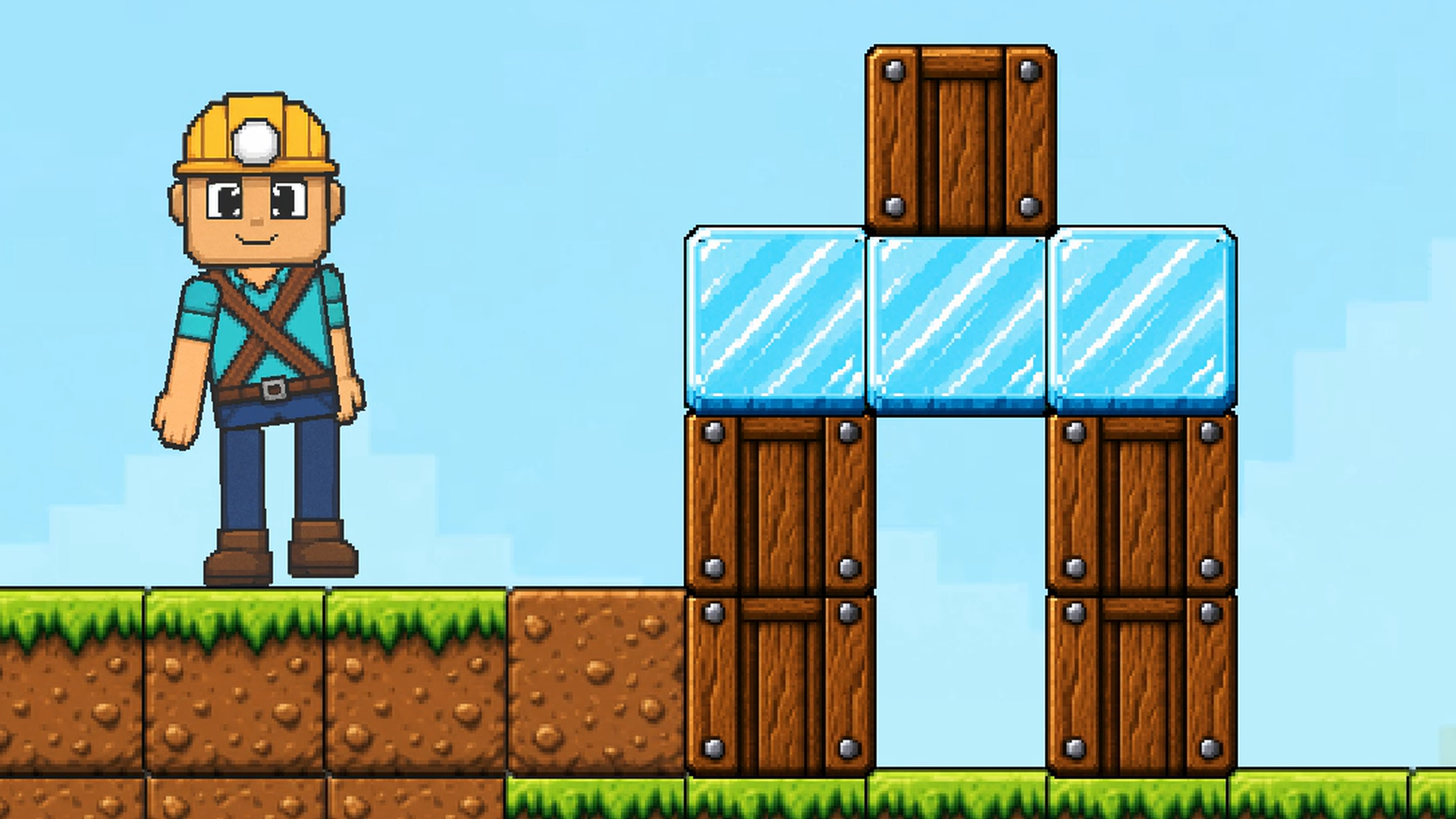
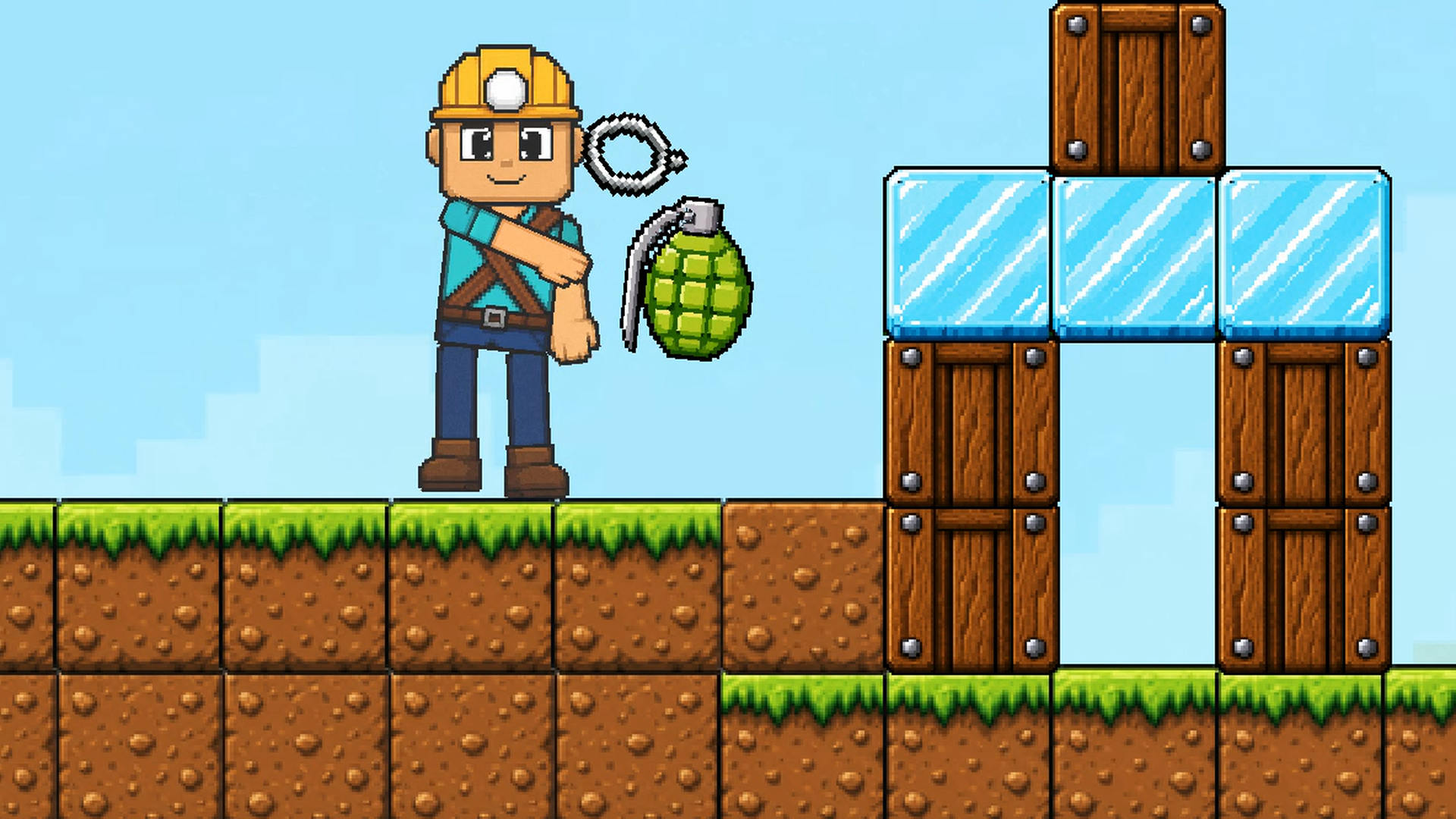
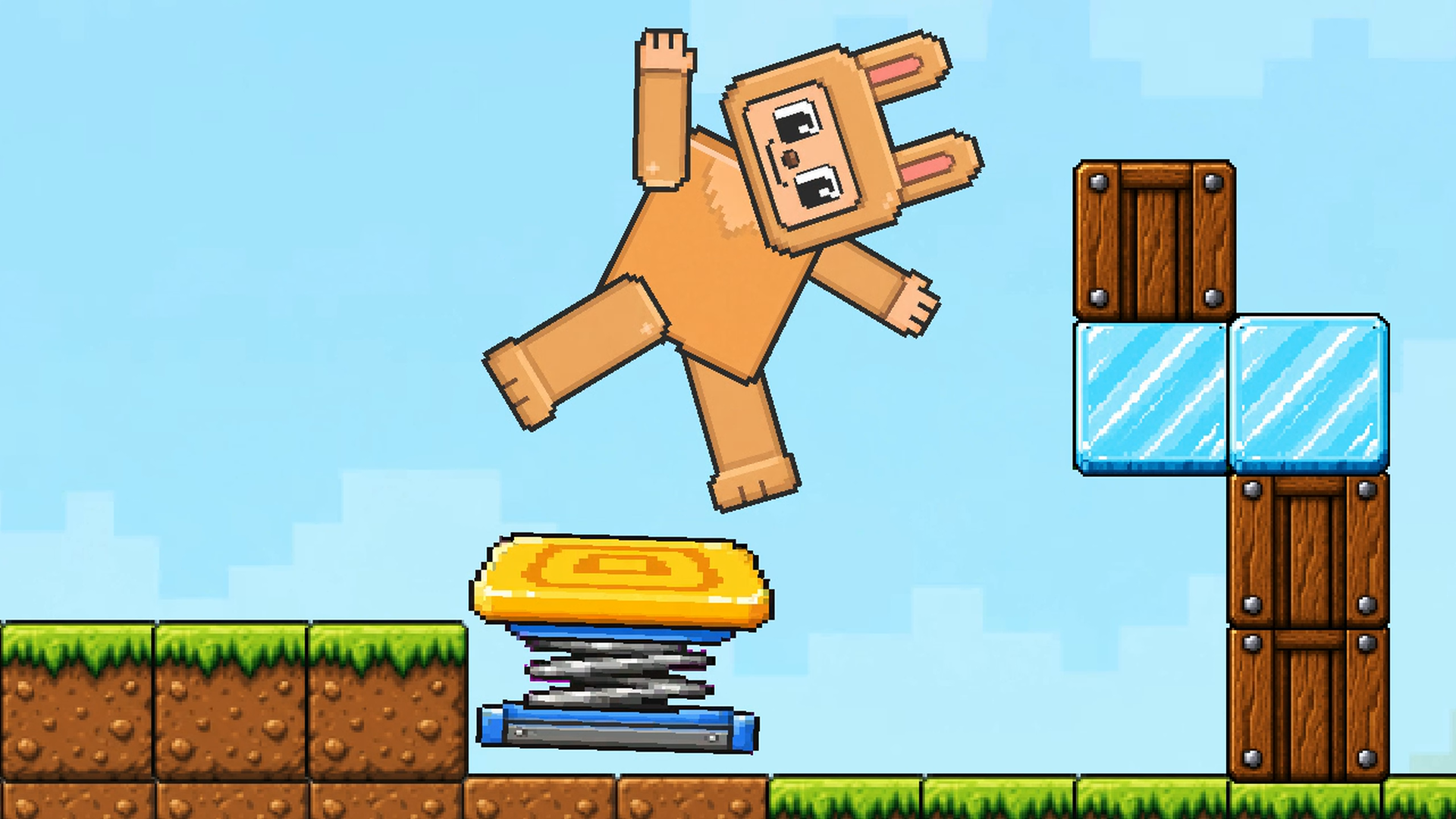
Pixel games often hide complex physics systems behind simple retro aesthetics, and this sandbox pushes that concept to the limit. Toybox: Pixel World Sandbox lets you manipulate a 2D environment where ragdoll characters and blocks interact with unpredictable results. You simply open the menu to spawn various animals or enemies before placing walls to trap them or arenas to watch them fight. Crafting your own equipment using collected crystals and wood adds a layer of progression to every chaotic session. Toggling the battle mode changes how your creations behave, turning a calm construction zone into a war zone instantly. Dragging items across the screen feels intuitive while you experiment with gravity and collisions. No set missions mean you define the objectives, whether that involves building a fortress or testing how far a ragdoll flies. Toybox: Pixel World Sandbox is ready to play right now in your browser without any downloads required.
How to play
Open the character-and-blocks menu, choose a category and an item, then click or tap an empty spot to place it. Build structures, add characters and equipment. The crossed-swords button switches bot battles on or off. Use the hammer menu to craft equipment from collected resources.
Desktop: use the mouse to place and drag objects. Drag empty space to move the camera; use the mouse wheel or + / - to zoom. Press the character-control button and select a character: A / D or Left / Right to move, W to jump, Space or right mouse button to attack, G to drop the held item.
Mobile: tap menus and the world to place items, drag to interact, and use the on-screen movement, jump and action buttons when controlling a character. Use + / - to zoom.
Build, experiment and create your own challenges.
Features
- Physics-based interaction: Objects and creatures react realistically to gravity and collisions as you build or destroy.
- Bot battle system: Switch between peaceful building and competitive combat using the dedicated crossed-swords interface.
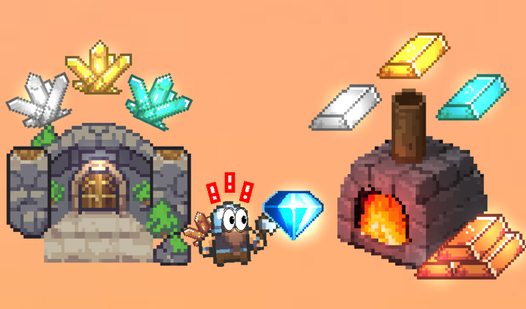
- Resource collection: Gather raw materials like wood and crystals to unlock better gear and tools for your creations.
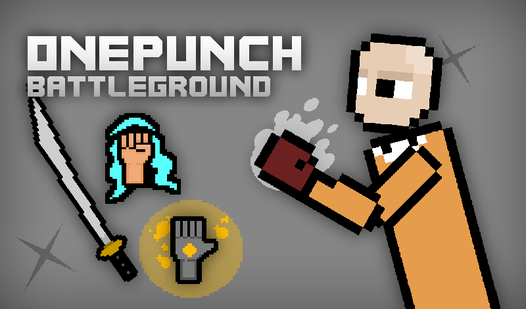
- Manual control: Take direct command of any spawned character to jump, move, or attack enemies within your custom levels.
Who is it for
Sandbox enthusiasts who enjoy tinkering with ragdoll physics and building custom scenarios will find endless amusement here. Fans of pixel art design and tactical battle simulations appreciate the freedom to experiment with block placement and creature spawns without any restrictive rules or linear mission structures holding them back.
Controls
Place items
Click or tap the desired category, then select a spot on the map to spawn the object.
Camera movement
Click and drag on empty space with a mouse or use a single finger swipe on mobile devices.
Character control
Activate control mode then use WASD or on-screen buttons to walk, jump, and trigger attacks.
Zooming
Rotate the mouse wheel or tap the plus and minus buttons on the screen.
FAQ
Can I save my levels in Toybox: Pixel World Sandbox?
›
Toybox: Pixel World Sandbox focuses on quick experimental sessions, so you can build and destroy as many times as you like during one browser session.
How do I make the characters fight in Toybox: Pixel World Sandbox?
›
Simply tap the crossed-swords button in the menu to enable combat mode, which forces your spawned creatures to engage in team battles.
Is Toybox: Pixel World Sandbox free to play?
›
Yes, you can access the full version of Toybox: Pixel World Sandbox directly in your browser without needing to download anything.