About game
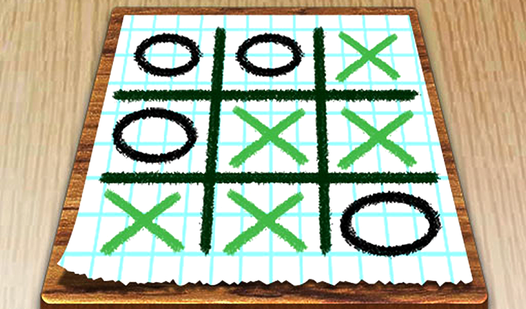
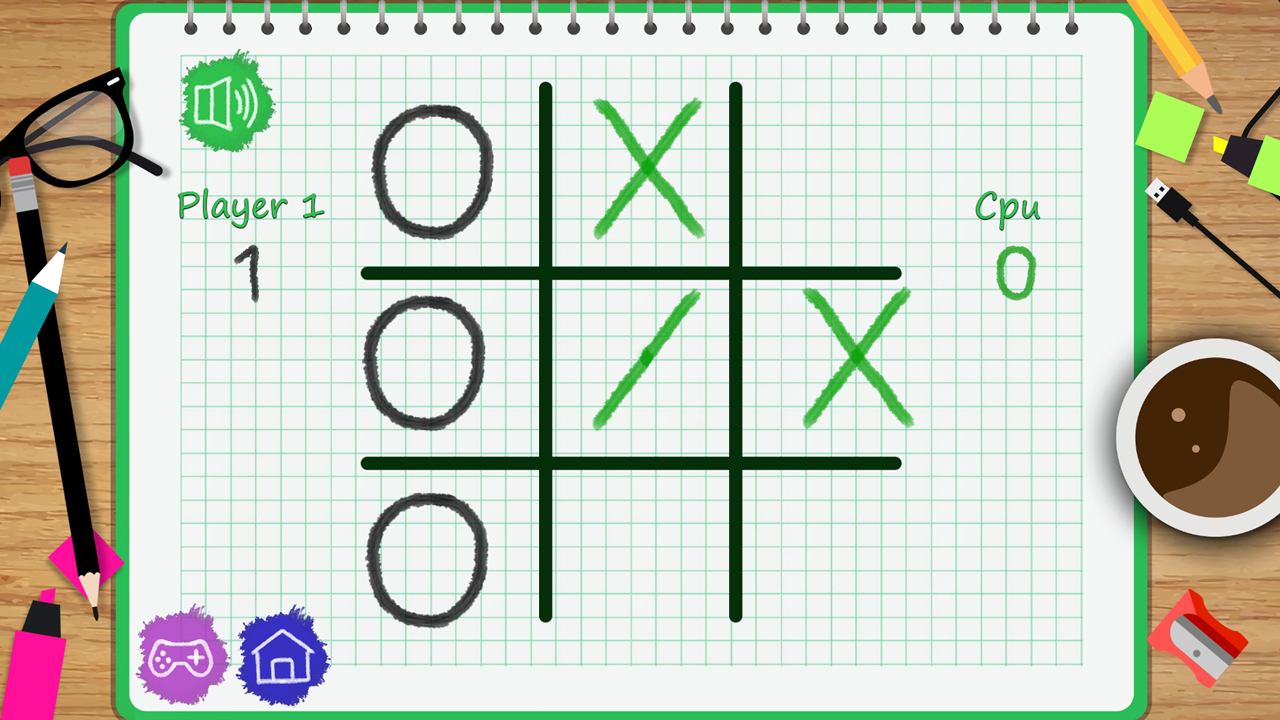
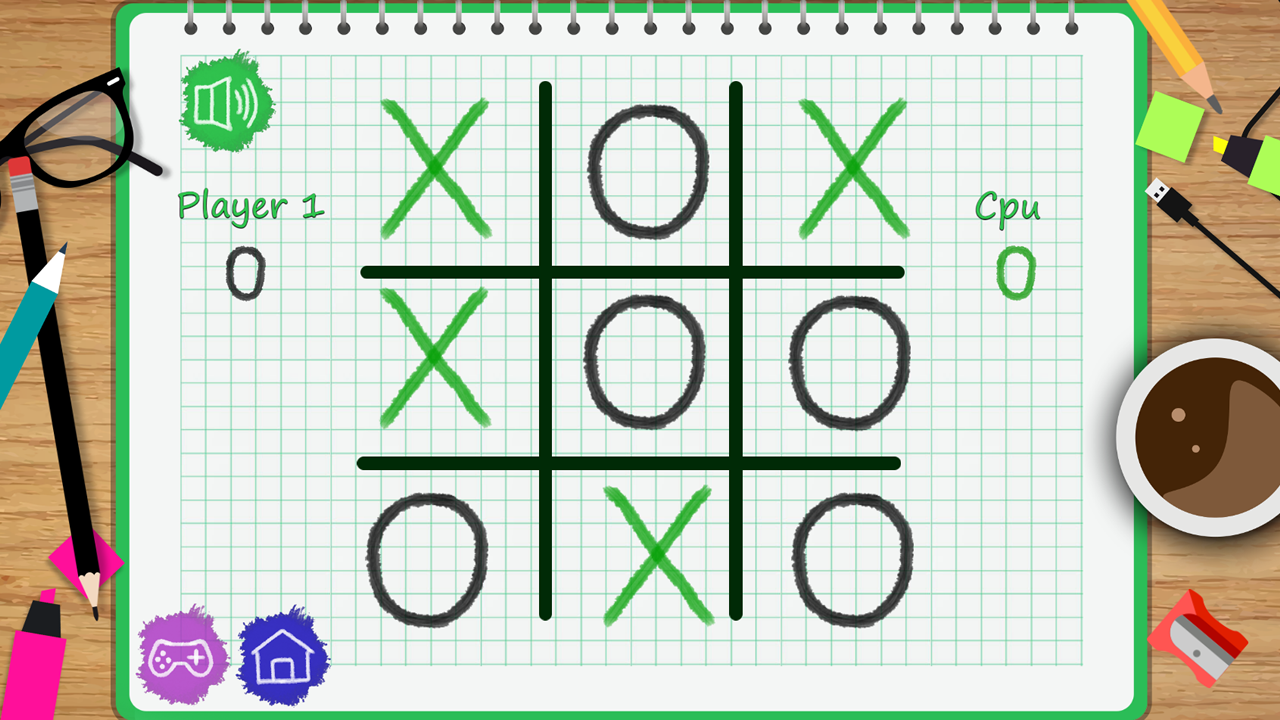
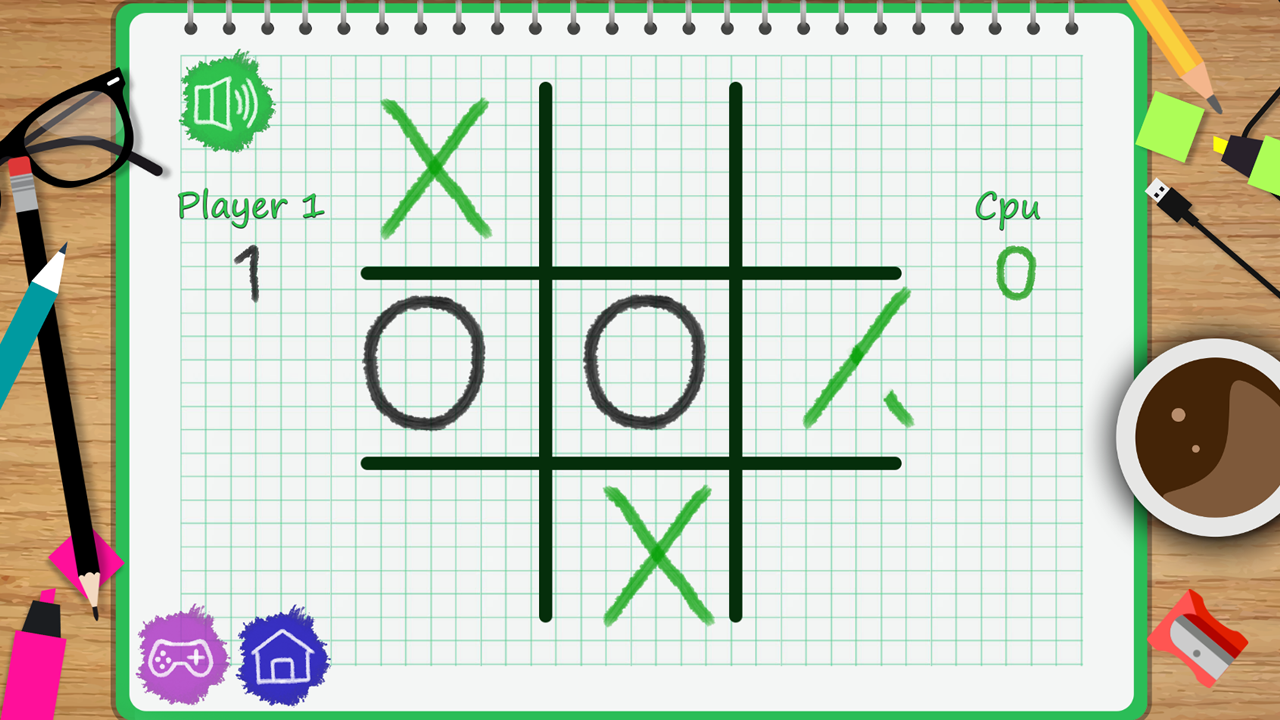
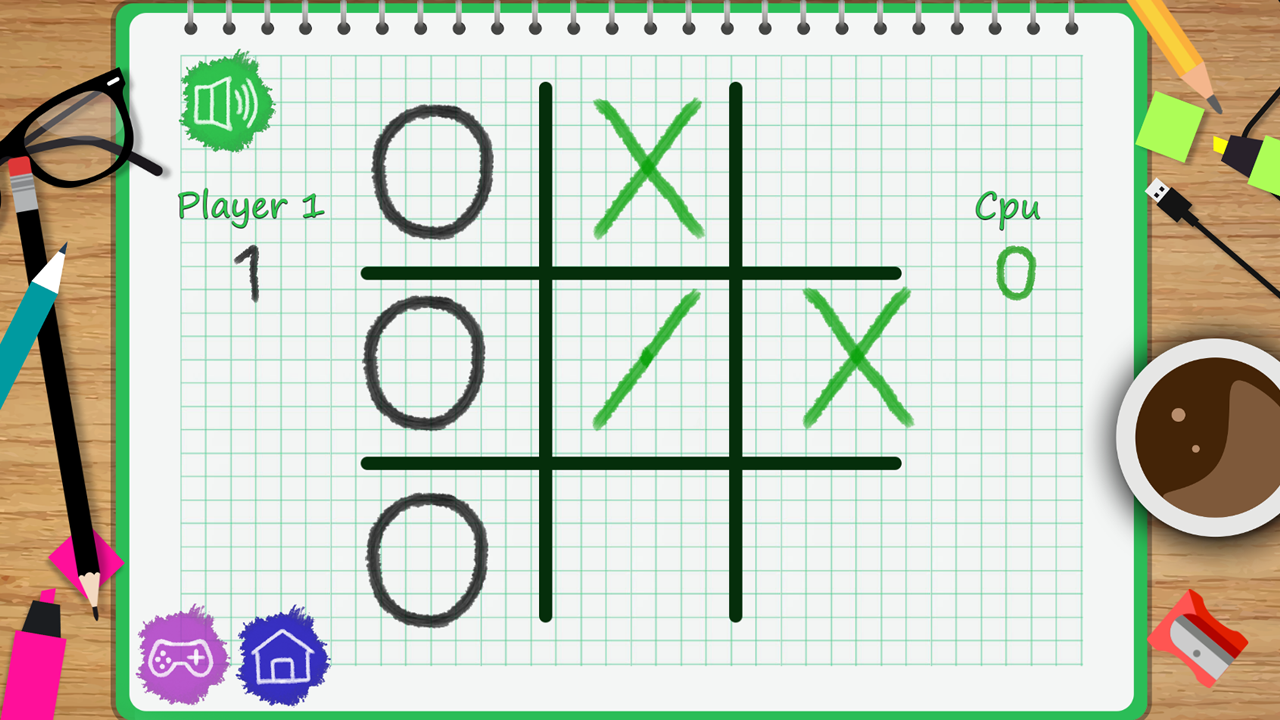
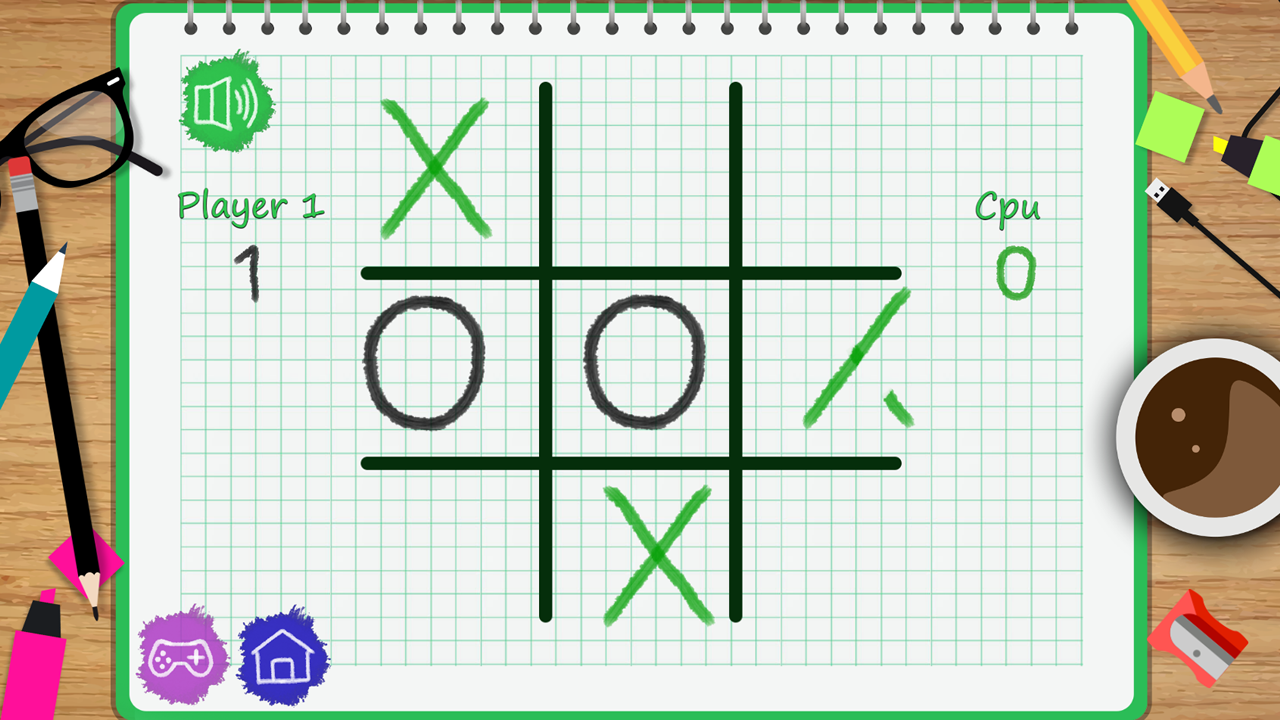
Board game fans who crave a nostalgic experience will love Tic Tac Toe: Paper Note. This charming digital version captures the essence of classic schoolyard pen-and-paper sessions with a sleek, modern twist that keeps you hooked. Players take turns placing their X or O marks on a grid, aiming to align three in a row while blocking their opponent. The game offers both solo modes against an AI and a local 2 player challenge for side-by-side excitement. Each match feels authentic thanks to crisp sound effects that mimic writing on a notepad. This puzzle title provides an excellent test of logic and strategy for quick brain training sessions during your downtime. What sets Tic Tac Toe: Paper Note apart is its high-quality aesthetic that turns a simple classic into an immersive experience. You can enjoy this addictive logic challenge for free directly in your browser with no download required.
How to play
You can play this game with a single or two player. If you want to play single, click on the "PLAYER VS COMPUTER" option and then click on the "GO" button to start to the game.
If you want to play with two players, click on the "PLAYER VS PLAYER" option and select your mark and click on the "GO" button to start the game.
"MOUSE"
"LEFT-CLICK"
While you are playing with two players, you can use "MOUSE" in turn and put your mark onto the paper. To mute or unmute the game sound, you can click on the sound icon located on the upper-right side of the game screen. You can go back to the main menu by clicking on the "MAIN" button. If you want to start another game after you played one, click on the "NEW GAME" button located on the lower-right side of the game screen.
Features
- Authentic Paper Aesthetic: The visual design replicates the look and feel of a handwritten notepad for a nostalgic gaming experience.
- Solo and Local Modes: Switch between a challenging AI opponent for brain training or invite a friend to play on the same screen.
- Quick Restart System: Use the dedicated button to refresh the board instantly after a match without navigating away from the action.
- Audio Controls: Toggle sound effects on or off easily using the icon located in the corner of the interface.
- Intuitive Navigation: The clean user interface makes it simple to switch between game modes and return to the main menu at any time.
Who is it for
Puzzle lovers and strategy enthusiasts looking for a quick mental break will appreciate this classic challenge. Casual gamers who enjoy 2 player board games will find it perfect for friendly competition. It is also a great choice for those seeking a simple yet engaging logic activity during short breaks.
Controls
Place mark
Left-click with mouse or tap the screen to select a grid square.
Menu navigation
Click or tap buttons on the screen to start a new game or toggle settings.
FAQ
Can I play Tic Tac Toe: Paper Note against my friends?
›
Yes, Tic Tac Toe: Paper Note includes a local 2 player mode that allows you to compete against someone sitting right next to you.
Does Tic Tac Toe: Paper Note require a download?
›
No, Tic Tac Toe: Paper Note runs directly in your web browser, allowing you to play instantly without installing any files.
How do I turn off the sound in Tic Tac Toe: Paper Note?
›
You can easily mute or unmute the game by clicking the sound icon located on the upper-right side of the Tic Tac Toe: Paper Note screen.