About game
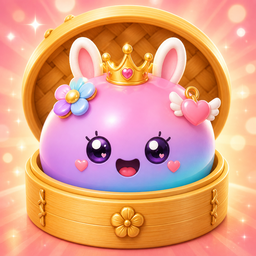
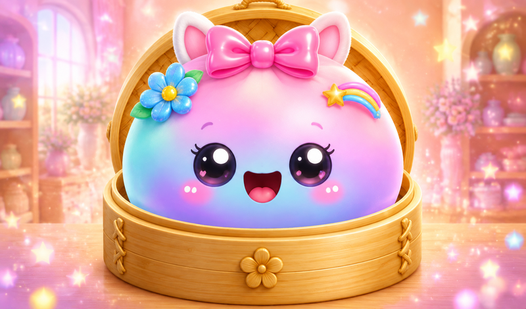
Fans of creative dress up games will adore Talking Dumpling: Create Squishies because it turns a simple character into a living stress-relief toy. You start with a blank dumpling and navigate through menus to customize every detail of its appearance. Changing eye shapes, adding colorful patterns, or picking out hilarious hats transforms your creation in seconds. Tapping your squishy dumpling triggers funny phrases and satisfying sound effects that make the character feel alive. You can even store your best designs in a private photo gallery to show off later. This project lets you experiment with hundreds of combinations without needing any complex tools. Talking Dumpling: Create Squishies stands out by blending traditional character design with the tactile joy of virtual fidget toys. Play this game for free right now in your browser without any downloads required.
How to play
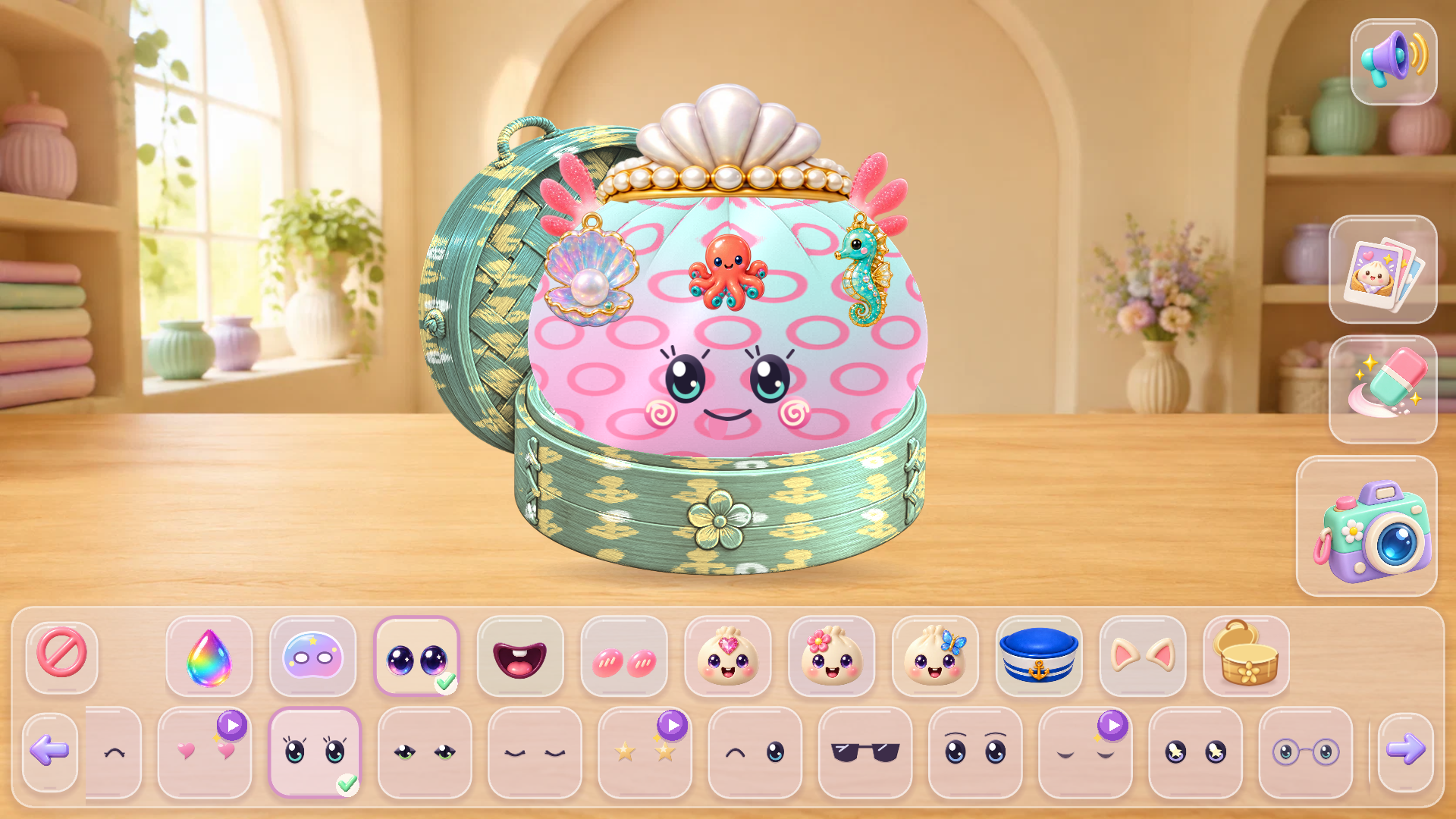
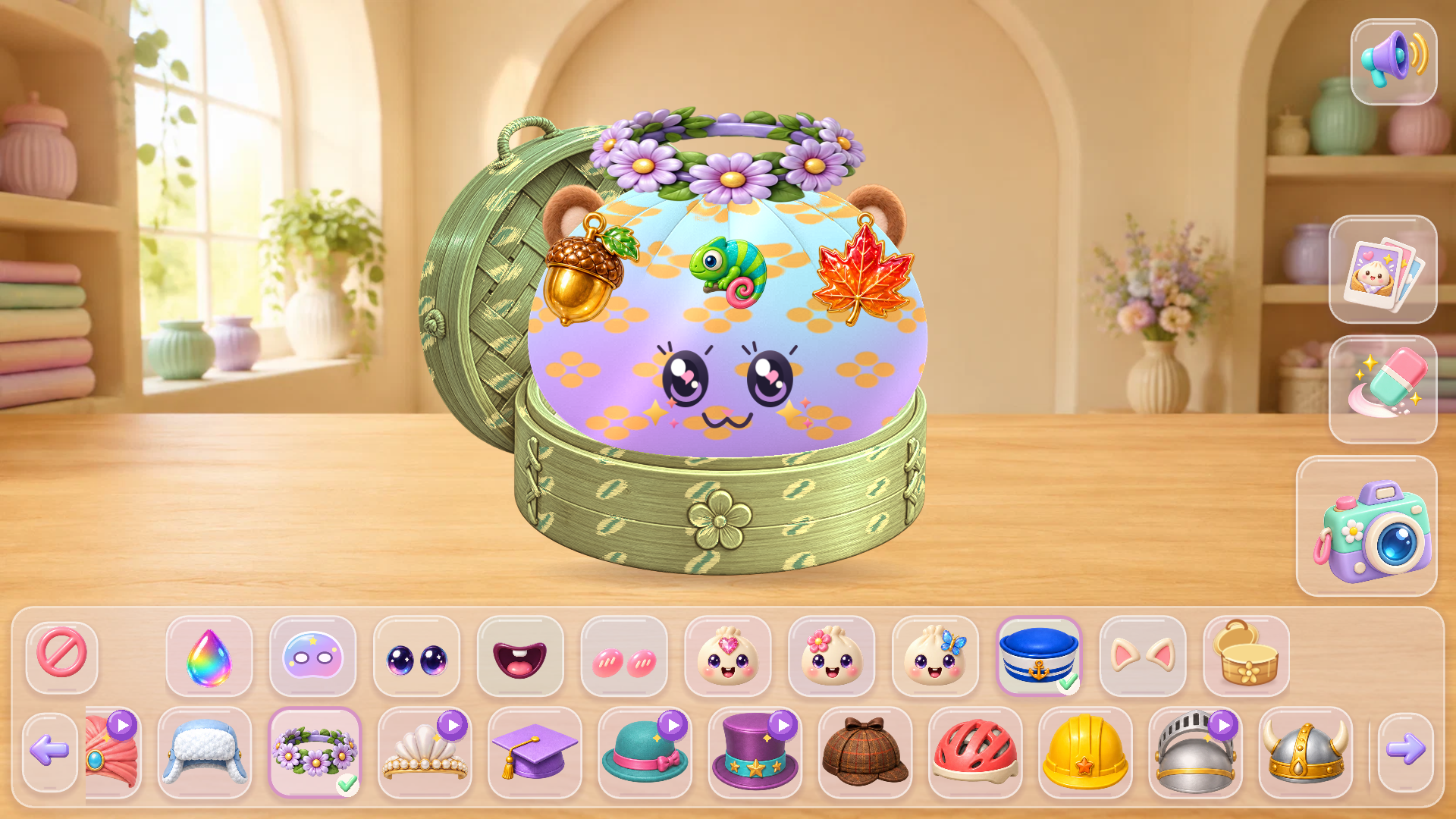
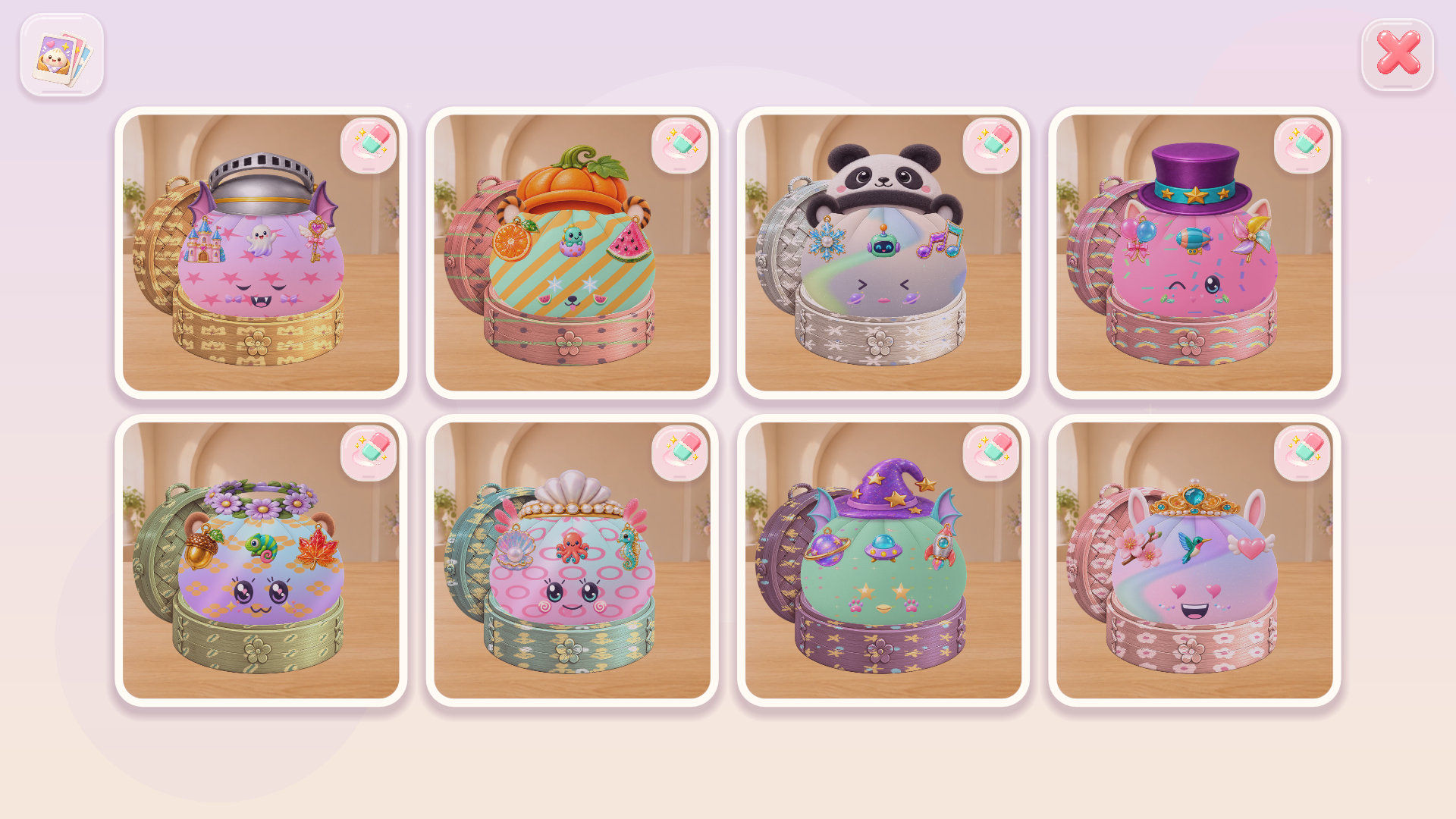
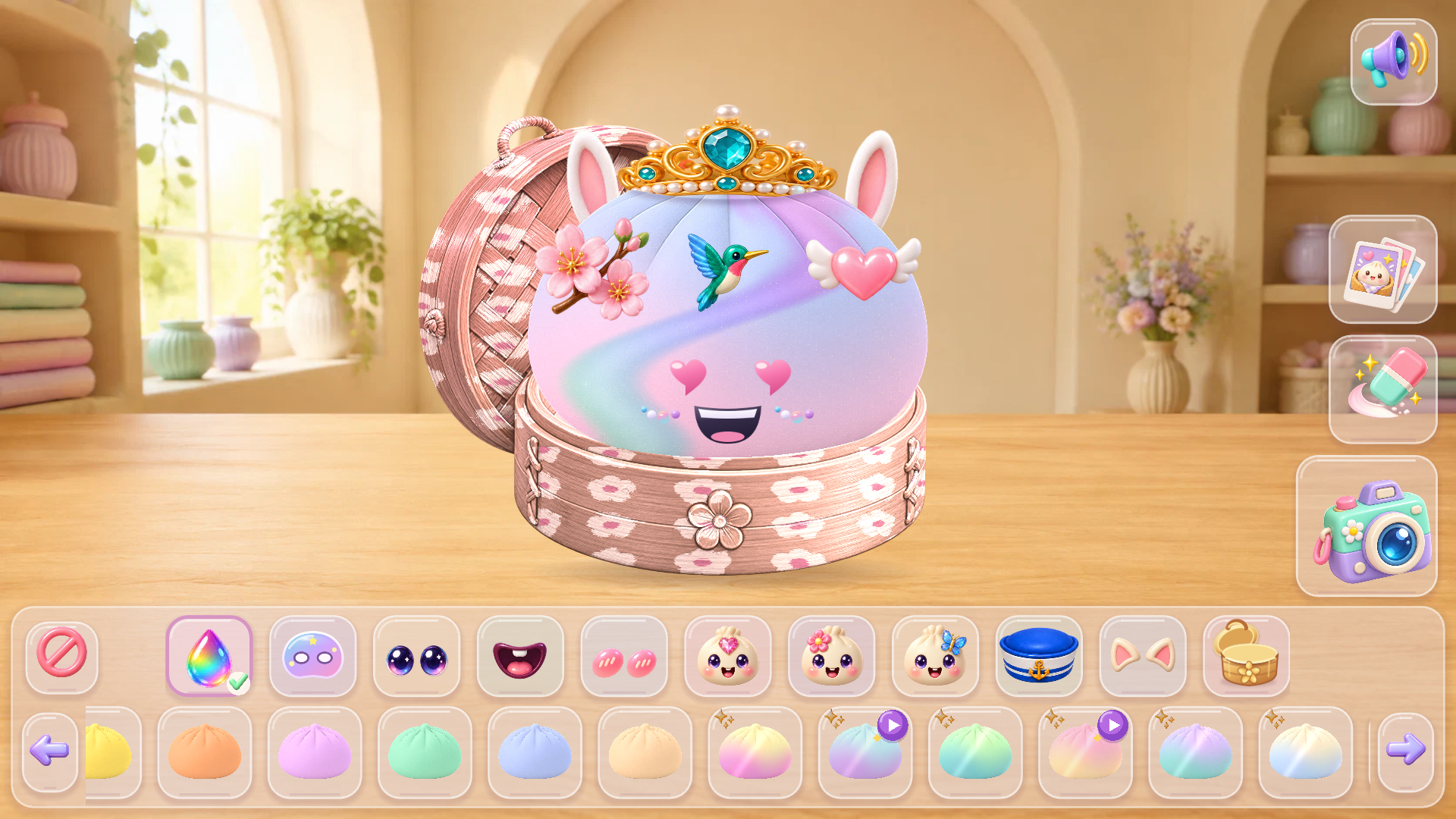
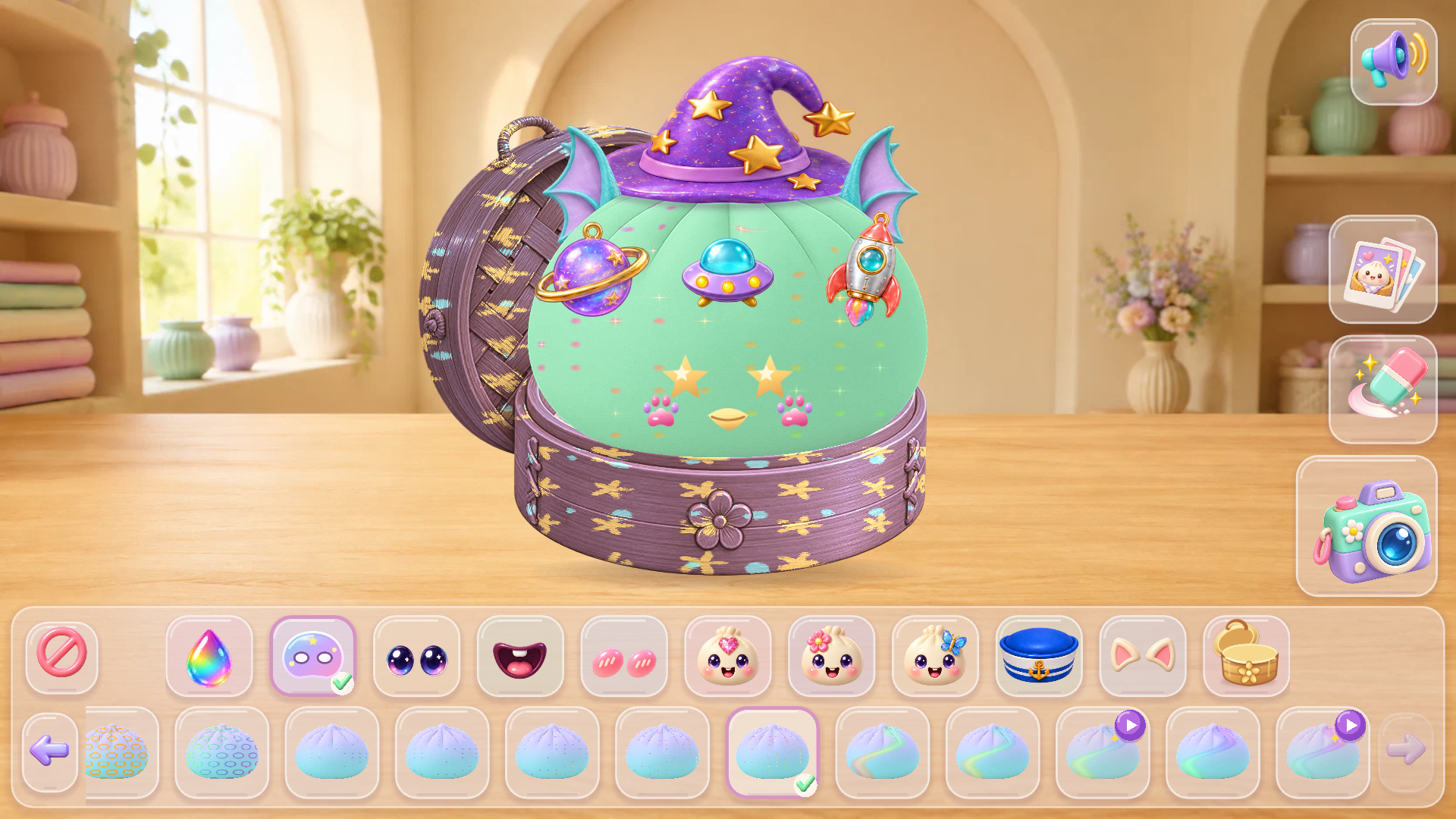
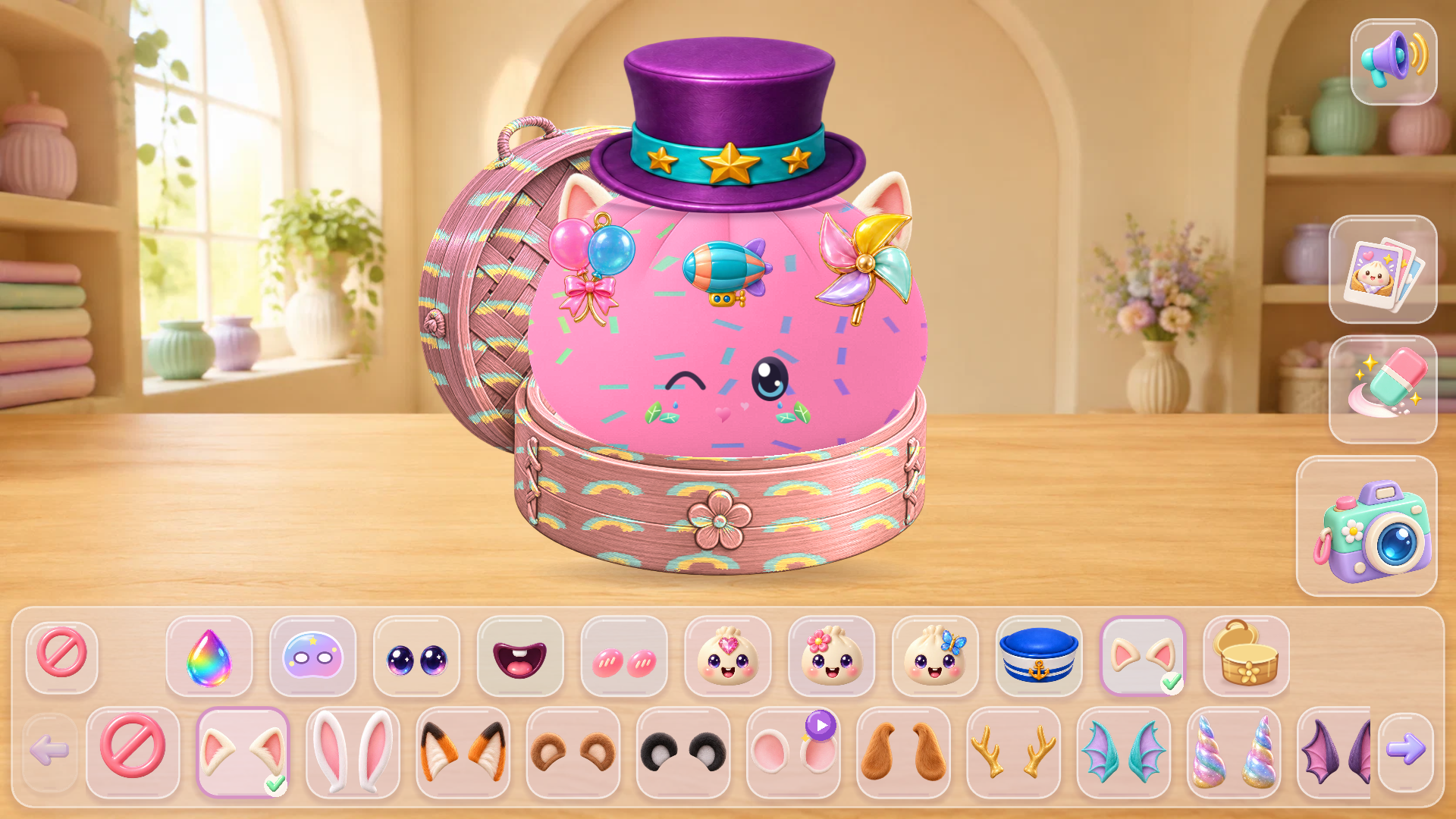
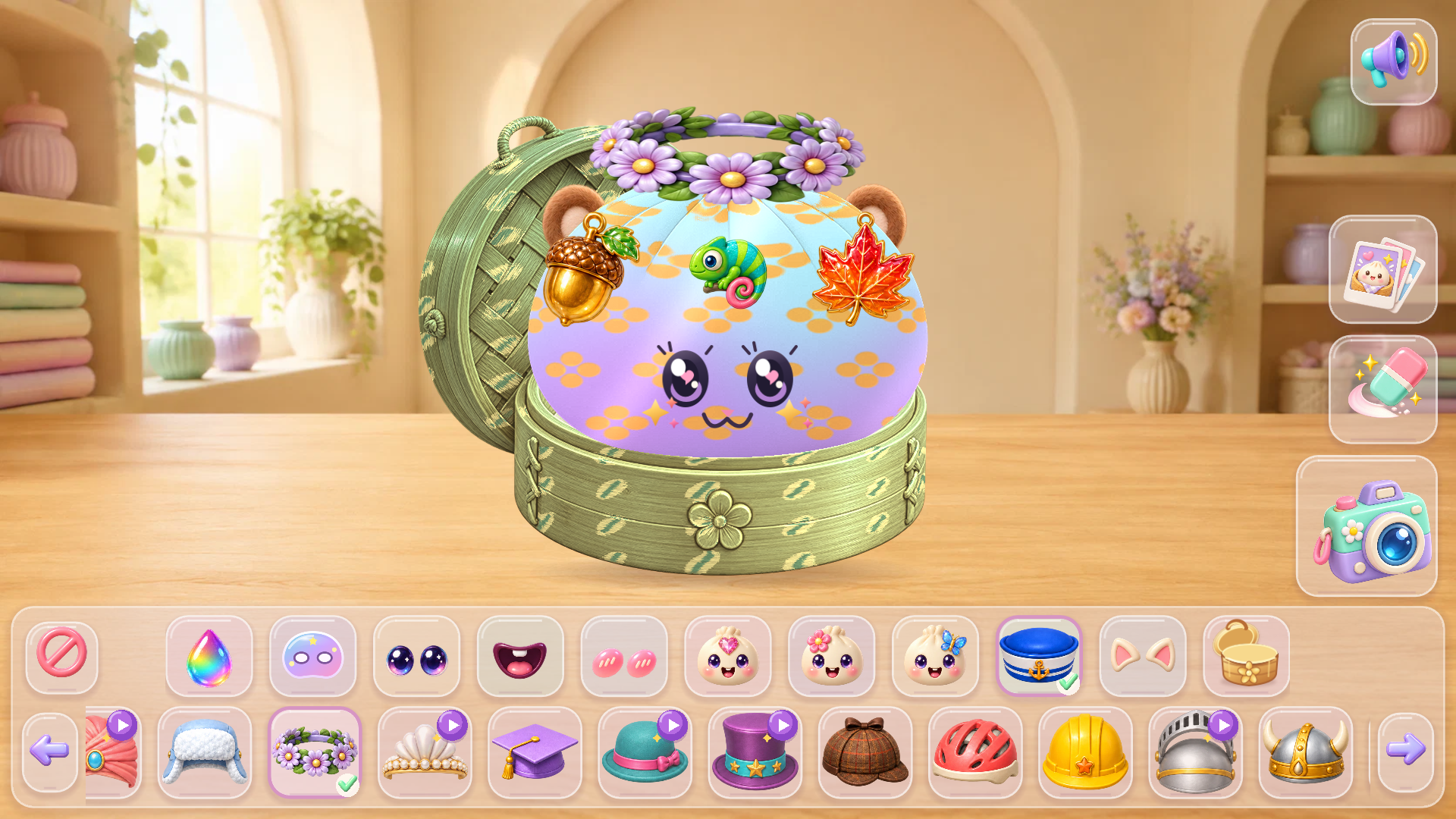
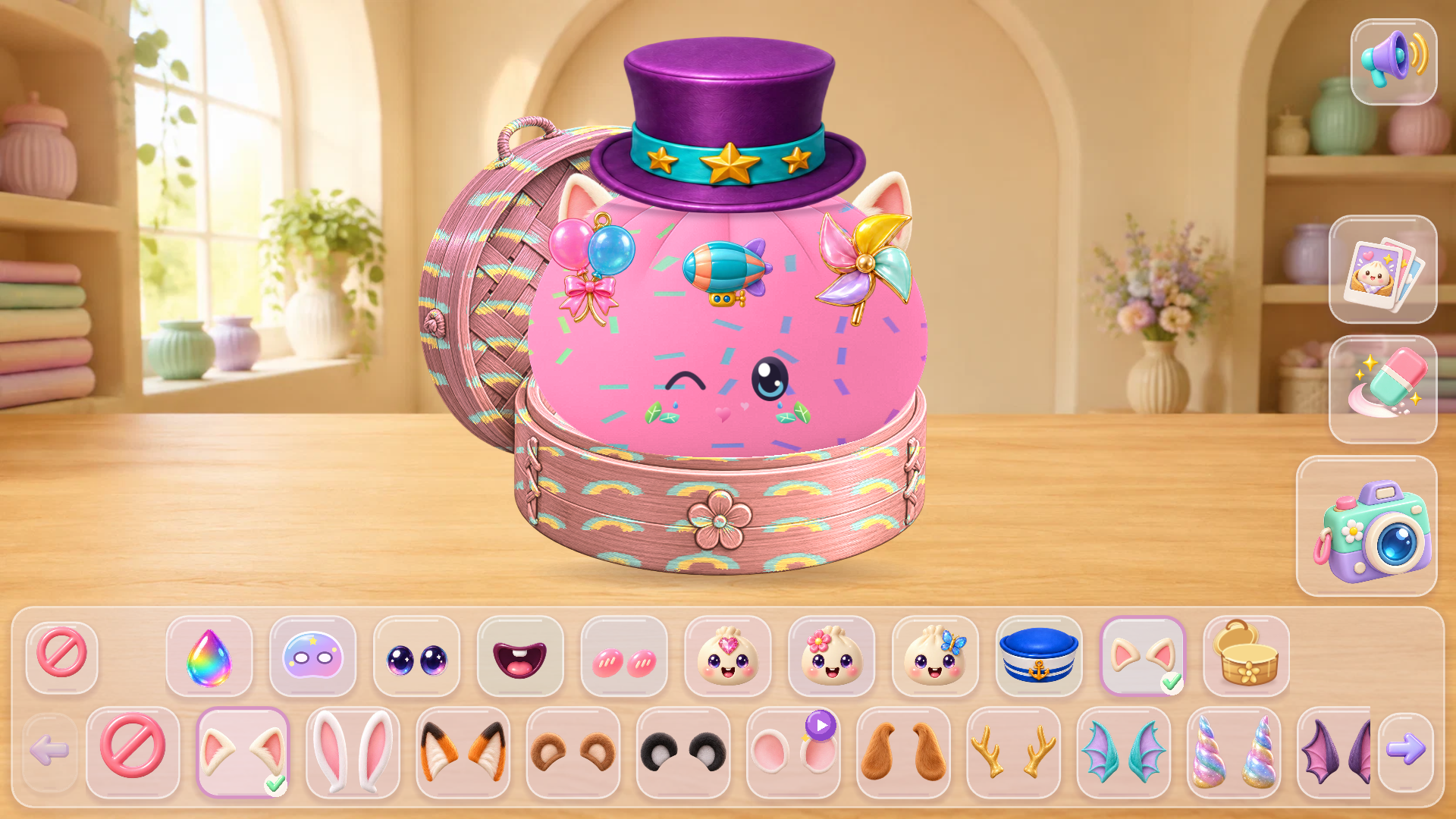
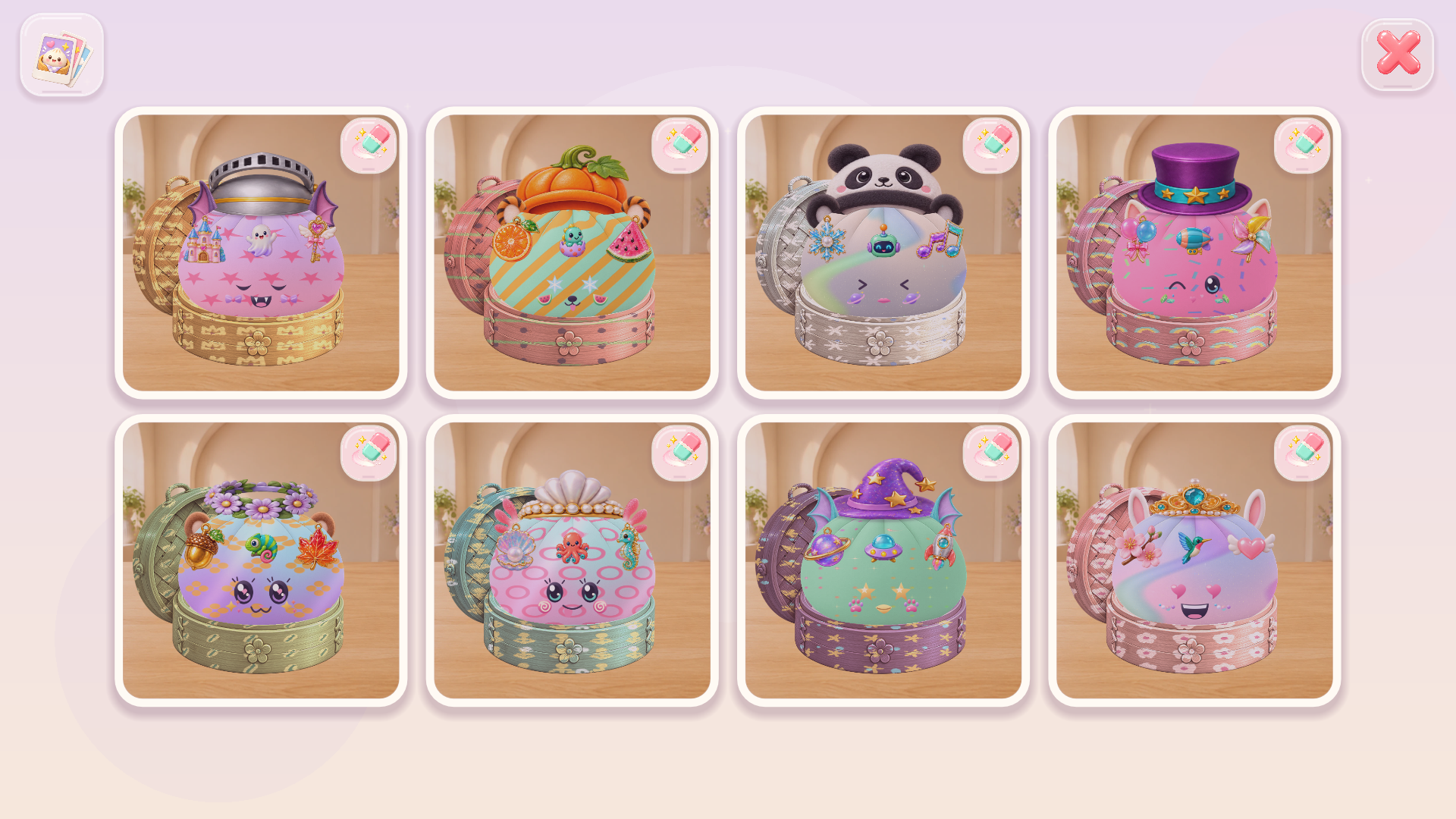
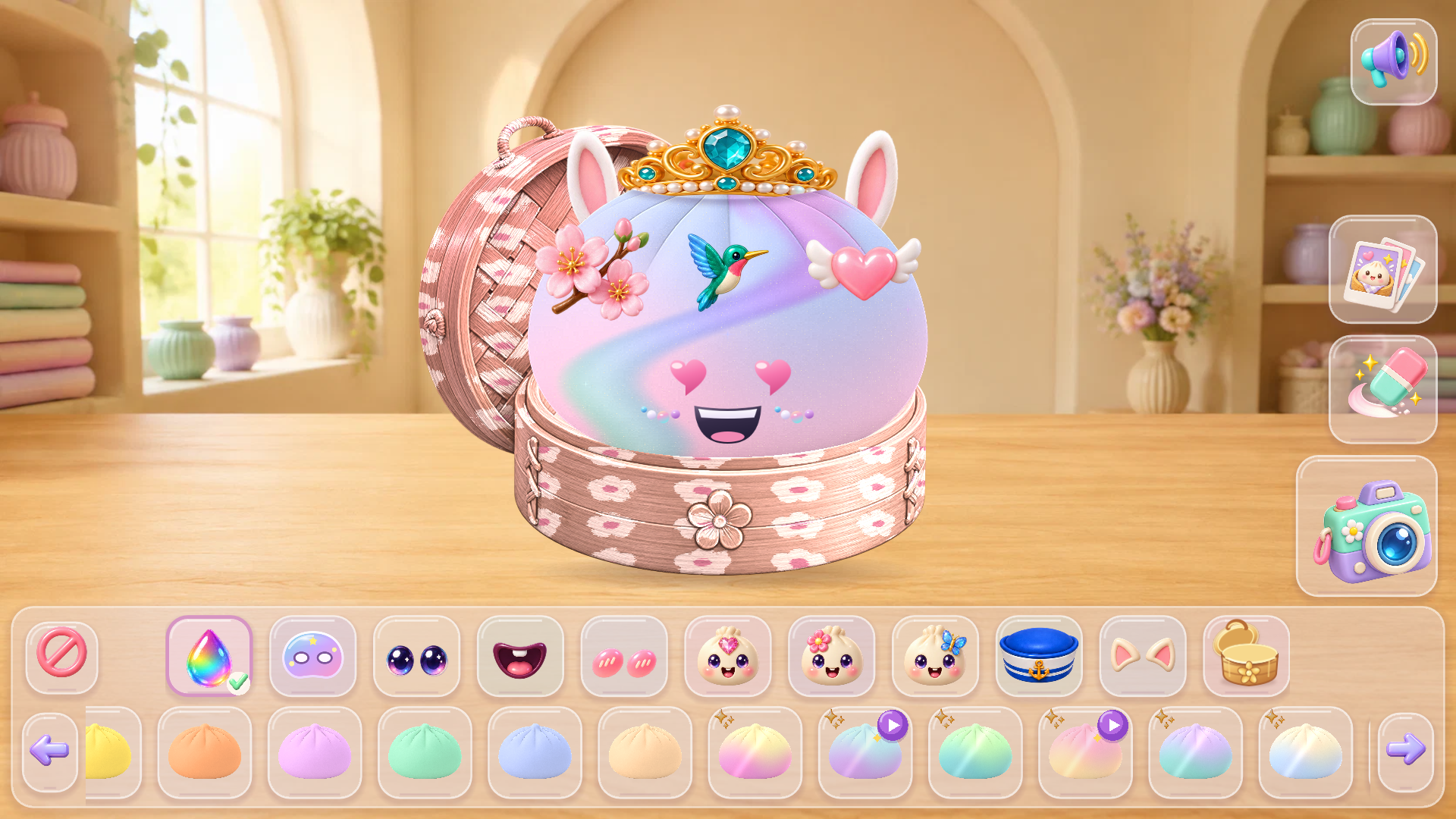
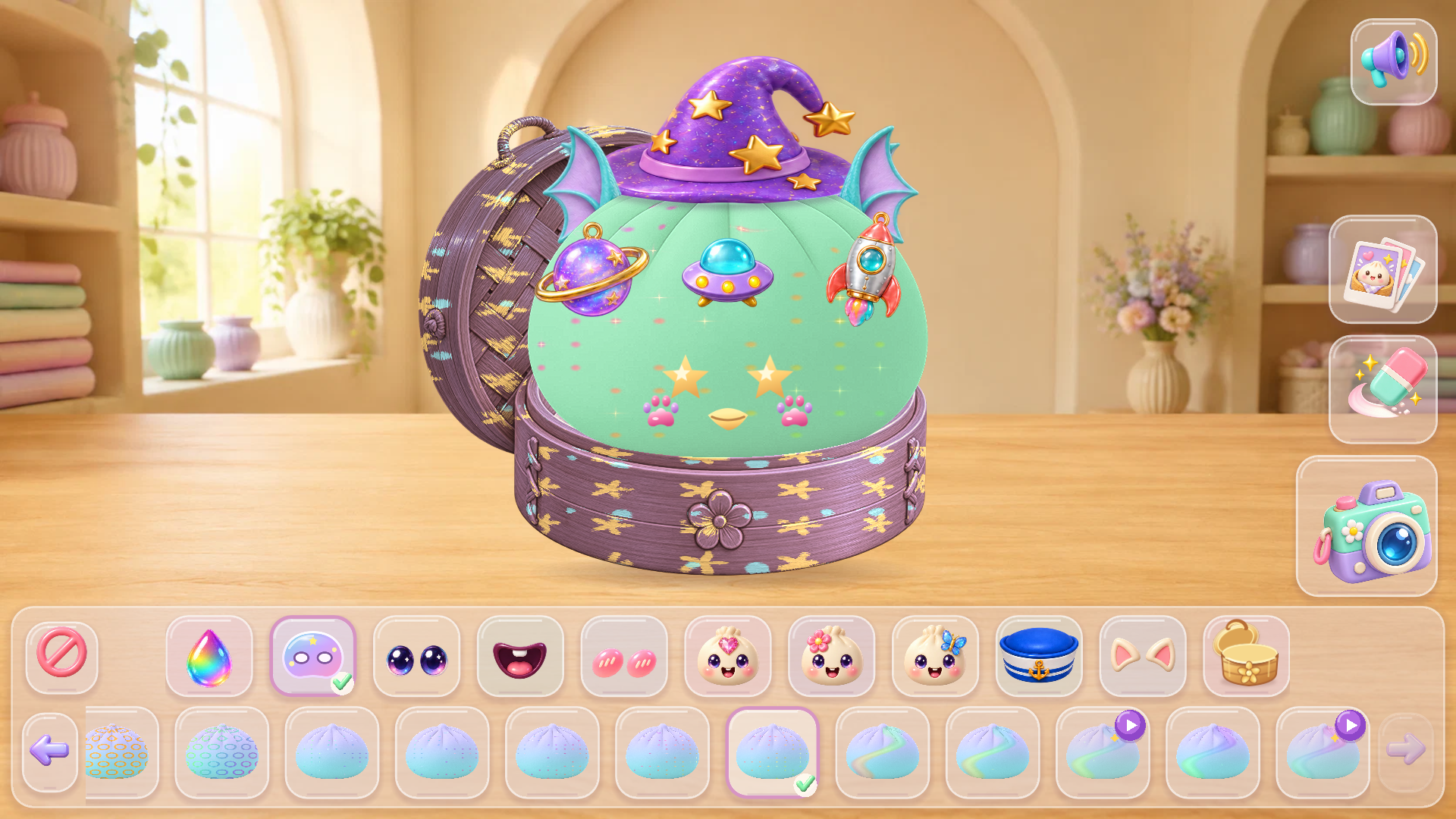
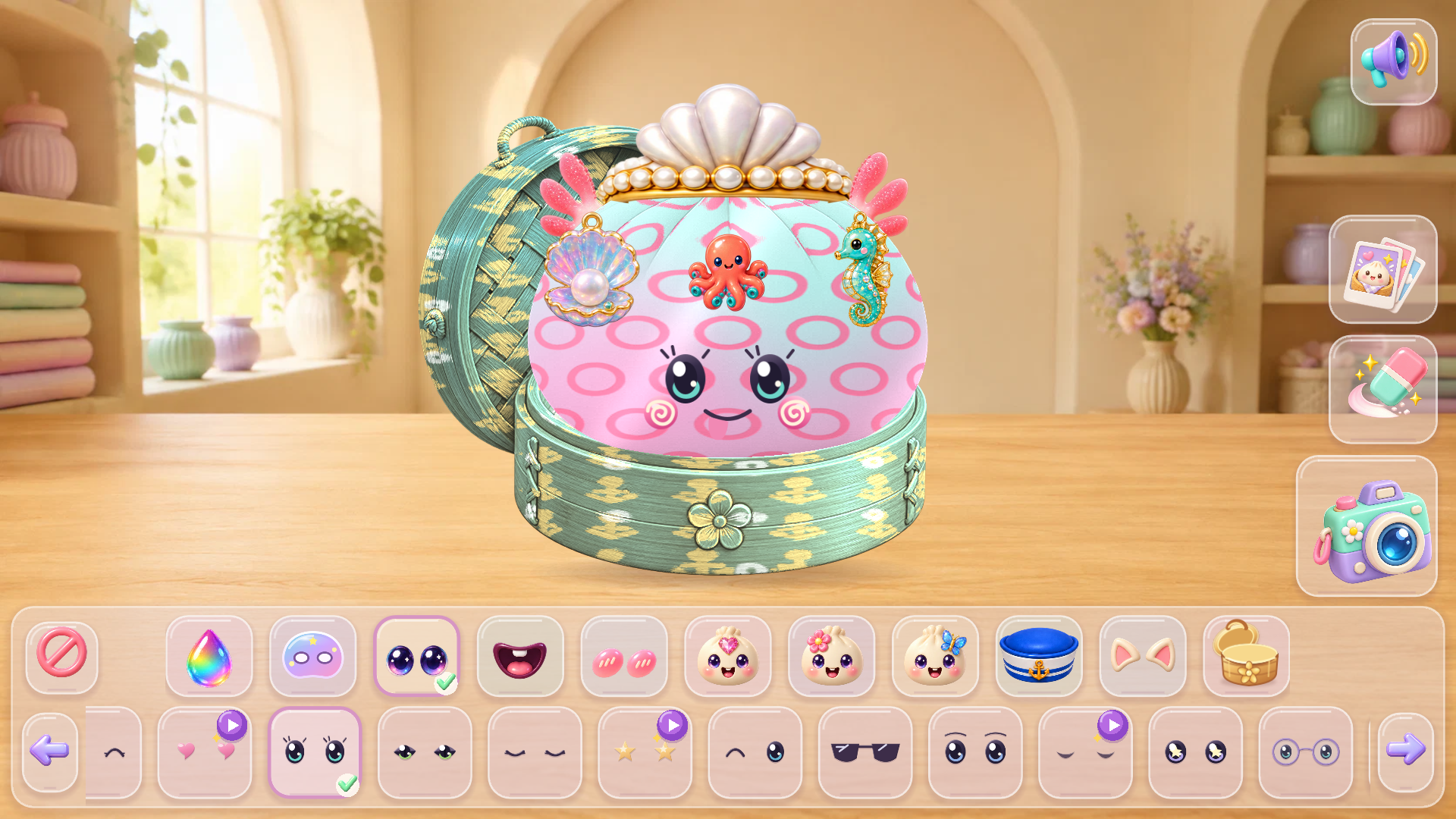
Choose a category in the top row: color, mask, eyes, mouth, cheeks, decorations, hat, ears, or box. Swipe the bottom row left or right, then tap an item to place it on your dumpling. The eraser inside a category removes that type of item, while the large eraser clears the entire dumpling. Tap the camera to take a picture and watch the photo fly into your gallery. Open the gallery whenever you want to view or delete saved pictures. Some special items can be unlocked after watching a short video.
Features
- Customization Menus: Select from specific categories like eye shapes, mouth expressions, and vibrant skin colors to tailor your dumpling.
- Interactive Feedback: Tap on your finished squishy to hear unique voice lines and enjoy the squishing animation.
- Gallery System: Save snapshots of your character designs directly into an integrated album for easy viewing later.
- Unlockable Content: Access special accessories and unique patterns by interacting with short video clips.
- Clear Mechanics: Utilize the full eraser tool to reset your progress instantly if you want to start a fresh design.
Who is it for
Creative minds who love designing cute characters and casual gamers seeking a relaxing digital fidget toy. Children and teens will enjoy the colorful interface, while anyone looking for a quick artistic outlet will appreciate the simple, satisfying loop of building and photographing their own unique dumpling creations.
Controls
Select items
Tap on the category icons at the top of the screen
Browse options
Swipe left or right on the bottom menu bar
Clear design
Tap the large eraser button to reset the character
Take photo
Tap the camera icon to save your current squishy to the gallery
FAQ
How do I save my progress in Talking Dumpling: Create Squishies?
›
You save your designs by tapping the camera icon, which adds a snapshot of your character to your personal in-game gallery.
Are all items available immediately in Talking Dumpling: Create Squishies?
›
Most items are free to use from the start, though some special decorations require watching a short video to unlock.
Can I delete my saved photos in Talking Dumpling: Create Squishies?
›
Yes, simply open your gallery and select the photos you no longer want to keep to remove them from your collection.