About game
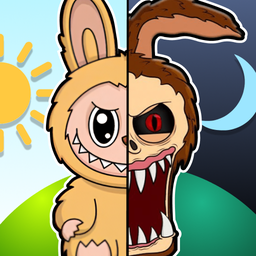
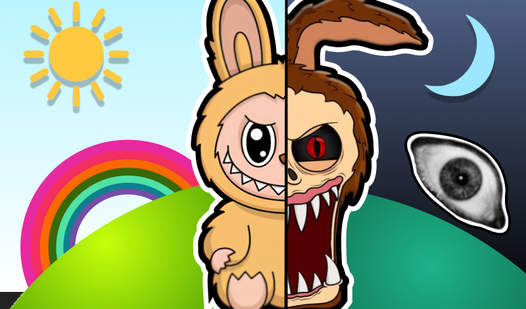
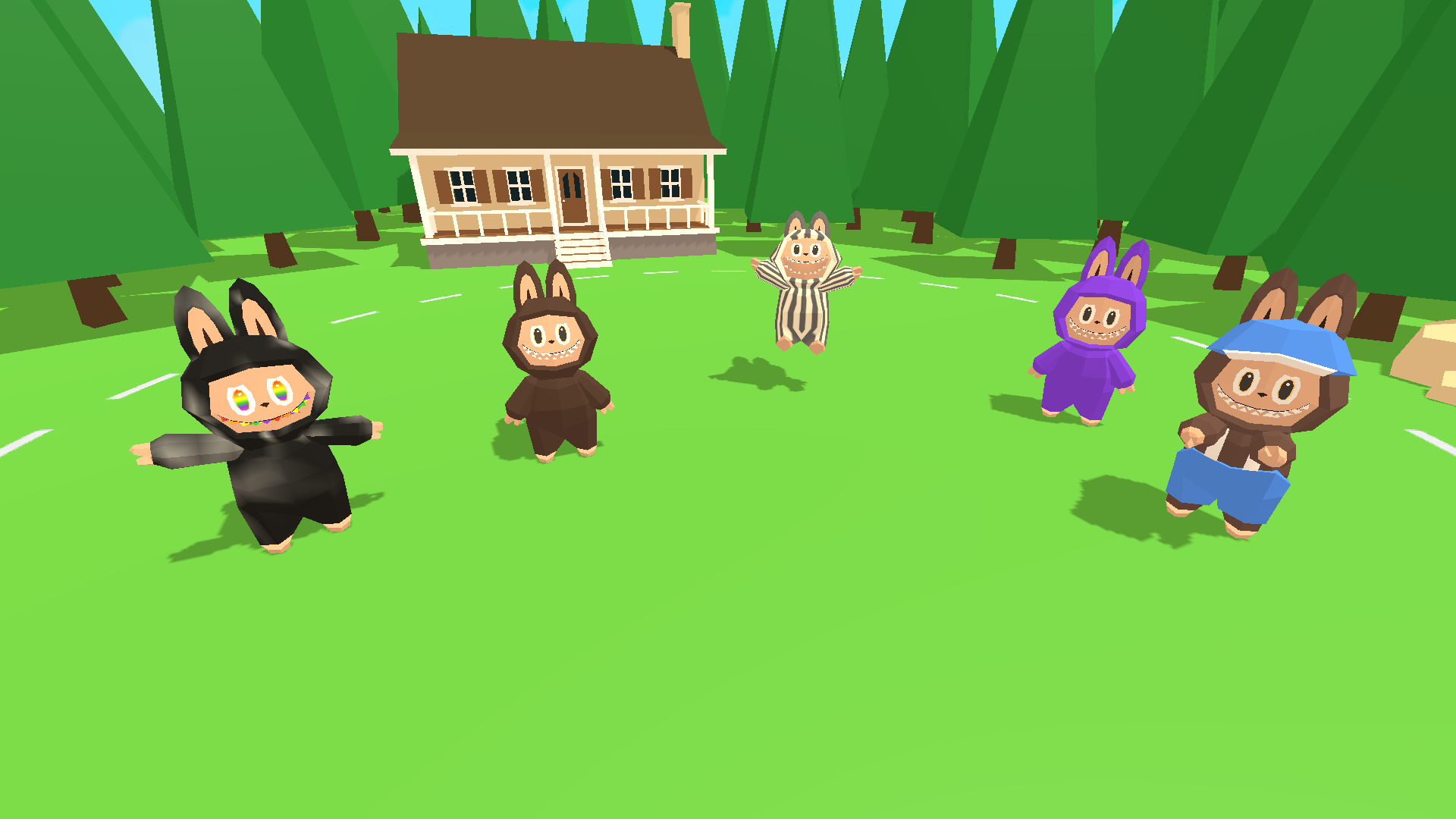
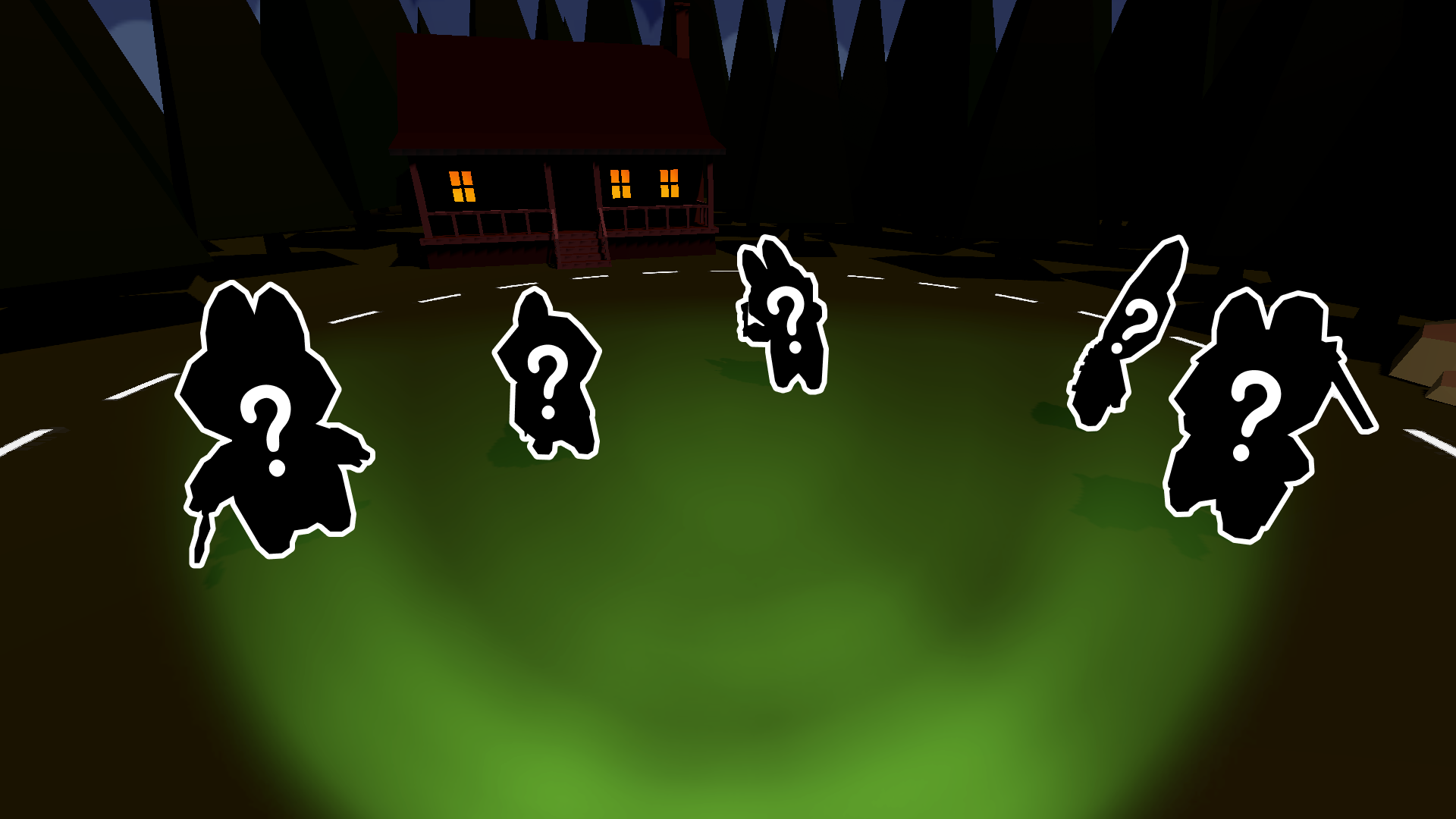
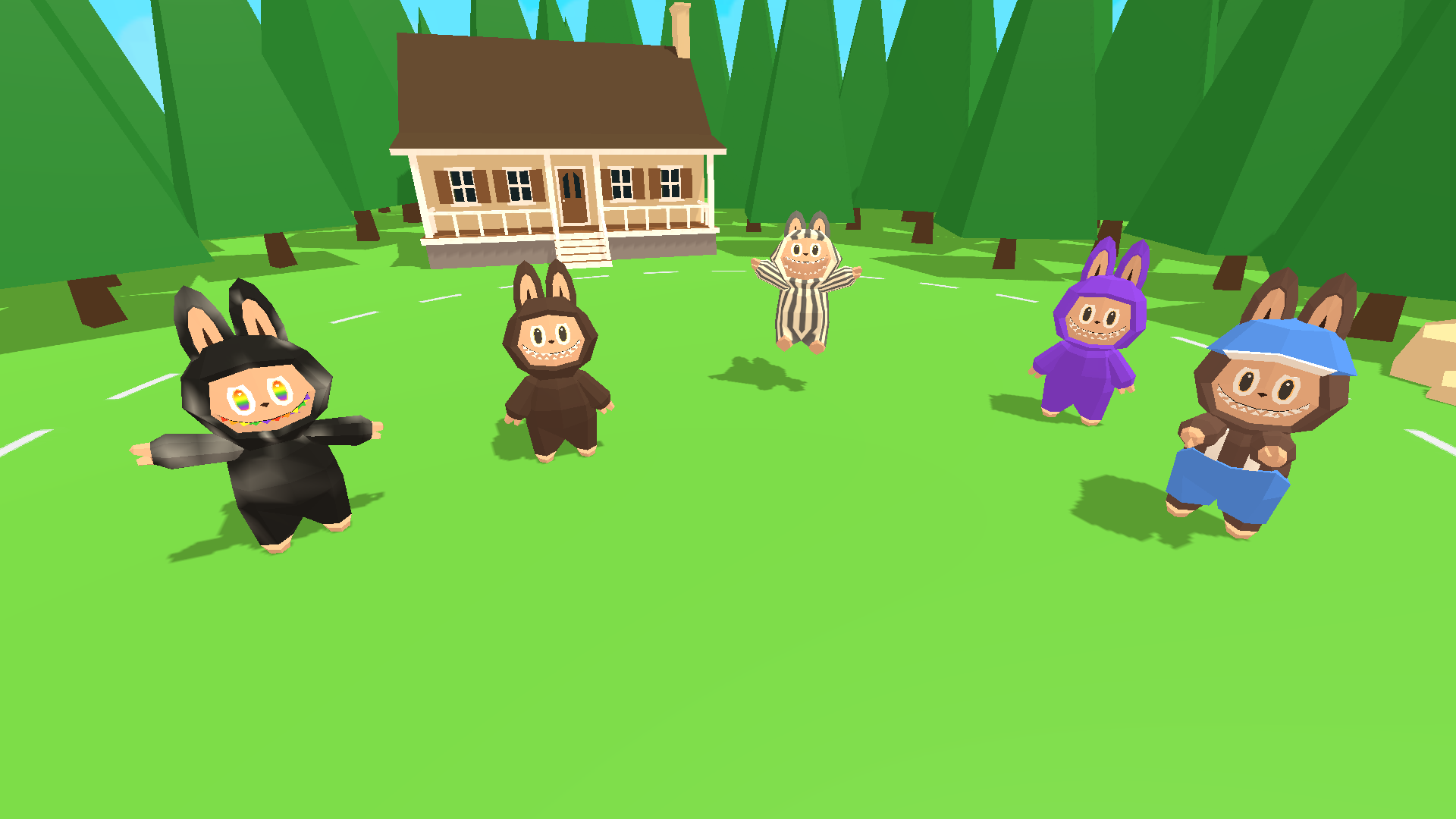
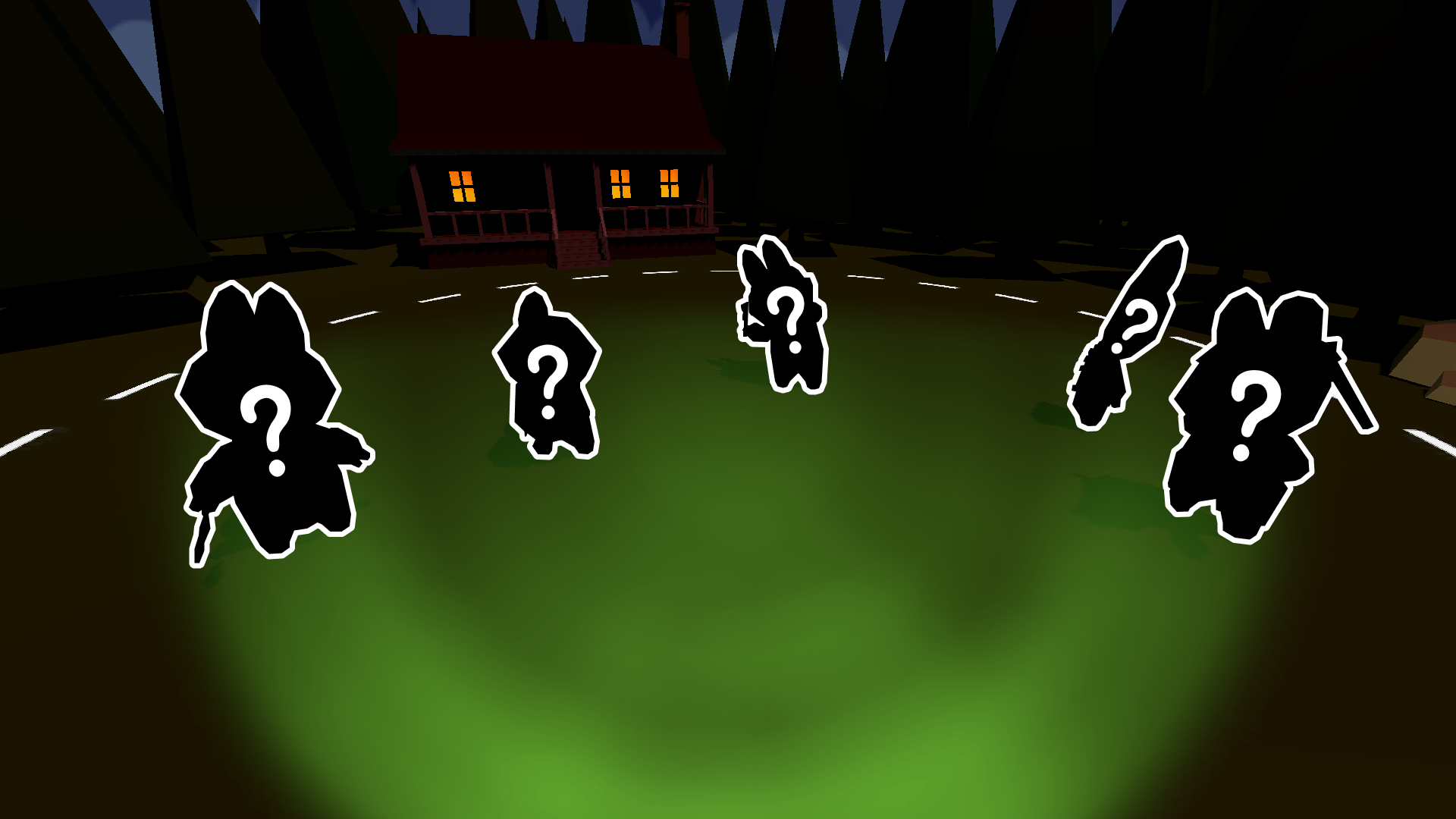
Fans of creative rhythm challenges will adore the unique vibe of Sweet and Horrible Labubu: Make a Melody. This quirky musical experience lets you compose custom tracks within a charming 3D environment populated by adorable creatures. You simply drag various Labubu icons from the bottom tray onto the main stage to trigger distinct sounds and animations. Each character contributes a specific layer to the audio landscape, allowing you to experiment with complex rhythms or simple beats. The game keeps things fresh with a secret night mode that completely shifts the atmosphere from cute to unsettling for those brave enough to stay. This hidden twist makes the experience far deeper than a standard clicker game. Everything runs smoothly in your browser using high-quality WebGL graphics without needing any installations. Whether you want to relax with upbeat tunes or get spooked by the dark shift, you can play this fun experience for free right now.
How to play
Drag the Labubu icons from the bottom of the screen onto the stage.
Each Labubu plays its own melody. Create a variety of melodies and enjoy the game!
Features
- Layered Audio Engine: Each character icon corresponds to a specific musical instrument or rhythmic loop that syncs automatically with others.
- Dynamic Night Mode: A toggleable setting transforms the lighting and character behaviors into a horror-themed aesthetic.
- 3D Asset Variety: Every character features unique idle animations and reactive movements when placed on the stage.
- Infinite Composition: There are no limits on how many characters you can place, allowing for massive, experimental soundscapes.
- Zero Latency Performance: Built with WebGL technology, the game maintains a steady frame rate even when the stage is crowded.
Who is it for
Creative players who enjoy rhythm toys and rhythm-based sandbox experiences will find this title engaging. It appeals to fans of character-driven music creators and those who enjoy light horror elements mixed with cute aesthetics. Casual gamers looking for a quick, experimental session will appreciate the simple drag-and-drop mechanics.
Controls
Place character
Click and drag the Labubu icon from the bottom panel onto the stage.
Mobile interaction
Tap and hold an icon, then swipe it onto the stage to activate the sound.
Toggle mode
Use the settings button on screen to switch between day and night modes.
FAQ
How do I create a song in Sweet and Horrible Labubu: Make a Melody?
›
Simply drag different characters onto the stage area, as each one plays a unique sound loop that plays in sync with others.
Is Sweet and Horrible Labubu: Make a Melody safe for kids?
›
The game features a standard mode that is very cute, though the night mode introduces spooky themes that some younger players might find scary.
Can I play Sweet and Horrible Labubu: Make a Melody on my phone?
›
Yes, the game is fully optimized for mobile browsers so you can create melodies on the go without any downloads.