About game
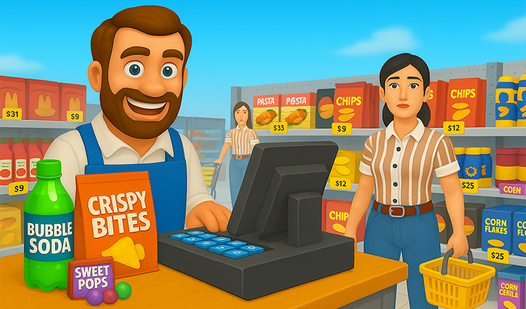
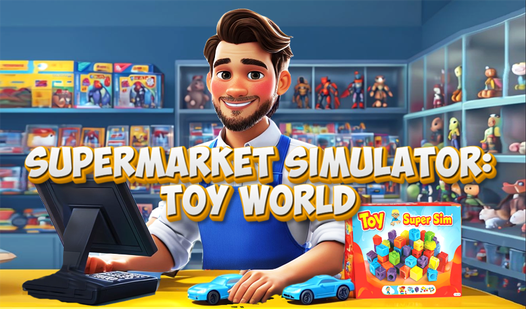
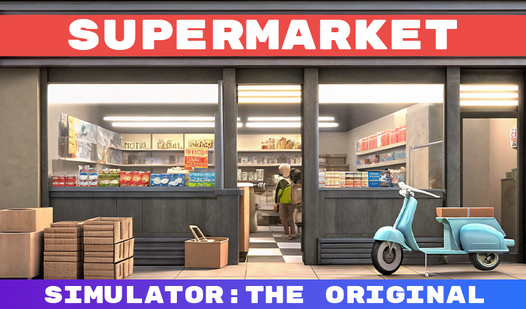
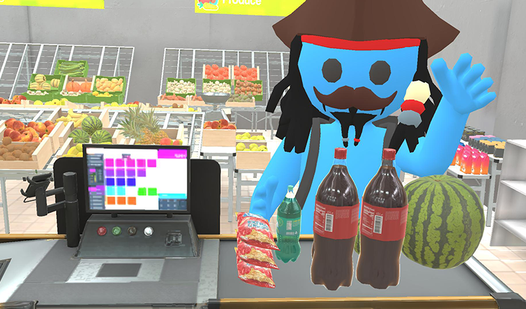
Aspiring entrepreneurs and fans of management games will find their new obsession in Supermarket Simulator as they build a retail empire from the ground up. You start with a tiny convenience store and transform it into a bustling city hotspot by mastering the art of inventory management and customer service. Every day involves ordering fresh stock via your laptop, unpacking heavy boxes, and arranging items precisely on shelves. Whether it is keeping the refrigerators stocked with milk or filling the produce stands with fresh fruit, your store needs constant attention to thrive. When customers arrive, you must hop behind the register to scan their goods and handle both cash and card transactions efficiently. This 3d simulator rewards speed and strategy, encouraging you to set smart prices to maximize your daily profits. With over 30 unique products to manage, the gameplay loop feels satisfying and endlessly engaging for those who love keeping things organized. You can play this store management hit for free directly in your browser with no download required.
How to play
🔸 Order products using the laptop—it’s located right behind the checkout.
🔸 Goods arrive in boxes and will be dropped off at the entrance to your supermarket.
🔸 Open the boxes and place the items on the correct shelves. Each product needs its own shelf type: milk can only go in a refrigerator, while apples belong on produce racks.
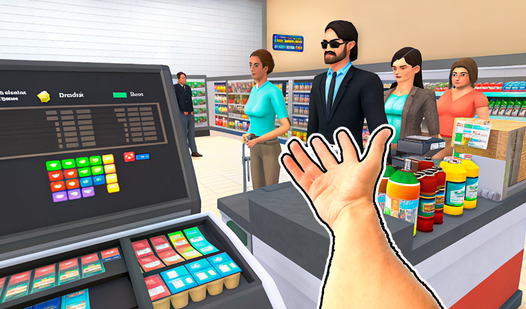
🔸 Shoppers will make purchases; you must scan their items at the register and take payment. Walk up to the till and sit down when customers show up.
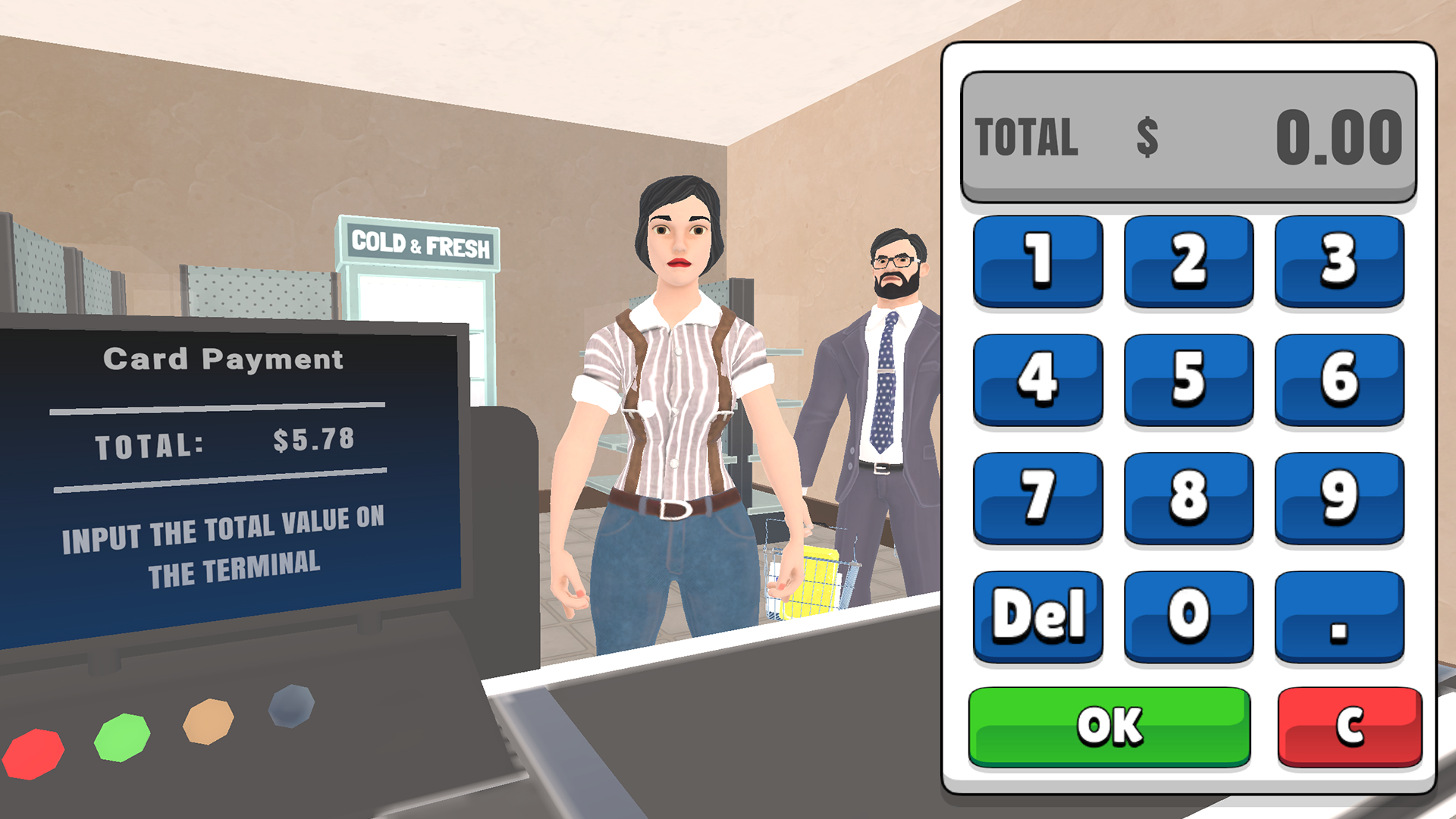
🔸 There are two payment methods: card and cash. For cards, key the total into the terminal; for cash, hand back the change.
📱 Mobile controls
🔸 Movement — left joystick
🔸 Interact — large button with a finger icon on the right
🔸 When you pick up a box, small context buttons appear next to the interact button to open, drop, or place the box.
🖥️ PC controls
🔸 WASD — movement
🔸 All other actions are shown as prompts in the upper-right hint box.
Features
- Inventory Strategy: Manage over 30 distinct product types that require specific storage solutions like refrigerators or produce racks.
- Financial Management: Balance your budget by setting competitive prices and tracking which items yield the highest profit margins.
- Payment Processing: Master the checkout process by manually inputting card totals and calculating accurate cash change for customers.
- Business Growth: Start with a humble storefront and expand your operations to accommodate a higher volume of daily shoppers.
- Performance Optimization: Enjoy smooth gameplay across all devices thanks to high-quality assets optimized for both mobile and desktop browsers.
Who is it for
Business simulation enthusiasts and fans of management games will love the strategic depth of this title. Casual players seeking a relaxing yet rewarding gameplay loop will appreciate the satisfying organization mechanics and the clear progression path from a tiny shop to a massive, thriving supermarket empire.
Controls
Movement
Use WASD keys on PC or the left joystick on your mobile screen.
Interaction
Click the finger icon button on mobile or follow the on-screen prompts on PC to handle items.
Box Handling
Use the context-sensitive buttons on the mobile interface to open, drop, or place boxes.
FAQ
Can I play Supermarket Simulator on my phone without downloading an app?
›
Yes, Supermarket Simulator is fully optimized for mobile browsers so you can run your store directly on your phone without any installation.
How do I make more money in Supermarket Simulator?
›
Focus on keeping high-demand items in stock and always serving customers quickly at the register to speed up your daily revenue generation.
Is Supermarket Simulator free to play?
›
Absolutely, Supermarket Simulator is completely free to play in your browser with no registration or hidden fees.