About game
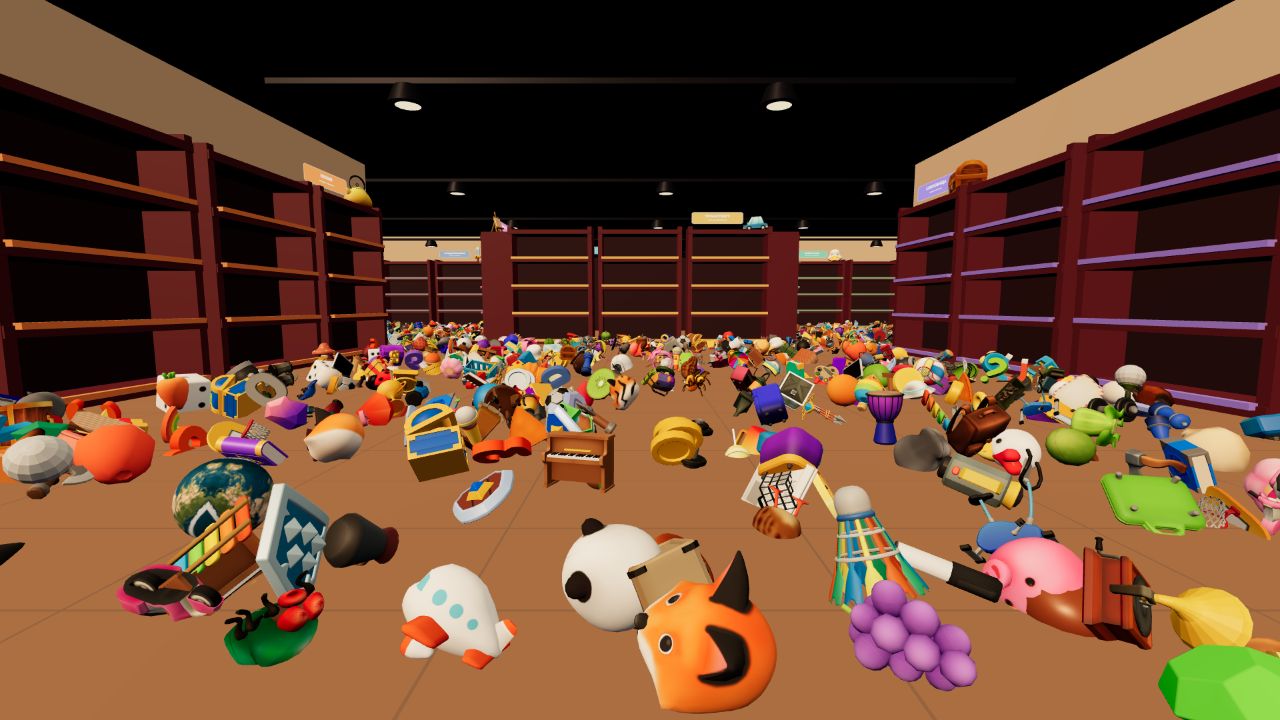
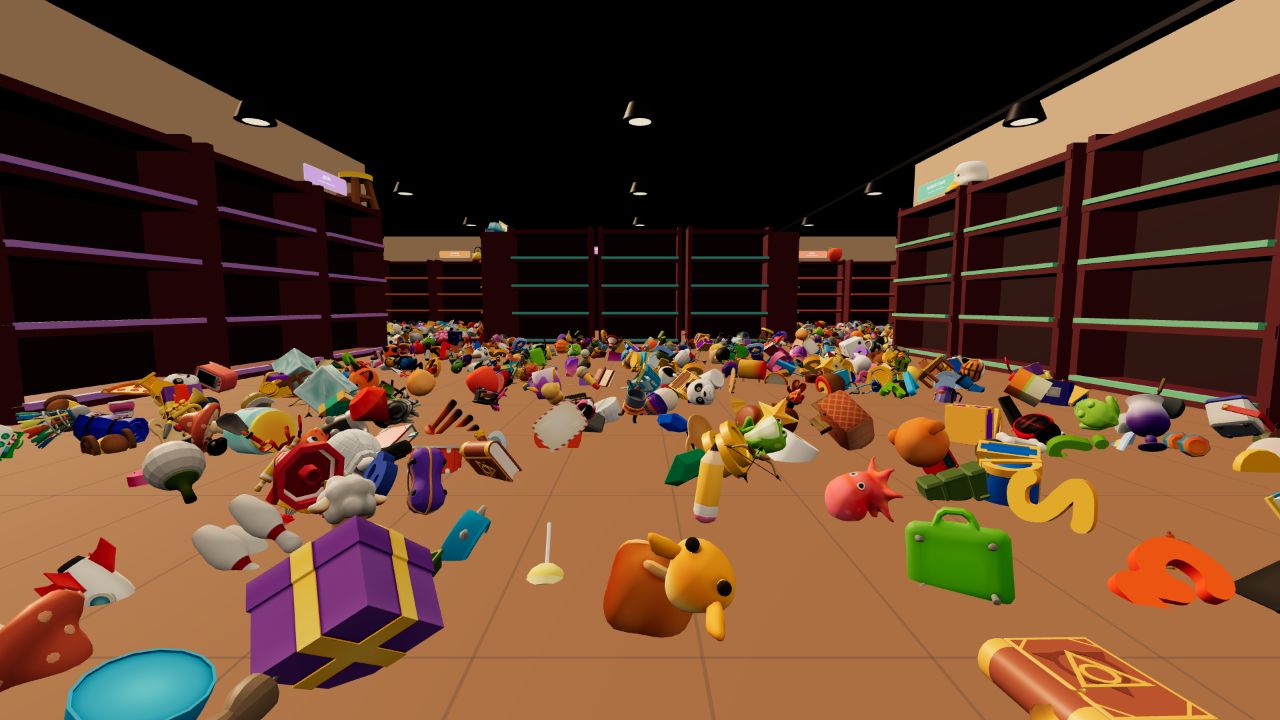
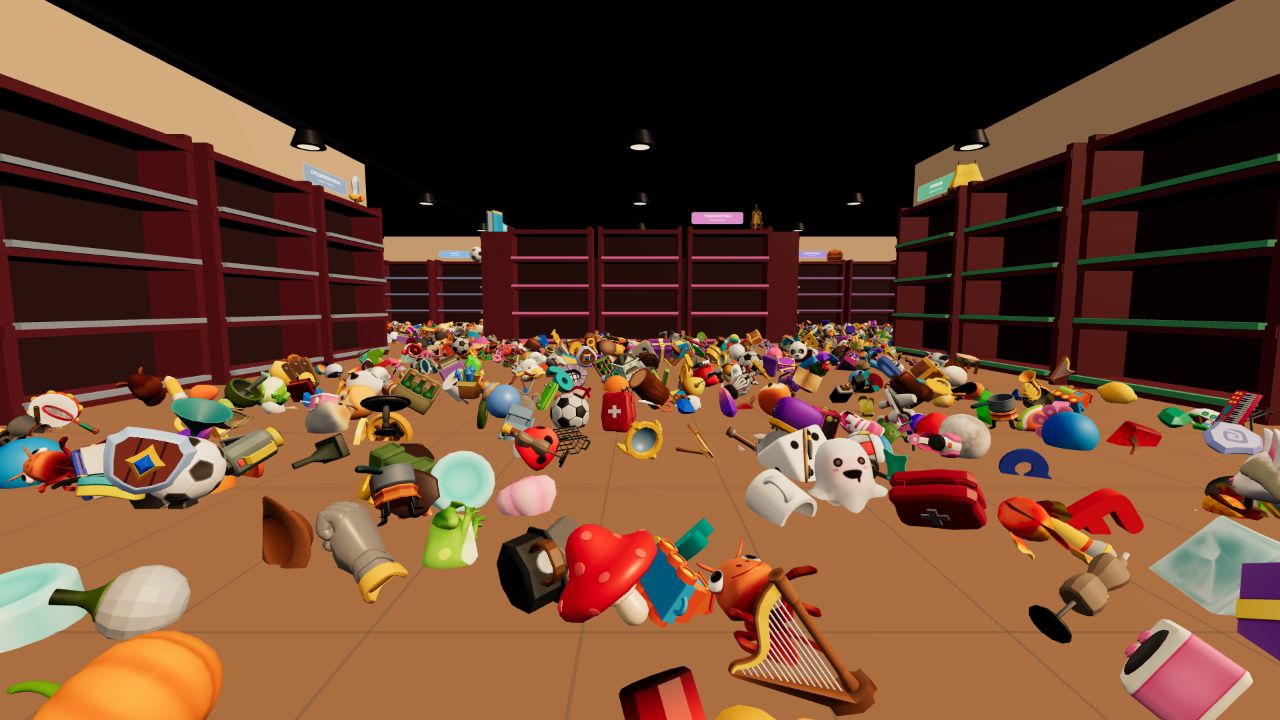
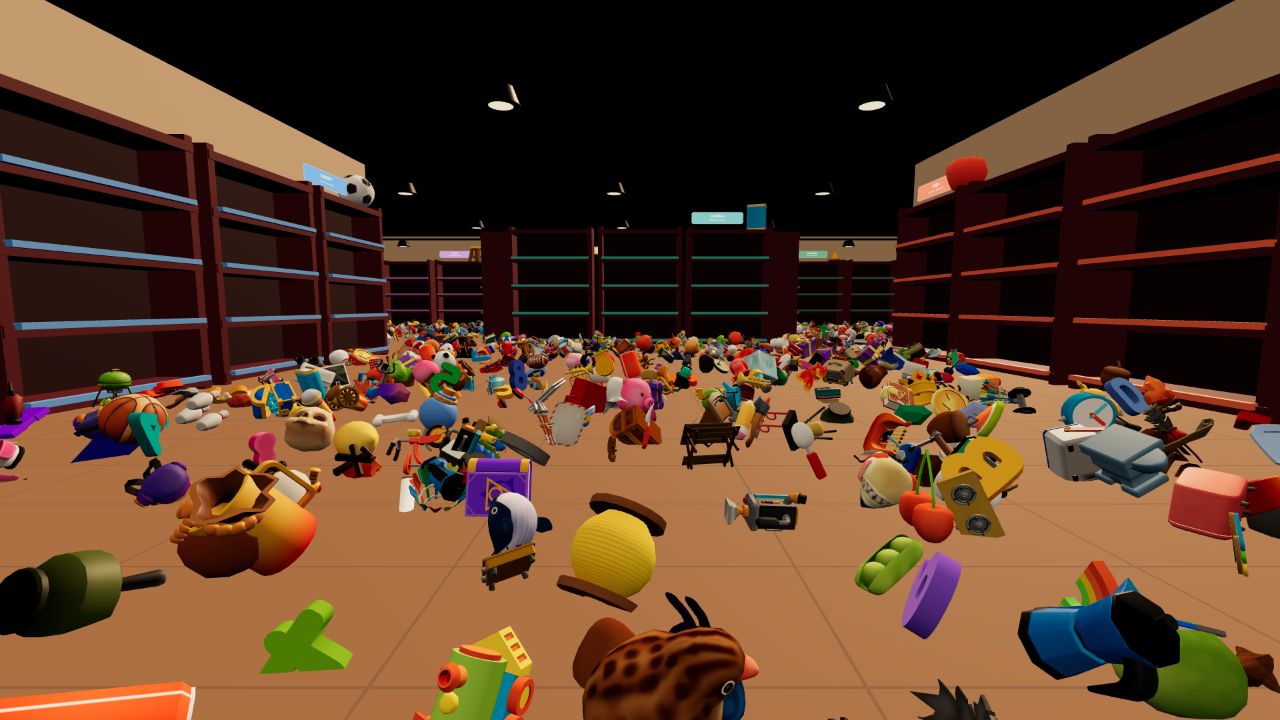
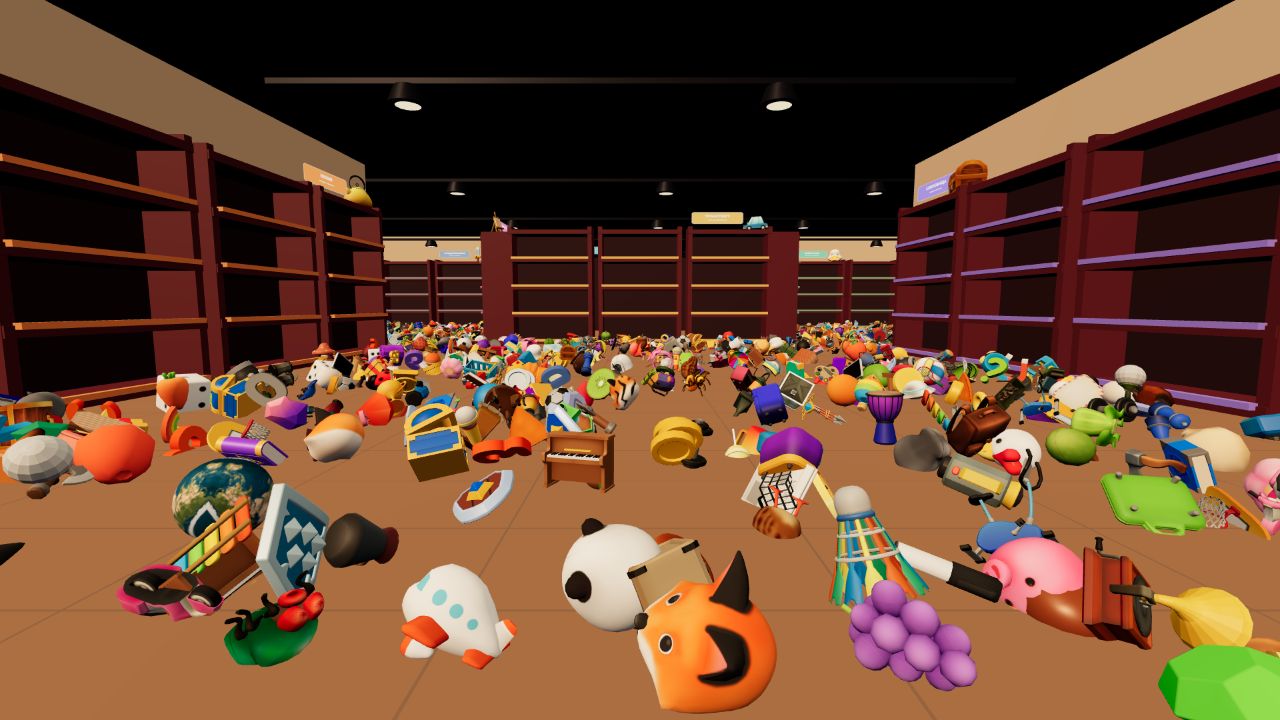
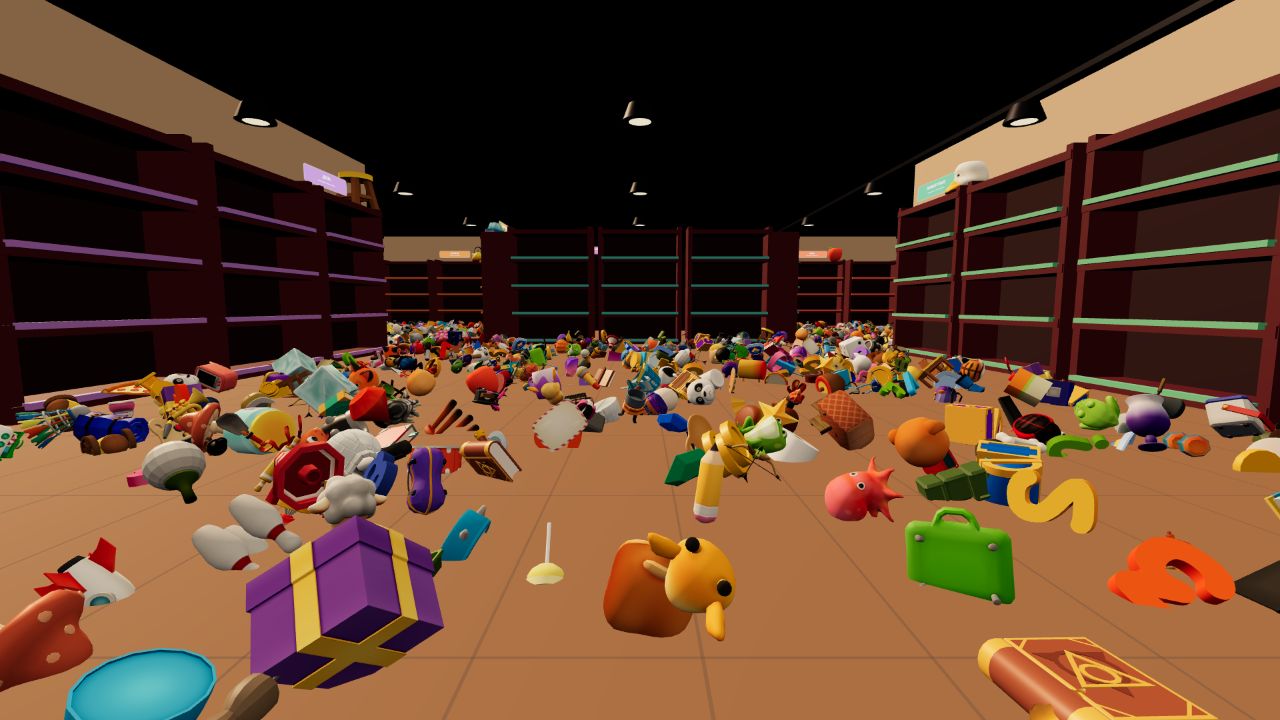
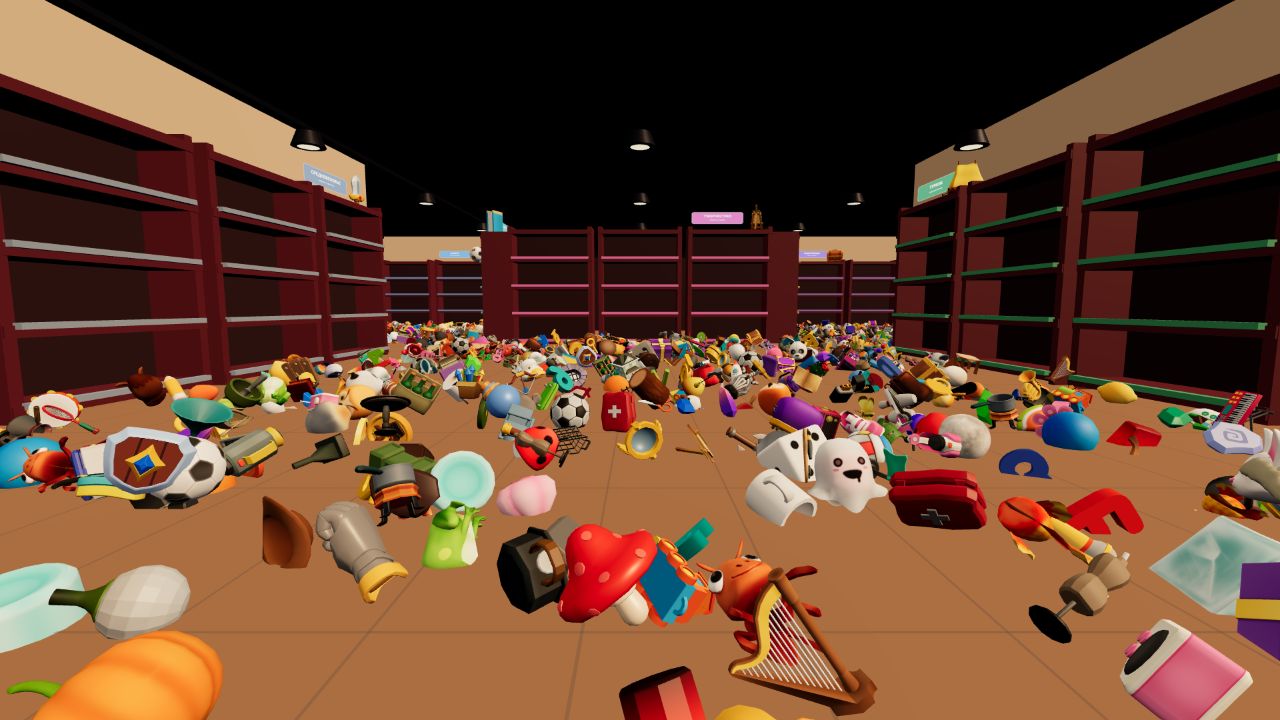
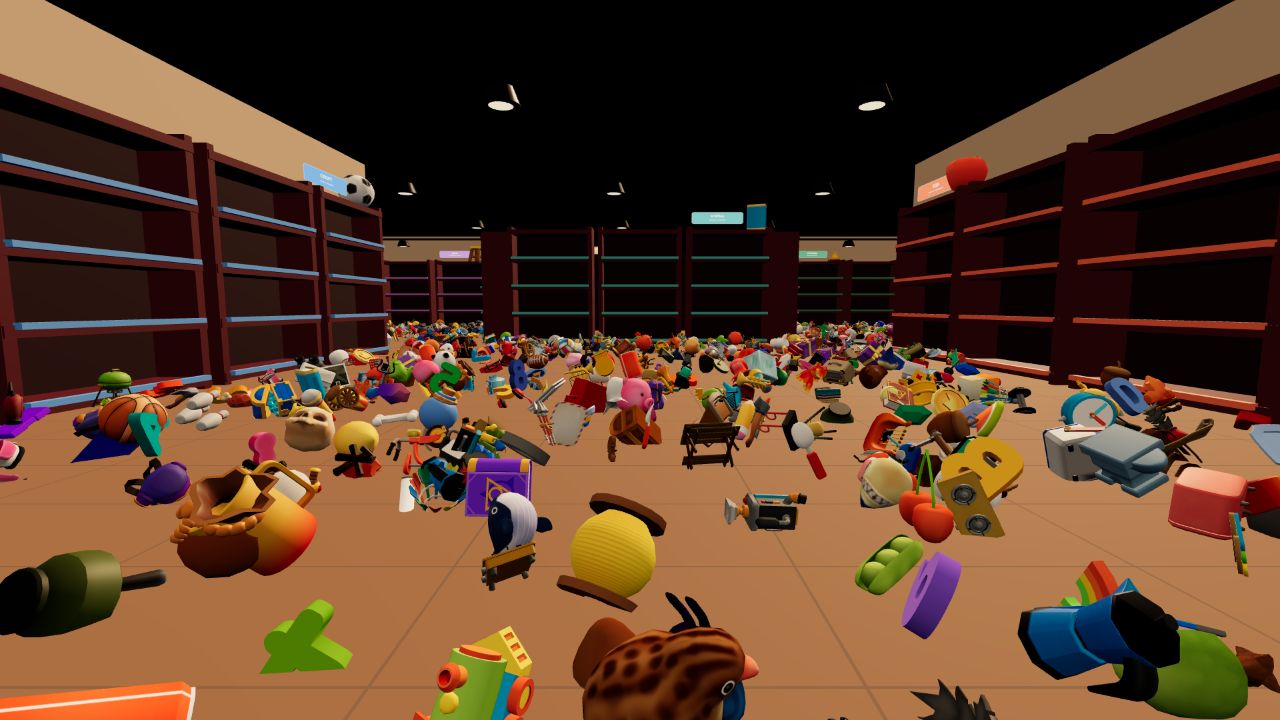
Organization fanatics will find their zen while tidying up a chaotic shop in Stock the Shelves!. You navigate through cluttered rooms to track down scattered items and get them back where they belong. Each shelf waits for your first move, locking into a specific category once you place your initial item. Precision matters because your choices determine which section holds which products, so plan your path through the aisles carefully. You earn money for every object you put away, which helps you unlock permanent upgrades and rare exhibits to display. A prize machine awaits your hard-earned cash, adding a fun layer of rewards to your tidy routine. This relaxing 3D experience lets you sort everything from sports gear to books at your own speed. You can start playing Stock the Shelves! For free in your browser right now without downloading a single file.
How to play
Sort every item in the store. PC: use WASD to move, hold the right mouse button and move the mouse to look around, press E or the left mouse button to pick up an item or place it on a shelf, and press Q to drop the top item from your stack. On mobile, use the left stick to move, swipe to look around, and tap the action buttons. Items can only be placed in their category section. The first item placed on an empty shelf assigns that shelf to its type.
Features
- Dynamic shelf locking: The first item you place on an empty shelf dictates the category for that entire unit.
- Prize machine rewards: Spending your earnings on the machine grants access to unique items and upgrades.
- Collection system: You can hunt for rare exhibits that act as trophies for your successful organization streaks.
- Stack management: You carry multiple goods at once but must manage your stack carefully to avoid dropping the wrong items.
Who is it for
Casual gamers who enjoy satisfying organization tasks will love the rhythm of this shop management sim. Fans of cozy titles seeking a low-pressure environment to unwind after a long day find plenty to enjoy here. People who take pride in neat aesthetics will appreciate the order you bring.
Controls
Movement
Use WASD on PC or the left virtual stick on mobile.
Camera control
Hold the right mouse button to look around or swipe across your mobile screen.
Interact
Press E or the left mouse button on PC, or tap the action button on mobile to pick up and place items.
Drop item
Press Q on your keyboard to release the top item from your current stack.
FAQ
How do I earn money in Stock the Shelves!?
›
You earn one dollar for every item you successfully place in its correct shelf section.
Can I change the category of a shelf in Stock the Shelves!?
›
No, the first item you place on an empty shelf permanently assigns its category for the rest of that session.
Do I need to download Stock the Shelves! to play?
›
Not at all, as you can run the game directly in your web browser for instant access.