About game
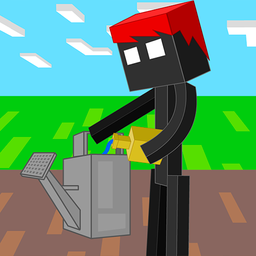
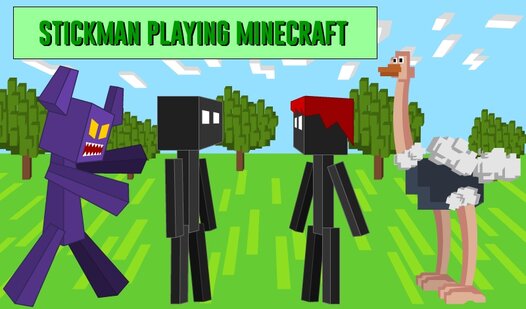
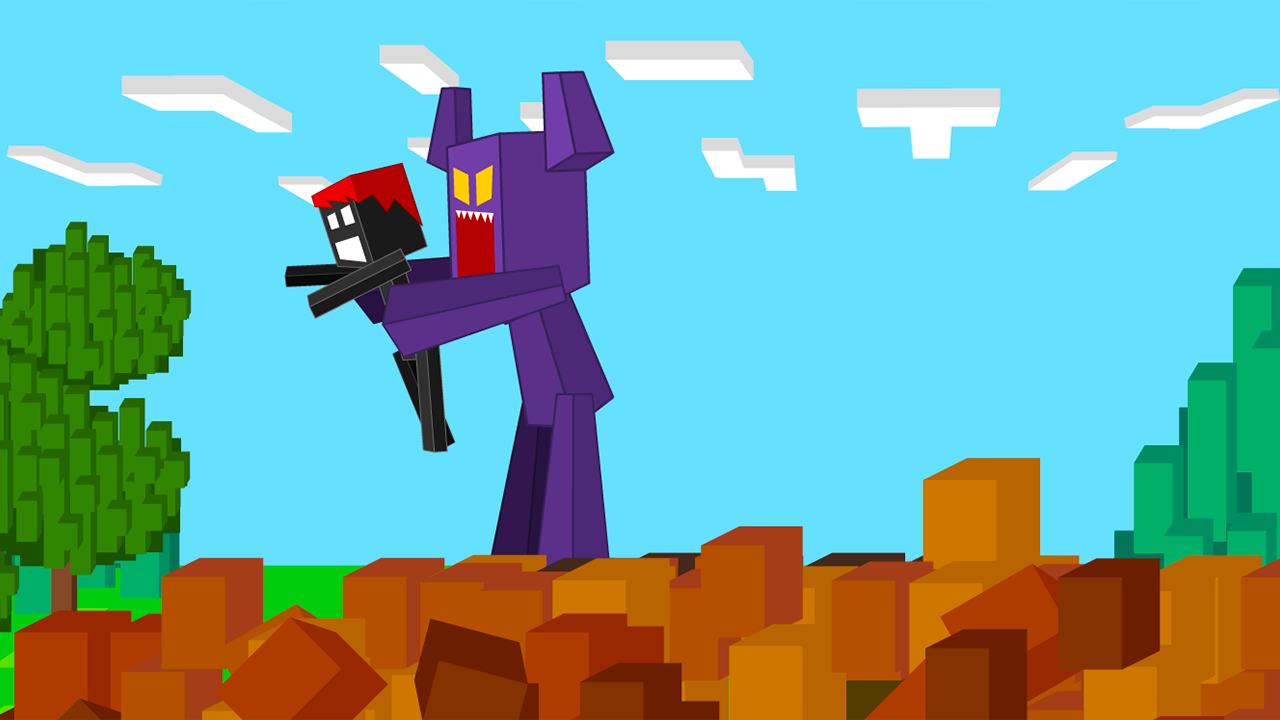
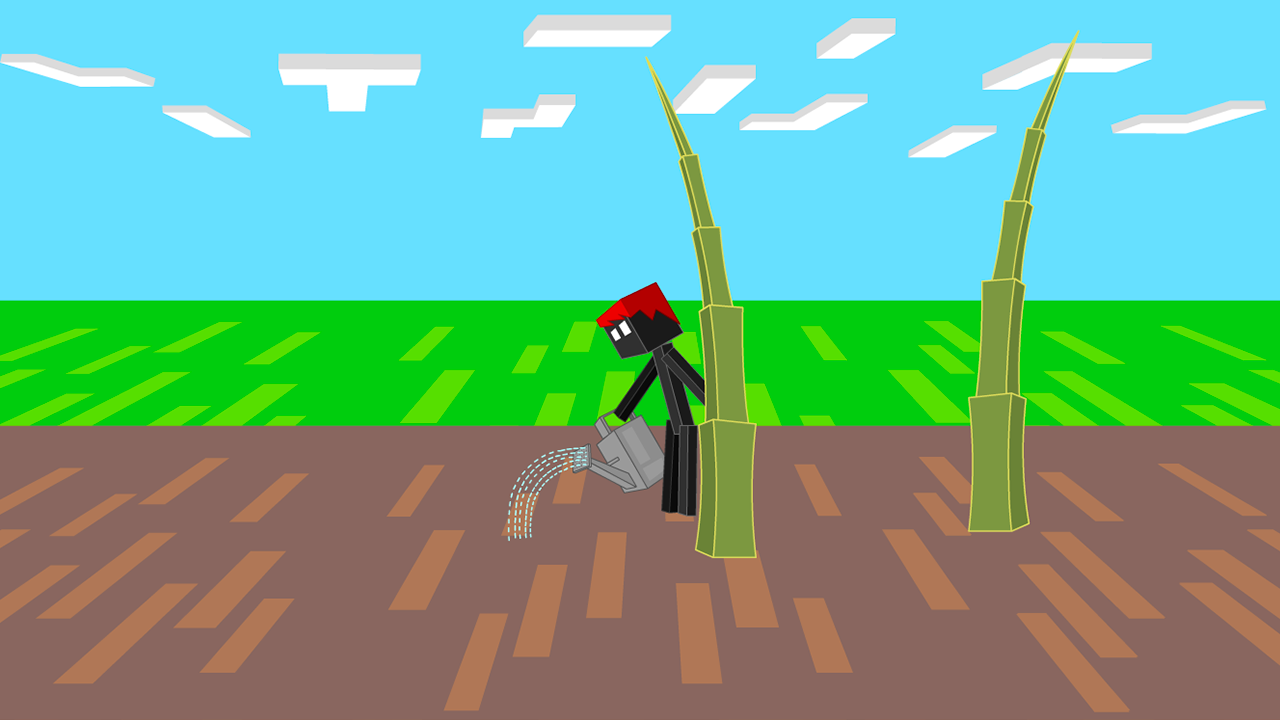
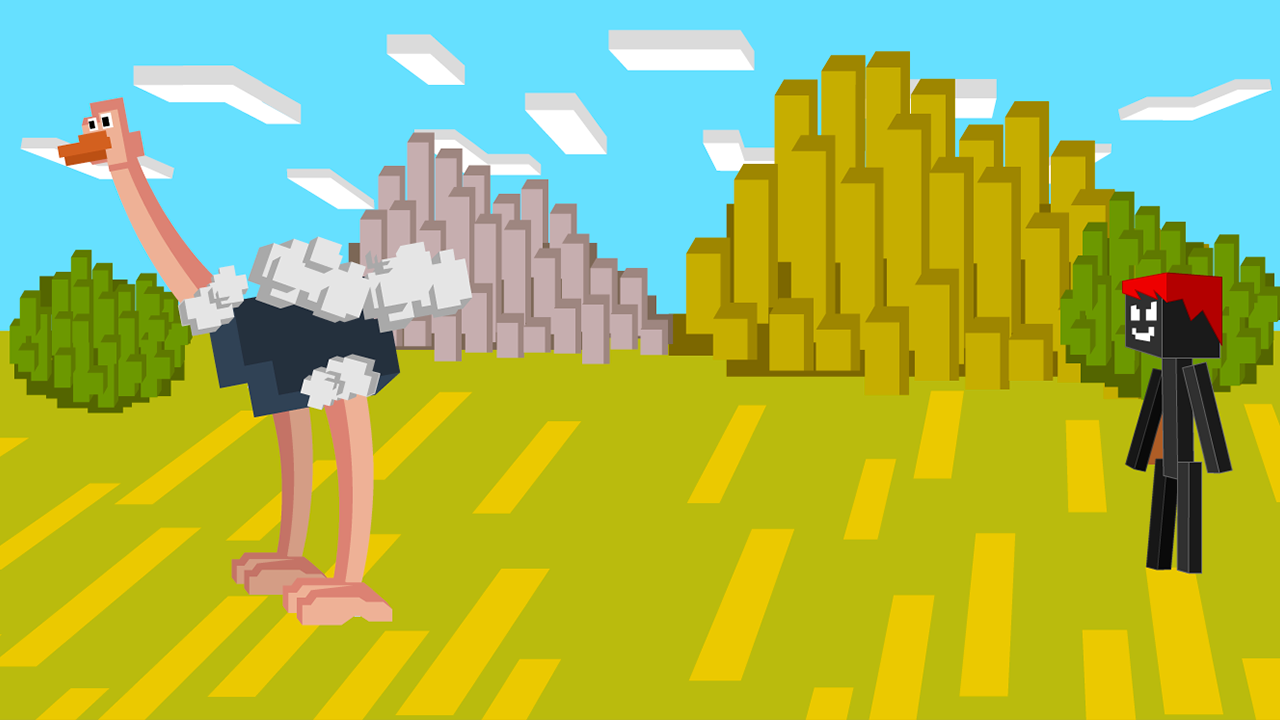
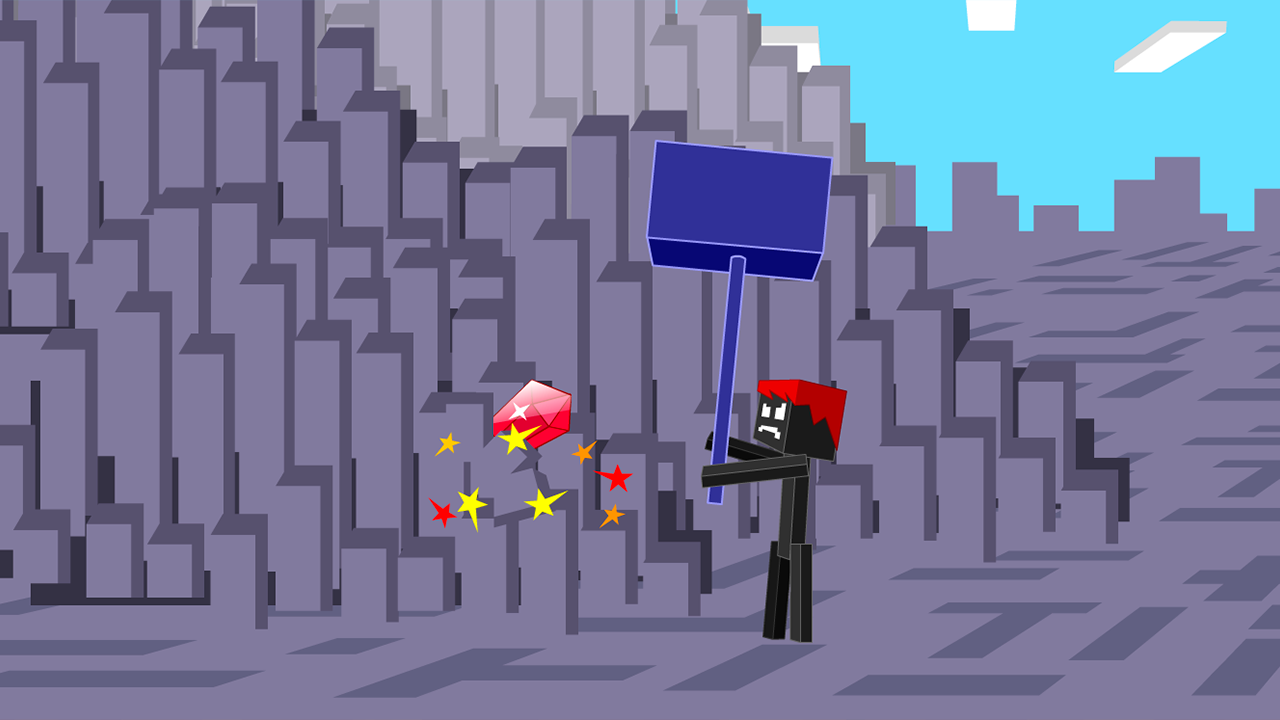
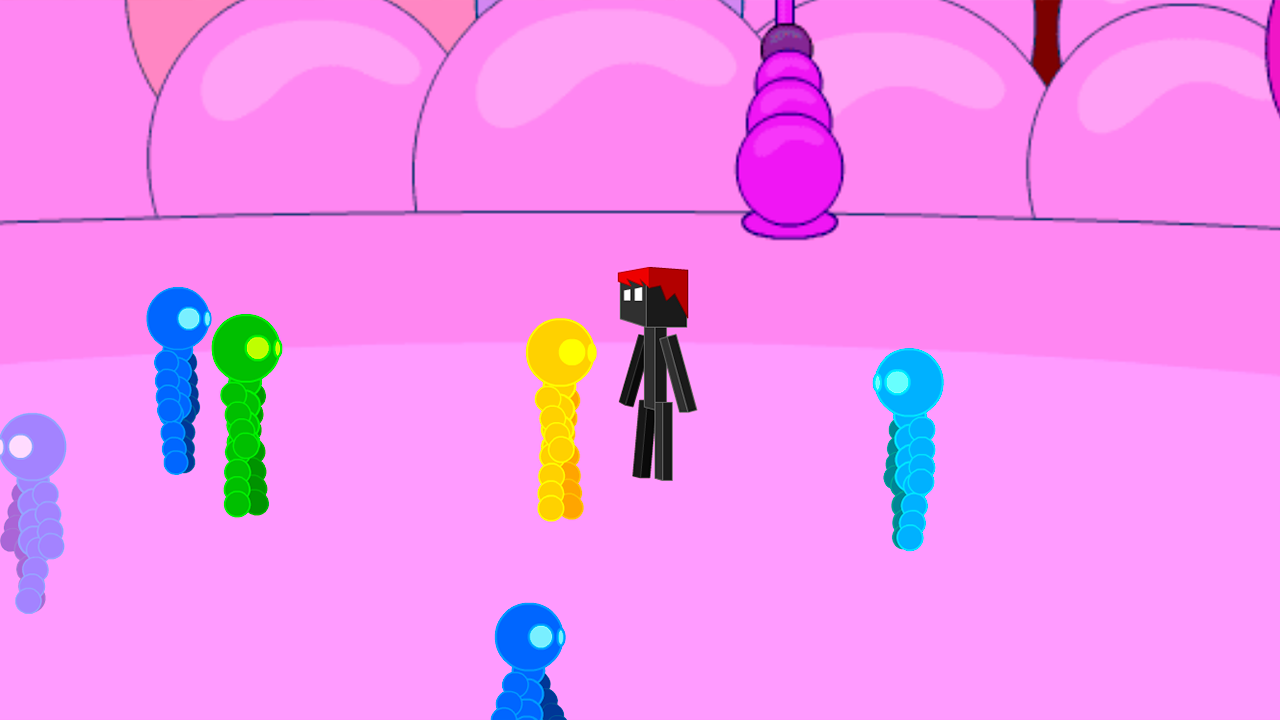
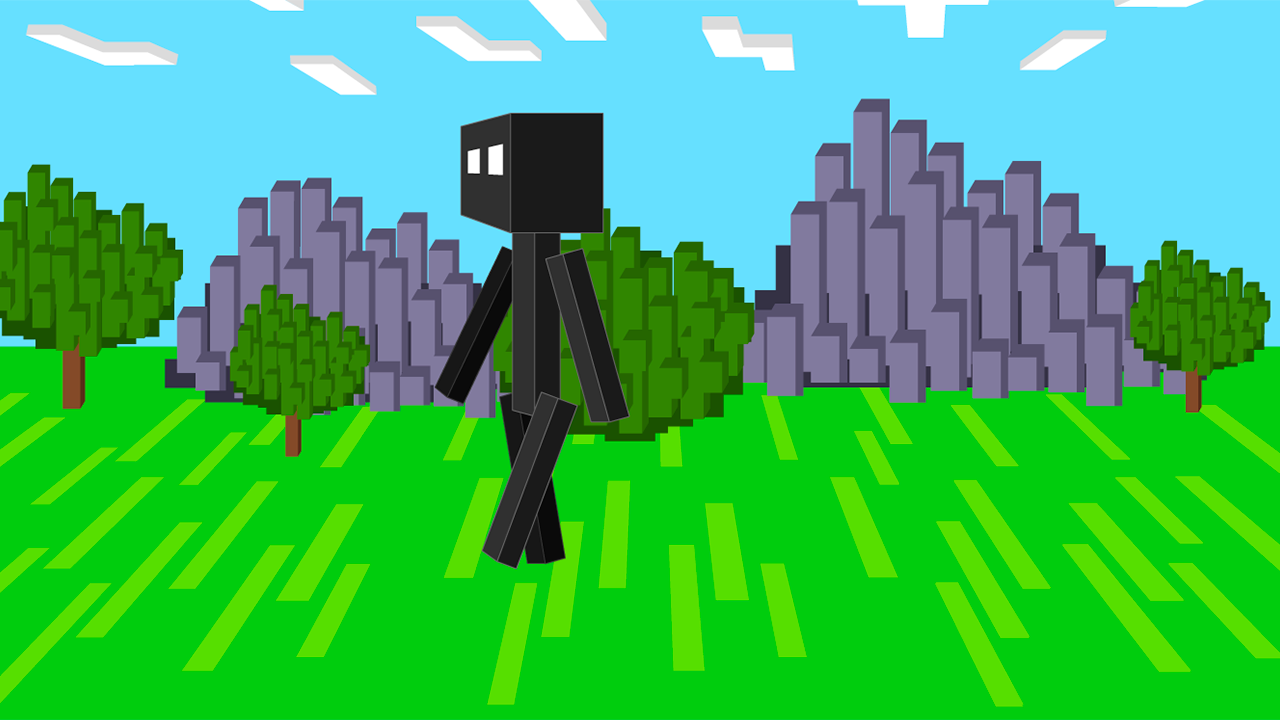
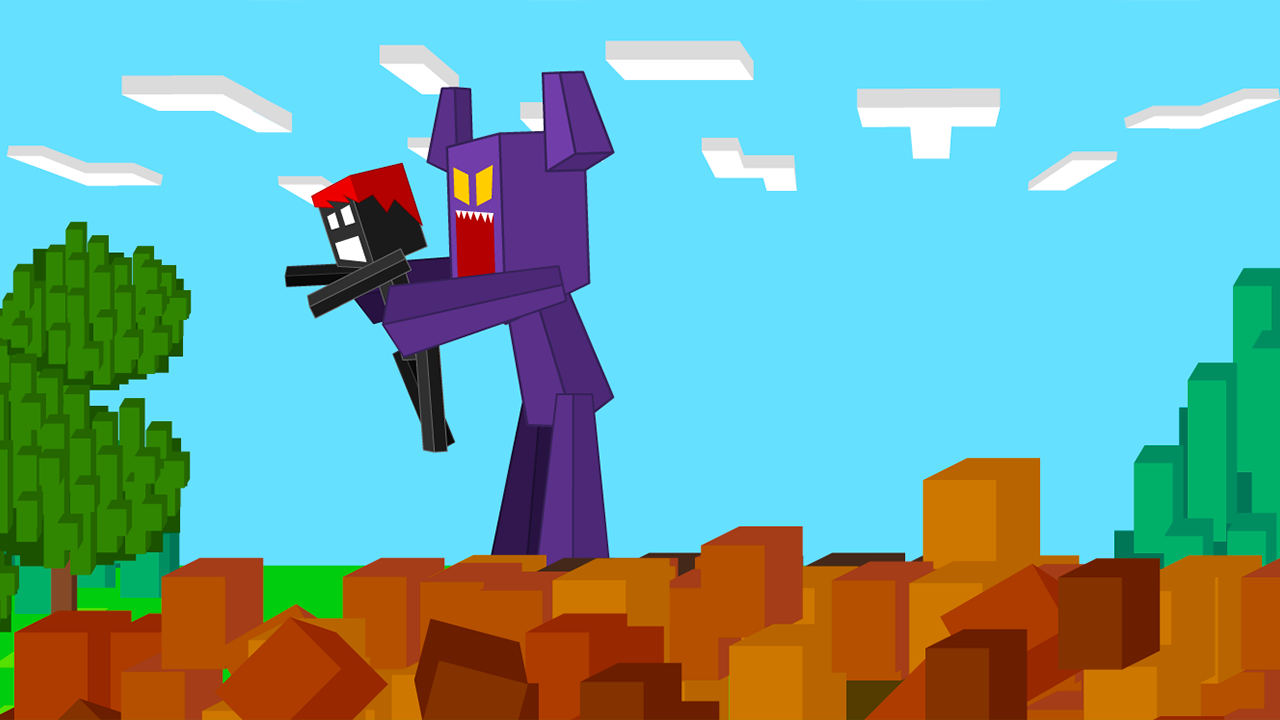
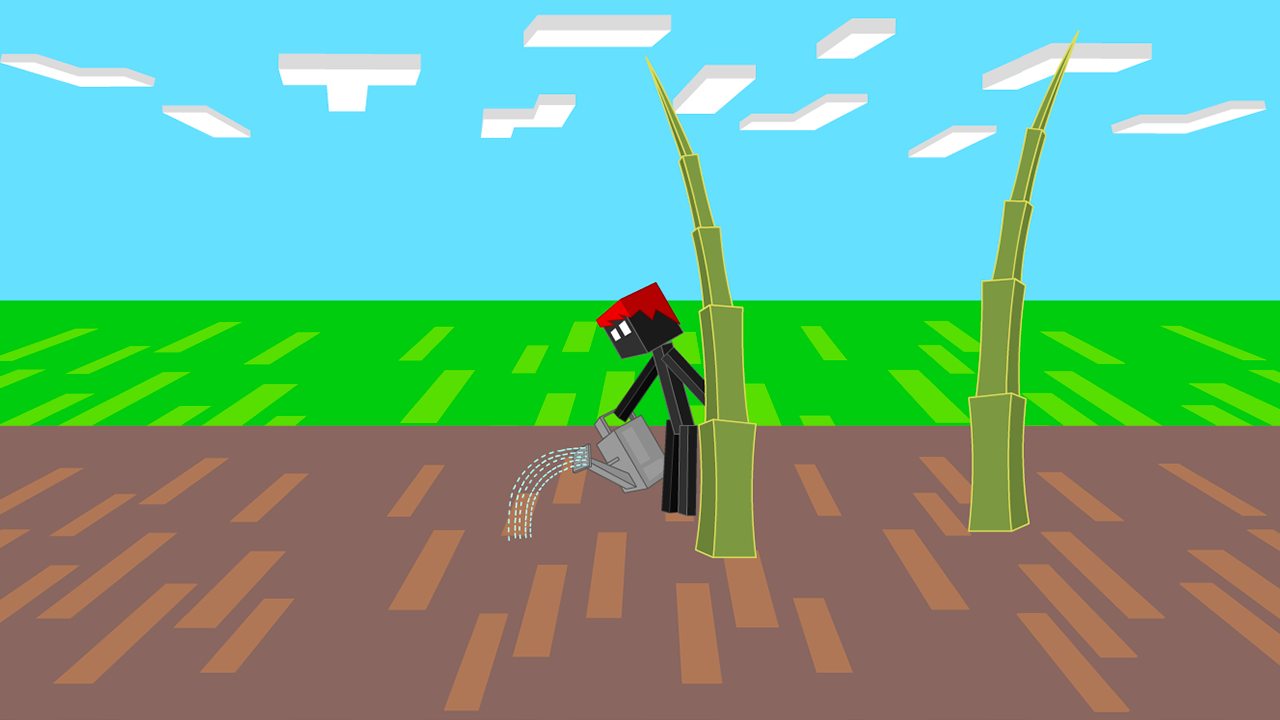
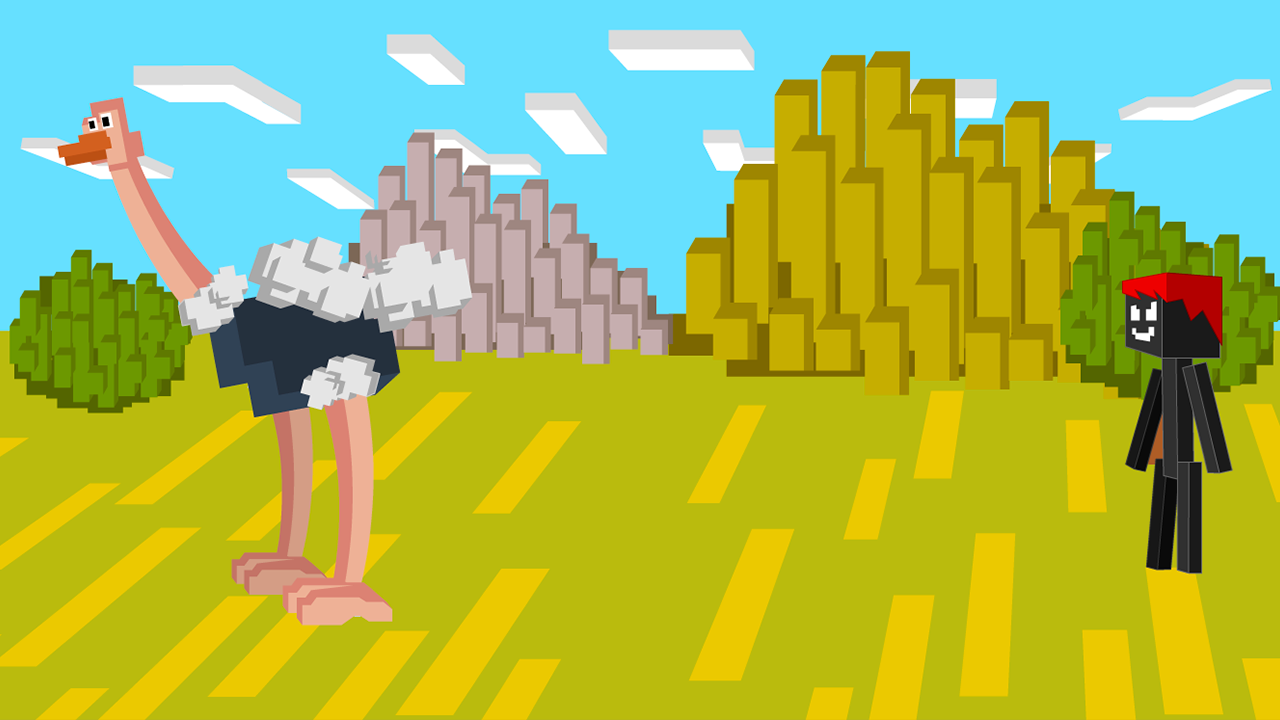
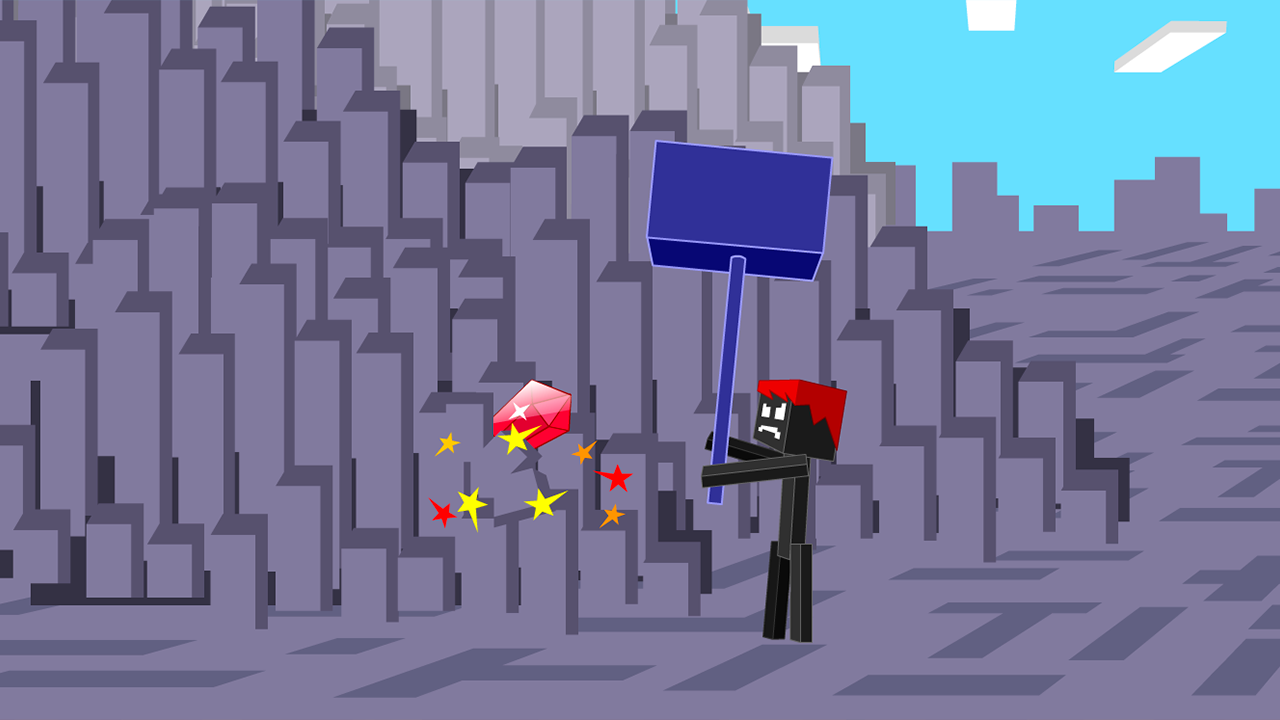
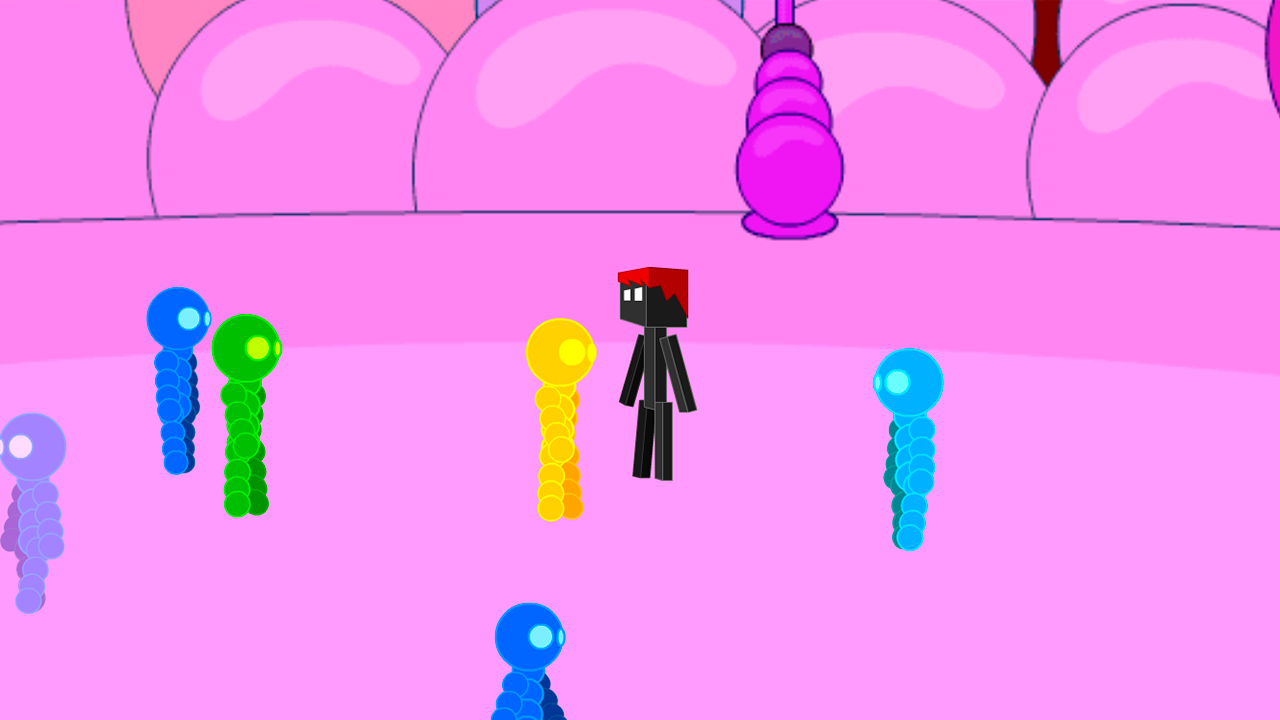
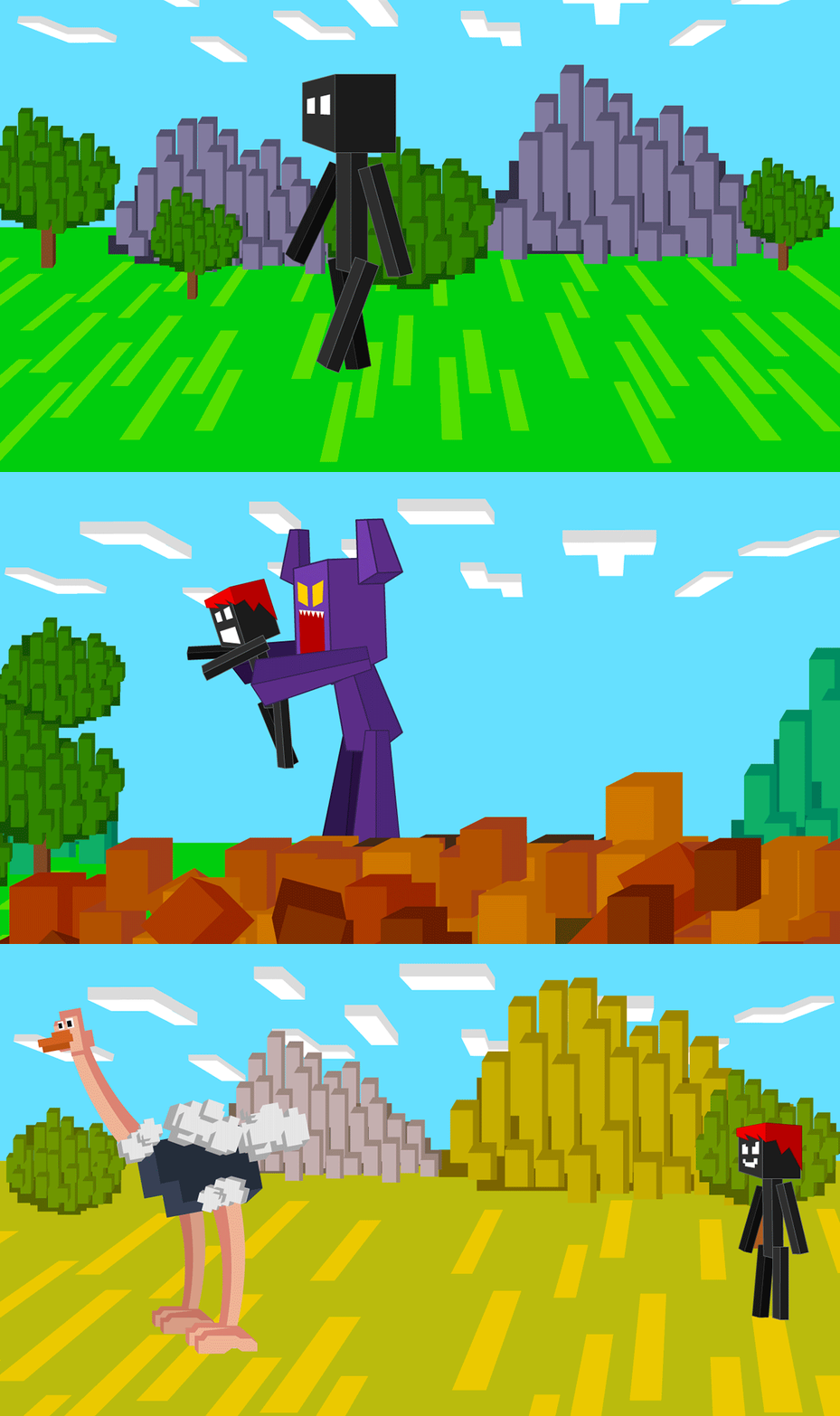
Navigate a blocky world where Stickman playing Minecraft lets you turn the tables on your crafty nemesis. You begin by watching hilarious animations before activating a unique time-rewind ability to experiment with every outcome. By selecting specific buttons, you trigger chaotic events that see your rival face comedic consequences for his betrayal. This interactive experience relies on your timing and choices to unlock every single punchline in the sequence. Whether it is a wild shootout or a slapstick brawl, you are in total control of how the story unfolds. The humor remains fresh as you revisit scenes to see how different inputs alter the environment. You can explore these funny scenarios without any installation or setup time at all. Jump into the browser version of Stickman playing Minecraft right now to enjoy this adventure for free without any downloads.
How to play
Use your computer mouse to control the game.
If you have a mobile device, then use the stylus or your finger.
You need to watch the story animation and choose the way to punish Stickman. You need to press the buttons to see all the punishments of Stickman.
Features
- Time Manipulation: Use the special rewind mechanic to undo your choices and explore every possible outcome in the scene.
- Interactive Storytelling: Engage with a narrative-driven experience where your clicks dictate the progression of the slapstick combat.
- Variety of Punishments: Unlock a massive library of unique animations ranging from epic shootouts to humorous physical gags.
- Dynamic Environment: Watch as the familiar blocky aesthetic provides a bizarre backdrop for your stick figure showdowns.
Who is it for
Fans of slapstick humor and interactive comedy games will love this title. It is perfect for those who enjoy short, replayable experiences that focus on funny animations rather than complex skill challenges. Players who appreciate quirky indie projects will find endless entertainment in the various ways to settle scores.
Controls
Select action
Click the button on the screen with your mouse or tap it with your finger.
Rewind time
Use the dedicated rewind icon to restart the current animation sequence.
Navigate menus
Tap or click on the UI elements to choose your next method of punishment.
FAQ
Is Stickman playing Minecraft free to play on mobile?
›
Yes, Stickman playing Minecraft is fully compatible with mobile browsers using touch controls.
Can I find all the endings in Stickman playing Minecraft?
›
You can replay the animations as many times as you want to discover every unique punishment option available.
Do I need to install anything to play Stickman playing Minecraft?
›
No, the game runs directly in your browser without any registration or downloads required.