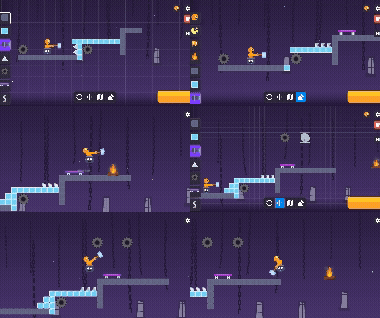
About game
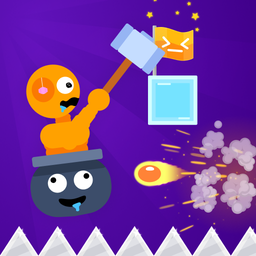
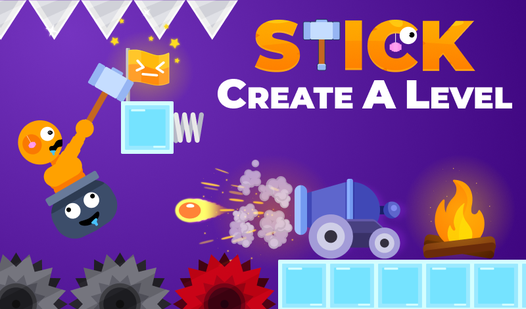
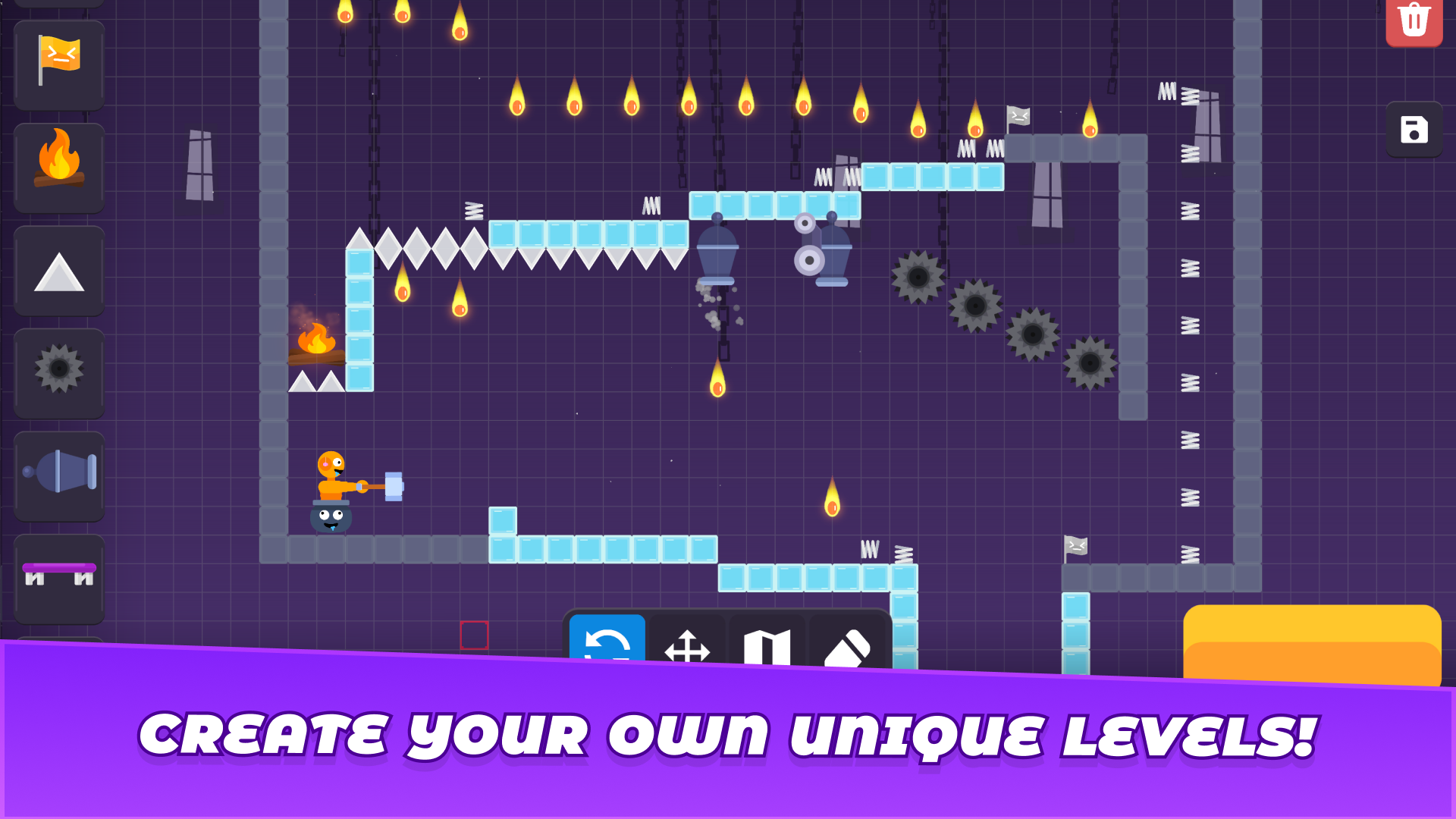
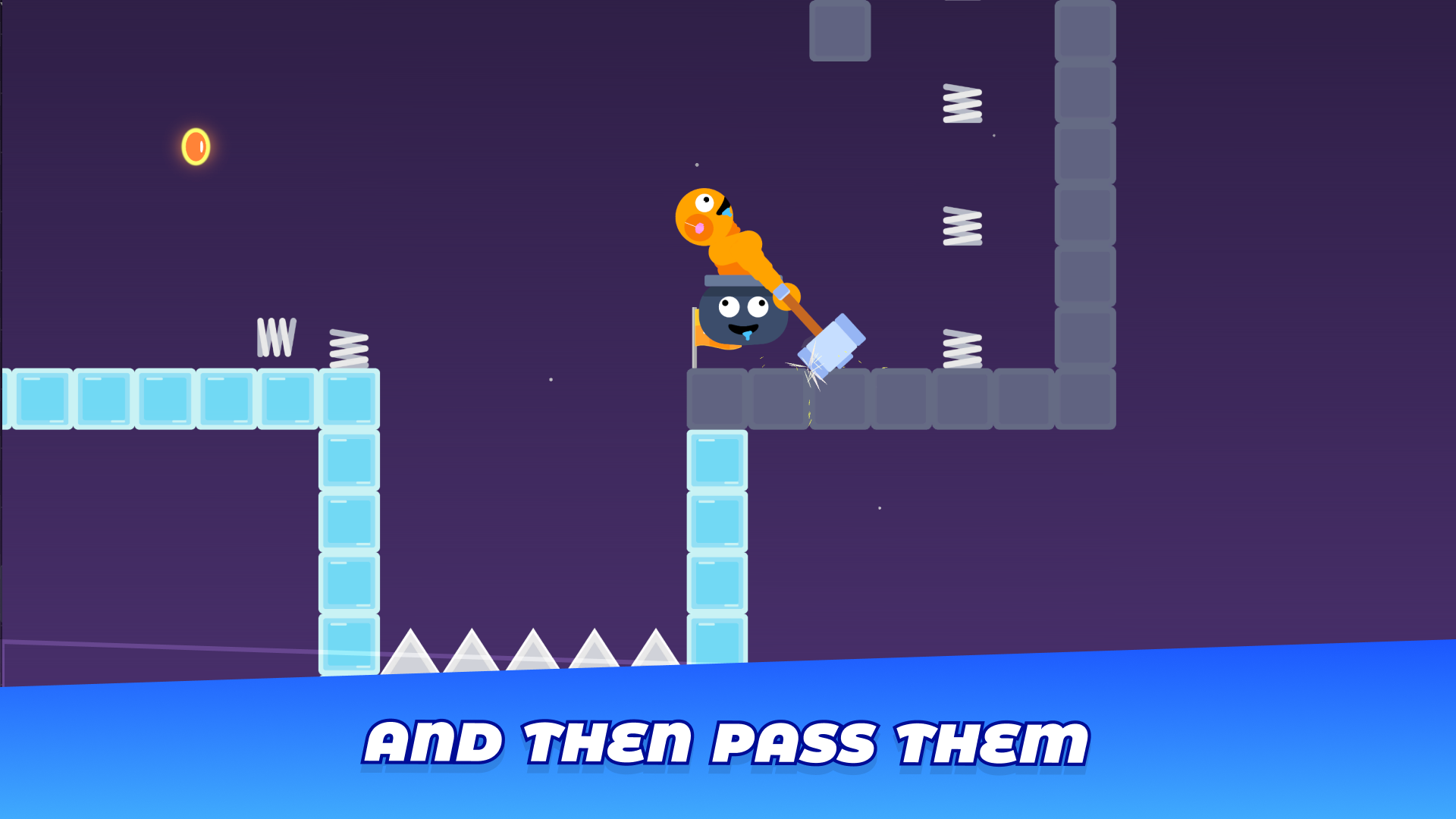
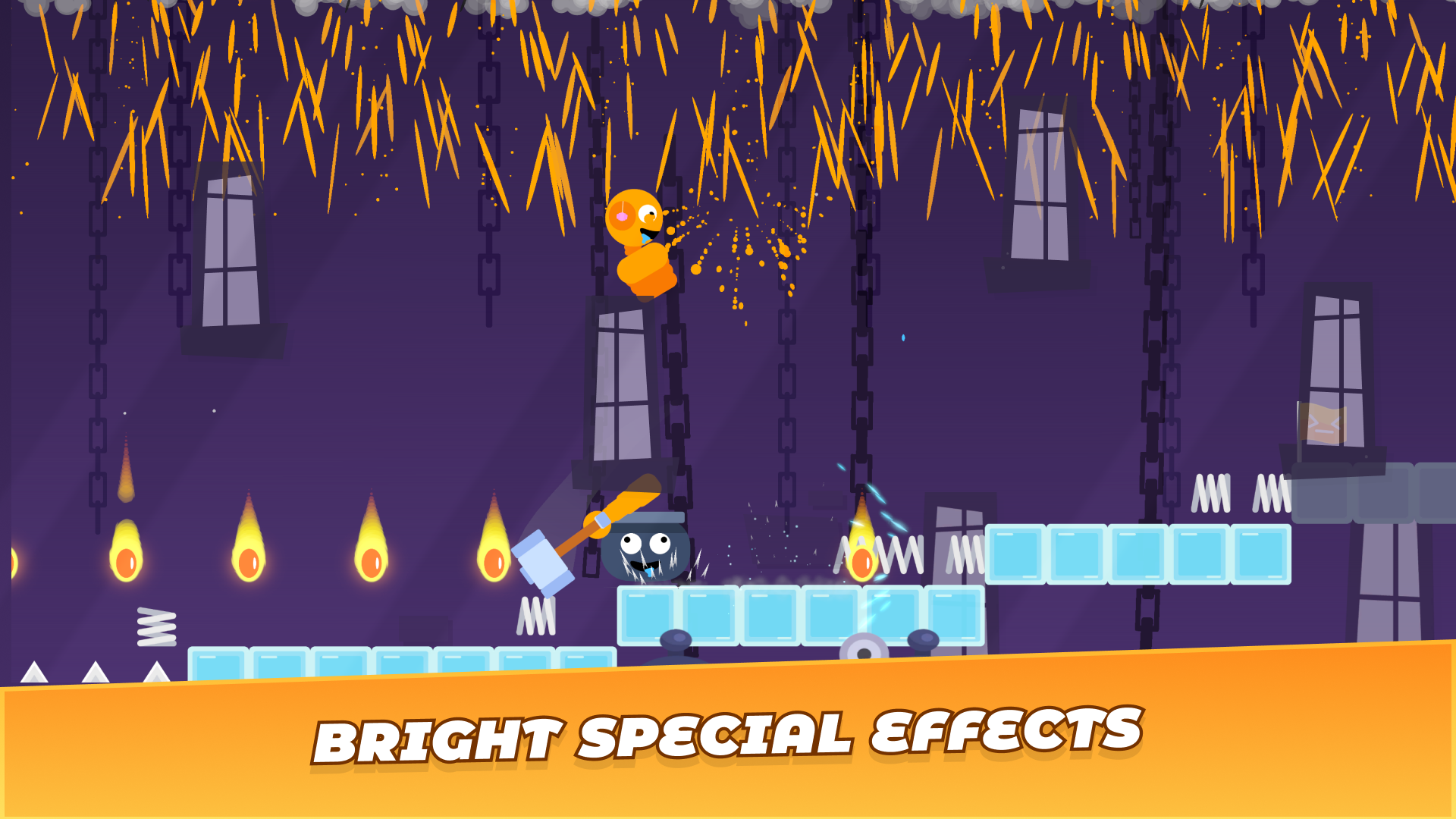
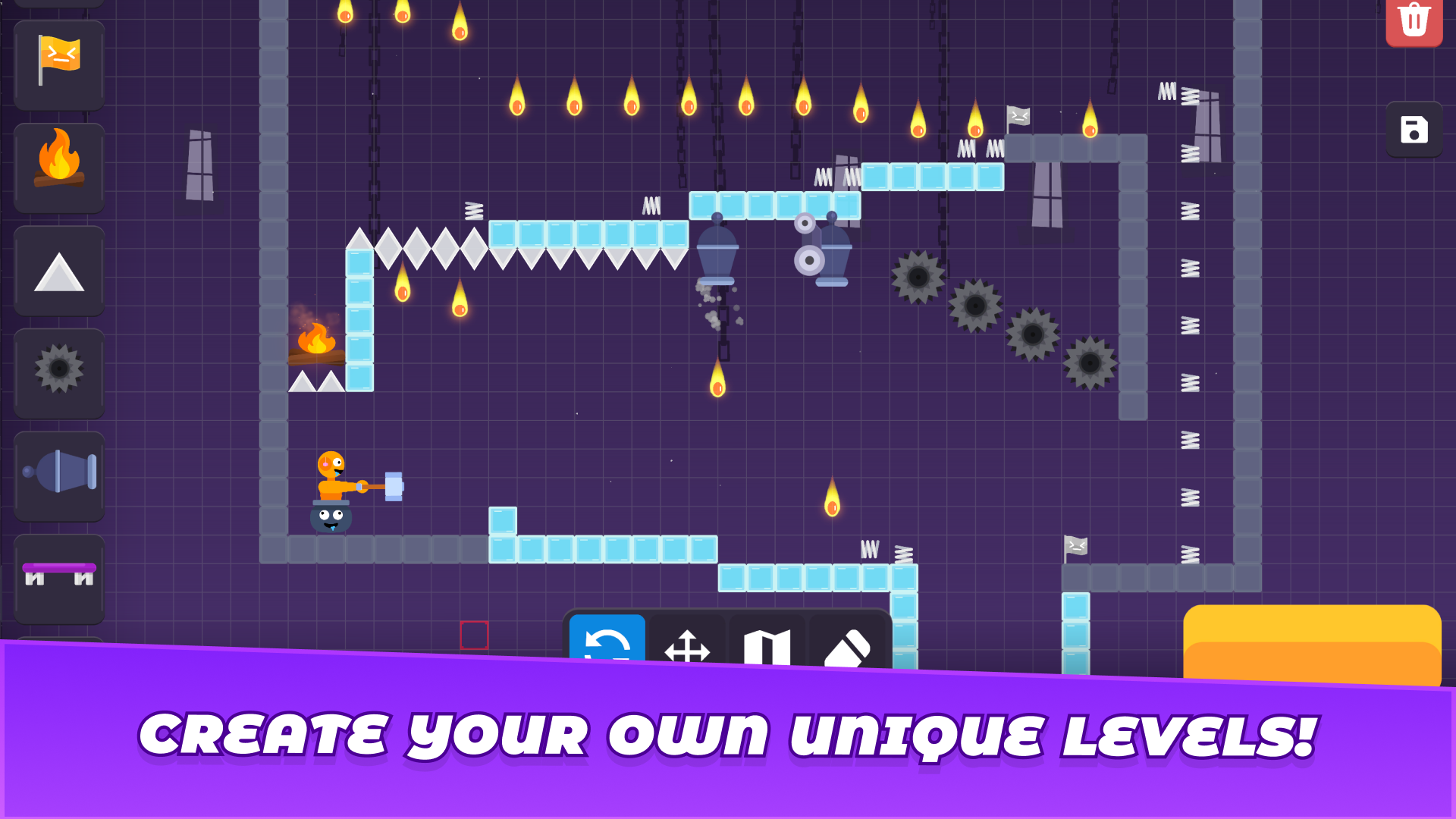
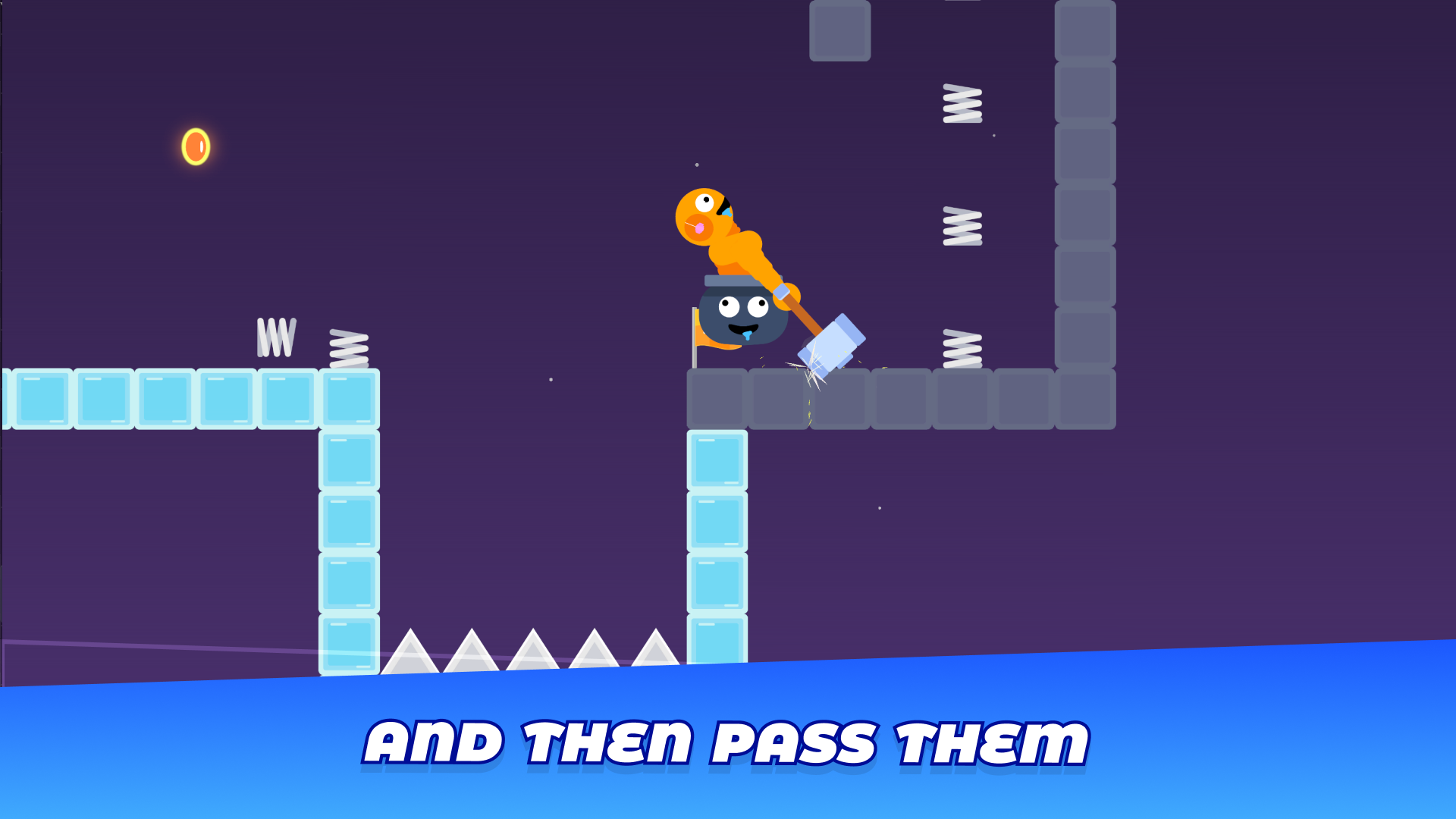
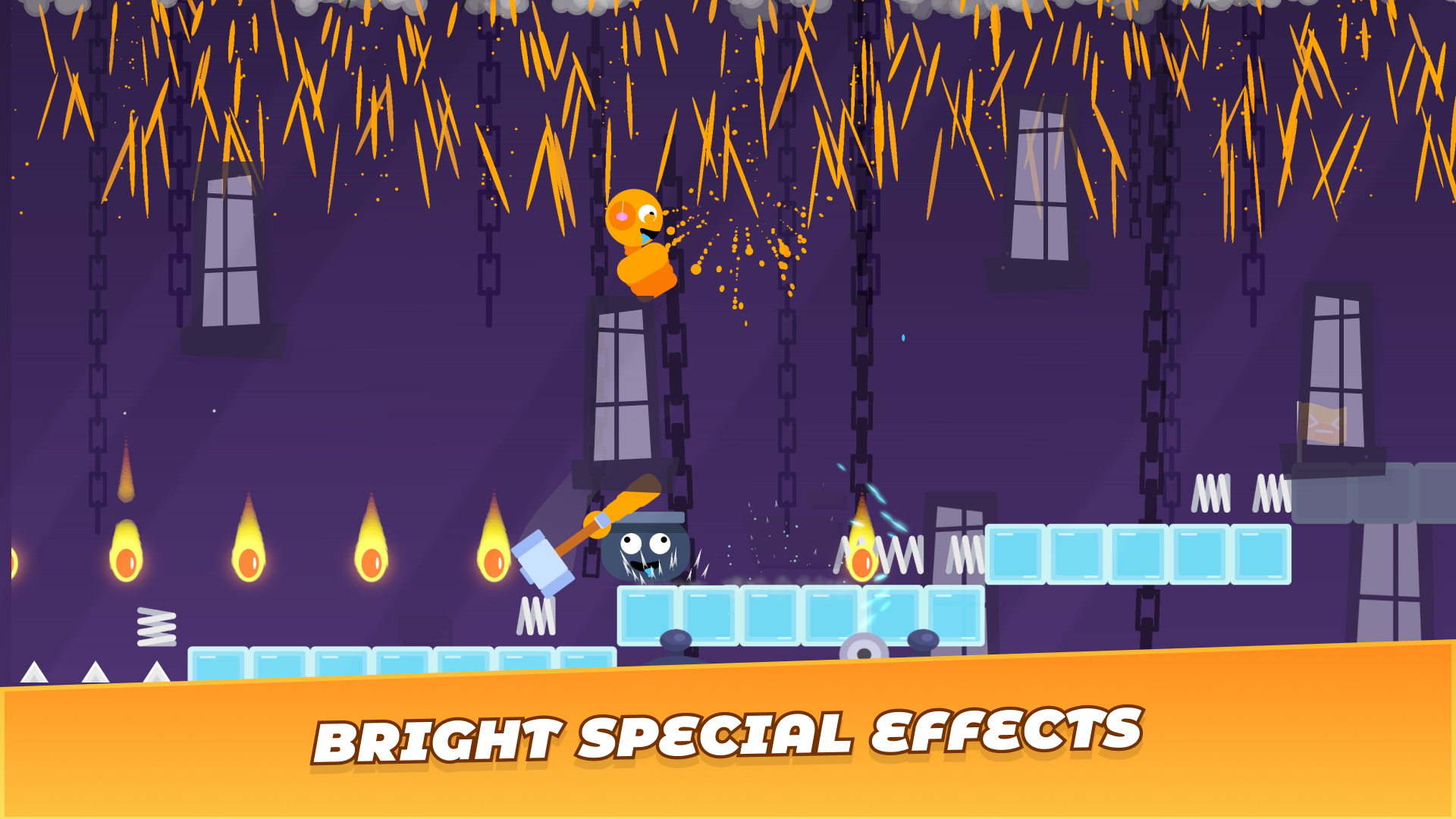
Construct your own devious obstacle courses and challenge your inner architect in Stick Create A Level. You control a ragdoll stickman trapped inside a pot, using only a hammer to propel yourself through custom-built stages. This creative playground lets you drag and drop dangerous traps like spinning saws and spikes to test your platforming skills. Experiment with physics as you leap off trampolines or blast yourself across gaps using tactical cannons. Every session offers a unique ragdoll experience because you hold the power to design every platform and save point. The vibrant animations keep the action lighthearted even when your stickman takes a tumble. Progression depends entirely on your ability to balance difficult level design with smooth movement mechanics. You can play this engaging stickman sandbox right now in your web browser for free with no download required.
How to play
PC
Move your character using WASD.
Edit the level using the tools at the bottom of the screen.
Select objects and place them on the level, and when it's ready, press the ‘play’ button!
Mobile:
Move the character using the buttons at the bottom of the screen.
Edit the level using the tools at the bottom of the screen.
Select objects by tapping on them and place them where you want them.
Features
- Object library: Choose from a wide selection of environmental hazards including ice, springs, and cannons to build complex rooms.
- Pot physics: Master the unique momentum-based movement of a character tethered to a pot and a hammer.
- Checkpoint system: Place save points strategically to manage the difficulty of your custom courses.
- Building toolset: Utilize a user-friendly bottom-screen interface to place and remove building blocks with precision.
- Ragdoll reactions: Observe hilarious and unpredictable character physics whenever your stickman interacts with traps.
Who is it for
Creative minds who love building games and physics-based platformers. Sandbox enthusiasts will enjoy crafting elaborate traps, while fans of challenging movement mechanics will find satisfaction in mastering the hammer-swinging traversal. It is a fantastic choice for players seeking a fun browser experience that rewards both logic and reflexes.
Controls
Move character
PC: Use WASD keys. Mobile: Tap the directional buttons at the bottom of the screen.
Place objects
PC: Click on the tool and then click on the grid. Mobile: Tap the tool icon and tap where you want to place the object.
Start level
Press the Play button once your design is complete to switch from edit mode to play mode.
FAQ
How can I build my own map in Stick Create A Level?
›
You can access the editor by selecting tools from the bottom menu and placing objects directly onto the stage area.
Is Stick Create A Level free to play in a browser?
›
Yes, you can access Stick Create A Level instantly on FreeJoy.games without any registration or downloads required.
Can I change the character movement in Stick Create A Level?
›
The game uses a specific ragdoll physics system where you control a character in a pot, which is the core mechanic designed for this title.