Game Title
Loading...
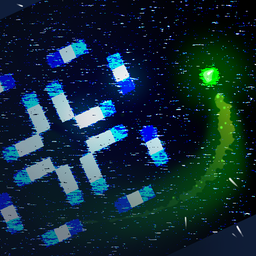
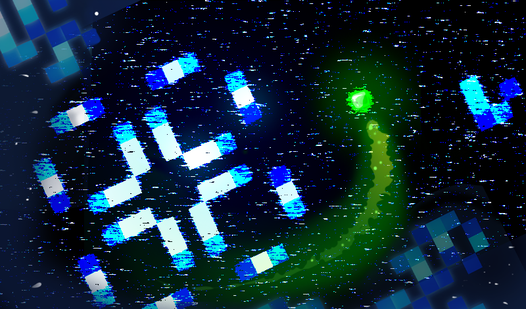
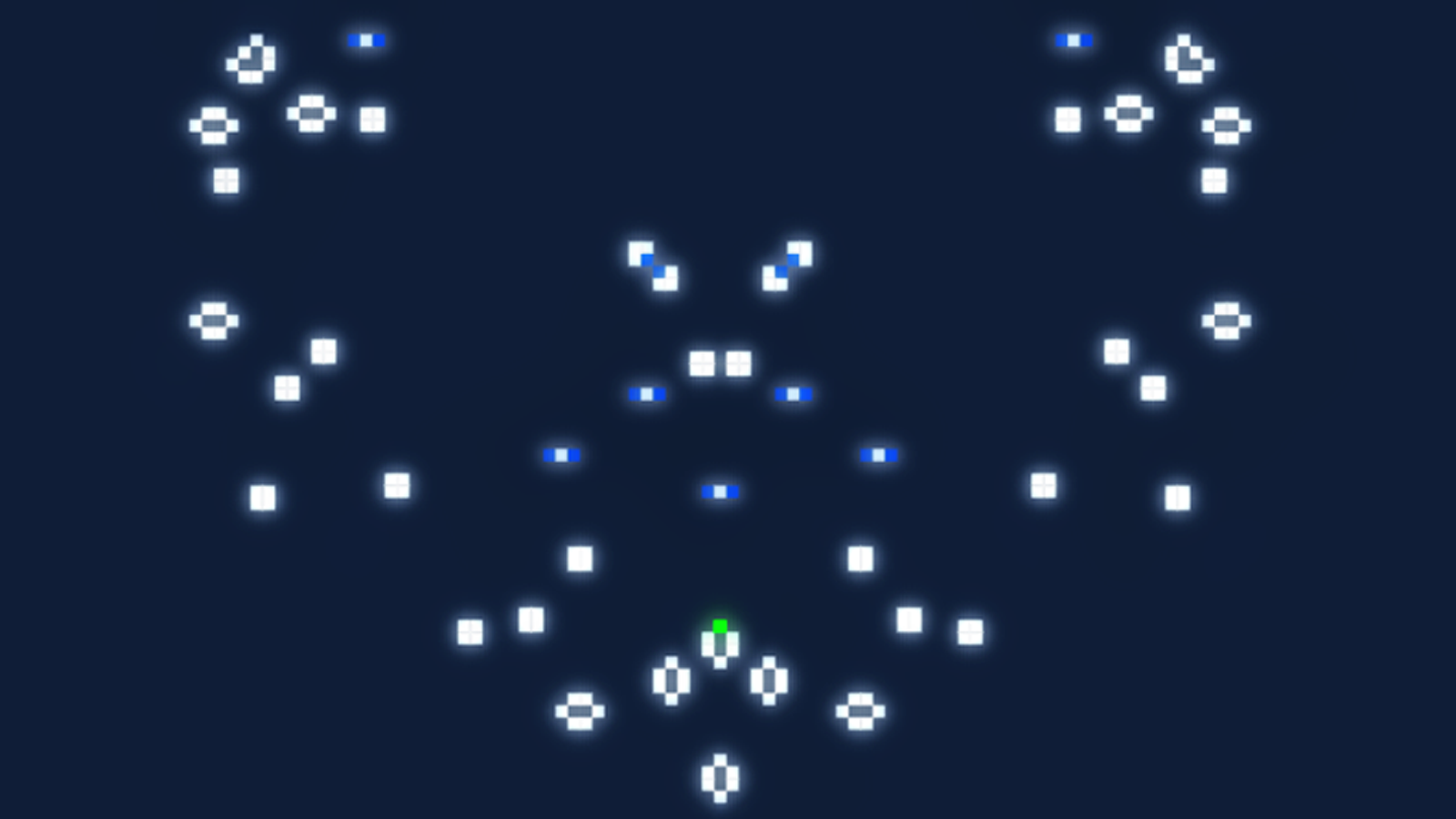
Staring at a blank screen during a midday slump is the perfect excuse to jump into a brain-bending sandbox. Stable Point transforms the classic Conway cellular automaton into an interactive playground where you are more than just a passive observer. You take control of a character roaming a grid, manually planting cells to shape unpredictable biological patterns. Managing your energy is vital as every new cell costs resources, forcing you to think strategically about your growth. Once a structure thrives for seven generations, you can use your scanner to harvest it and replenish your energy reserves. This unique simulation of life blends strategy with puzzle-solving elements in a sleek 8-bit environment. Mastering the balance between constant expansion and sustainable scanning determines how long your grid survives before energy hits zero. You can customize the field boundaries and speed to match your preferred playstyle while testing different mathematical configurations. Play Stable Point for free in your browser right now with no download required.
Explore the world, create cellular structures, and manage energy for survival. If a cell has lived for 7 generations, it turns white and can be captured by the scanner.
Energy:
Starting value: 5000 units.
Spends 10 units to create a new cell.
Restored by scanning stable cells.
When energy runs out, the game automatically starts.
Strategies:
Create stable structures for future scanning.
Balance between exploration and creating new cells.
Use pause for safe field editing.
Controls:
Movement WASD or Arrow Keys
Create/Remove Cell LMB (Mouse)
Scanning: Shift (Hold)
Complete Scanning: Release Shift
Pause: Space
Zoom: Mouse Wheel
Restart: R
If a dead cell has exactly 3 live neighbors, it becomes alive.
If a live cell has fewer than 2 live neighbors, it dies.
If a live cell has more than 3 live neighbors, it dies.
If a live cell has 2 or 3 live neighbors, it stays alive.
Logic puzzle enthusiasts and science fans who enjoy complex systems will find this simulator deeply rewarding. Casual players looking for an atmospheric, low-pressure experience that encourages experimentation will appreciate the freedom to design their own patterns while managing resources in a relaxing, infinite grid environment.
The goal in Stable Point is to create stable cellular structures that survive long enough to be scanned, which restores your energy and keeps the simulation running.
You gain energy in Stable Point by using your scanner on cells that have lived for at least seven generations.