About game
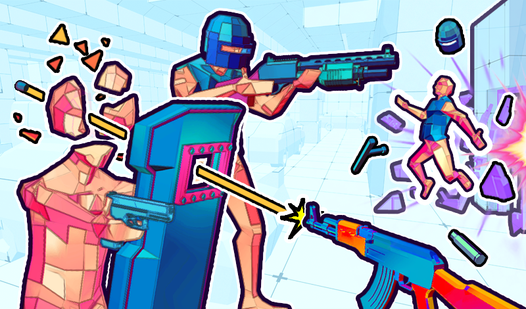
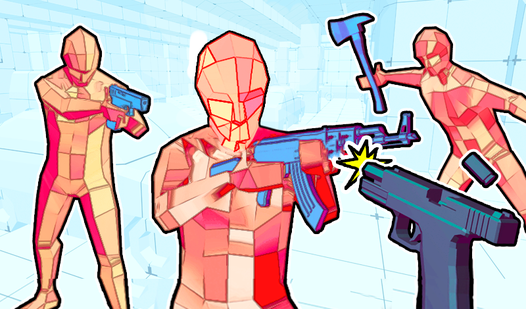
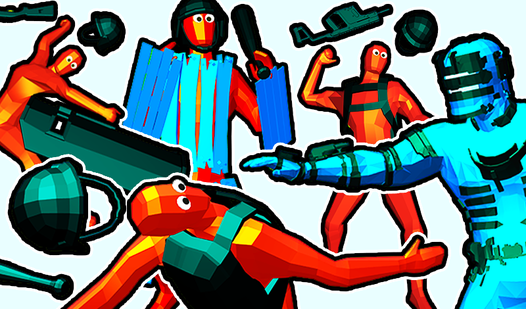
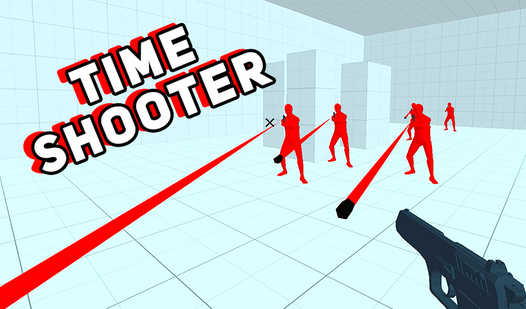
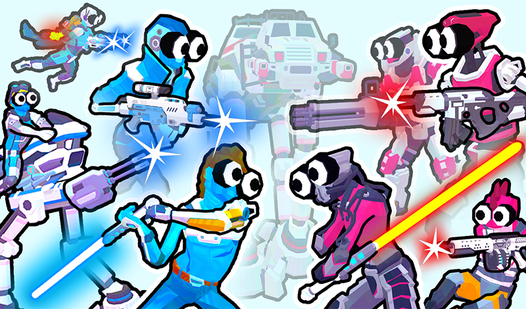
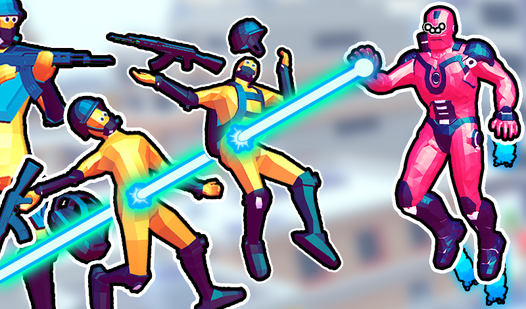
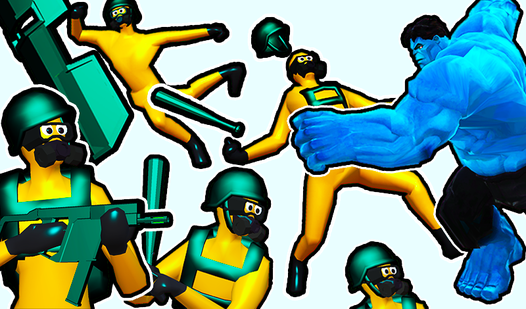
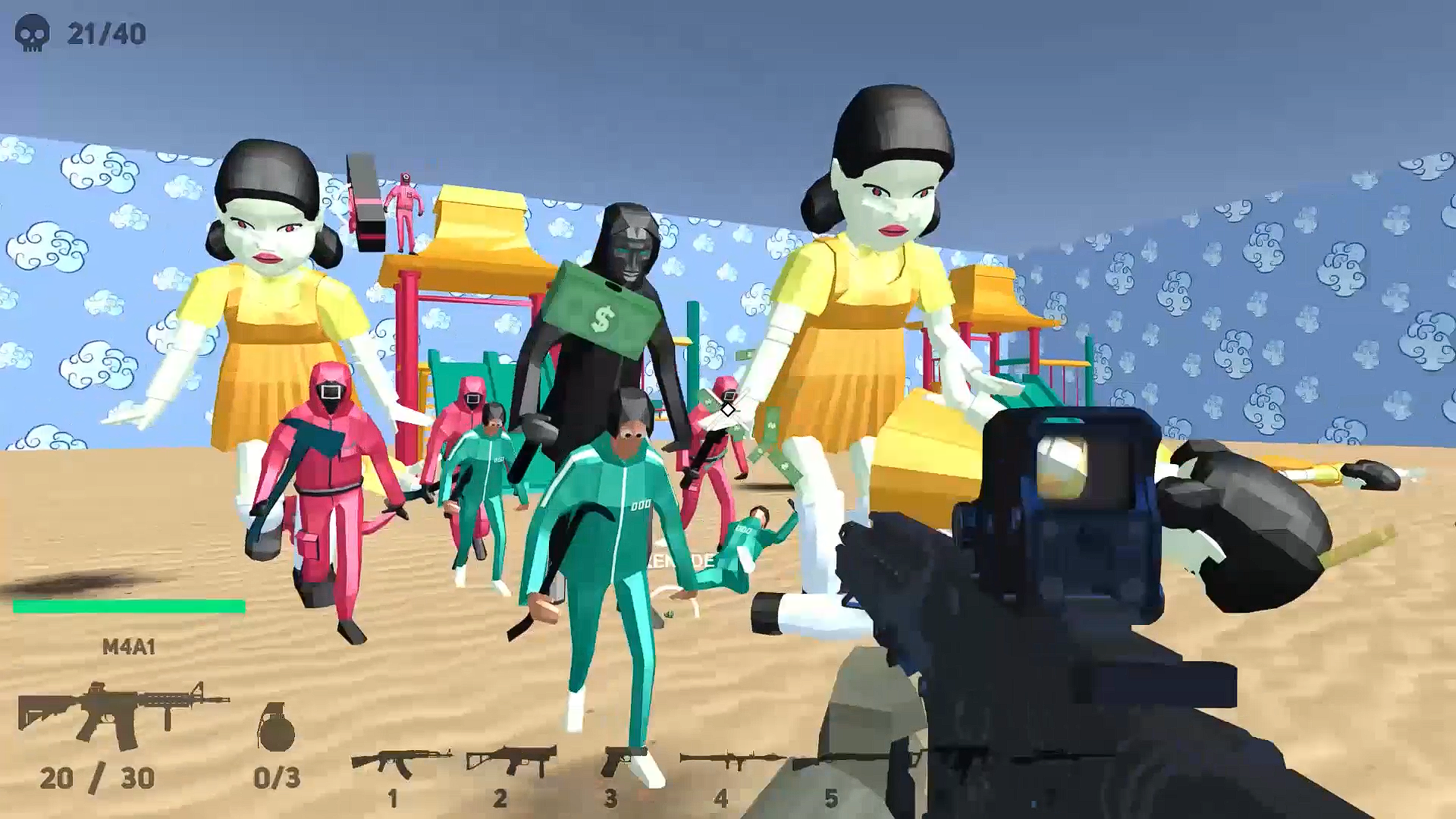
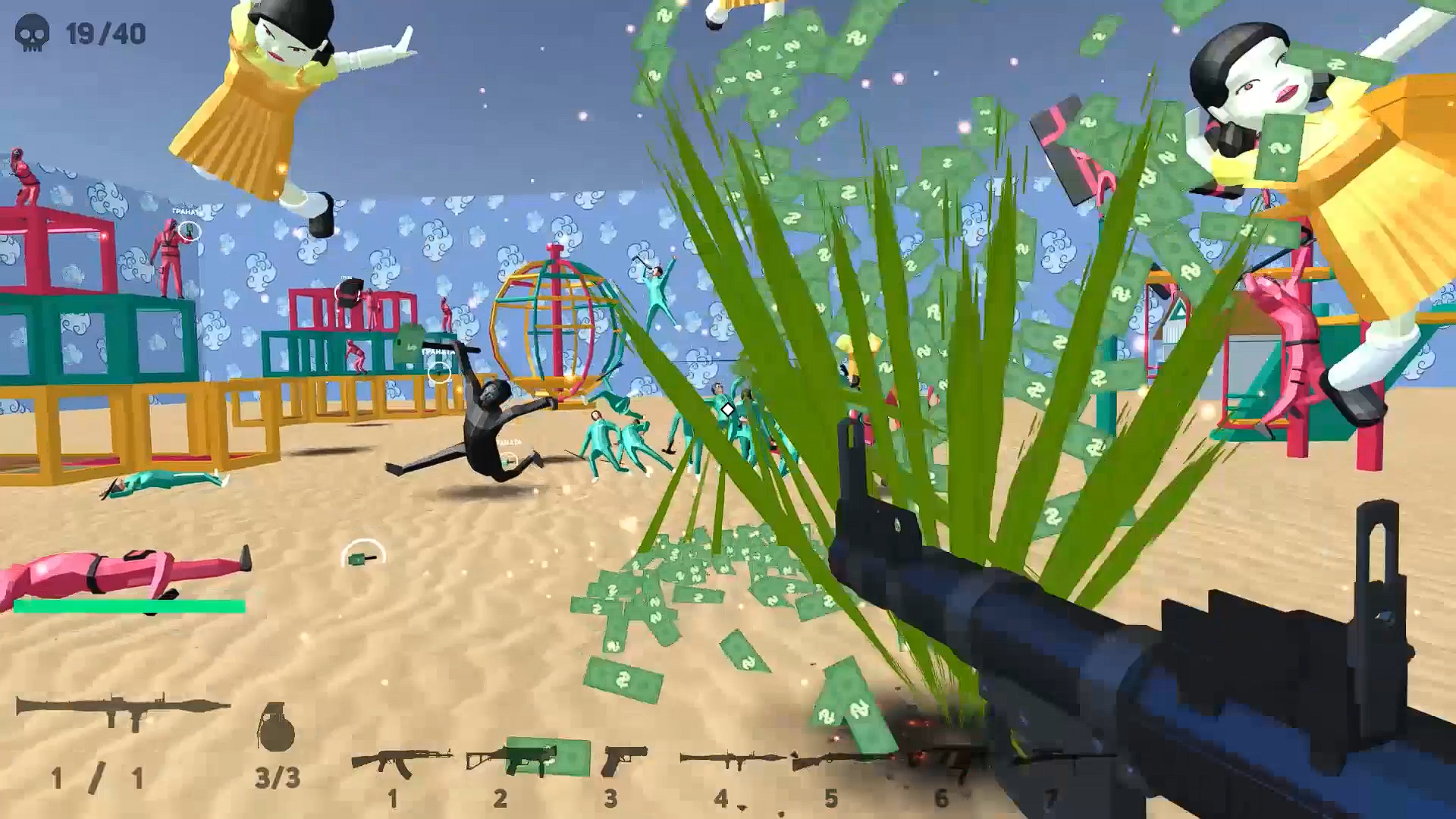
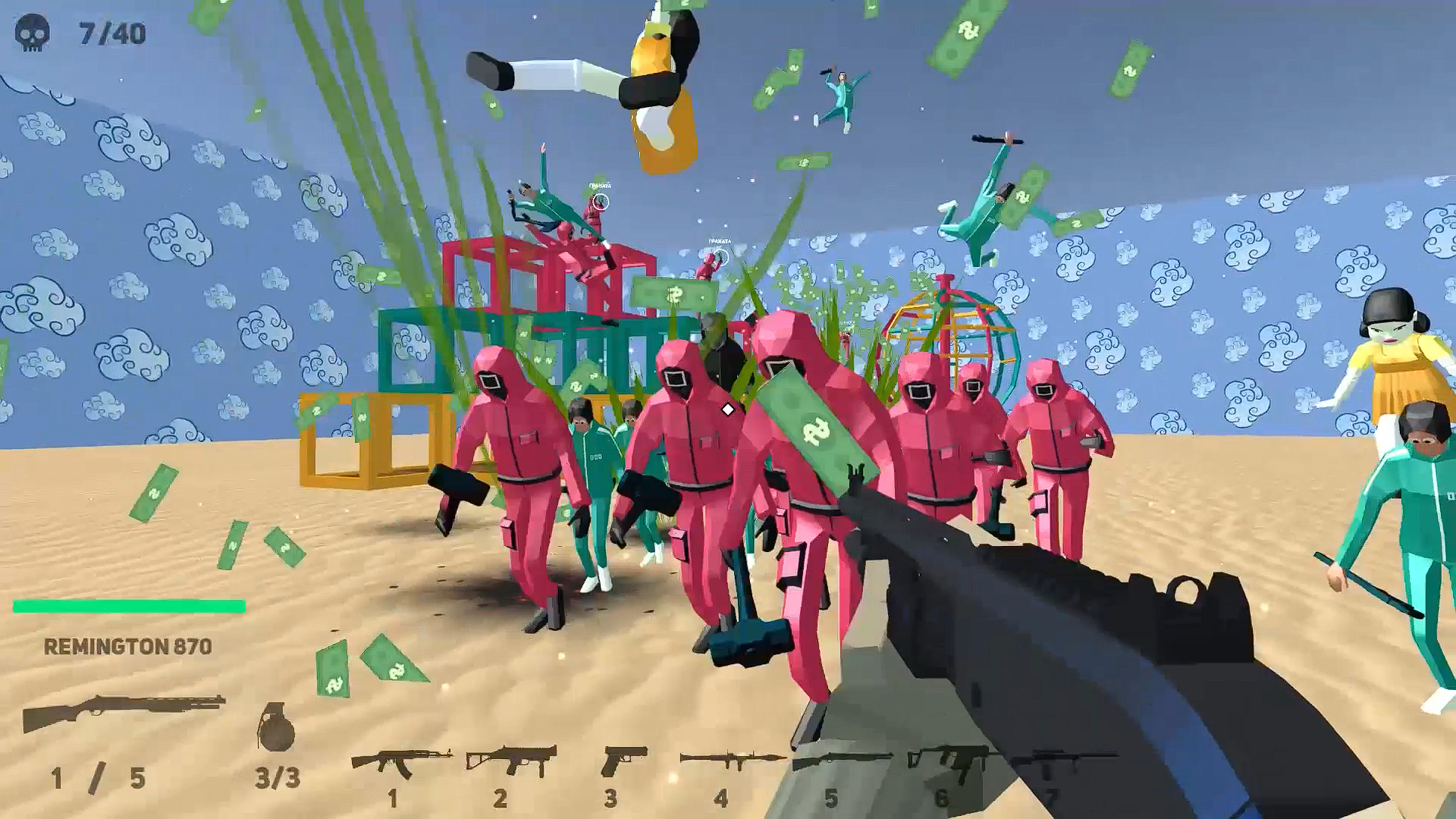
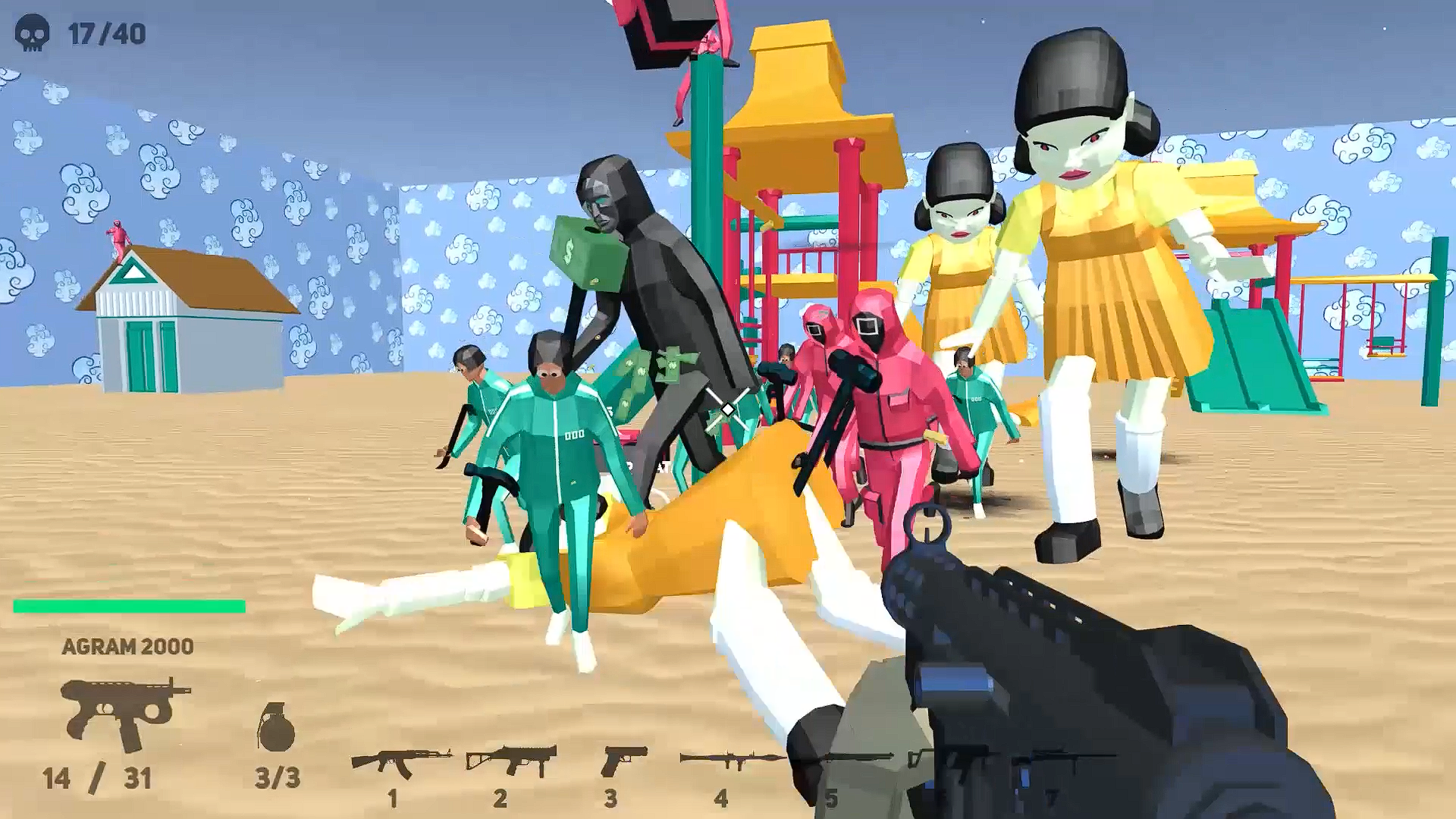
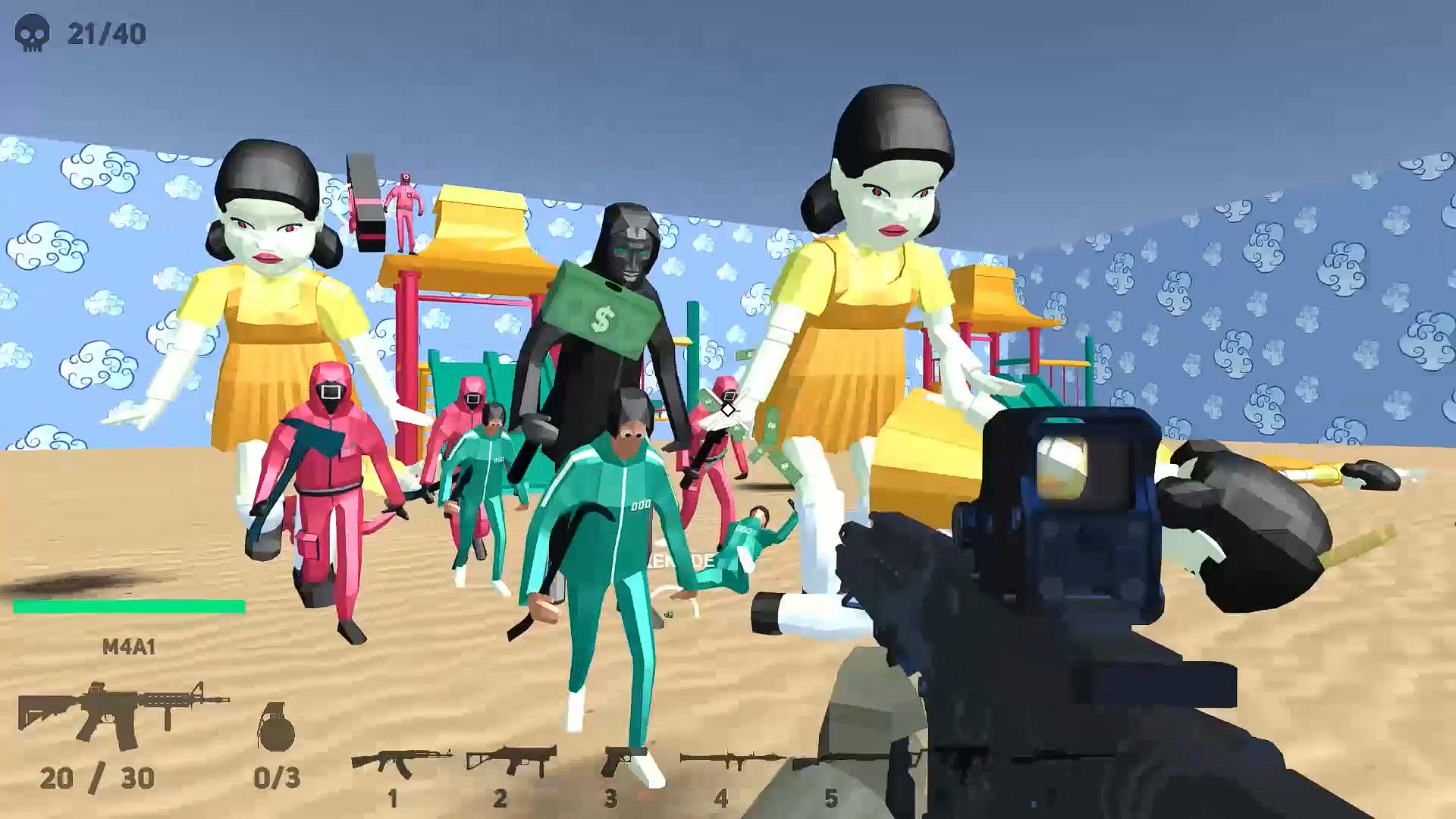
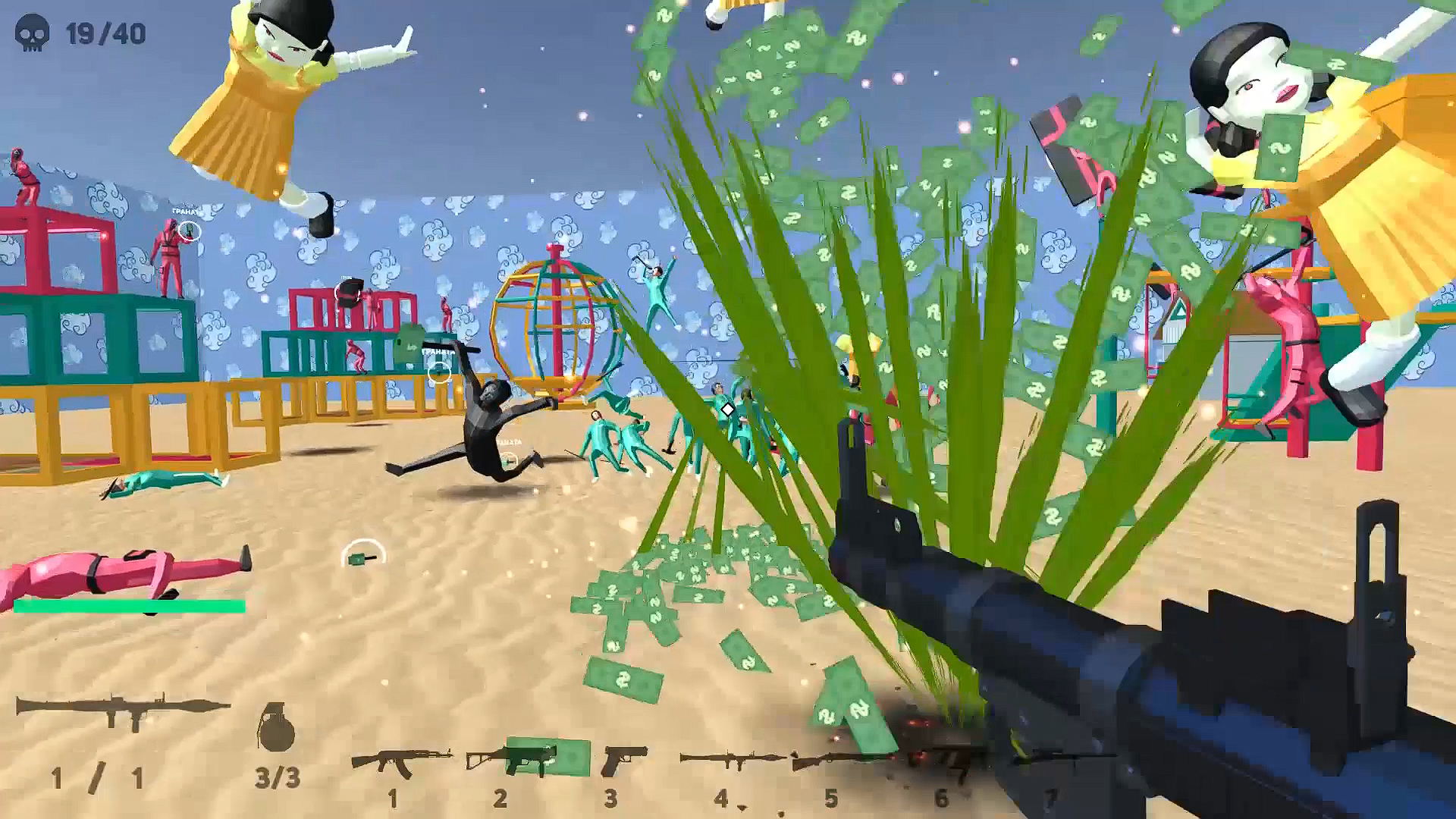
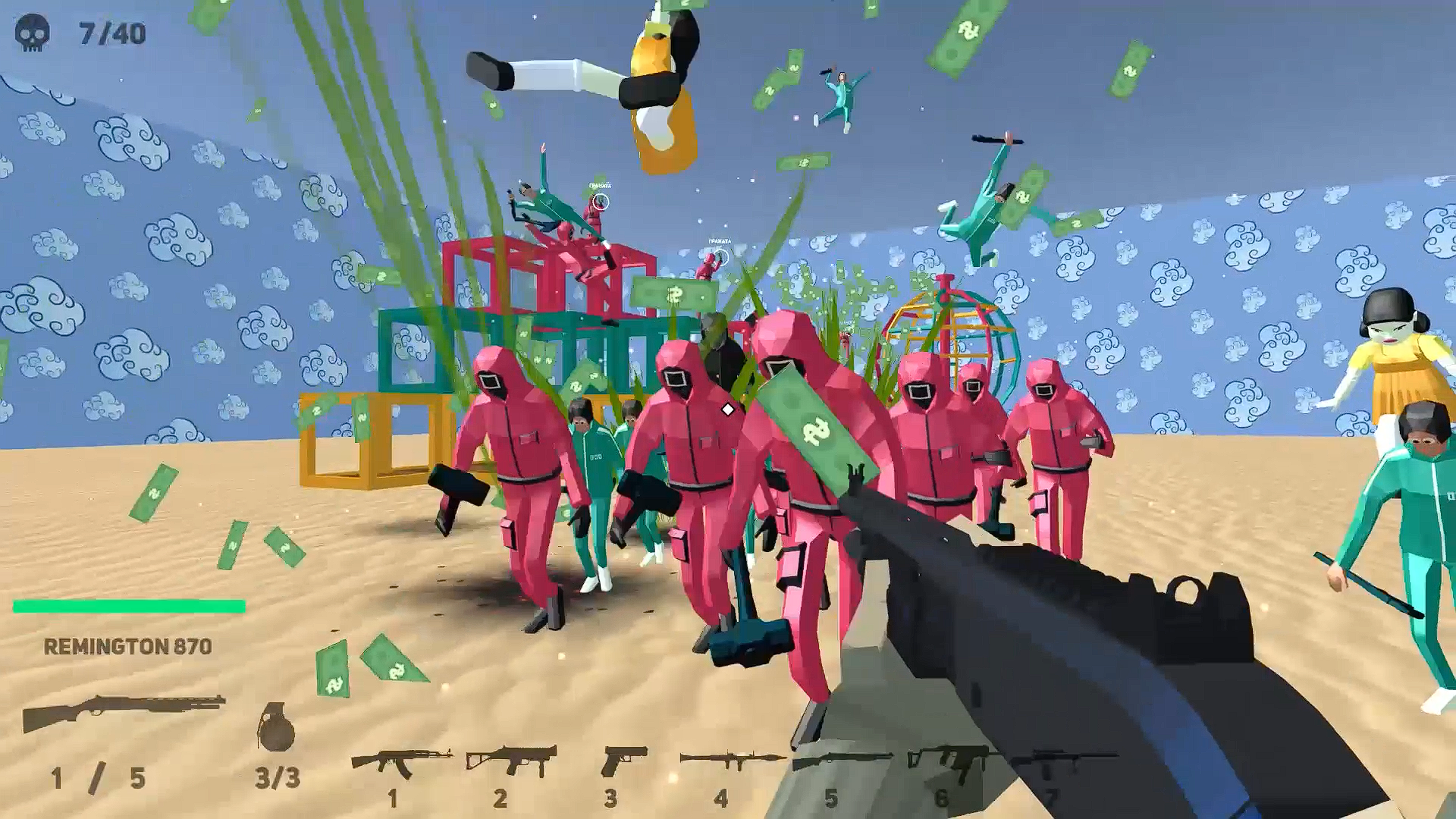
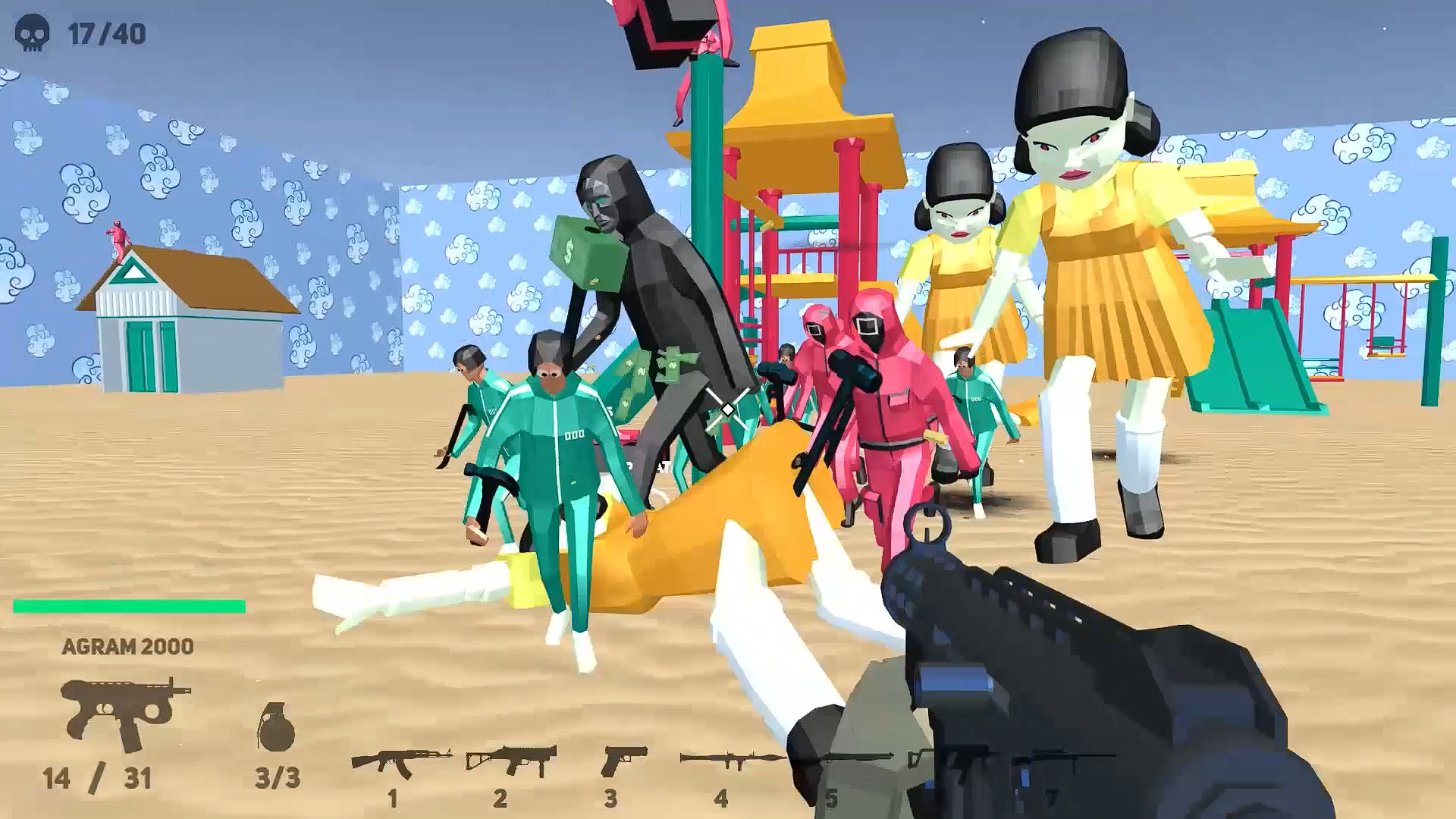
Stuck in a long meeting or just need to blow off some steam during a boring afternoon? Squid Shooter is the perfect way to turn your idle minutes into an intense survival war where reflexes matter more than anything. You are dropped into a hostile arena where waves of deadly guards and dolls are waiting to take you down. Grab your gear and start to fire at everything that moves, using a massive arsenal to clear the path ahead. Whether you prefer a quick pistol tap or the raw power of a bazooka, the variety of weapons ensures every encounter feels fresh. You must constantly strafe to dodge incoming crowbar swings and lethal cash grenades while managing your ammo counts. This high intensity action experience tests your aim and movement skills as you fight to stay alive against an overwhelming force. The battlefield is relentless, but with fast-paced mechanics and responsive controls, you will find yourself hooked on the challenge within seconds. You can play Squid Shooter for free directly in your browser without any downloads required.
How to play
Mouse - look around
WASD - movement
W + Shift - Run
Space - jump
Left Mouse Button - Shoot
Right Mouse Button (Hold) - Aim
Mouse Wheel - Next / Previous Weapon
1-7 - weapon hotkeys
R - reload
F - knife attack 1
Q - knife attack 2
G - throw a grenade
T - inspect weapon
E - remove / remove weapon
Features
- Weapon arsenal: Choose from 18 distinct weapons including machine guns, shotguns, and heavy explosives to customize your tactical approach.
- Dynamic movement: Master the combination of sprinting and jumping to outmaneuver enemies while avoiding close-quarters melee attacks.
- Tactical depth: Utilize specific hotkeys to switch between your combat loadout and swap through weapons instantly during heat-of-battle moments.
- Immersive audio: Experience high-octane gameplay backed by a driving soundtrack and crisp sound effects that bring every shot to life.
- Strategic reloading: Manage your resources carefully as you inspect your gear and reload under pressure to survive the endless waves.
Who is it for
Fans of fast-paced FPS action who enjoy high-stakes survival challenges will love this title. It appeals to players looking for a quick adrenaline fix on desktop, as well as those who enjoy testing their aim against waves of unique, relentless enemies in a polished 3D environment.
Controls
Movement
WASD keys or on-screen joystick for mobile
Aim and Look
Move mouse or drag on mobile screen
Shoot
Left click or tap the fire button
Reload
Press R key or tap the ammo icon
Melee attack
Press F or Q keys or use the melee button
FAQ
Can I play Squid Shooter on mobile devices?
›
Yes, Squid Shooter is optimized for mobile browsers, allowing you to use intuitive touch controls to aim and shoot on the go.
Does Squid Shooter require a high-end PC?
›
The game is designed for performance, meaning Squid Shooter runs smoothly on most modern browsers without needing a powerful gaming rig.
How do I change weapons in Squid Shooter?
›
You can swap between your 18 available weapons using the mouse wheel, the number keys 1-7, or the on-screen weapon menu.