About game
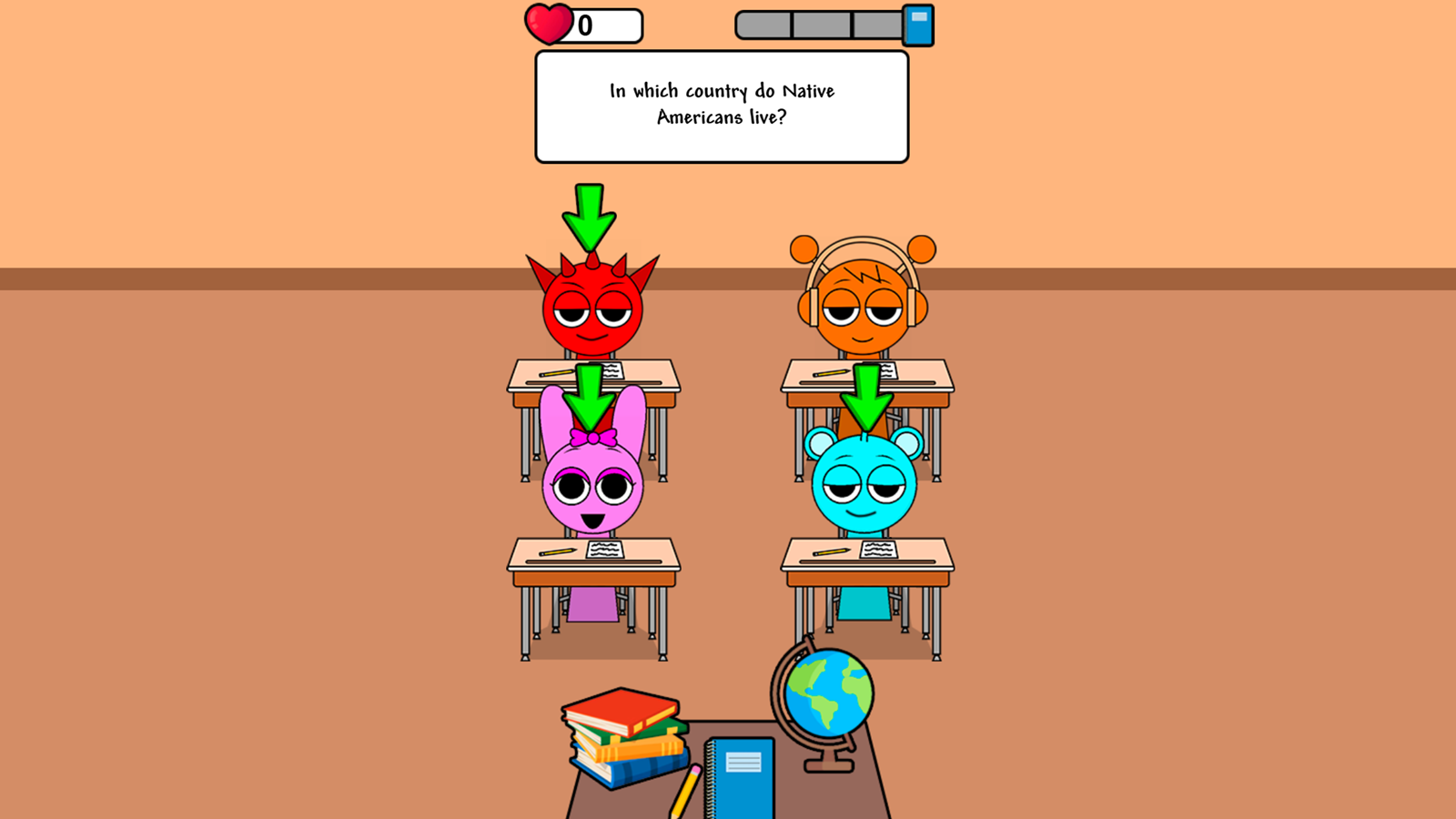
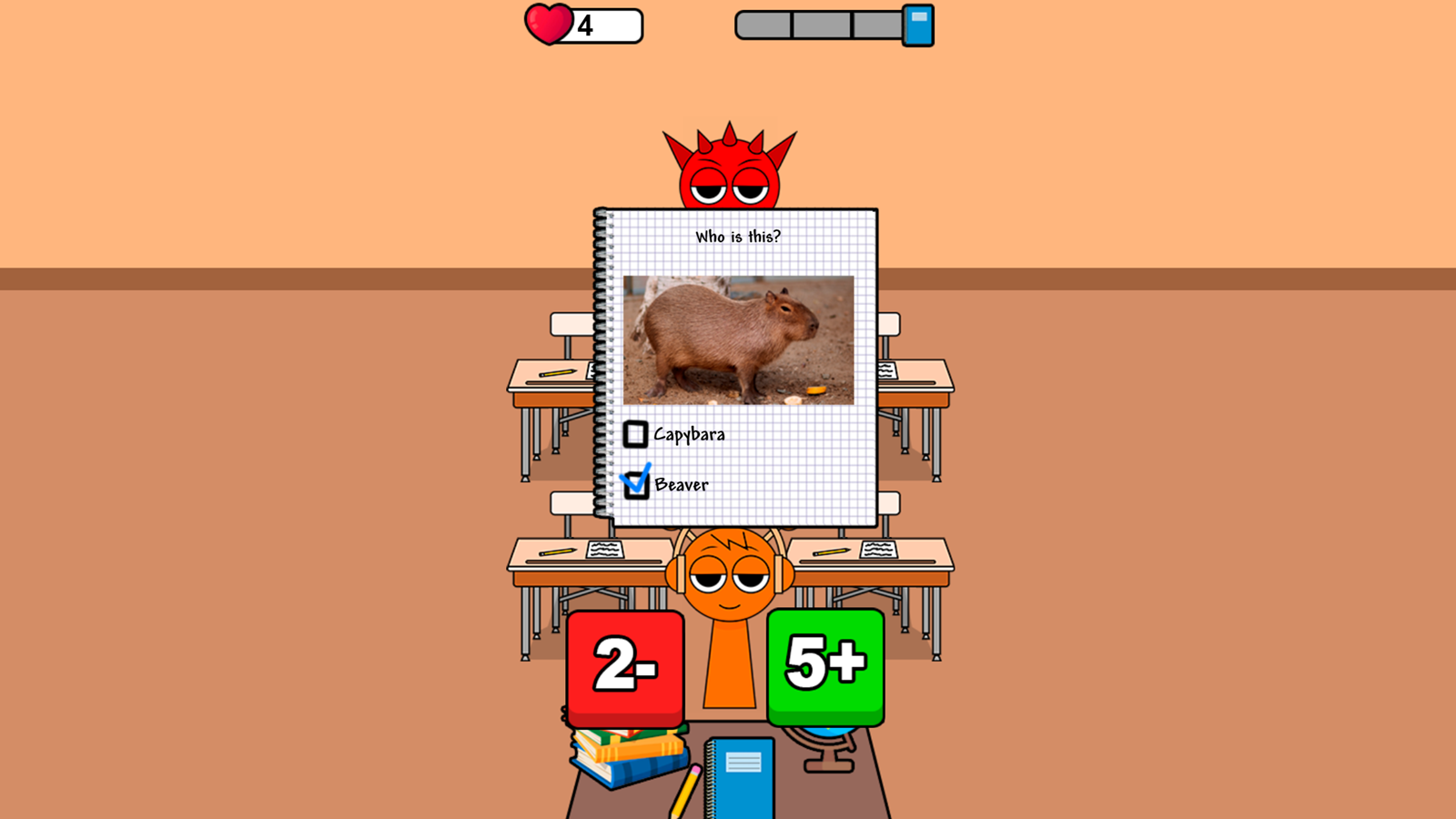
Staring at a blank screen during a lunch break often feels like a chore, but Sprunki School Study Simulator turns that downtime into an addictive classroom challenge. You step into the shoes of a teacher tasked with managing a chaotic classroom filled with iconic characters from the Sprunki universe. The core gameplay revolves around conducting lessons, checking homework assignments, and handing out fair grades to your quirky pupils. Every decision you make during these interactive sessions directly impacts your reputation as an educator within the school. You must carefully balance your grading logic to help students succeed without losing your patience or your professional standing. This school simulator keeps the pressure high as your performance is evaluated after every single lesson you complete. Achieving success requires sharp focus to ensure you earn enough likes to thrive in this demanding digital environment. Experience the ultimate teacher simulator for free right in your browser without any downloads or registration required.
How to play
Using the left mouse button (on a desktop) or your finger (on a smartphone), select students who want to answer the question and give them a grade.
Features
- Interactive Lesson Flow: Manage multiple students simultaneously while choosing who gets to answer complex trivia during class.
- Performance Tracking: Monitor your own success through a dynamic rating system that updates after every completed session.
- Character Variety: Interact with a wide roster of familiar Sprunki faces each possessing different academic strengths and weaknesses.
- Reputation Management: Balance your grading strictness to avoid negative feedback from angry virtual parents.
- Visual Feedback: Watch real-time reactions from students as you deliver grades for their homework and classwork.
Who is it for
Casual gamers who enjoy management titles, fans of the Sprunki universe looking for a fresh perspective, and players seeking a lighthearted school simulator. It suits anyone who wants a quick, engaging break from their daily routine by testing their decision-making skills in a fun classroom setting.
Controls
Select Student
Click with the left mouse button or tap the screen directly on the student.
Assign Grade
Use your mouse or finger to interact with the grading interface once a student provides an answer.
Navigate Menus
Tap or click on the screen elements to progress through lessons and classroom screens.
FAQ
How do I earn higher scores in Sprunki School Study Simulator?
›
You earn higher scores by consistently making fair and accurate grading decisions based on the student's performance during class.
Is Sprunki School Study Simulator compatible with my mobile device?
›
Yes, you can play Sprunki School Study Simulator directly in your mobile browser without any special apps or downloads.
Does Sprunki School Study Simulator require any registration?
›
No, you can jump straight into the classroom and start your teaching career in Sprunki School Study Simulator without creating an account.