Game Title
Loading...
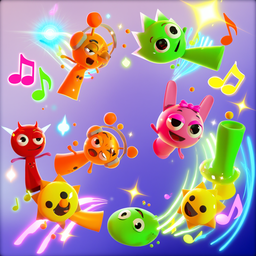



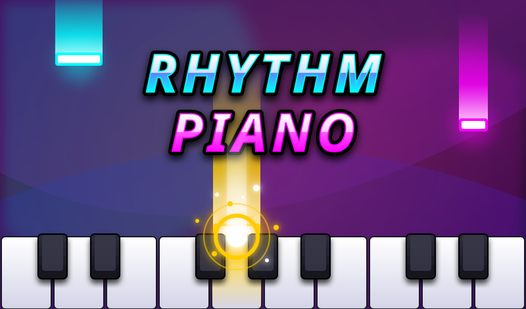


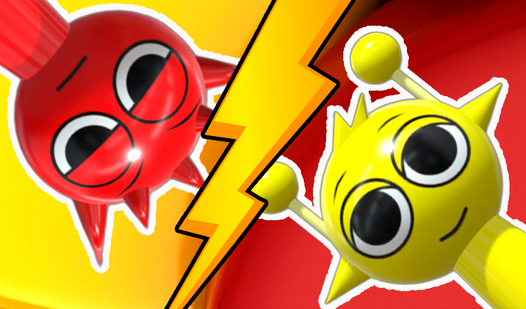



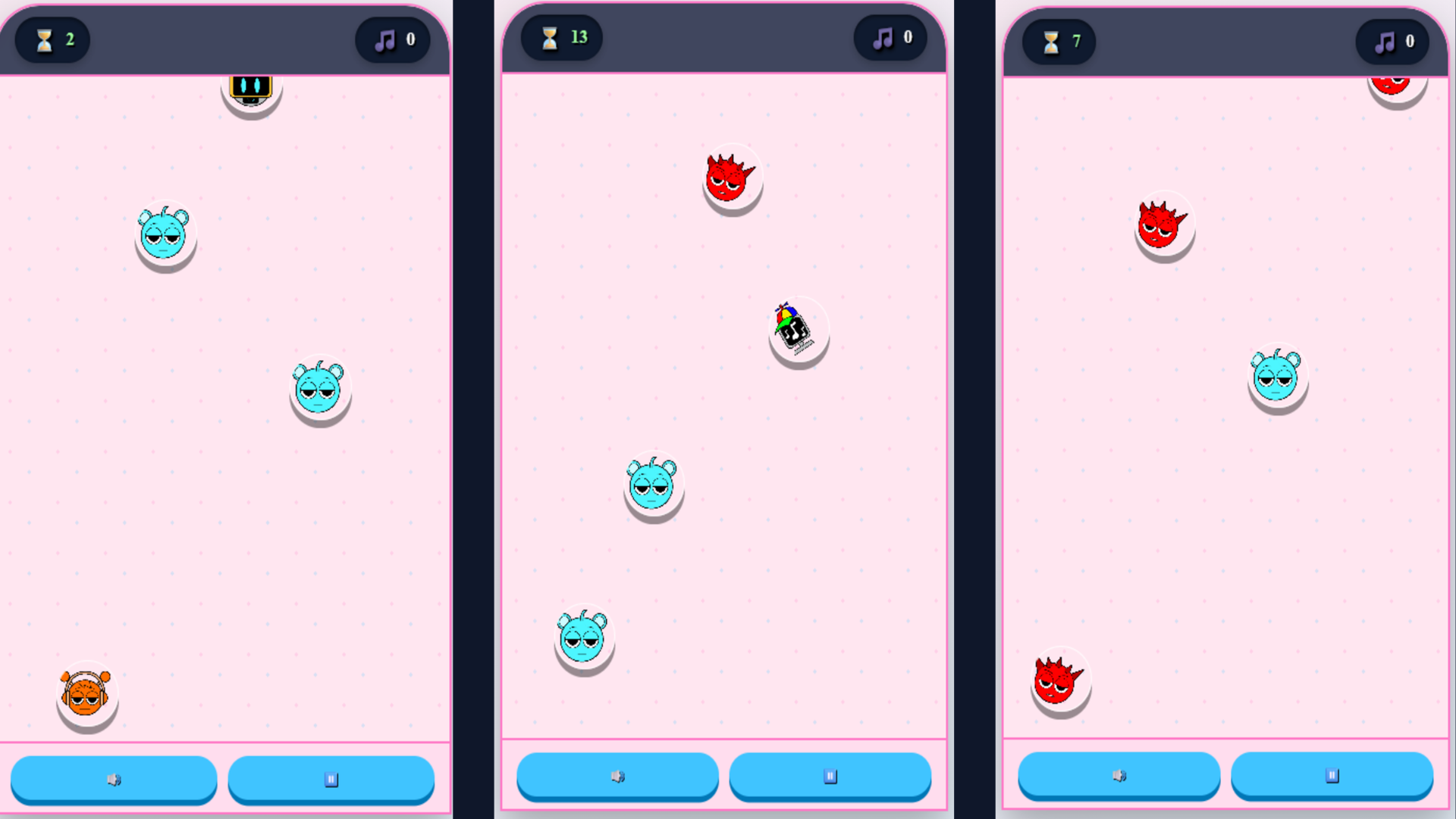
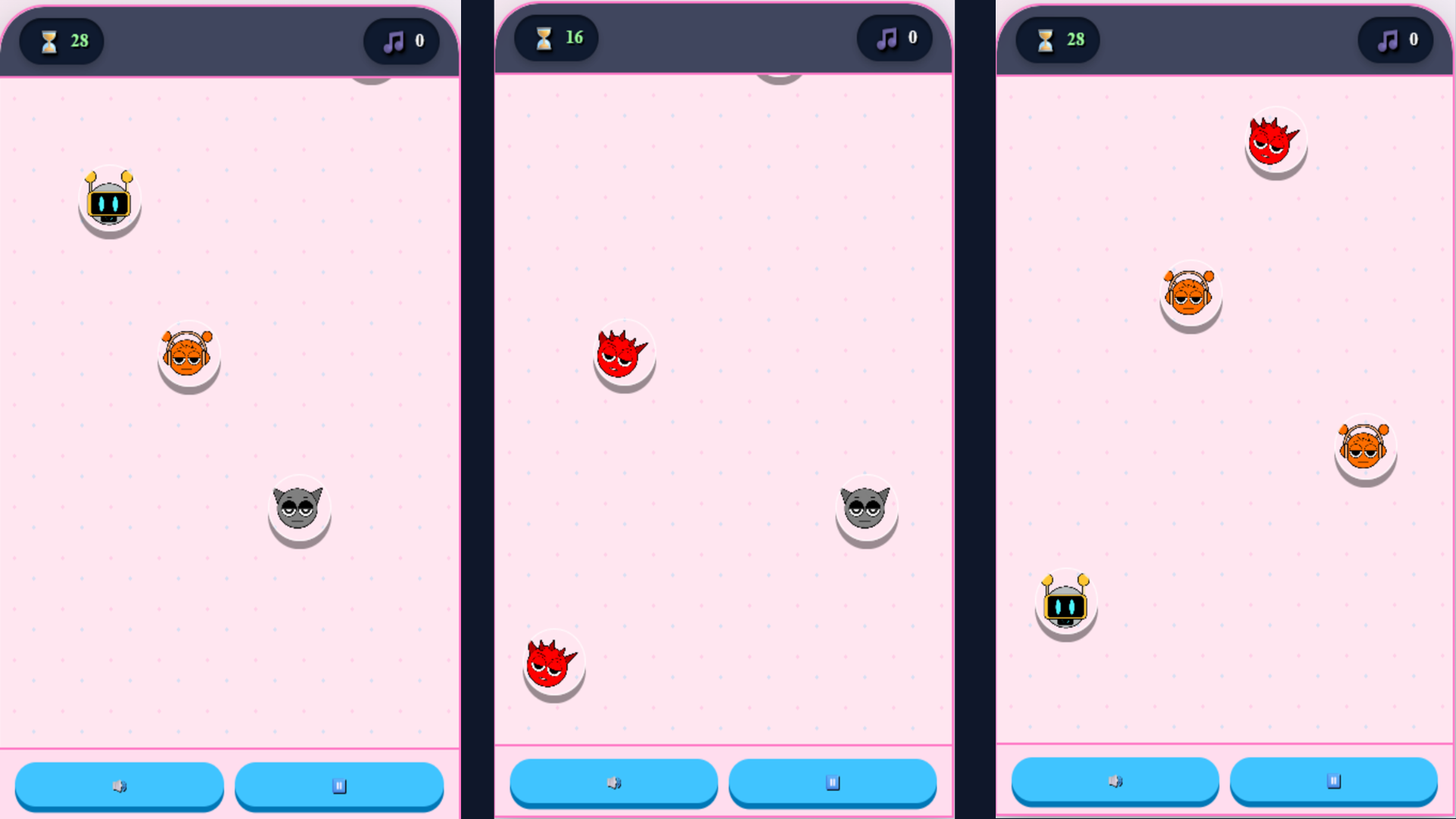
Making music from scratch feels like magic when you have the right tools at your fingertips. Sprunki Hit Maker turns your browser into a high-energy production studio where rhythm meets chaotic fun. Colorful icons drop onto your screen, each holding a specific sound like deep bass lines or crisp hi-hats. You tap these elements to build a custom melody before the thirty-second timer hits zero. Every session challenges you to find the perfect groove while catching falling beats. Once your time expires, you can listen back to your creation or save it to your personal library for future replays. Managing your track collection lets you organize your favorite compositions to keep your best work accessible. Jump into this music game on your browser right now without downloading a single file.
Press "Play" in the main menu. Before starting, a quick tutorial will introduce you to the instruments and their sounds.
During 30 seconds, objects representing different instruments will fall onto the game field.
Tap any object to hear its sound — each tap adds a note to your melody.
When time is up, a panel appears where you can:
• "Listen" — play back the melody you've created.
• "Save" — name your composition and add it to the collection.
• "Restart" — start a new game.
• "Menu" — return to the main menu.
In the collection, you can:
• Press the ▶ button to listen to any saved track (the button changes to ⏸ to stop playback).
• Delete unwanted melodies by pressing 🗑.
The controls are fully adapted for touch screens and mouse — simply tap or click on the falling objects.
Immerse yourself in the world of music and create your own hits!
Music lovers who enjoy rhythm-based challenges should check this out. Casual players seeking a quick creative outlet will appreciate the simple mechanics, while aspiring producers can test their ear for timing. Anyone who enjoys a fast-paced interactive audio experience will find their groove in this title.
Once your thirty seconds are up, a menu appears where you can name your composition and press the save button to add it to your library.
Yes, the game is fully optimized for touch screens, allowing you to tap and swipe to catch objects just like you would on a desktop.
Absolutely, visit your collection tab and tap the delete icon next to any saved melody to remove it permanently.