About game
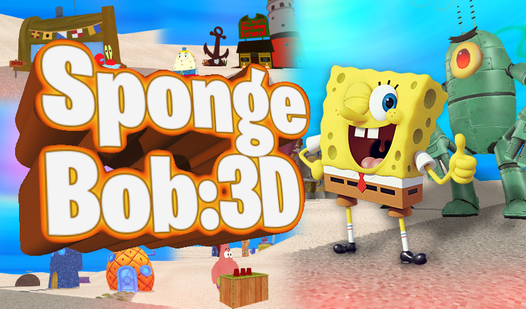
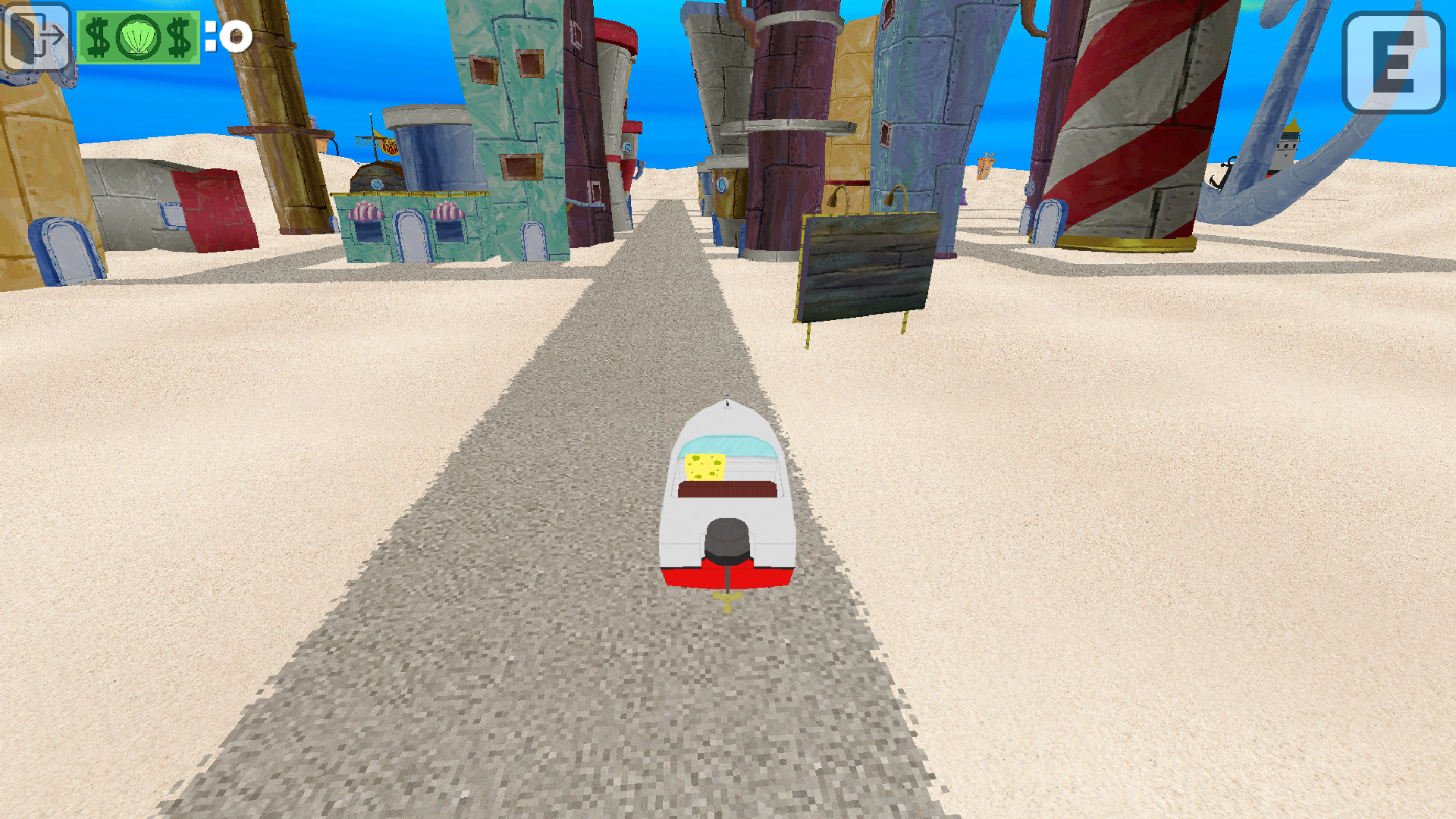
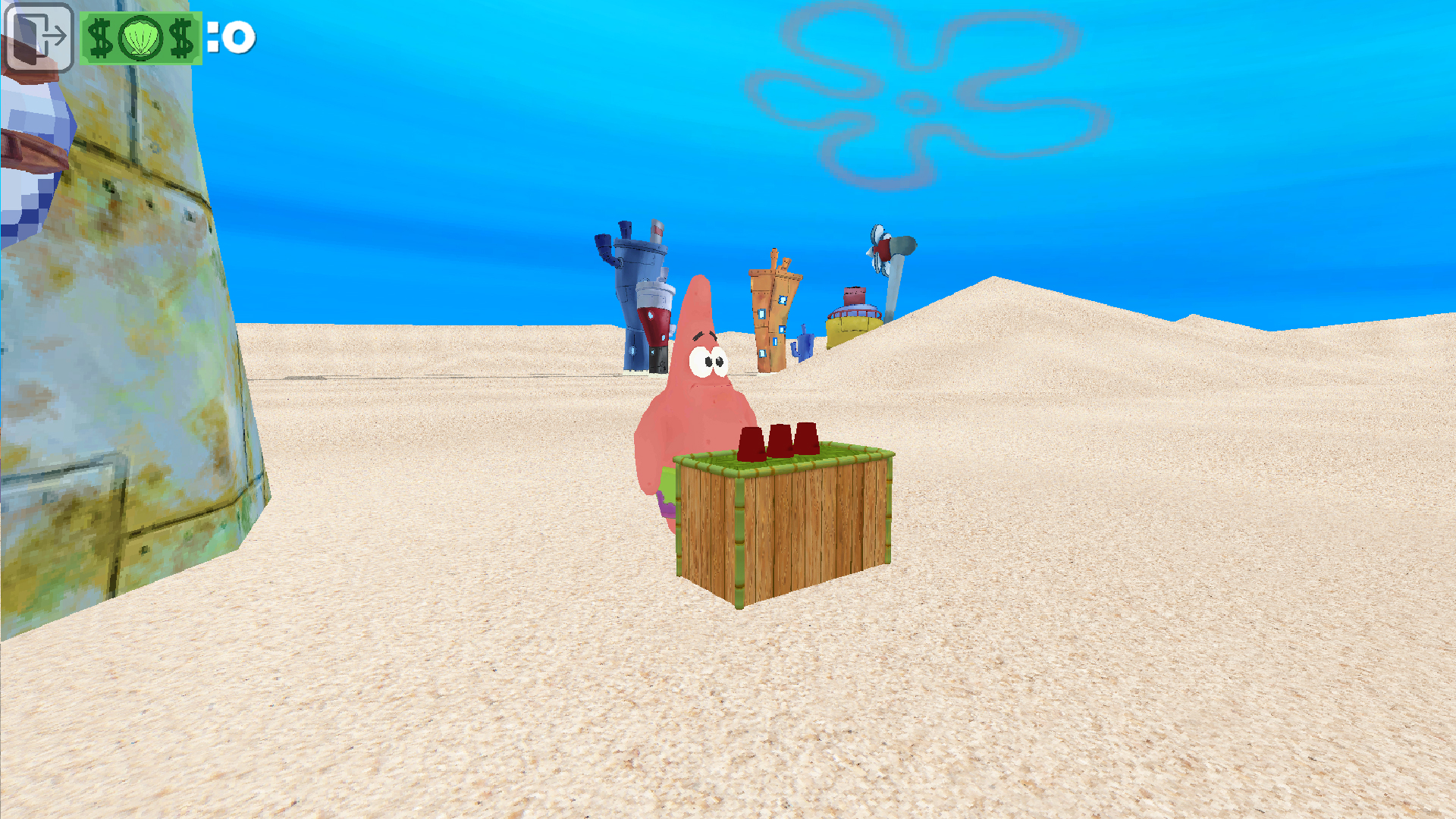
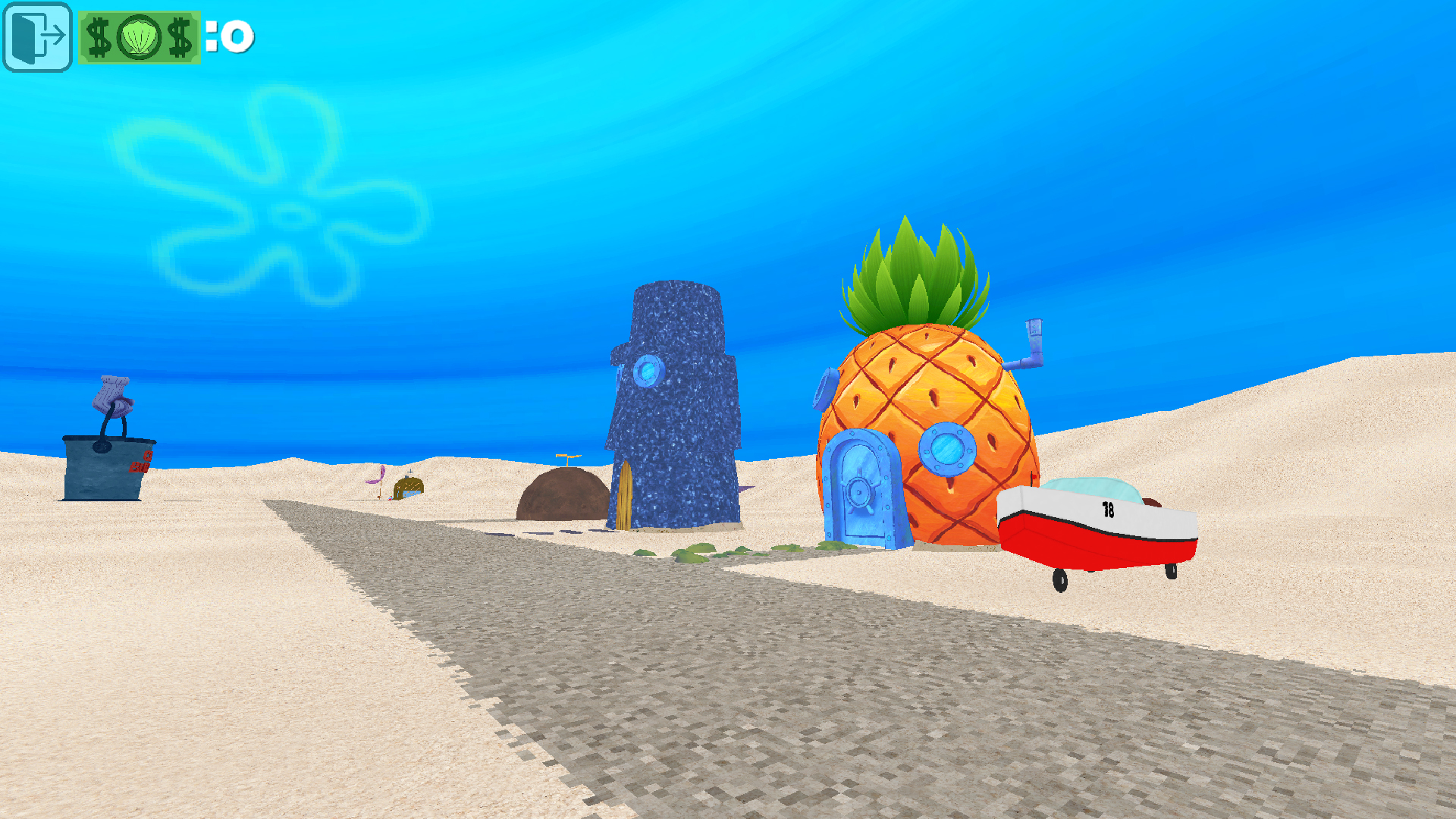
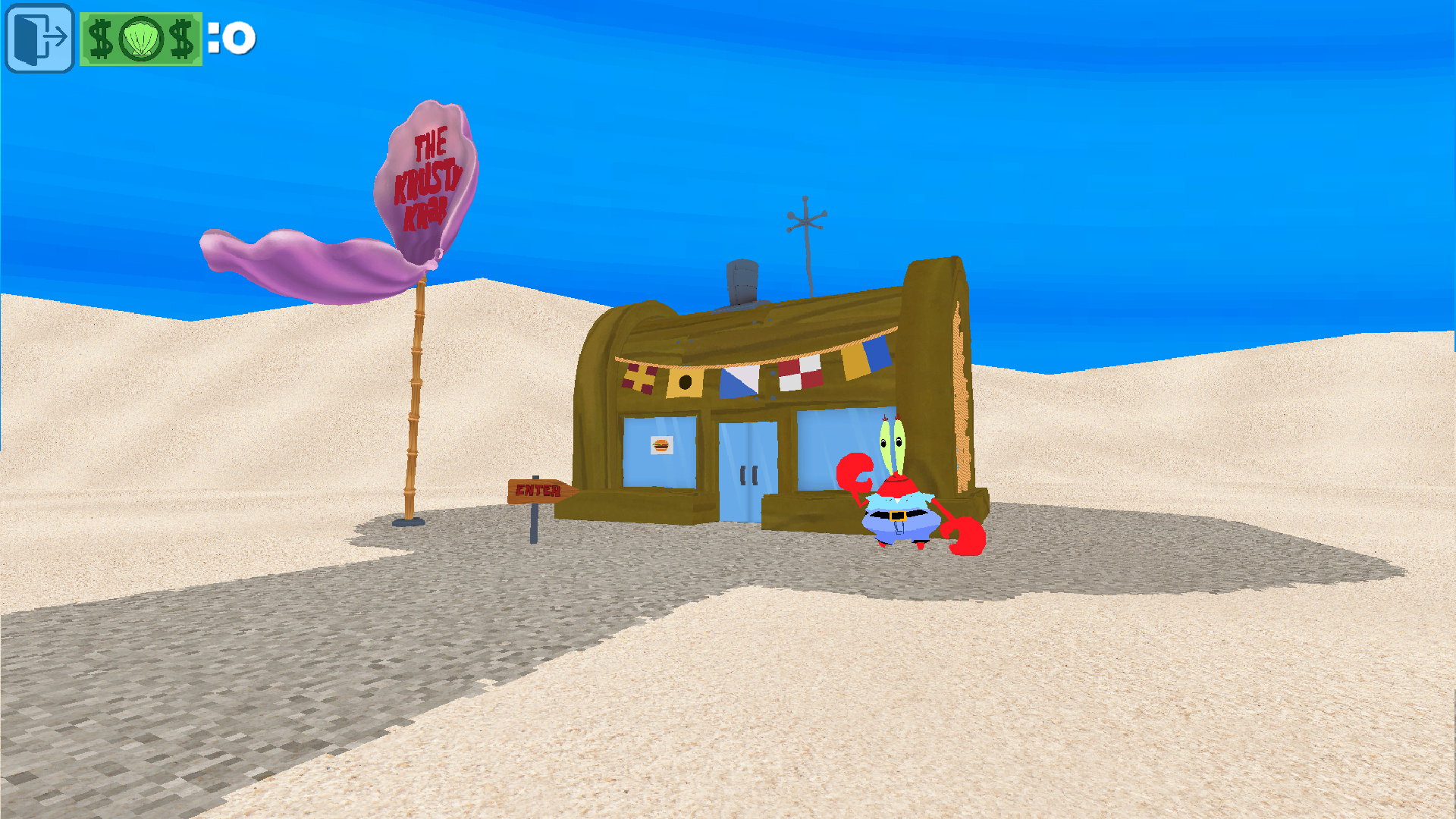
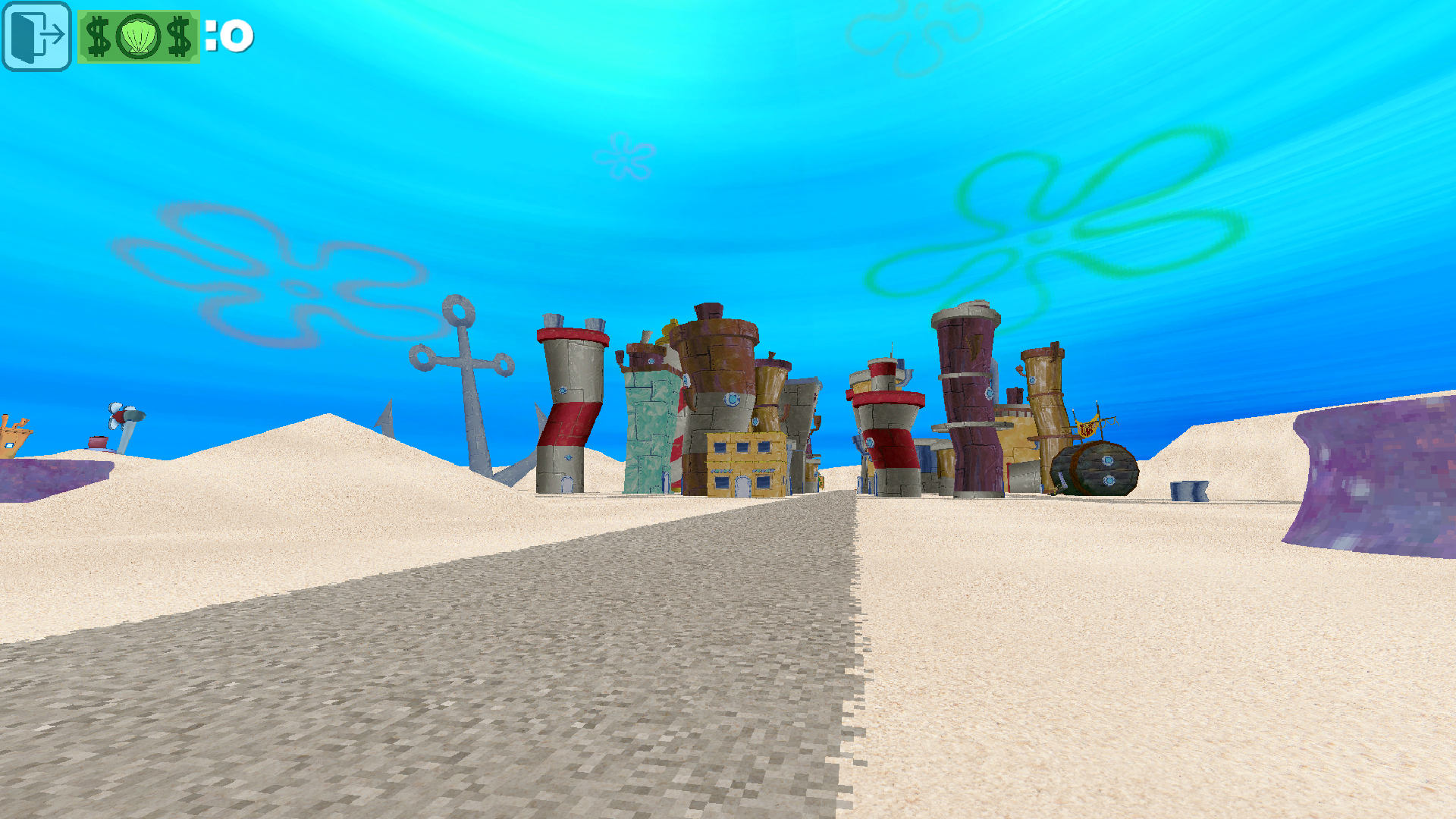
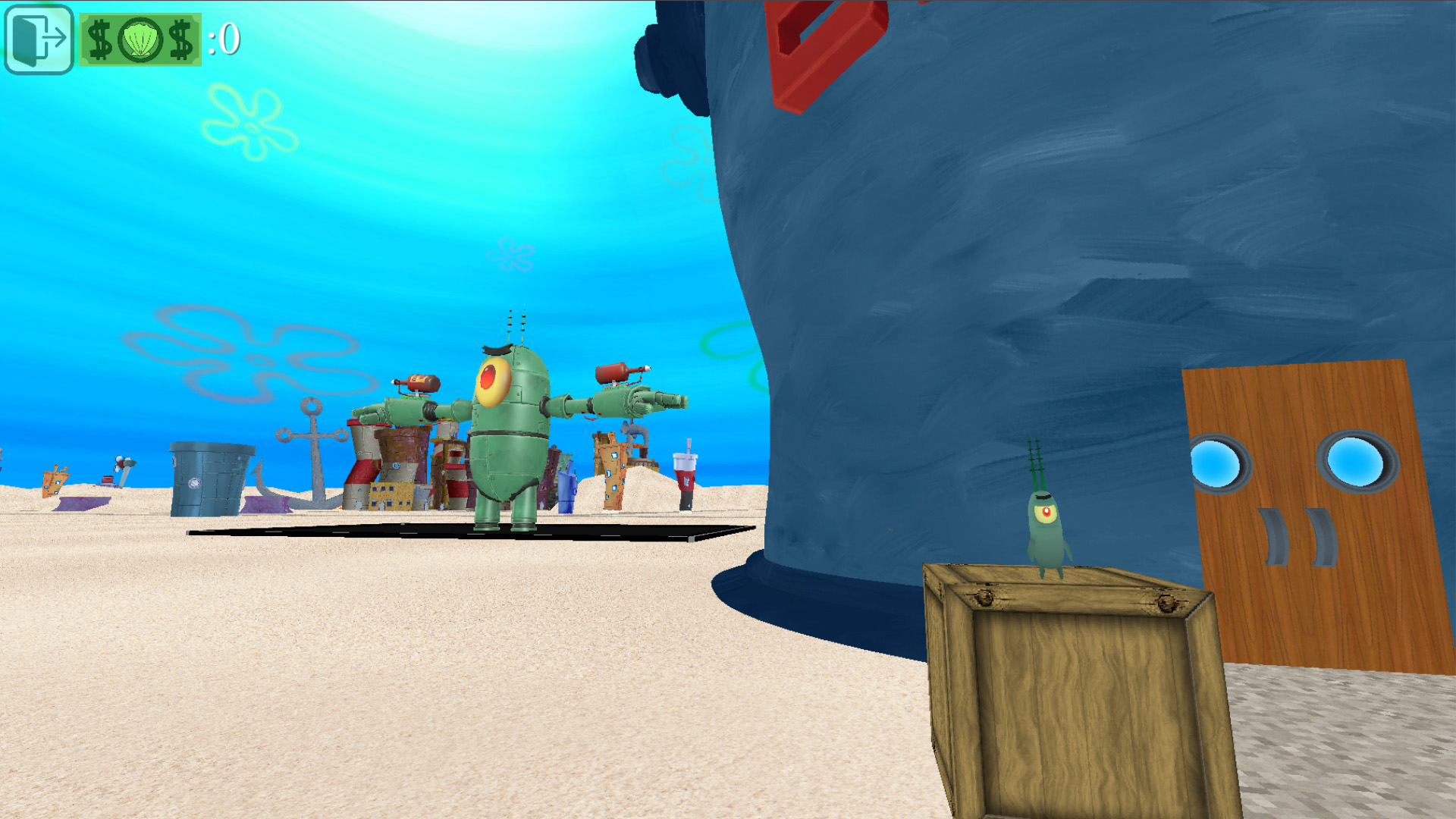
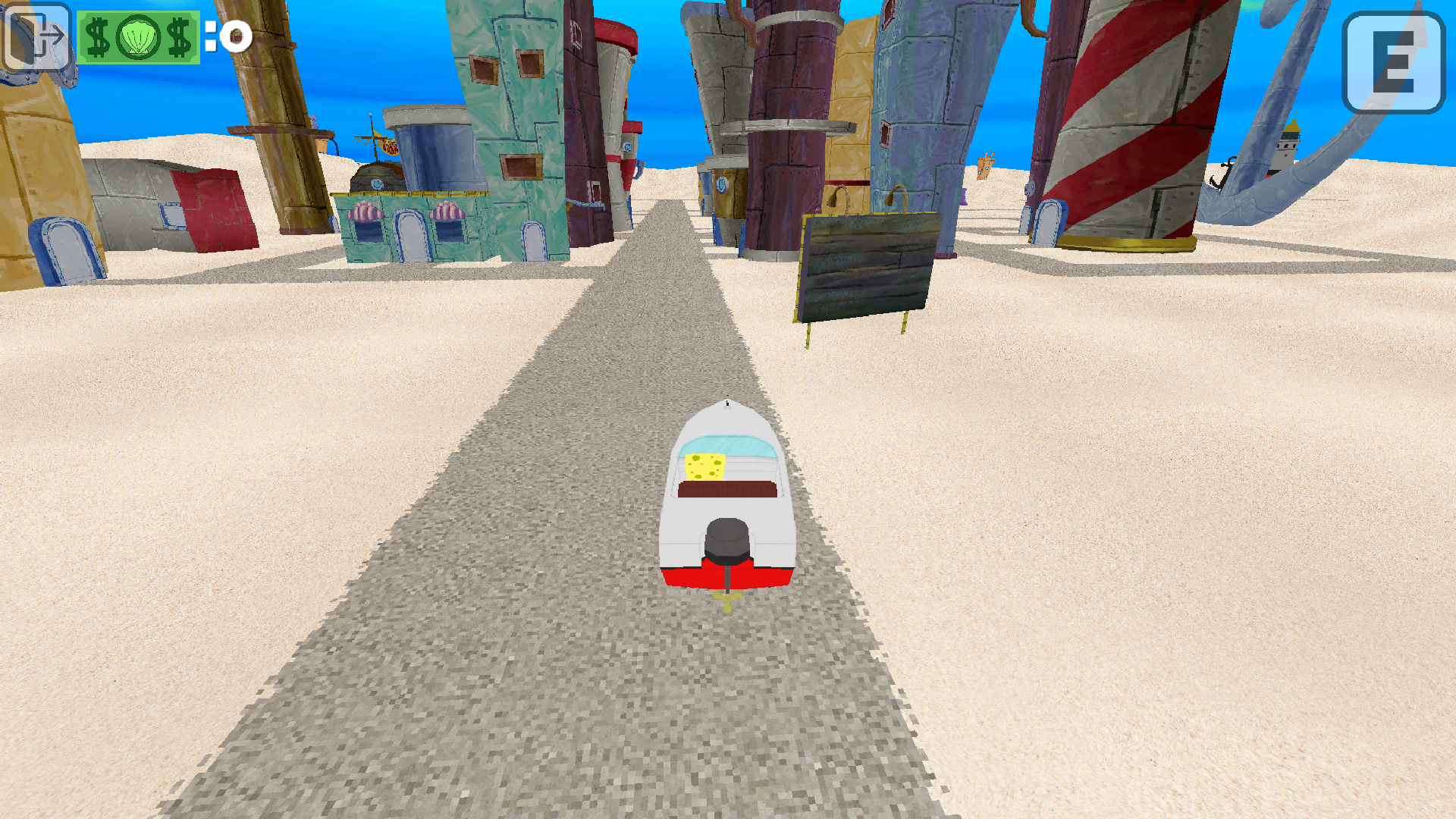
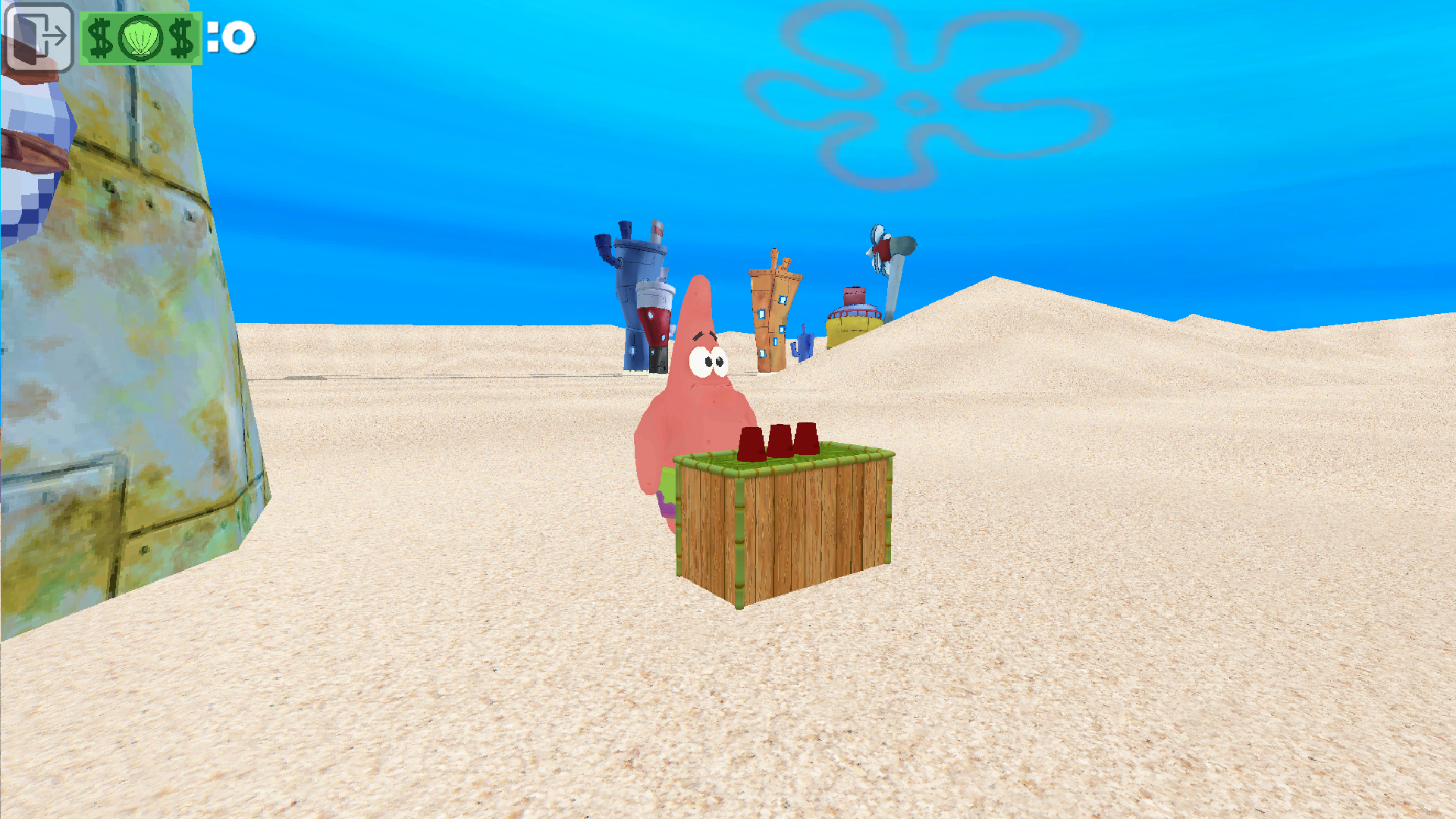
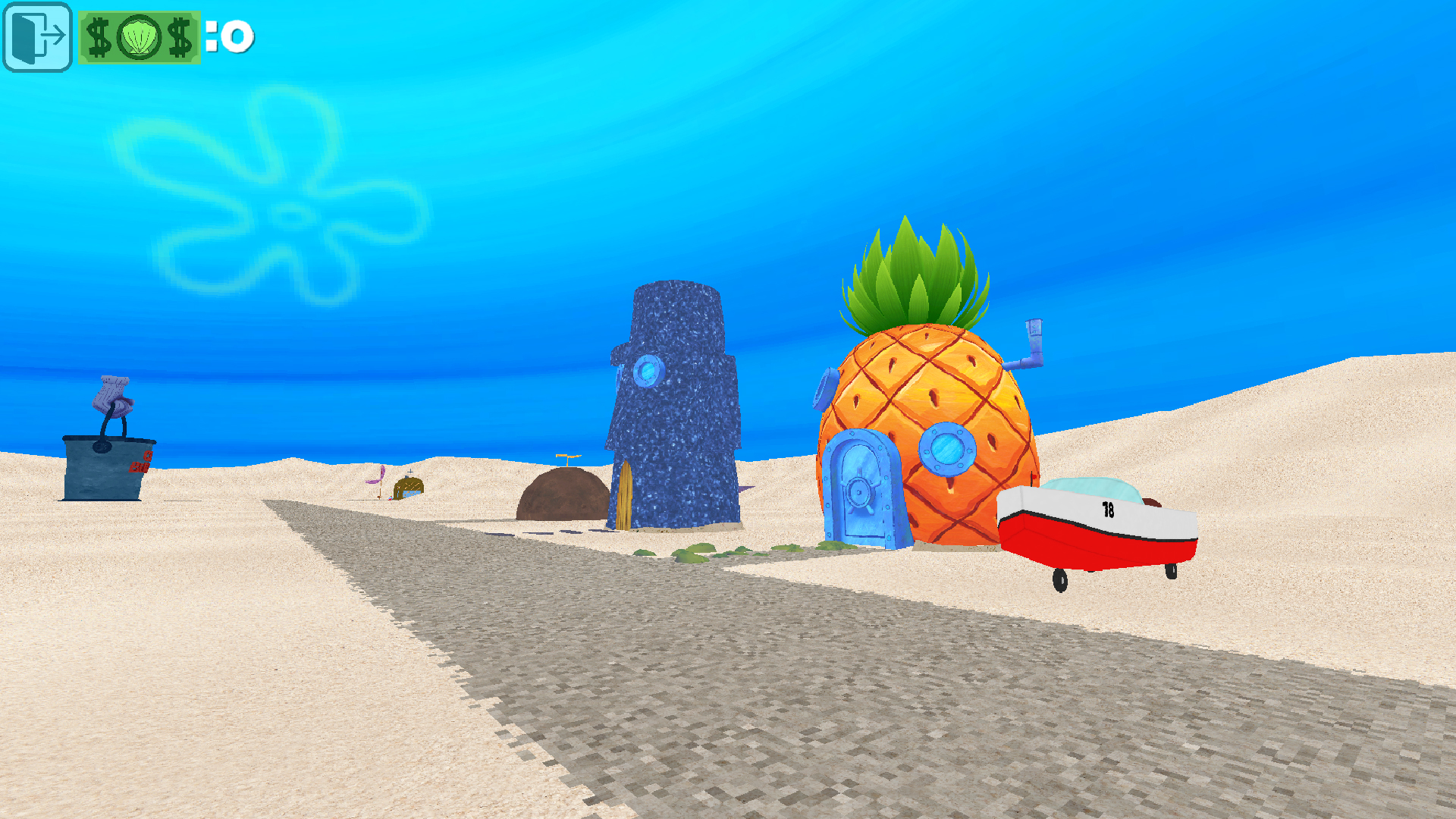
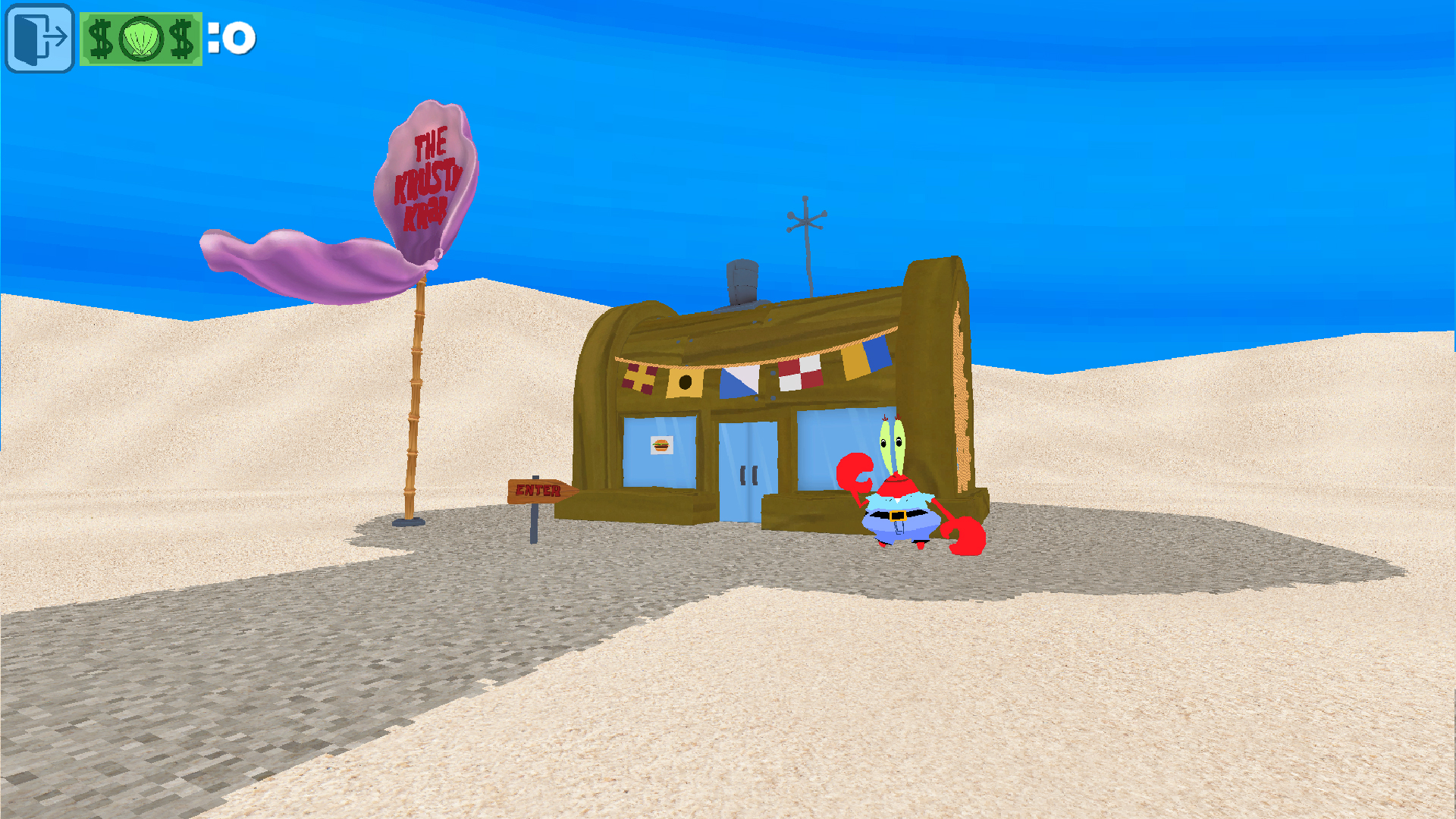
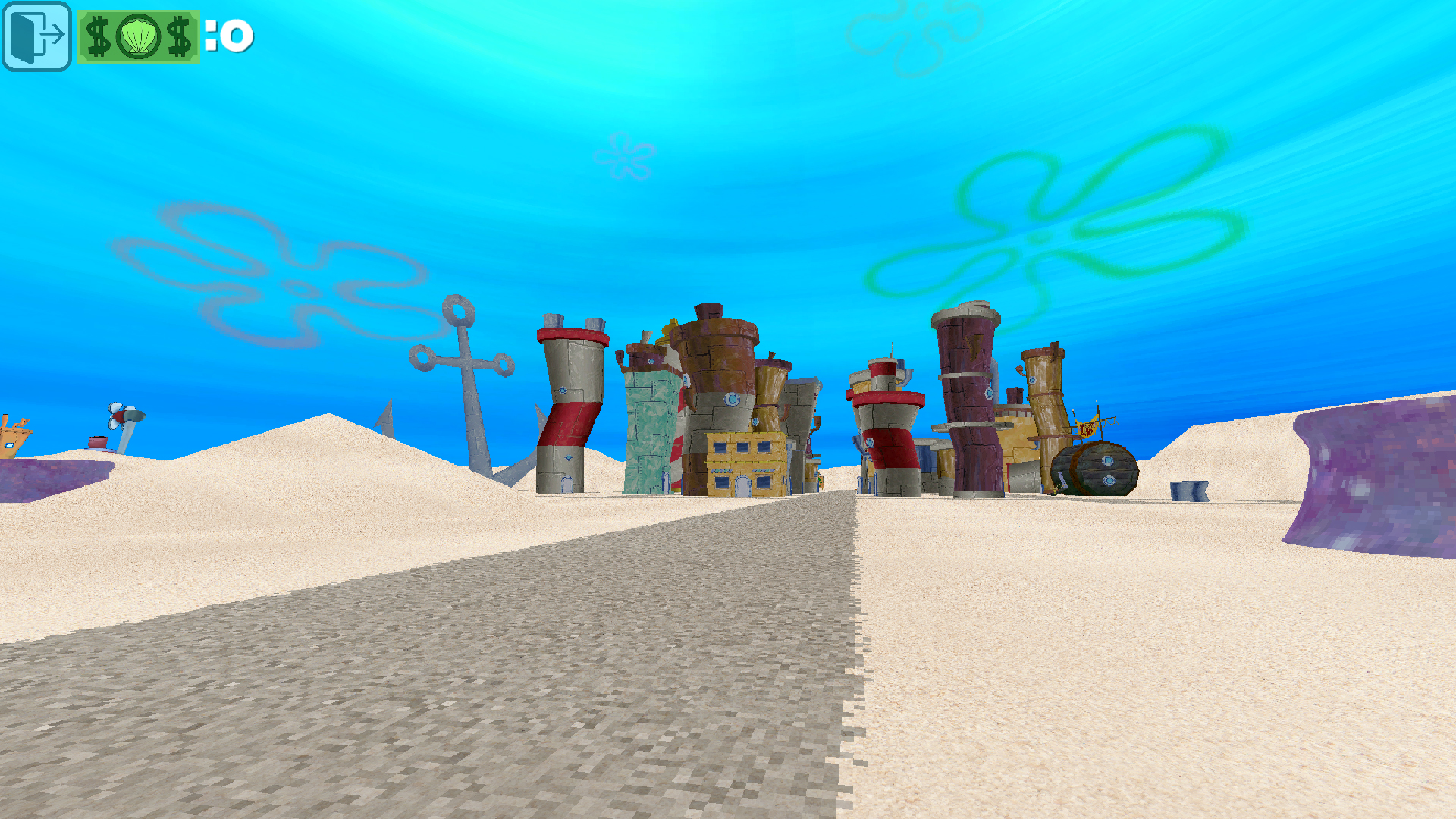
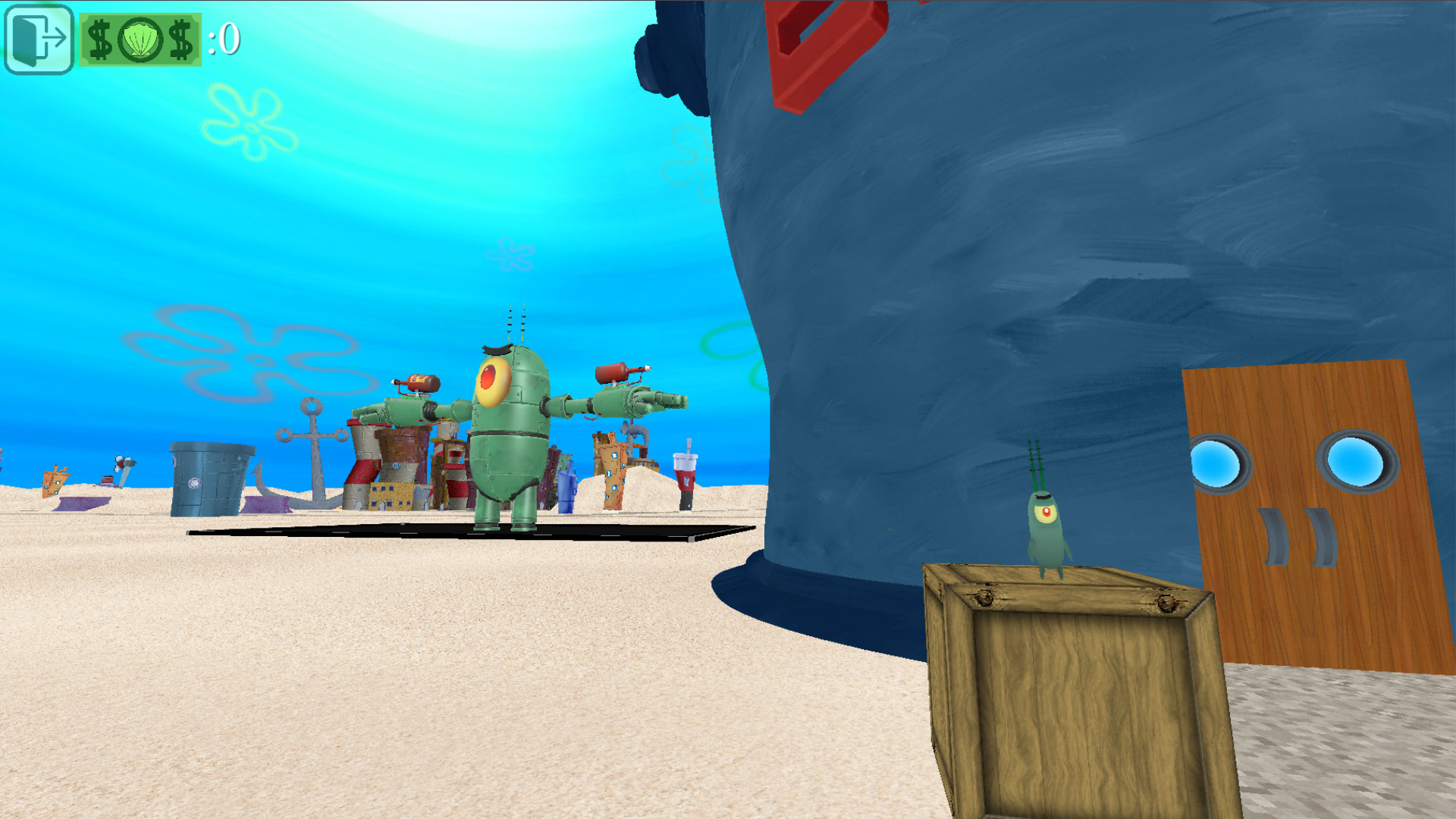
Sponge Bob: 3D puts you right in the middle of Bikini Bottom where you can roam the streets and meet familiar faces from the show. You run errands, hop into various vehicles, and cook up legendary Krabby Patties while exploring every corner of this underwater city. Controlling your character feels fluid as you navigate the 3D environment to complete tasks or just cruise around town in a boat. Sponge Bob: 3D keeps things engaging by letting you interact with objects and residents using simple inputs. Driving mechanics change the pace when you need to travel across the map quickly. You will find plenty of distractions like side jobs and hidden areas tucked away in the neighborhood. Playing this lighthearted adventure costs nothing and runs directly in your browser without any annoying downloads. Grab your spatula and jump into the fun today.
How to play
On PC:
The mouse is used to control the camera.
WASD — for moving and controlling the car.
E — for interacting with characters, vehicles, and buildings.
On phones:
Left screen joystick — for movement
Right creen joystick — to control the camera.
Touch buttons are used to control the machine.
Touch button E — for interacting with characters, vehicles, and buildings.
Features
- Dynamic interaction: Press a single key to talk to neighbors or enter buildings scattered throughout the map.
- Vehicle mechanics: Switch between walking and driving boats to traverse the open environment at your own speed.
- Cooking mini-games: Step into the kitchen to prepare meals that keep the hungry citizens of Bikini Bottom happy.
- Character encounters: Find iconic residents who give you tasks to complete for rewards and progression.
Who is it for
Fans of the classic cartoon who enjoy open-world exploration and casual driving tasks will feel right at home. It suits anyone seeking a relaxing break in a colorful 3D world without complex rules or steep learning curves. Younger gamers and nostalgic adults alike will enjoy this breezy experience.
Controls
Movement
Use WASD keys on PC or the left screen joystick on mobile devices.
Camera control
Move the mouse on PC or use the right screen joystick on mobile.
Interaction
Press the E key on your keyboard or tap the E button on your touch screen.
FAQ
Can I play Sponge Bob: 3D on my phone?
›
Yes, Sponge Bob: 3D runs perfectly on mobile browsers using touch controls.
Do I need to pay to access Sponge Bob: 3D?
›
No, Sponge Bob: 3D is completely free to play on FreeJoy.games with no hidden costs.
Is a registration required for Sponge Bob: 3D?
›
You can jump straight into Sponge Bob: 3D without creating an account or signing up.