About game
Aspiring engineers and celestial navigators will find endless entertainment in Space Rocket Simulator as they reach for the stars. Building a rocket from scratch requires precision and creativity as you snap various components together on the assembly canvas. Once your machine is ready for liftoff, you must carefully manage engine thrust and traction to escape the atmosphere. The core loop revolves around mastering physics while navigating your custom craft across the vast reaches of the galaxy. You have the freedom to set specific flight targets by selecting distant planets, turning every mission into a unique expedition. Unlike other simulation titles, this experience emphasizes intuitive construction mechanics that make every launch feel rewarding. Whether you are aiming for a stable orbit or a long-range voyage to alien worlds, the challenges evolve with your ambition. Experience the thrill of interplanetary travel for free directly in your browser with no download required.
How to play
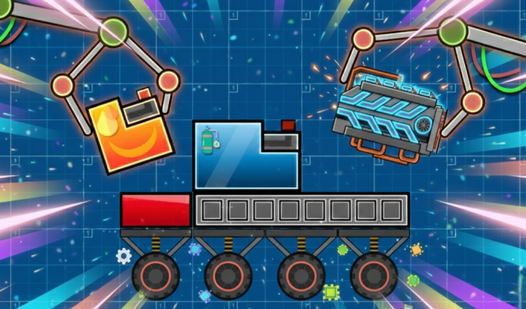
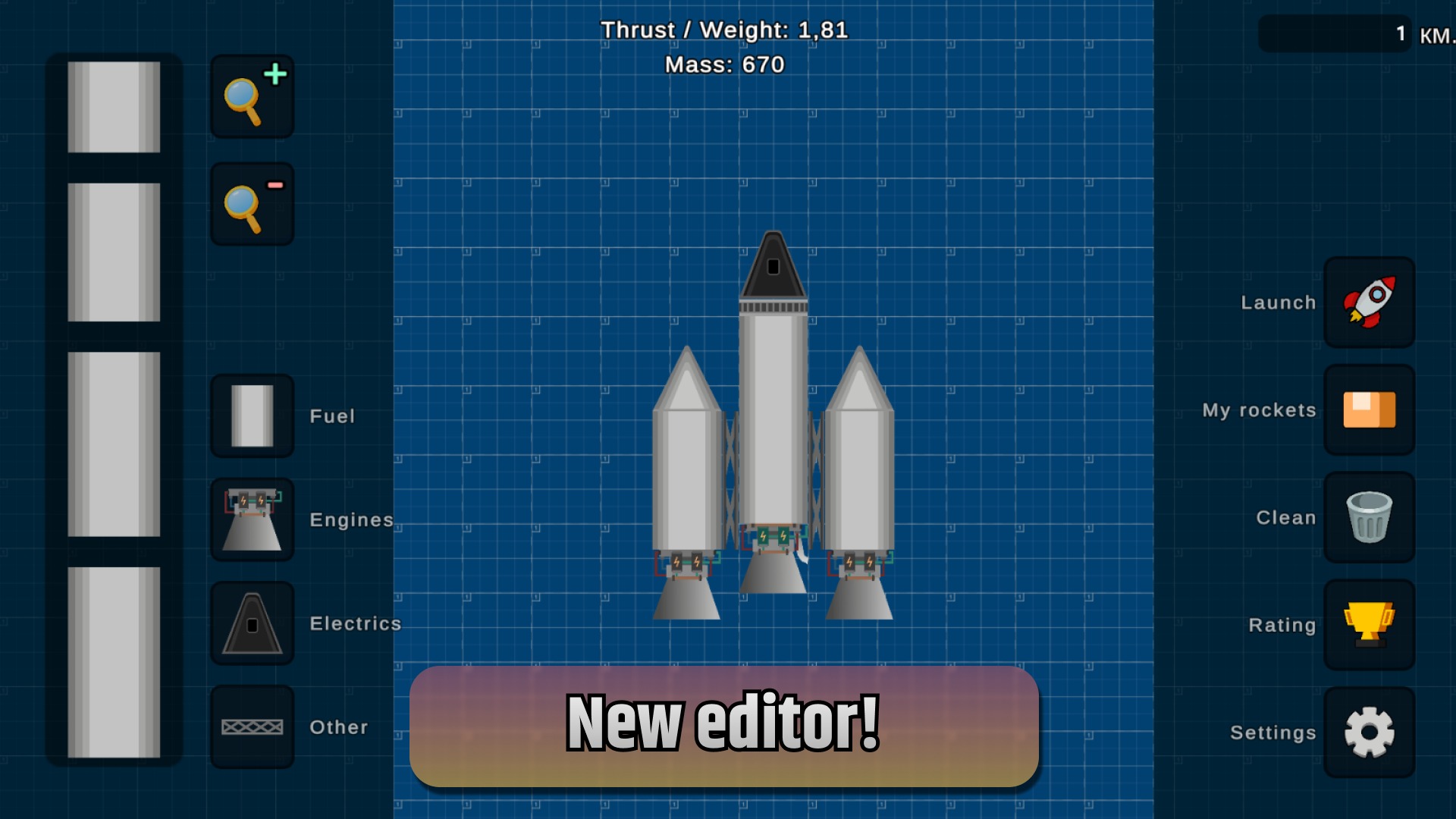
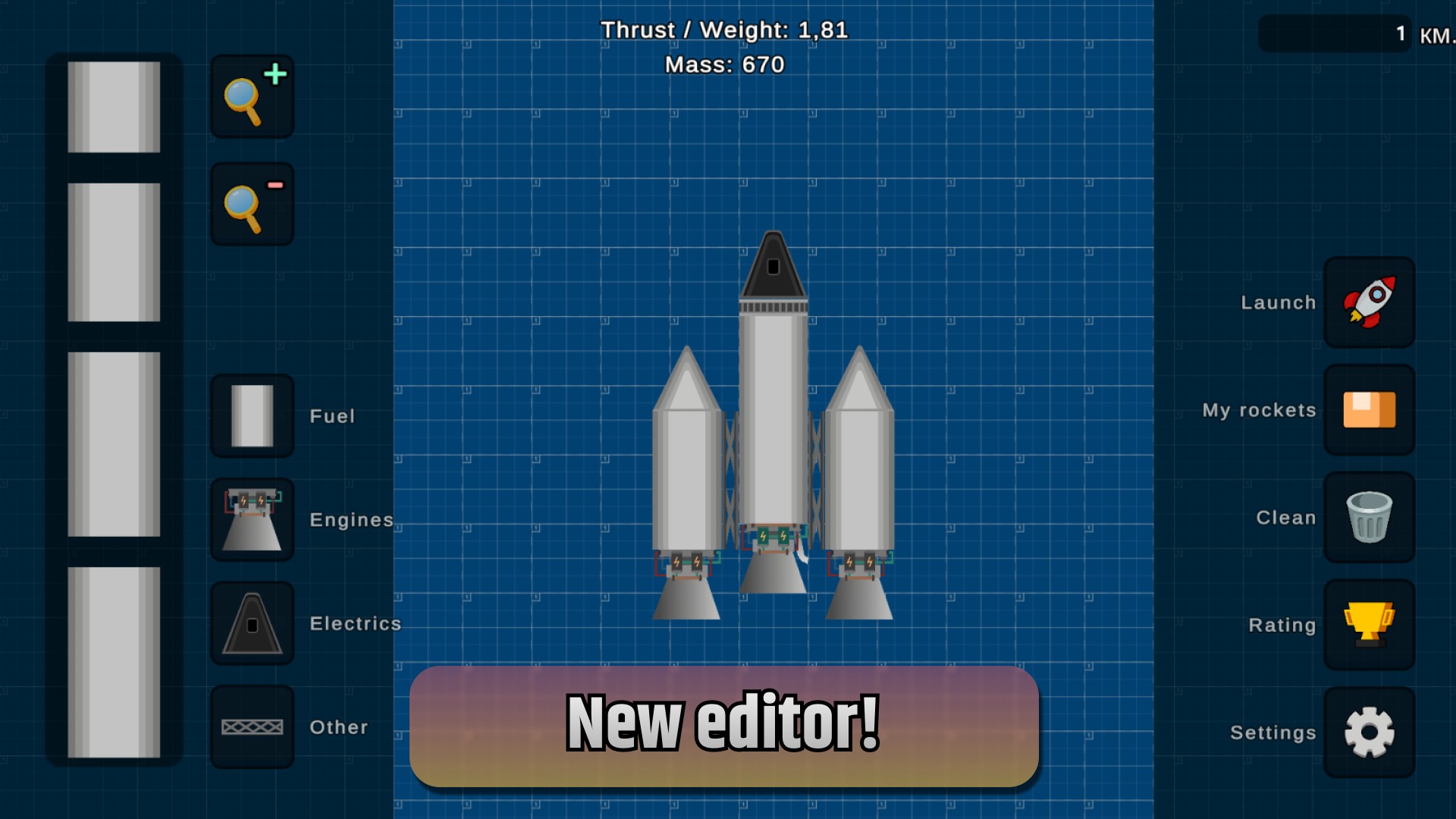
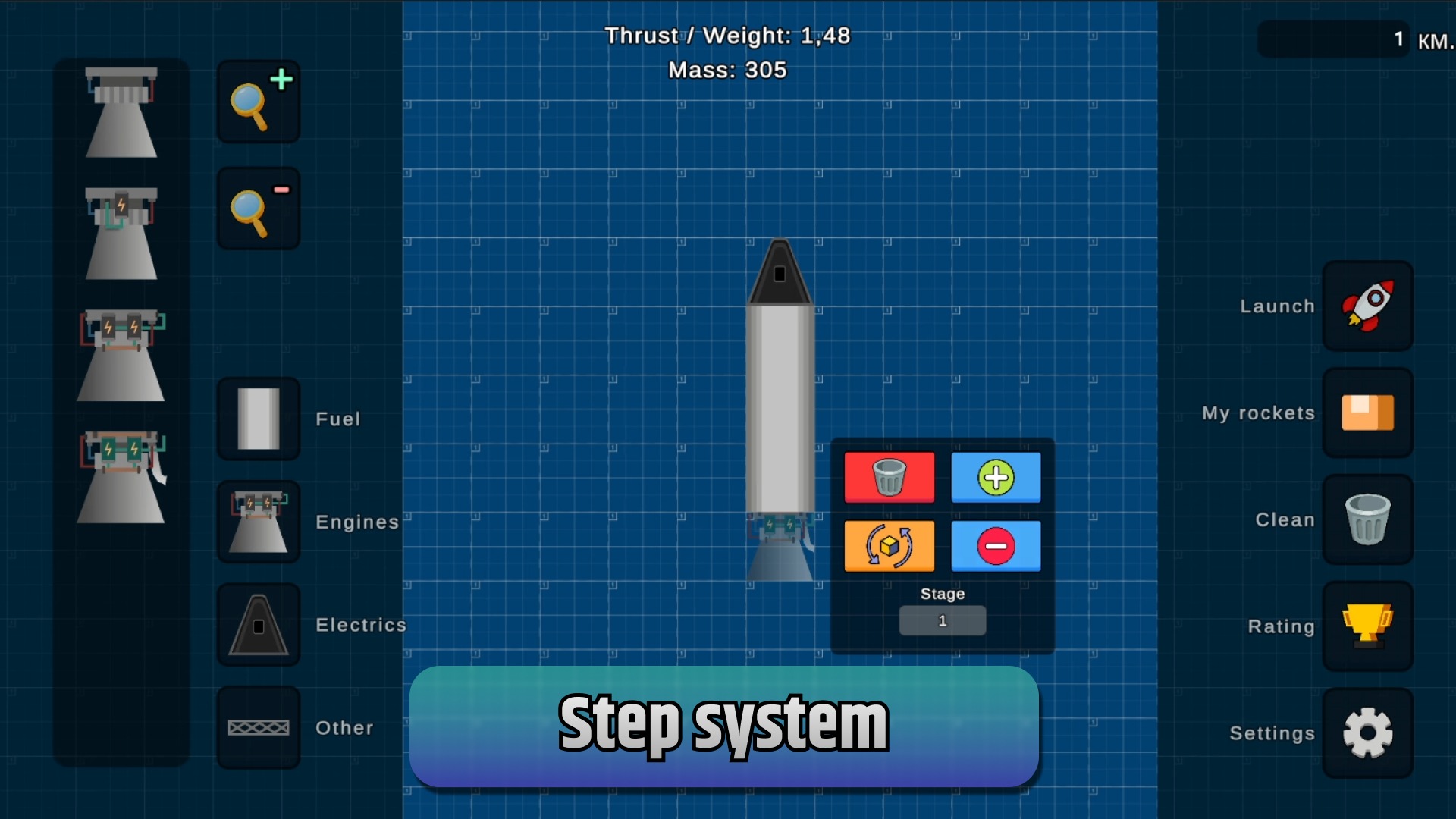
On the left, select the rocket part you need and place it on the canvas.
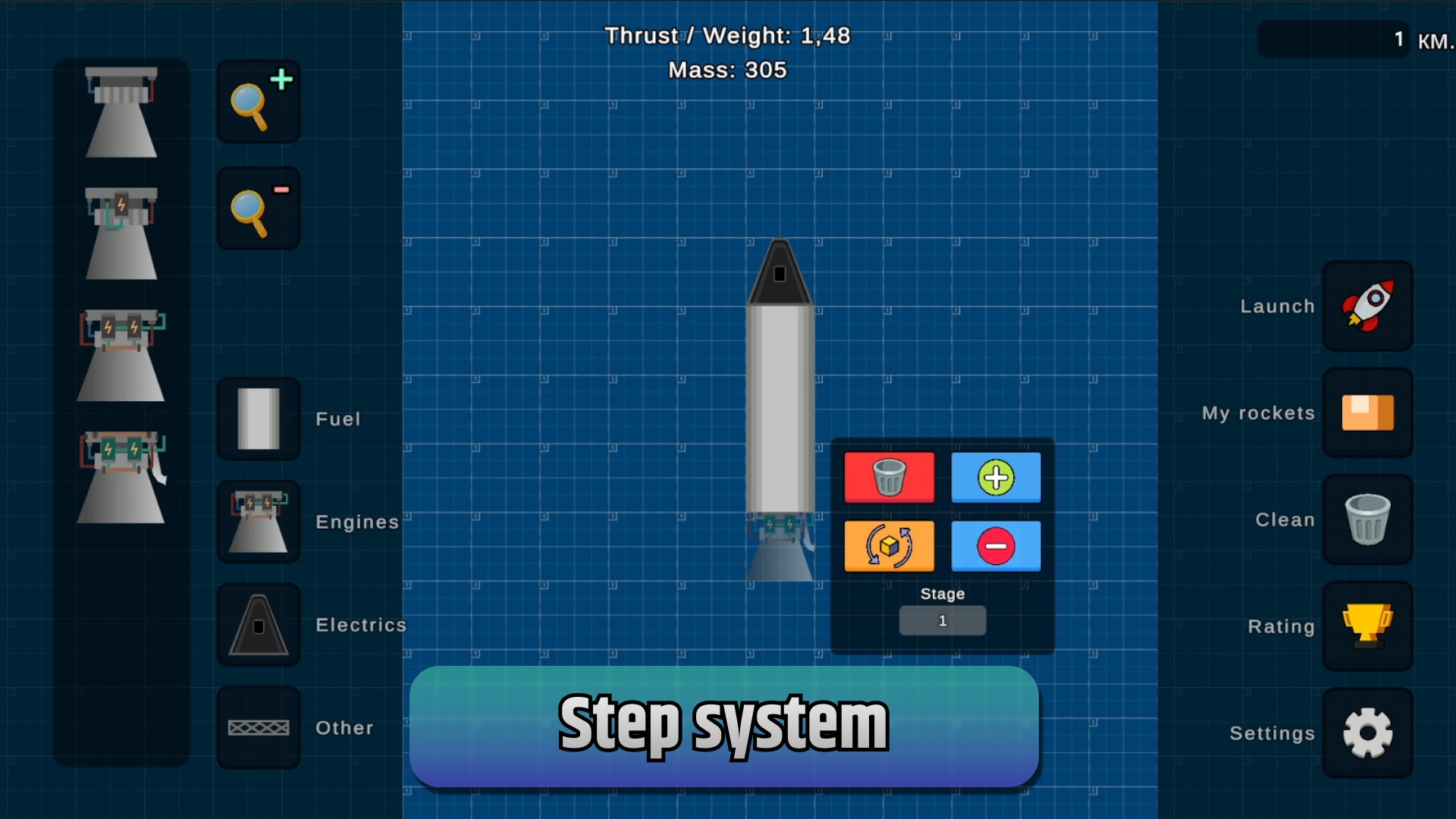
If you need to rotate or make other changes to a part, just click on it!
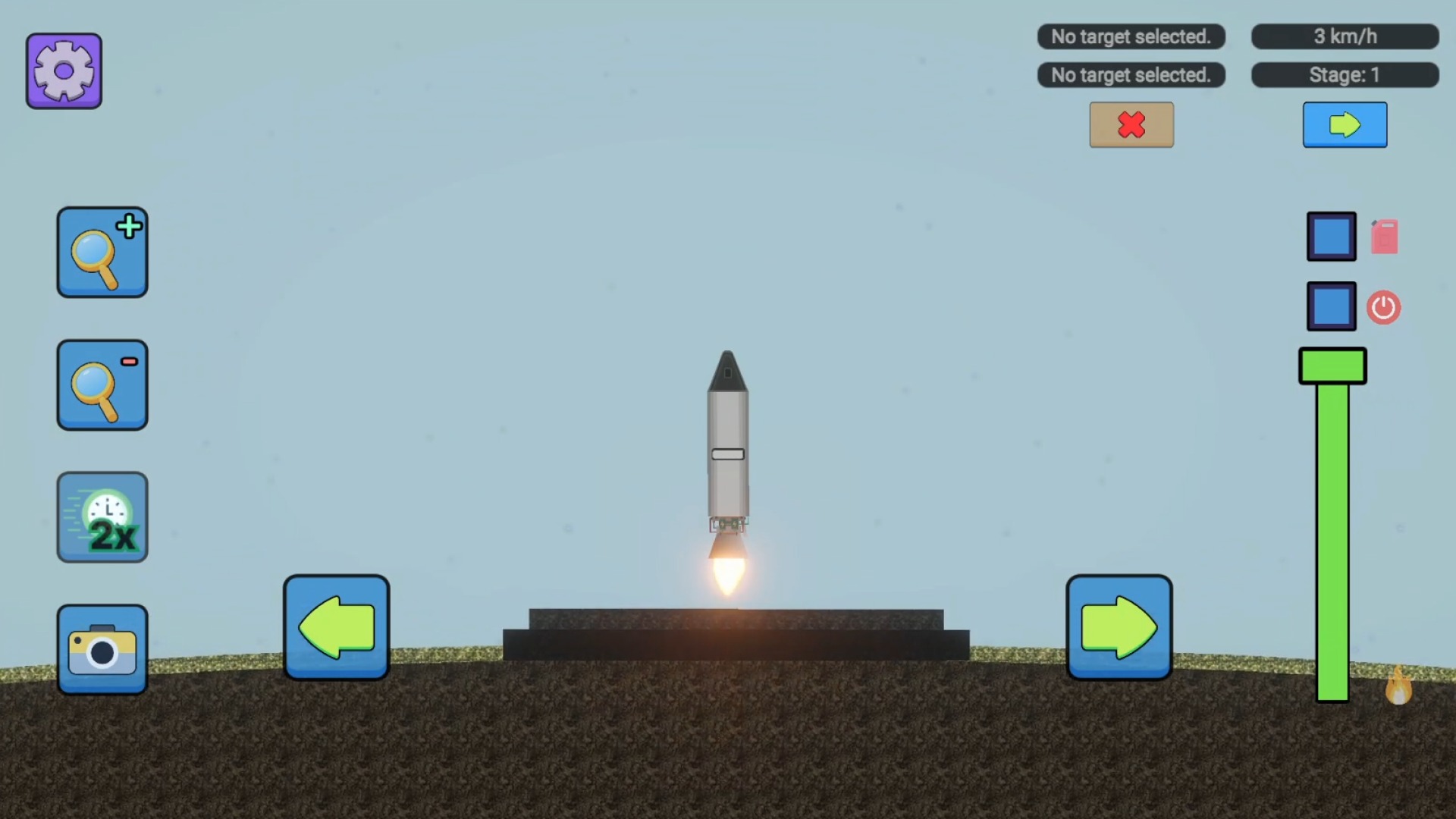
To turn on the engine, click on it, and then press the power button on the right and set the traction force.
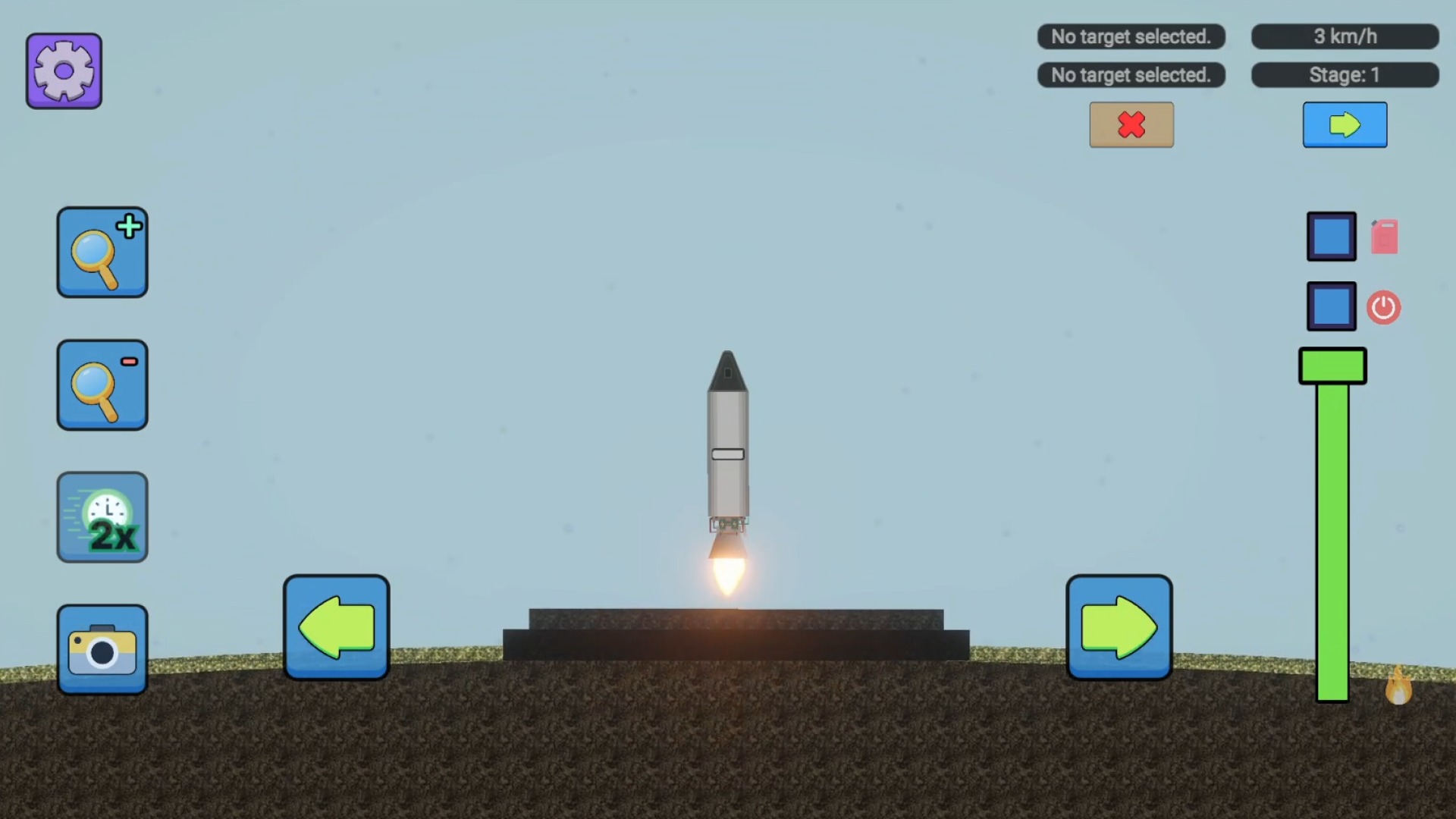
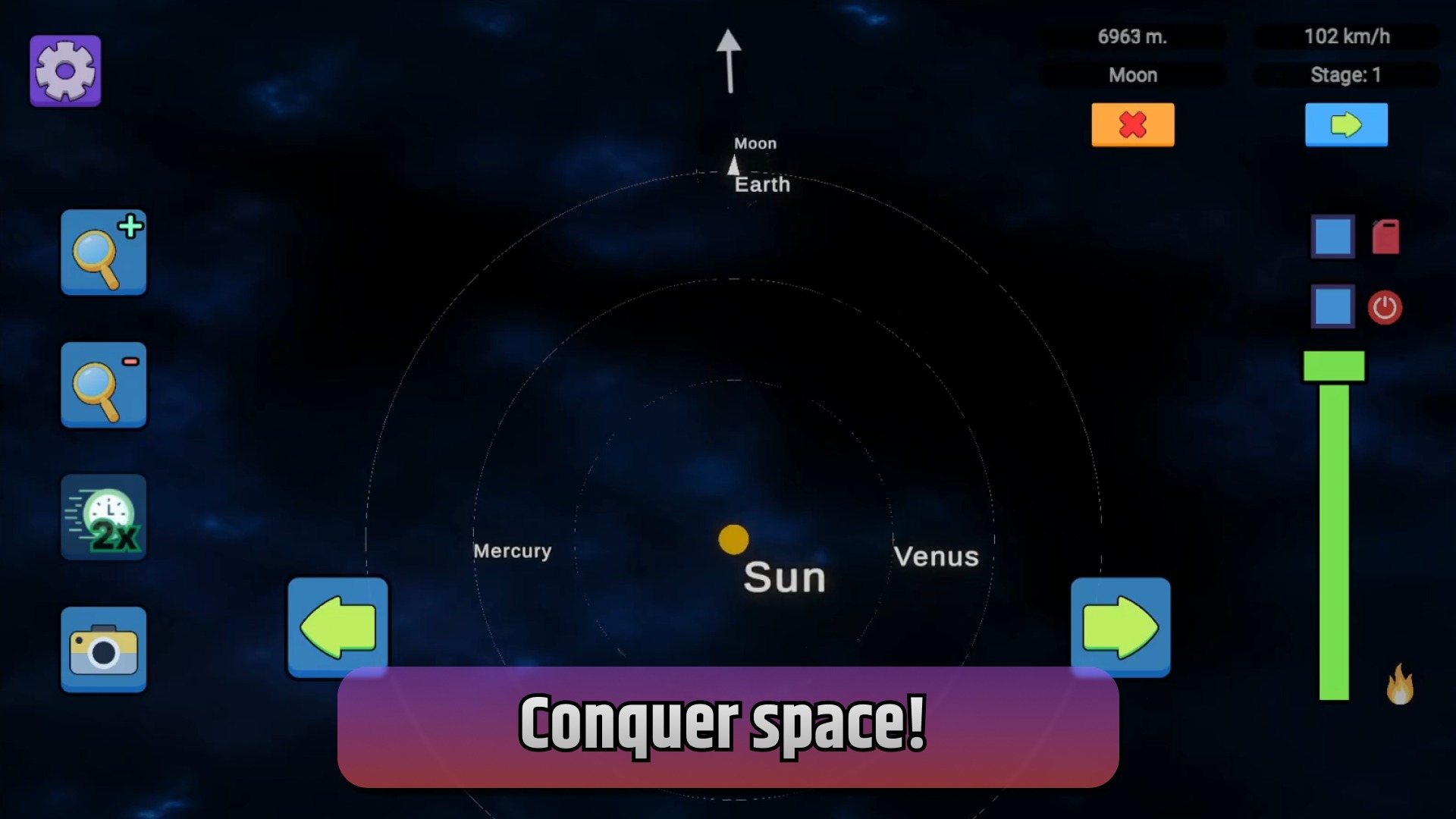
You can set a flight target by clicking on any planet in the map view mode.
To see the map, click on the camera button!
On PC:
Control the rotation of the rocket to "A" and "D".
On a smartphone:
Controlling the rotation of the rocket using the Left-Right buttons.
Features
- Part Customization: Modify individual segments of your rocket with rotation tools to optimize aerodynamics.
- Interactive Flight Map: Utilize the dedicated camera view to pinpoint target planets and plot your trajectory through the solar system.
- Traction Management: Fine-tune your engine output using the power controls to ensure stable flight during your space exploration.
- Physics Engine: Navigate through a challenging environment where every movement impacts your mission success.
- Modular Assembly: Combine different structural components to create endless variations of spacecraft designs.
Who is it for
Space enthusiasts and physics game fans who enjoy creative building challenges will love the technical depth here. It is an excellent choice for casual gamers who want to experiment with orbital mechanics without complex software. Anyone interested in science, engineering, or simply exploring the cosmos will find hours of fun.
Controls
Place parts
Select components from the left menu and drag them onto the canvas.
Modify parts
Click on any placed component to rotate or edit its properties.
Engine control
Click the engine then use the power button and slider on the right to set thrust.
Rotate rocket PC
Use the A and D keys on your keyboard.
Rotate rocket Mobile
Tap the Left or Right buttons displayed on the screen.
FAQ
How do I start building a rocket in Space Rocket Simulator?
›
Simply select the desired parts from the menu on the left side of the screen and place them onto the main construction canvas.
Can I visit different planets in Space Rocket Simulator?
›
Yes, you can click the camera button to enter map mode, select your target planet, and attempt to fly your rocket to that destination.
Is Space Rocket Simulator free to play?
›
Absolutely, you can enjoy the full experience of building a rocket and exploring the universe directly in your web browser without any registration or downloads.