Game Title
Loading...

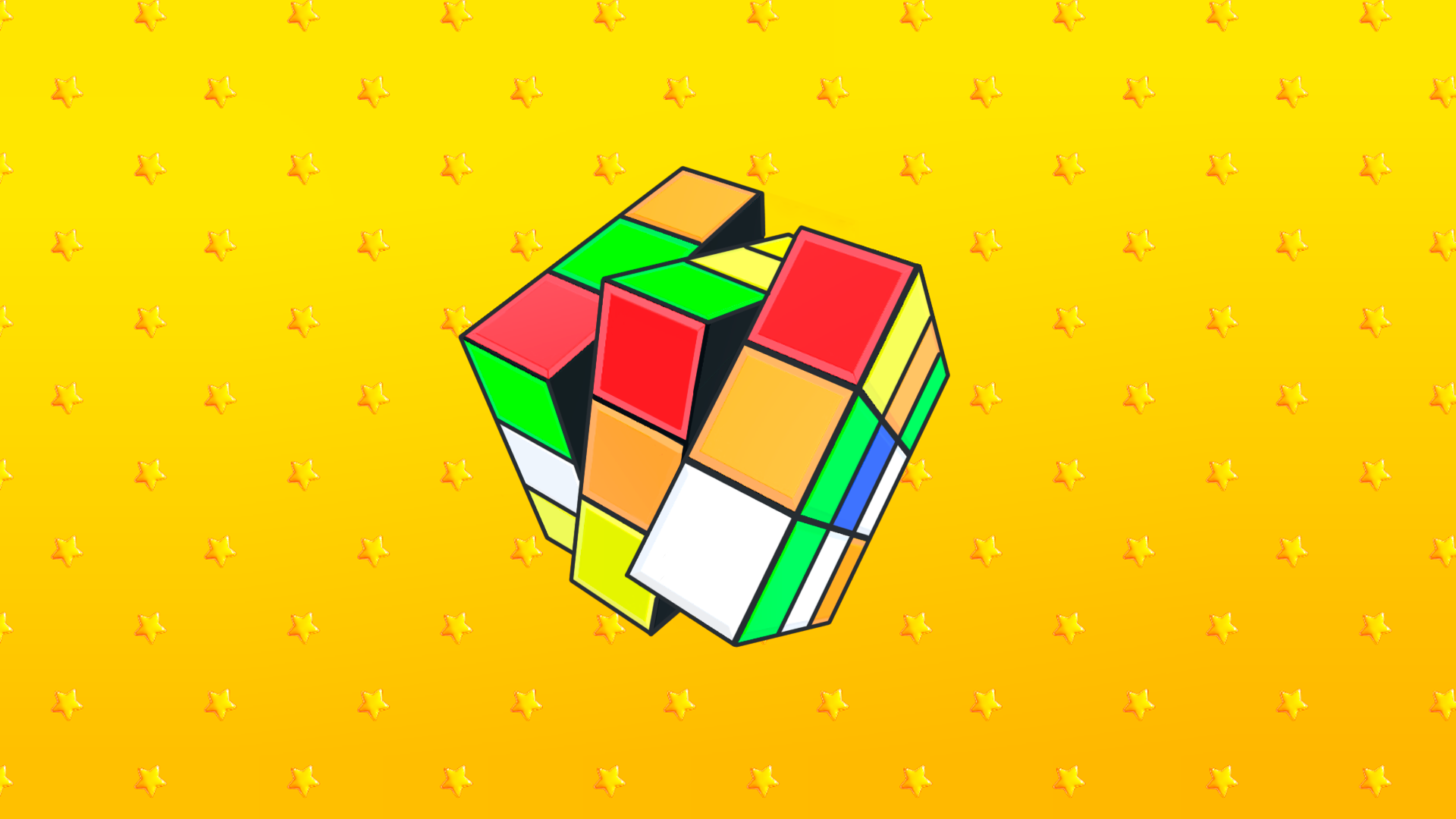
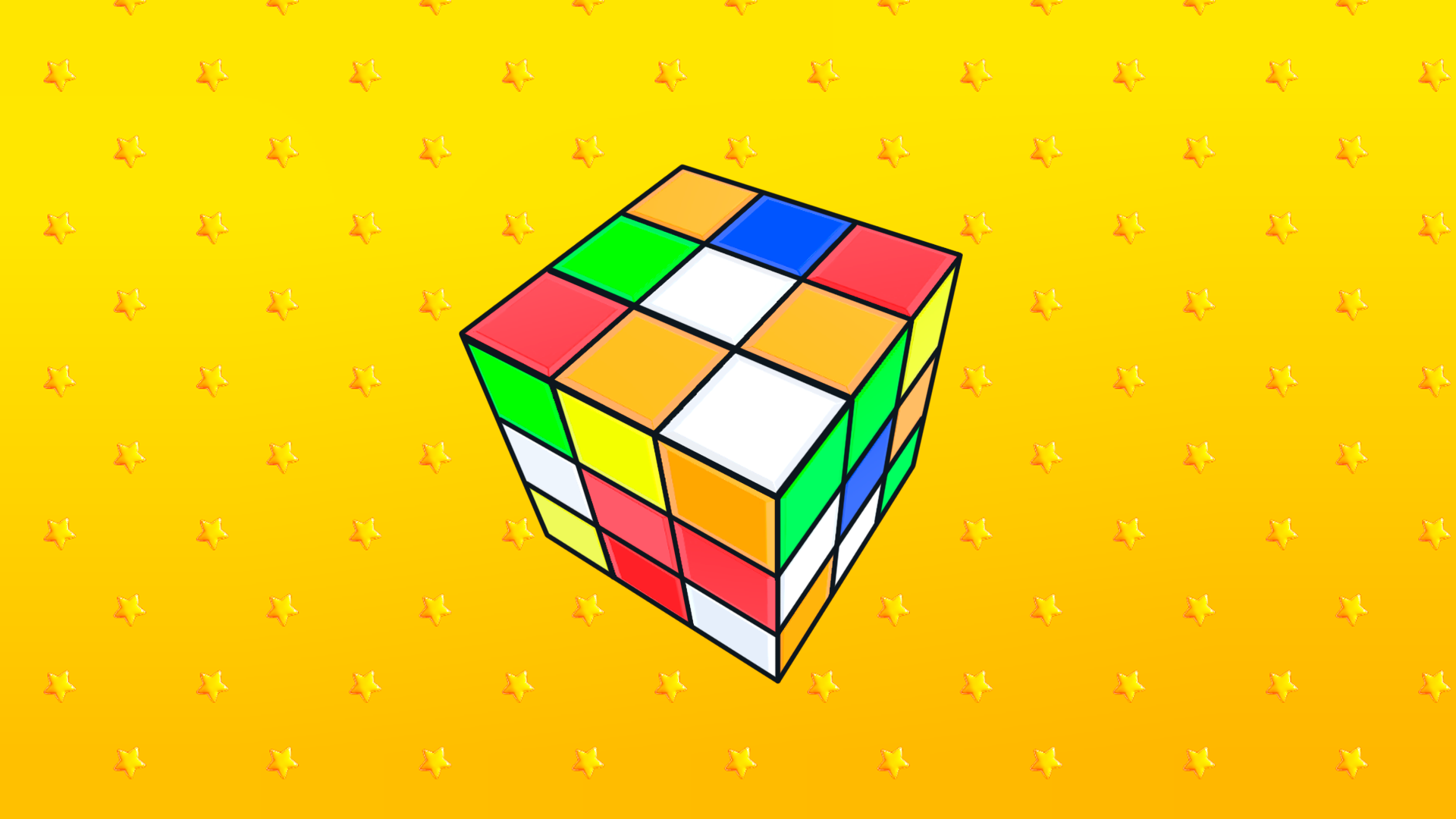
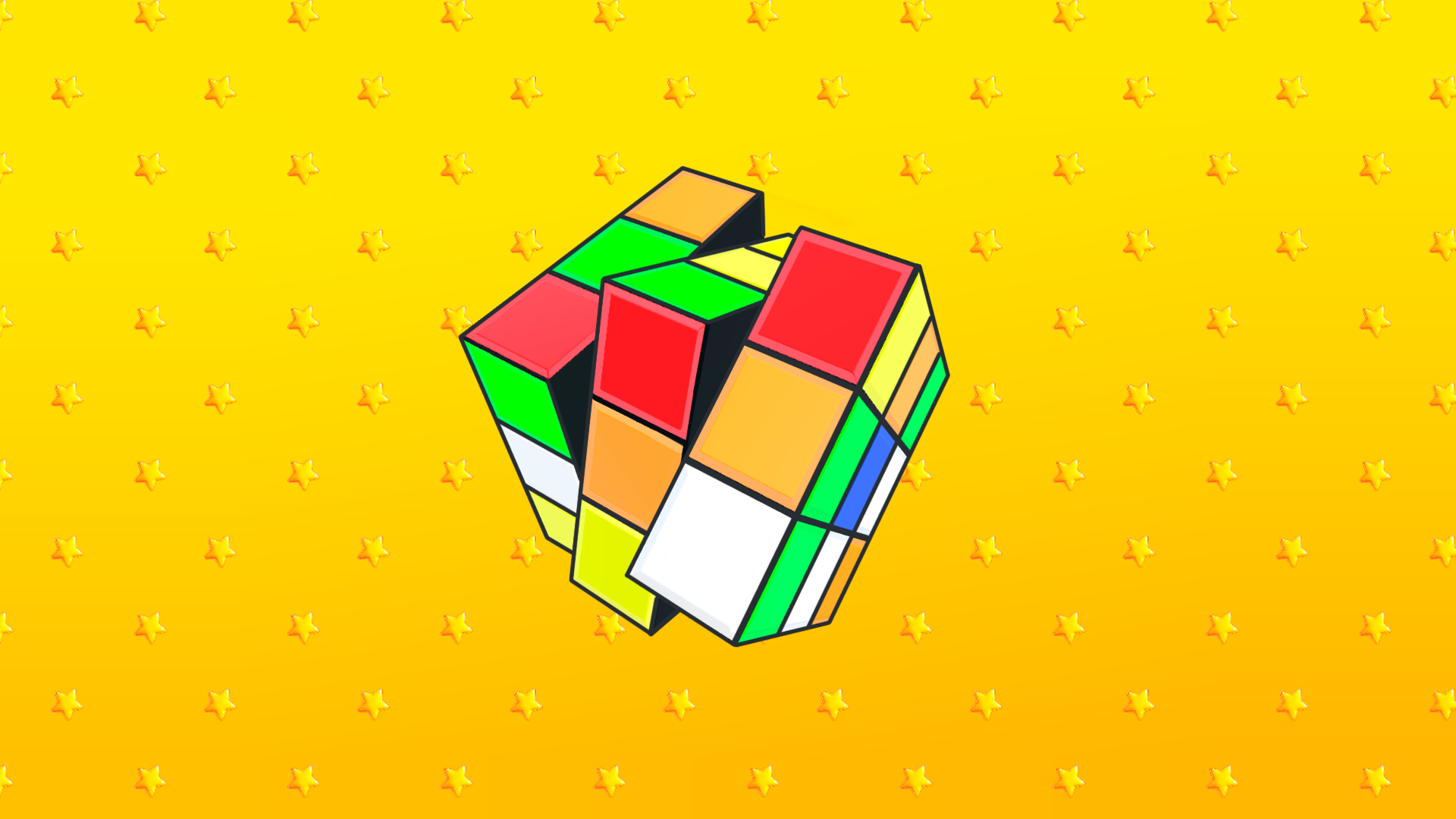
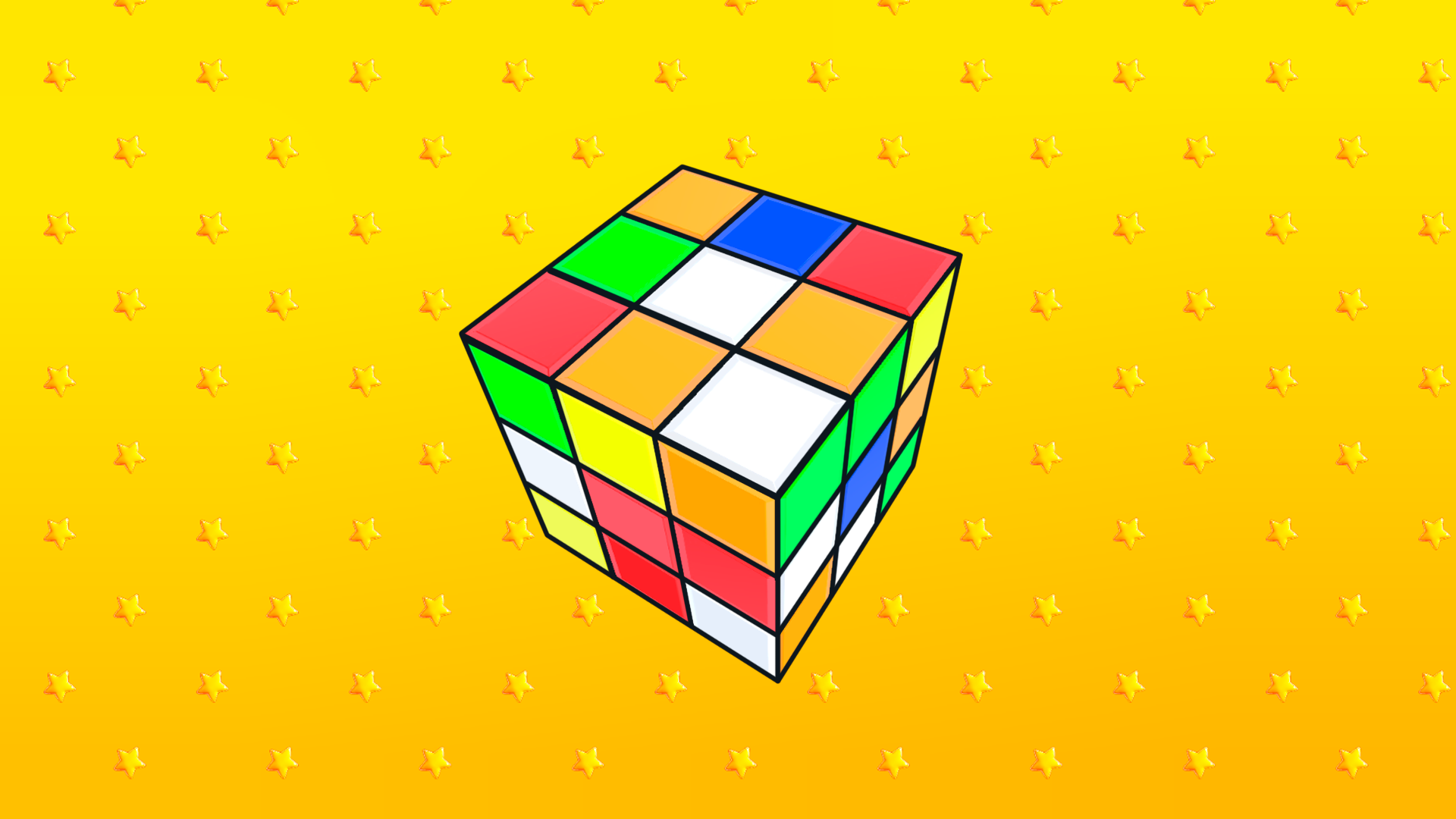
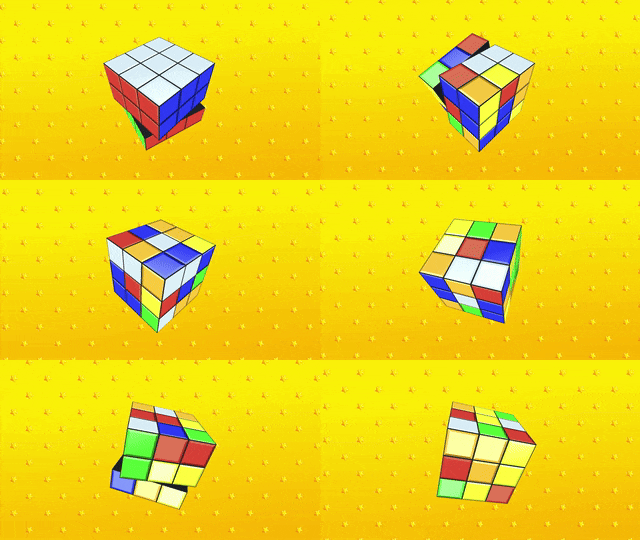
Twist and turn colorful layers to master the ultimate 3D brain teaser. Solve Rubik's Cube challenges your spatial logic as you race against the clock to align every side perfectly. You navigate the complex geometry using precise mouse drags or keyboard hotkeys to rotate individual columns and rows. This virtual Rubik simulation provides a smooth experience for testing your iq without the frustration of losing your physical puzzle pieces. Expert players can attempt speedruns to beat their personal best times in every session. The interface tracks your moves and rotation efficiency, pushing you to refine your technique for a faster cube solve. Whether you are a beginner learning the basics or a pro aiming for world-class records, this digital platform keeps your skills sharp. Practice your algorithms anywhere by opening the link in your browser with no download required.
Control the camera:
Using the mouse:
Clamped LMB+ Motion — rotating the camera around the cube
Mouse movement left/right — horizontal rotation
Mouse movement up/down — vertical rotation
Or use touch
Using the keyboard:
W/S — camera rotation up/down
A/D — Left/right camera rotation
Q / E — camera roll (rotation around the Z axis
Cube control:
Using the mouse:
A clamped LMB + movement to the side, and after releasing the LMB will turn the block in the specified direction.
Using the keyboard:
T — top row clockwise
U — top row counterclockwise
G is the middle row clockwise
J is the middle row counterclockwise
B — bottom row clockwise
M — bottom row counterclockwise
R is the left column clockwise
F is the left column counterclockwise
Y is the center column clockwise
H is the center column counterclockwise
I is the right column clockwise
K is the right column counterclockwise
Puzzle enthusiasts and competitive minds looking to sharpen their spatial reasoning skills. Logic game fans who enjoy brain teasers will find this a perfect tool for practicing patterns. Students and casual gamers wanting to master the classic cube solve will appreciate the accessible controls and instant feedback loop provided here.
Focus on learning specific algorithms and practice consistent finger movements to minimize your total rotation time in Solve Rubik's Cube.
Yes, the game is excellent for beginners who want to learn the mechanics of a virtual cube without the risk of wearing out a physical toy.
No, you can start playing Solve Rubik's Cube instantly in your web browser without creating an account or downloading files.