About game
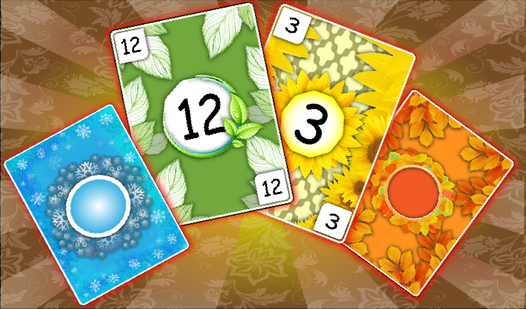
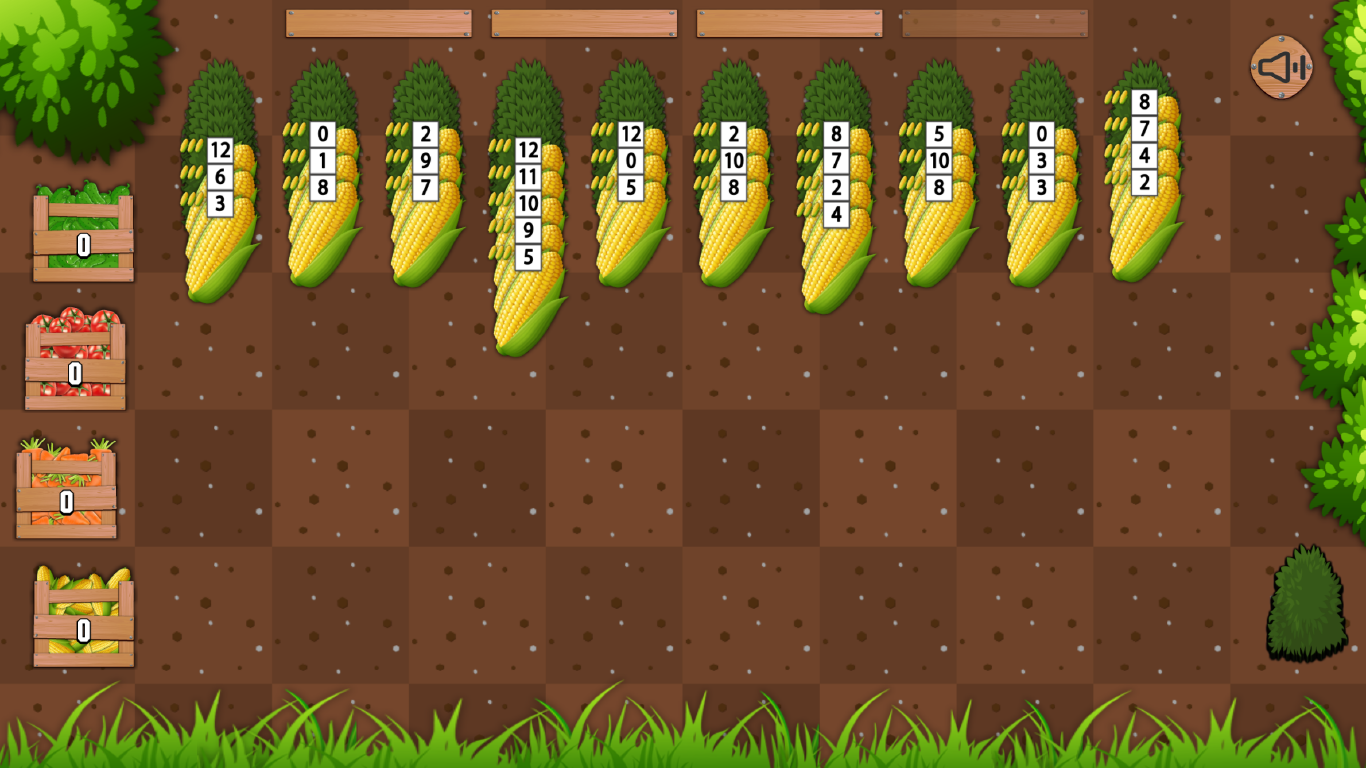
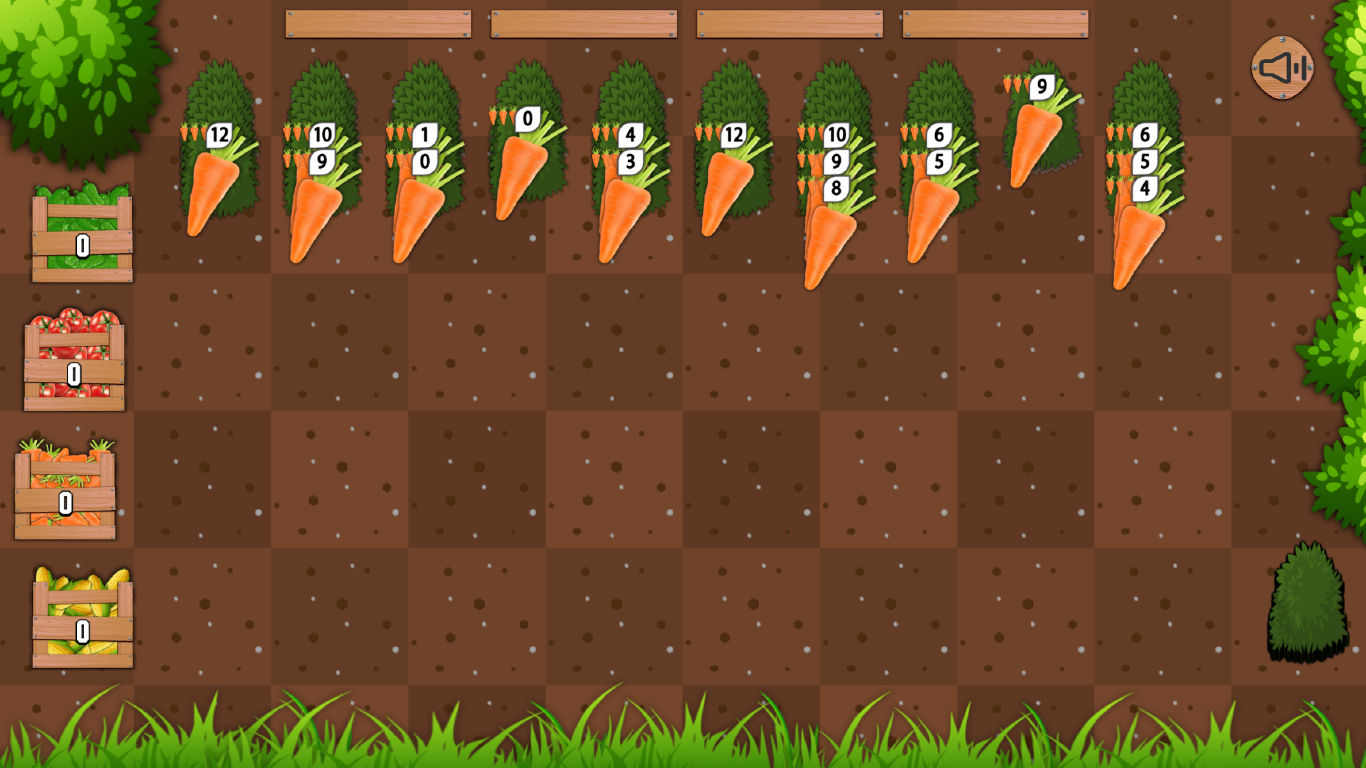
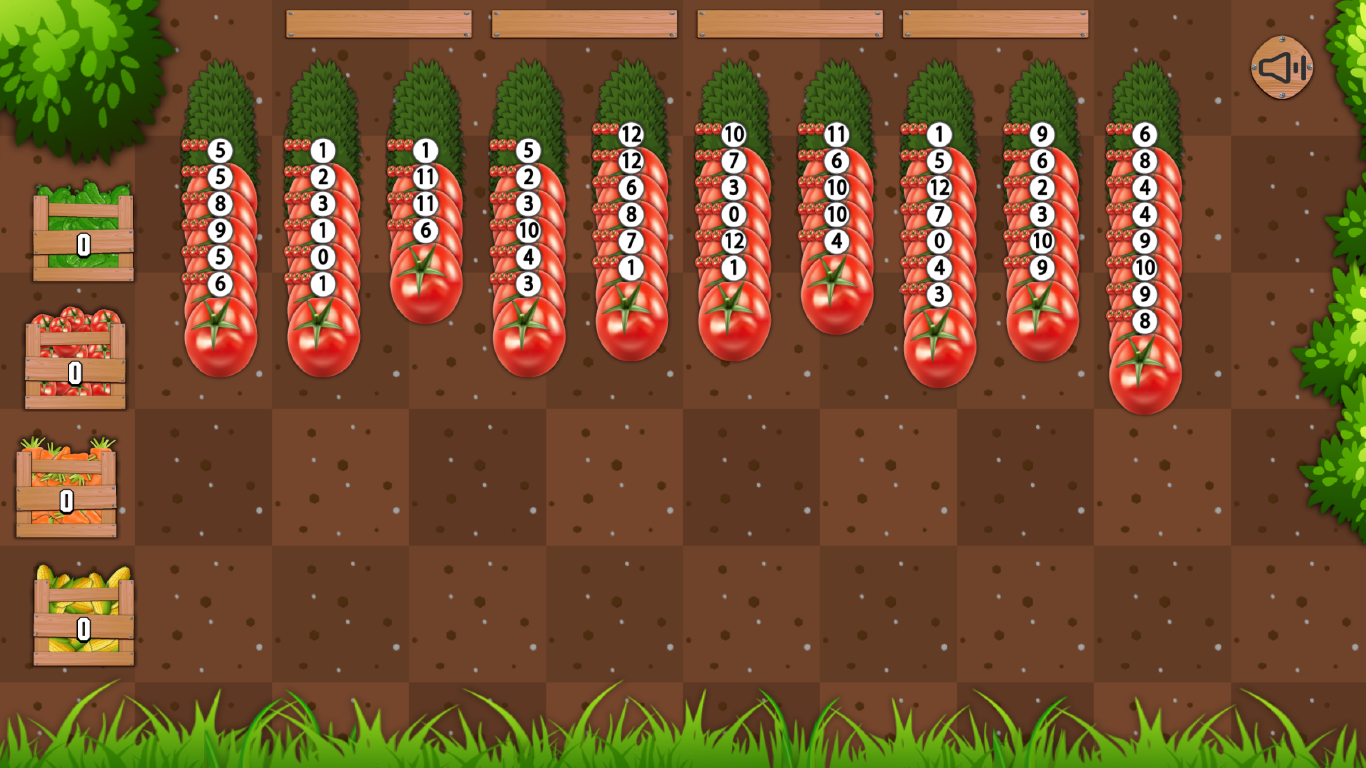
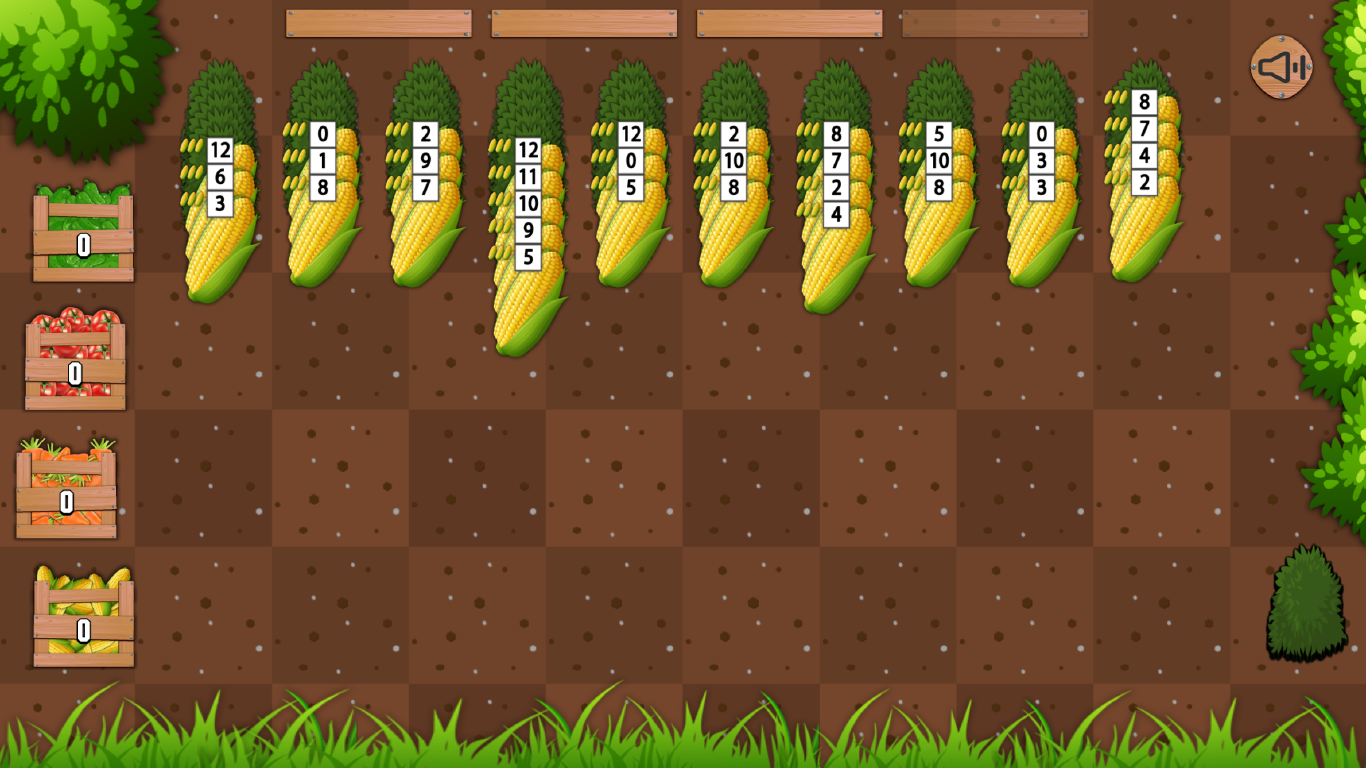
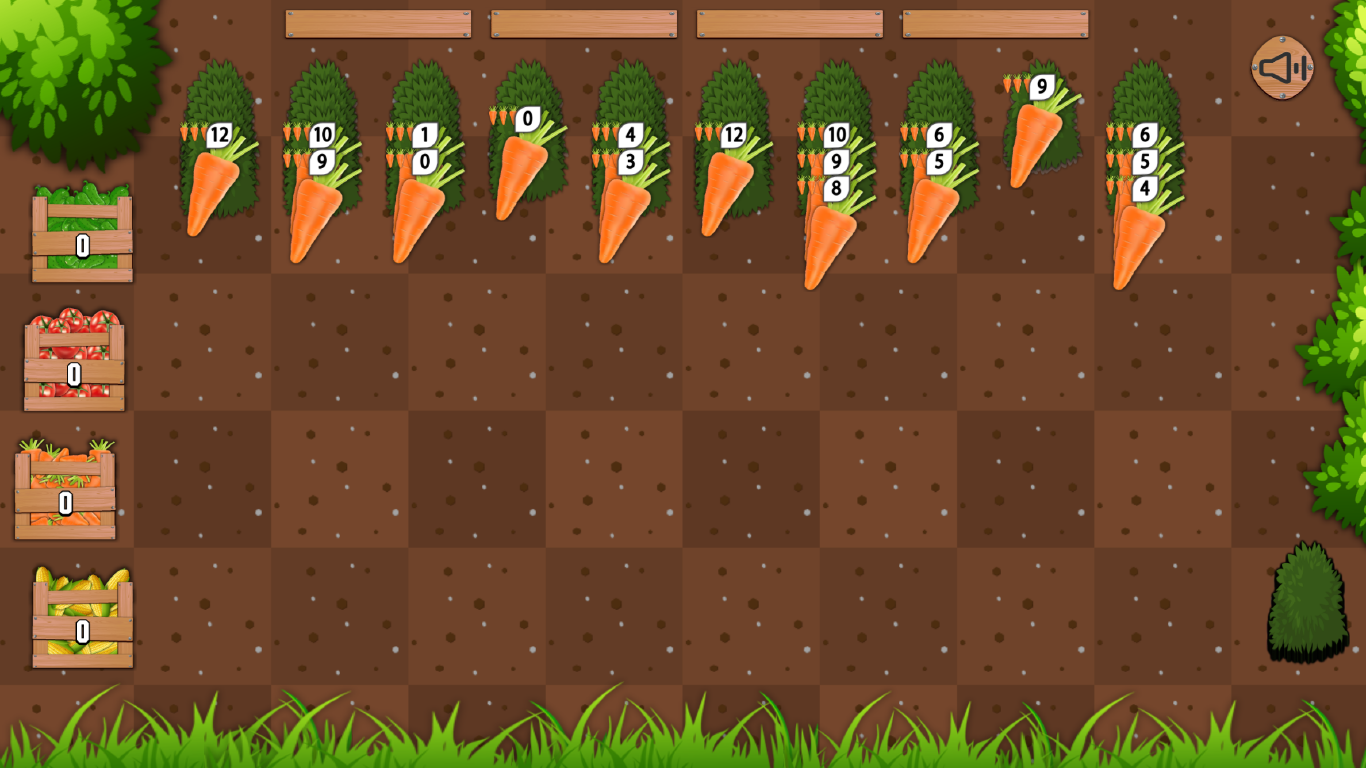
Farming strategy meets classic card logic in a fresh take on the beloved solitaire genre. Solitaire Harvest turns your screen into a lush garden where arranging crops is the key to clearing the board. You need to stack identical vegetables in descending order from twelve down to zero to clear them from the field. Drag these sequences across empty cells to organize your harvest efficiently while managing the limited space on your farm. If you get stuck, simply click the bush in the corner to deal a new row of produce and keep the momentum going. The Super Game mode adds a layer of difficulty as the vegetables shift and mix, demanding sharp focus to succeed. It is a fantastic way to sharpen your mind while enjoying a relaxing rural atmosphere. Experience this unique twist on a classic puzzle right now in your browser without any downloads or registration.
How to play
- Collect as many stacks of identical vegetables as possible.
- Descending sequences of identical vegetables from 12 to 0 are removed.
- The collected sequence is returned back into the game and is sometimes replaced by other vegetables.
- On top of a vegetable you can put another vegetable of the same value, but of a unit of lesser value.
- The descending sequence of identical vegetables can be dragged.
- You can put any vegetable in the empty cell.
- Click on the bush on the bottom right to lay out another row of vegetables.
- In SUPER GAME mode, the vegetables gradually mix!
Features
- Dynamic Layouts: Click the harvest bush at any time to introduce a new row of vegetables to your current board state.
- Strategic Stacking: Place vegetables of lower numerical value onto those with higher values to build your required descending sequences.
- Super Game Challenge: Enable the advanced mode where vegetables periodically shuffle their positions to test your adaptability.
- Flexible Movement: Drag entire valid sequences across the play area to maximize your potential for clearing the board.
- Empty Slot Mechanics: Utilize any vacant cell on the field to reposition individual vegetables or sequences for better board management.
Who is it for
Puzzle lovers who enjoy tactical card games will find this farming twist addictive. Those seeking a relaxing brain teaser that combines classic solitaire mechanics with light strategy will appreciate the steady pace. It also appeals to casual gamers looking for a quick, browser-based mental workout during their daily breaks.
Controls
Select Vegetable
Tap or click to pick up a vegetable or sequence.
Move Stack
Drag and drop the vegetable sequence to a valid destination or empty cell.
Add Row
Tap or click the bush icon located in the bottom right corner.
FAQ
How do I win in Solitaire Harvest?
›
You must collect and remove all vegetables by creating descending sequences of identical types from twelve down to zero.
Can I play Solitaire Harvest on my phone?
›
Yes, the game is fully optimized for mobile browsers, allowing you to play anywhere with simple touch controls.
Is there a way to get more vegetables in Solitaire Harvest?
›
You can tap the bush icon in the bottom right corner of the screen to lay out an additional row of vegetables whenever you need more options.