Game Title
Loading...


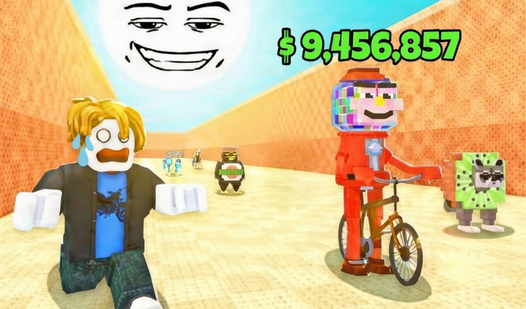
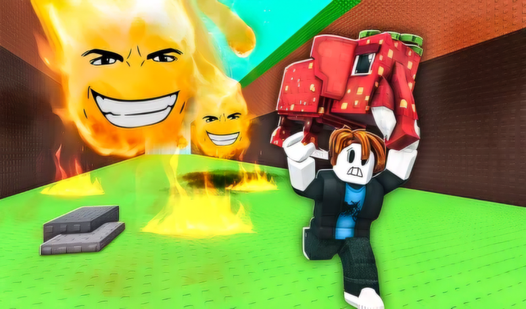

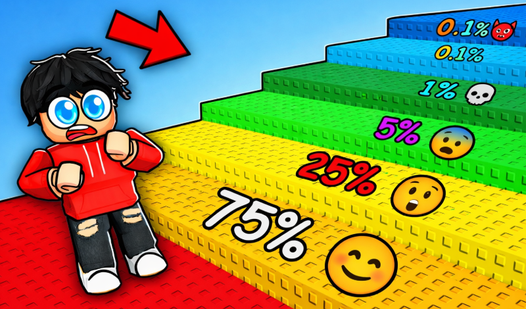
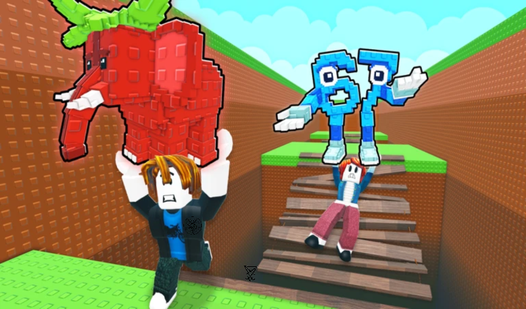
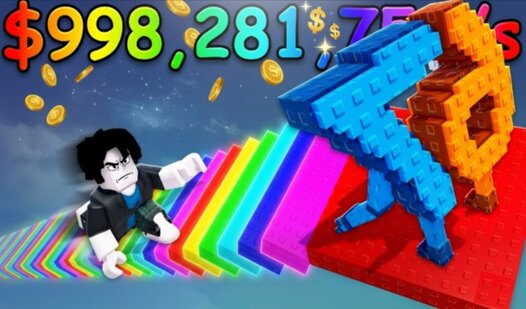
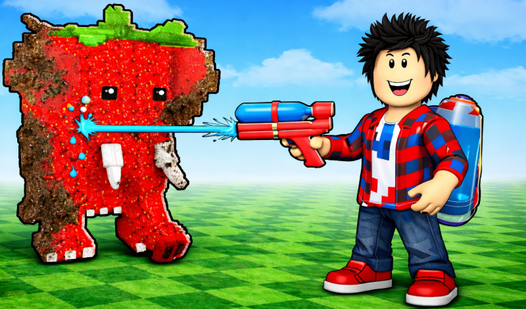
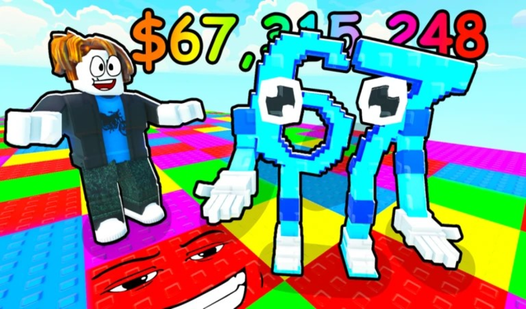

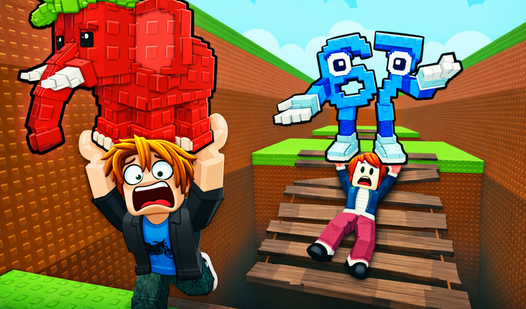
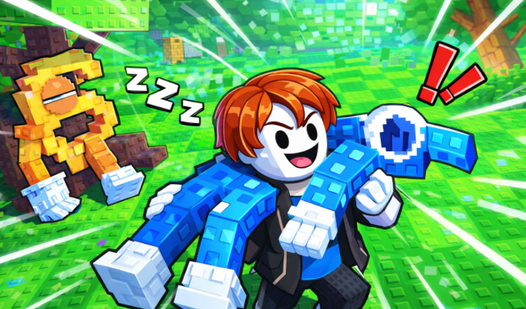
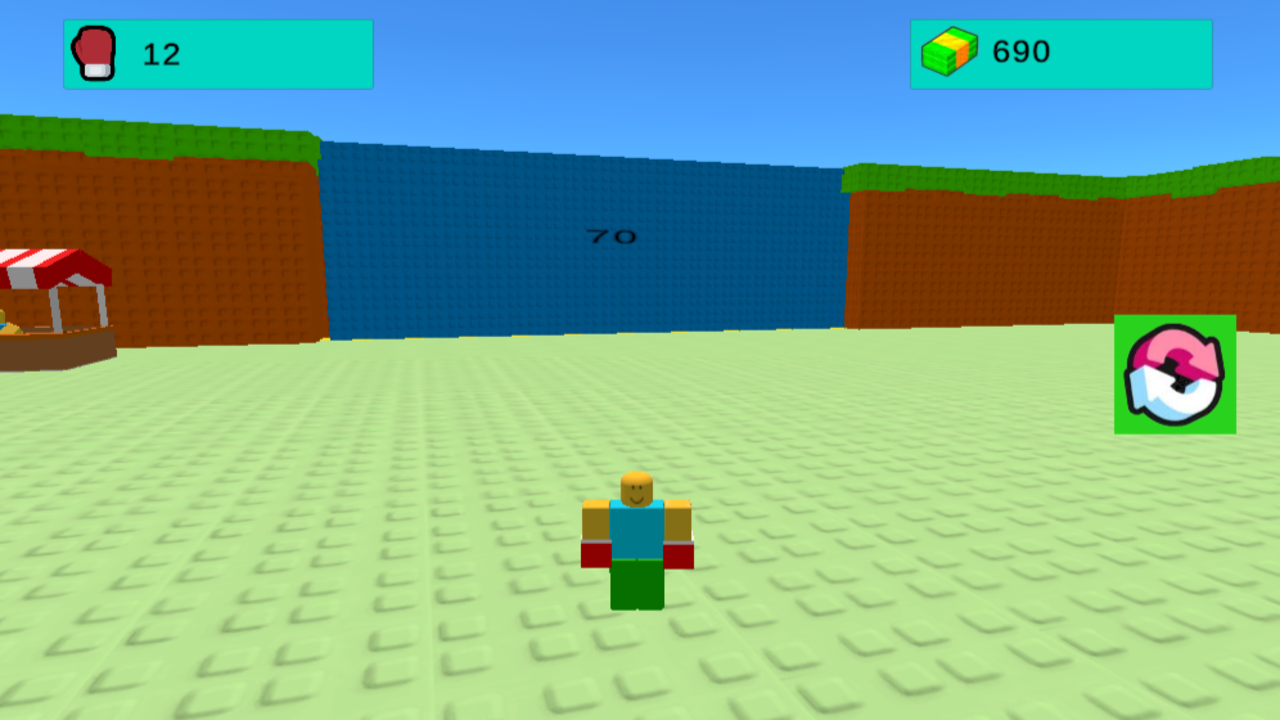
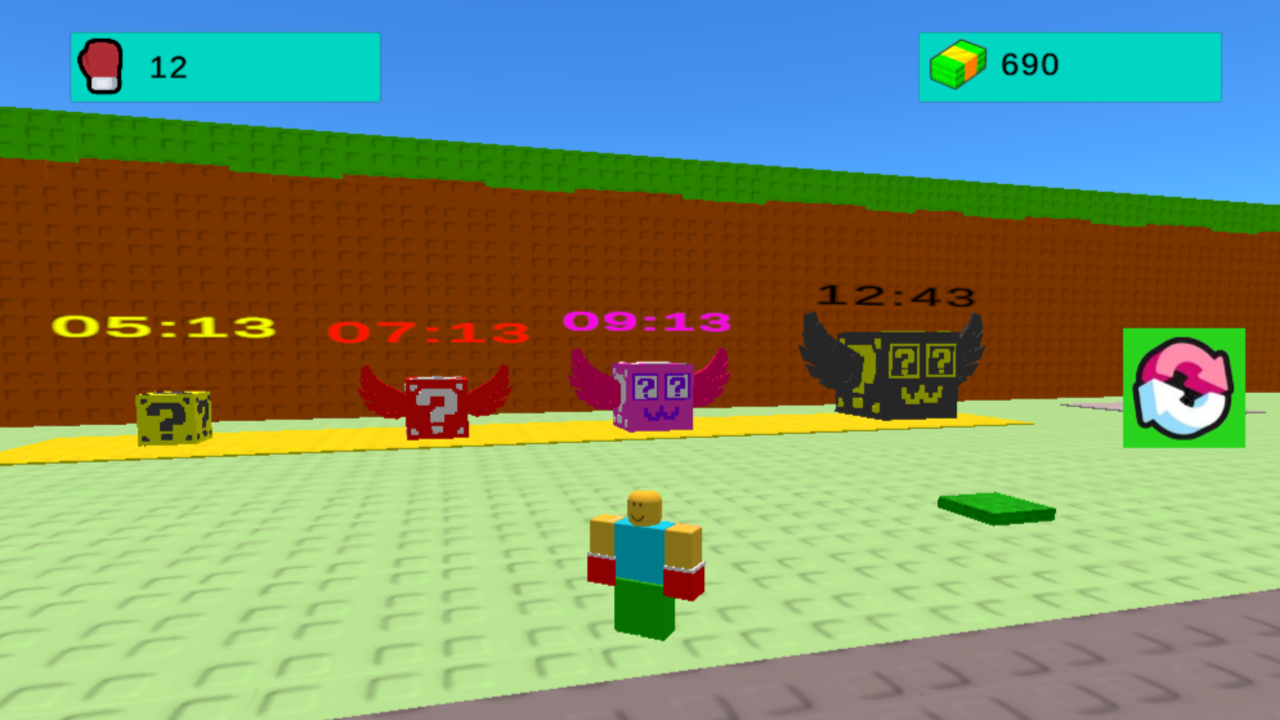
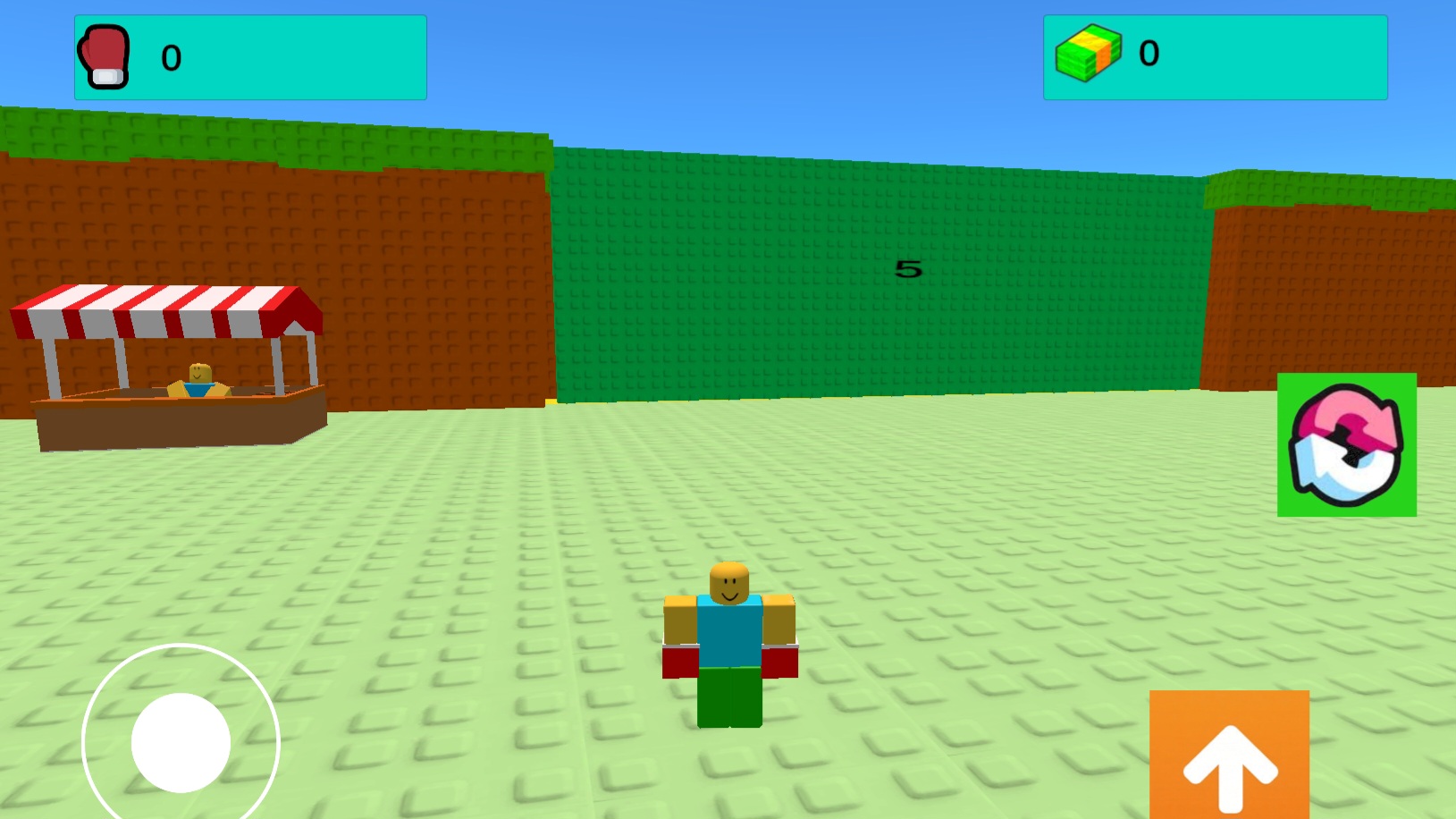
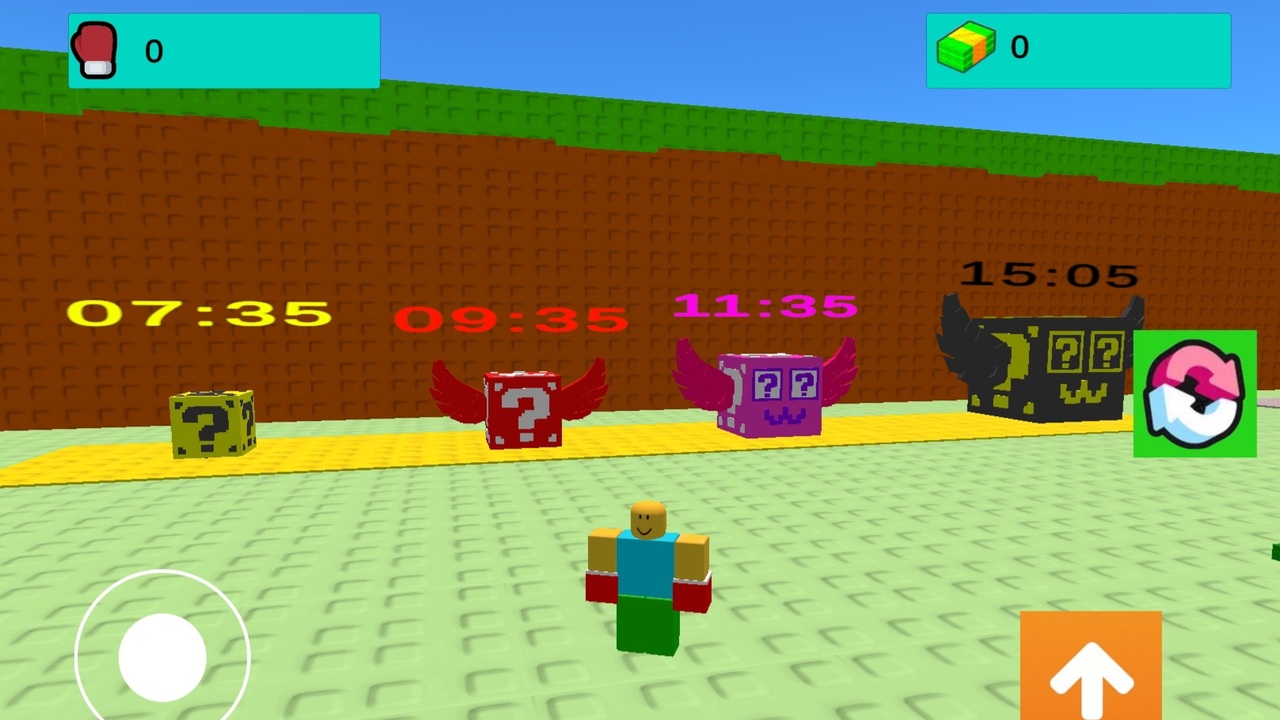
Smash Walls for Brainrot lets you tear through obstacles to hunt down hidden memes. You smash your way across multiple zones while collecting funny brainrot items that boost your stats. Upgrading your gloves helps you shatter tougher surfaces that guard the most elusive collectibles. Rebirthing resets your progress but grants massive multipliers to help you climb higher than ever before. This obby style journey keeps you busy as you unlock new zones. You can find rare items that make you look like a legend on the leaderboard. Strategic choices about when to upgrade your gear determine how fast you can clear each stage. Jump into the action right inside your browser with no download required to start playing Smash Walls for Brainrot right now.
PC: WASD/arrow keys — movement, Space — jump. Left mouse button — interaction (pick up a brainrot, press a button). Click on a creature — pick up, E key — quick install into a slot.
Mobile: joystick — movement, jump button on the screen. Tap on a brainrot — pick up.
Fans of chaotic obby games and collectors who enjoy satisfying destruction mechanics will spend hours here. Anyone looking for a quick dopamine hit through meme-filled progression will find this title engaging. Casual gamers wanting a simple loop of smashing and upgrading without complex rules will love this experience.
You increase your power by smashing walls to earn points and spending them on strength upgrades or new gloves.
Yes, the game is fully optimized for mobile browsers with touch controls for moving, jumping, and interacting.
Rebirthing allows you to start over with a fresh set of multipliers that significantly speed up your future progress and wall-smashing speed.