Game Title
Loading...




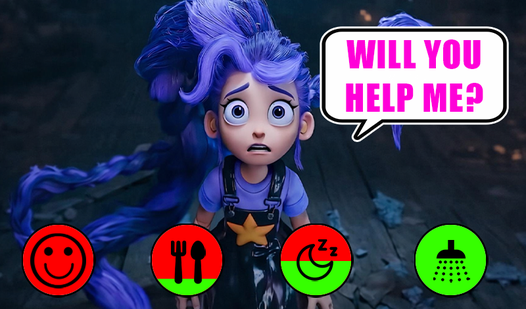







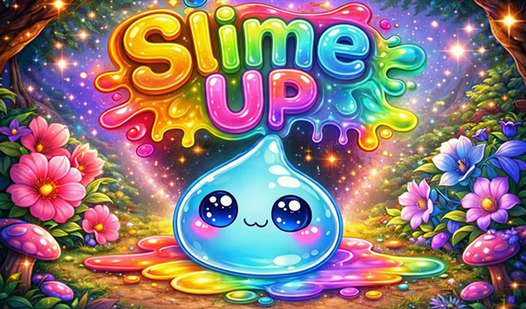
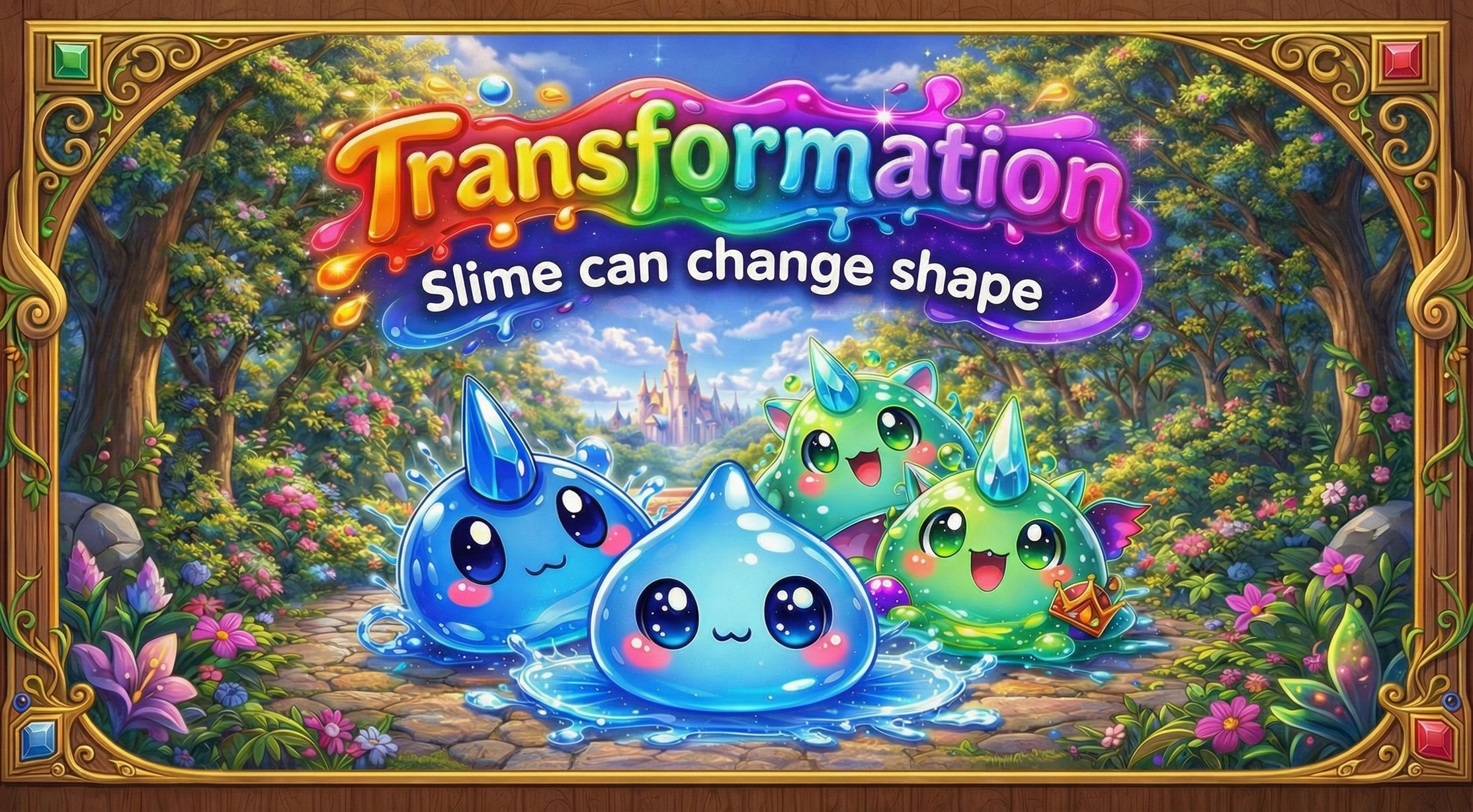
Staring at a blank screen during your lunch break feels like a waste of time. Slime UP turns those idle moments into a rewarding journey where you nurture a tiny, colorful companion. Your primary focus involves selecting snacks from the cupboard and tapping your slime to keep it happy. Watching your virtual pet evolve brings a satisfying sense of progress to your daily routine. Every level you clear grants coins used to purchase fresh skins or more elaborate treats. You will unlock beautiful environments like starry forests or glowing lakes as your buddy levels up. Using brushes or guitars helps maintain your creature's mood after snack time. FreeJoy provides this virtual pet simulator instantly in your browser without any annoying downloads or registrations.
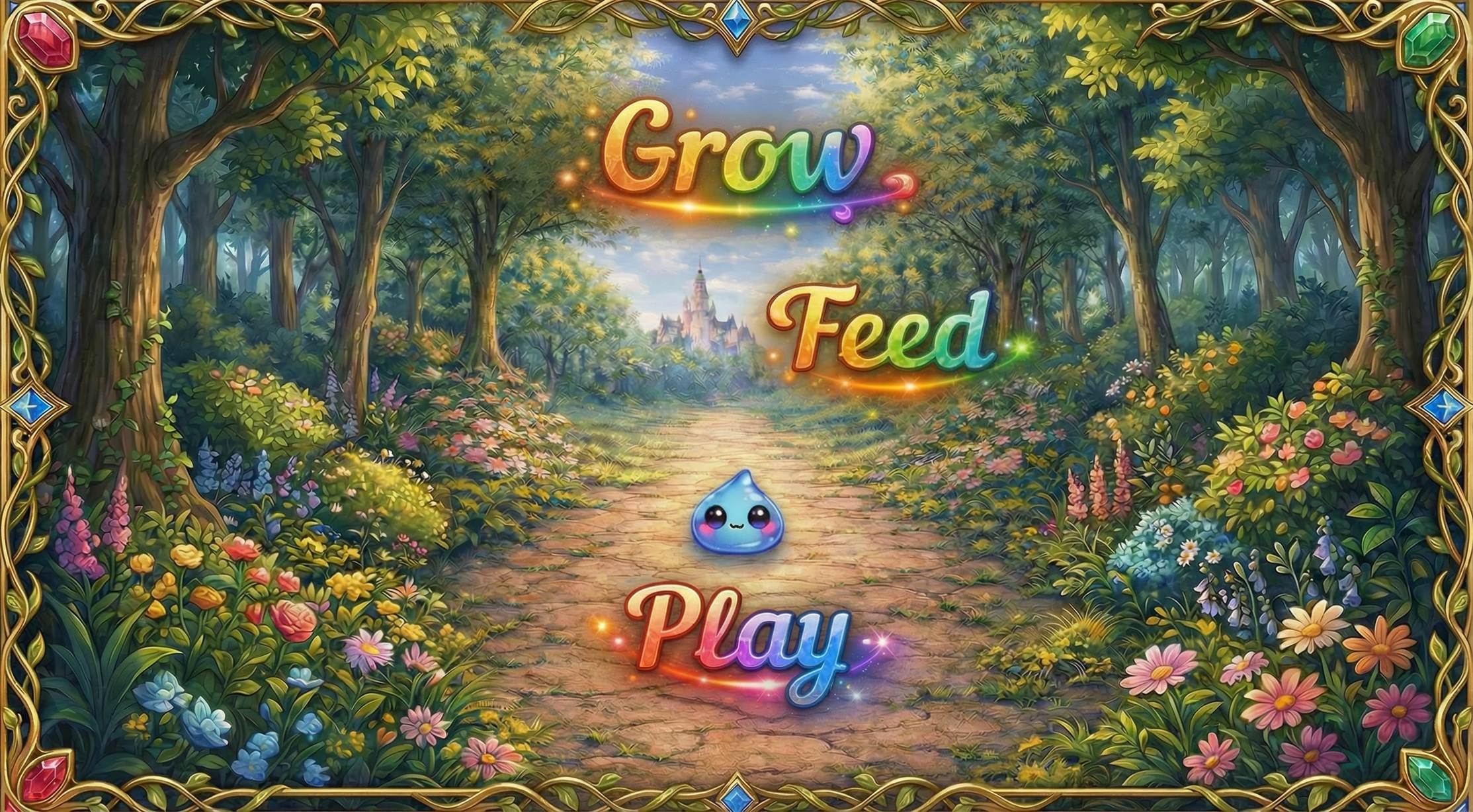
The core mechanic is feeding: select food from the cupboard and tap on the slime.
📱 Controls: on PC — use mouse clicks; on mobile — simply tap on the food and the slime.
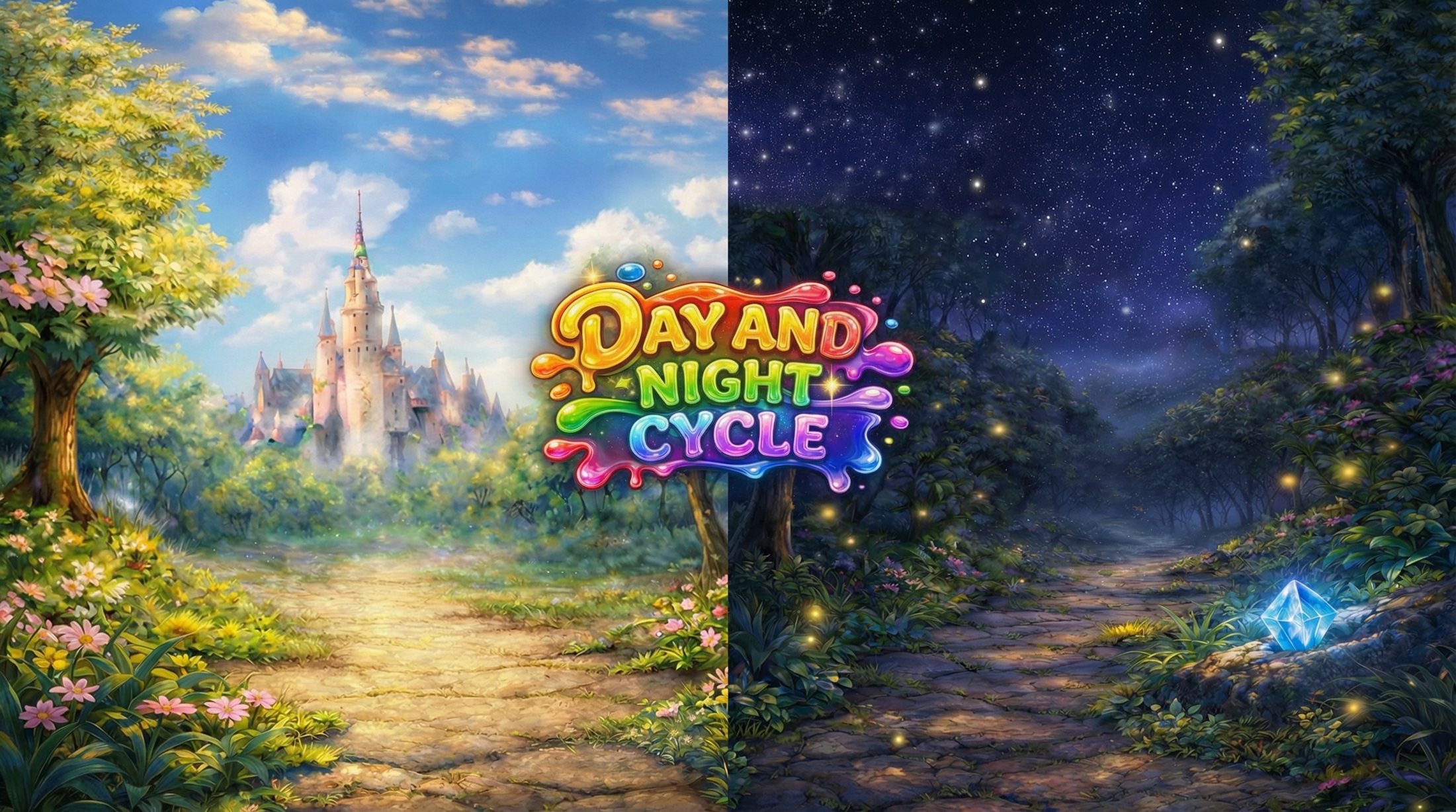
🛍️ Earn coins to unlock new food and skins. Level up to discover new locations.
🎨 Use care items (brush, watering can, guitar) to interact with your slime.
Casual gamers who appreciate low-stress pet simulator experiences will love this title. Fans of cute aesthetic visuals and incremental progression find a perfect companion here. If you enjoy managing a small creature during quick breaks, Slime UP offers a peaceful way to spend your spare minutes every day.
You level up Slime UP by consistently feeding your pet and using interaction items to keep it happy. Filling the growth bar allows you to progress and unlock new locations.
Yes, Slime UP works perfectly on mobile browsers. You simply tap the screen to feed or brush your virtual pet.
No, everything in Slime UP is free. You earn coins through gameplay to unlock new skins and food items without spending real money.