About game
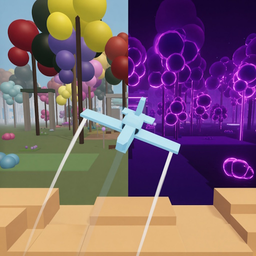
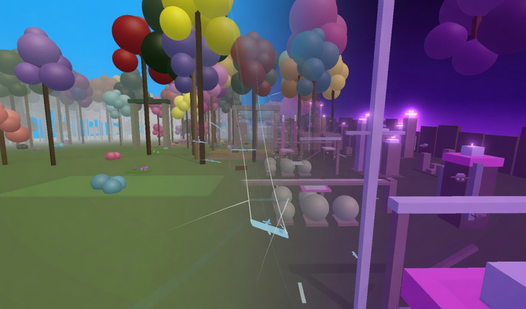
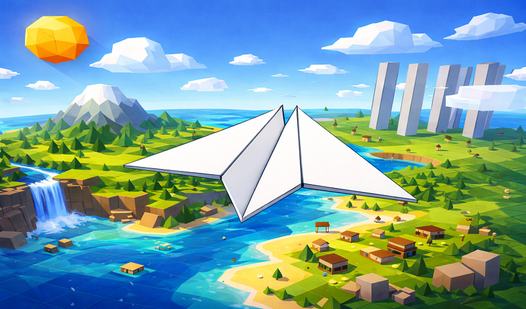
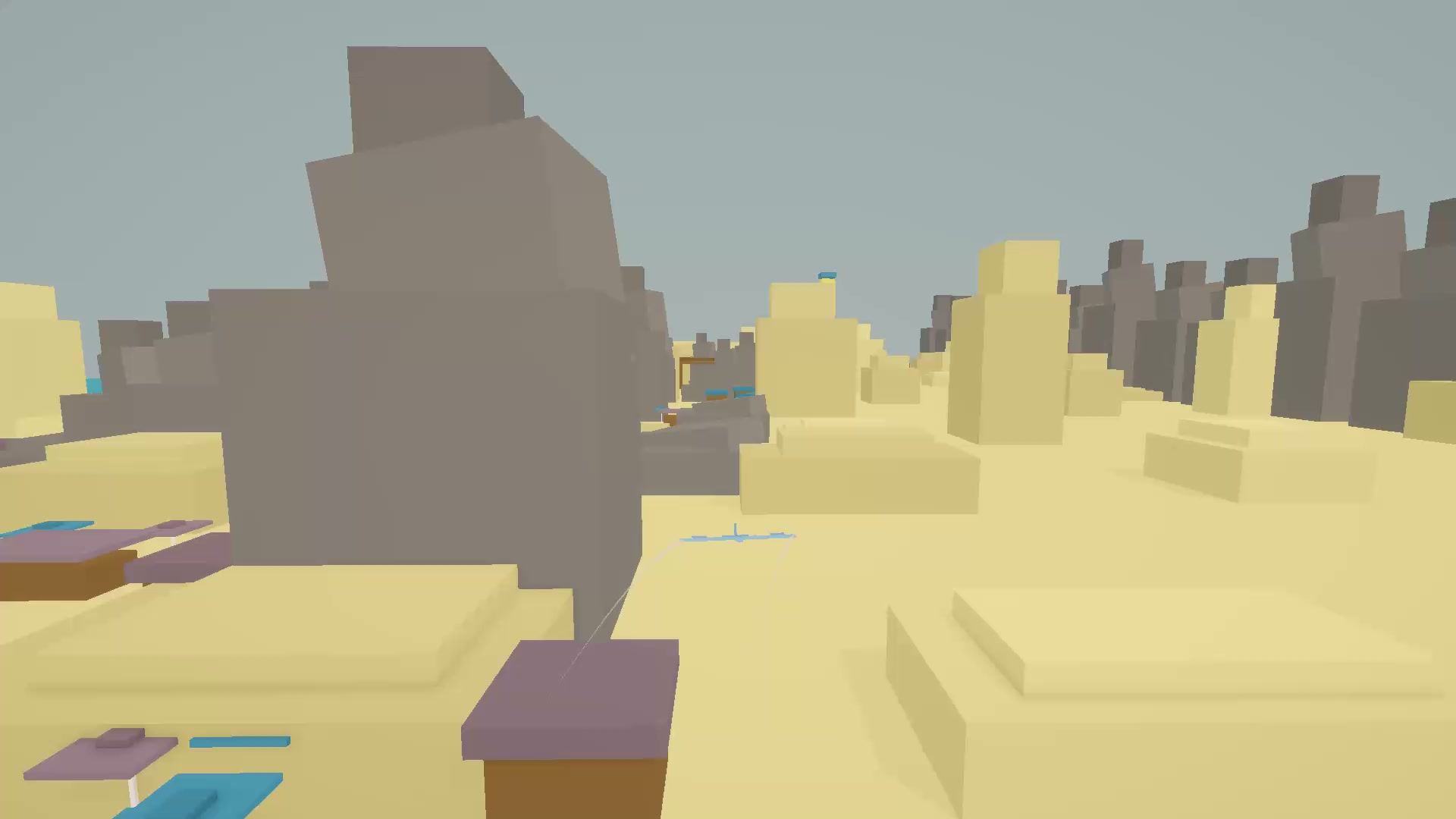
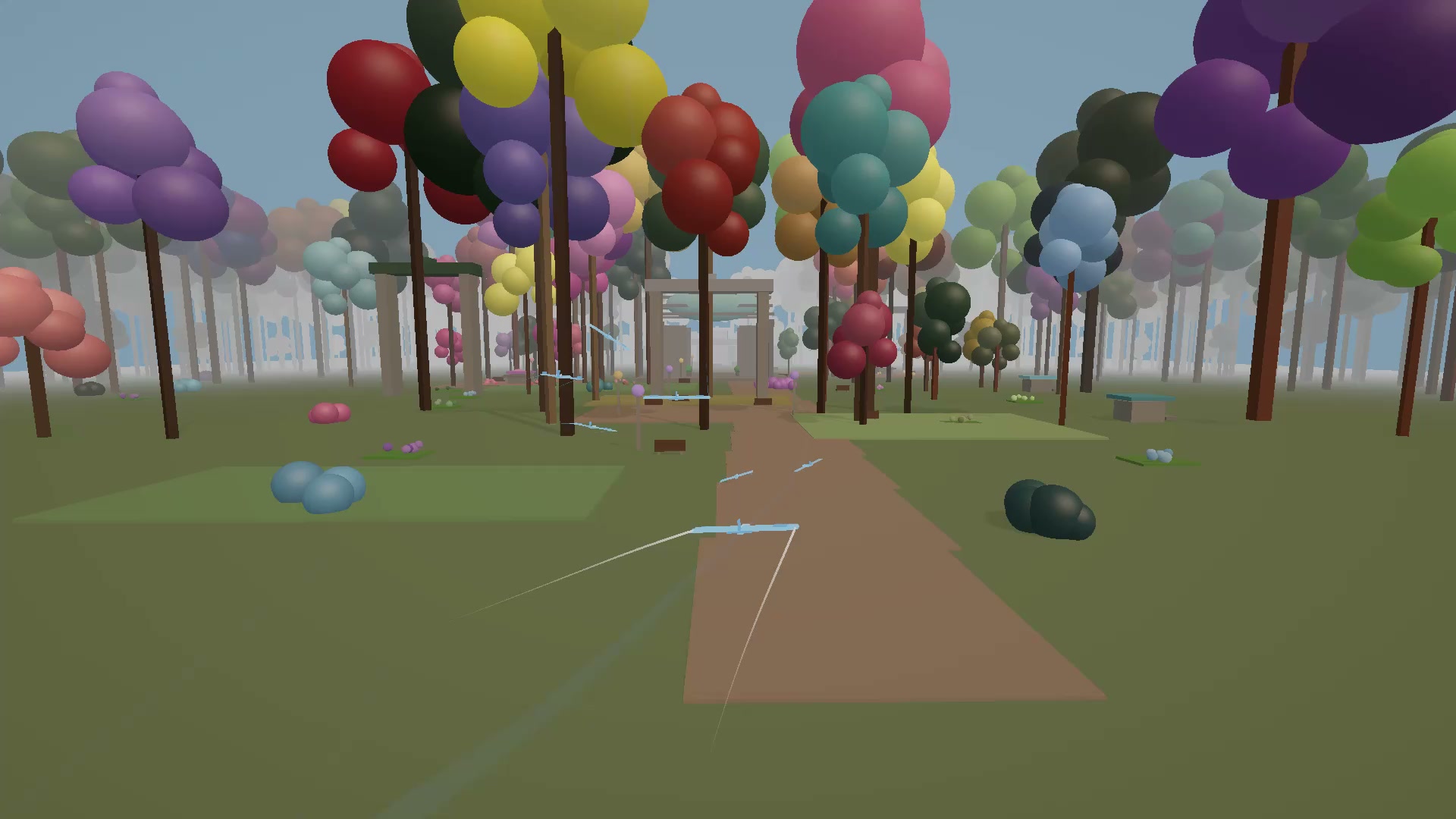
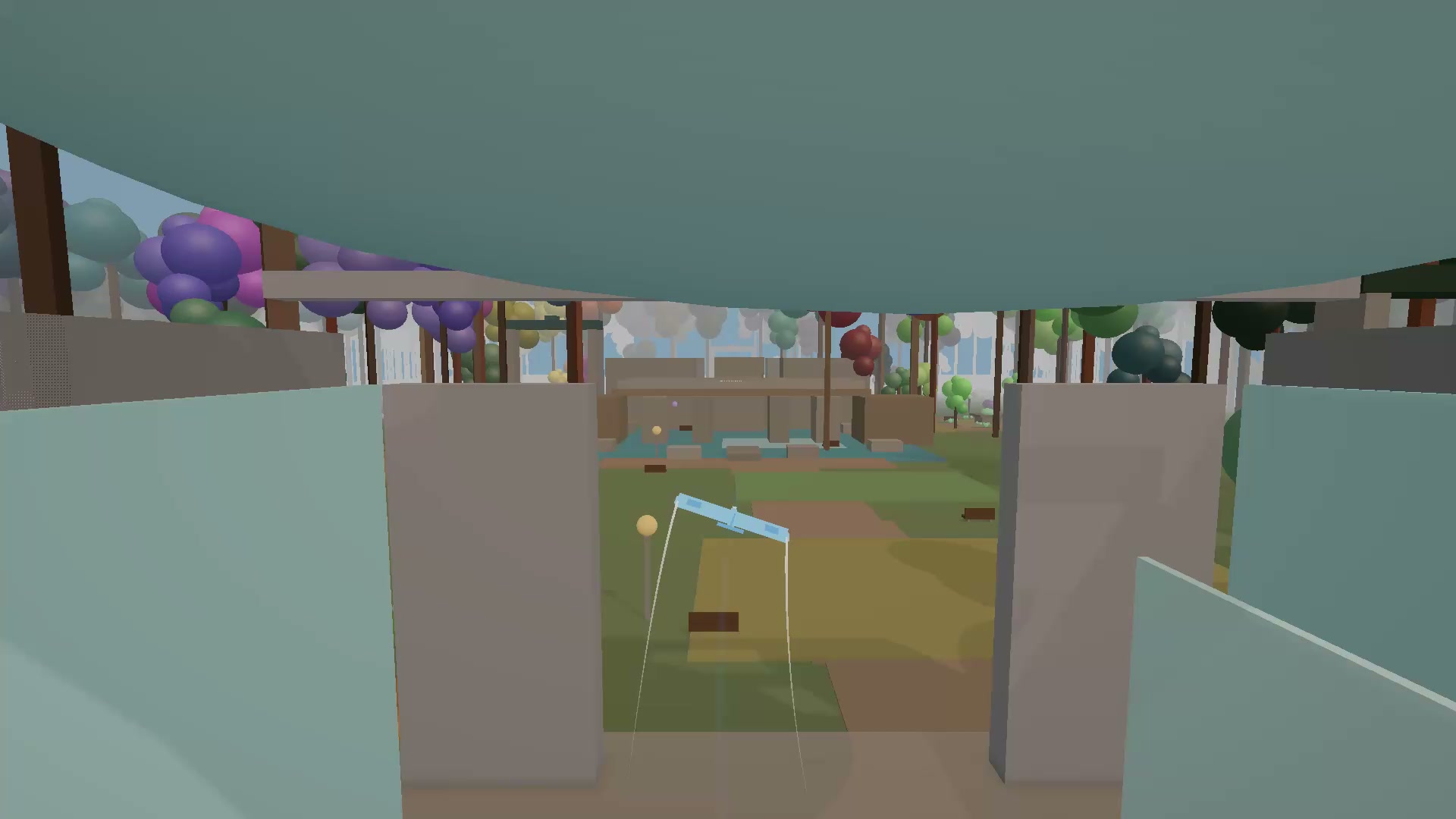
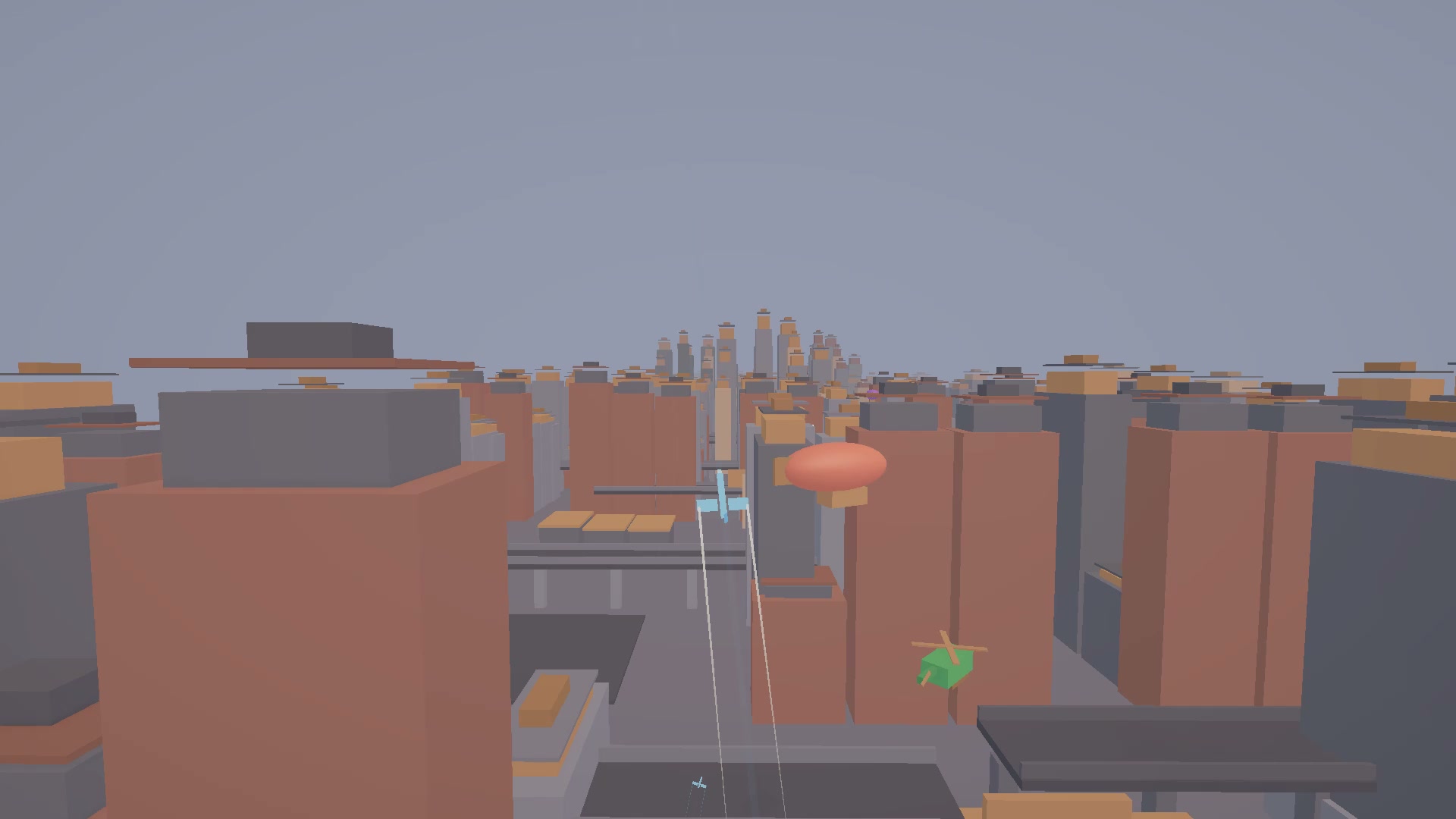
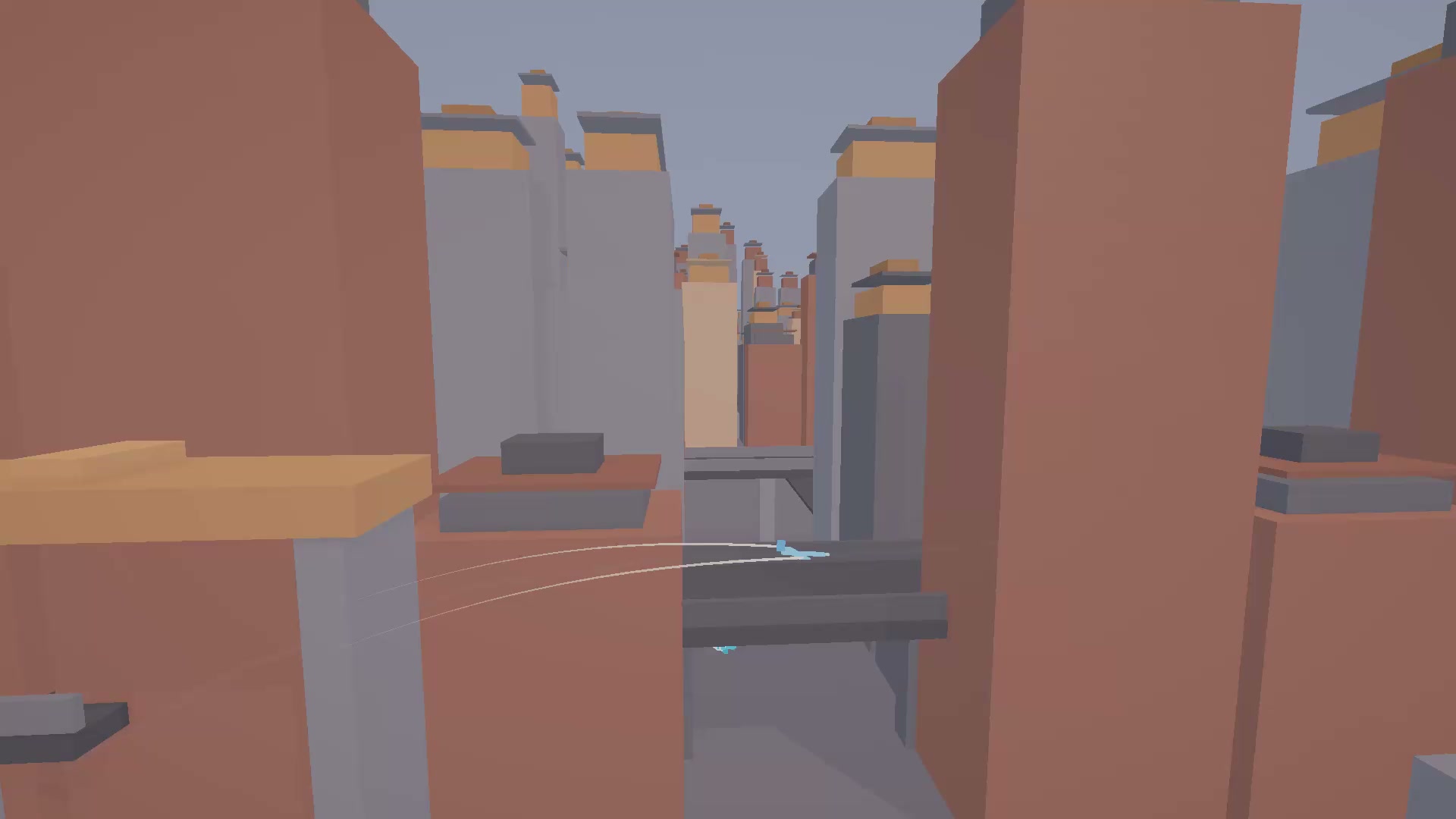
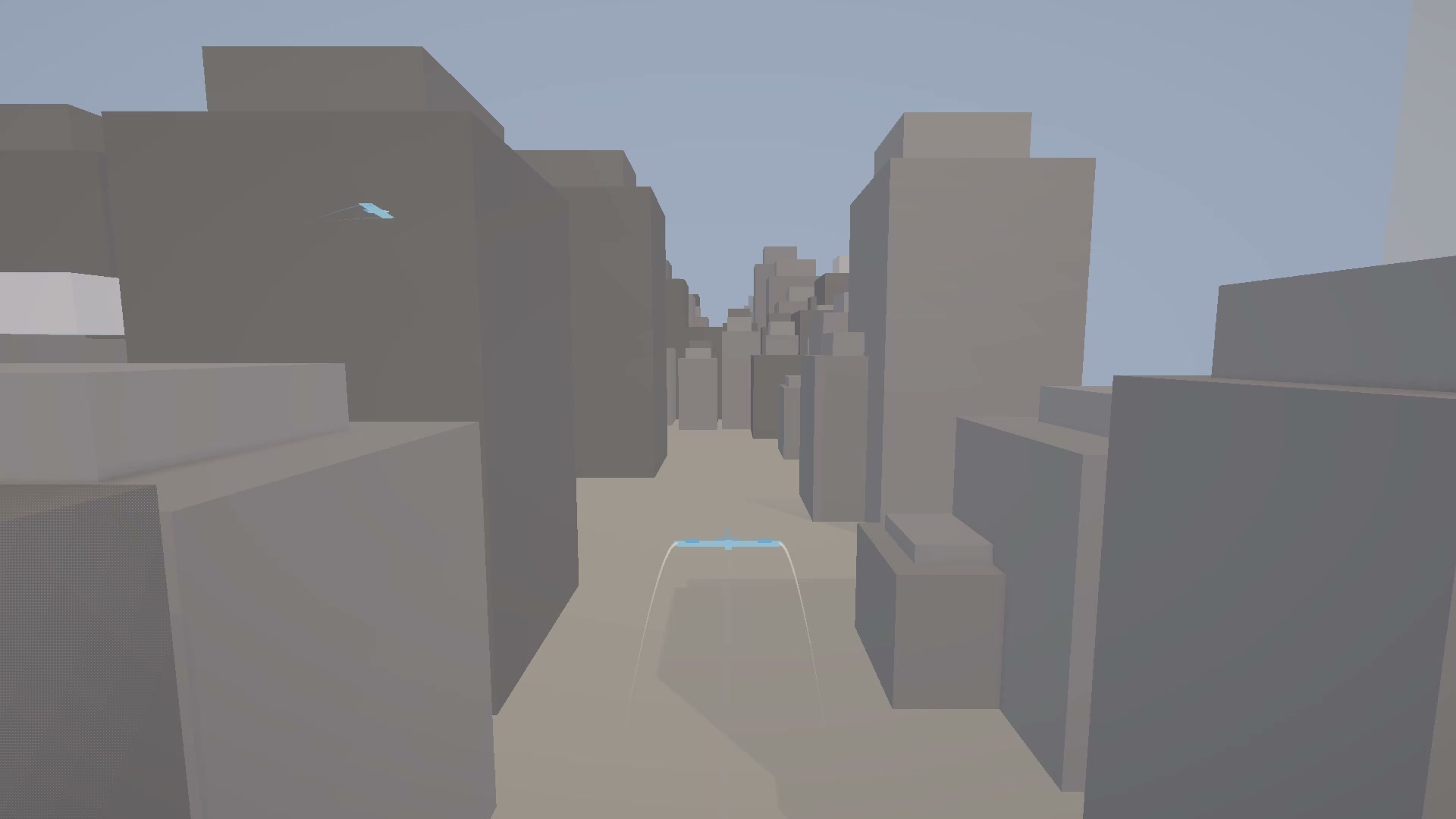
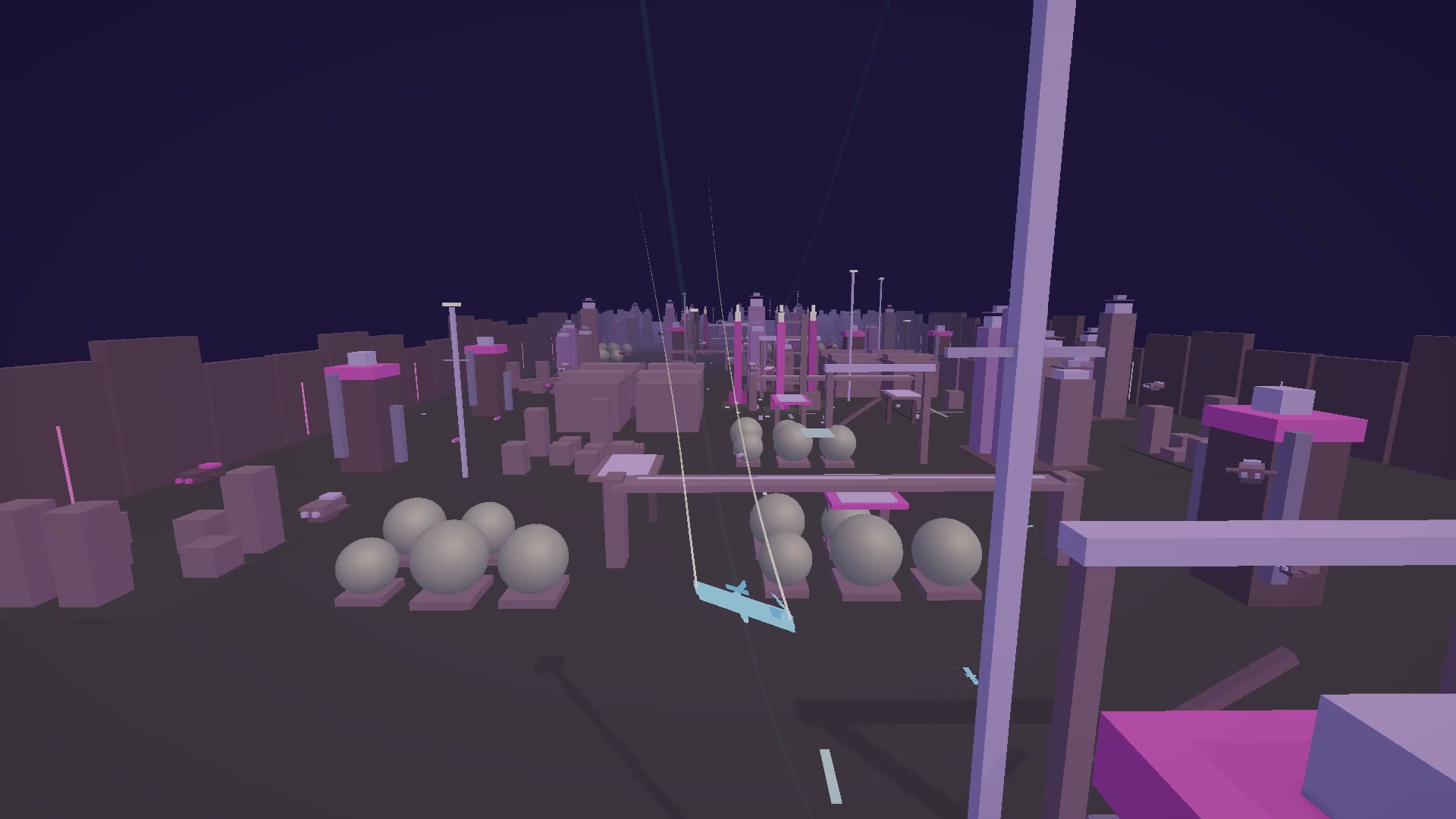
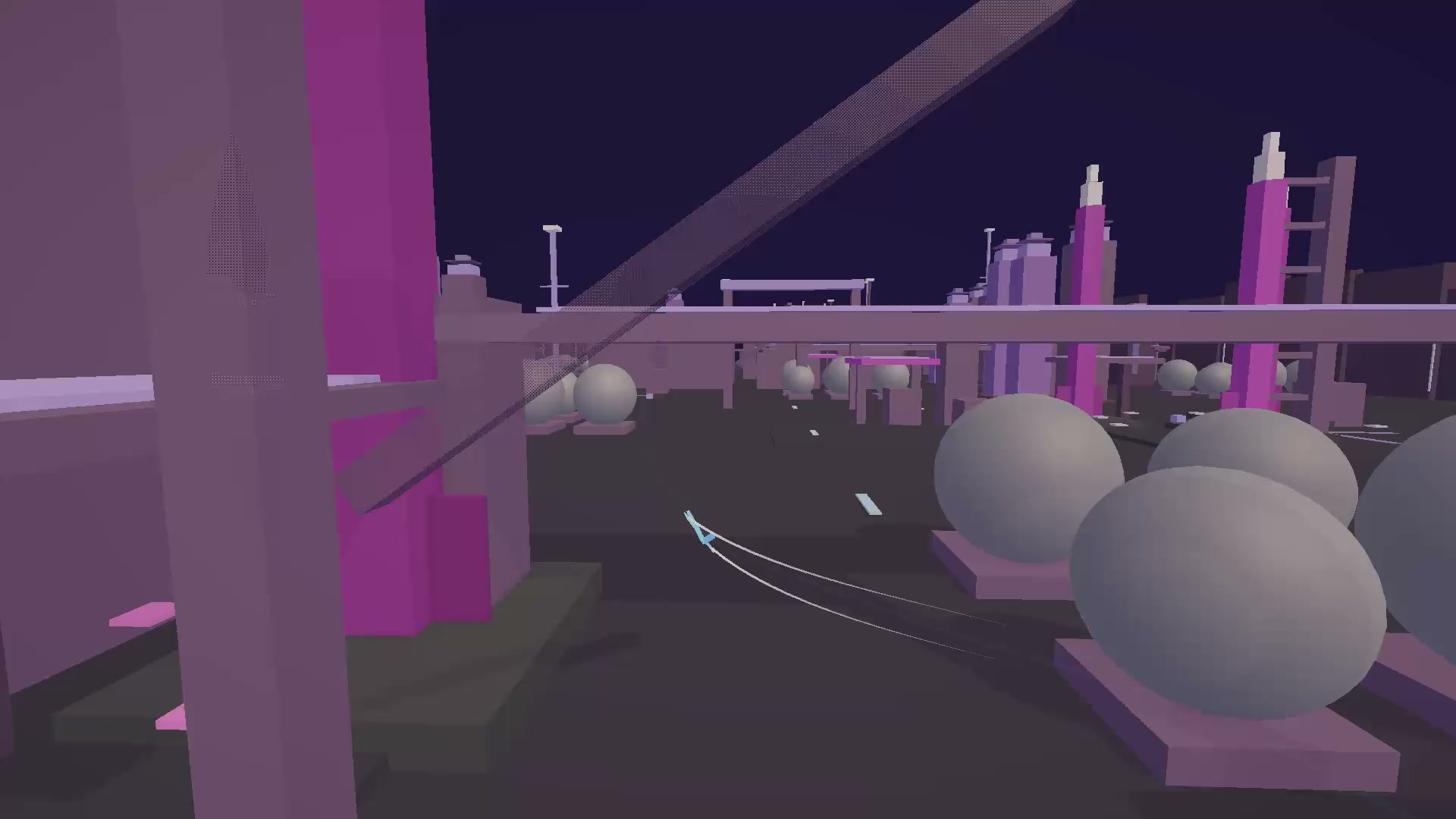
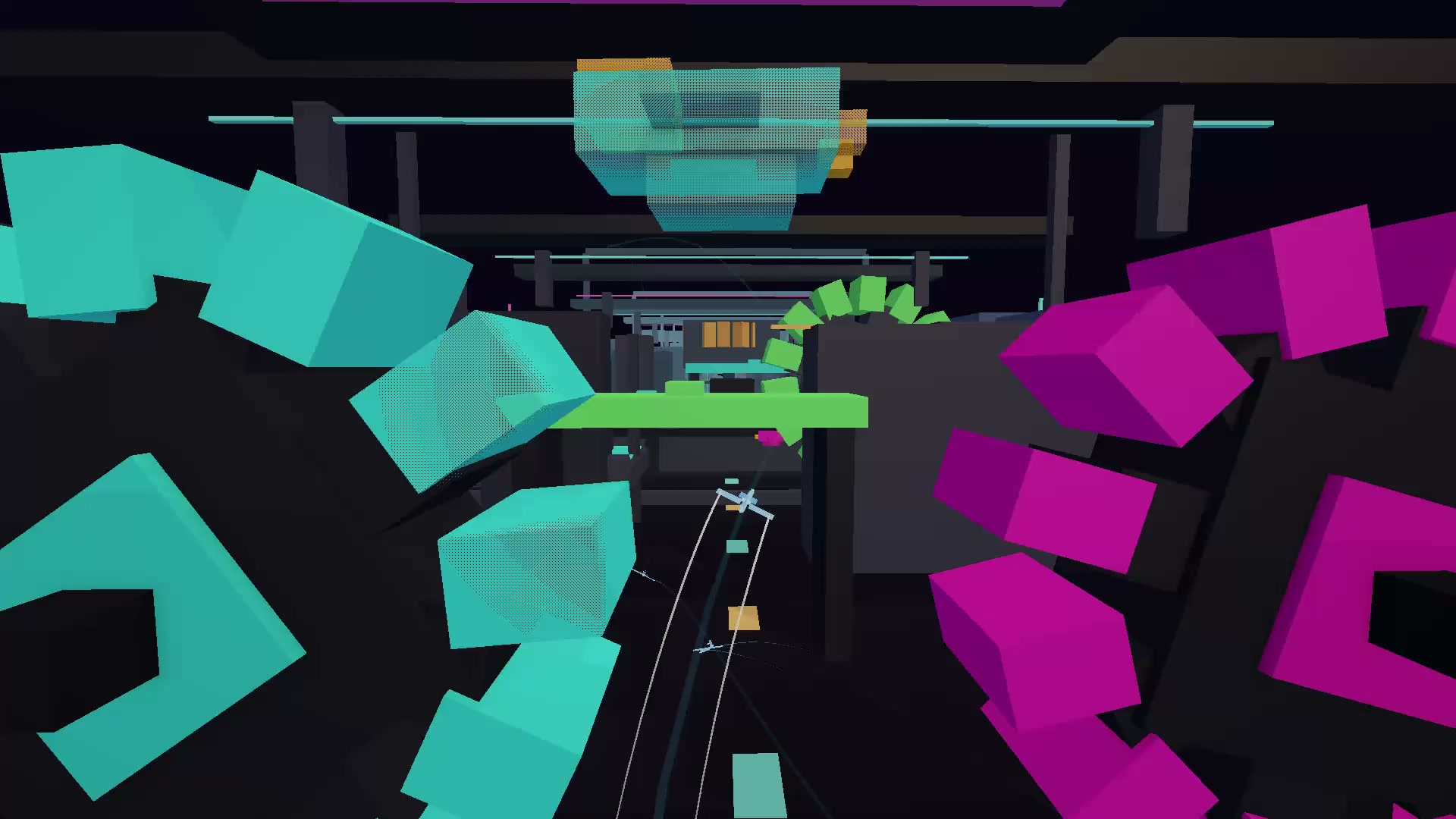
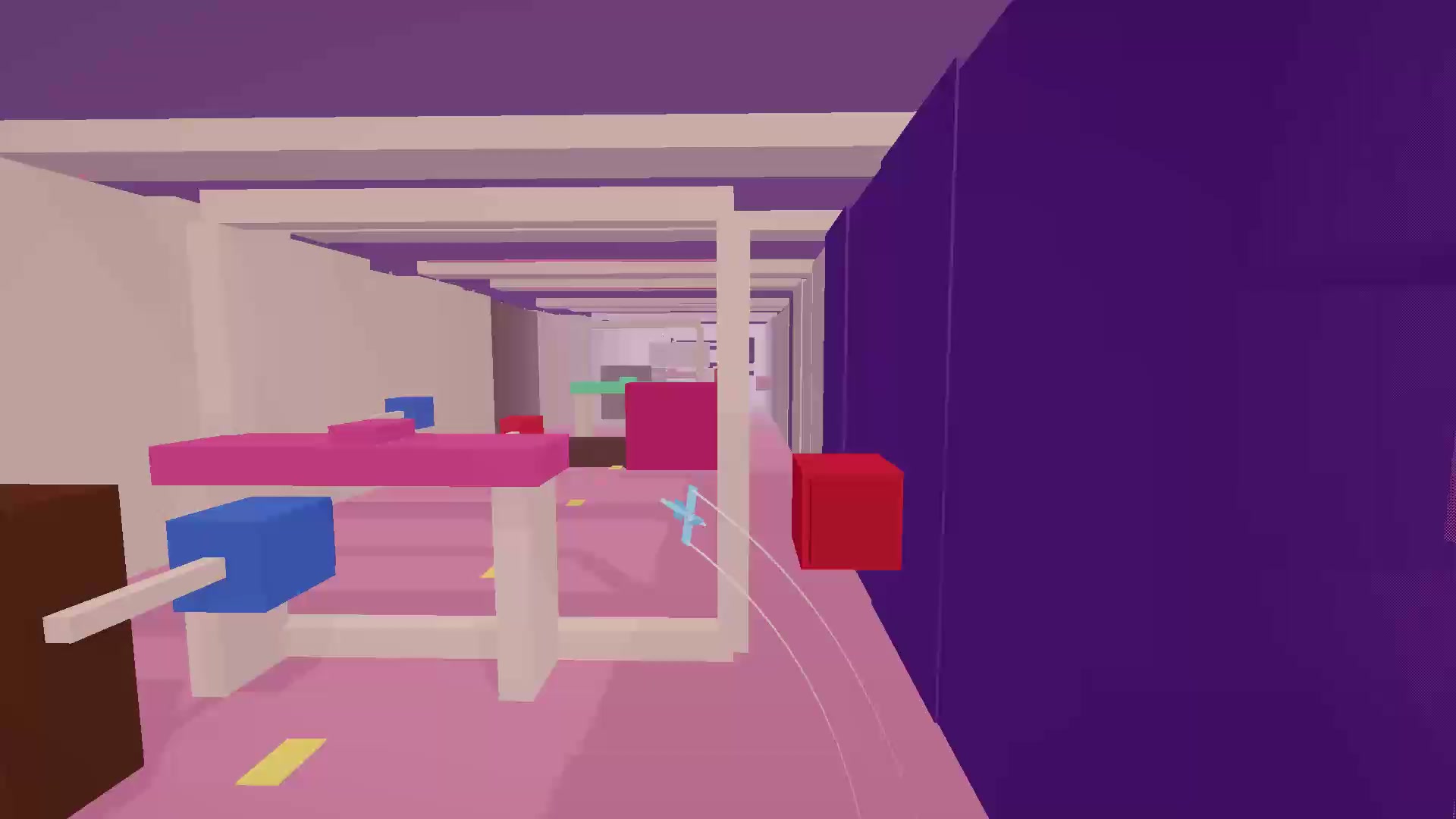
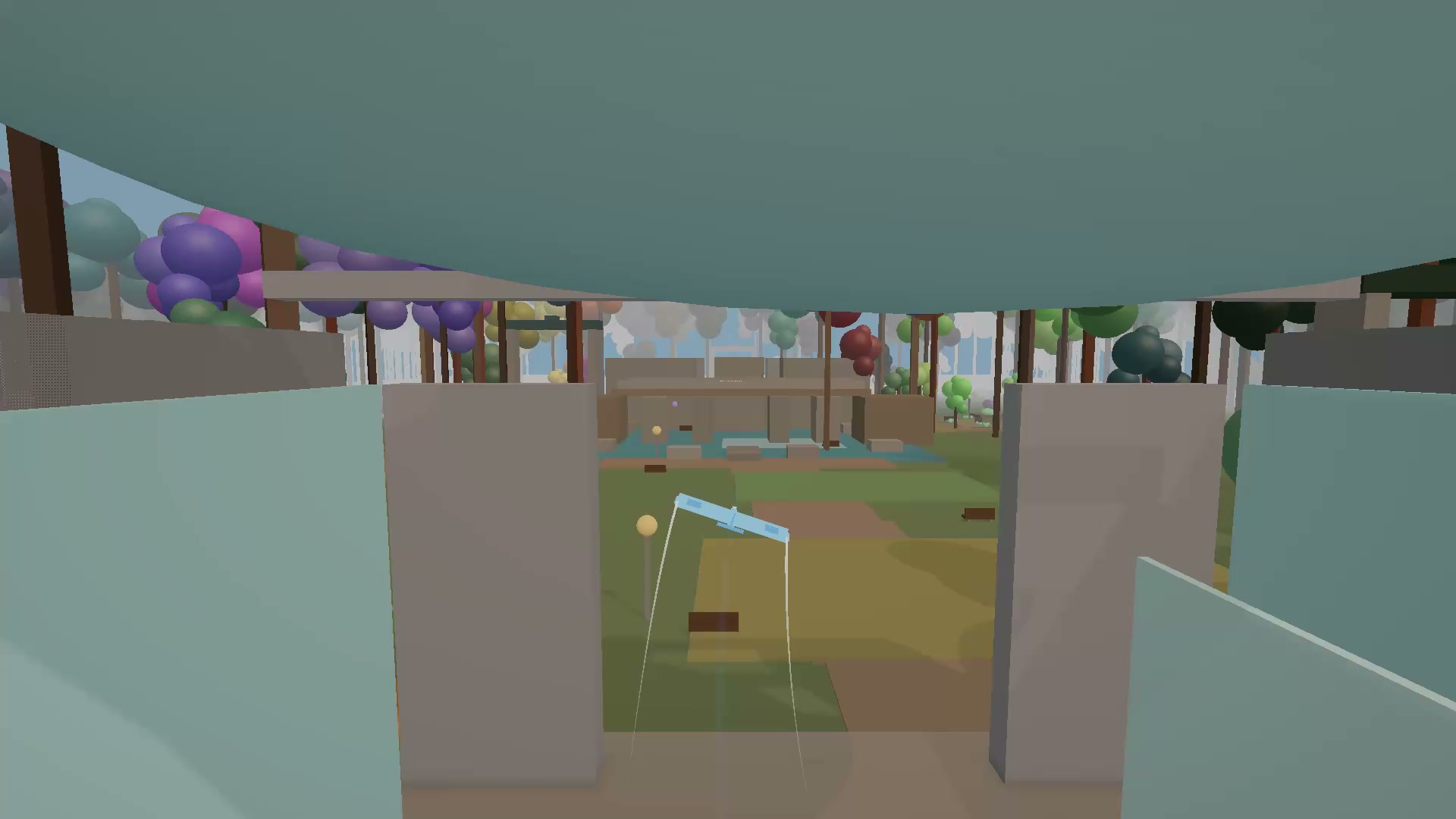
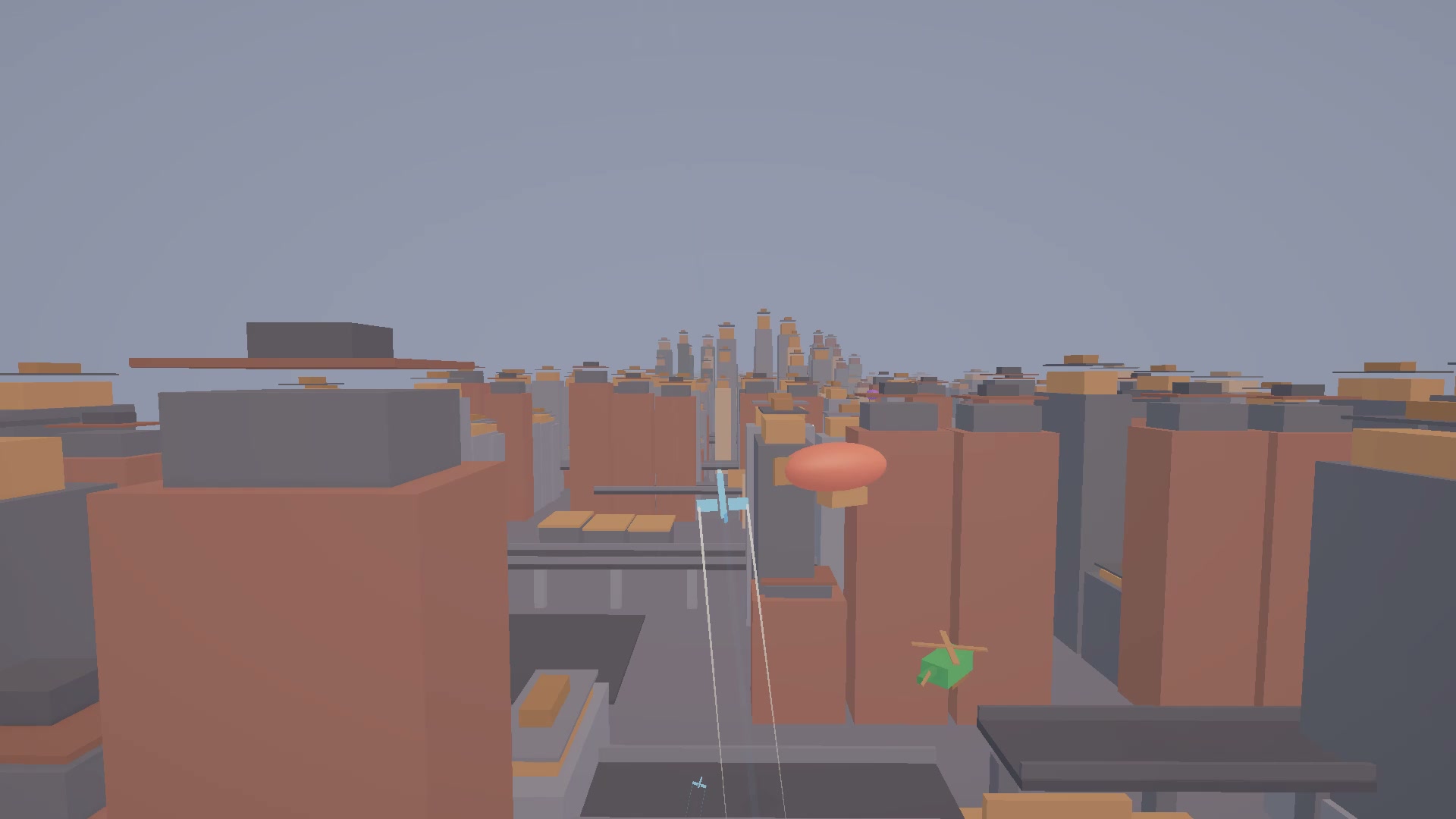
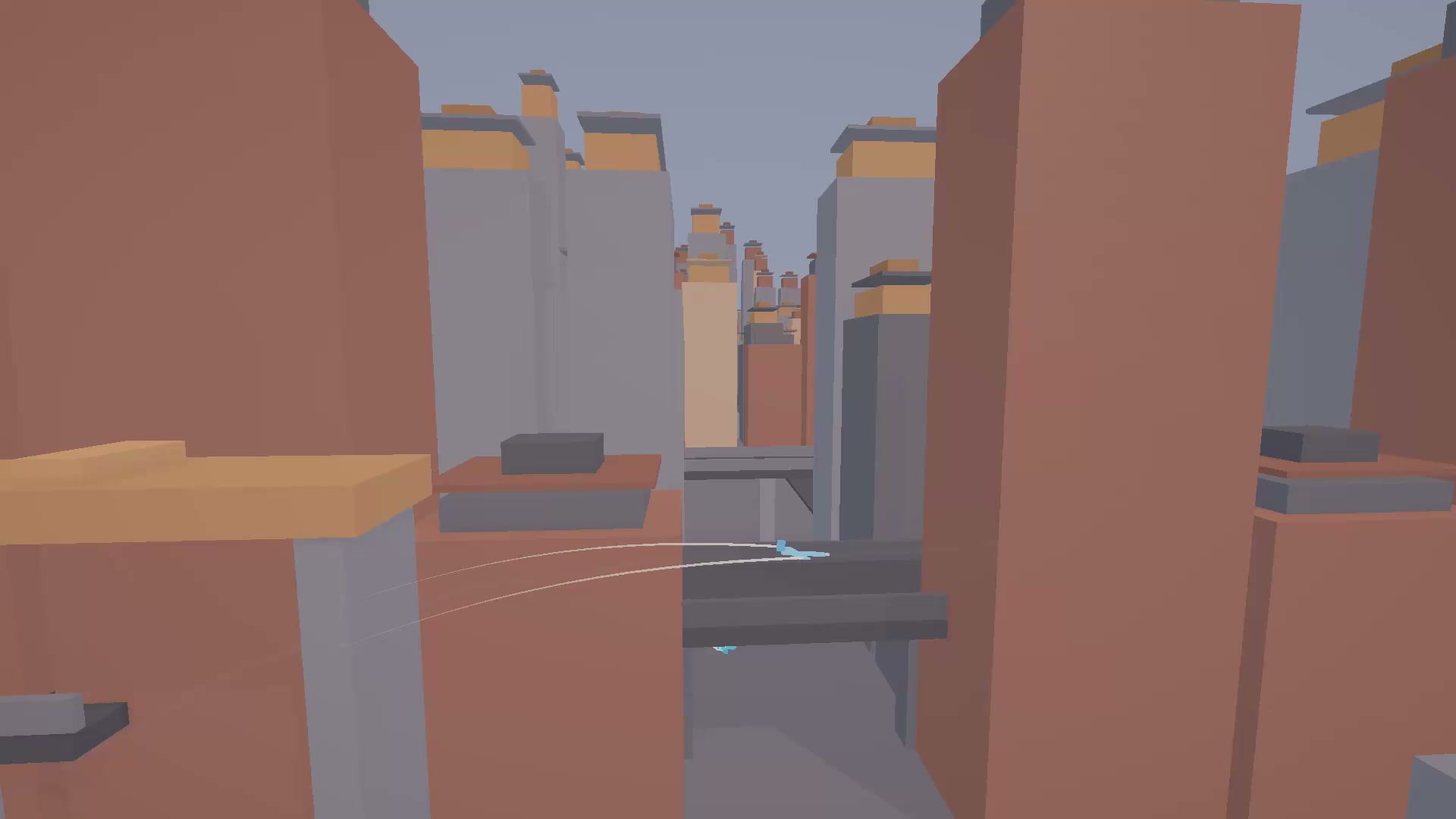
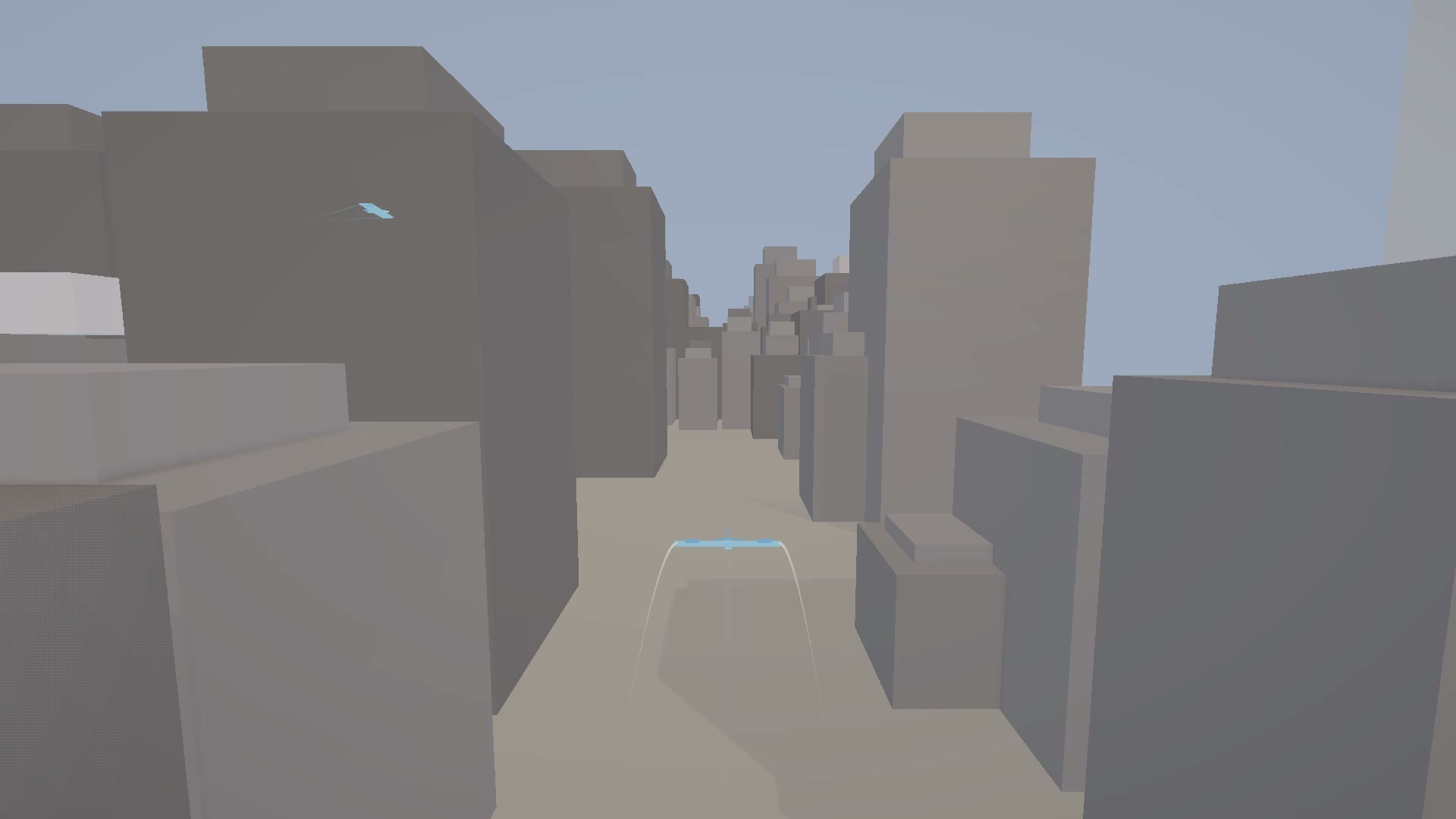
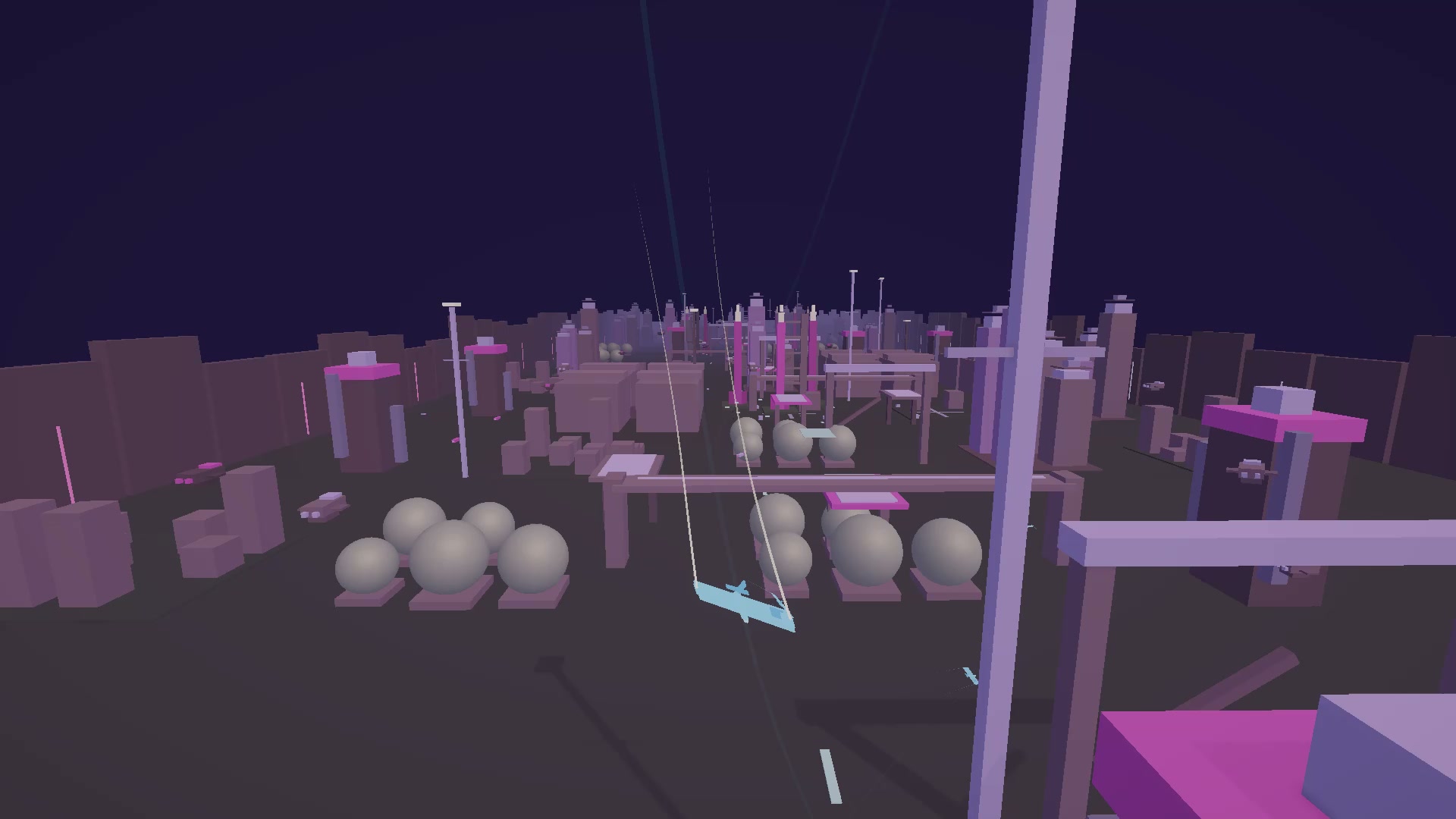
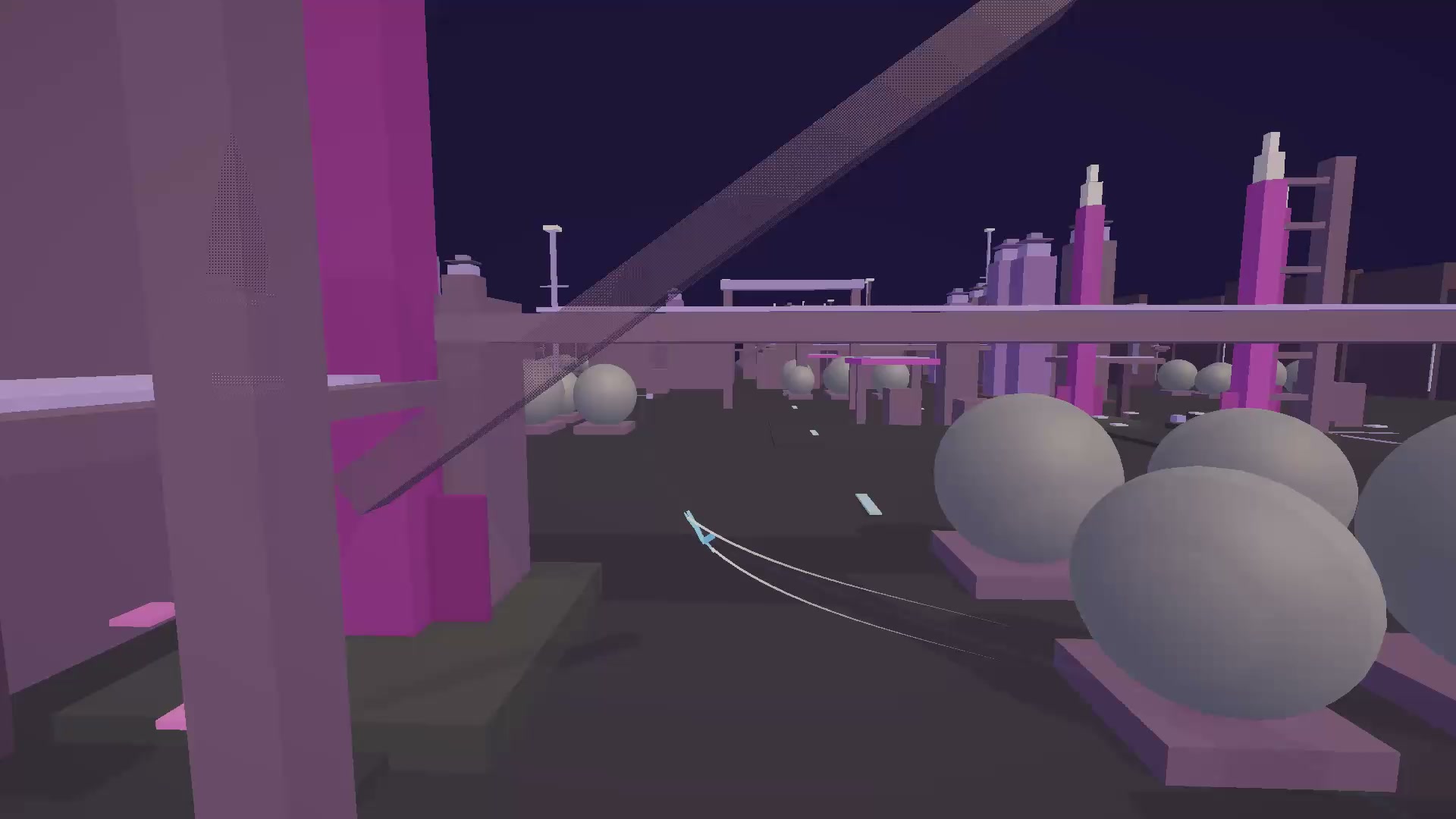
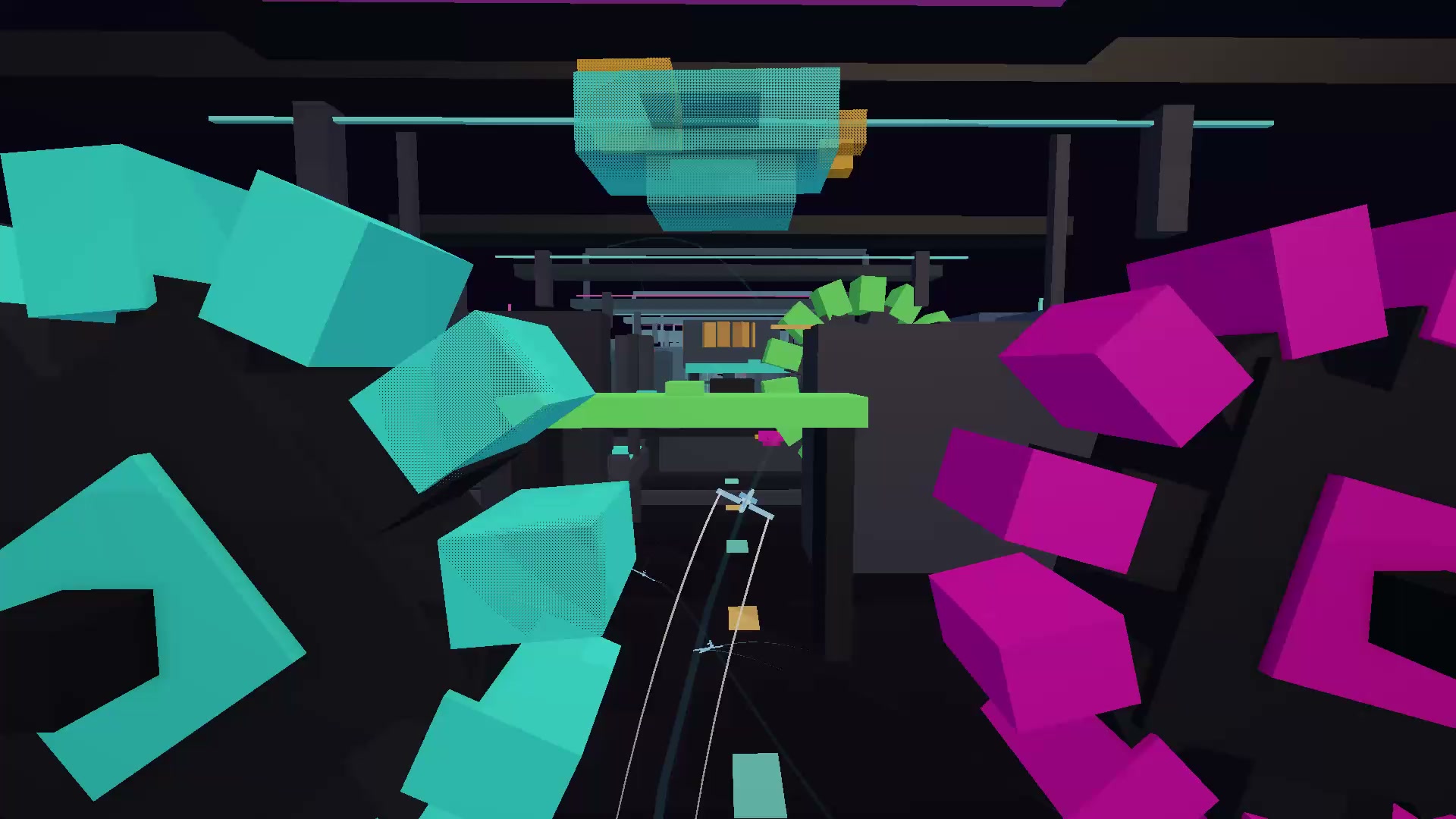
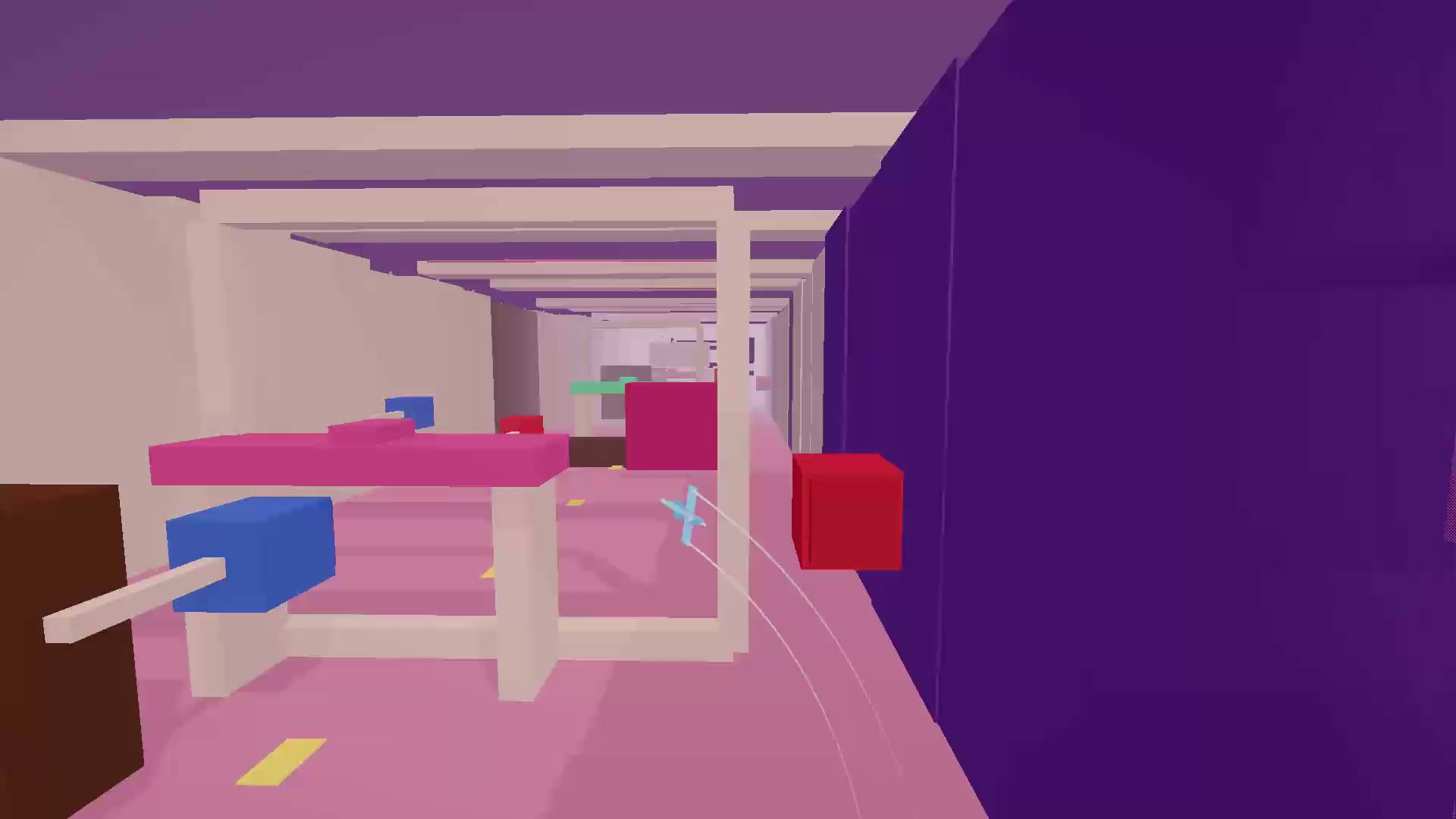
Launch your paper plane into the clouds with a single tap and master the art of the perfect trajectory. Sky Slip turns simple flying mechanics into an addictive flight loop where every meter counts toward your next big upgrade. You need to steer through dense cityscapes and foggy cosmo tracks while dodging obstacles that end your run early. Collect coins during each attempt to boost your slingshot power and glide capabilities until you reach the goal. Upgrading makes the course feel much more manageable as you gain speed and control over your aircraft. New maps reset your progress, challenging you to build your power back up from scratch in unfamiliar territories. Every failed attempt provides enough currency to buy that essential speed boost for your next try. You can jump into this arcade action right now in your browser without any downloads or registration required.
How to play
1. Launch. On ready — Space or tap. No aiming pull: the plane flies right away.
2. Fly. On desktop — WASD or arrow keys (pitch and roll). On mobile — drag your finger to show a virtual stick. Dodge obstacles, dive under arches. Aim for the finish line.
3. Upgrade. After landing, spend coins: plane (glide), slingshot (launch power), multiplier (more coins). Upgrade until the run feels comfortable.
4. Maps. Maps list levels (easy / medium / hard). New map = upgrades reset.
5. Finish. Make it — unlock more. Fail — upgrade and try again.
6. Settings. Audio, colors, trails, invert up/down, language.
7. x2. Optional ad doubles the reward.
In short: launch, upgrade plane and slingshot — and finish if you can.
Features
- Dynamic progression: Spend gathered coins to improve glide and launch force after every single flight.
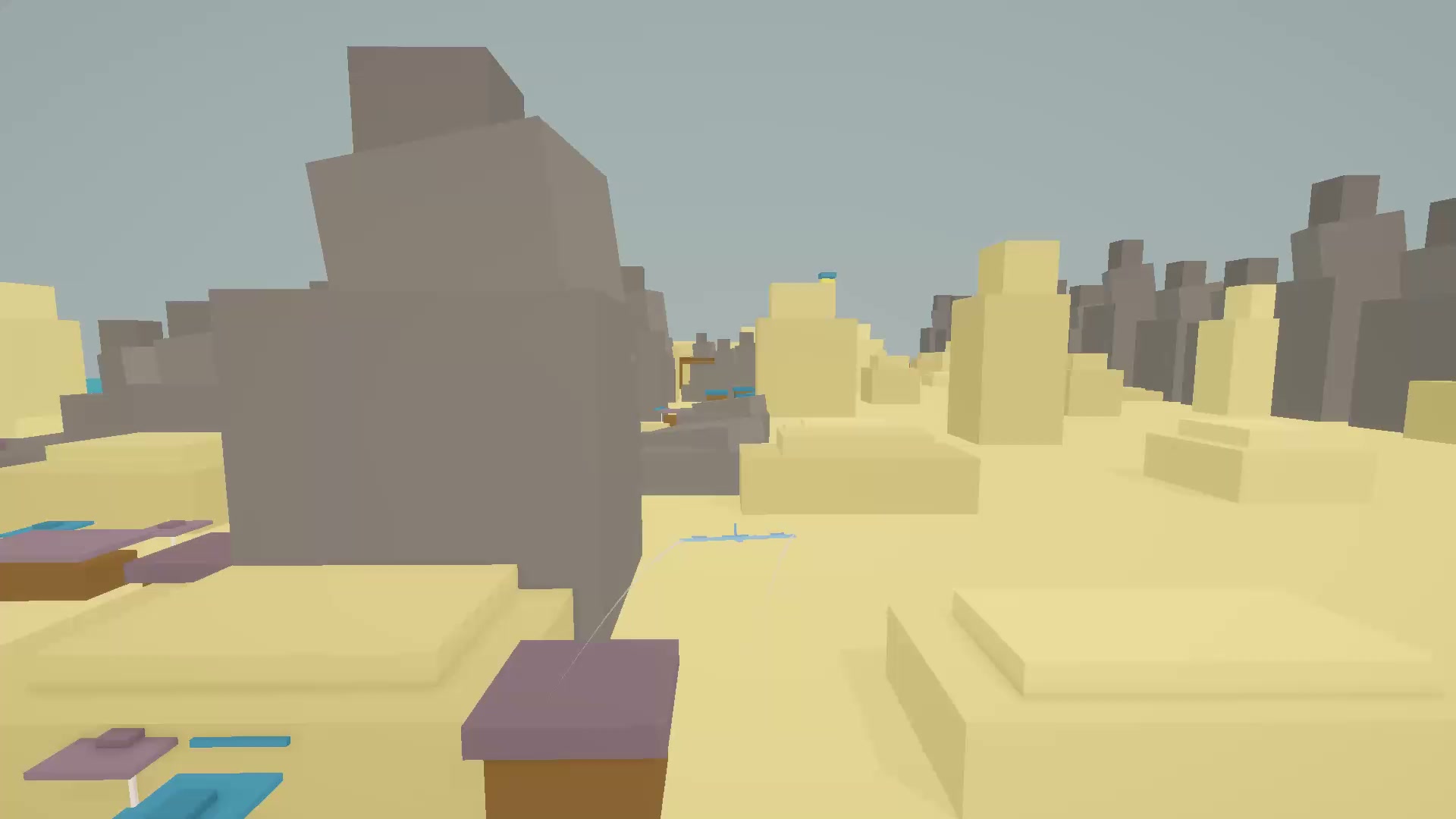
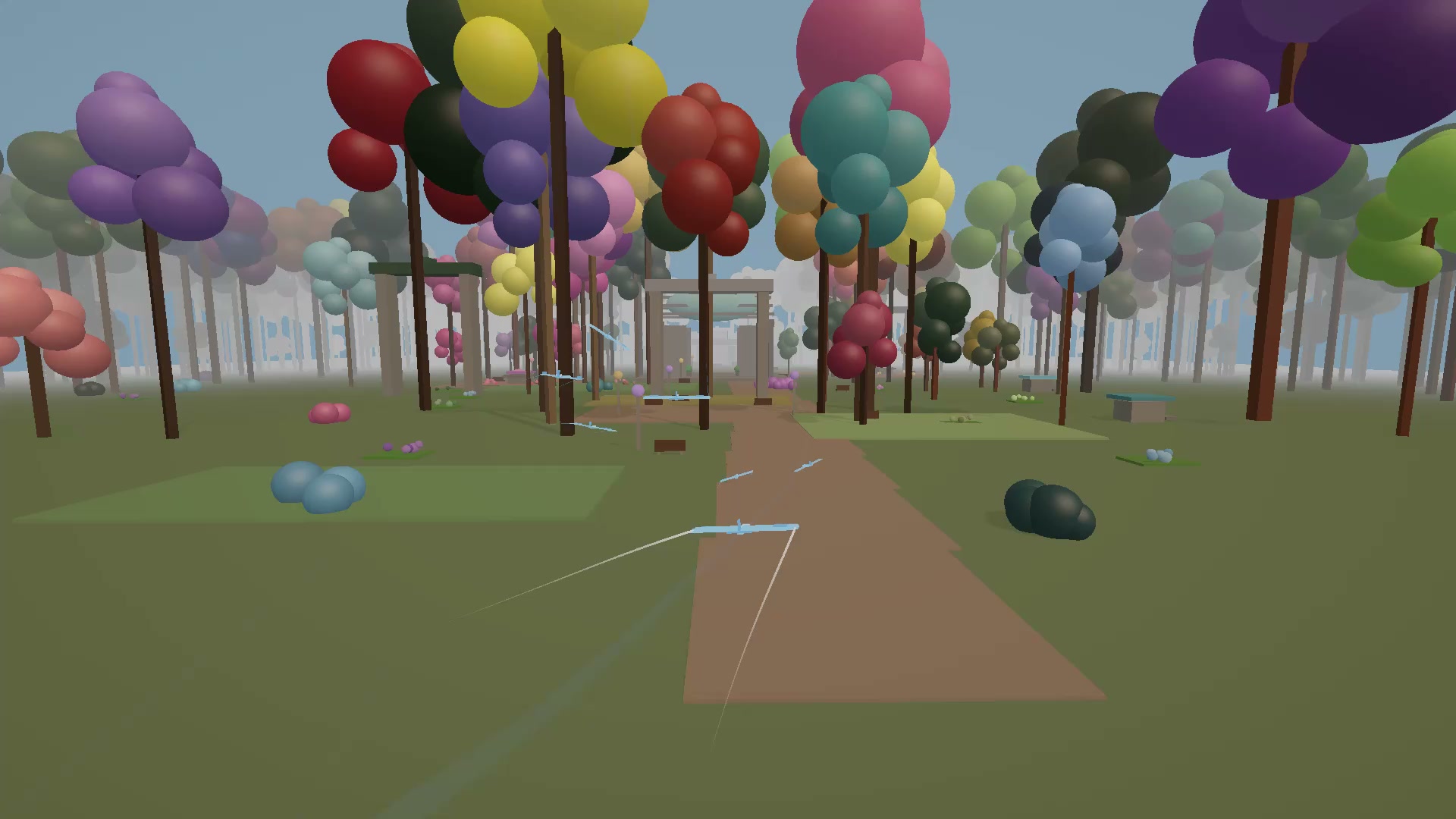
- Map variety: Navigate across unique environments ranging from city landscapes to outer space tracks.
- Ghost trails: Monitor your previous runs to refine your steering and avoid past mistakes.
- Reward multipliers: Choose to view an optional ad to double your total coin stash after landing.
- Customizable controls: Toggle invert pitch settings or change trail colors to suit your flying style.
Who is it for
Arcade enthusiasts who enjoy testing their reflexes through tight obstacle courses. Fans of incremental games will love the satisfaction of constant upgrades, while casual flyers will appreciate the simple tap-and-drag mechanics that make every session feel rewarding and fun to master at your own pace.
Controls
Launch plane
Tap the screen or press the Space bar when ready.
Steer flight
Drag your finger on mobile or use WASD/arrow keys on desktop to pitch and roll.
FAQ
How do I progress to new maps in Sky Slip?
›
You must successfully navigate to the finish line of your current level to unlock the next map in the sequence.
Why do my upgrades disappear in Sky Slip?
›
Every new map resets your stats, forcing you to earn coins and rebuild your power for the specific challenges of that environment.
Can I play Sky Slip on my smartphone?
›
Yes, the game is fully optimized for mobile browsers using touch controls like dragging for steering.