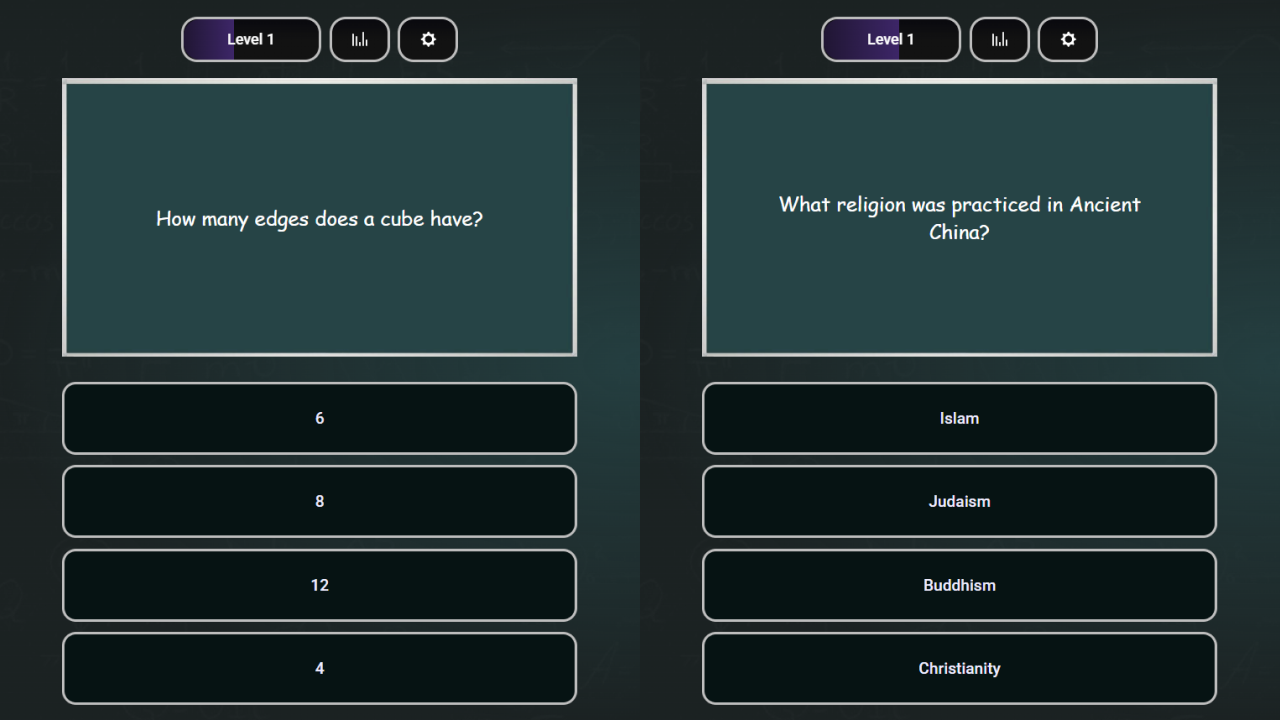
About game
Answer challenging academic prompts to test your intellect across a variety of academic disciplines. School questions puts your general knowledge to the test by tasking you to select the correct option from four distinct choices. You must use your analytical skills to solve complex math problems or recall historical facts while aiming for the highest score possible. Each correct solution awards points that contribute to your overall level, allowing you to climb the global leaderboard. The game tracks your performance in a dedicated statistics section so you can see exactly where your expertise lies. Whether you enjoy competitive квизы or simply want to refresh your memory, the variety of subjects ensures you never run out of fresh content. You can even personalize your experience by adjusting sound settings or submitting your own школьные вопросы to the database. Head over to FreeJoy.games to play this engaging trivia challenge for free directly in your browser without any downloads required.
How to play
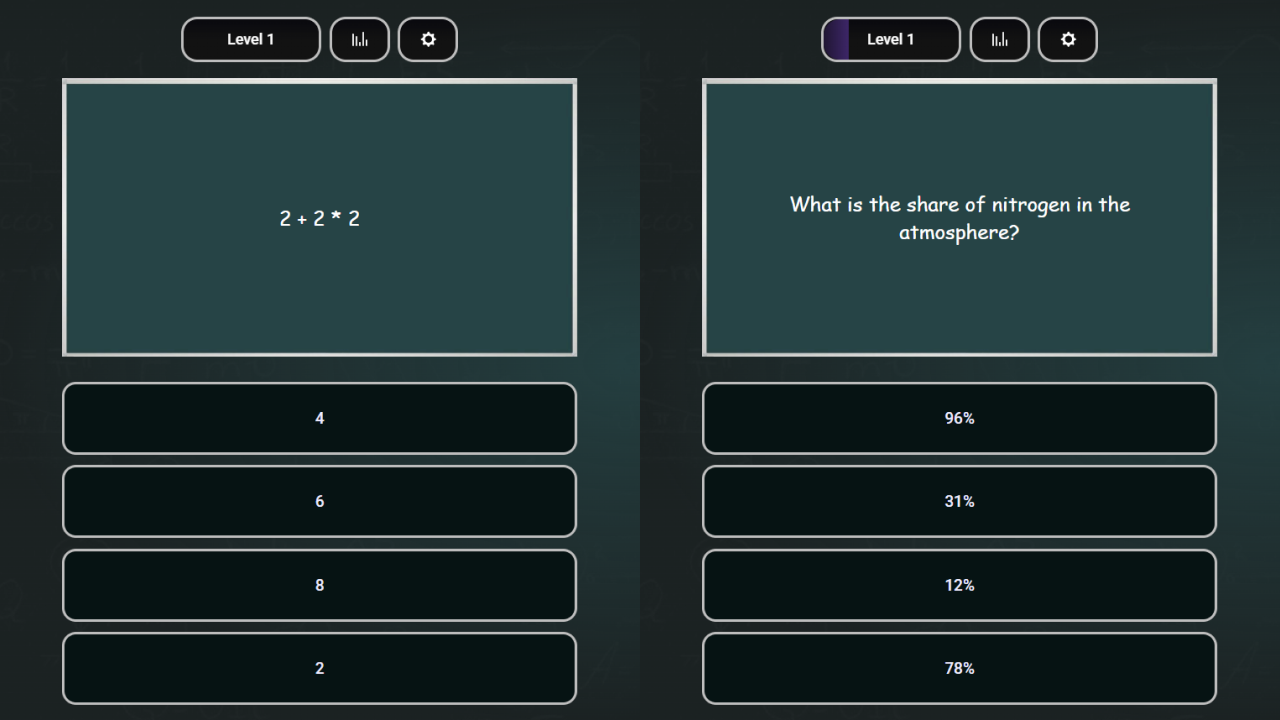
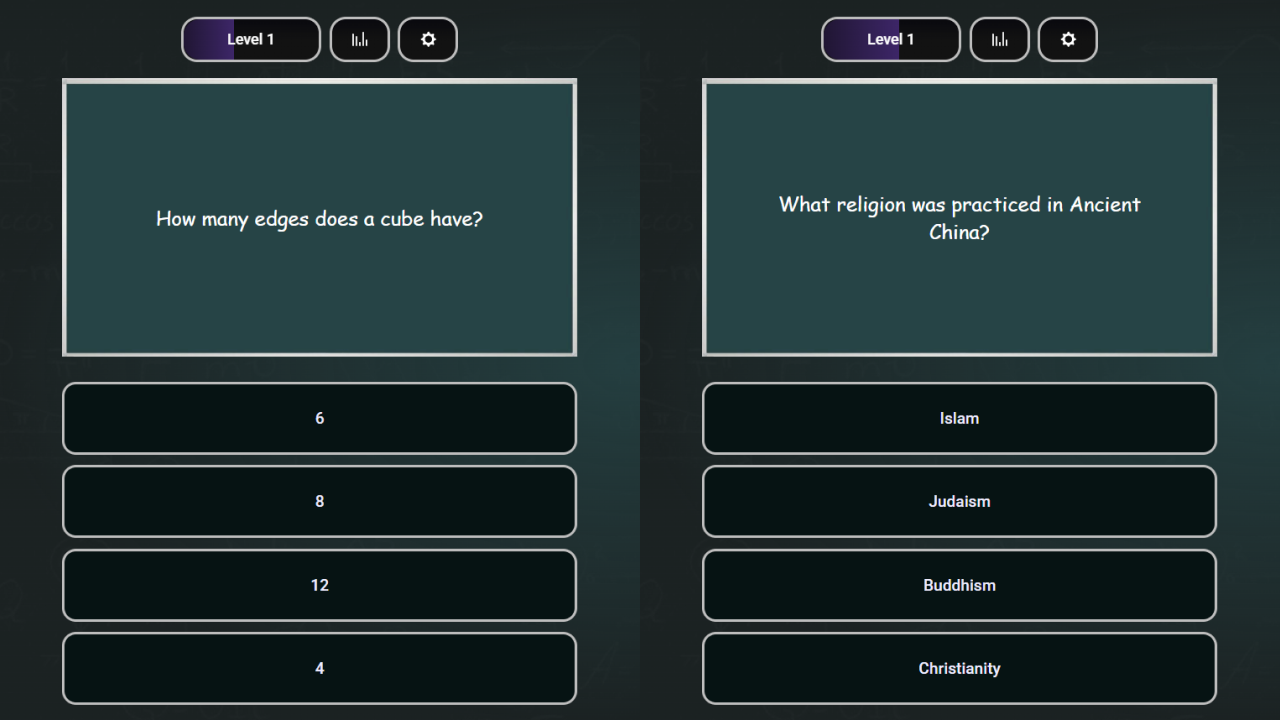
1. You will be presented with a question with four possible answers. Choose the answer options until you guess the correct one. The fewer mistakes you make, the more points you get (from 0 to 5).
2. Points for correct answers will increase your level. Click on it to view a table with the best players and their levels.
3. The Statistics section will display the number of correct answers and the total number of points for each subject.
4. In the settings, you can reset the game progress, turn off sound and animation, suggest a question or report an error.
Features
- Subject diversity: Test your mental acuity across diverse fields ranging from advanced physics and literature to world history.
- Progression system: Earn points for every accurate response to increase your player level and track your growth over time.
- Global leaderboard: Compare your cumulative score and progress against other top players from around the world.
- Detailed statistics: Review your performance data for each specific category to identify your academic strengths and weaknesses.
- Customizable settings: Manage your gaming experience by toggling sounds or resetting your progress if you want a fresh start.
Who is it for
Trivia enthusiasts and students will love testing their brainpower with these academic challenges. Fans of competitive квизы who want to climb the leaderboards will find plenty of reasons to keep playing. Casual learners looking for a quick and engaging way to sharpen their intellect will also enjoy this experience.
Controls
Select answer
Click on the chosen option with your mouse or tap the button on your mobile screen.
Navigate menus
Tap or click on the UI icons to access statistics, leaderboards, or game settings.
Submit input
Use the on-screen keyboard or touch interface to suggest your own questions in the settings menu.
FAQ
How can I check my progress in School questions?
›
You can view your total points and correct answer count in the dedicated statistics section accessible from the main menu.
Are there leaderboards in School questions?
›
Yes, clicking on your current level display will open a table showing the best players and their respective rankings.
Can I suggest new content for School questions?
›
Absolutely, you can suggest a question or report an error directly through the settings menu within the game interface.