About game
The tension of a high-stakes survival arena meets total creative freedom when you take control of the rules. Sandbox Playground: Squid Game lets you step into the role of the mastermind, orchestrating every trap and obstacle for your participants to navigate. You can place various items, traps, and guardians directly onto the field, turning a simple challenge into a chaotic spectacle. The gameplay revolves around interacting with objects through a intuitive sidebar, allowing you to manipulate the environment in real-time. Whether you want to test the agility of your characters or simply watch the mayhem unfold, the choice is entirely yours. This unique people playground style experience ensures that no two sessions are ever the same. You have full authority over the guardians, who roam the arena to enforce your twisted vision using an arsenal of weapons. Unleash your inner creative genius in this browser-based песочница and design the ultimate survival nightmare today. Play Sandbox Playground: Squid Game for free right in your browser without any annoying downloads.
How to play
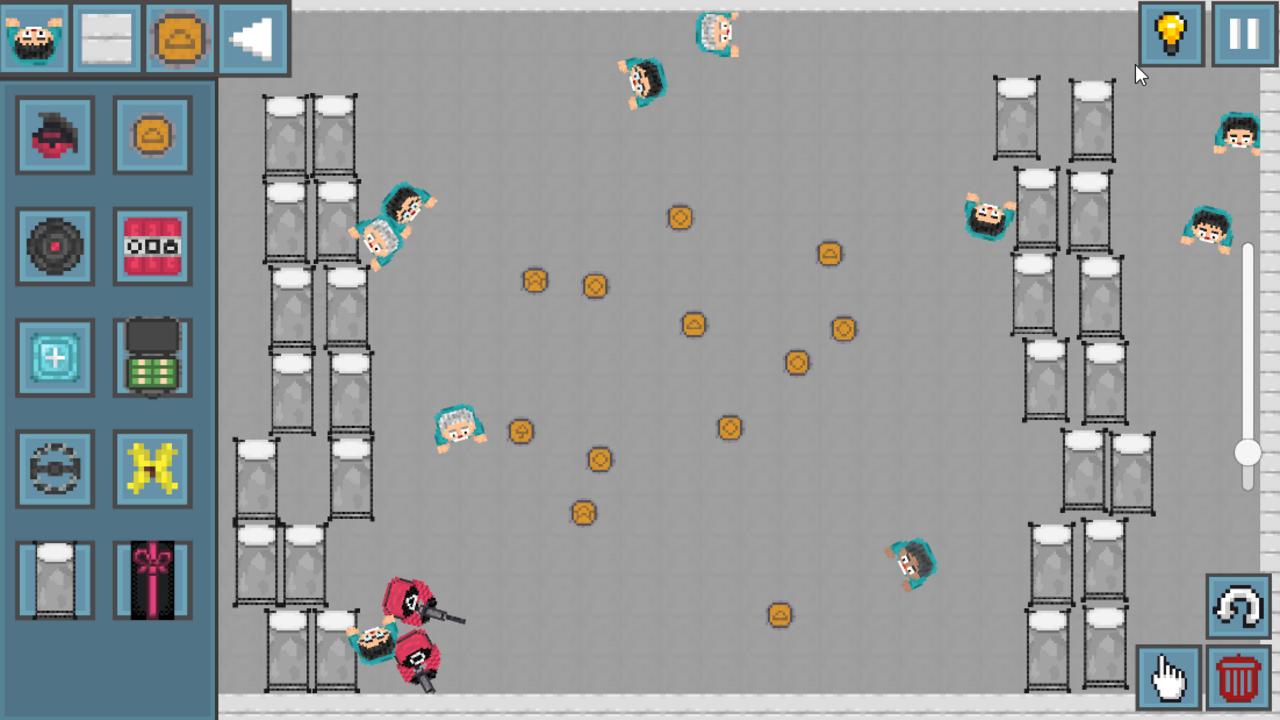
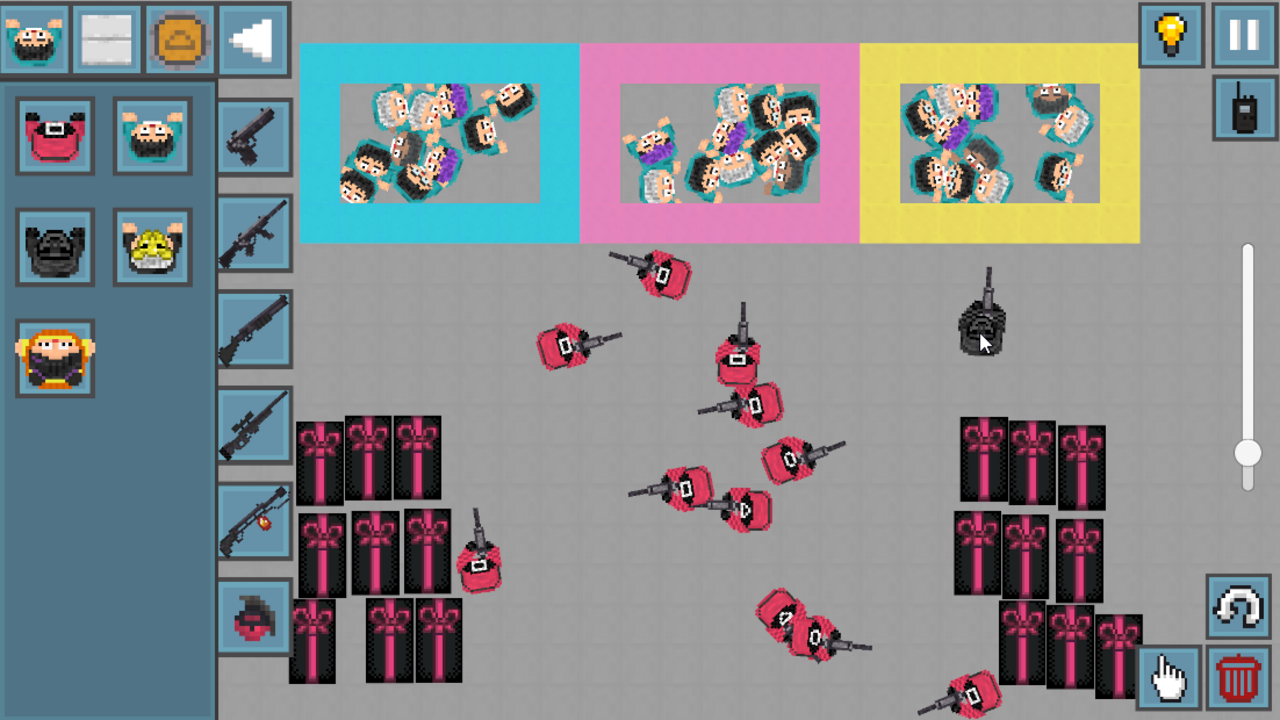
The panel on the left is a panel for adding objects to the field.
The button in the upper right corner pauses the game.
The slider on the right adjusts the camera size.
Trash button - deletes objects.
The finger button allows you to move the camera.
Features
- Customizable Arena: Design complex obstacle courses by dragging and dropping traps, walls, and items from the inventory menu.
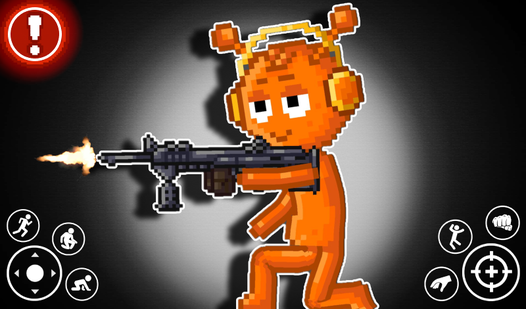
- Dynamic Guard AI: Deploy armed guardians who actively patrol the area and react to the participants based on your configuration.
- Creative Sandbox Toolset: Utilize the trash, movement, and scaling tools to refine the layout of your lethal playground with precision.
- Interactive Physics: Watch how characters interact with the environment and the various weapons placed throughout the map.
- Real-time Simulation: Pause the action at any moment to adjust the board or swap out elements for a fresh challenge.
Who is it for
Fans of creative simulation games and tactical strategy will find endless entertainment here. Players who enjoy experimenting with physics-based destruction and designing intricate custom levels will appreciate the freedom offered by this title. It is a top choice for those who love dark, high-stakes themes combined with open-ended gameplay.
Controls
Add objects
Click or tap on items from the left sidebar to place them on the field.
Move camera
Select the finger icon to pan across the arena using swipe or mouse drag gestures.
Adjust view
Use the slider on the right side of the screen to zoom in or out.
Pause simulation
Press the button located in the upper right corner to stop time.
FAQ
Can I customize the difficulty in Sandbox Playground: Squid Game?
›
Yes, you decide the level of difficulty by strategically placing your own traps and deciding how many guardians to deploy to stop the participants.
Is it possible to play Sandbox Playground: Squid Game on my phone?
›
Absolutely, the game runs directly in your mobile browser, allowing you to enjoy the sandbox experience on the go without any installation.
How do I remove unwanted items in Sandbox Playground: Squid Game?
›
Simply select the trash bin icon from the interface and click on any object you wish to delete from the playing field.