About game
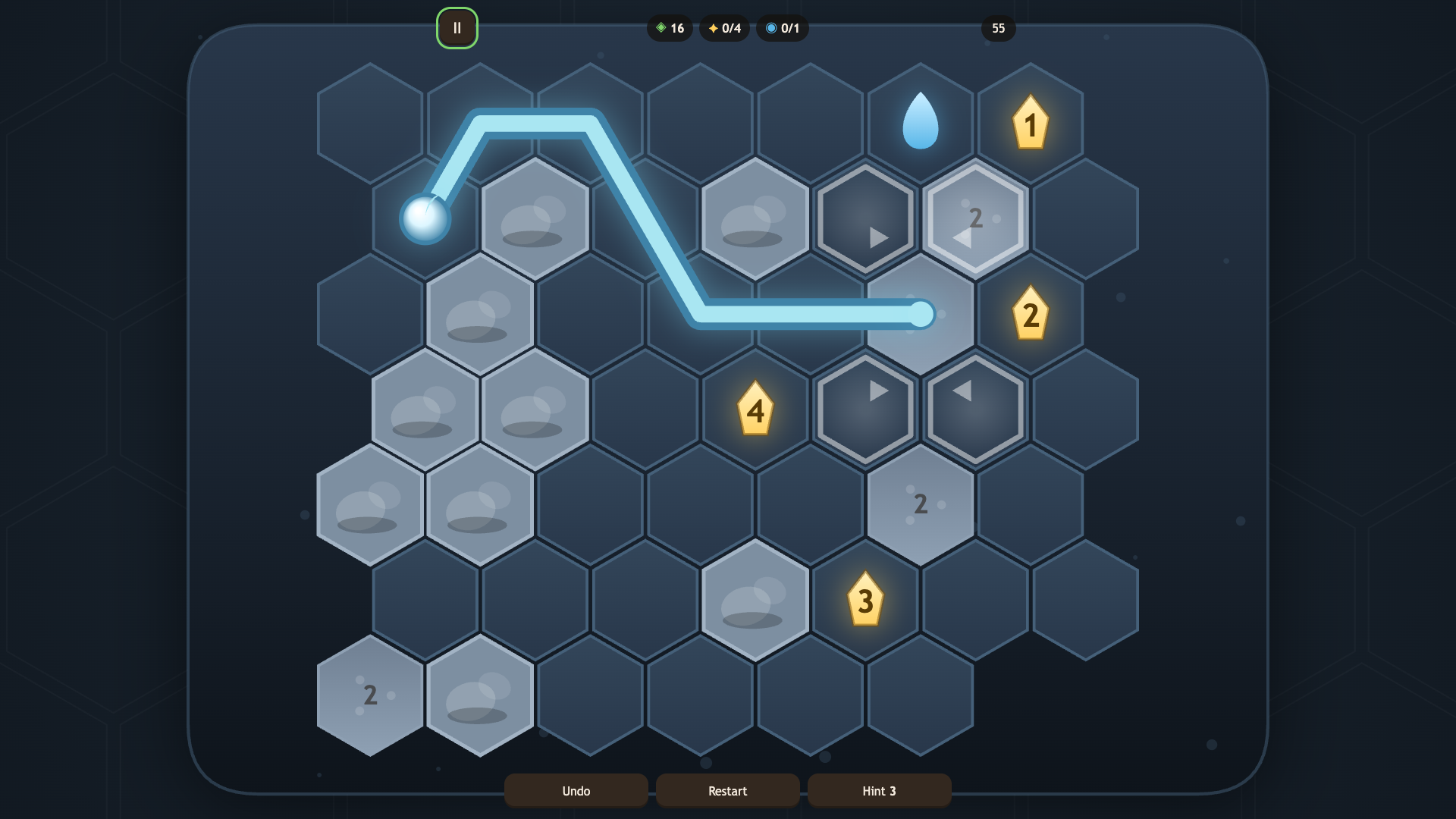
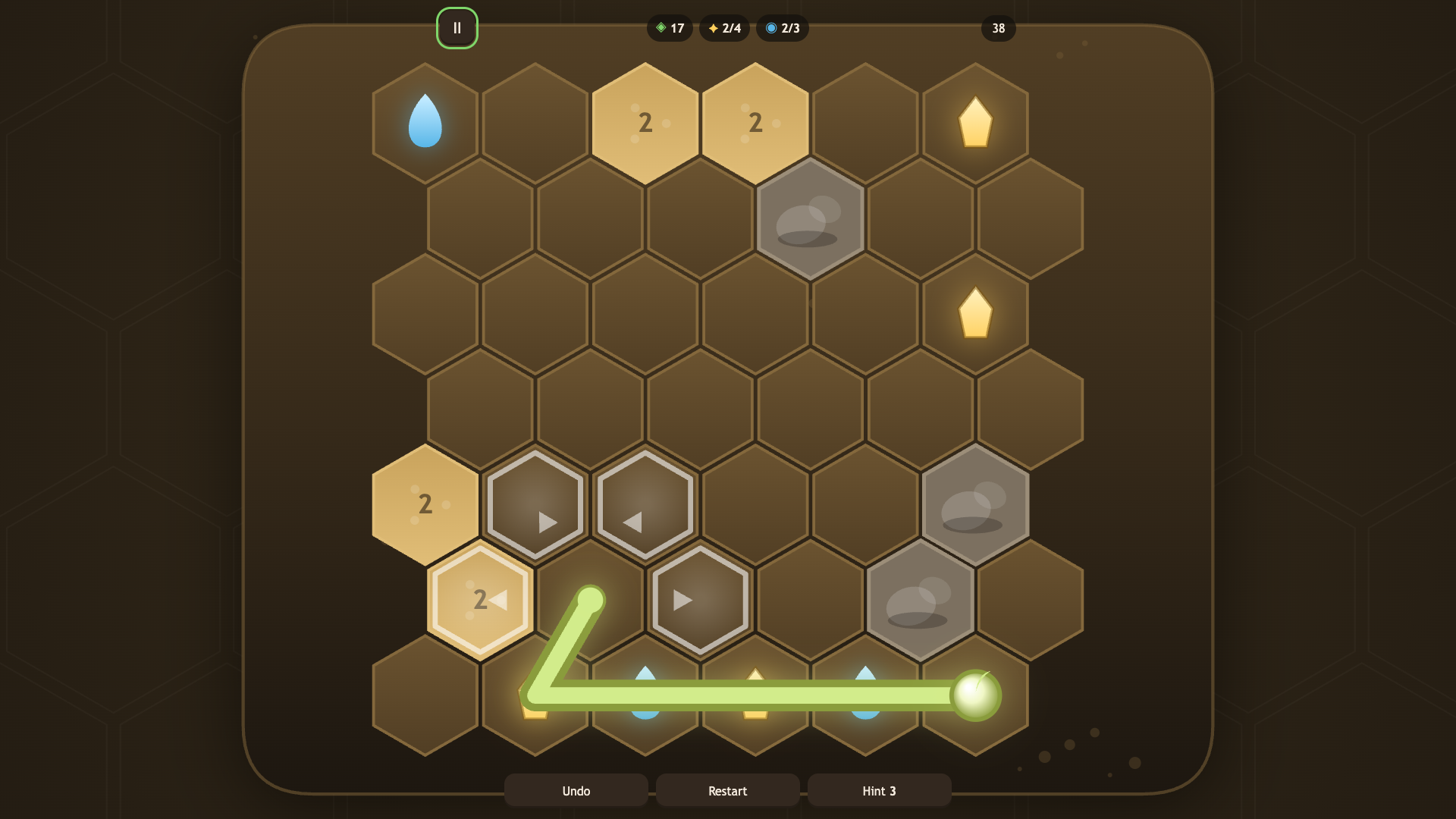
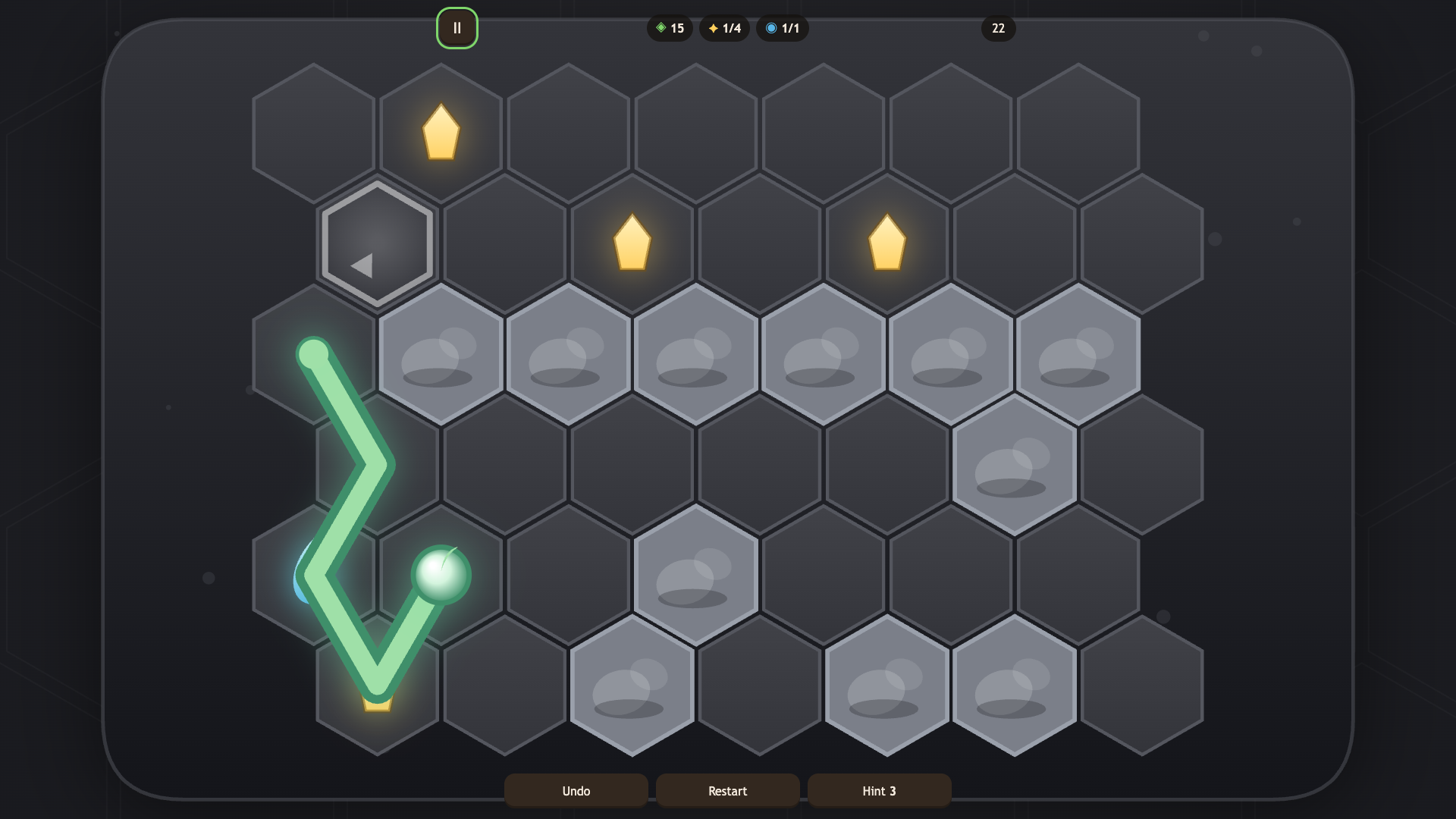
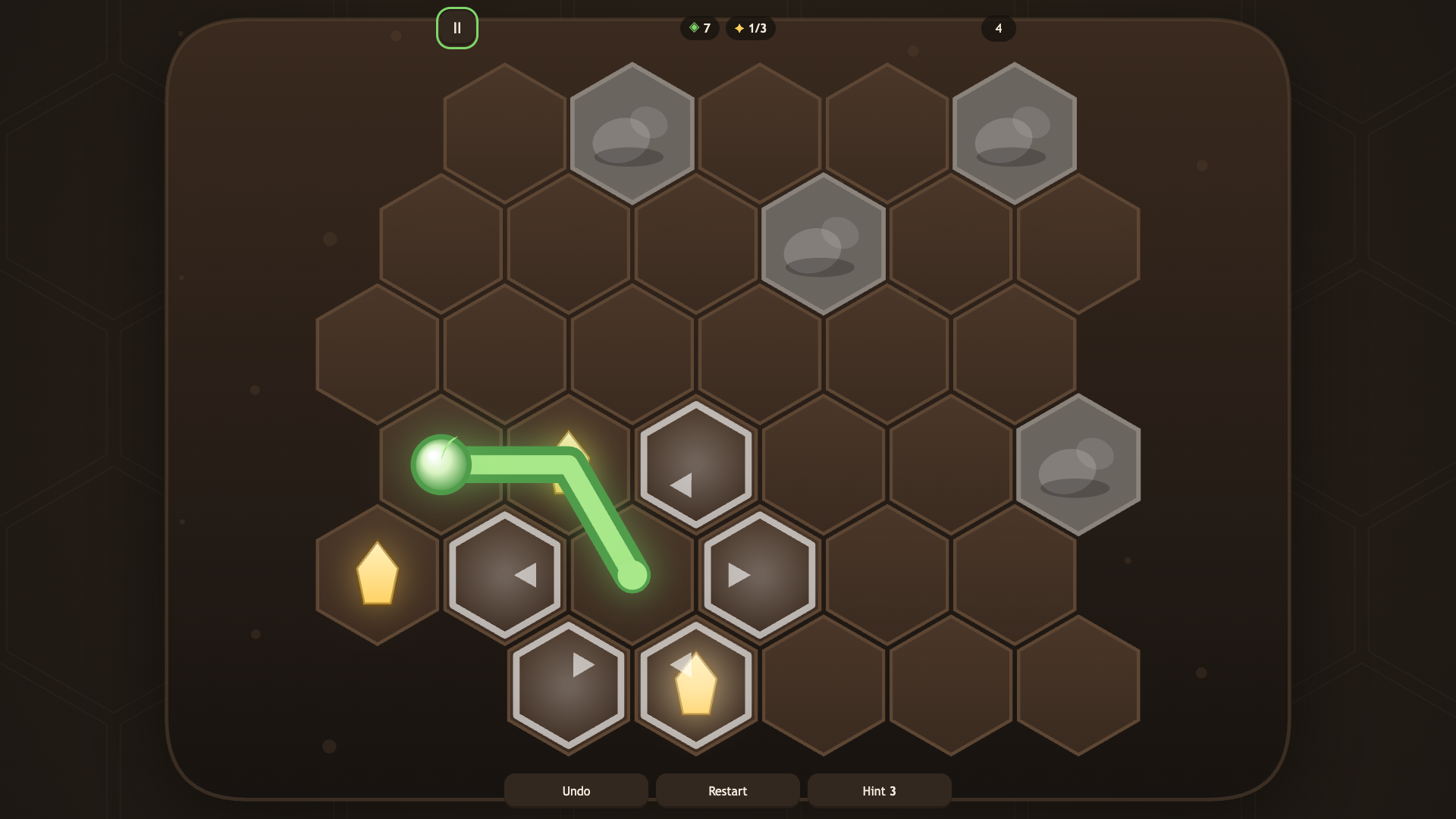
Logic puzzle fans will love the quiet intensity of Roots as they guide a growing seed across tricky terrain. You control a root expanding across a hexagonal grid, stretching out one step at a time to reach glowing crystals. Every movement consumes precious energy, so you must carefully plan your path to avoid running dry. Sand tiles double your energy cost, while water droplets act as vital fuel to keep your growth going. Stones block your way entirely, forcing you to navigate around obstacles without ever crossing your own path. Mastering the flow requires patience because you have to balance efficiency with the need to collect every resource. Four distinct worlds challenge your mind with increasing complexity, including frost levels where you must gather crystals in a strict numerical sequence. Play Roots right in your browser for free without any downloads required.
How to play
Tap a neighbouring cell or swipe to grow the root by one step. On desktop the arrow keys work, and Enter confirms a move. The root cannot cross itself or grow through stones.
Collect the crystals — once you have them all, the level is complete. Watch your energy: every step spends it, water drops restore it, and sand costs twice as much. In the frost world crystals are numbered — collect them in order.
Stuck in a dead end? Undo a move or restart the level. If you are really stuck, the game will suggest the next step.
Features
- Energy management: Strategic planning is required to balance path length against the limited energy available for each level.
- Hexagonal navigation: Movement is restricted to a grid of hexes, creating complex pathfinding challenges within a confined space.
- Resource collection: Gathering water droplets is essential to replenish energy reserves while navigating toward final level goals.
- Progressive difficulty: The game introduces new environmental hazards like frost order requirements and costly sand tiles as you advance.
- Sprout scoring: You can replay levels to aim for a perfect score by optimizing moves and gathering all hidden items.
Who is it for
Puzzle lovers who enjoy meditative brain training will find this logic challenge satisfying. Casual players seeking a relaxing way to sharpen their spatial reasoning skills will appreciate the slow, methodical pace. Anyone looking for a browser game that rewards careful planning over quick reflexes will enjoy this experience.
Controls
Grow root
Tap a neighboring cell or swipe in the desired direction on mobile devices.
Keyboard movement
Use arrow keys to select a direction and press Enter to confirm your move.
Undo move
Select the undo button to revert your last step if you hit a dead end.
FAQ
How do I beat the levels in Roots?
›
You need to collect all the crystals on the board without trapping yourself or running out of energy. Plan your route carefully to ensure you pass through water drops along the way.
Can I save my progress in Roots?
›
Yes, the game saves your progress automatically in your browser. You can return to your current level on any device at any time.
What should I do if I get stuck in Roots?
›
Use the undo button to correct your path or restart the level entirely. If you remain stuck, look for the hint option to see the next move.