About game
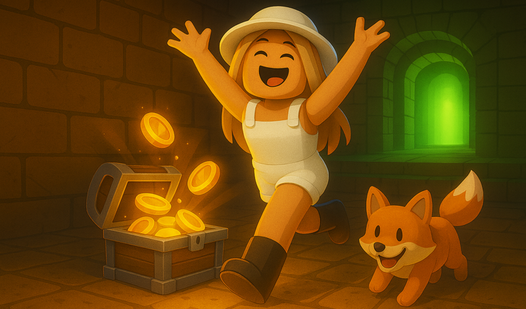
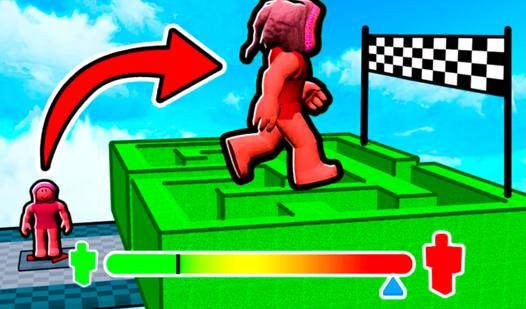
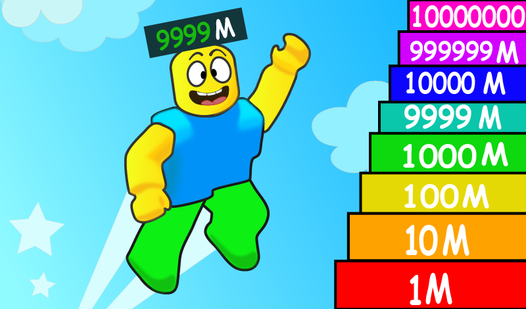
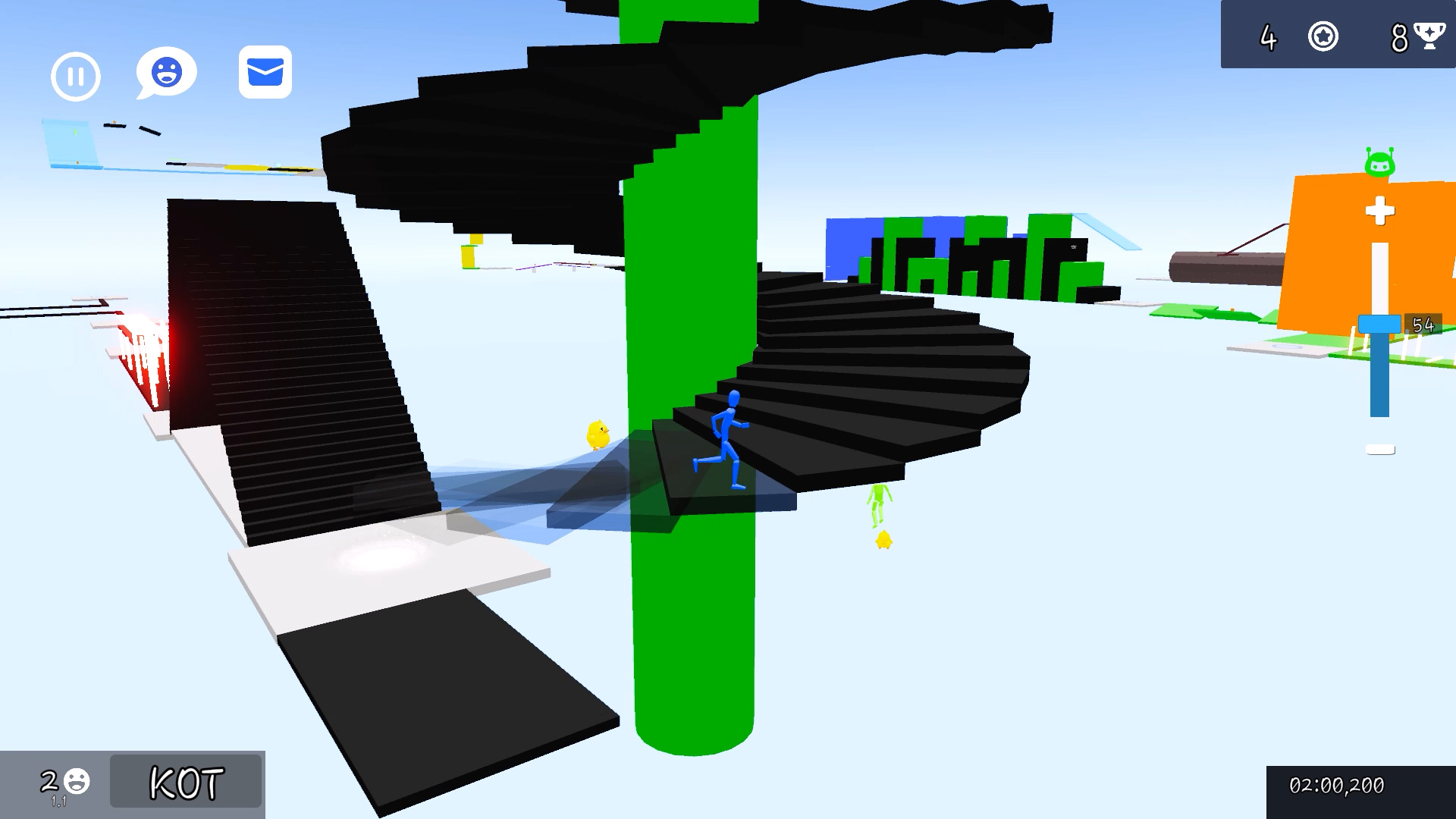
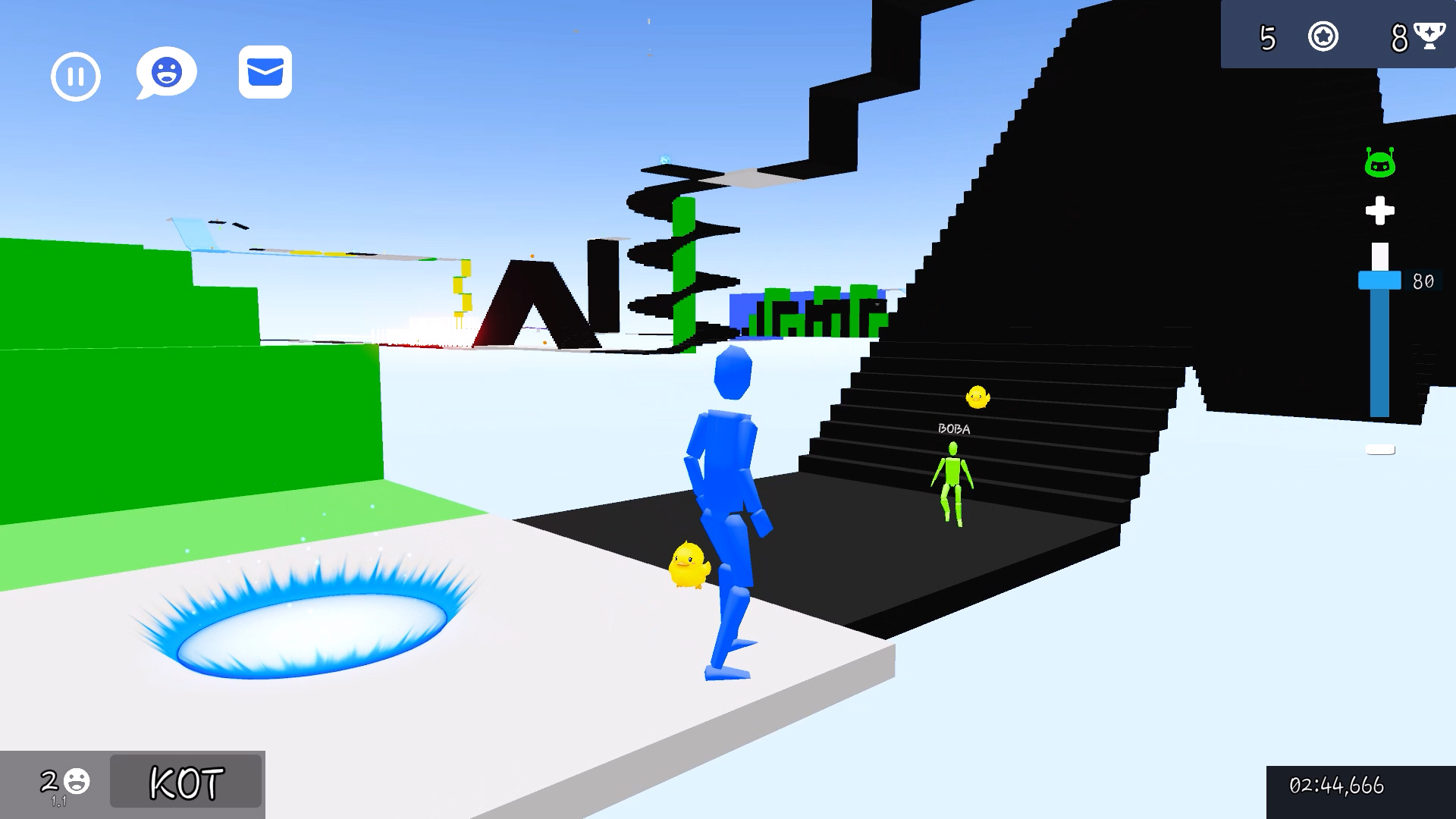
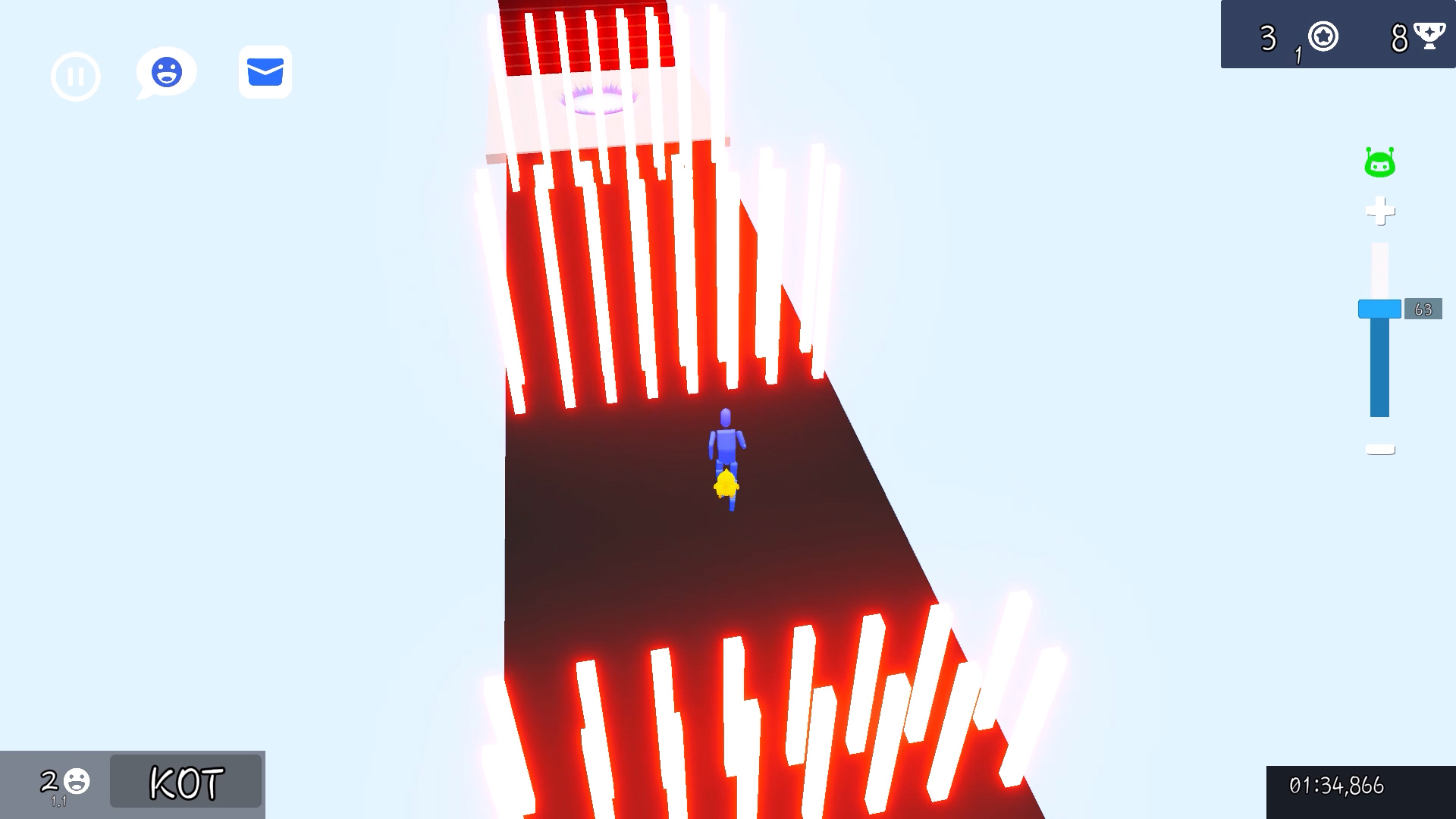
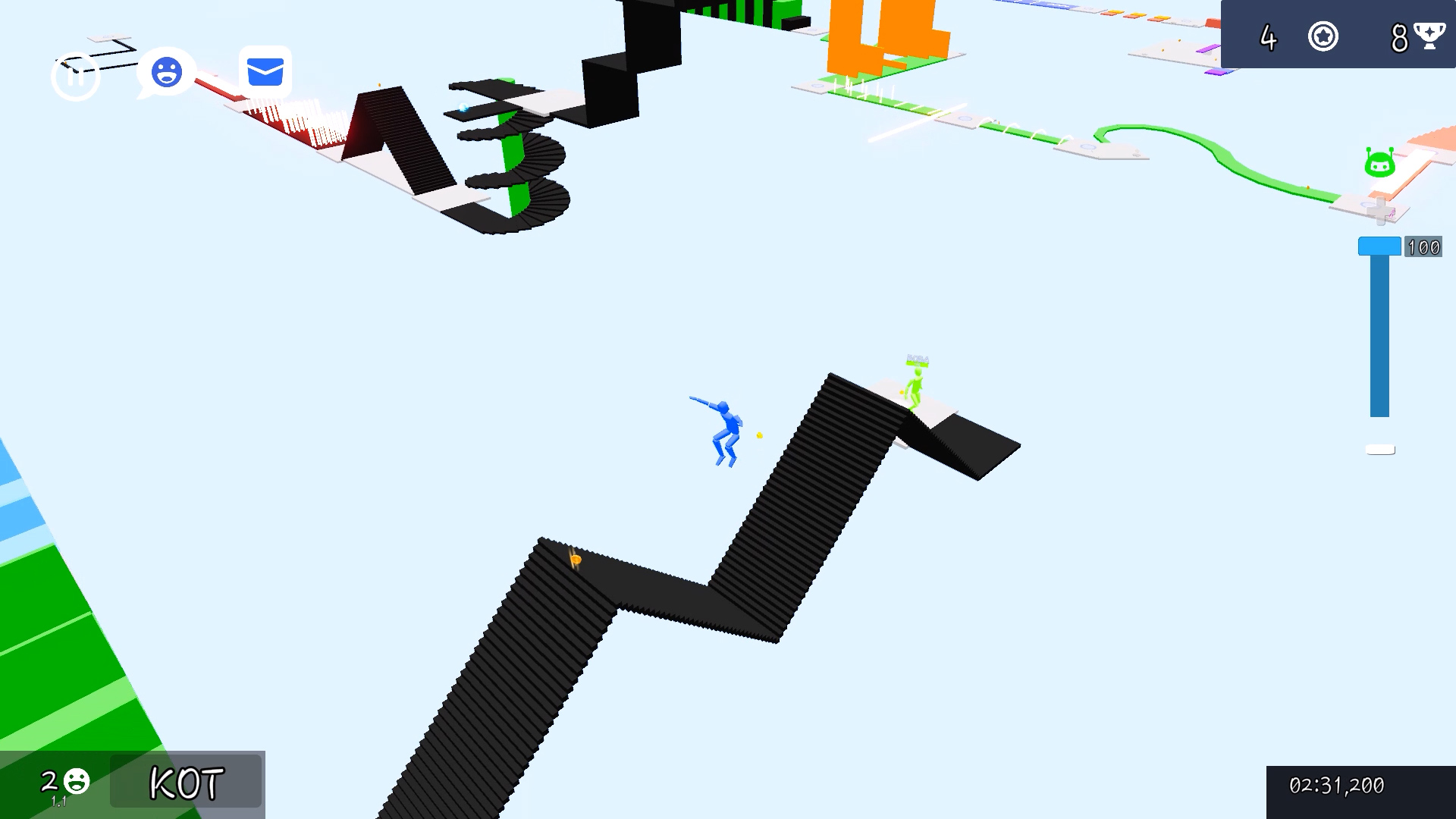
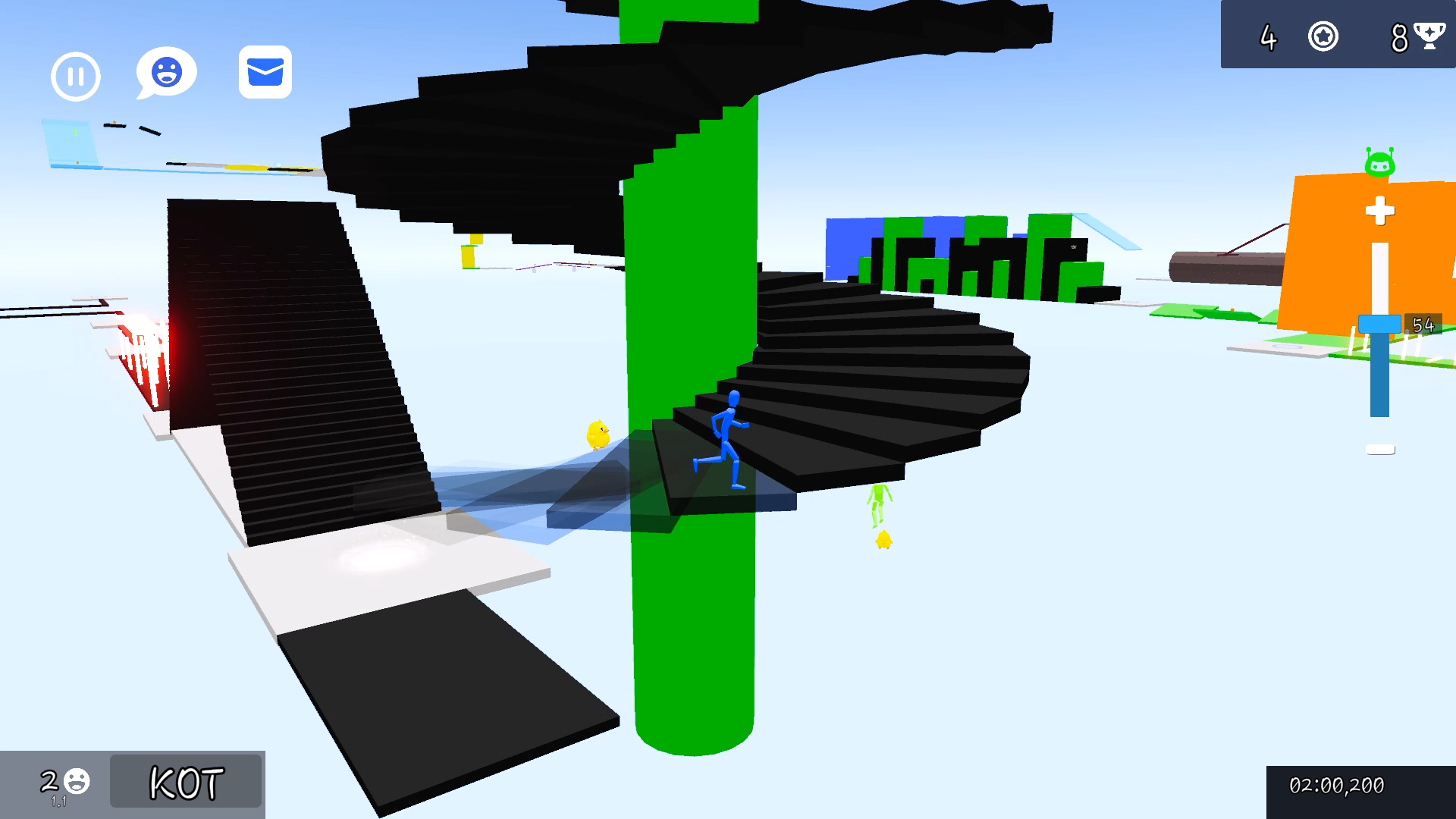
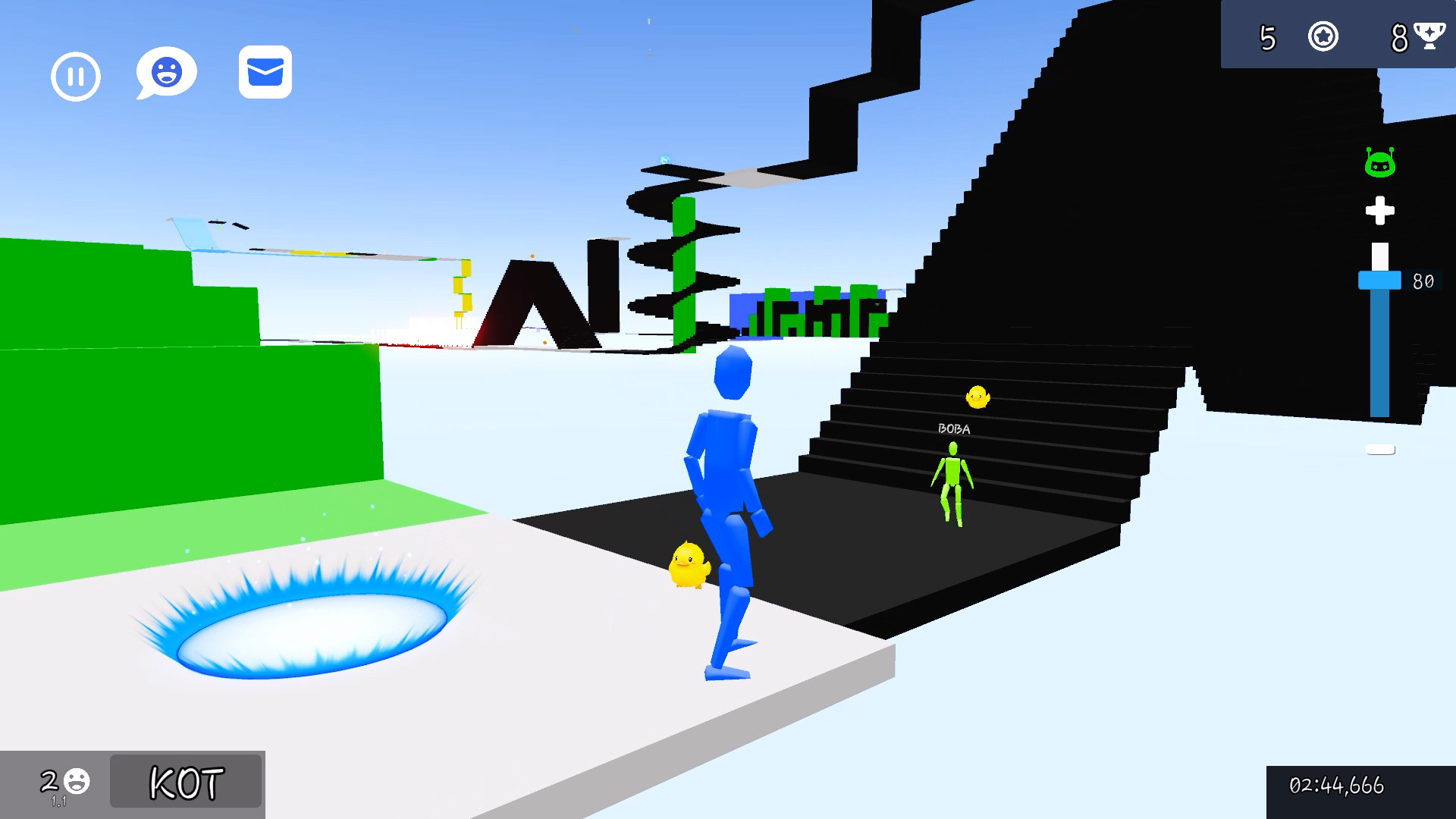
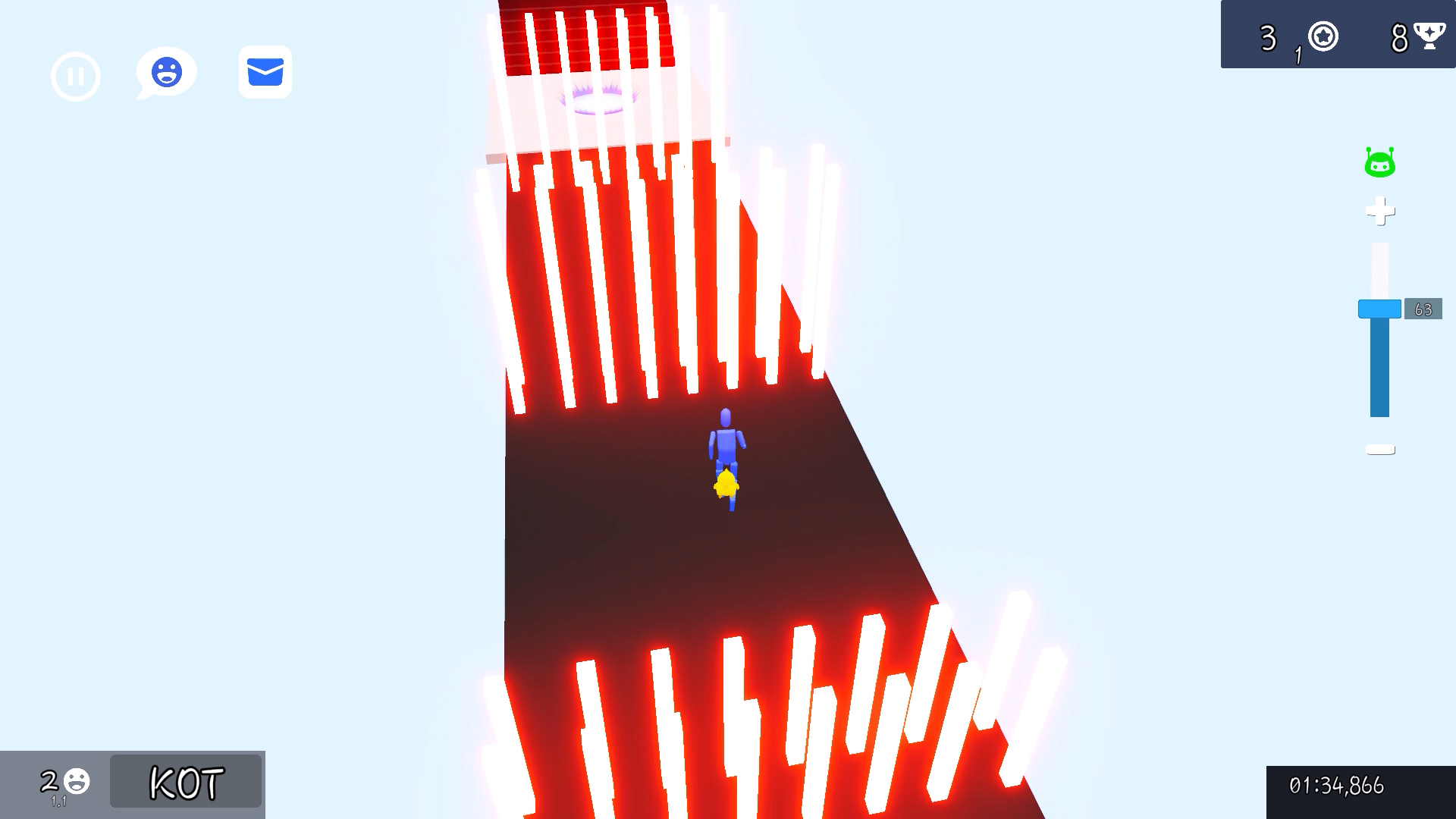
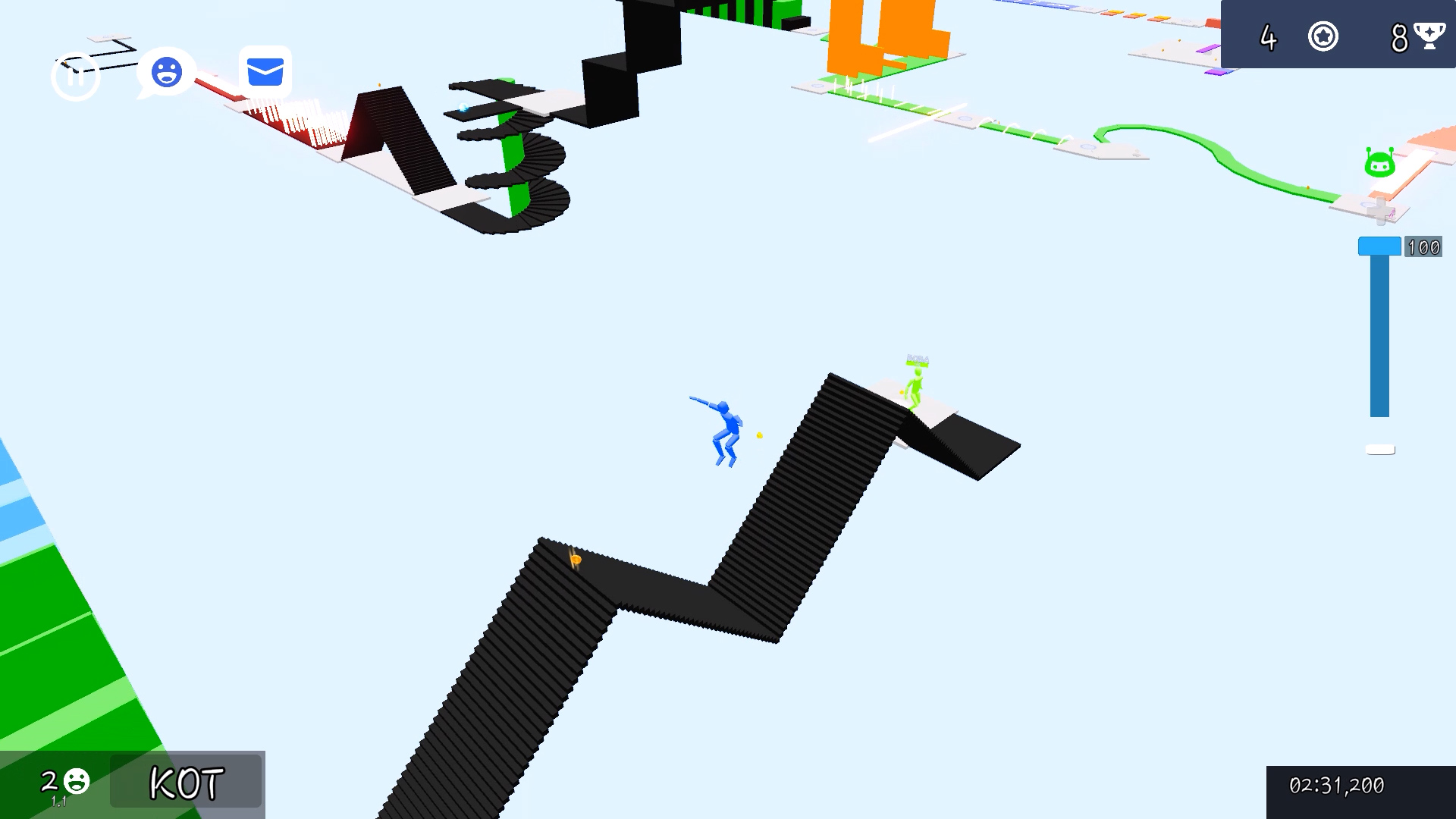
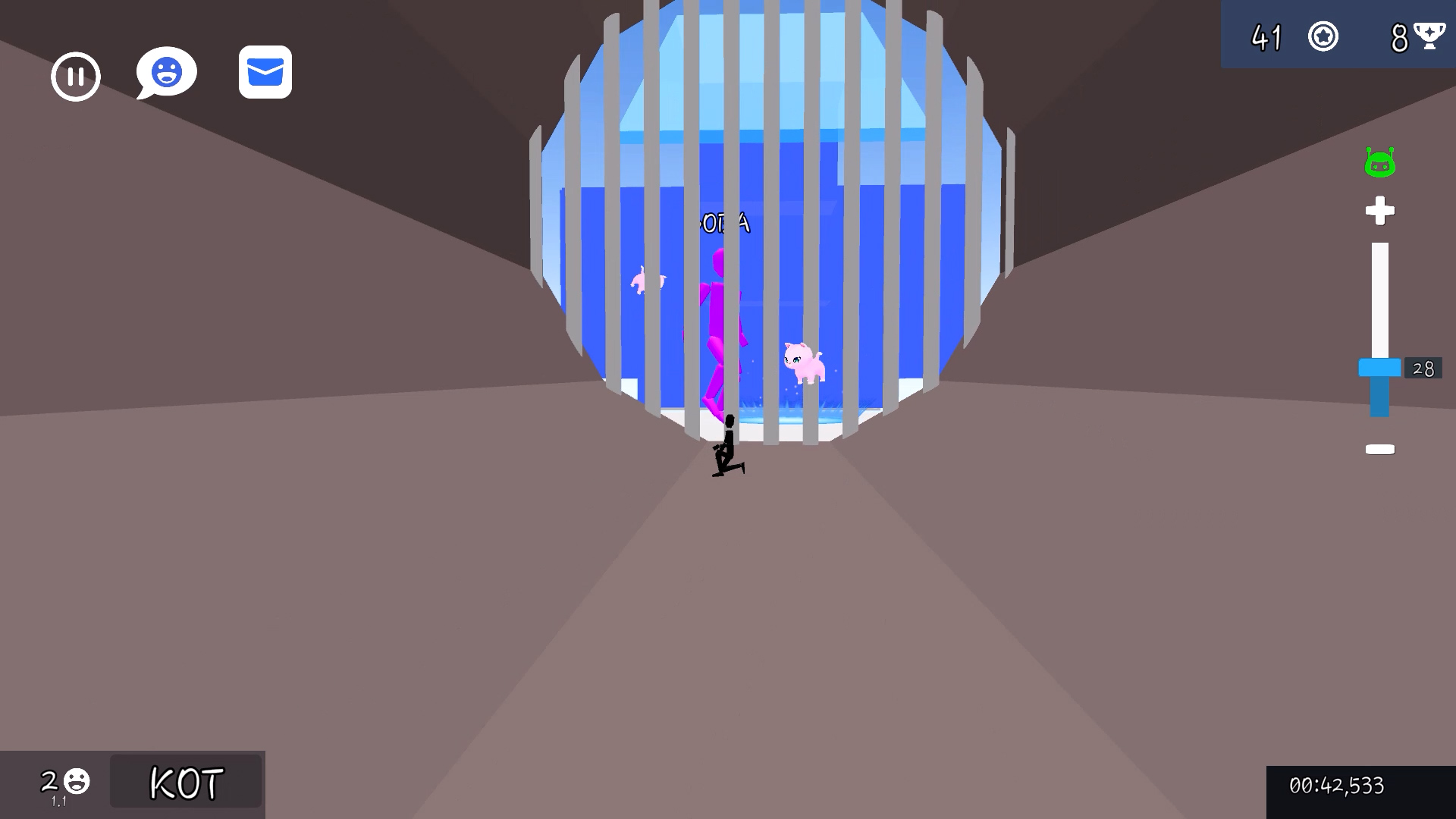
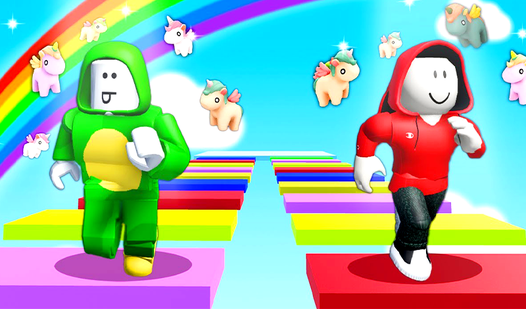
Fans of high-stakes agility challenges will find Roblox Control Size to be the ultimate test of their reflexes. This addictive experience forces you to manipulate your character's dimensions to navigate complex obstacle courses that shift with every step. You must master the art of timing as you shrink to slip through tight gaps or expand to reach high platforms across treacherous gaps. The core loop revolves around precision movement where one miscalculation sends you back to the start of the obby. As you progress, you can unlock unique skins to stand out from the crowd and collect adorable pets that trail behind you on every run. Climbing the leaderboard allows your nickname to be displayed for everyone to see upon entry, cementing your status as a top player. Portals hidden throughout the map add layers of mystery, providing shortcuts or unexpected deviations that keep every session feeling fresh. Jump into this engaging browser challenge right now at FreeJoy.games with no download required to start your epic parkour journey.
How to play
The goal: complete the parkour.
Control:
WASD - movement.
Space bar - jump.
TAB - pause.
Shift - cursor.
Mouse wheel - zoom in/out.
On the phone:
Use the game interface.
Features
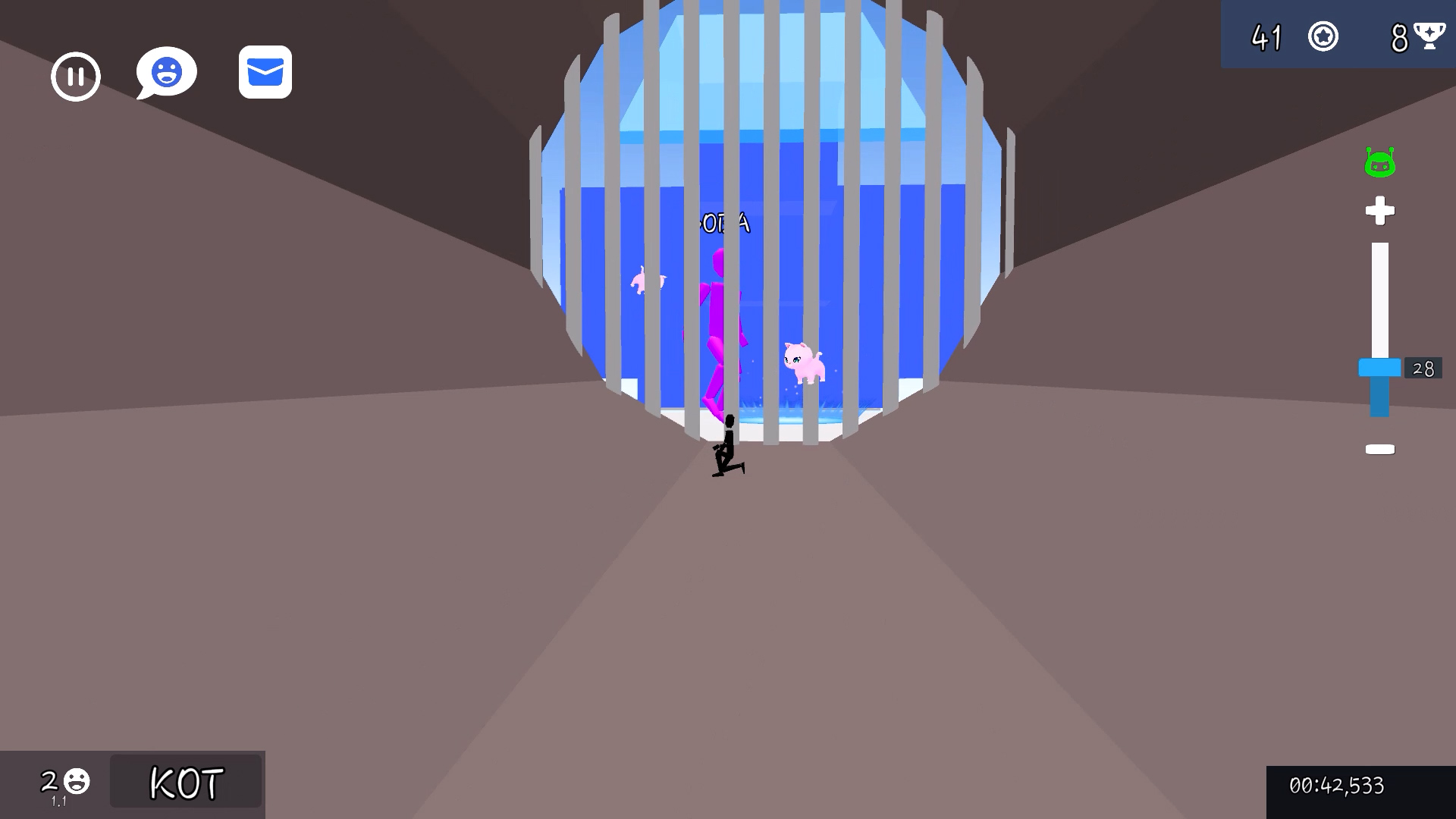
- Dynamic Scaling: Instantly adjust your character size to navigate narrow tunnels or leap over massive barriers.
- Leaderboard Glory: Dominate the course to have your nickname featured permanently on the main hub for other players to see.
- Pet Collection: Find and equip various companions that accompany you throughout the most difficult segments of the map.
- Cosmetic Customization: Swap between a variety of unique skins to personalize your avatar for the parkour arena.
- Portal Adventures: Explore mysterious gateways that offer branching paths and hidden routes across the 3D environment.
Who is it for
Platforming enthusiasts and hardcore speedrunners will gravitate toward the intense movement mechanics of Roblox Control Size. Casual gamers looking for a quick session of skill-based fun or younger players who enjoy vibrant 3D obstacle courses will find hours of entertainment mastering these unique size-shifting challenges.
Controls
Movement
Use WASD keys on PC or the on-screen joystick on mobile devices.
Jump
Press the Space bar or tap the jump button on your touchscreen.
Toggle Cursor
Press the Shift key to release or lock your mouse cursor.
Zoom Camera
Scroll the mouse wheel to adjust your field of view for better platforming precision.
Pause Game
Press the TAB key or tap the pause icon in the game interface.
FAQ
How do I change my character size in Roblox Control Size?
›
You can interact with specific in-game triggers or portals that automatically adjust your scale to fit the current obstacle.
Is Roblox Control Size free to play?
›
Yes, you can play Roblox Control Size instantly in your browser at FreeJoy.games without any registration or downloads.
How can I get my name on the leaderboard in Roblox Control Size?
›
Complete the entire parkour course as quickly and efficiently as possible to secure the top spot and display your nickname to all players.
![Obby: Dangerous Disaster Challenges [25M+]](https://static.playhop.com/images/7a6aa_11385414_8376a/62c2e014e/2a00000194dbaff9_9aa9e4b/603fadc7b78eec85e571_05d377/cover1)