Game Title
Loading...


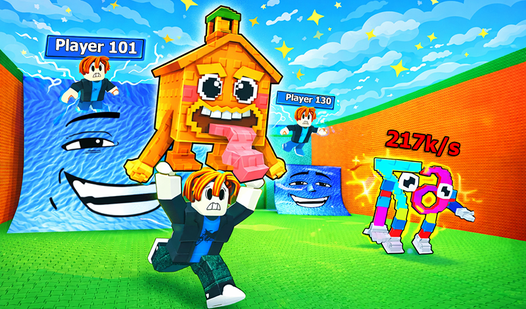





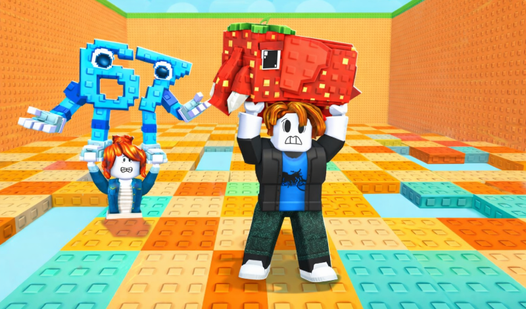
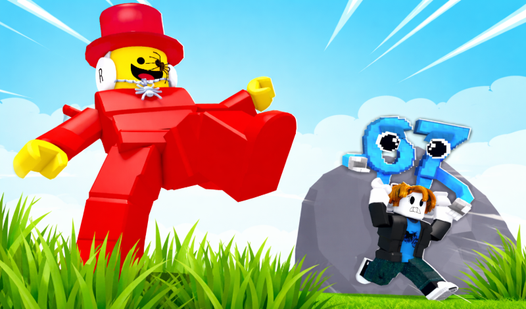

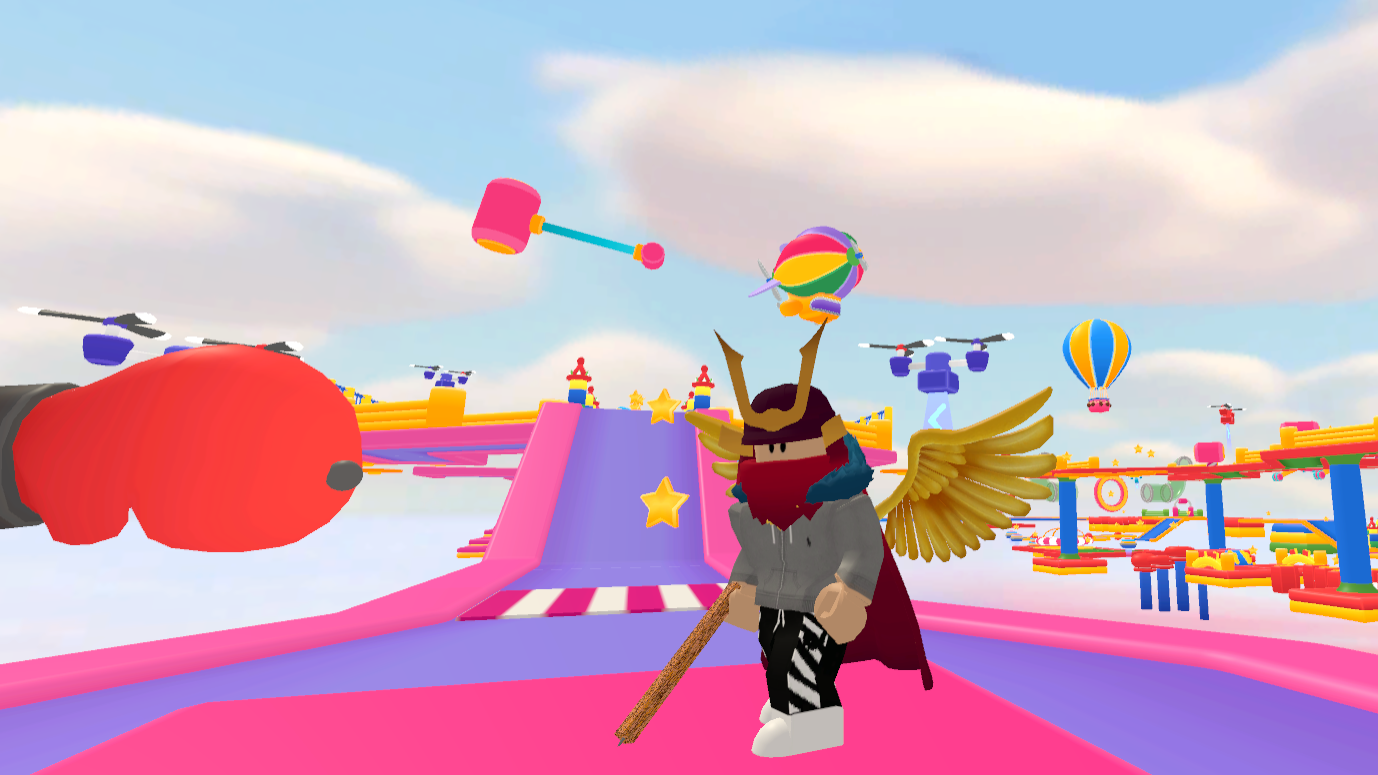
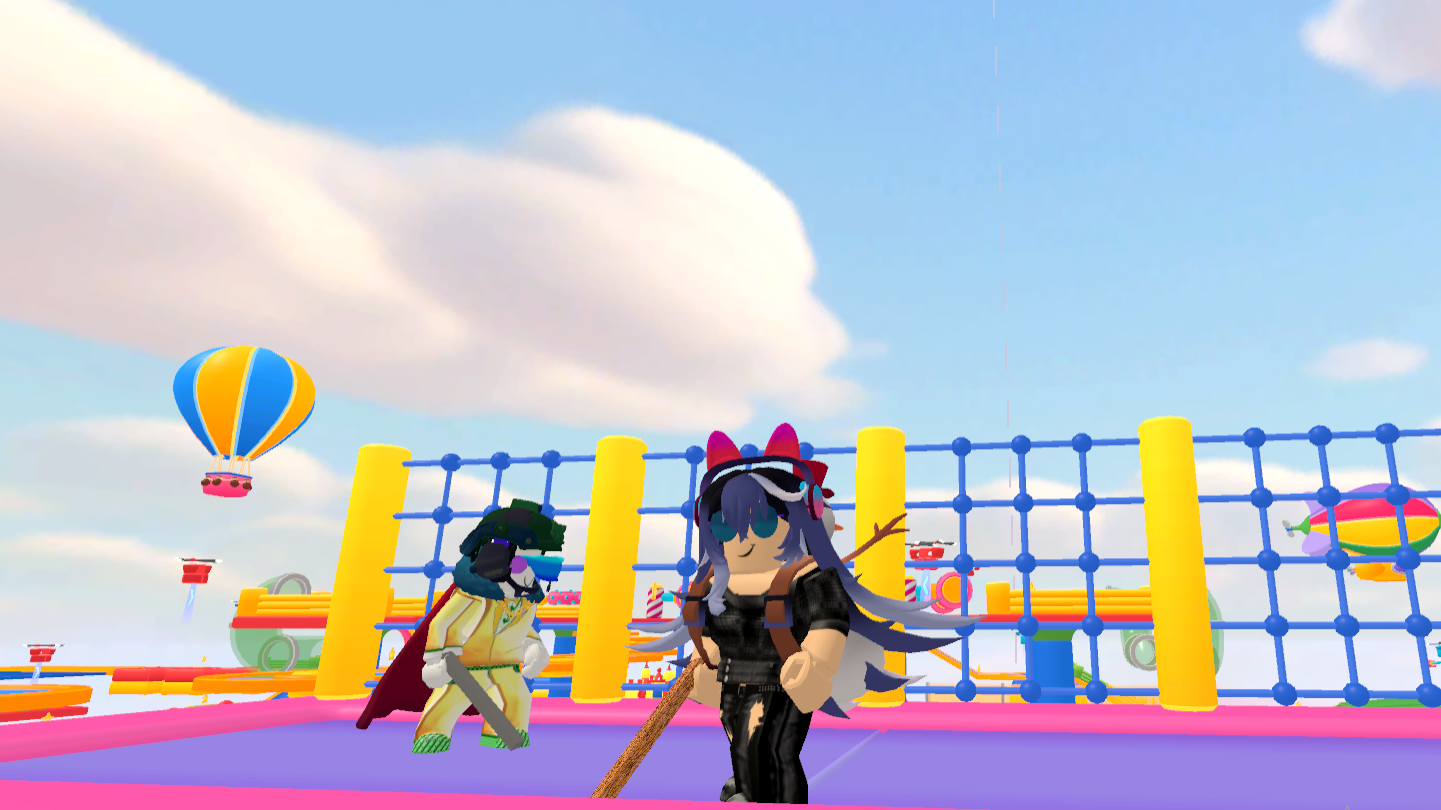
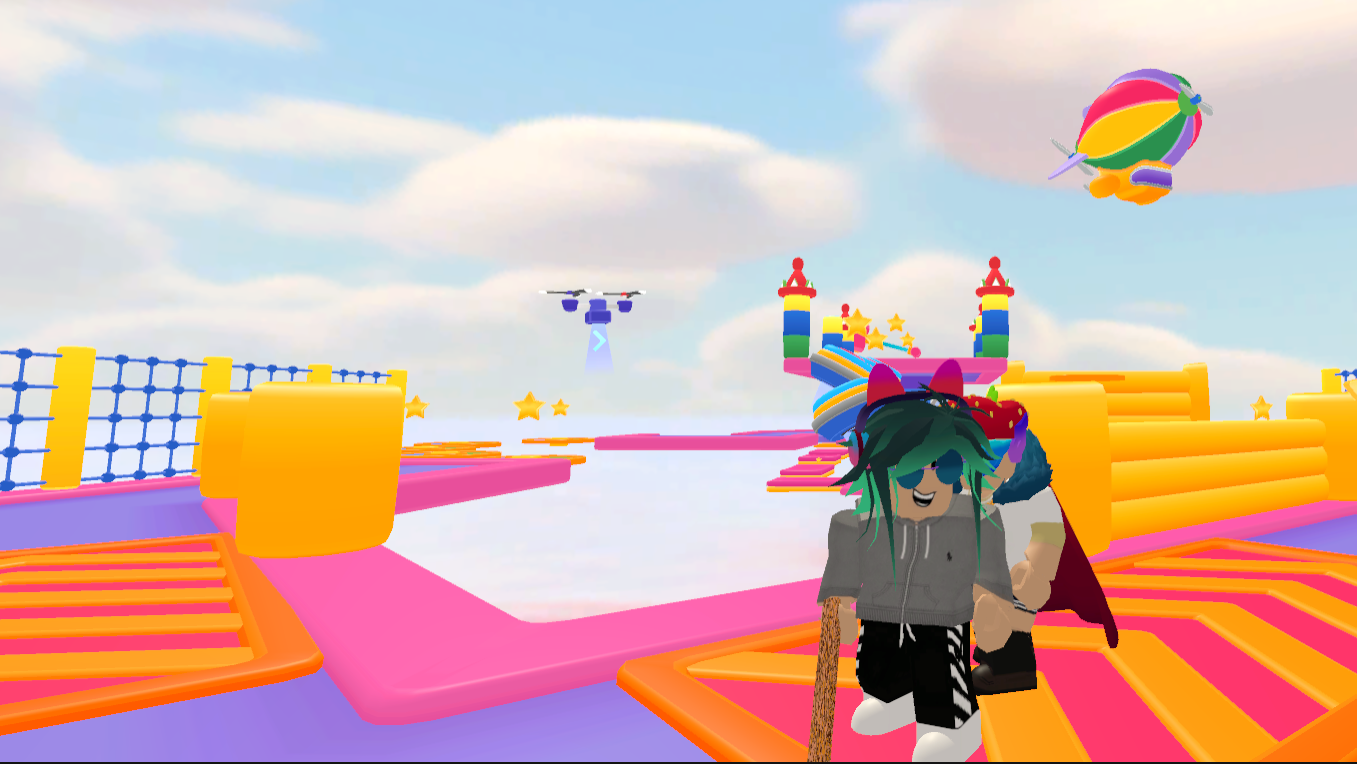
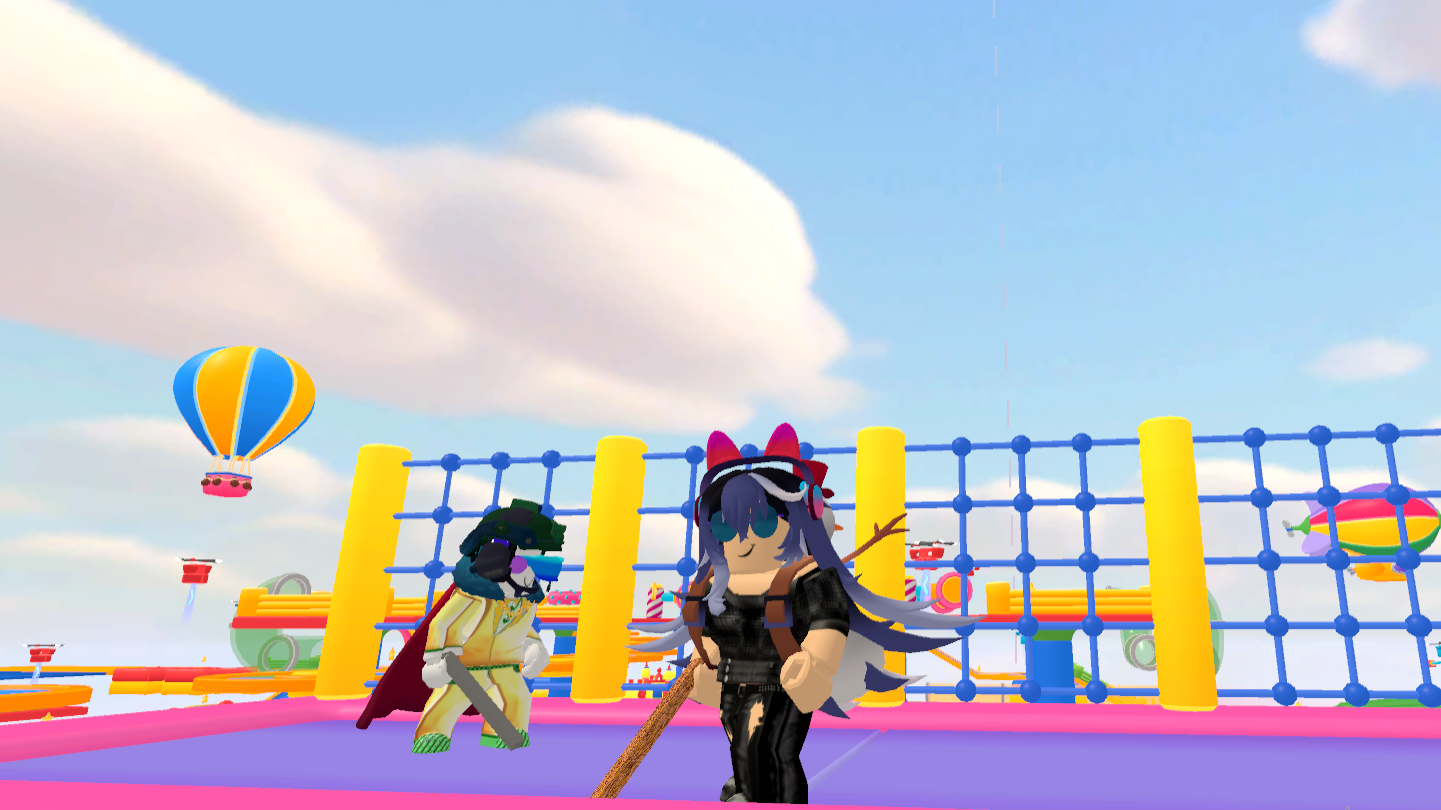
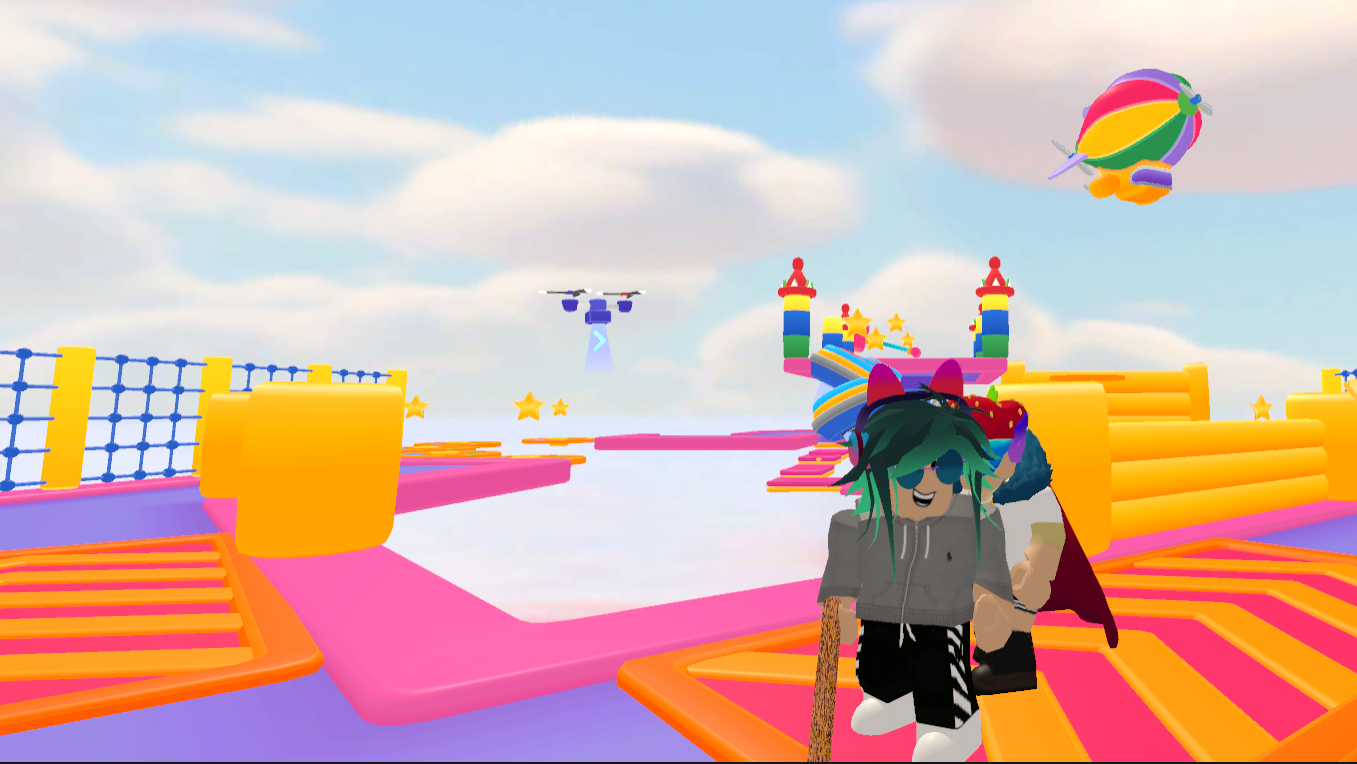
Obstacle courses have a way of testing your nerves while keeping your fingers glued to the keyboard. Robby Multiplayer: Fun Obby takes the standard parkour experience and turns it into a chaotic race against friends. You must navigate treacherous gaps and rising platforms without tumbling into the abyss below. When someone blocks your path, simply strike them to clear a lane and maintain your momentum. Avoiding the lurking Tung Tung requires quick reflexes and constant movement across the map. Personalizing your look with different skins lets you stand out while climbing the competitive ranks. Gathering as many stars as possible pushes your name to the top of the leaderboard. Competing against nine other people in real-time adds a layer of intensity to every jump. Jump into this browser adventure now without any annoying downloads or registrations.
PC Controls: 🖥️
WASD: Move character
Camera rotation: Hold right mouse button + move mouse
Space: Jump
Attack: Left mouse button
Mobile Controls: 📱
Movement: Joystick in bottom-left corner
Jump / Attack: Buttons at the bottom
Camera rotation: Swipe on the right side of the screen
Casual gamers who enjoy high-speed platforming and competitive movement challenges will love this title. Fans of chaotic multiplayer lobby games find the constant interaction with other people highly entertaining. If you enjoy testing your agility against others in a browser-based environment, this is your next obsession.
Yes, you can jump into Robby Multiplayer: Fun Obby directly in your browser without paying a cent or downloading any files.
Absolutely, the game supports up to ten people in a single room so you can challenge your friends to a race.
The game includes various skins that you can equip to change your character appearance before you start the parkour challenge.