About game
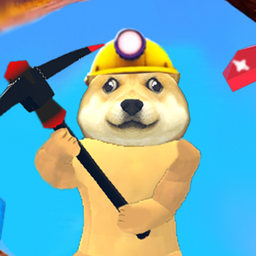
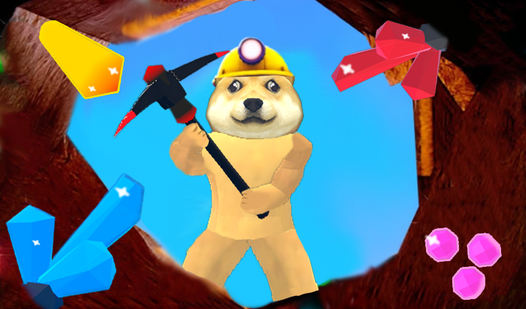
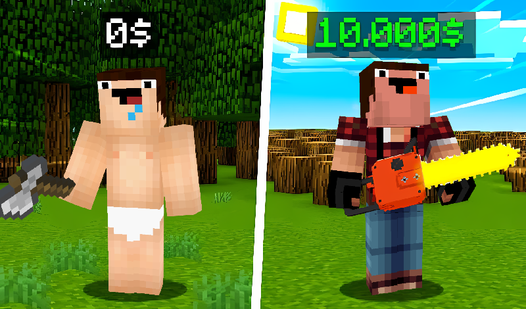
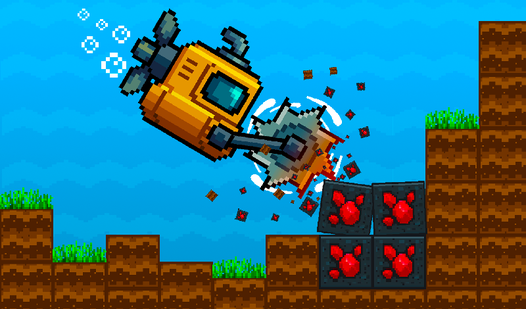
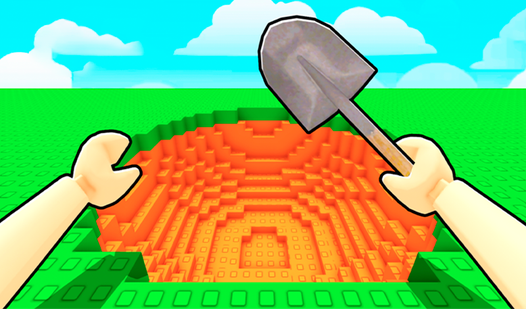
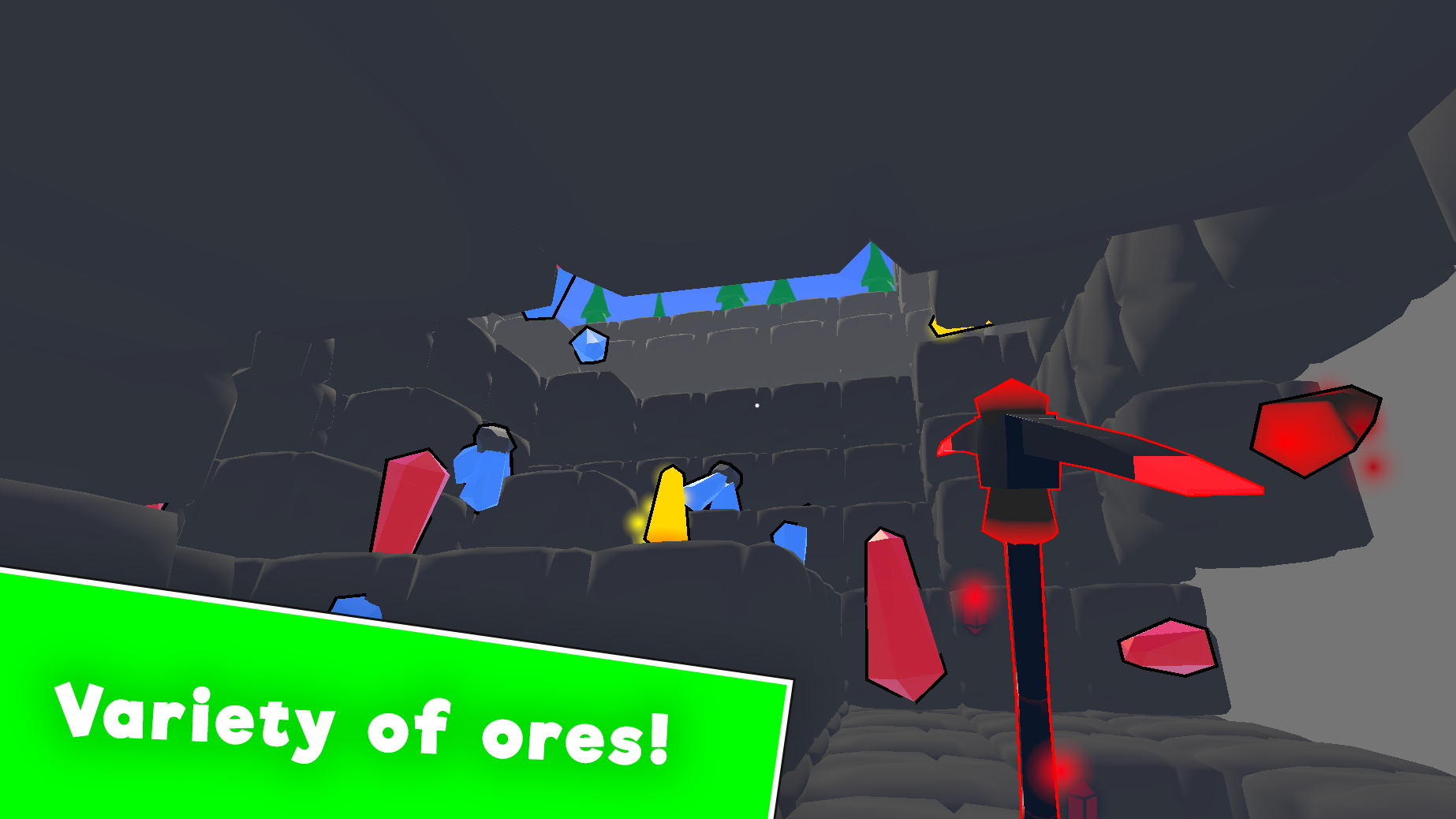
Fans of digging simulators and blocky adventures will find their new obsession with Robby Mine 3D. This title captures the thrill of unearthing buried riches in an expansive underground world that keeps you coming back for more. Players take control of their character to break through stone layers, extract rare minerals, and hunt for hidden gemstones. Every swing of the pickaxe brings you closer to massive profits that fuel your equipment upgrades. As you venture deeper, the challenge increases, requiring better tools to reach the most valuable resource veins. The satisfying loop of mine, sell, and upgrade creates a perfect rhythm for short sessions or long gaming marathons. Unlike other titles, this experience focuses on smooth progression and rewarding discovery in a vibrant voxel environment. You can play Robby Mine 3D for free directly in your browser without any annoying downloads or registrations.
How to play
W, A, S, D - movement keys
E - open inventory
F - to talk with character
Space - jump
Left mouse button - dig
Features
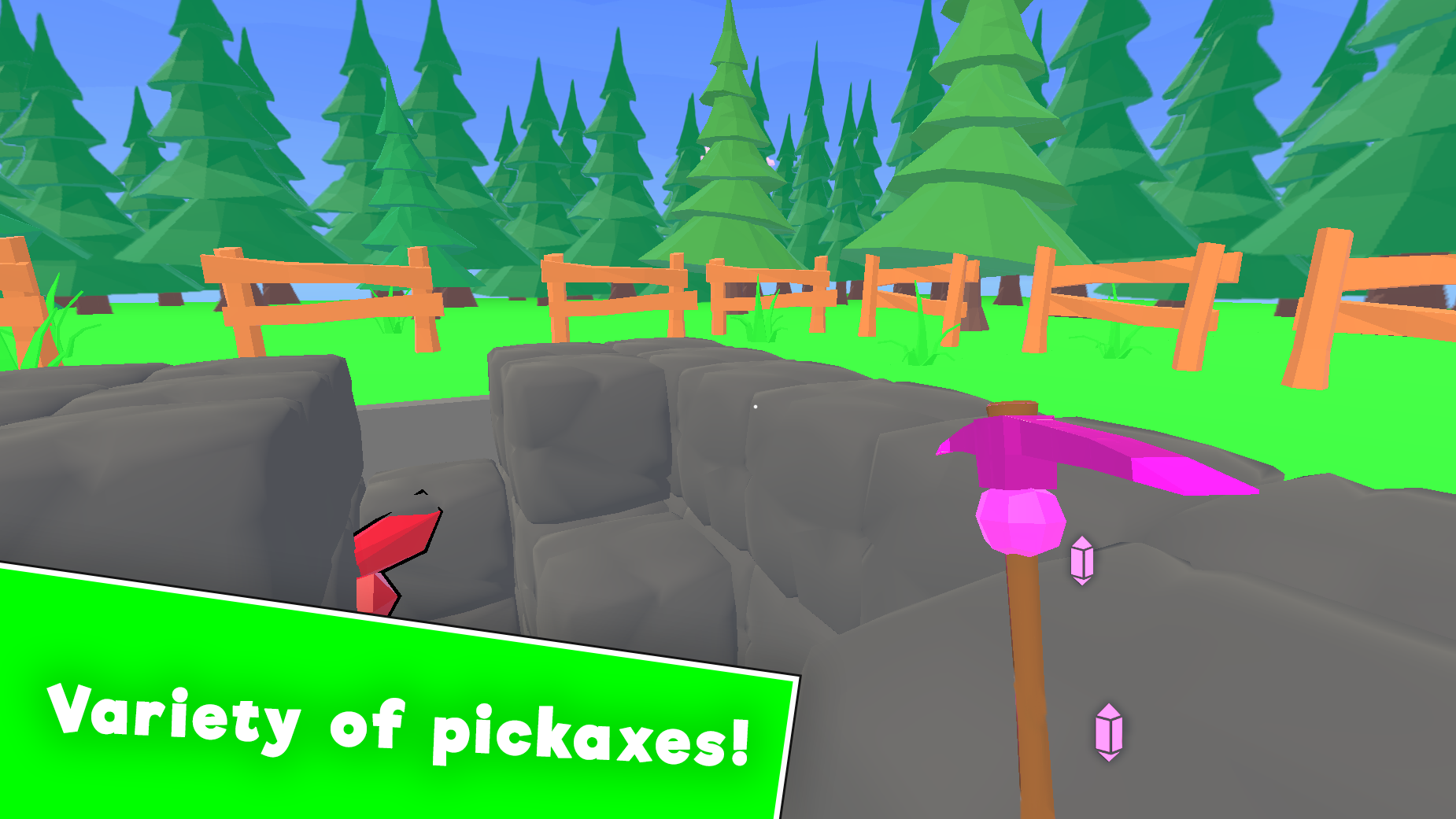
- Tool Upgrades: Exchange collected minerals for advanced pickaxes that increase mining speed and efficiency.
- Inventory Management: Organize your gathered loot and manage your pack capacity to maximize profit per run.
- NPC Interaction: Engage with various characters scattered throughout the map to receive quests and helpful tips.
- Dynamic Environment: Navigate through different terrain layers that offer varying levels of difficulty and loot rarity.
- Skill Progression: Unlock passive bonuses that improve your survival and extraction rates as you gain experience.
Who is it for
Casual players who enjoy relaxing incremental games and fans of voxel-based mining adventures will love this title. It is a great choice for those seeking a low-pressure experience that rewards persistence and strategy. If you enjoy building your own tycoon empire, this mining challenge is exactly for you.
Controls
Movement
Use W, A, S, D keys on desktop or use the virtual joystick on mobile.
Mining
Click the left mouse button or tap the screen to strike objects.
Jump
Press the Space bar or tap the jump icon on your touch device.
Interaction
Press F to talk to characters or E to manage your inventory.
FAQ
Can I play Robby Mine 3D on my mobile phone?
›
Yes, Robby Mine 3D is fully compatible with mobile browsers using intuitive touch controls.
Do I need to sign up to start playing Robby Mine 3D?
›
No registration is required to enjoy the full version of Robby Mine 3D in your web browser.
How can I get better tools in Robby Mine 3D?
›
You can upgrade your gear by selling the minerals you collect to the in-game shops found in Robby Mine 3D.