About game
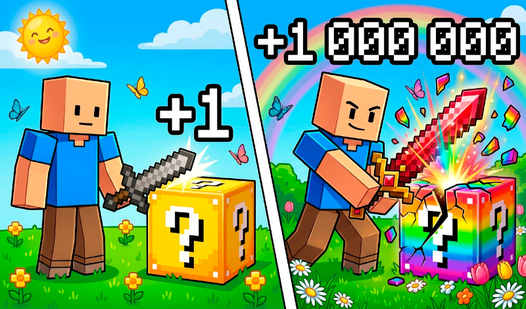
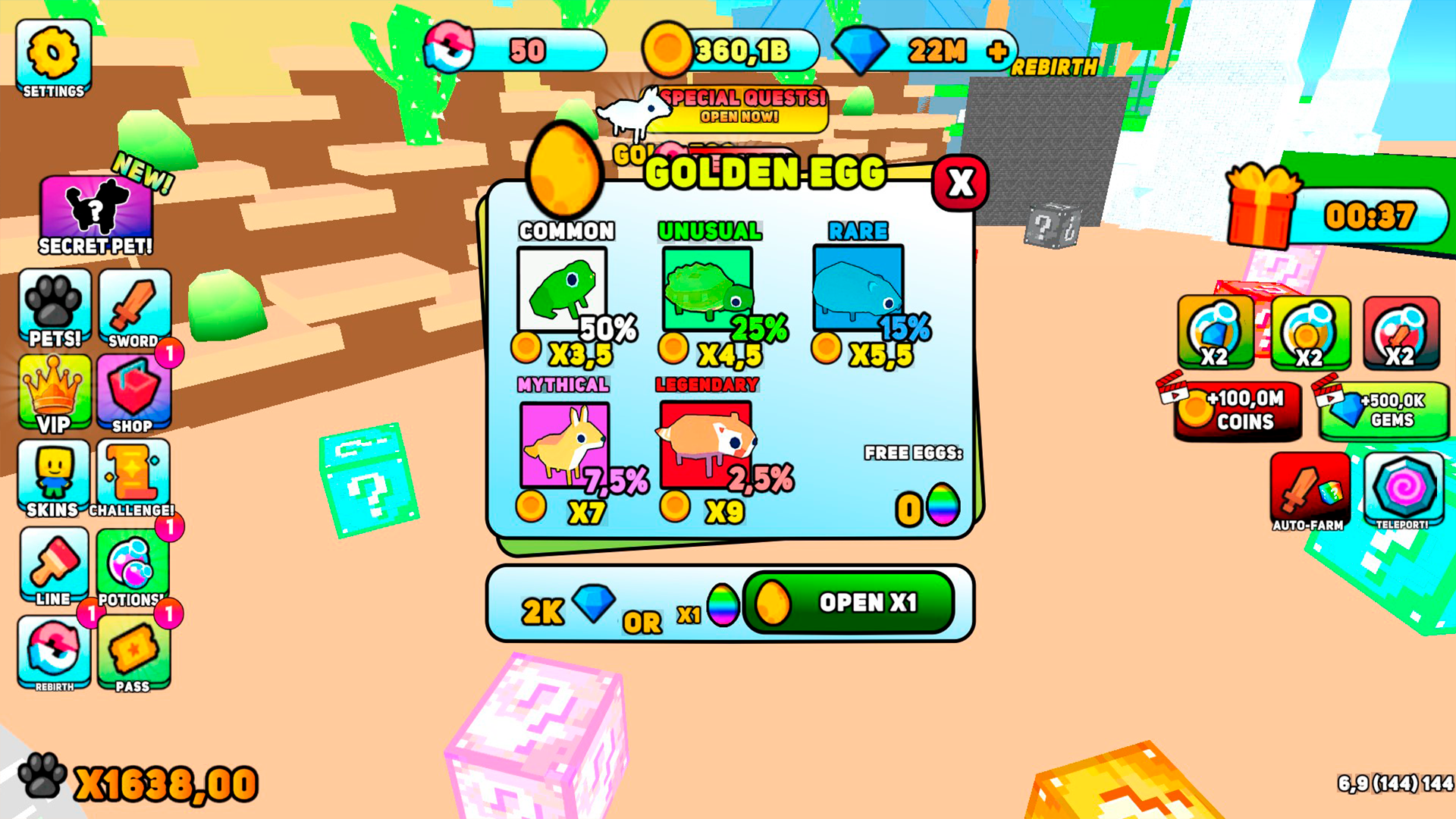
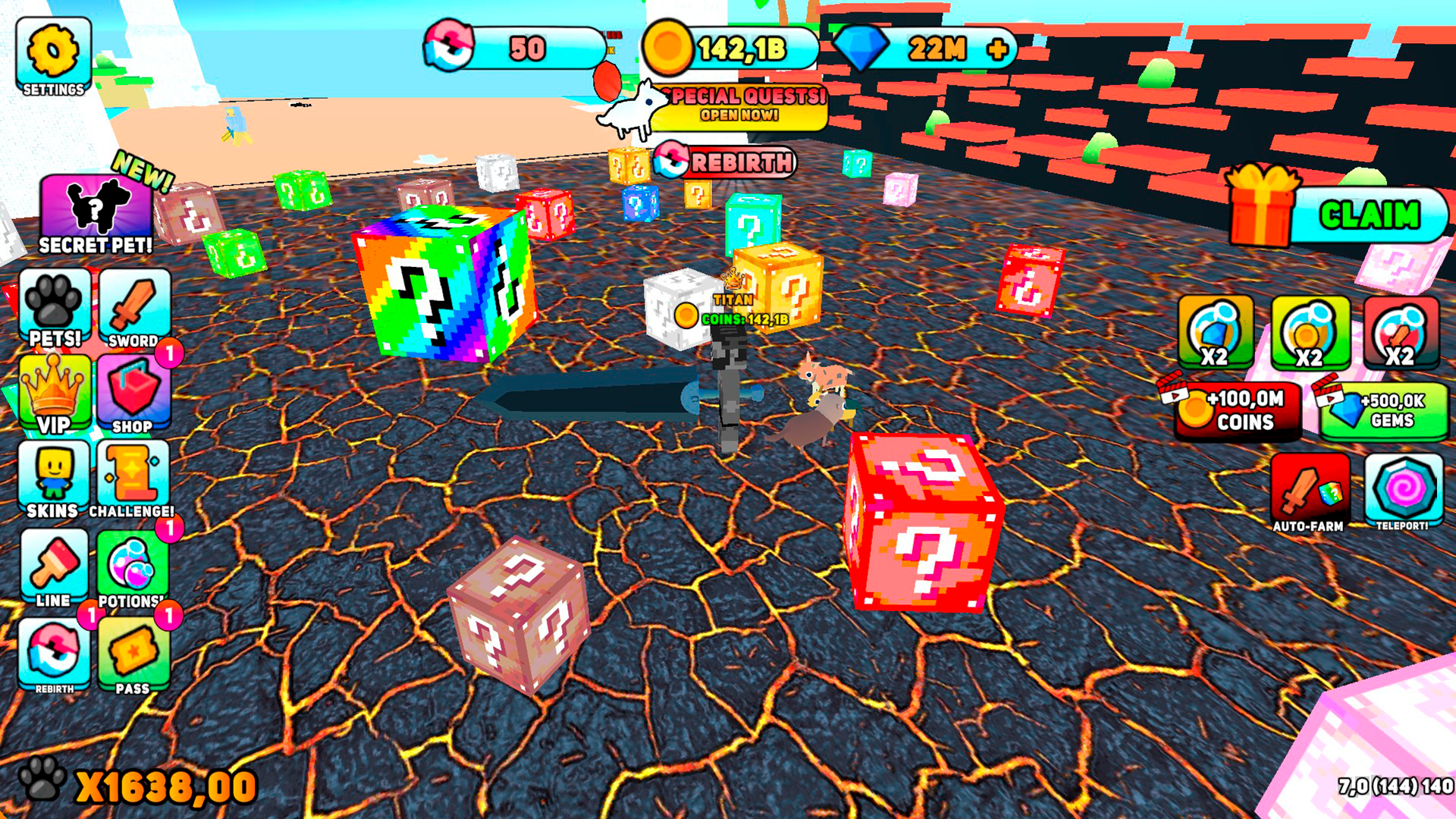
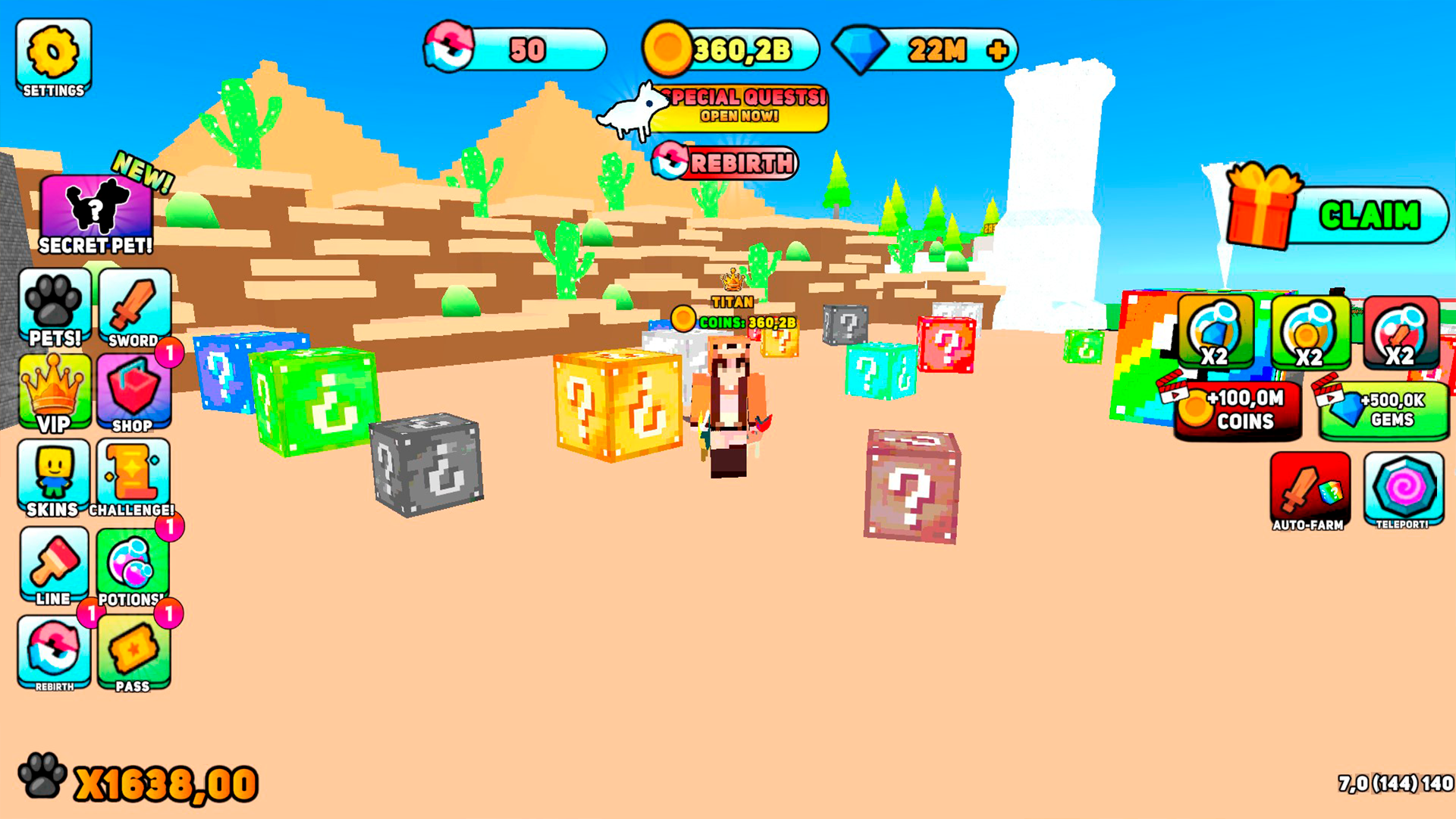
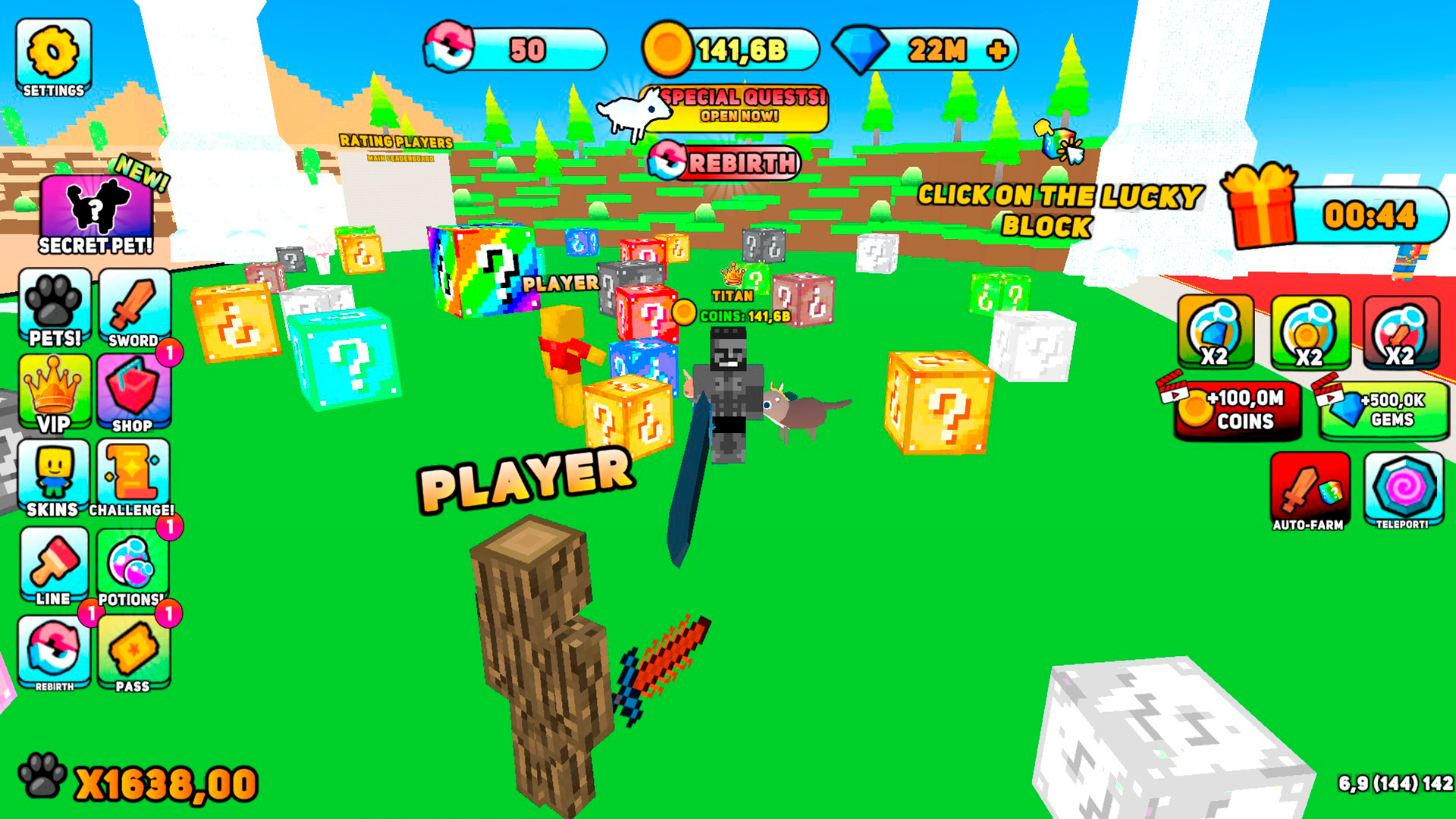
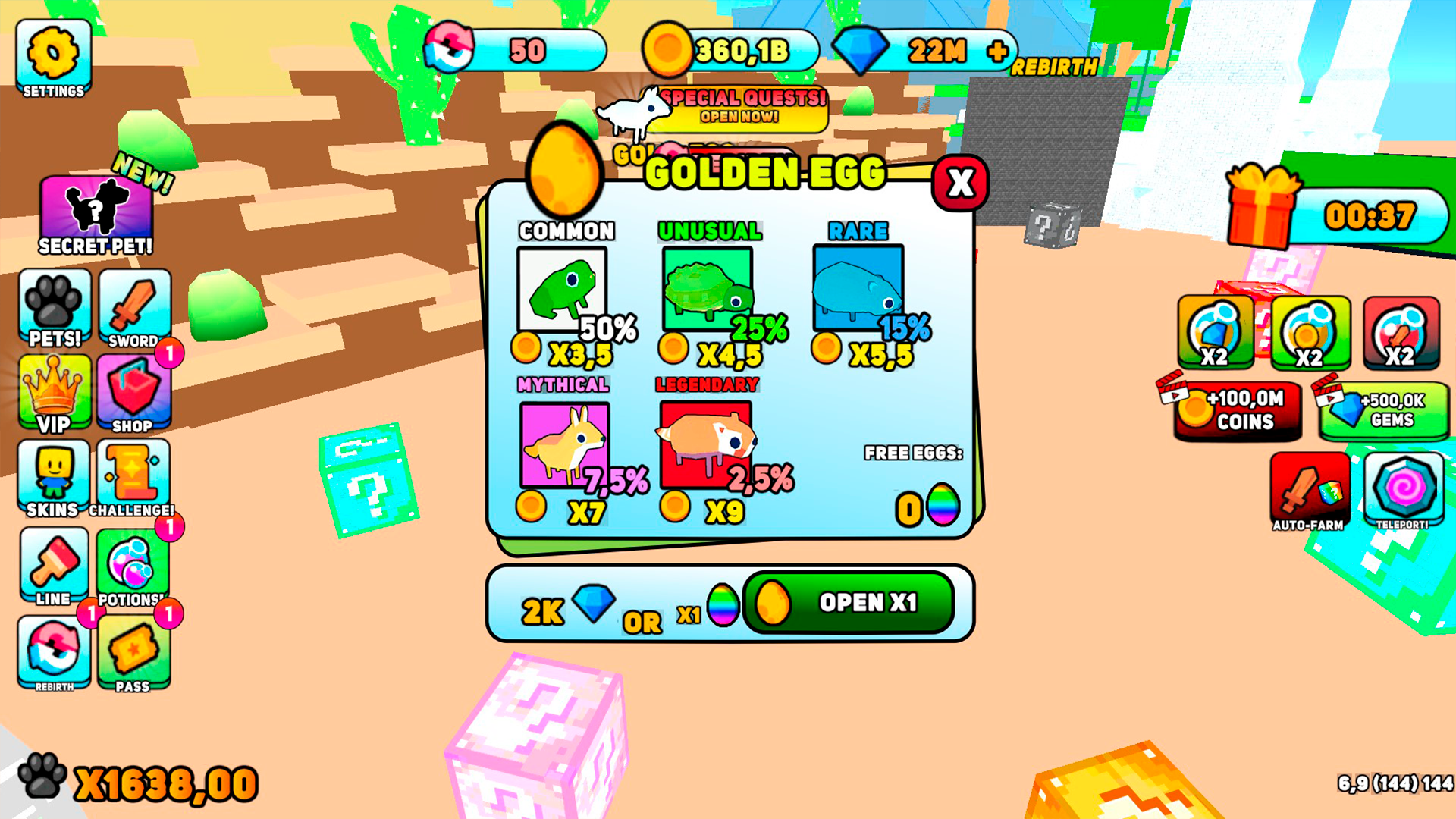
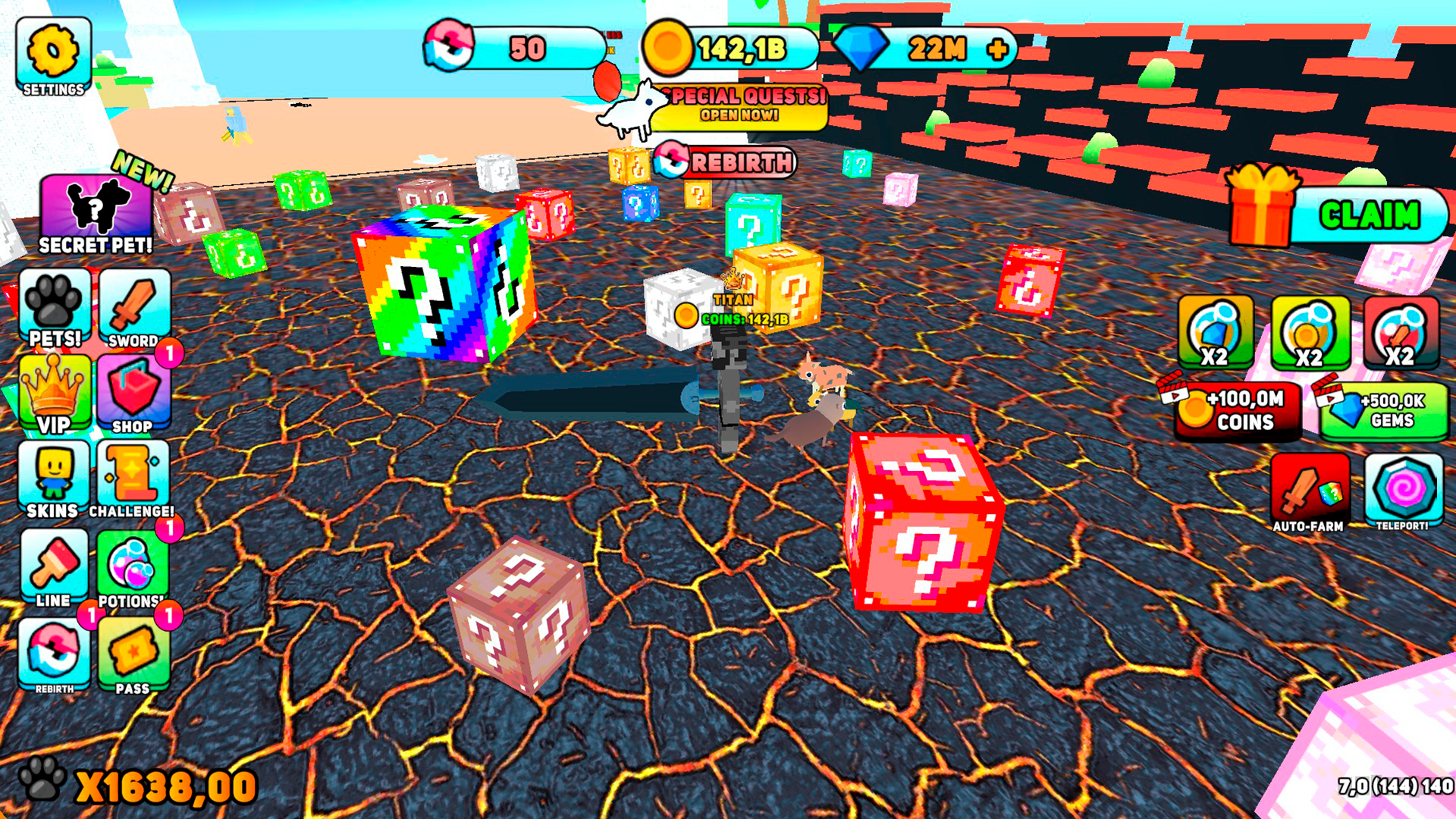
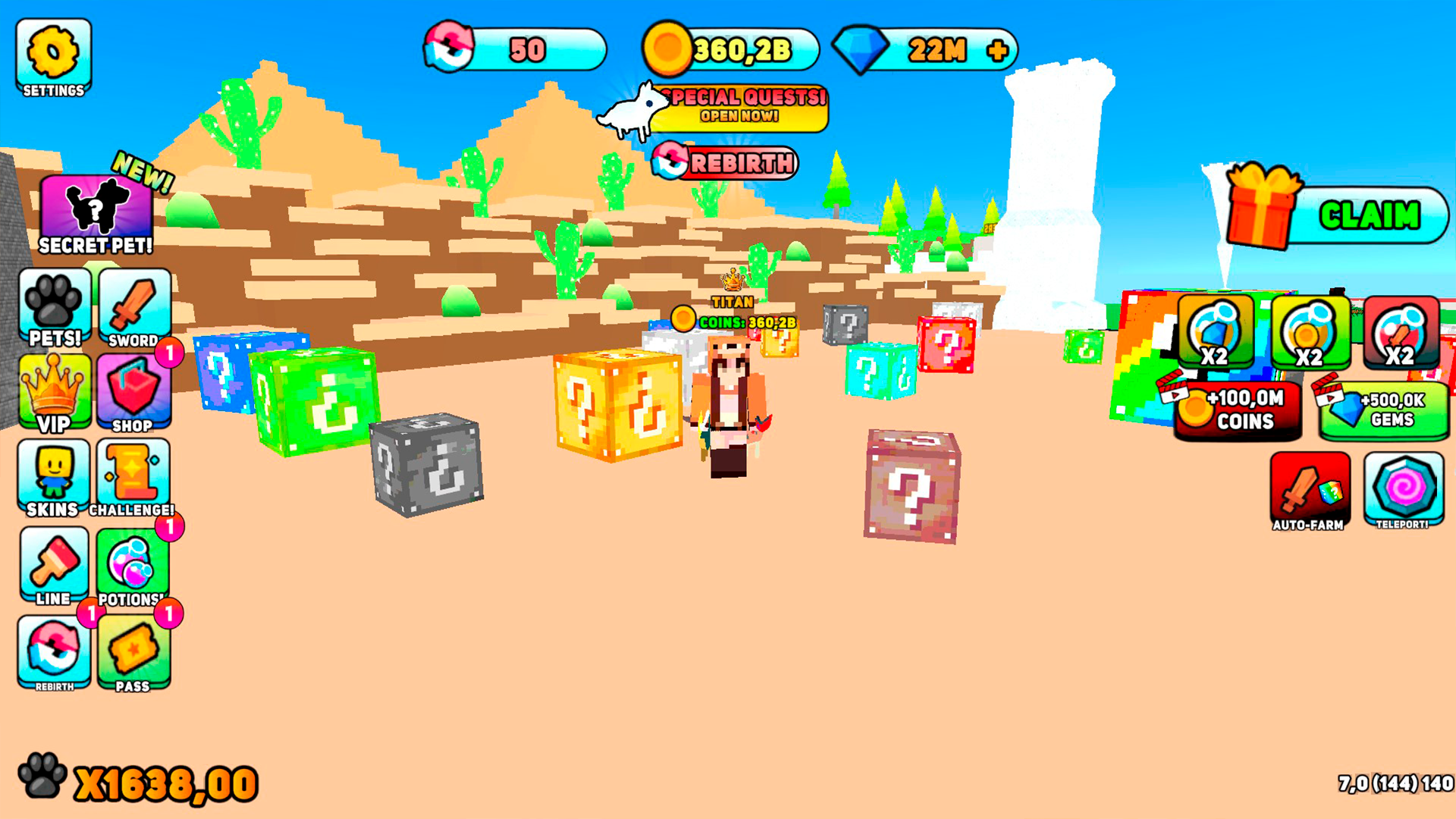
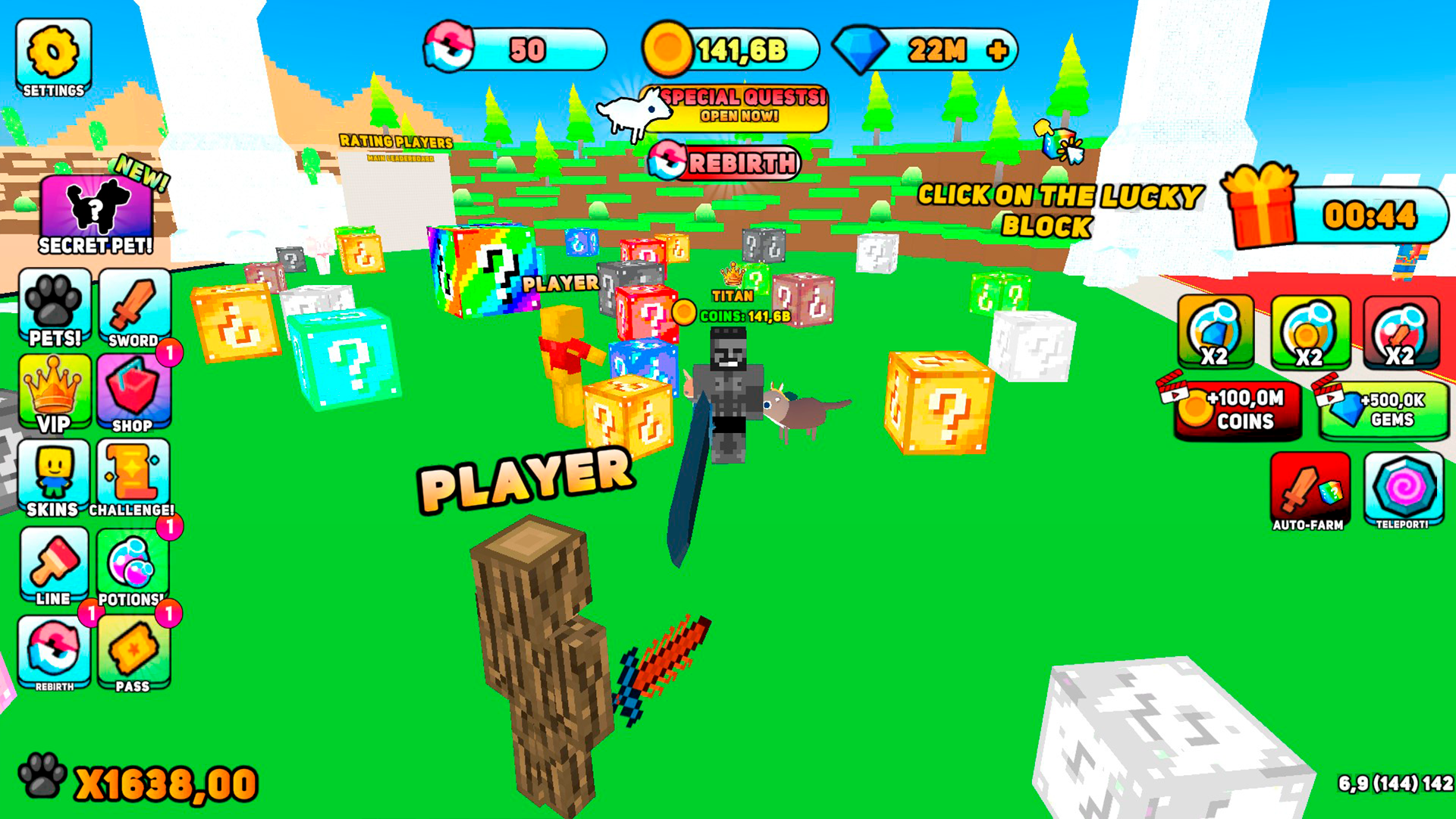
Fans of arcade challenges and addictive clicker games will find endless excitement in Robby: Lucky Blocks, Simulator! This lively experience revolves around smashing mysterious crates that hide surprise rewards and valuable upgrades. Players navigate vibrant 3D environments to hunt for lucky blocks while managing their strength and equipment to progress faster. Every hit brings you closer to unlocking rare swords and leveling up your character through consistent effort. Strategic use of speed boosts and potions ensures that your path to the top of the leaderboard remains smooth and efficient. Collecting adorable pets adds a layer of depth as these companions help you break blocks with even greater speed. With over thirty unique sword designs and custom skins to choose from, Robby: Lucky Blocks, Simulator! keeps the gameplay fresh and visually engaging for every session. Head over to FreeJoy.games to play this hit title directly in your browser without any downloads or registration required.
How to play
Controls 🎮
🖥️ For PC:
⬅️🆙➡️⬇️ WASD — move the character
🖱️ Right mouse button — control the camera
🖱️ Left mouse button — interact with the interface
📱 For Mobile:
📍 Left side of the screen — character movement
🔄 Right side of the screen — camera rotation
Features
- Companion system: Collect various pets that assist in smashing blocks and provide passive bonuses to your efficiency.
- Arsenal variety: Equip over thirty distinct swords, each offering different damage modifiers for faster block breaking.
- Progression path: Invest in speed boosts and strength upgrades to tackle tougher levels and more durable lucky blocks.
- Global competition: Climb the player leaderboard by proving your block-breaking skills against other active hunters in the community.
- Customization suite: Choose from twenty unique character skins to personalize your look while exploring the game world.
Who is it for
Arcade fans and casual gamers who enjoy incremental progression systems will love this title. It is specifically designed for players who appreciate the aesthetic of blocky worlds, pet collection mechanics, and the satisfaction of upgrading character stats through steady play and strategic resource management during short gaming sessions.
Controls
Movement
Use WASD keys on PC or the joystick on the left side of the mobile screen.
Camera Control
Right-click and drag on PC or swipe the right side of the screen on mobile devices.
Interact
Click the left mouse button on interface elements or tap directly on screen buttons.
FAQ
How can I get more pets in Robby: Lucky Blocks, Simulator?
›
You can obtain new companions by opening lucky blocks and checking the in-game shop for exclusive deals.
Does Robby: Lucky Blocks, Simulator require any installation?
›
No, you can play Robby: Lucky Blocks, Simulator directly in your web browser without downloading any files.
Is there a way to level up faster in Robby: Lucky Blocks, Simulator?
›
Yes, you can use special potions and purchase speed boosts to significantly increase your leveling progress.