About game
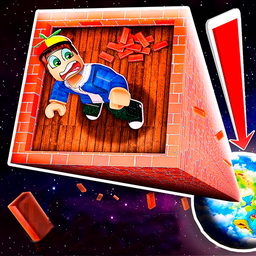
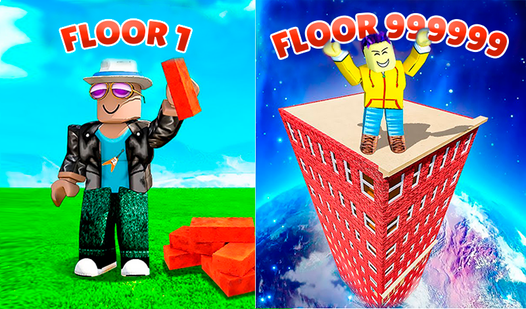
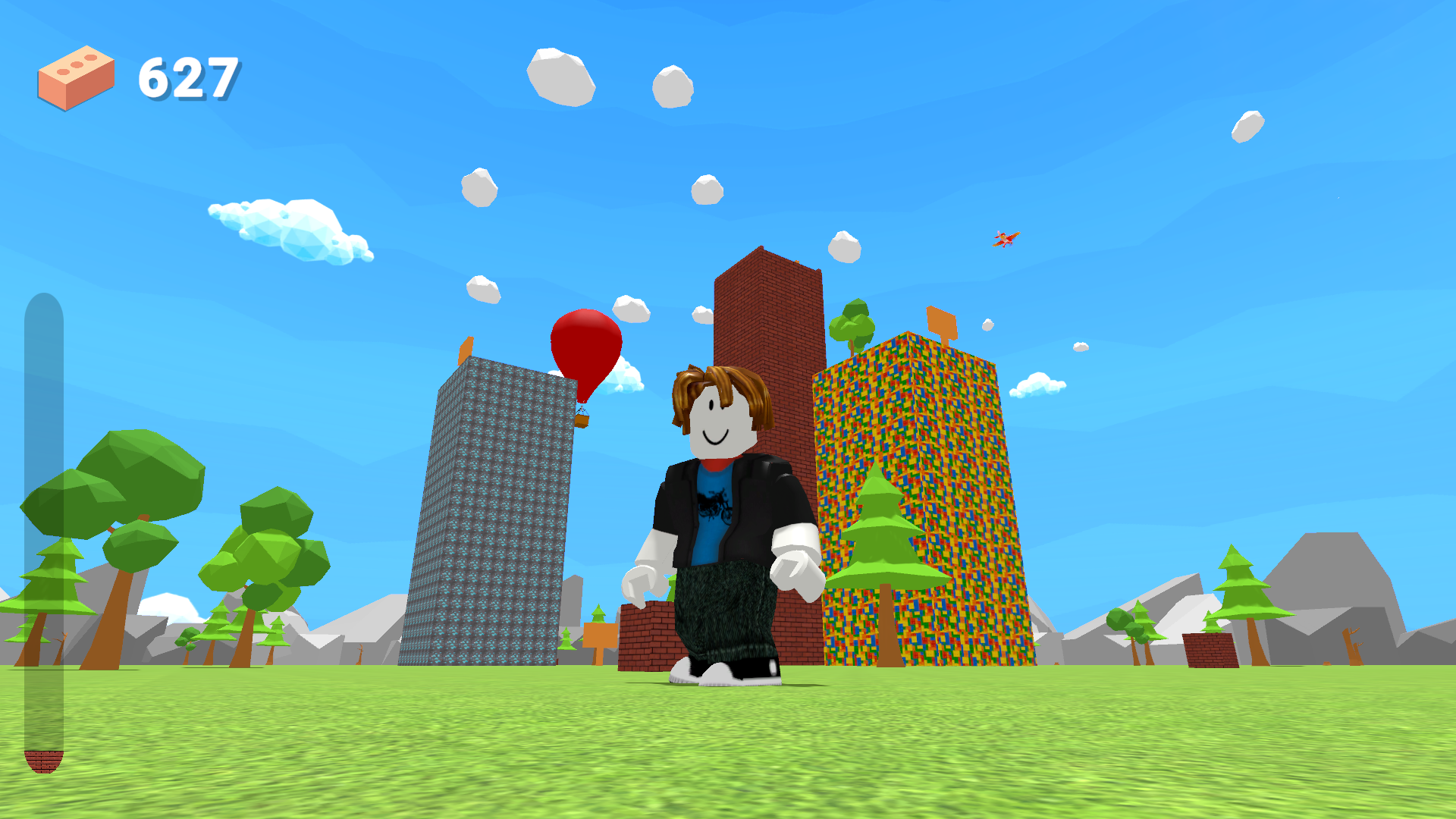
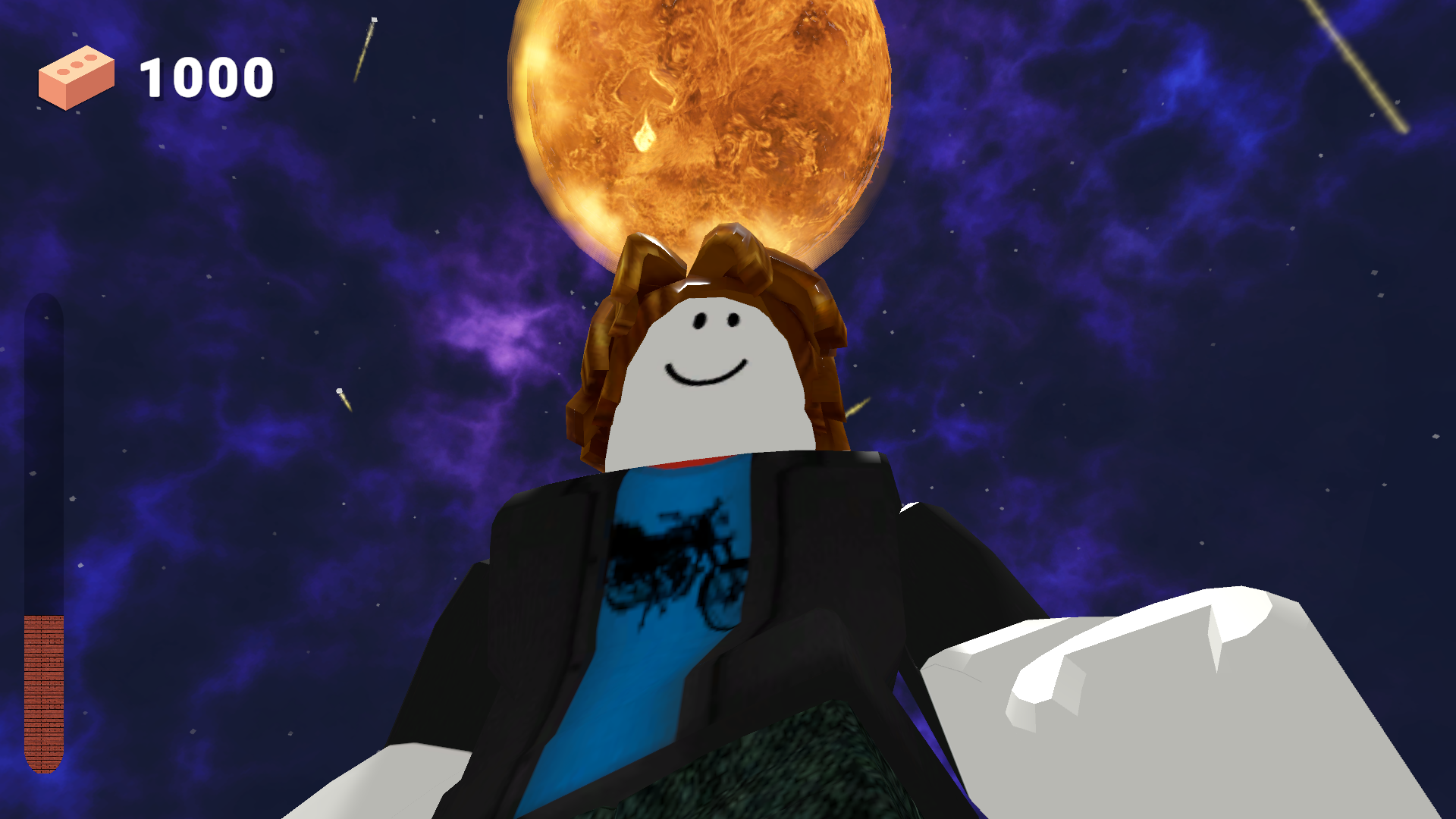
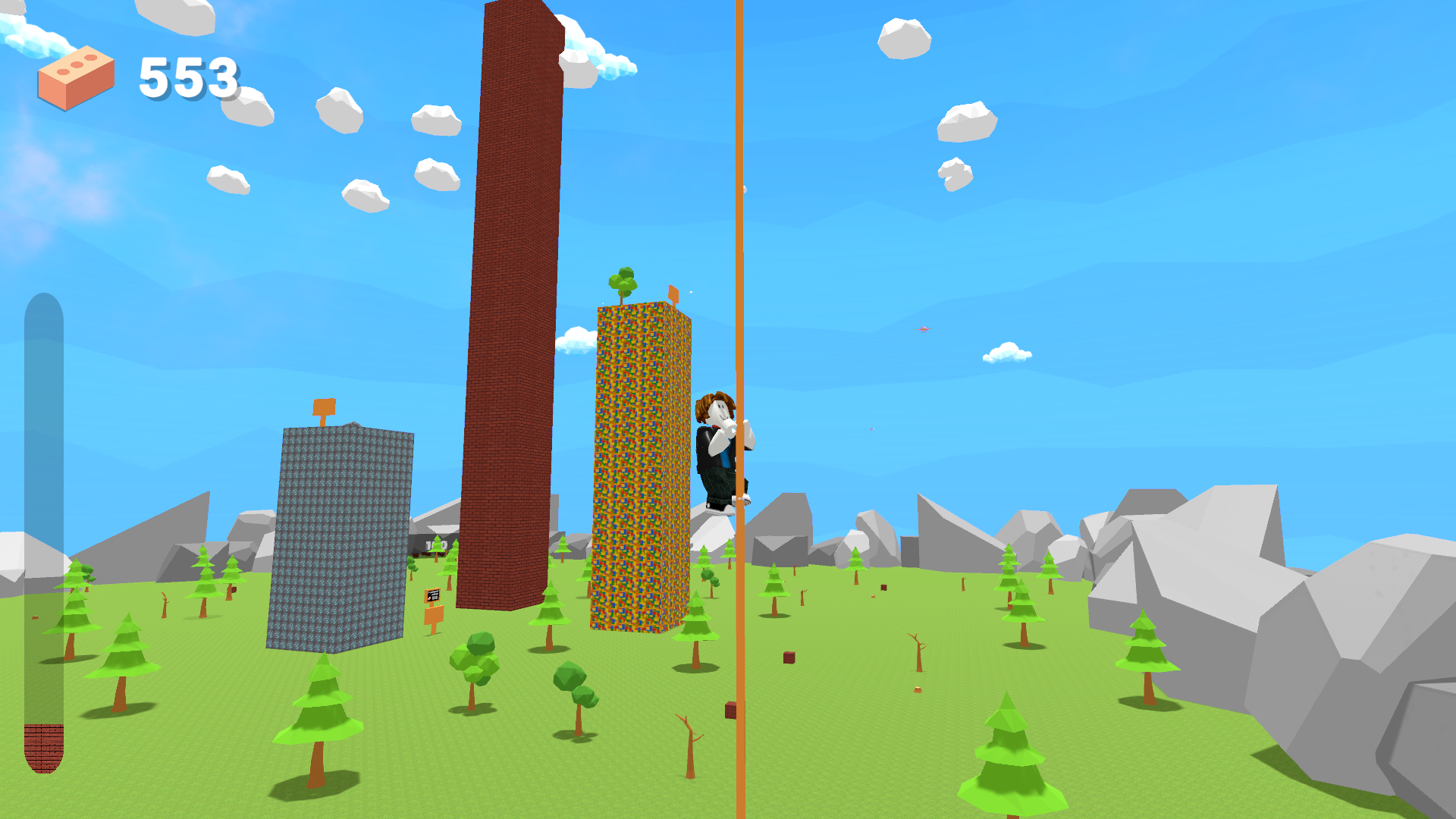
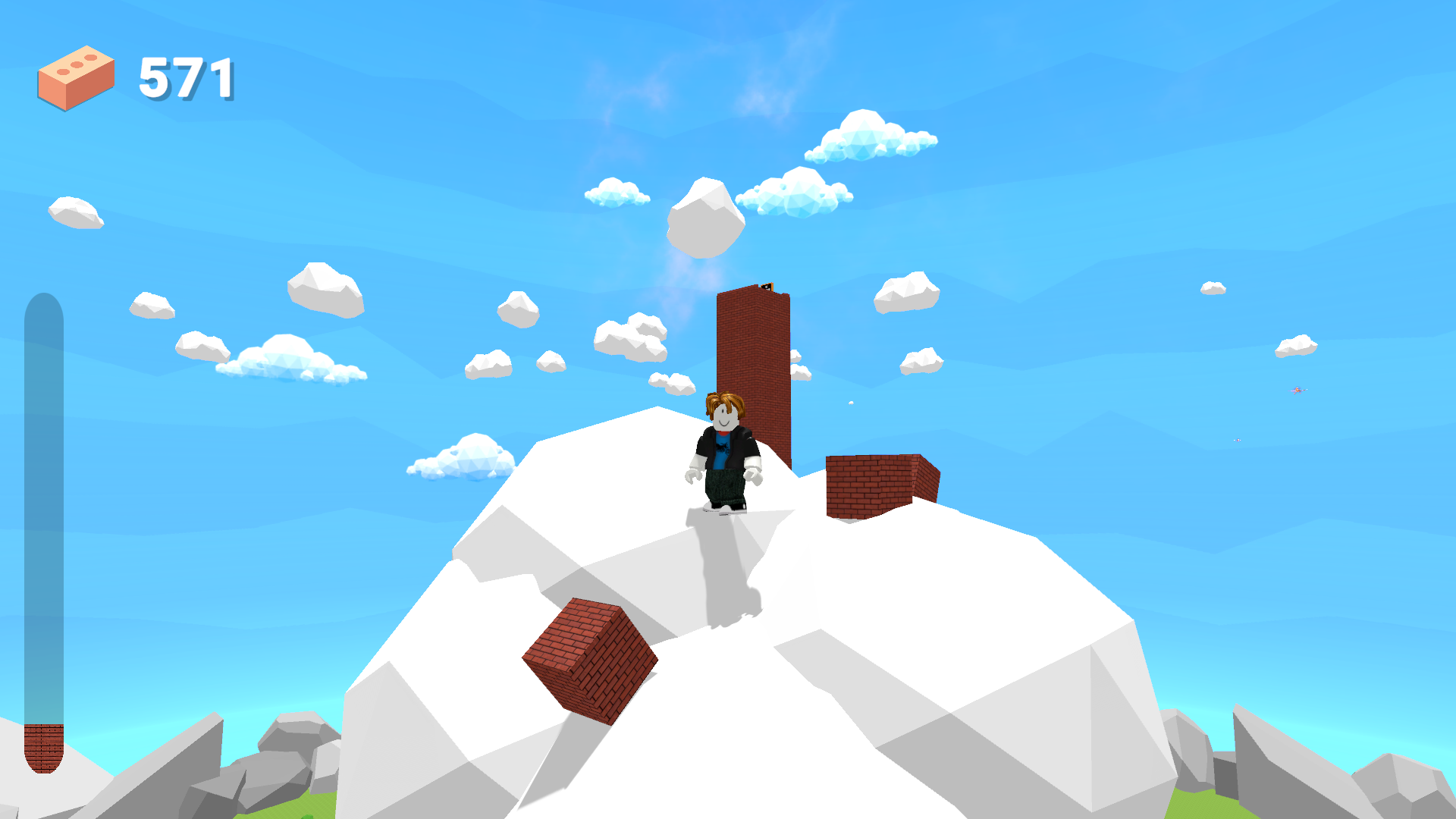
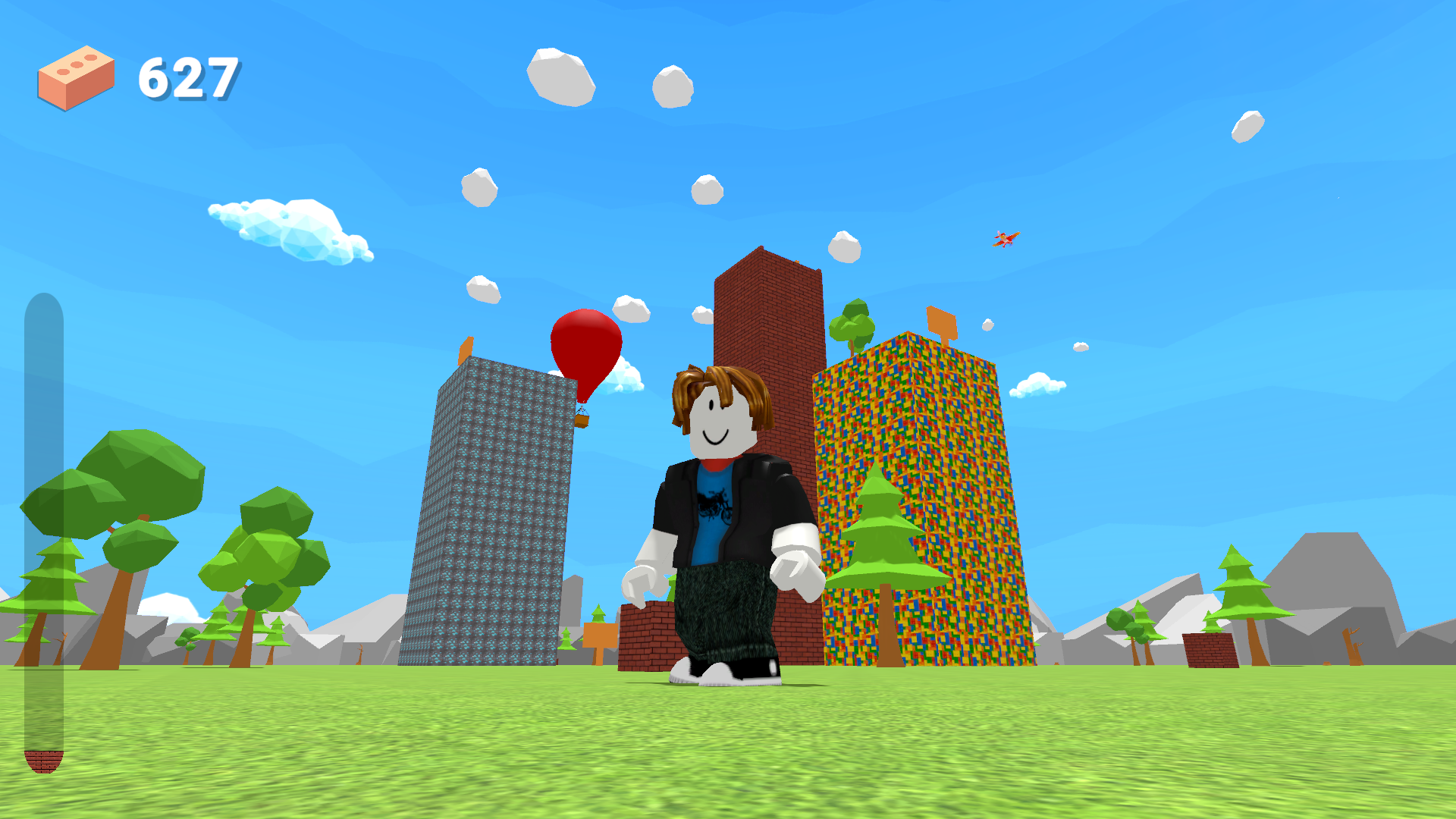
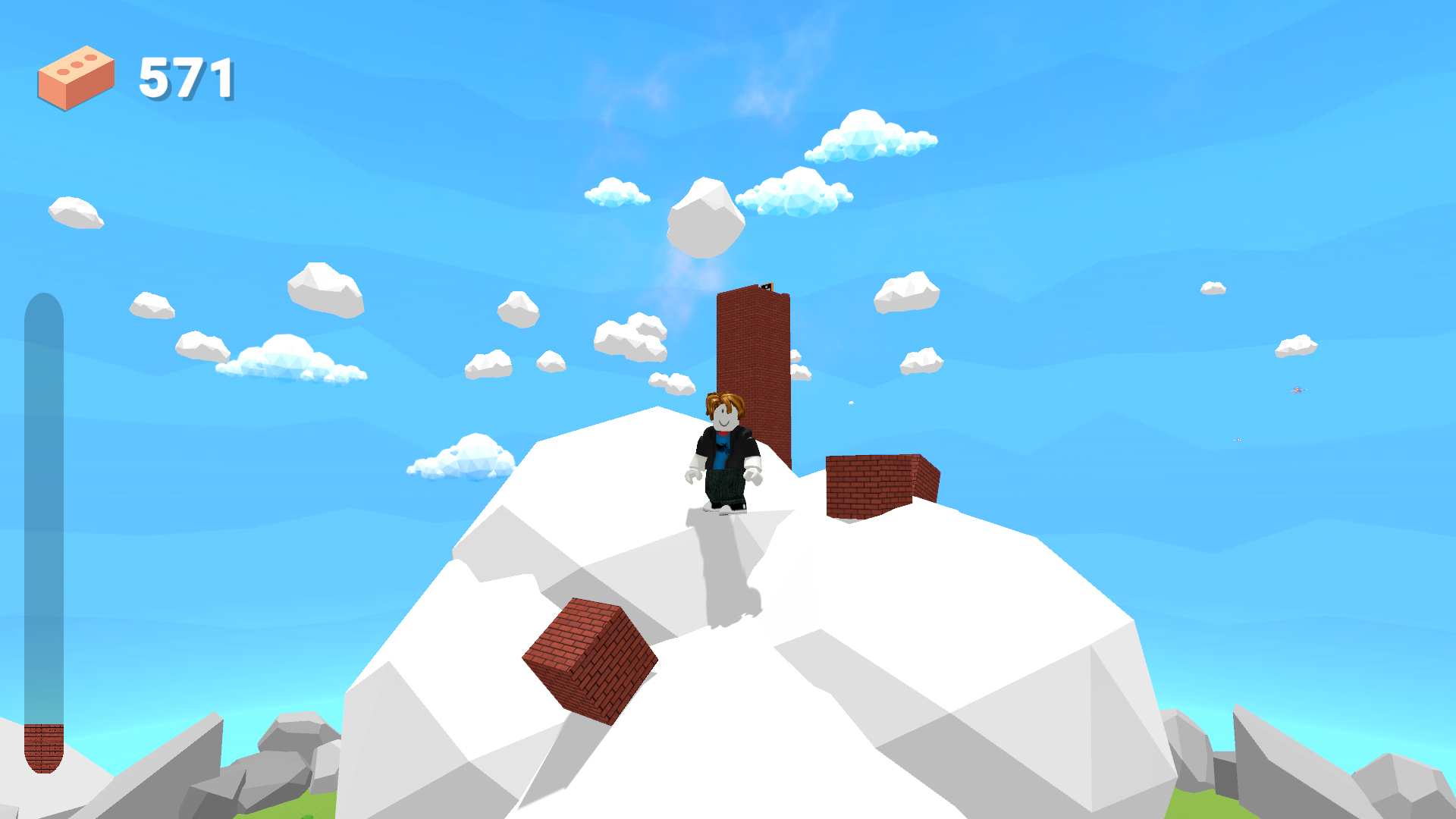
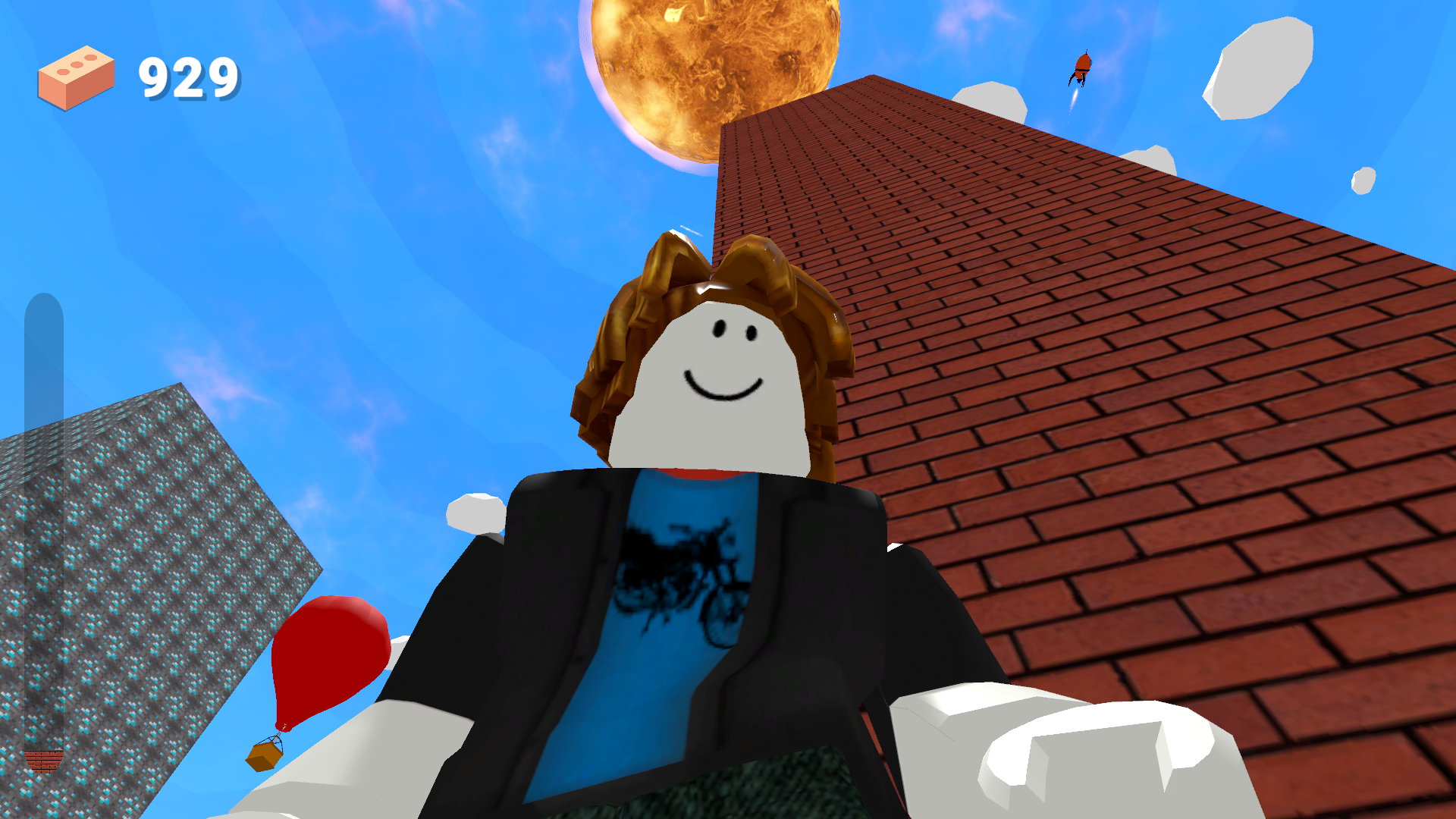
Fans of high-stakes building challenges will instantly fall for the addictive rhythm of Robbie: Tower Simulator. You guide a determined character on a sky-high mission to construct the ultimate skyscraper that reaches deep into outer space. Every single second, the structure grows automatically as new blocks snap into place, but your active participation keeps the momentum surging. Tapping the screen accelerates the bricklaying process, letting you climb toward the stars at breakneck speeds. If you leave the game running, your tower keeps growing, which makes it a satisfying idle experience for busy players. The physics-based stacking adds a nice layer of tension, forcing you to keep your creation stable while you aim for record-breaking heights. What truly sets this title apart is the strange, mysterious atmosphere that manifests the higher you climb. Experience this endless building mission for free directly in your browser without any downloads required.
How to play
PC management: 🖥️
ASDW: Character movement.
Mouse button: Camera rotation.
Mouse wheel: Zoom in and out.
Control on the phone: 📱
UI buttons for control.
A joystick for character movement.
Features
- Automated Construction: Your tower grows continuously in the background, making progress even when you step away from the keyboard.
- Strategic Speed-Ups: Manual tapping allows you to stack blocks faster than the idle rate to beat your personal height records.
- Atmospheric Progression: The game environment shifts and introduces peculiar occurrences as you ascend higher into the atmosphere.
- Endless Scaling: There is no limit to how high you can build, encouraging long-term goal setting and persistence.
- Responsive Controls: Navigate the 3D space with ease using precision camera movement and zooming tools.
Who is it for
Casual players who enjoy relaxing idle experiences and fans of stacking games will appreciate this title. It is also well-suited for teenagers looking for a quick, engaging distraction that rewards patience and consistent tapping, as well as anyone who enjoys creative tower-building challenges with a mysterious, infinite twist.
Controls
Movement
Use WASD keys on PC or the on-screen joystick on mobile devices.
Camera Rotation
Click and drag with the mouse button or swipe across the screen on mobile.
Zoom
Scroll the mouse wheel up or down to adjust your view of the tower.
Build Speed
Tap repeatedly on the screen or click the interface buttons to accelerate block placement.
FAQ
Is Robbie: Tower Simulator free to play?
›
Yes, Robbie: Tower Simulator is completely free to play directly in your browser with no registration or downloads needed.
Can I play Robbie: Tower Simulator on my phone?
›
Absolutely, Robbie: Tower Simulator features full mobile support with intuitive touch controls and an on-screen joystick.
How do I build faster in Robbie: Tower Simulator?
›
You can tap the screen or click the interface buttons to boost your block placement speed beyond the standard automated rate.