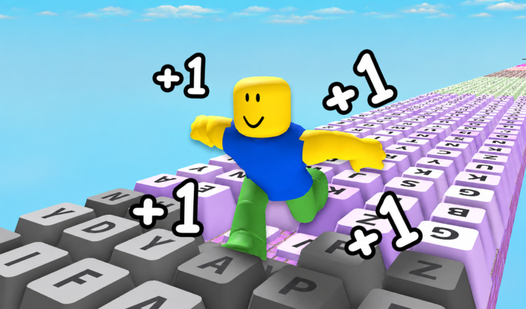
Robbie: Tear down the wall

Robbie: Tear down the wall

⭐ New

About game

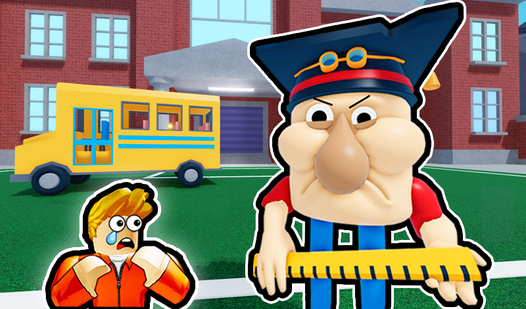
Breaking walls might sound like a simple task but Robbie: Tear down the wall turns destruction into an addictive loop of power and progress. You start off weak against thick barriers but every smash brings you closer to ultimate strength. Navigate through cramped rooms where your primary goal involves clearing a path for Obby to escape his unfortunate trap. Spend time training in the back of each area to beef up your stats before tackling the next massive obstacle blocking your way. This roblox style challenge keeps you moving forward as you shatter everything in sight. Every successful demolition earns you new ways to level up your character for even harder walls later on. You can jump straight into the action for free in your browser right now without downloading a single file.

How to play

Control (computer):
● WASD Movement
● Mouse - Camera Overview
● Left mouse button - to break the obstacle
● Space Bar - Jump


Management (phone):
● Joystick to control the character
● Swipe the screen to rotate the camera
● To break an obstacle, tap anywhere on the screen
● The button in the lower right corner for jumping

Features

  • Strength Training: Visit the designated area in each level to pump up your power levels before tackling tougher barricades.
  • Obstacle Destruction: Tap or click repeatedly to crush walls that stand between you and the exit.
  • Dynamic Movement: Use precise jumps and character positioning to navigate around debris while you clear your path.
  • Level Progression: Move from one room to the next as you conquer increasingly resilient barriers.

Who is this game for

Fans of 3d jumping games and arcade destruction challenges will find plenty to enjoy here. If you like grinding for stats in a fast paced environment or simply want to pass the time with some mindless smashing, this browser title fits your needs perfectly.

Controls

Move: Use WASD keys on desktop or the on screen joystick on mobile devices.
Break Obstacles: Click the left mouse button on PC or tap anywhere on your phone screen.
Jump: Press the Space Bar or use the designated jump button located in the lower right corner of the mobile interface.
Camera Control: Move your mouse across the screen or swipe your finger across the display to adjust your view.

FAQ

How do I get stronger in Robbie: Tear down the wall?

You must head to the training area located at the end of the room to increase your stats so you can break through harder walls.

Is Robbie: Tear down the wall safe to play on my browser?

Yes, you can play this game directly in your browser without any registration or downloads required.

Can I play Robbie: Tear down the wall on my smartphone?

Absolutely, the game is fully optimized for mobile devices using touch controls like swiping and tapping.

Screenshots

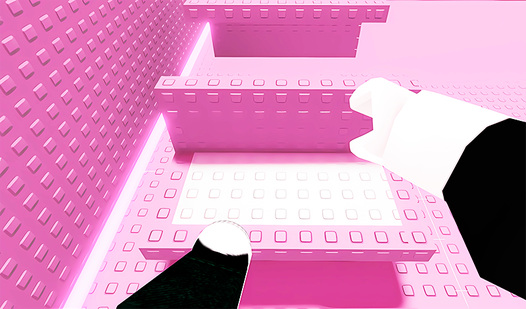
Robbie: Tear down the wall — screenshot 1Robbie: Tear down the wall — screenshot 2Robbie: Tear down the wall — screenshot 3Robbie: Tear down the wall — screenshot 4

Popular games