Game Title
Loading...
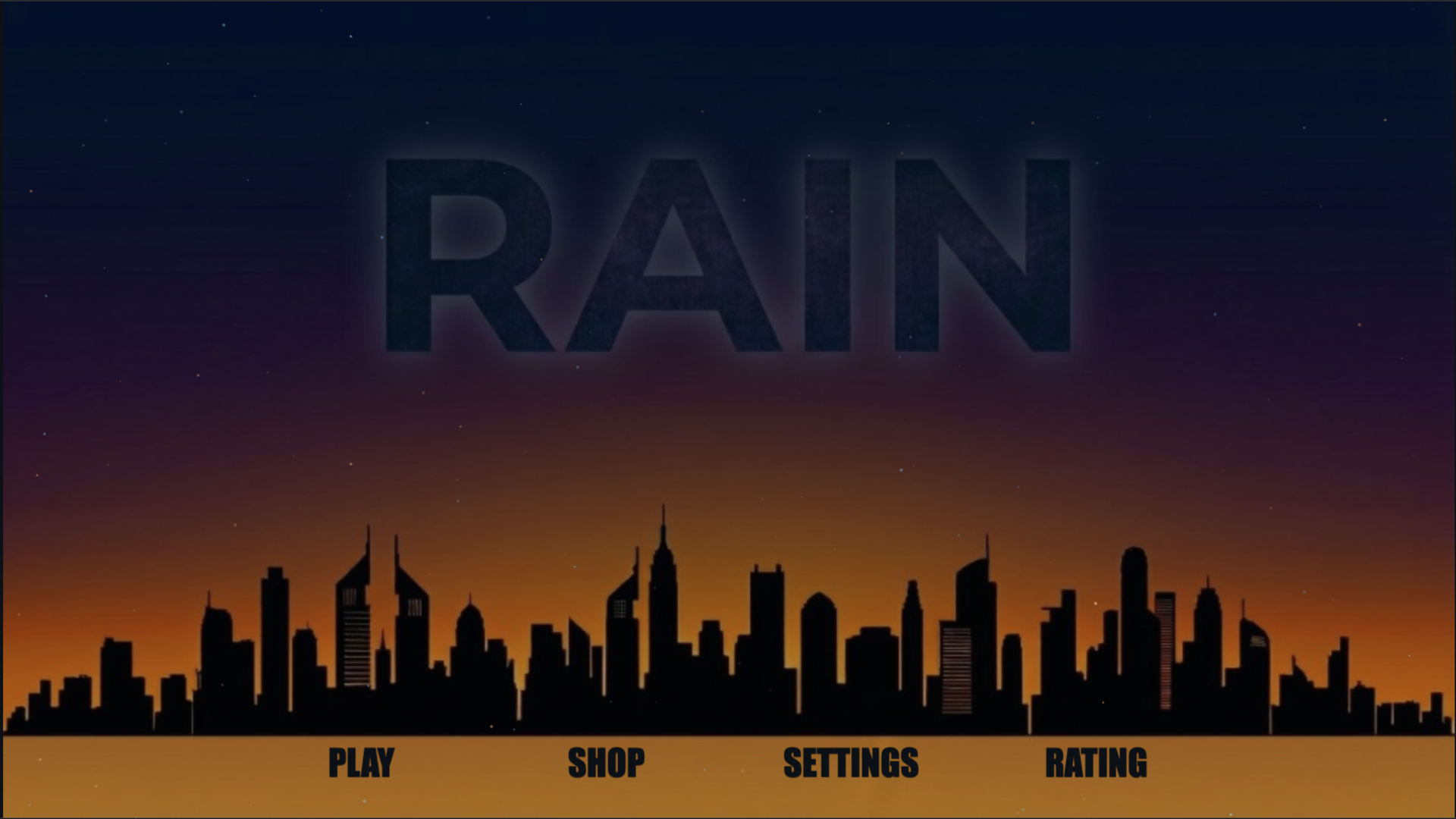
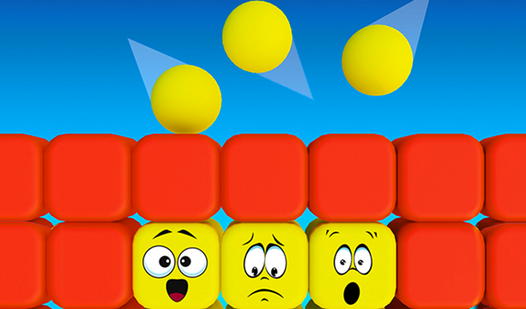
Typing speed is a superpower in the digital age, yet most people struggle to find a way to improve without feeling bored. Rain turns the tedious process of mastering your keyboard into a high-stakes arcade test of reflexes and rhythm. Letters tumble down your screen like a storm, forcing you to strike the right keys before they hit the ground. You can jump into the arcade mode for a frantic challenge or follow the structured course for deeper skill building. Every successful keystroke earns you currency that unlocks fresh keyboard themes and visual effects. This effective тренажер печати tracks your accuracy while keeping the tension high enough to sharpen your focus. Forget about dry lessons because this fast-paced печать experience makes every second count toward your progress. You can load Rain for free in your browser right now without downloading a single file.
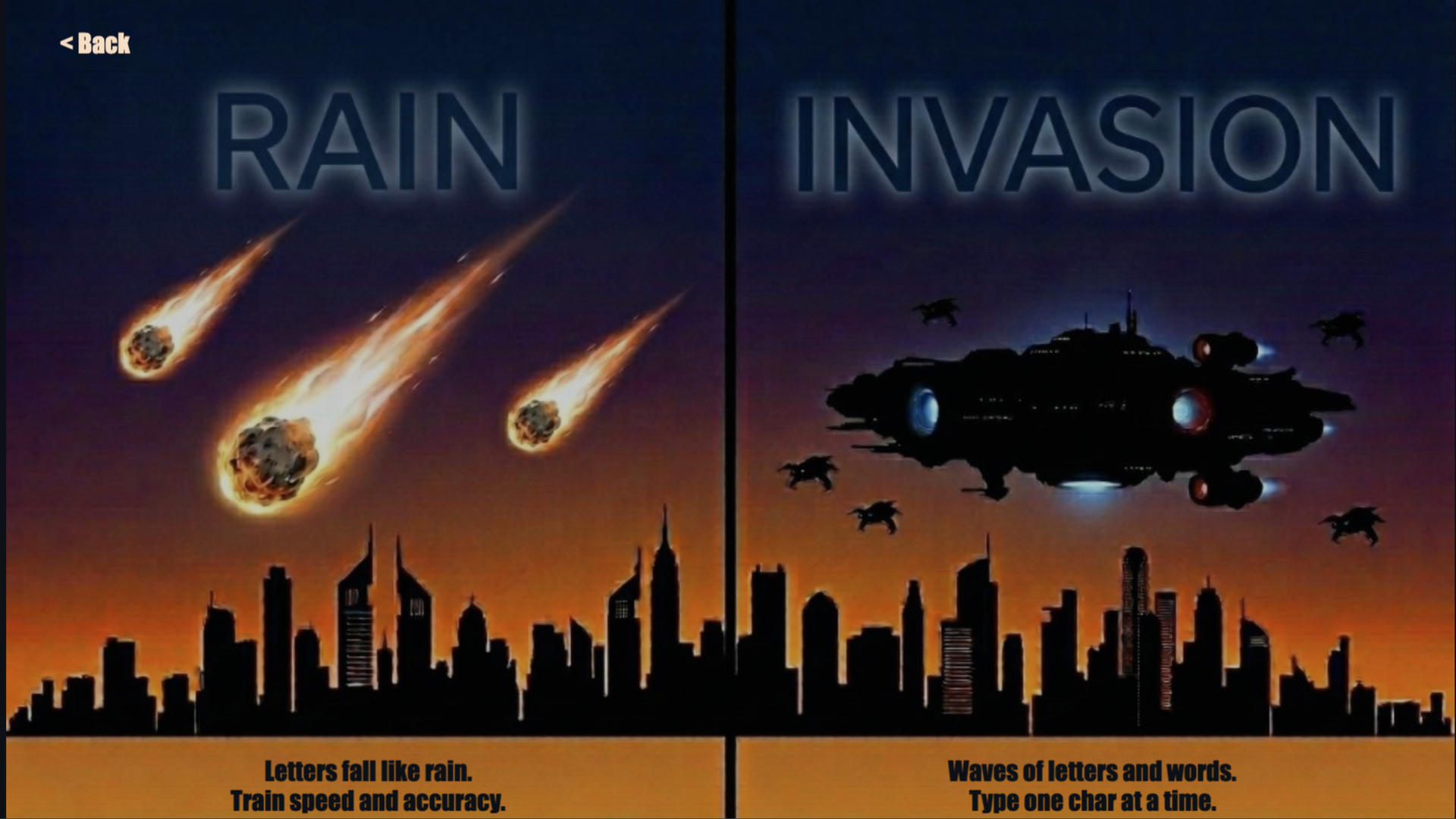
Choose a mode on the main screen. In “Rain”, press the key that matches the falling letter. In “Invasion”, type the characters in the wave in order. You lose a life when a letter reaches the bottom or when a wave passes the edge — wrong key presses don’t reduce lives. In Settings you can select difficulty and enable finger hints. Press ESC to pause. After a session, you can optionally watch an ad for bonuses or continue from the same point (within one run). Controls are keyboard‑based (touch is used only for menus on mobile).
Keyboard enthusiasts and students looking to boost their typing speed will enjoy this challenge. Children and teens can improve their motor skills through the gamified lessons, while adults use the arcade mode to maintain their dexterity during short breaks from their daily digital tasks.
You earn drops for typing accurately during sessions, which you can then trade for new keyboard themes and effects in the shop.
Yes, the game supports both English and Russian, allowing you to practice your speed in either language.
Absolutely, you can start with the Invasion mode to learn basic typing techniques or use the finger hints feature to guide your progress.