About game
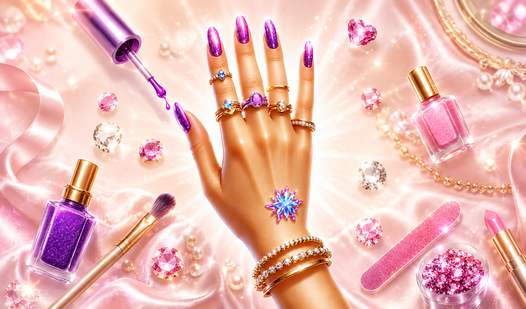
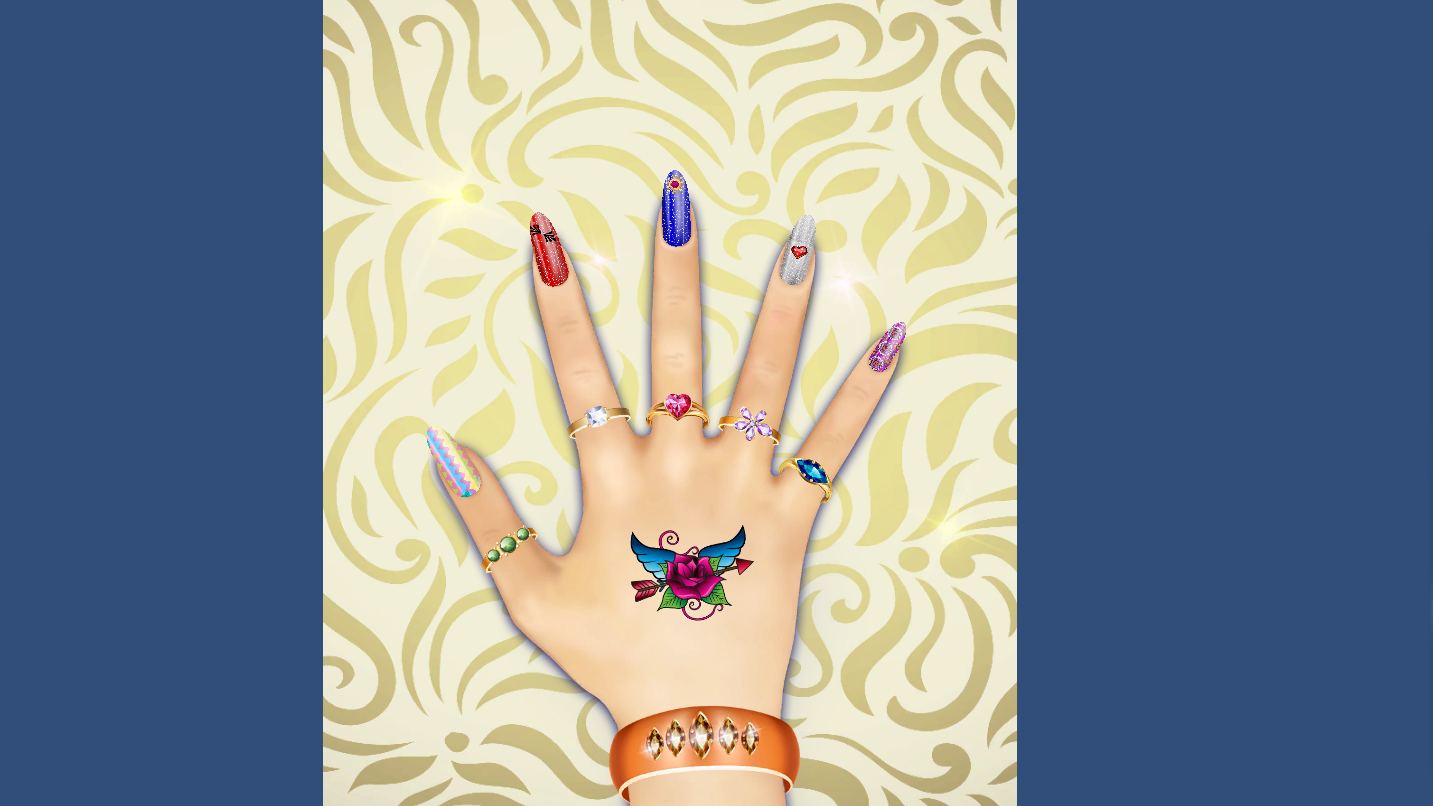
Queen of Style: Hand Design turns your screen into a creative salon where you control every detail of a trendy manicure. You spend your time layering vibrant polish colors and placing intricate stickers to create a look that screams fashion. Applying a unique дизайн рук requires just a few clicks to open the customization window for each fingernail. When you finish a pattern, you can quickly copy it to other fingers to maintain a consistent style. Adding sparkling bracelets or cool temporary тату elevates the aesthetic further. You have total freedom to resize elements or delete them if your artistic vision changes. Everything happens right in your browser with zero waiting for downloads. Show off your fashion sense by playing Queen of Style: Hand Design for free today.
How to play
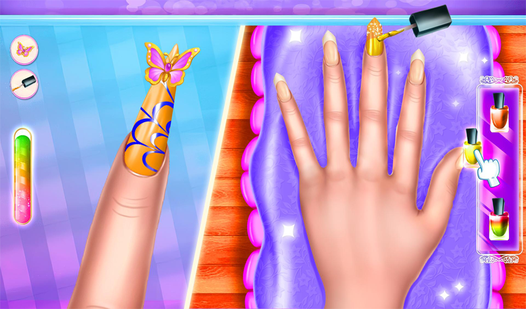
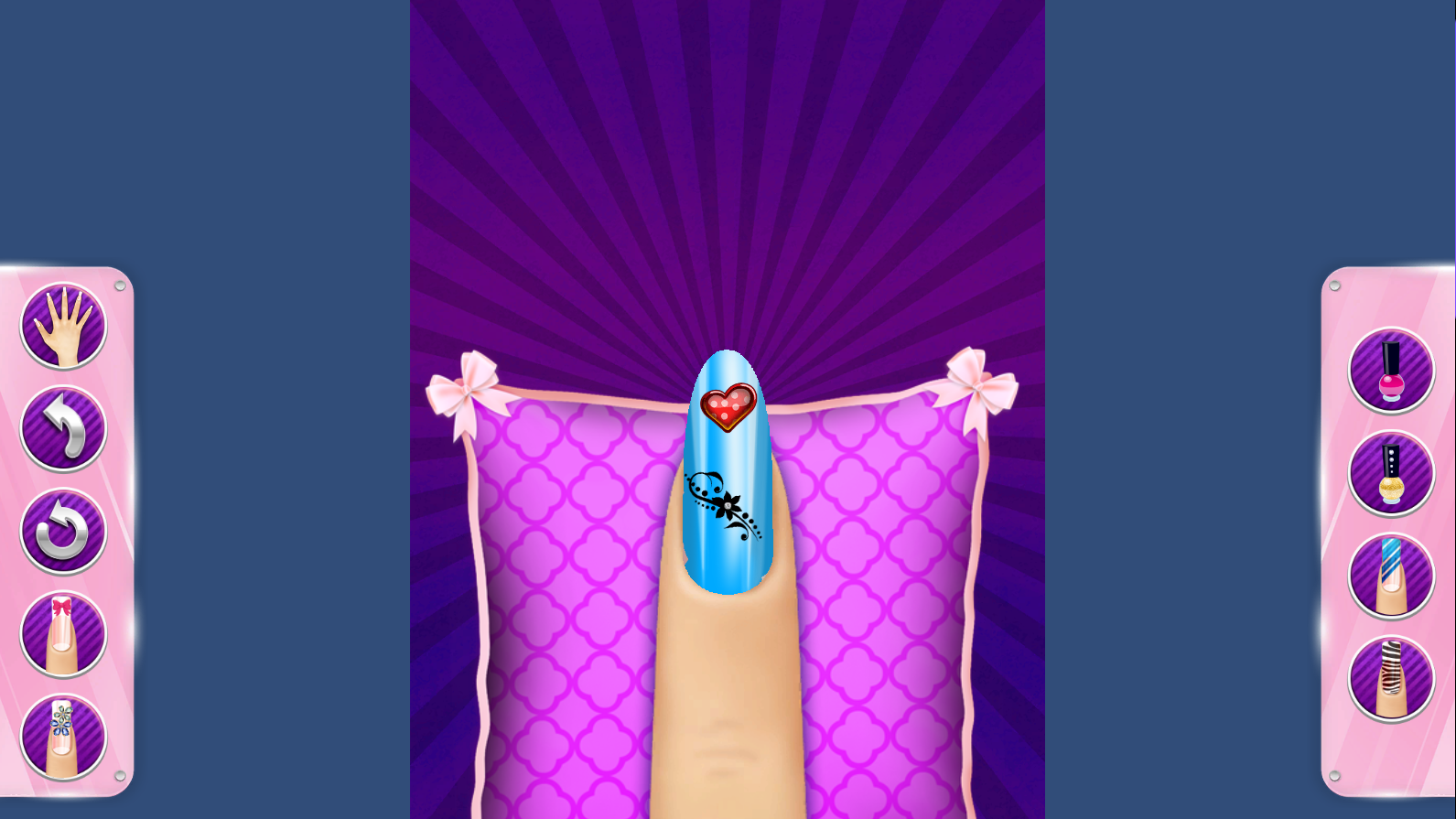
To paint a nail, just click on it — a separate window will open where you can apply polish or stickers. When you're done, go back.
If you want to repeat a design on other nails, tap the icon with two nails. Arrows will appear above the nails. First select the nail you want to copy the design from, then mark the nails you want to apply it to.
For rings: select a ring and it starts flashing on all fingers. Click on the finger where you want to leave it — the ring will stay there only.
For skin stickers, there are three buttons: trash can — delete, circular arrows — resize, check mark — save. They appear when a sticker is selected, but not yet applied.
The rest is simple: choose polish, bracelets, tattoos and stickers, click on the scene and design your hand as you like.
Features
- Pattern Replication: Utilize the dual nail icon to instantly copy designs from one finger to another with simple selection arrows.
- Accessory Placement: Select rings that flash across every finger before you lock them into your preferred position.
- Flexible Sticker Editor: Use the built-in interface to adjust the size of skin decorations or remove them if they do not match your vibe.
- Comprehensive Fashion Closet: Select from a wide range of polish finishes and jewelry pieces to craft a complete look.
Who is it for
Casual gamers and fashion enthusiasts who enjoy creative styling challenges. Fans of digital art apps will appreciate the intuitive interface. Young girls and teens looking for a relaxing way to experiment with nail art and jewelry combinations will find plenty to love in this creative experience.
Controls
Apply Polish
Click on a specific nail to open the detail view.
Copy Design
Tap the two nails icon and select the source and target nails.
Resize Sticker
Use the circular arrows icon after selecting your chosen decoration.
Position Rings
Tap the finger where you want the selected ring to remain.
FAQ
Can I save my progress in Queen of Style: Hand Design?
›
The game is designed for quick sessions, so you can create your look and take a screenshot to share your work.
Is Queen of Style: Hand Design free to play?
›
Yes, you can access all design tools and accessories without any registration or hidden fees.
Does Queen of Style: Hand Design work on mobile devices?
›
You can enjoy the game on your smartphone or tablet by simply using your finger to tap and swipe through the menus.