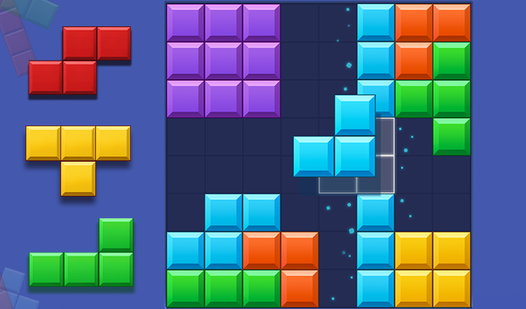
Game Title
Loading...
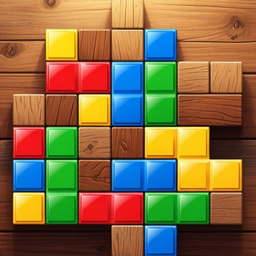
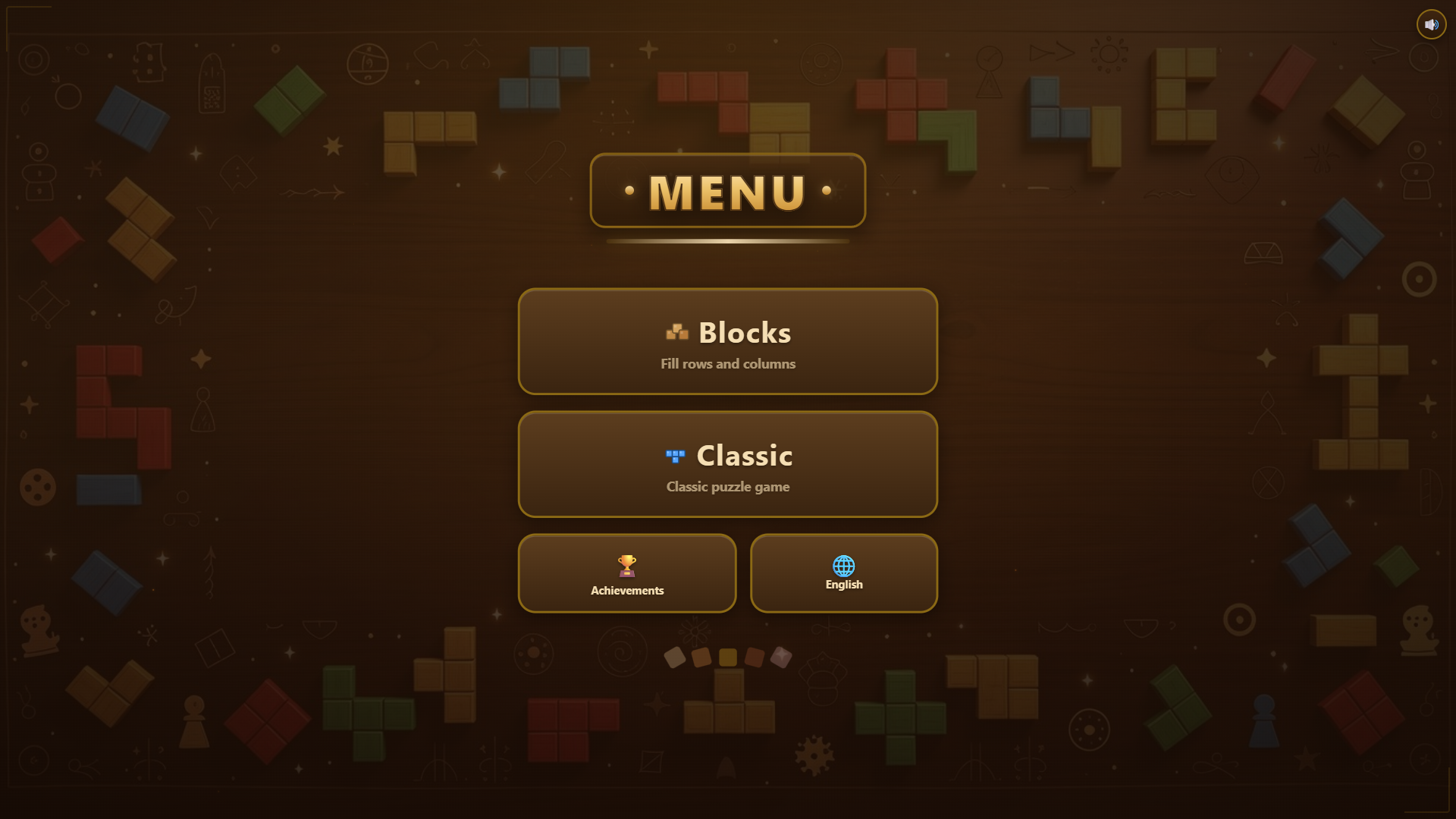
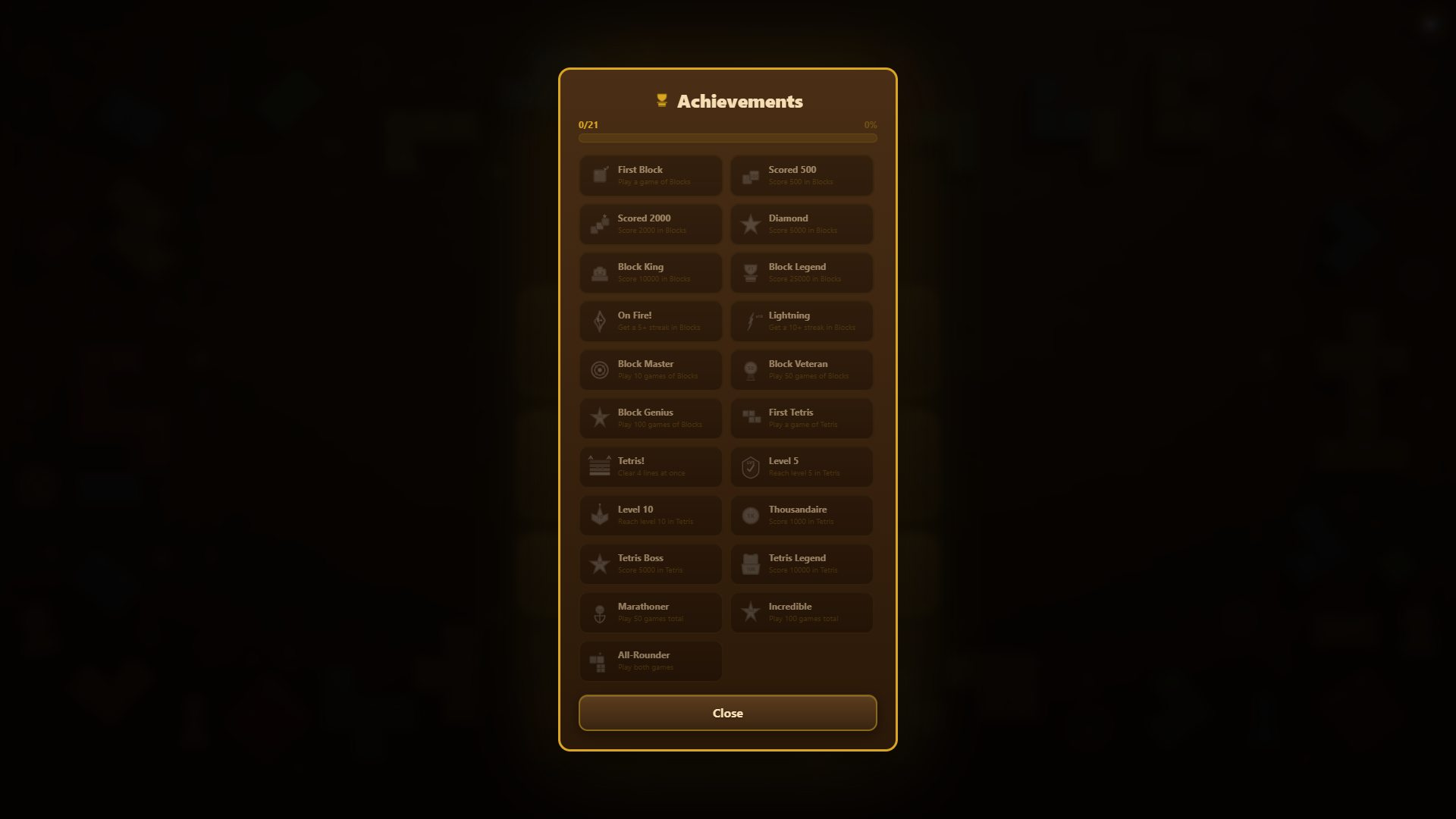
Puzzle fans who crave a mix of tactical thinking and fast reflexes will find a home in Quadrix. You get two distinct brain teasers wrapped in a polished wooden aesthetic that keeps your eyes glued to the screen. Placing shapes on an 8x8 grid to clear rows feels satisfying when you pull off a massive combo. Meanwhile, the arcade mode forces you to rotate falling pieces with increasing speed before they stack too high. Survival depends on your ability to spot patterns and react quickly as gravity keeps pushing you toward defeat. Earning all 21 achievements requires genuine skill and planning as you climb the leaderboard. Every session saves your progress, ensuring your high scores remain intact for your next visit. Play Quadrix directly in your browser with zero downloads required to start your challenge today.
🧱 Blocks:
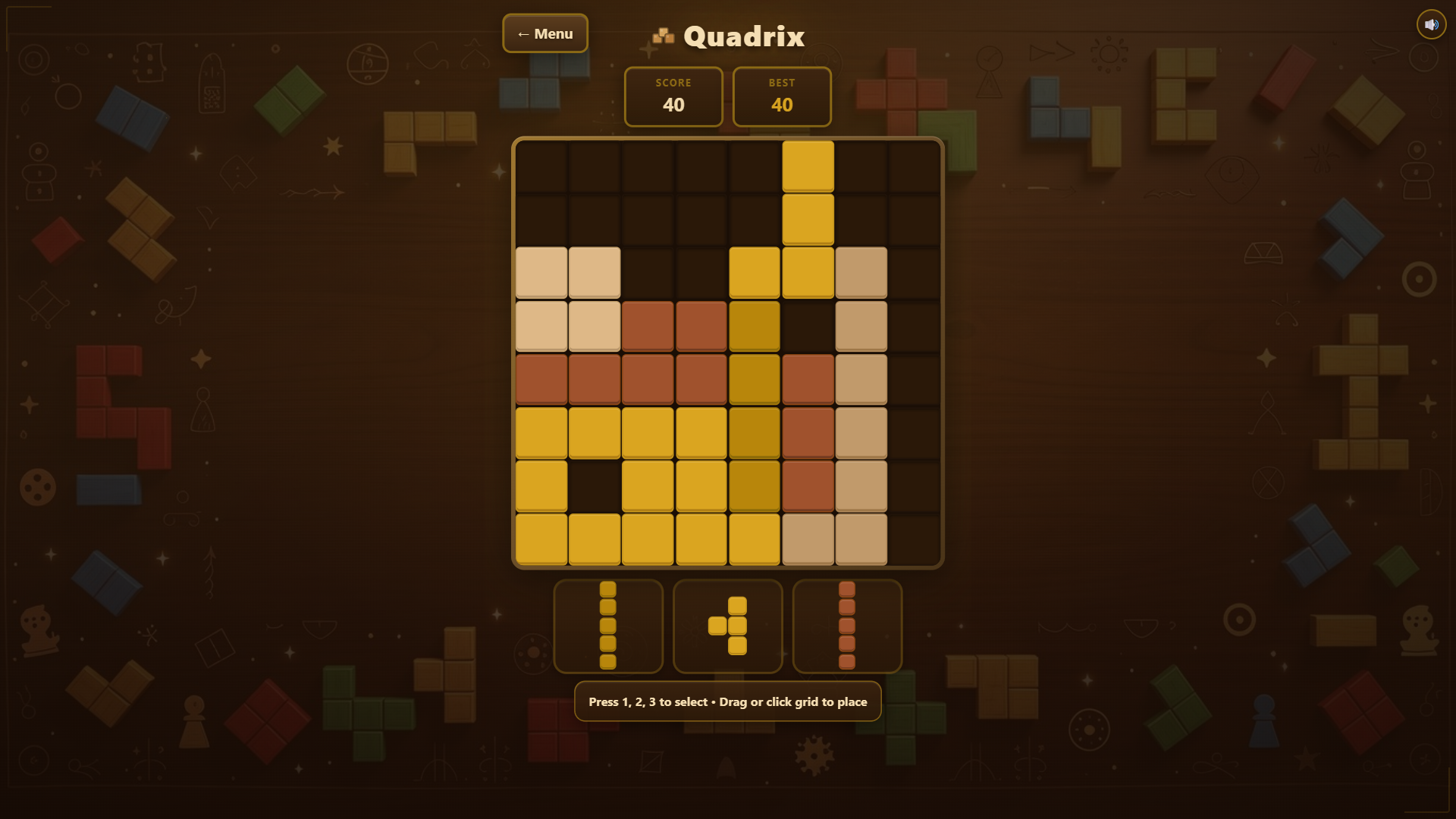
- Select one of three blocks at the bottom (tap on it)
- Place the block on the 8×8 grid (tap on the desired cell)
- You can also drag the block onto the grid (press and move)
- Fill a complete row or column — it will clear and earn points
- The more lines cleared in one move, the bigger the bonus
- The game continues as long as there is room for blocks
🎮 Classic:
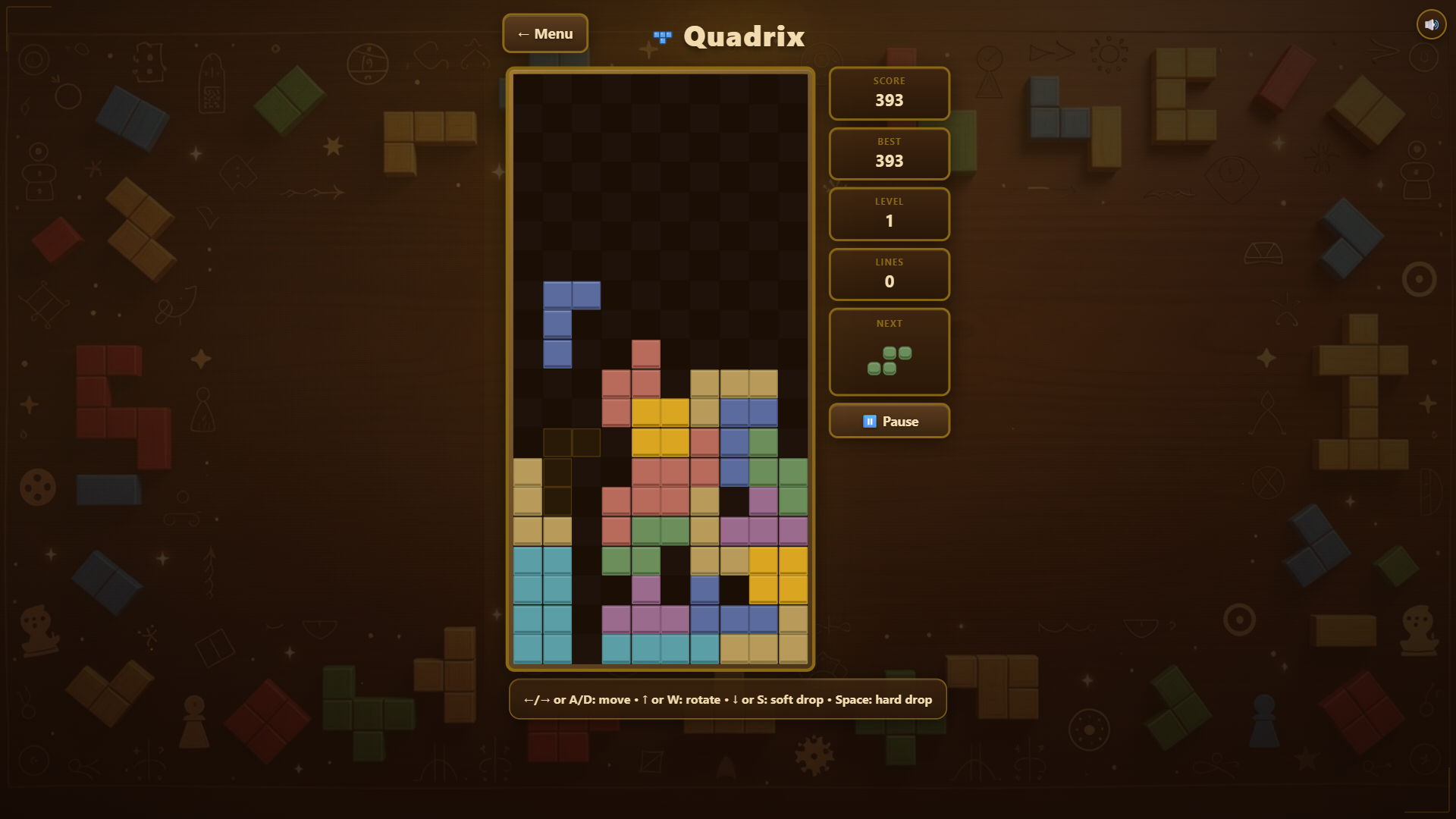
- Arrow keys ← → or A/D — move piece left/right
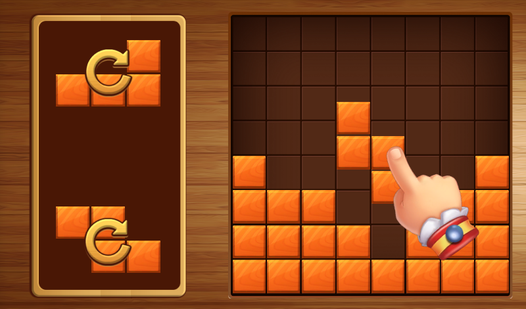
- Arrow ↑ or W — rotate piece
- Arrow ↓ or S — soft drop (faster fall)
- Spacebar — hard drop (instant placement)
- Esc or P — pause
📱 Mobile controls (Tetris):
- Tap on the board — rotate piece
- Swipe left/right — move
- Swipe down — soft drop
- Long swipe down — hard drop
- On-screen buttons at the bottom
General tips:
- The 🔊 button in the top right corner toggles sound on/off
- The ← button returns to the main menu
- High scores are saved automatically
Logic enthusiasts and fans of retro arcade games will enjoy the dual challenge presented here. Those who prefer casual brain training sessions will appreciate the slow-paced grid mode, while players seeking a fast-paced adrenaline rush will gravitate toward the classic falling-block arcade style on their mobile or desktop.
In the block mode, fill an entire row or column to clear pieces, while in the classic mode, you complete horizontal lines to remove them.
Yes, Quadrix is fully optimized for mobile browsers with intuitive swipe and tap controls for all game modes.
If you are playing the block mode and no more pieces can fit, you can watch an ad to receive three new pieces and continue your game.