About game
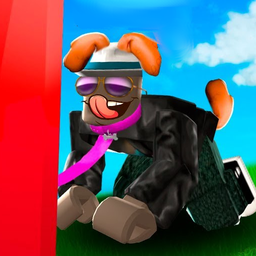
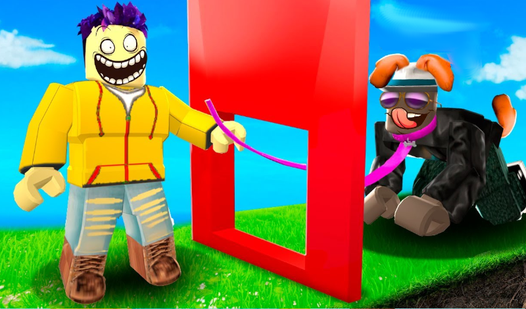
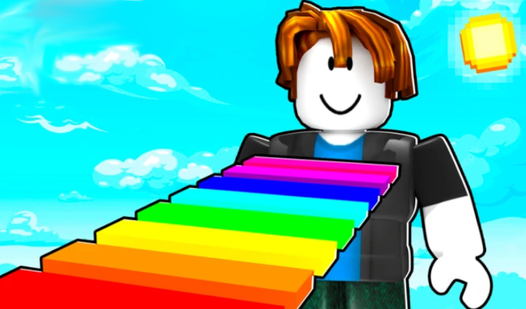
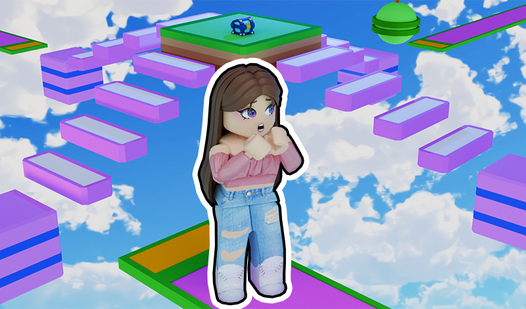
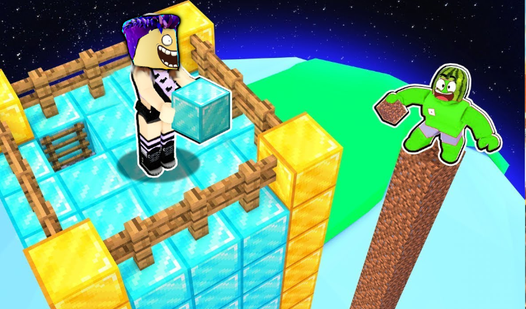
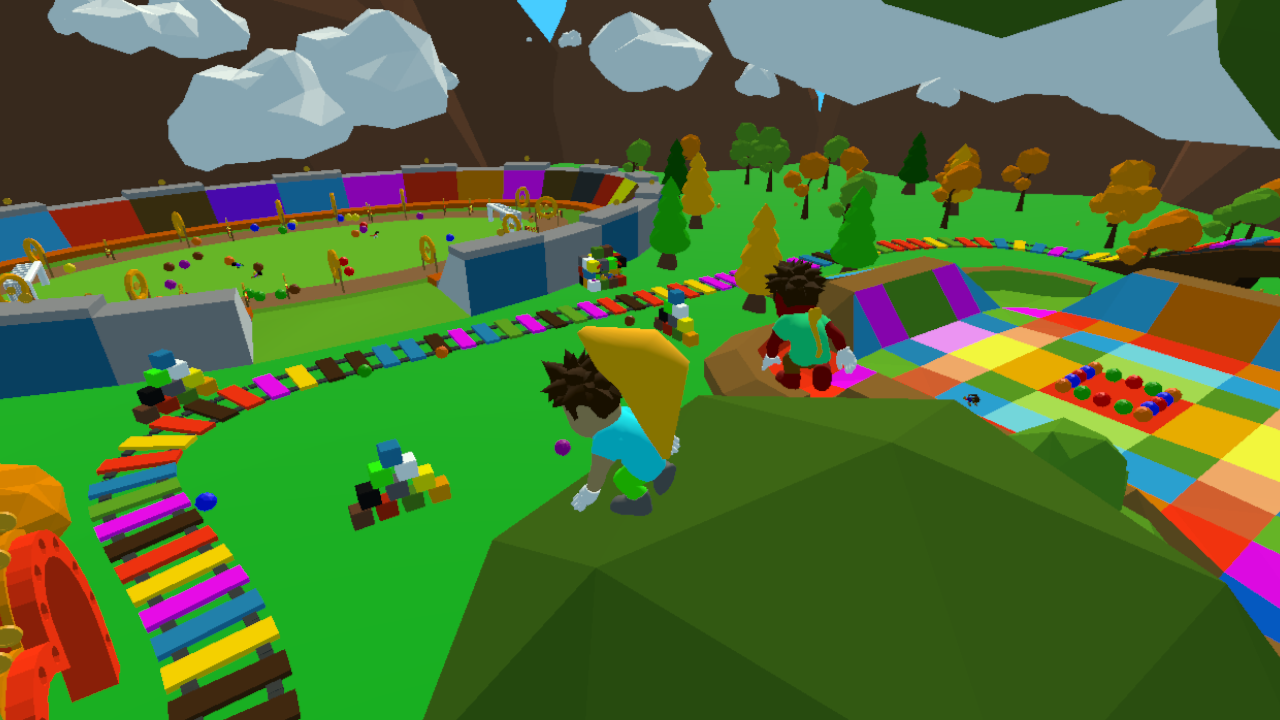
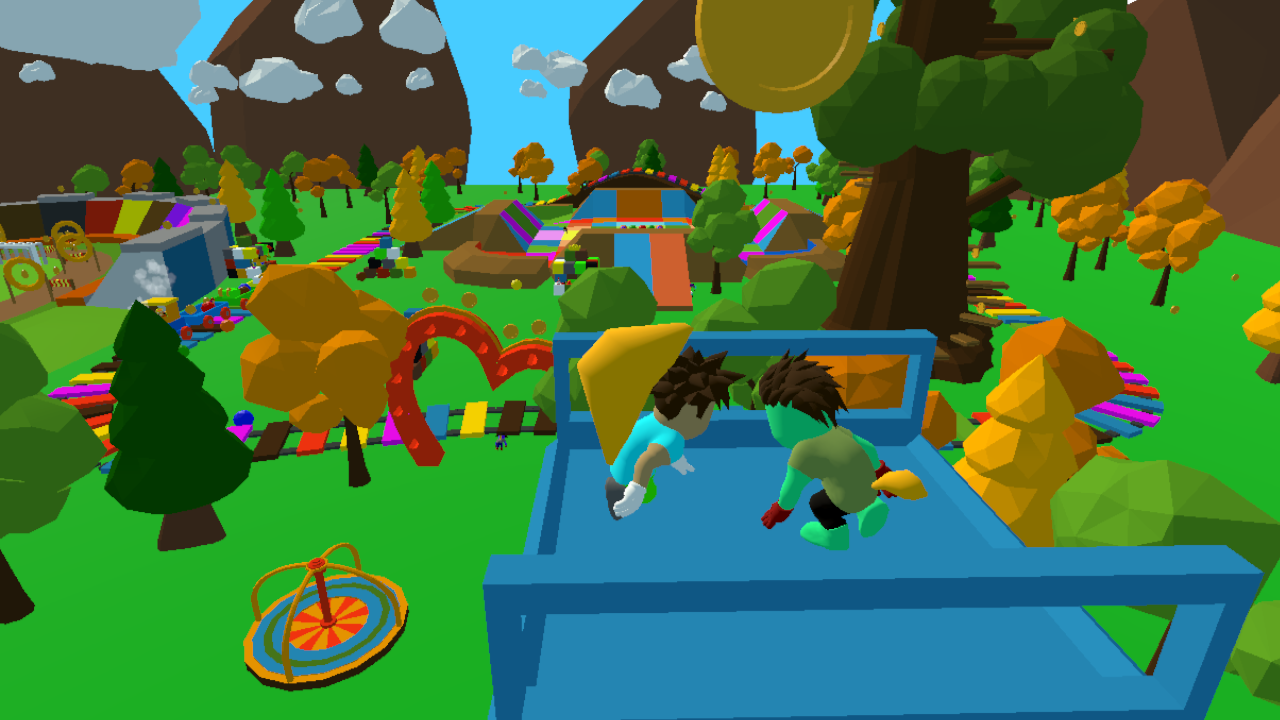
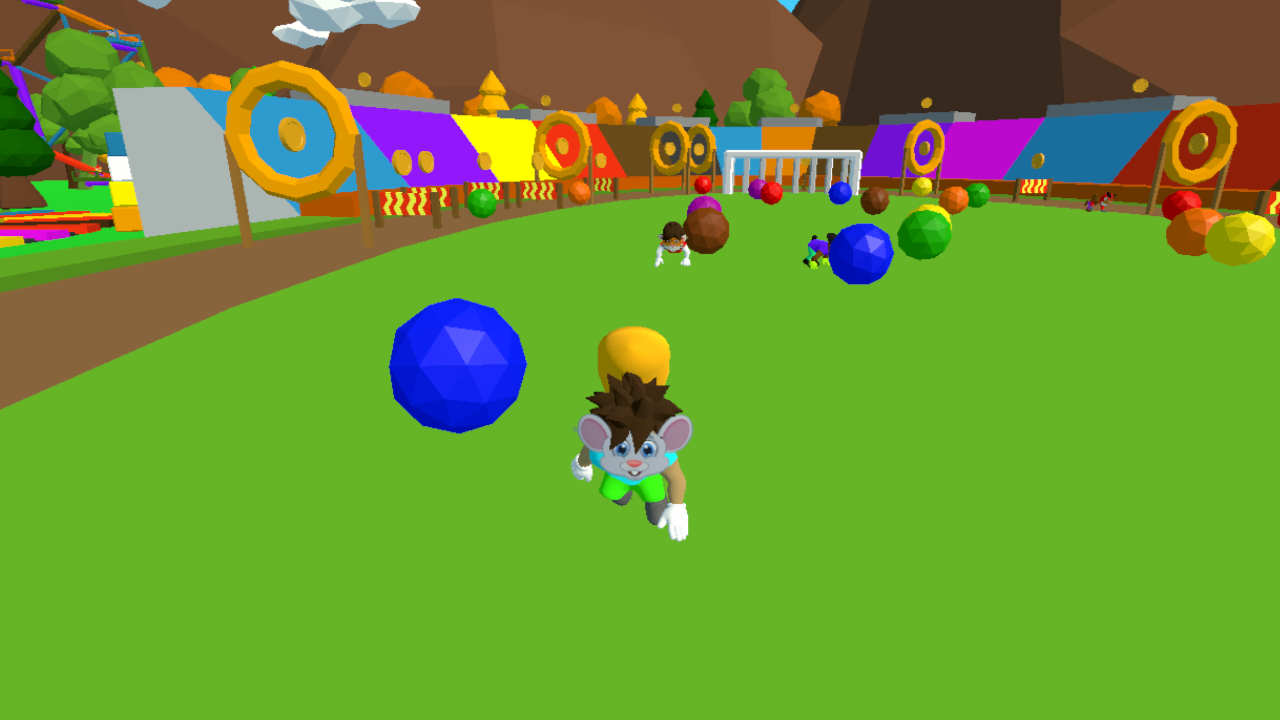
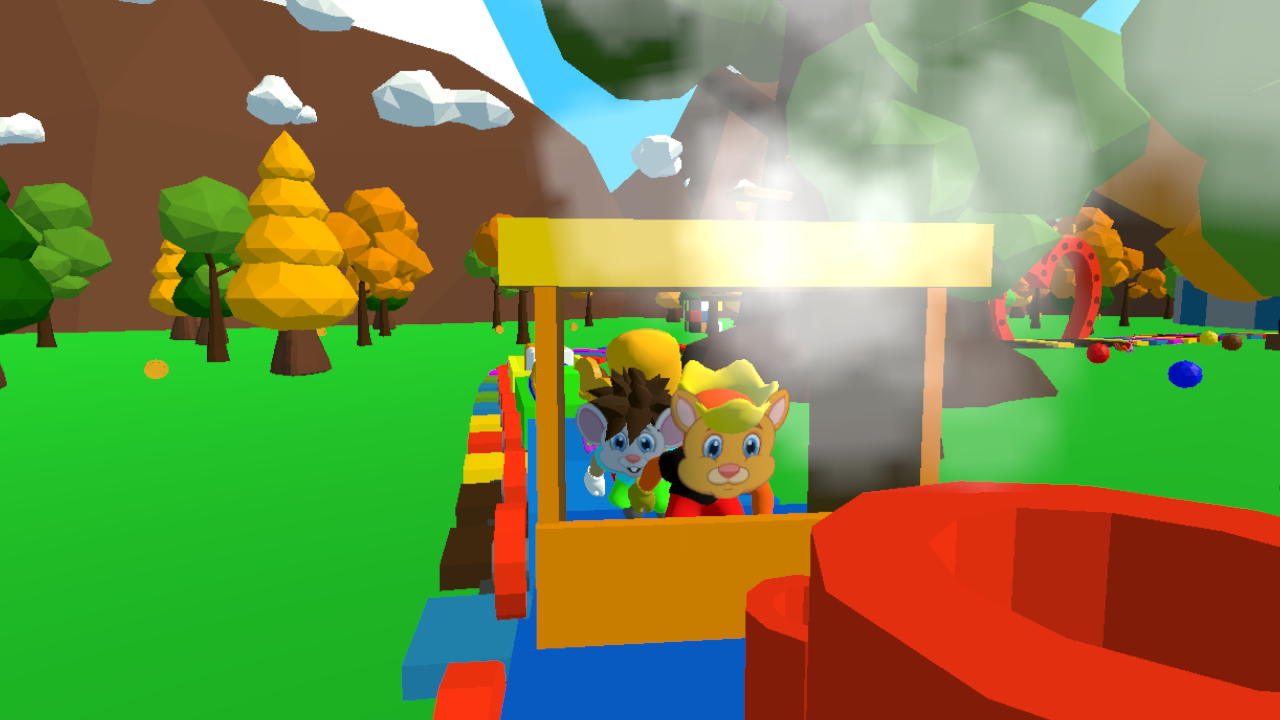
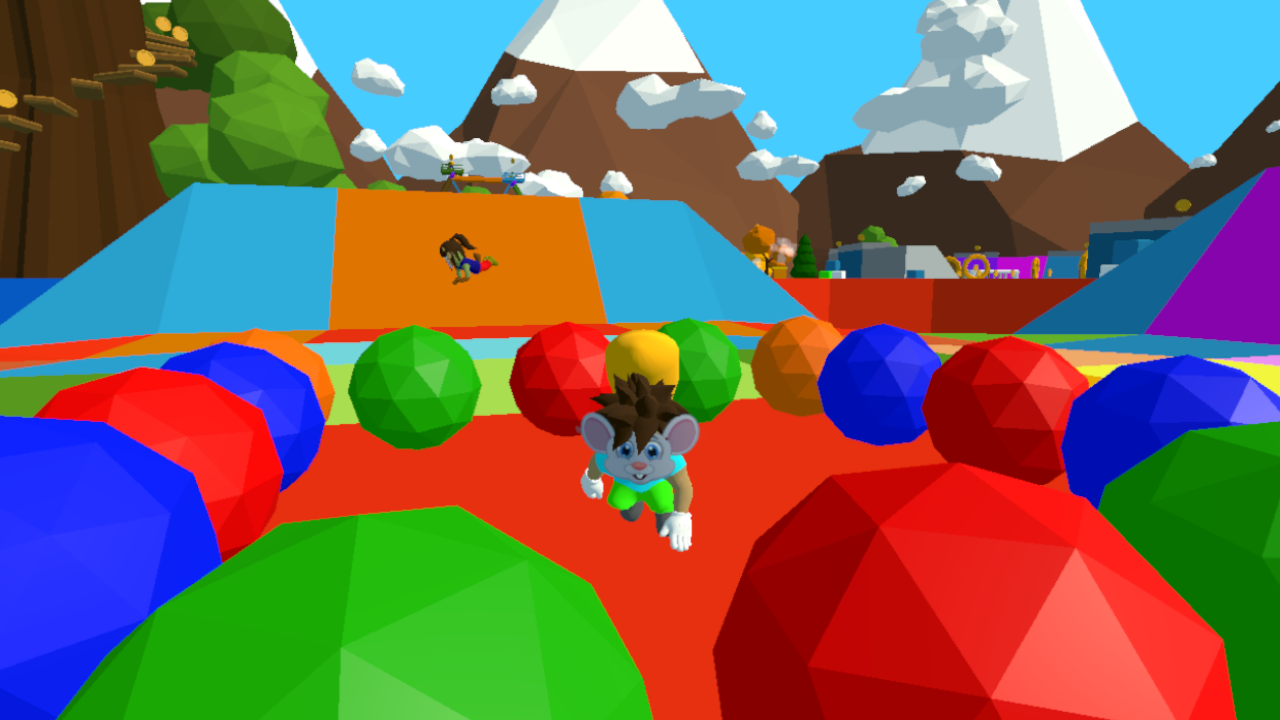
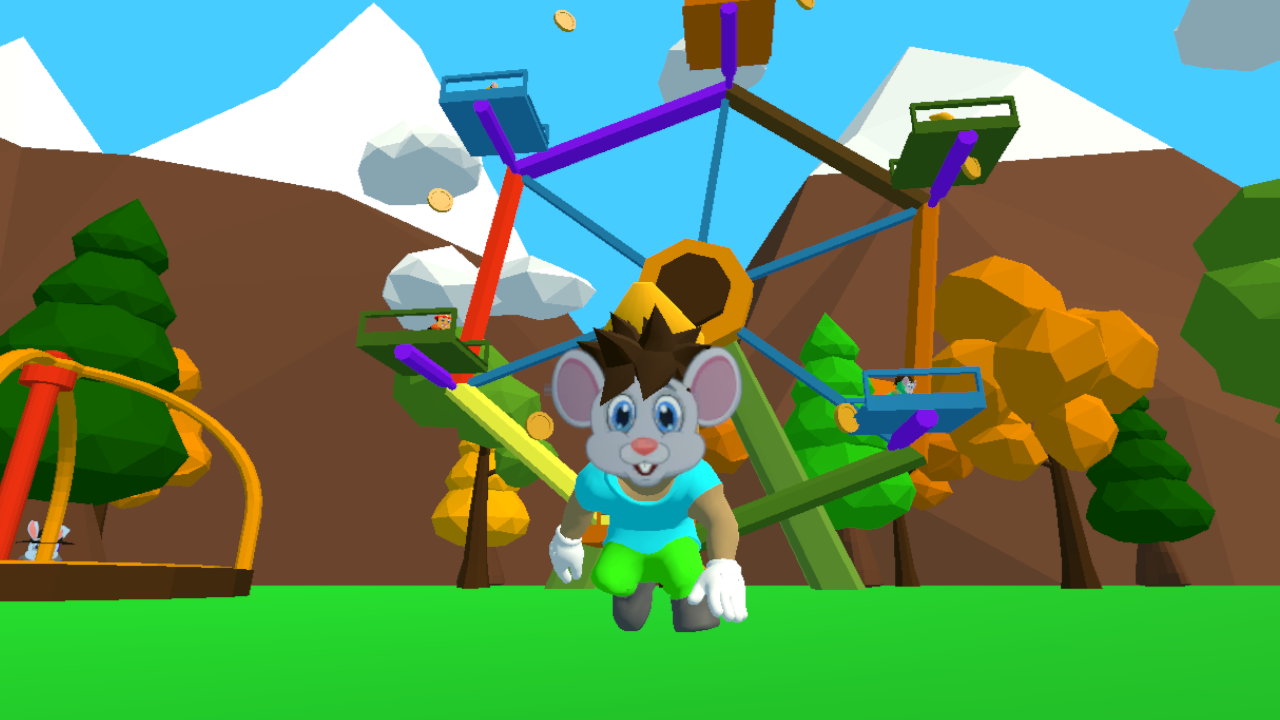
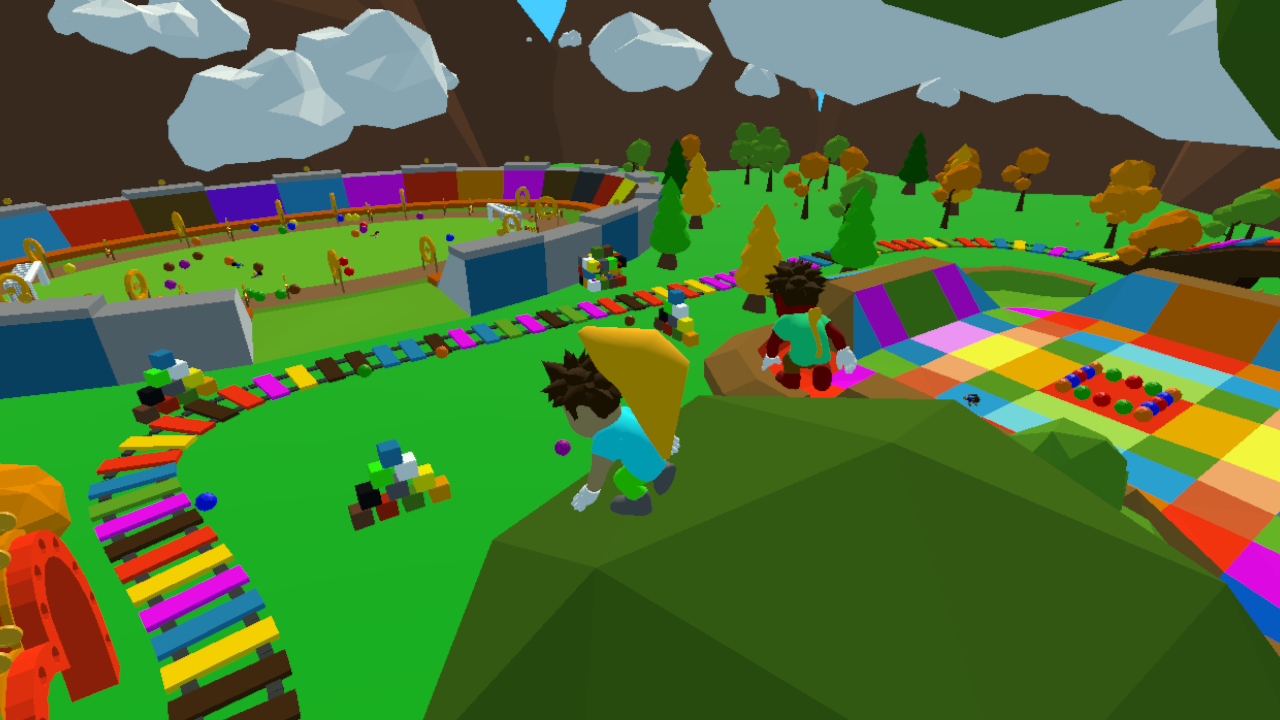
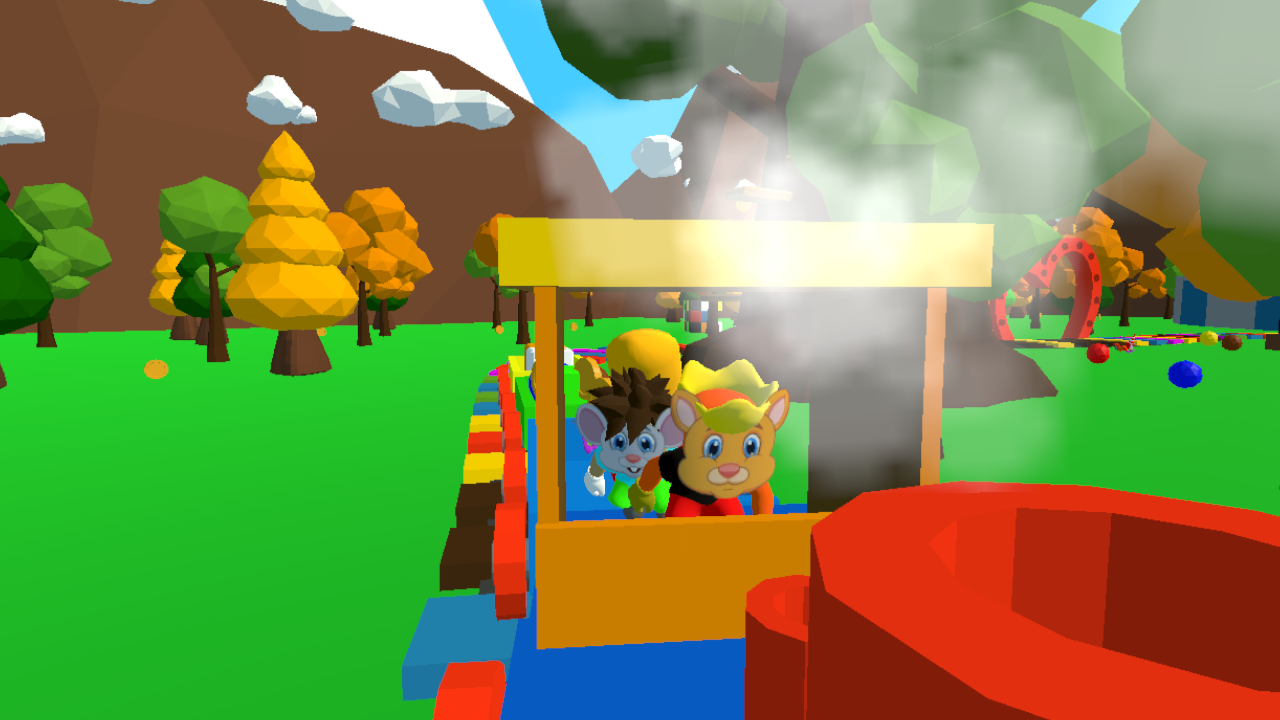
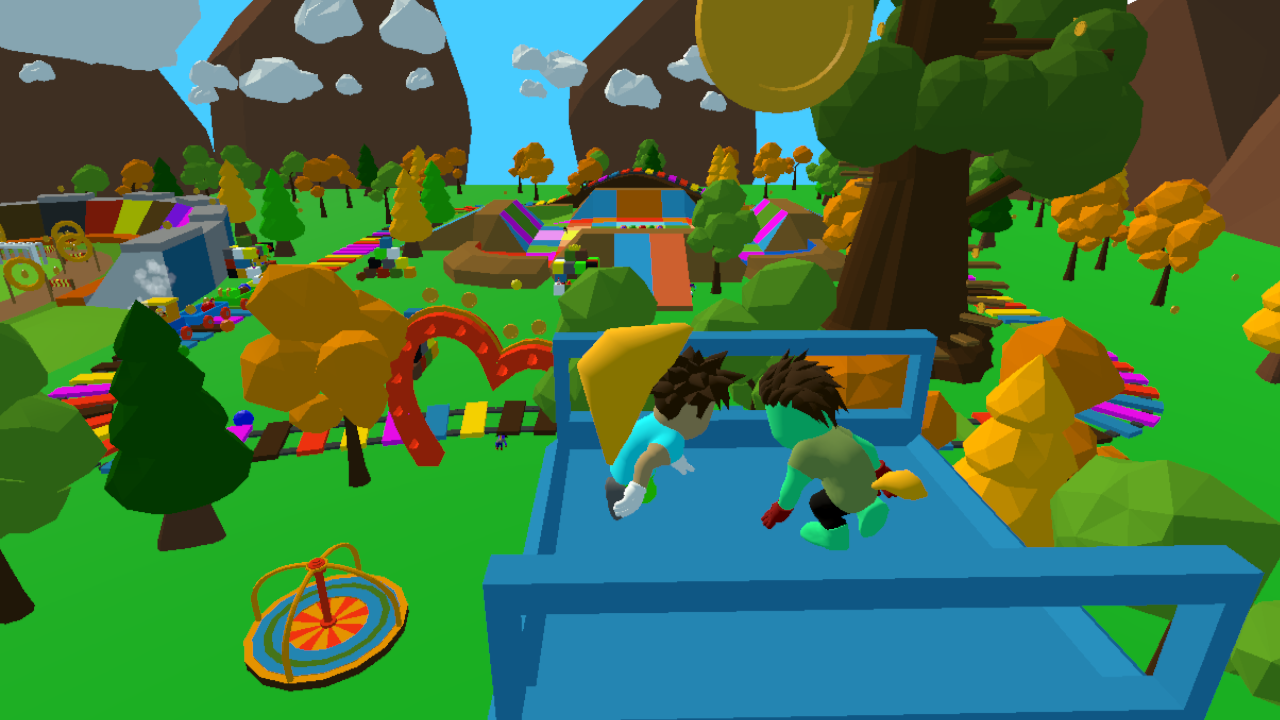
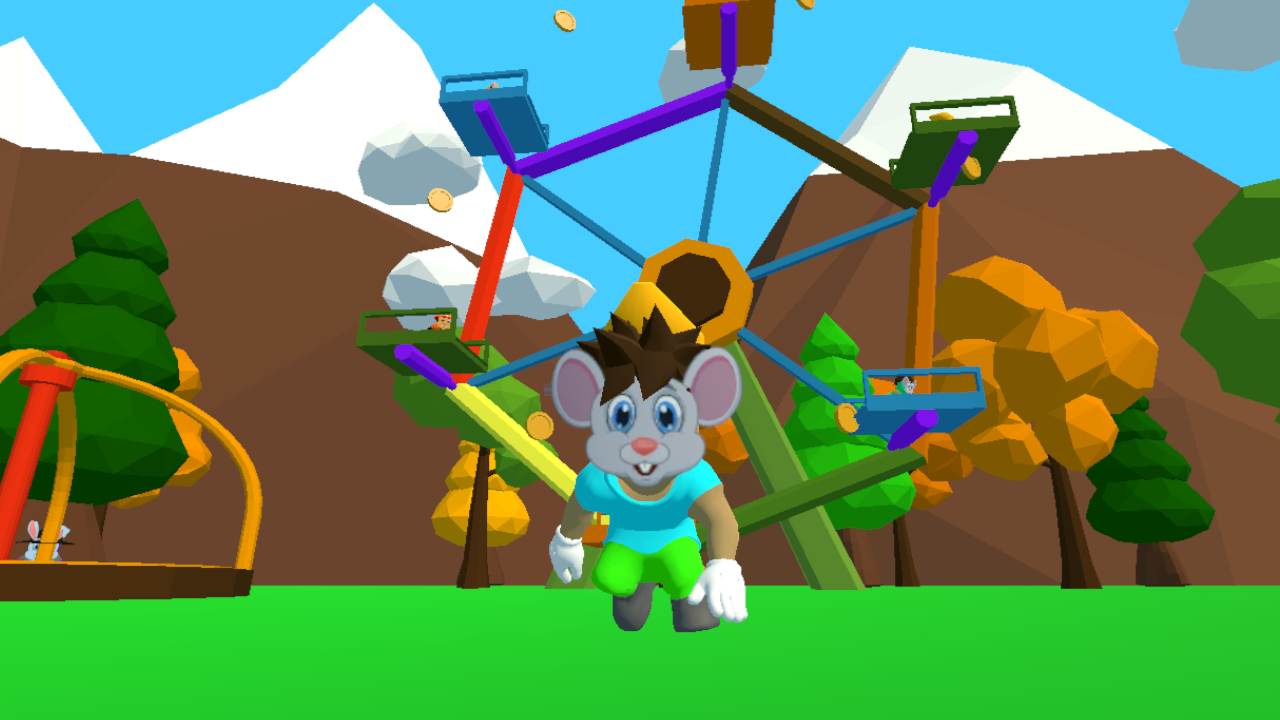
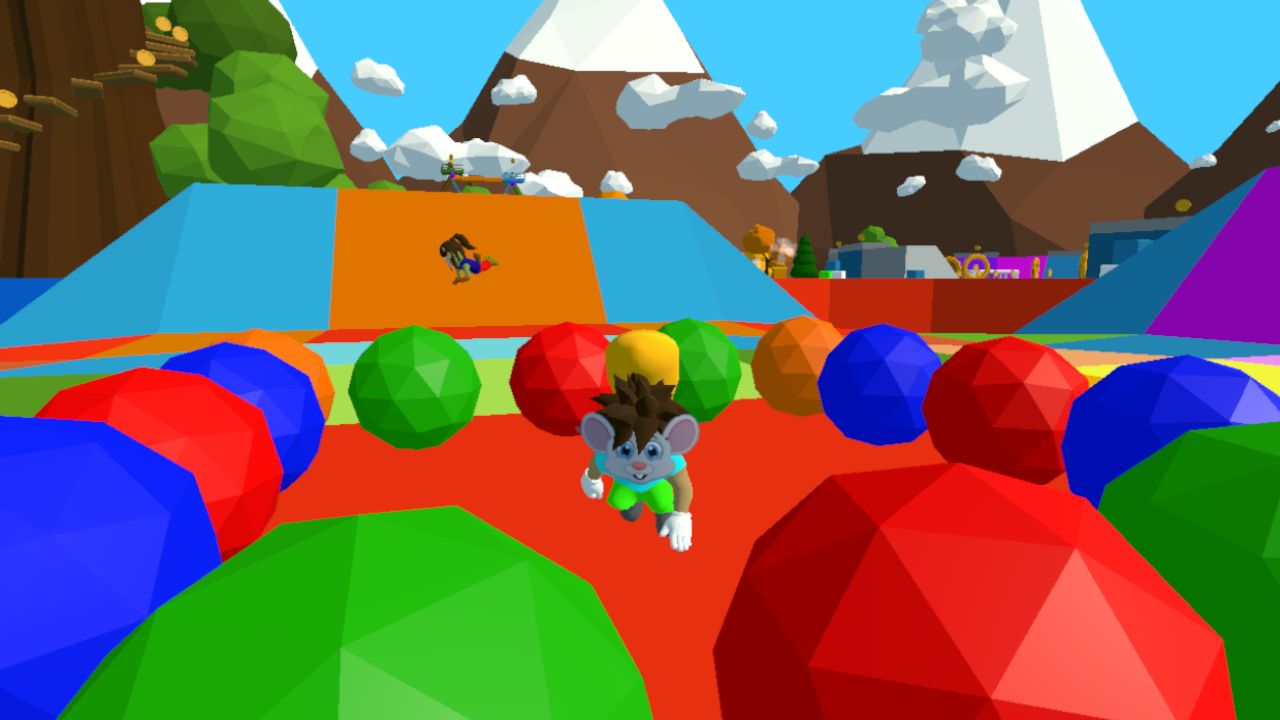
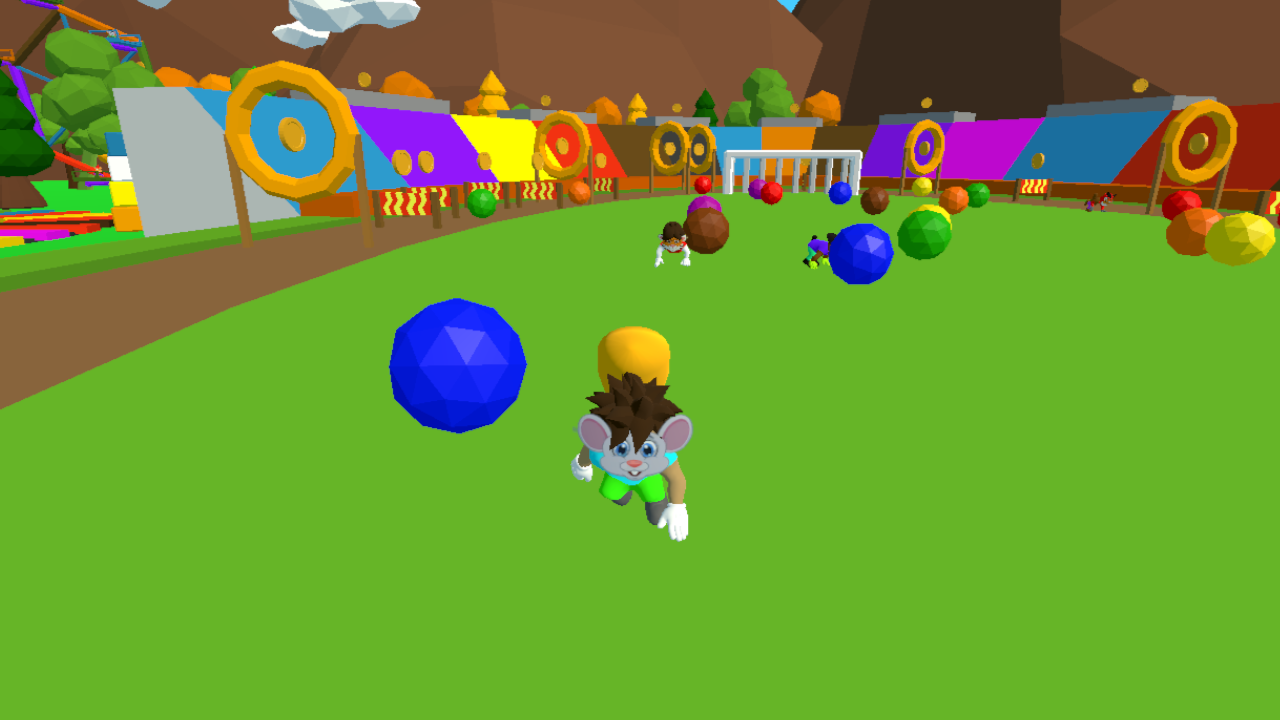
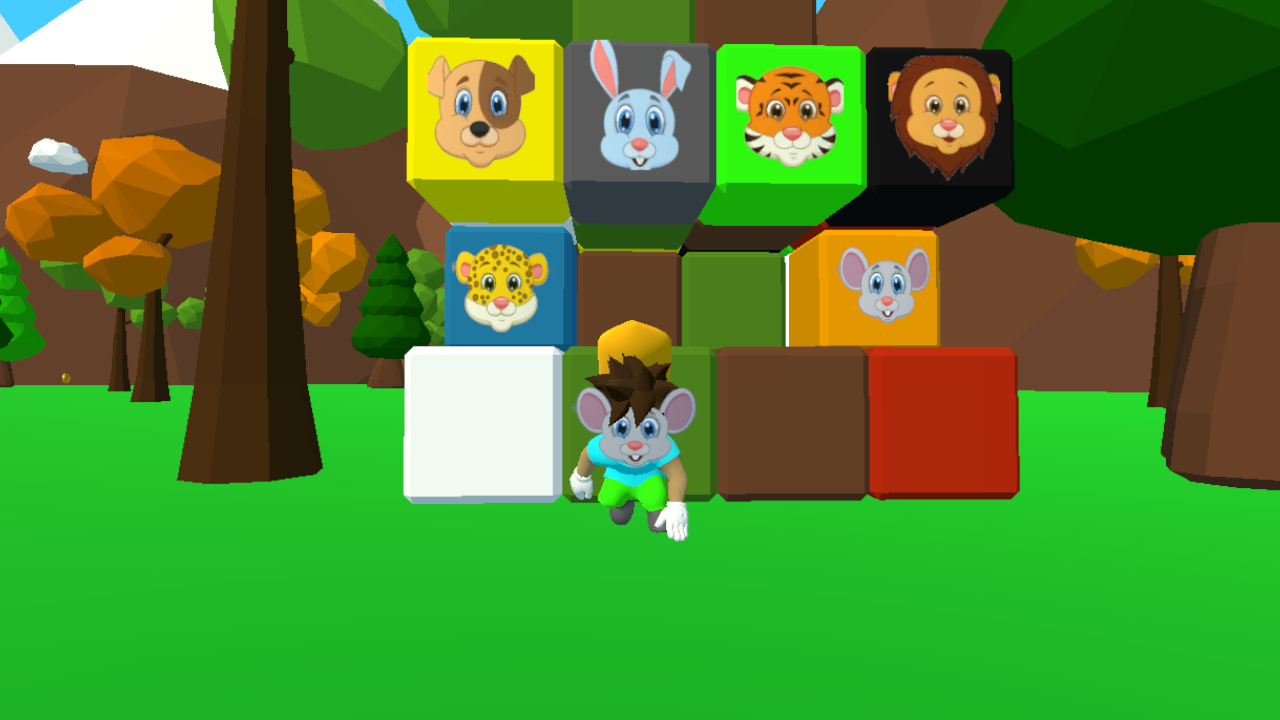
Physics-based movement turns every failed leap into a hilarious spectacle that keeps players coming back for more. Quadbears: Ragdoll Obby Parkour 3D challenges your reflexes as you navigate a sprawling environment filled with tricky platforms and deadly drops. You control a bouncy character who reacts to every collision with unpredictable ragdoll movement, making each run feel unique. Precision is key when sprinting across narrow beams, but the game rewards those who master the momentum of their jumps. Collecting coins scattered throughout the course allows for upgrading your look with quirky new skins. Beyond the main track, you can explore hidden paths or tackle mini-games tucked away in corners of the map. Proving your skills in this obby requires more than just speed; it demands patience and perfect timing to avoid ragdoll falls. Experience this intense parkour adventure instantly in your browser without any downloads or registration.
How to play
PC Controls🖥
🔹W A S D: Move the character.
🔹E: Interact with the environment.
🔹Shift: Sprint.
🔹Space: Jump.
🔹Right mouse button: Rotate the camera.
Mobile Controls📱
🔹UI buttons for interacting with the environment.
🔹Joystick for character movement.
🔹Tap anywhere to rotate the camera.
Features
- Physics Engine: Experience realistic ragdoll reactions that turn every clumsy fall into a funny gaming moment.
- Skin Customization: Spend earned coins at the shop to unlock unique outfits and styles for your character.
- Environment Interaction: Use the interact button to trigger moving platforms or activate switches that clear your path forward.
- Skill Challenges: Test your movement mastery with increasingly difficult obstacles designed for veteran platformer players.
- Dynamic Camera: Rotate your perspective manually to scan the 3D environment for shortcuts and coin placements.
Who is it for
Fans of high-energy parkour games and physics-based ragdoll simulators will find this experience addictive. Players who enjoy competitive obstacle courses, challenging obby designs, and casual arcade mechanics will love testing their agility. It serves as a great choice for anyone looking for quick, browser-based fun on any device.
Controls
Movement
Use WASD keys or the on-screen joystick to navigate your character.
Jump
Press Spacebar or use the jump button on the interface to clear gaps.
Sprint
Hold the Shift key to gain extra speed for difficult jumps.
Camera Look
Right-click and drag on PC or tap anywhere on your mobile screen to rotate the view.
Interact
Press E on your keyboard or the UI button to manipulate objects.
FAQ
Is Quadbears: Ragdoll Obby Parkour 3D free to play?
›
Yes, you can play Quadbears: Ragdoll Obby Parkour 3D entirely for free directly in your web browser.
Do I need to install anything to play Quadbears: Ragdoll Obby Parkour 3D?
›
No downloads are required; Quadbears: Ragdoll Obby Parkour 3D runs smoothly on any modern desktop or mobile browser.
Can I customize my character in Quadbears: Ragdoll Obby Parkour 3D?
›
Absolutely, you can collect coins while playing Quadbears: Ragdoll Obby Parkour 3D to purchase unique character skins.